New Trade Zone
Trade Zone is now live
Use the new Trade Zone for auctions and instant-price trades so Pokemon and item offers are easy to find.
All Activity
Past hour
-
Hi there, I appreciate the suggestion, but this was already recommended in the initial troubleshooting instructions. Regards, Brambleghast
-
+1, Good feature to keep track on the battery percentage..Especially for those who play for long time..
-
Hello there, Can try VPN too and check whether it works..
-
This depends on the device you are using. For Windows, do the following: Head into your settings, then click "Network & Internet" Click "Manage known networks", then find your current connection Click the arrow on the right, next to the "Forget" button You should now see DNS and IP assignment For Android, do the following: Head into your settings, then click your current connection Under "IP settings" tap "Static" You should now see DNS and IP assignment I am personally unfamiliar with other operating systems so for MacOS, it is best you refer to the guide I provided earlier Hope this helps! Kind regards, Brambleghast
-
A not very detailed suggestion but for players on tablet or mobile, having an icon with battery perctage would be a nice quality of life addition. Nothing crazy but like a battery icon with the charge percentage in the top right (maybe under PokeTime). That's all 🙂
-
thanks, ill try, btw where is this DNS setting located?
-
Ah! I'm happy something has worked for you, but I am unable to diagnose exactly why you are having issues on your regular home internet. It is possible that it is something to do with your local service provider. Sometimes users have found that the issue resolves itself over time. Are you able to use your cellular data in the meantime?
-
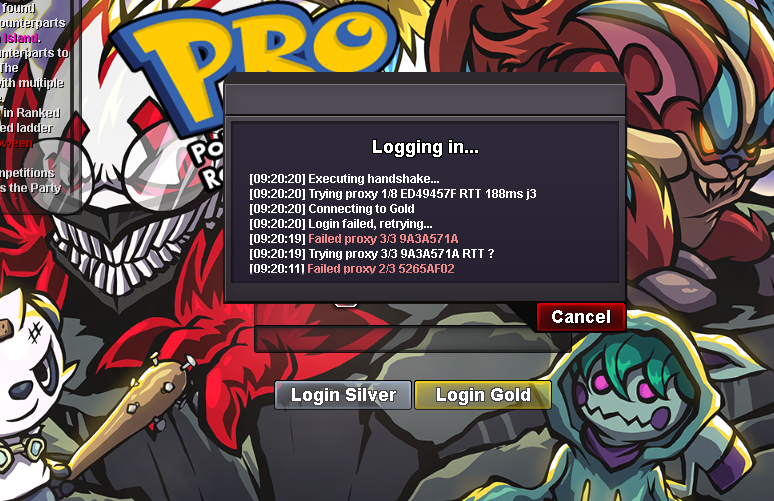
I have a few other tips and tricks for you to try, if you don't mind. Disconnect your device from the Wi-Fi (in your device settings) for 30-60 seconds, then reconnect and try to login again. Redownload the latest client from the official download page, then try to login again. Manually configure a DNS of 1.1.1.1 by following the instructions found on this page and try to login again. Again, please let me know if any of these tips help, and best of luck logging back in. I'm very sorry that you are experiencing this and want to try to get you back into the game. Kind regards, Brambleghast
-
ive tried my mobile provider i can login, but only my wifi connection cannot login to gold server but my wifi can login to silver server, why is that?
Today
-
Johnjamesthe joined the community
-
yes i have, but still cannot login
-
Clockedout joined the community
-
Have you tried the other troubleshooting steps yet? Any one of those could potentially resolve the problem. Regards, Brambleghast
-
i tried to attempt login to other server which is silver but it runs normal, and can login directly, only gold server is error login issues, ive using vpn too, but keep failed
-
Hi there! I'm sorry you've been unable to log in for so long. Let's see what can be done to help. Other players have reported similar issues in the past, so you're not alone, and they've resolved it in a variety of ways. Could you try some of these and let me know if they help? Restart your router, or switch to a different connection, such as mobile data or another Wi-Fi network. Attempt to login to the server you do not typically play on, log out, then try your main server. If you are NOT using a VPN, consider trying one and see if it makes a difference, conversely, if you are using a VPN, try disabling it temporarily and then attempt to login. Leave the automated login running for a few minutes. Some players got in after letting it run for about 5 minutes. Thanks in advance, and good luck logging back into the game! Kind regards, Brambleghast
-
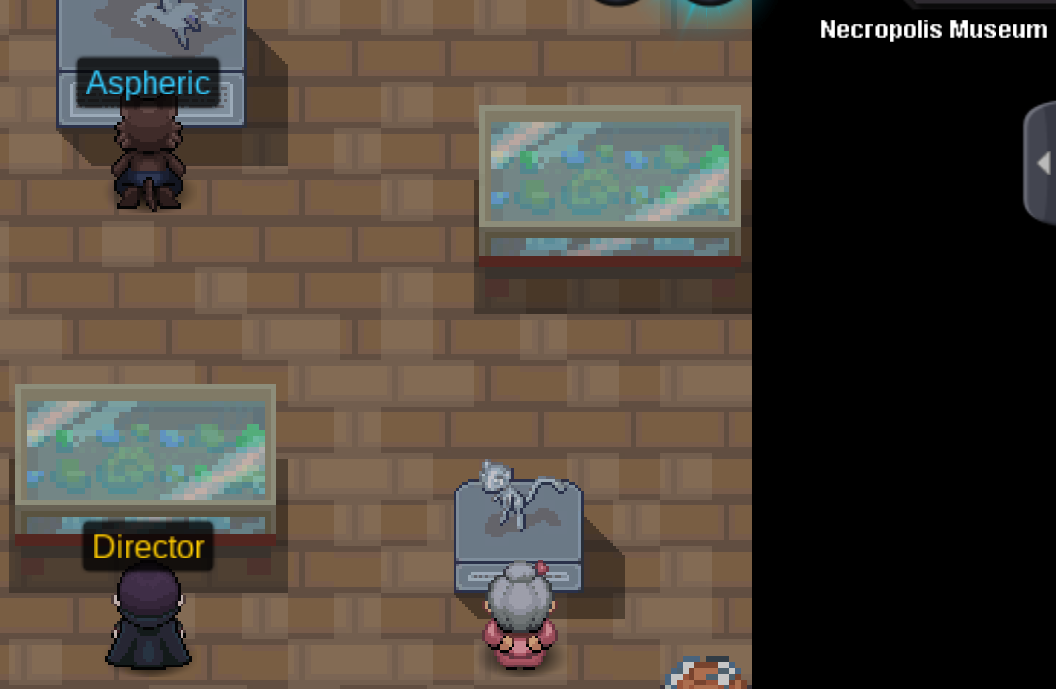
Hi there, Onlycash47! I'm sorry for the late response. I understand that losing items can be frustrating. I'd like to see what I can do to help. In similar cases, items set aside during the quest have been returned by the Director at the Necropolis Museum. Have you tried speaking to the Director to see if this fixes your issue? I have attached an image of the Director NPC I am referring to for a reference. Please let me know if this solves your issue. Kind regards, Brambleghast
-
Hi, Legna! My apologies for the late response, and I hope this message finds you well. I'm looking into your situation. Is it possible that the Macho Brace was traded to one of your other accounts? If so, please check that account's bag and on any Pokemon holding items. The account I'm referring to is "Legnarius". Please check and let me know if you need any more support. Have a great day ahead! Kind regards, Brambleghast
-
hi since last midnight, about 8 hours before, i was unable to login in and disconnected from the server and i canno be login eversince, i thought theres maintenances last midnight , but it still happens until now, anyone can help?
Yesterday
-
Bunnitta joined the community
-
Johnwick12 joined the community
-
Good day @Kaikaishin1990 I apologize that this was not the outcome you had hoped for. With that being said, I will be closing this thread. If you have any further questions or concerns, do not hesitate to reach out. Regards, Bitterblade
-
bump!
-
Emsy4 joined the community
-
Pepe0 joined the community
-
Kaizen update – PC and MobilePC (v3.9, out today) • New AUTO button: Kaizen starts by itself when a PvP battle opens and leaves wild battles alone. • It tells Ranked from Random by the levels, so the opponent's speed and damage guesses are right. • No more drawing the Battle Log box. Kaizen finds that window by itself. • Scanning a Pokémon now reads its held item too, and Random PvP knows the sets of PRO's own Pokémon. • Tidier screens: nothing cut off on small windows, a clearer KO column and shorter resist lists. Mobile (Android)Kaizen now runs on your phone, on top of the game. A small card you can drag around shows both Pokémon's HP, types, weaknesses, who moves first and how hard each of your moves hits, all live during the battle. • Nothing to calibrate. It finds the battle window by itself. • Same account as PC, so anything you scout on one shows up on the other. • Scan a Pokémon's summary right off the screen, or paste your team once. • It updates itself from one permanent link. • Several updates this week, mostly fixes. As always, Kaizen gives you the information. You still make every move.
-
Bowserfa joined the community
-
Nyxiabluy joined the community
-
Dfordamm joined the community
-
Baterista joined the community
-
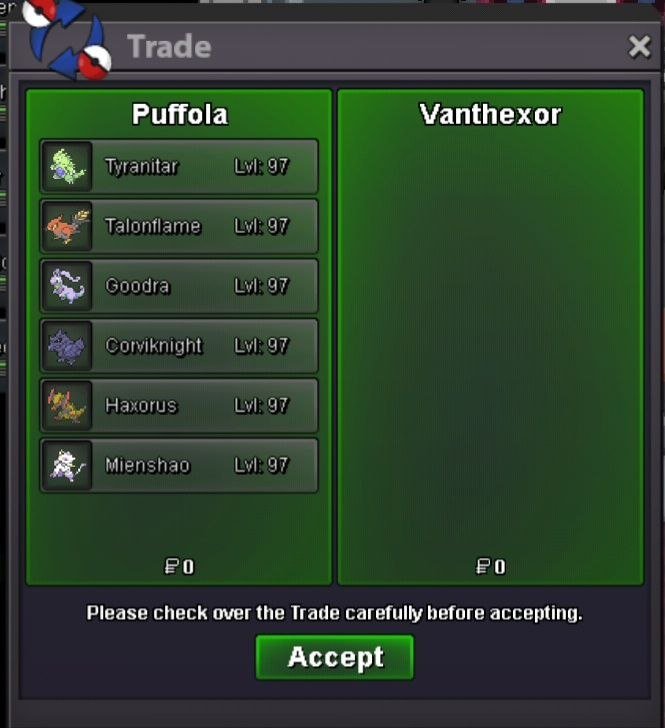
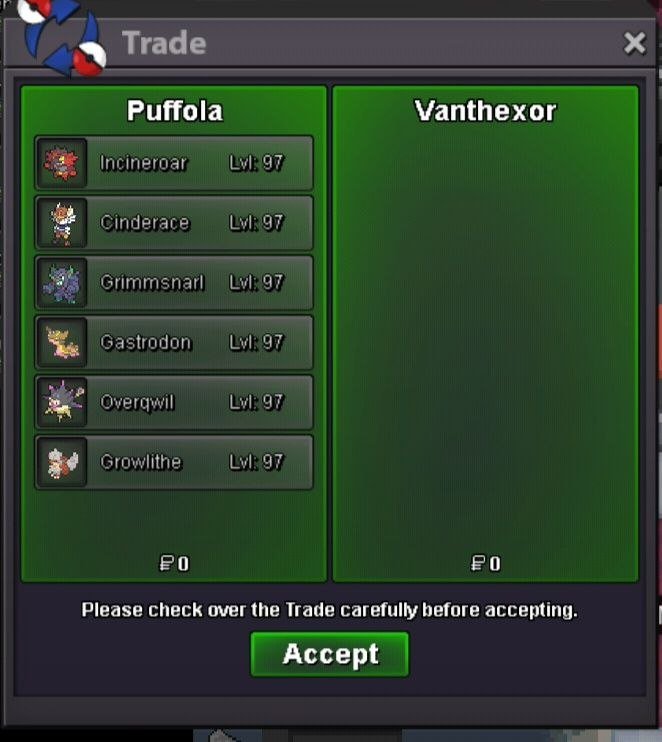
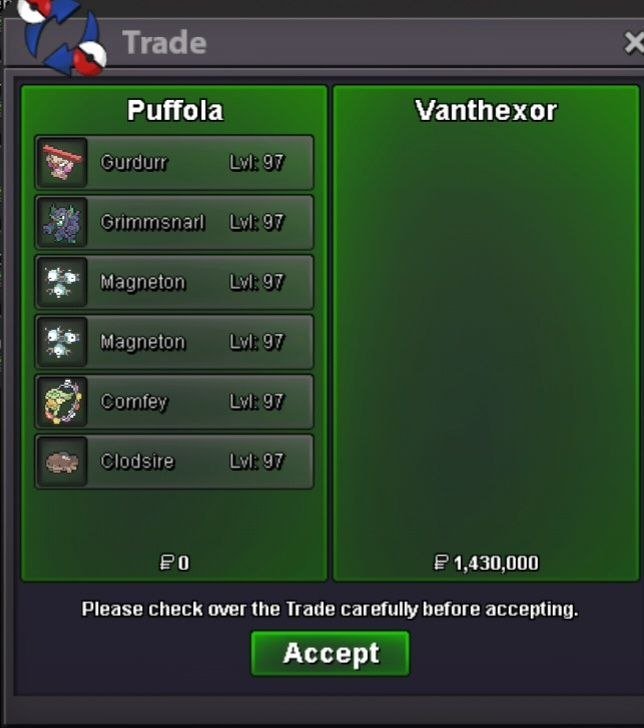
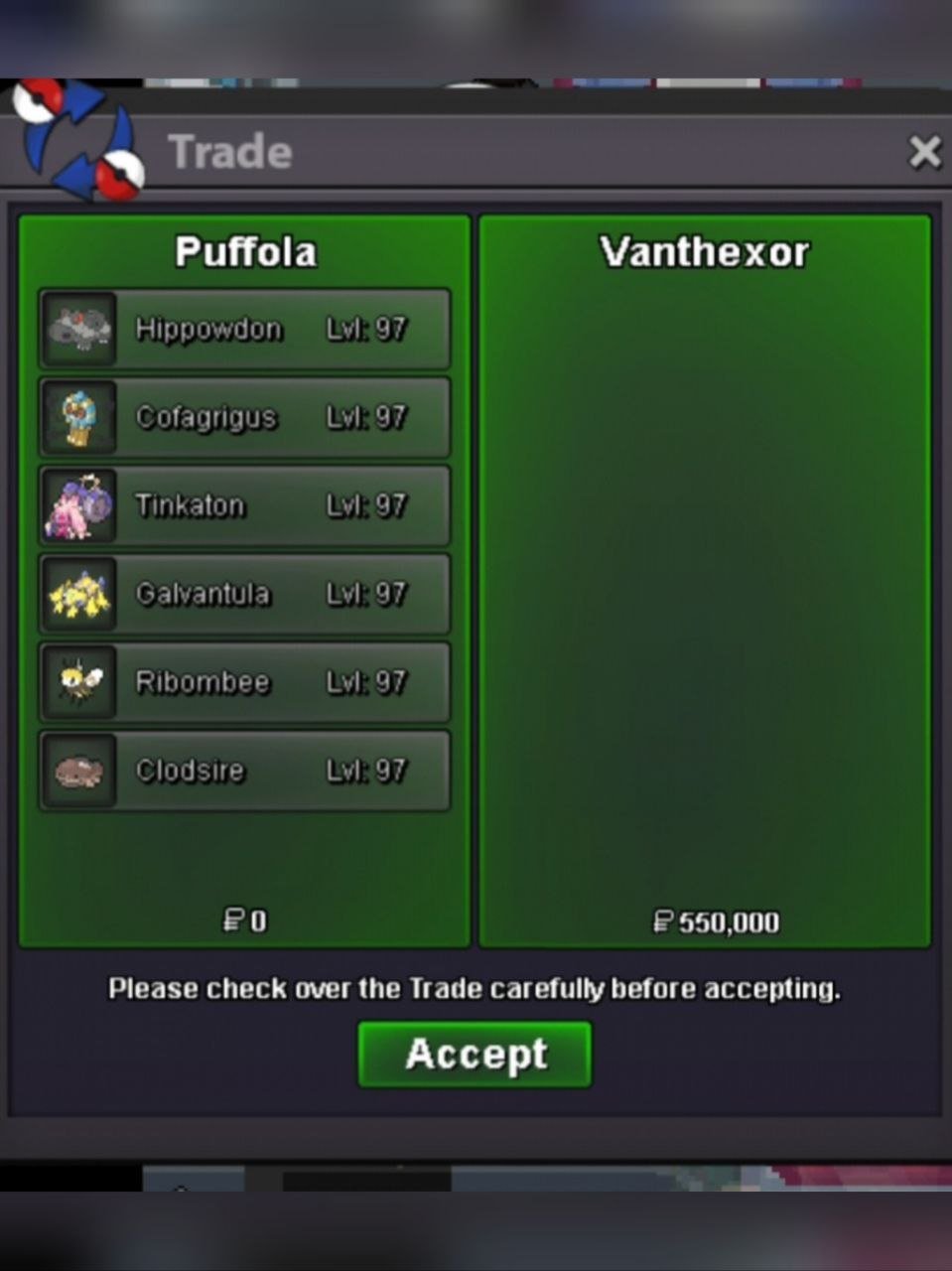
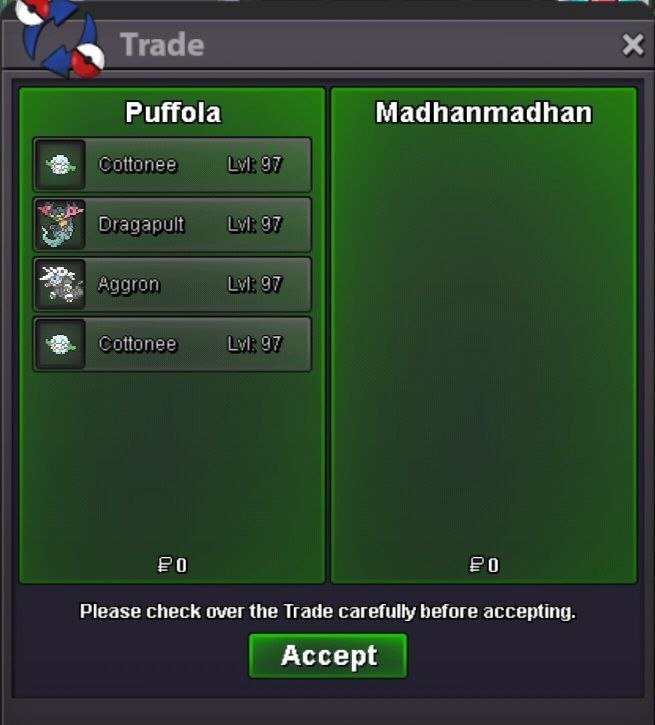
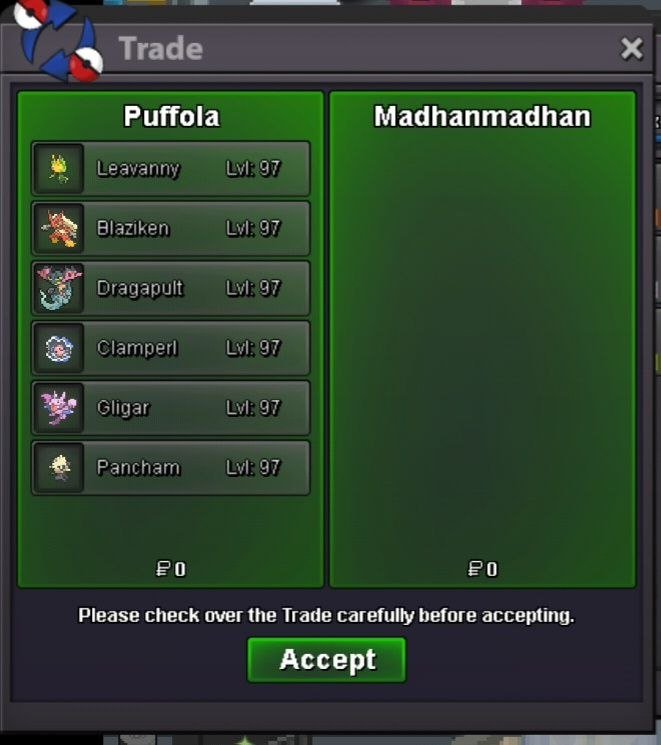
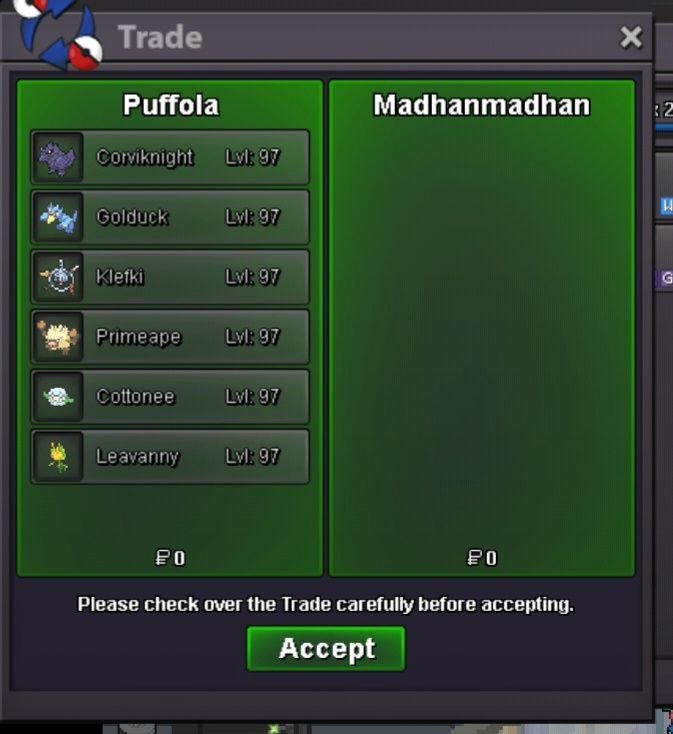
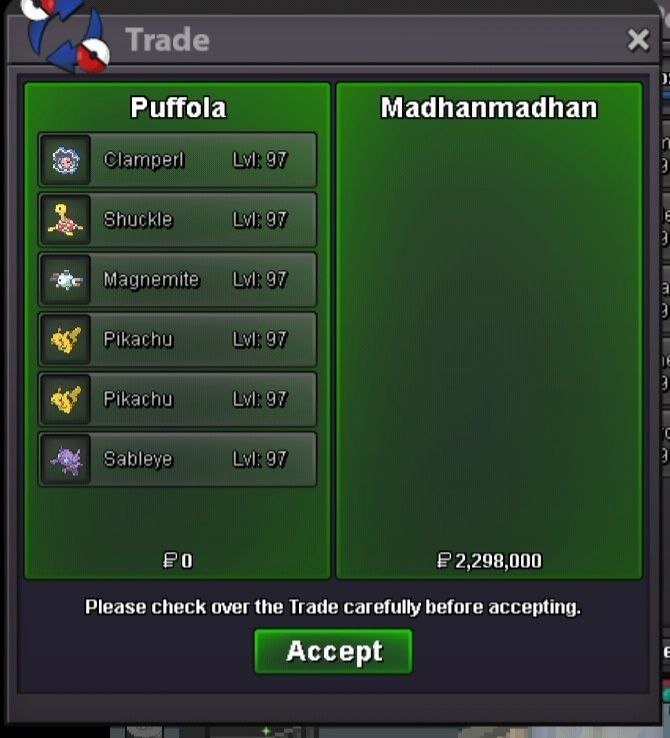
63rd and 64th services Thanks @Madhanmanchala / @Vanthexor for the trust!🤗
-
Go ahead and close it. I just know from now on I'm documenting everything
-
Hi there, I'm not sure what you mean by this, both questions were answered separately. Regards, Brambleghast
-
Hello, I hope the author of this thread asked for this may be..
-
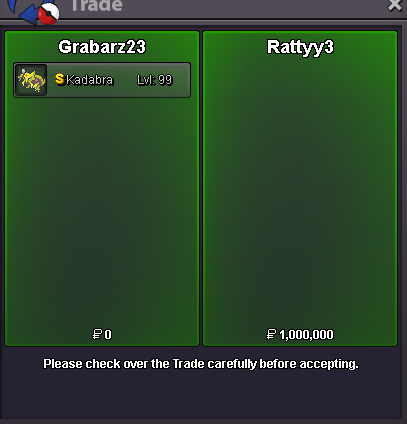
Shiny Kadabra Adamant synch sold
-
Hi again! I'll forward this information to the team, thank you for providing it. We'll keep you updated as soon as someone is available to check your case. Thank you for your patience. Kind regards, Brambleghast