




New Trade Zone
Trade Zone is now live
Use the new Trade Zone for auctions and instant-price trades so Pokemon and item offers are easy to find.
All Activity
Past hour
-
+1+1Hello @Illbelucifer, Your thread has been succesfully closed. Feel free to create new auctions at your own discretion. If you intend to sell multiple pokemons individually please create individual posts for each of them. If you want to do a bundle, feel free to do it too. Lastly, if you have any problems or questions in the future, please feel free to ask, report or anything you need. We are here to help. Best regards, Hizukii
Today
Moved it to new system, plz bid on new systemAdd me on discord - Omen#4893@Osqiir93 Apologies, but the auction has been finishedPikajump joined the communityIGN: Milkshield Timezone: GMT+2Adrianpogi joined the communityRaizen27 joined the community 600k oshawott@Xmonts I believe I won the auction. 😁 Feel free to PM me in-game or shoot me a message on Discord whenever you get the chance.Glad i could help you somewhat!Oh seems so moderator has cancelled the thread, thank you so much.Bro this is the resolution area, the general support. I had seen it and then created this appealing thread.Staticghost joined the community15.5m@Lowlief message me when you're able to collect your monLurxn joined the communityGregbug joined the communityHello @Illbelucifer I'm not staff so I don't have the access to close or edit threads myself. Report it through the Resolution Center — they're the ones who can end the auction and let you re-list properly. Hope they sort it out quickly for you!IGN: Kungpaoloki Timezone: gmt+8Please Contact me in-game so we can do the transaction. thank you :)Can i buy this gible??
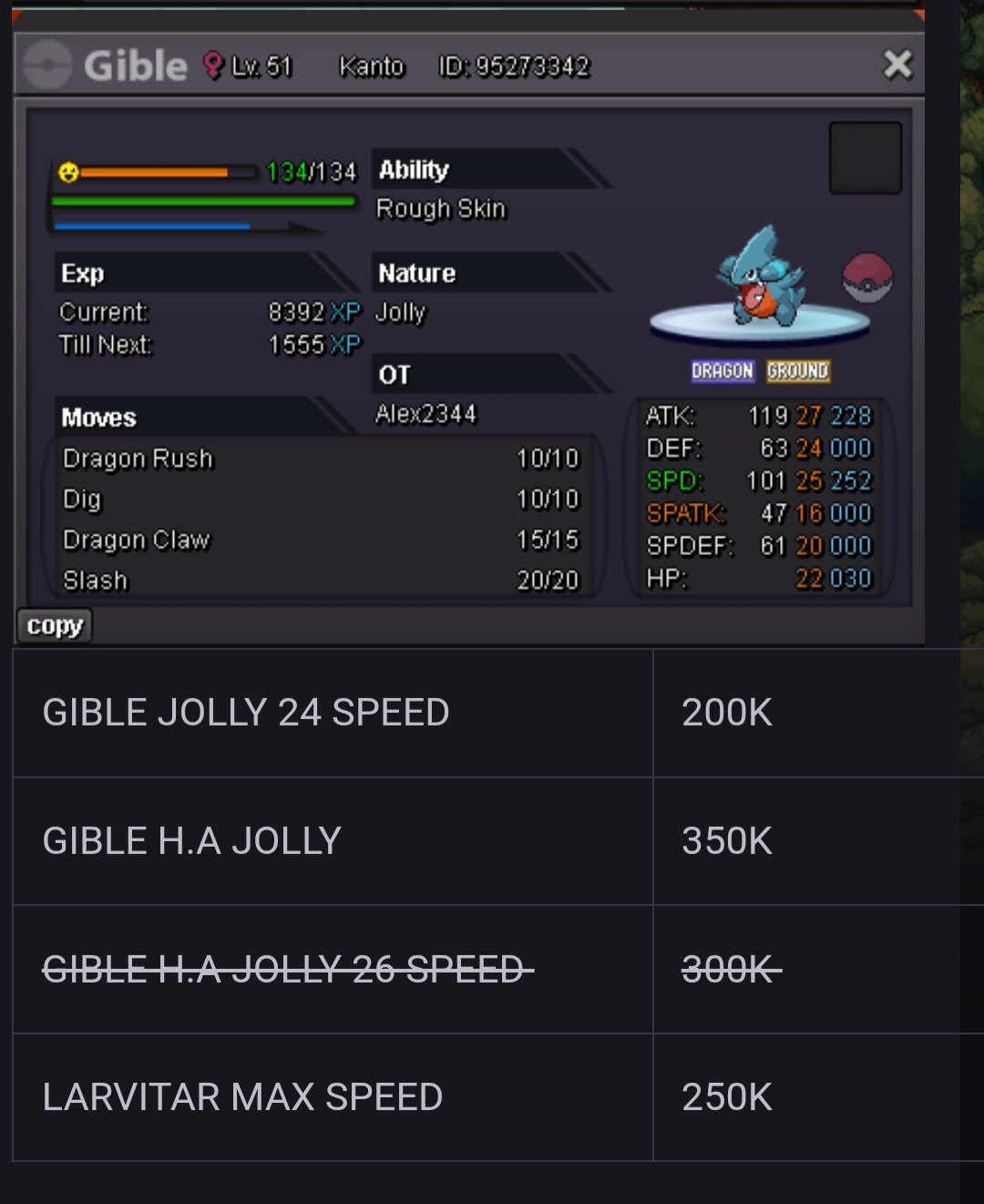 17.5
17.5

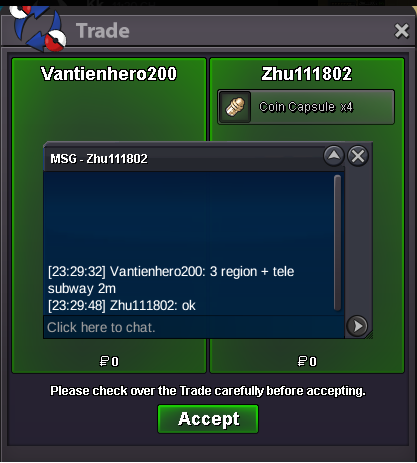







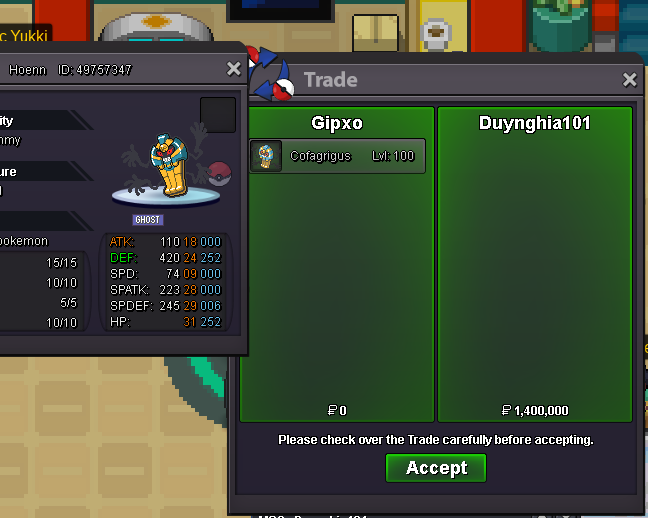
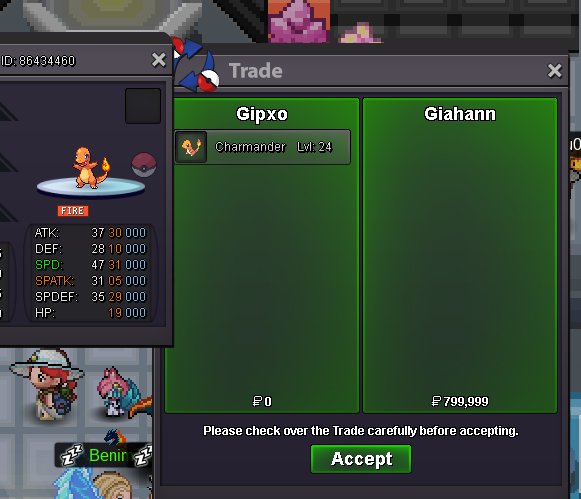
.gif.455af8c3082bb1da27174afd9ea39ebc.thumb.gif.513f8d2b0a98d78a96a5cc1d49882db1.gif)



.thumb.png.65ec3814f0dbaef639a5422a70380ad2.png)










Account
Navigation
Search
Configure browser push notifications
Chrome (Android)
- Tap the lock icon next to the address bar.
- Tap Permissions → Notifications.
- Adjust your preference.
Chrome (Desktop)
- Click the padlock icon in the address bar.
- Select Site settings.
- Find Notifications and adjust your preference.
Safari (iOS 16.4+)
- Ensure the site is installed via Add to Home Screen.
- Open Settings App → Notifications.
- Find your app name and adjust your preference.
Safari (macOS)
- Go to Safari → Preferences.
- Click the Websites tab.
- Select Notifications in the sidebar.
- Find this website and adjust your preference.
Edge (Android)
- Tap the lock icon next to the address bar.
- Tap Permissions.
- Find Notifications and adjust your preference.
Edge (Desktop)
- Click the padlock icon in the address bar.
- Click Permissions for this site.
- Find Notifications and adjust your preference.
Firefox (Android)
- Go to Settings → Site permissions.
- Tap Notifications.
- Find this site in the list and adjust your preference.
Firefox (Desktop)
- Open Firefox Settings.
- Search for Notifications.
- Find this site in the list and adjust your preference.