




All Activity
- Past hour
-
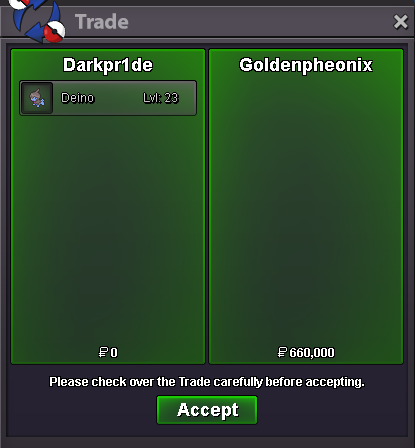
@Goldenpheonix is the WINNER!!!
-
--- 31 hours left
-
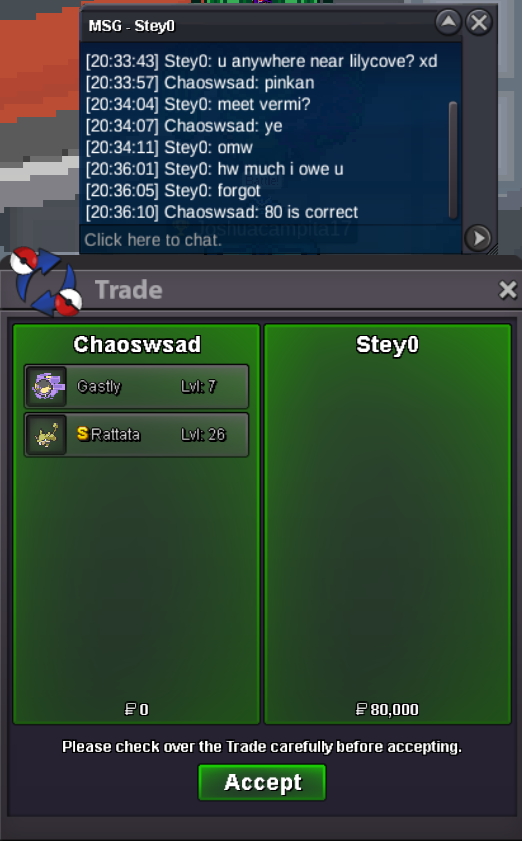
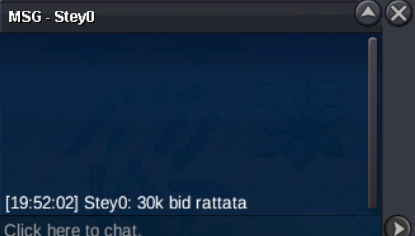
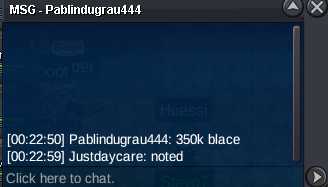
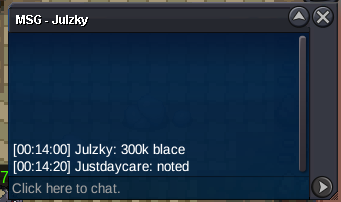
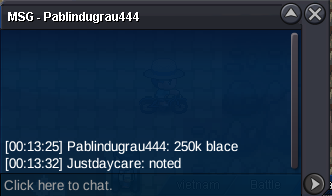
1.6m clodPietidamies joined the communityIf Pawn is still open, 550k for it ...400k blace and 200k cloyEsco29 joined the communityAktan27 joined the communityHhtoaya joined the communityPollitopio joined the communityWinners: @It4ch1 - 400k for Clone Venusaur @Ahmetemir - 100k for Pink Mankey @Stey0 - 50k for Halloween Gastly, 30k for Shiny Rattata
- Today
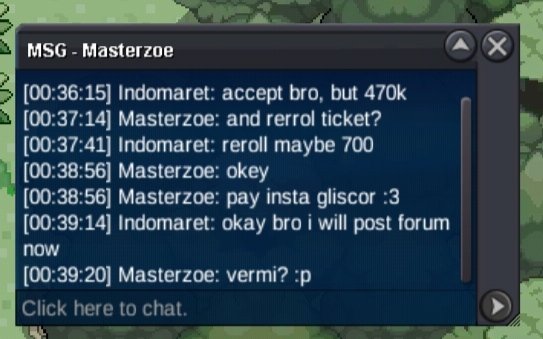
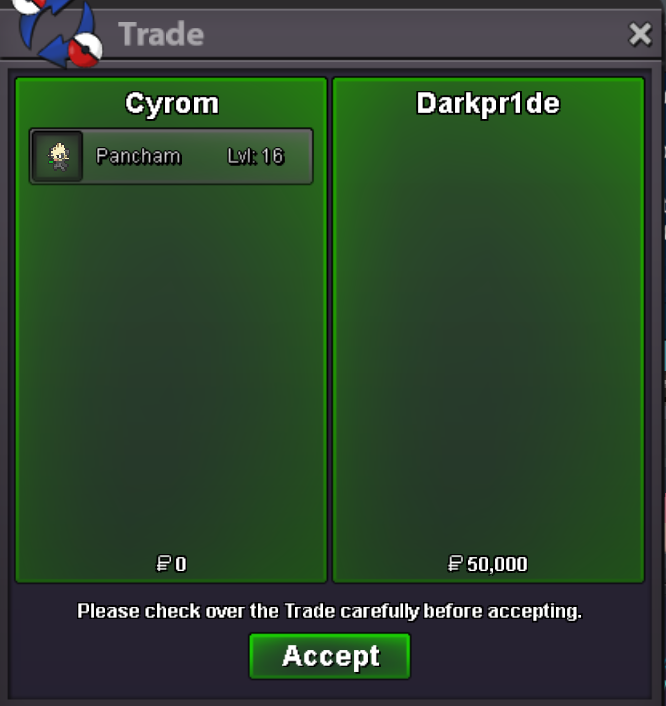
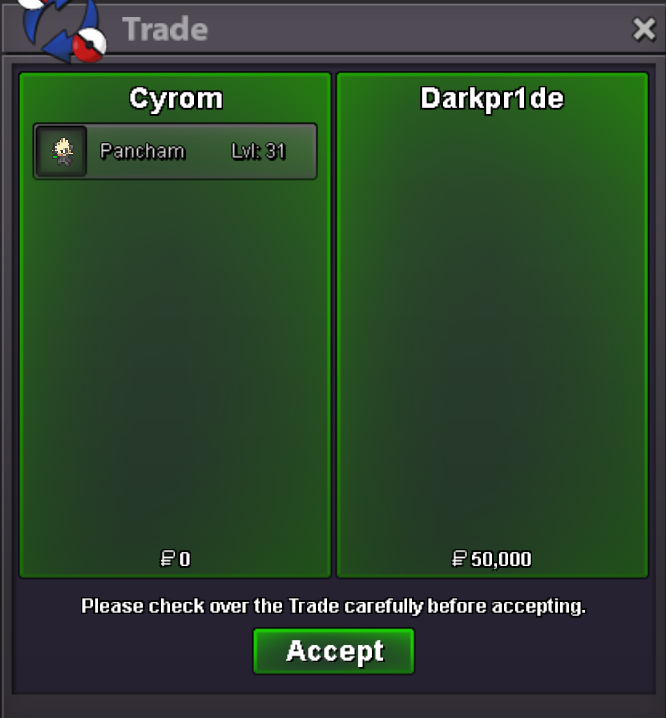
BumpDone trade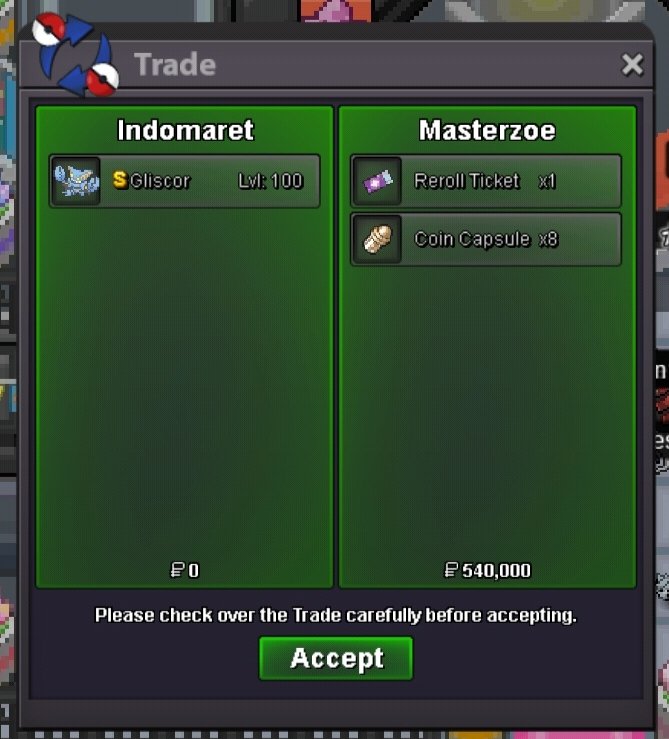 Insta gliscord sold to Masterzoe
 1.5m700kIGN: 1task4force1 Timezone GMT +2600k6.7m600kyou won the auction @Alain003 for smeargle, message me when and where we gonna do the trade.. thanks y'allyou won the auction @Rigi for ninetales alolan, message me when and where we gonna do the trade.. thanks y'all


















Account
Navigation
Search
Configure browser push notifications
Chrome (Android)
- Tap the lock icon next to the address bar.
- Tap Permissions → Notifications.
- Adjust your preference.
Chrome (Desktop)
- Click the padlock icon in the address bar.
- Select Site settings.
- Find Notifications and adjust your preference.
Safari (iOS 16.4+)
- Ensure the site is installed via Add to Home Screen.
- Open Settings App → Notifications.
- Find your app name and adjust your preference.
Safari (macOS)
- Go to Safari → Preferences.
- Click the Websites tab.
- Select Notifications in the sidebar.
- Find this website and adjust your preference.
Edge (Android)
- Tap the lock icon next to the address bar.
- Tap Permissions.
- Find Notifications and adjust your preference.
Edge (Desktop)
- Click the padlock icon in the address bar.
- Click Permissions for this site.
- Find Notifications and adjust your preference.
Firefox (Android)
- Go to Settings → Site permissions.
- Tap Notifications.
- Find this site in the list and adjust your preference.
Firefox (Desktop)
- Open Firefox Settings.
- Search for Notifications.
- Find this site in the list and adjust your preference.