




New Trade Zone
Trade Zone is now live
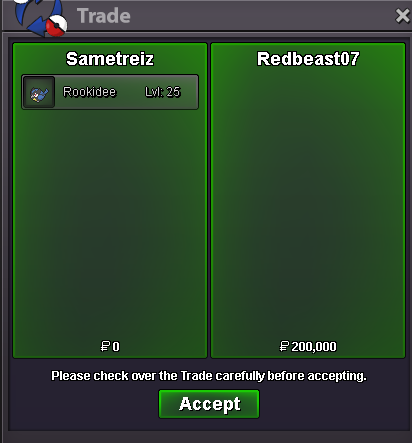
Use the new Trade Zone for auctions and instant-price trades so Pokemon and item offers are easy to find.
All Activity
Past hour
-
up!!
-
I have been trying to confirm my email address, but I haven’t received the confirmation message. My username is MouliaaPH and my email address is [email protected]
-
Besttamer joined the community
-
Magicstickcy joined the community
-
Challenge: EV Training Speedrun Goal: Max out 510 EVs as fast as possible. Rules: Start with 0 EVs. Target spread: 252/252/6. Vitamins and Power Items allowed. No cheats, hacks or glitches. Timer stops when EVs are complete. Fastest EV trainer wins. Challenge: Level 99-100 Speedrun Goal: Reach Level 100 in record time. Rules: Start at Level 99 with 0 XP progress. No Rare Candies or EXP Candies. EXP Share allowed. Battles only for XP. No cheats or glitches. Fastest level-up wins.
Today
-
Shadow0210 joined the community
-
Ldbdzvcl joined the community
-
-
Edbfdzac joined the community
-
Mistgecko joined the community
-
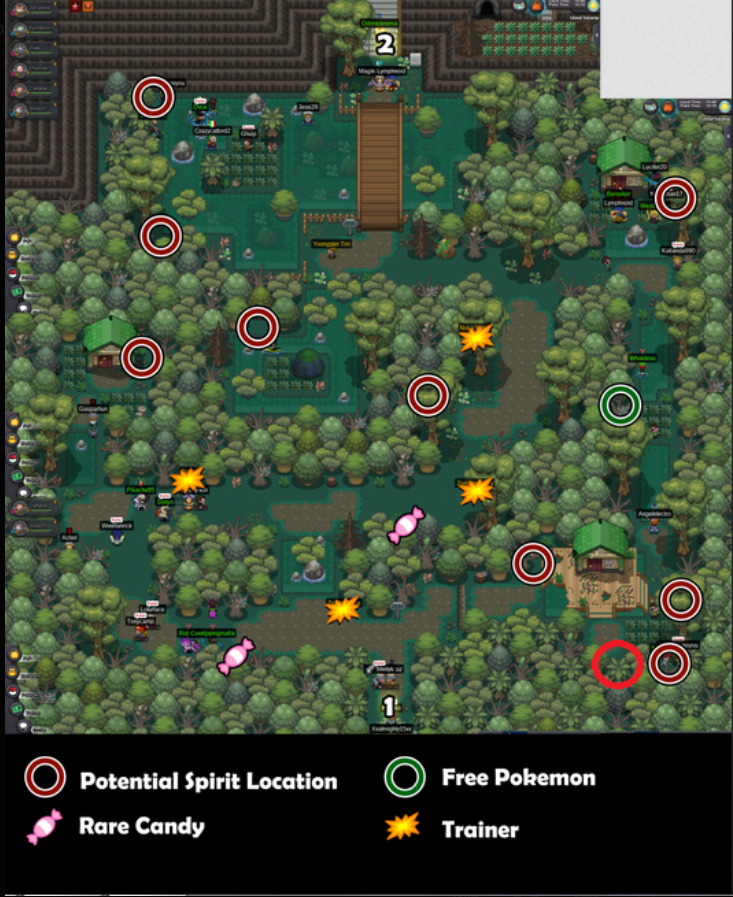
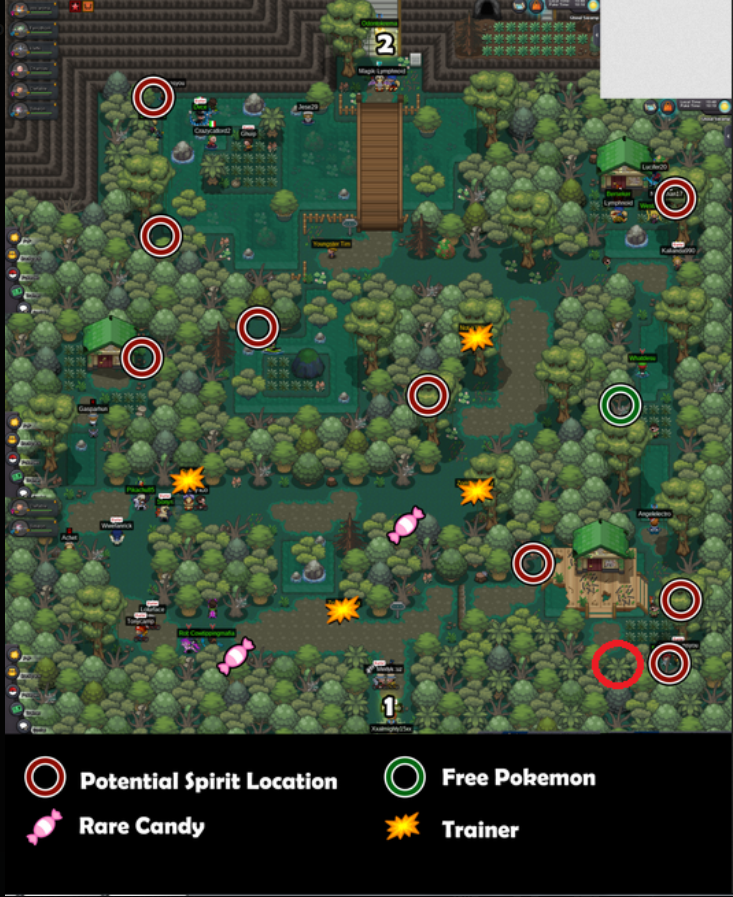
I have checked every spot but every of i only get 1 spirit
-
up
-
Xinyu7 joined the community
-
Qvtdxaxh joined the community
-
Ir3enee joined the community
-
Pixetoryu joined the community
-
bump!
-
I tried again, nothing happens
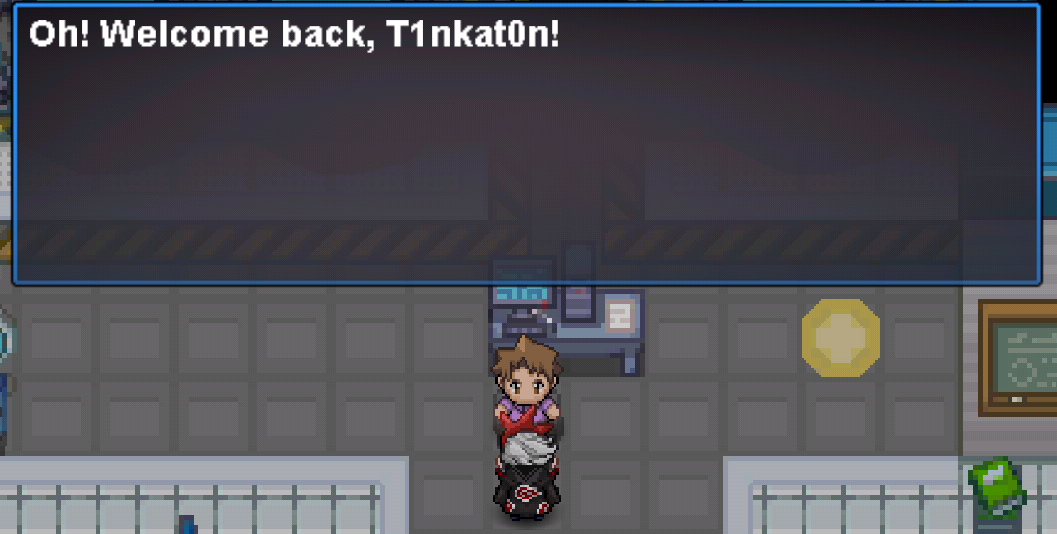
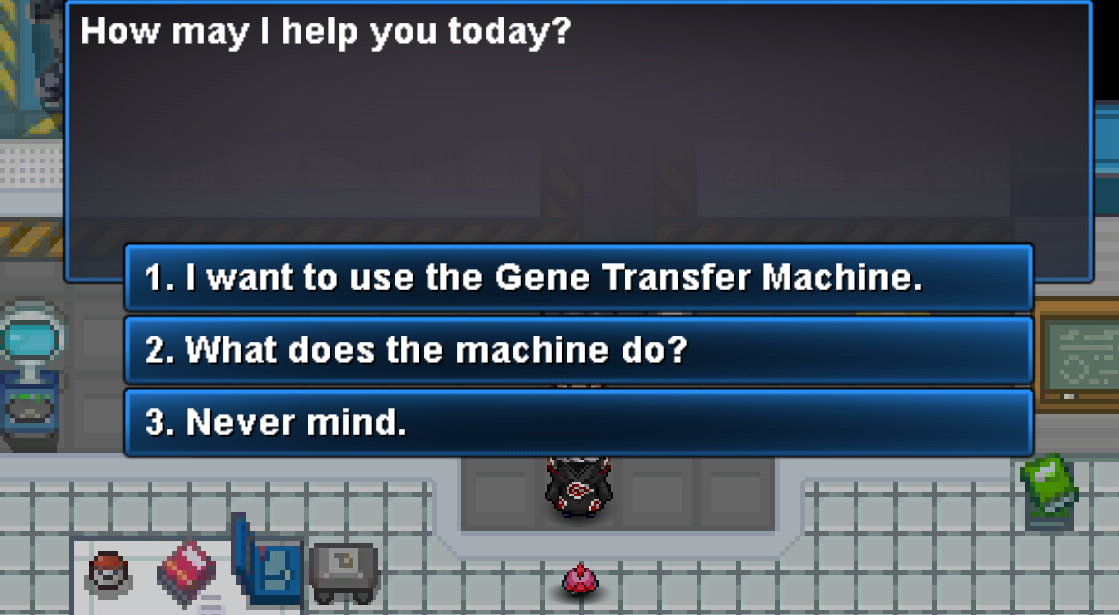
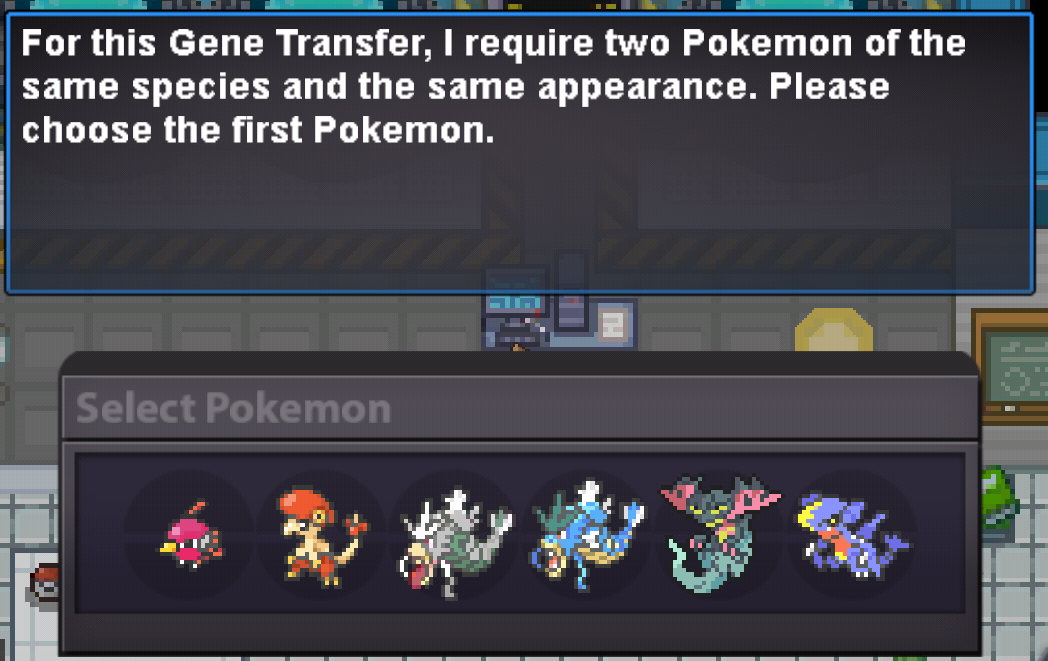 bump+1 with a slice of strawberry cheesecake+1 and with a plate of fried wings and fries.
Yesterday
Hey @Trinitania! 👋👻 Thanks for applying to Phantom! It's great to see a returning player who's been around PRO since 2015. 💜 It looks like you missed questions 7–10 on the application. Could you answer those when you get a chance? We'd love to learn a little more about you, your Pokémon knowledge, and what you're looking for in a guild! Looking forward to reading the rest of your application. 😊 Phantom - Silent. Strategic. Unseen. 👻I finished the Darkrai quest but my items were not returned. I would really appreciate your help.Yes chat was insanly sure about this ... "/ all good though !!! done it a few minutes ago ThxNice idea! I'm a big fan of speed running. I like the boss and dungeon speed run ideas. For dungeons, you could introduce hardcore modes, such as clearing a dungeon without any perks active and without negating the dungeon curses, making it more difficult. This is especially tricky in the Pinkan dungeon as it has many different curses making it practically impossible to clear. I can come up with some challenges specifically designed for Pinkan if it ever gets relevant. Regarding Story speed runs, a category could be "Minimal battles" where you only battle the unavoidable NPCs. There are also many Nuzlocke rules that could be applied to PRO. I've already seen some players Nuzlocke PRO. One player even Nuzlocked the whole story with only bug types.bump!Ooo ok.thenYou most likely fainted too many times or left the Dark Realm, that's why you didn't get one.Hi, firstly I apologise if I'm in the wrong place. I was wondering if it was possible to transfer my shop from the gold shop forum to silver? TyiaBumpI play a lot with my pc, but since the last client release I can only acces gold there with phone's internet. However, I can acces silver with no issues. When trying to acces to gold with home's internet I'm stuck with this message: Can this issue be solved without using VPN? I can't use VPN because of my job, so using that is not an option. Thank you.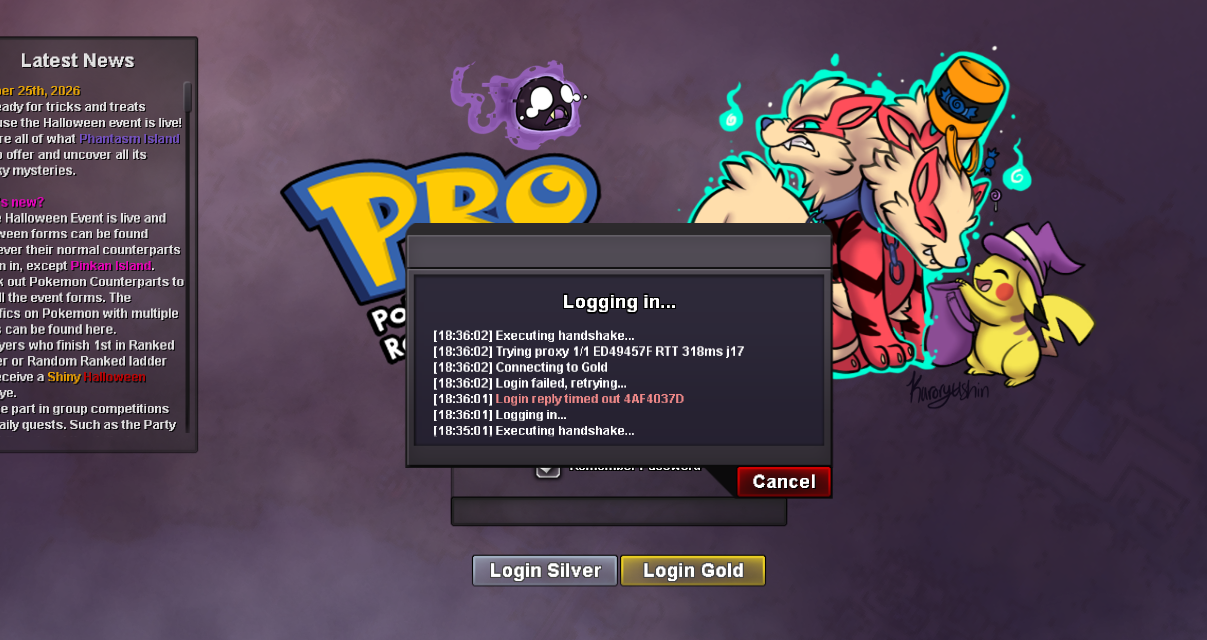













Account
Navigation
Search
Configure browser push notifications
Chrome (Android)
- Tap the lock icon next to the address bar.
- Tap Permissions → Notifications.
- Adjust your preference.
Chrome (Desktop)
- Click the padlock icon in the address bar.
- Select Site settings.
- Find Notifications and adjust your preference.
Safari (iOS 16.4+)
- Ensure the site is installed via Add to Home Screen.
- Open Settings App → Notifications.
- Find your app name and adjust your preference.
Safari (macOS)
- Go to Safari → Preferences.
- Click the Websites tab.
- Select Notifications in the sidebar.
- Find this website and adjust your preference.
Edge (Android)
- Tap the lock icon next to the address bar.
- Tap Permissions.
- Find Notifications and adjust your preference.
Edge (Desktop)
- Click the padlock icon in the address bar.
- Click Permissions for this site.
- Find Notifications and adjust your preference.
Firefox (Android)
- Go to Settings → Site permissions.
- Tap Notifications.
- Find this site in the list and adjust your preference.
Firefox (Desktop)
- Open Firefox Settings.
- Search for Notifications.
- Find this site in the list and adjust your preference.