




All Activity
- Past hour
-
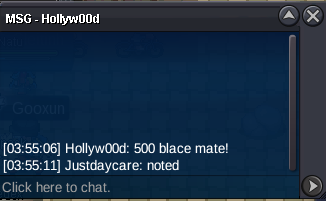
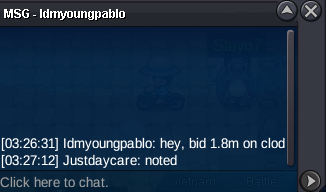
2.1m clod
-
dragonite sold
-
Spudunk joined the community
-
-- 4 hours left
-
Auction has ended.
- Today
-
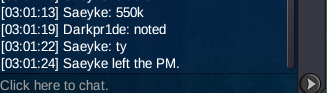
550K by Saeyke
-
L1nc joined the community
-
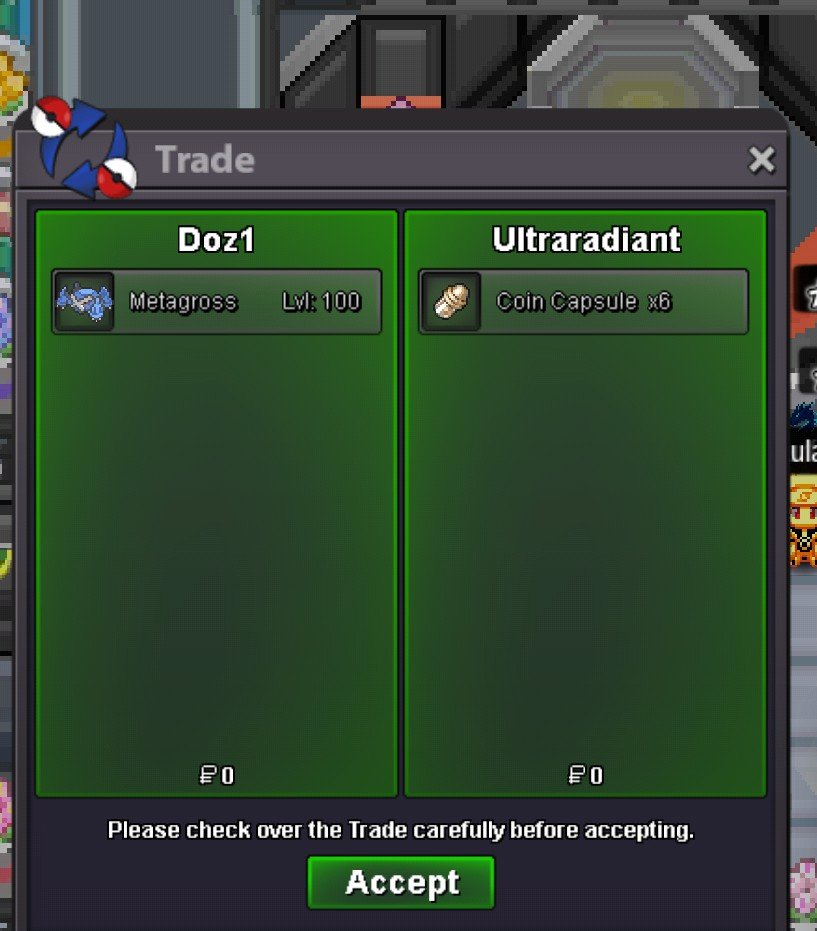
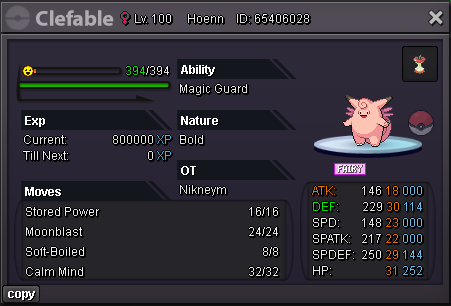
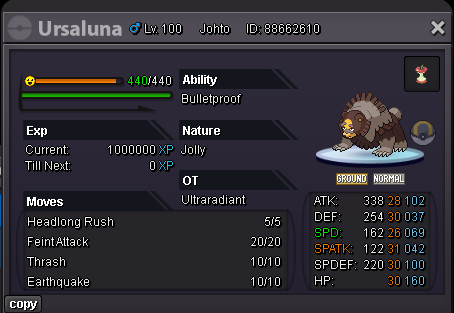
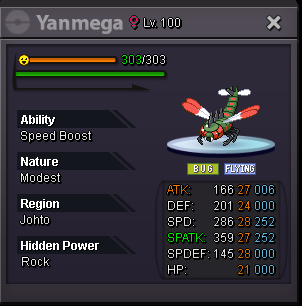
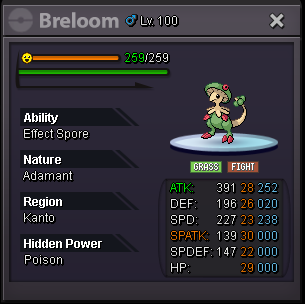
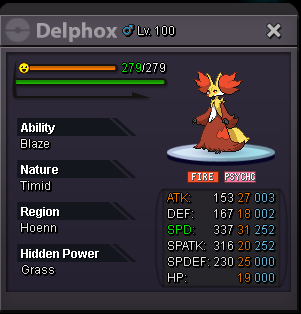
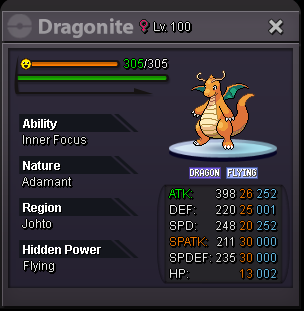
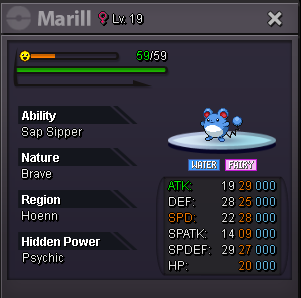
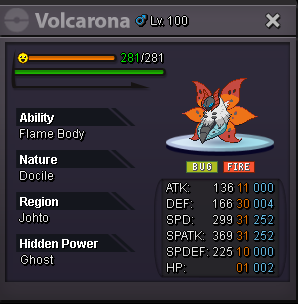
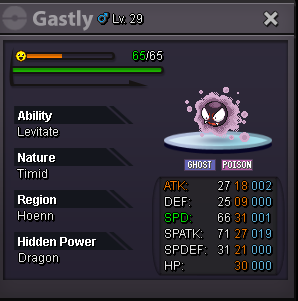
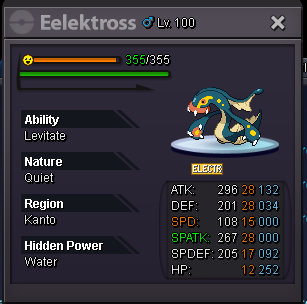
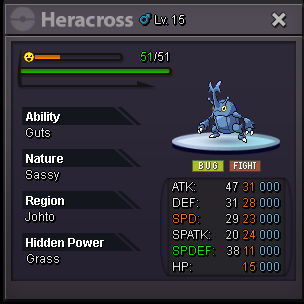
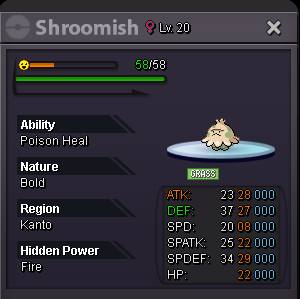
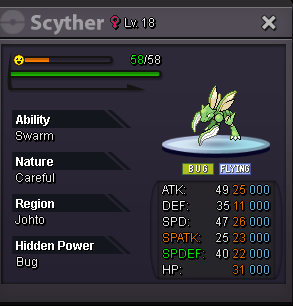
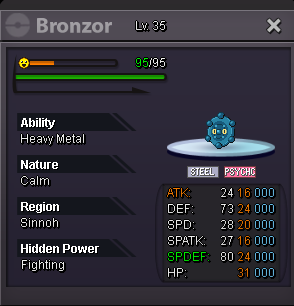
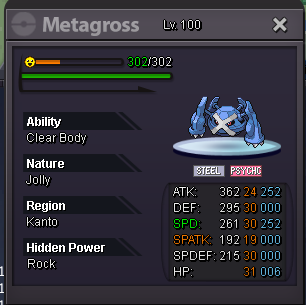
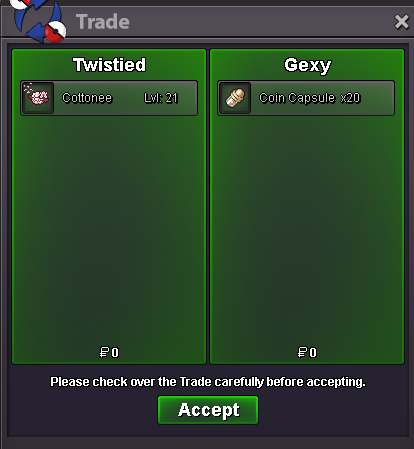
how much shiny ralts650k2m clodHello everyone!I have a collection of interesting Pokémon up for sale. If any of them catch your interest, feel free to reply to this thread or contact me directly. Prices are fixed. All sales are final, so there will be no negotiations. The Pokémon are listed from the highest-priced to the lowest-priced for easier browsing. Accepted forms of paymentCash IV Reroll Ticket (700k each) Coin Capsule (500k each) Contact InformationIGN: UltraRadiant Discord: Normanization Happy shopping, and thank you for stopping by! 😊 Metagross 5.5m Clefable - 3.5m [I really don't want to sell this since this thing performs exceptionally well in pvp, but I want something else in my team, so don't point fingers at me for setting this price] Ursaluna - 1.2m Yanmega - 850k Breloom - 750k Delphox - 500k Dragonite - 455k SOLD Eelektross - 330k Marill - 255k Volcarona - 250k Bulbasaur - 185k Dratini - 180k Gastly - 165k Slowpoke - 150k Alolan Vulpix - 130k Heracross (Guts) - 120k Shroomish - 100k Scyther - 100k Bronzor - 100k Skrelp - 100k Heracross (Swarm) - 80k Oshawott - 70k Noctowl - 60k
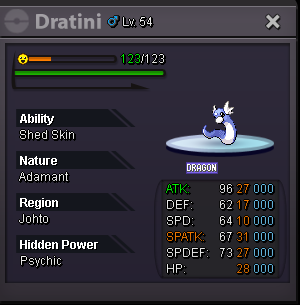
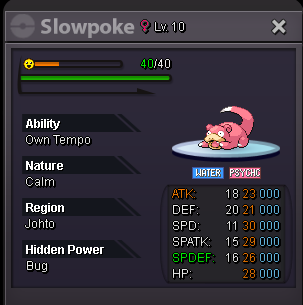
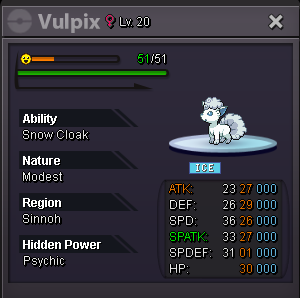
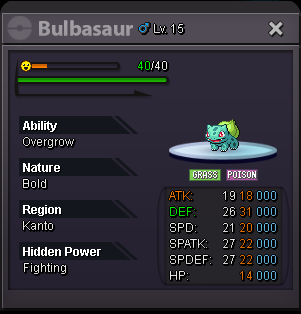
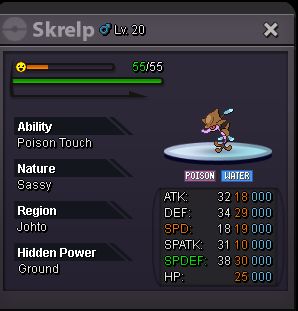
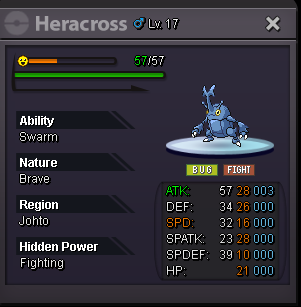
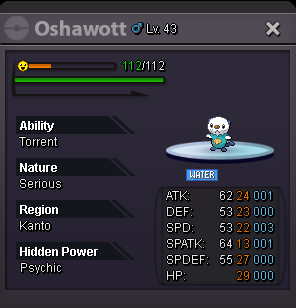
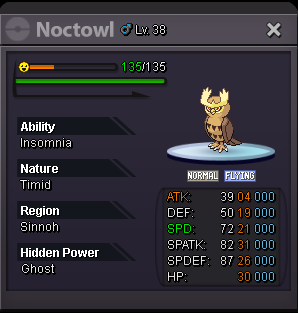
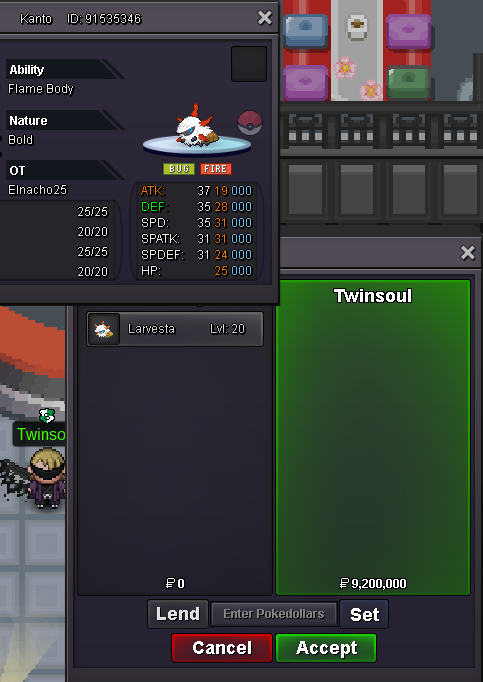
 600k@KdeyTobytus joined the communityhi @Moonlights0nata You can msg here what you want.. or msg me ingame if im online.. Thank youupi already send you friend requestUP!Mymike joined the communitybump550kThanks bro <3
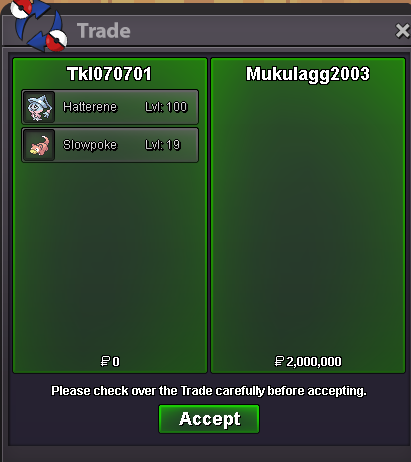 Noted, just PM me in game whenever you're availableThe auction is now closed. @Andredev has won.




















Account
Navigation
Search
Configure browser push notifications
Chrome (Android)
- Tap the lock icon next to the address bar.
- Tap Permissions → Notifications.
- Adjust your preference.
Chrome (Desktop)
- Click the padlock icon in the address bar.
- Select Site settings.
- Find Notifications and adjust your preference.
Safari (iOS 16.4+)
- Ensure the site is installed via Add to Home Screen.
- Open Settings App → Notifications.
- Find your app name and adjust your preference.
Safari (macOS)
- Go to Safari → Preferences.
- Click the Websites tab.
- Select Notifications in the sidebar.
- Find this website and adjust your preference.
Edge (Android)
- Tap the lock icon next to the address bar.
- Tap Permissions.
- Find Notifications and adjust your preference.
Edge (Desktop)
- Click the padlock icon in the address bar.
- Click Permissions for this site.
- Find Notifications and adjust your preference.
Firefox (Android)
- Go to Settings → Site permissions.
- Tap Notifications.
- Find this site in the list and adjust your preference.
Firefox (Desktop)
- Open Firefox Settings.
- Search for Notifications.
- Find this site in the list and adjust your preference.