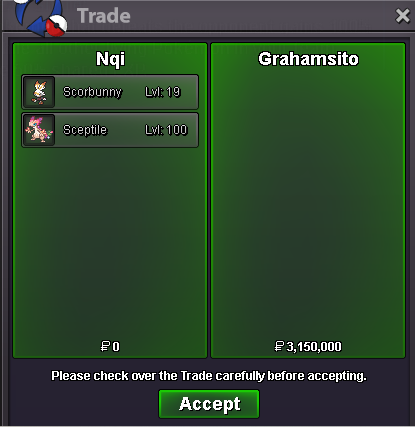
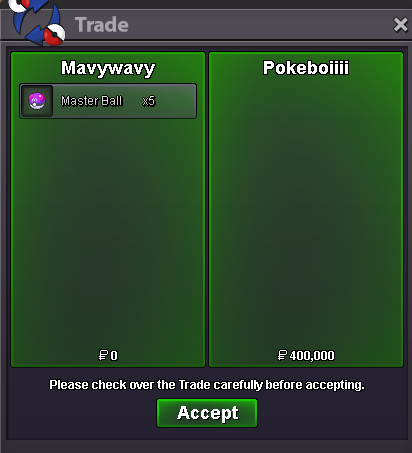
New Trade Zone
Trade Zone is now live
Use the new Trade Zone for auctions and instant-price trades so Pokemon and item offers are easy to find.
All Activity
Past hour
-
+1 , After giving so much effort . getting no reward is so sad.
-
Phiphatpxng joined the community
-
N4mi joined the community
-
Hlyqfoux joined the community
-
Unbanunban joined the community
Today
-
Pastetlover joined the community
-
Oqxdxjil joined the community
-
Dvocuoow joined the community
-
Waqrtjwo joined the community
-
Lxzfbngp joined the community
-
Kupvbzpi joined the community
-
Can you send a screenshot?
-
Idk about that btw did you talk to the vampire?in the tent with the old woman giving quest.
-
I got all quest done. Maybe that info is only to troll?
-
https://youtu.be/J01mr8TOMYM?si=T1YT7GKt7EdOnCYG
-
its a festival town quest
-
-
I wanted to thank you for this guide!Helped me so much!
-
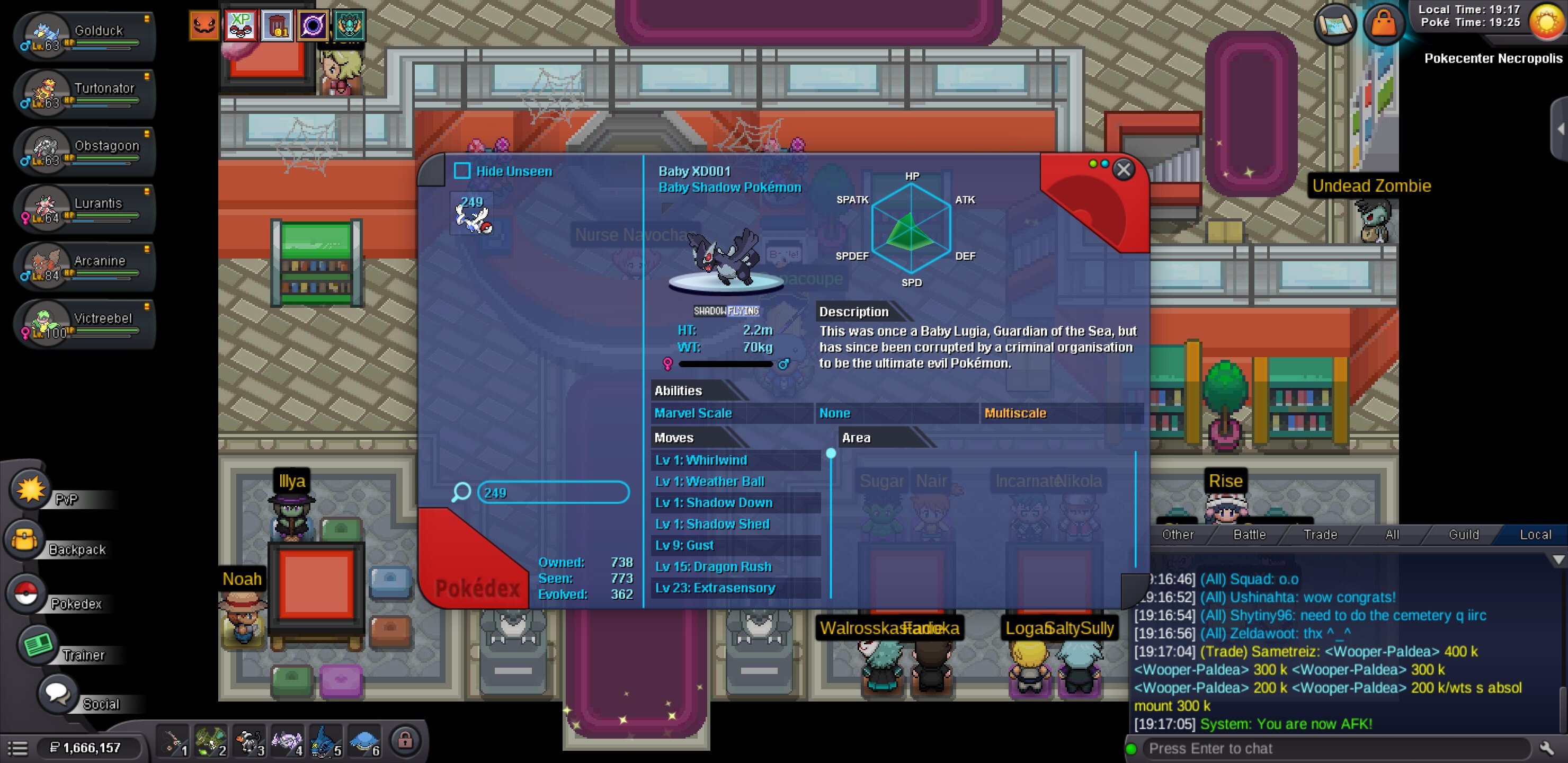
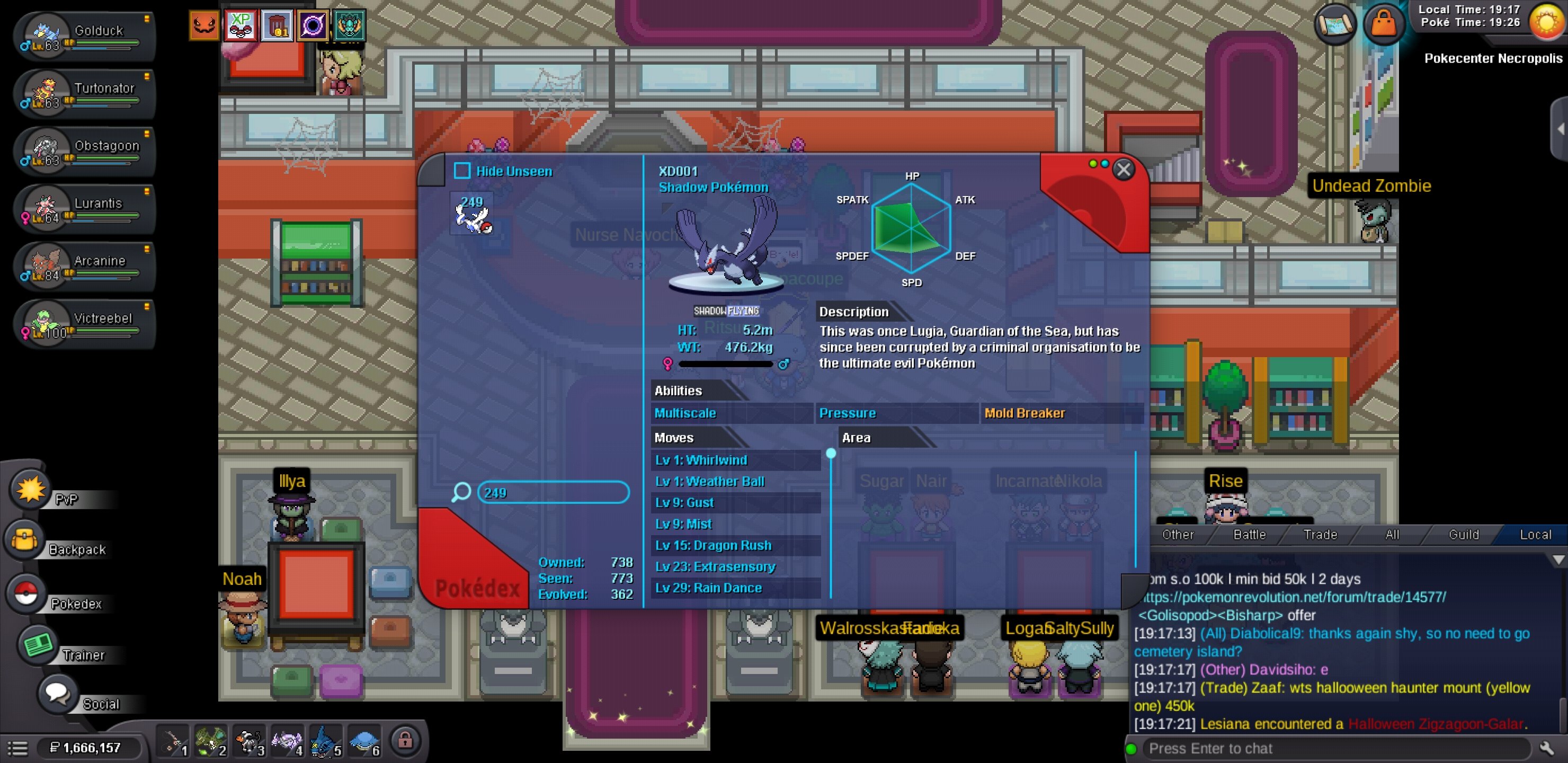
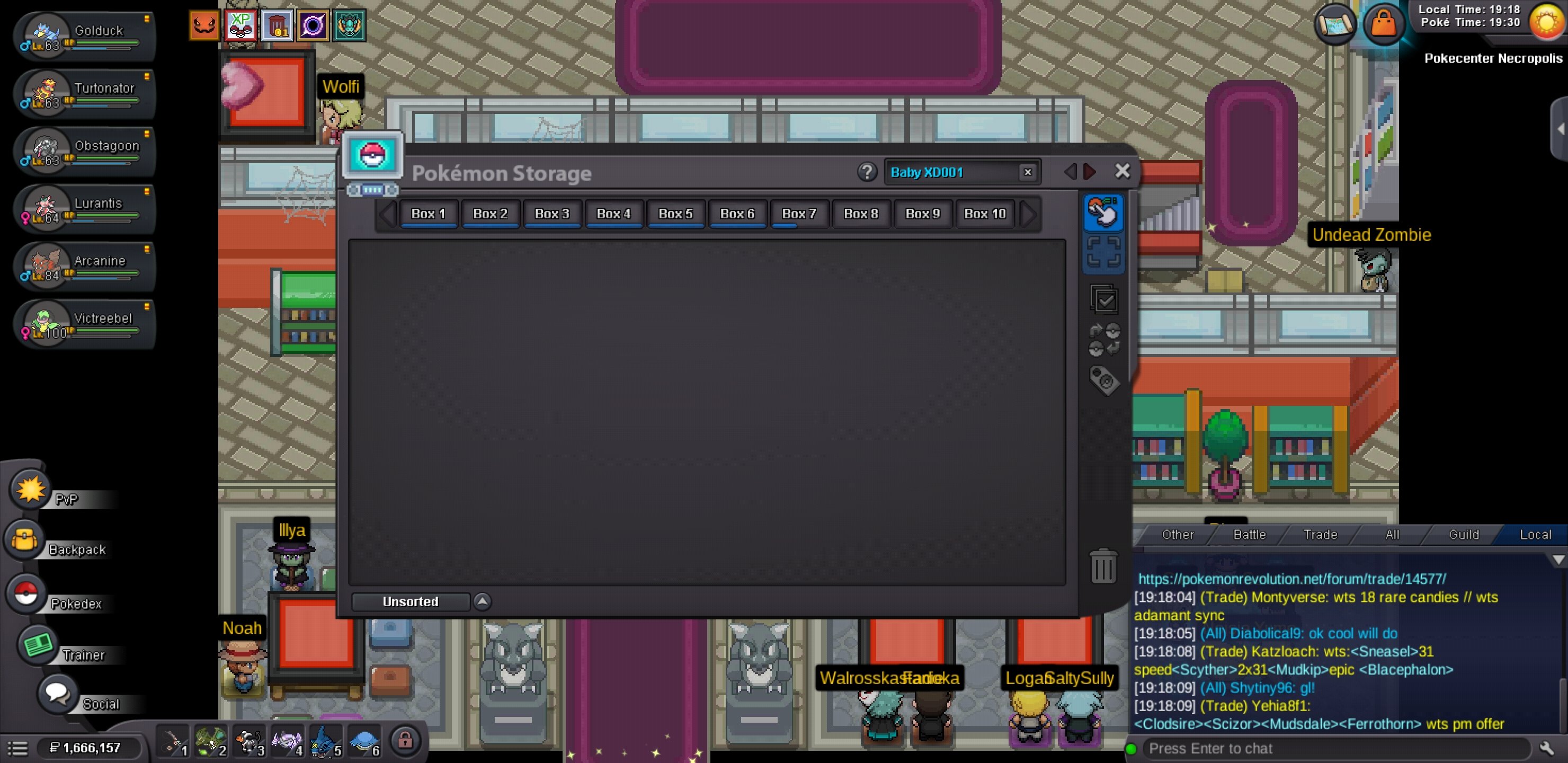
Username: angelluissolana Server: Silver Pokemon: Baby XD001 Issue: Deleted after Crystal removal update - Bug. I had Crystal equipped. Proof: Pokedex SEEN / Storage EMPTY. Please check logs for angelluissolana. Restore to Box 1 please. ID Screenshot: No ID - Storage shows EMPTY but Dex shows SEEN. Had Crystal equipped. Screenshots attached. EDIT: Correction - I am not 100% sure if Crystal was equipped on Baby XD001. What I know: After Crystal removal update, both my Crystals AND my Baby XD001 (Baby Lugia Shadow) disappeared at same time, from one day to another. Please check logs for angelluissolana (Silver) - Baby XD001. Screenshots show Pokedex SEEN but Storage EMPTY. Thank you. Server: Silver
-
bumpBuy another service very satisfying service, great work.BumpI'm intereses in the gastly, can we nego ir?bump!+1 but 24 hours is a bit too much for not being the top, it should be less and depend of how much your group scored. Also the big thing that unmotivates people is that you have to hunt for 12 hours, otherwise you don't have a chance to be in the leaderboard if you are an average full time employed. I think the 12 hours should be reduced to 6 hours. A day has 24 hours and from them: 8 hours of work, 1 hour of brake at work, 1 hour drive to work and come back, 8 hours of sleep and that leaves you 6 hours. Obviously that reference is very simplified and there are still other responsibilities and differences on each person, but as an example idea of how and why it should be reduced. Additionally 12 hours straight hunting can make someone not willing to commit and participate on it, but 6 hours is easier to follow and commit hunting.
Yesterday
+1 or just change the system as a whole, we provided good feedback in another thread and we didnt get listen.still need help+1I was battling the boss "Professor Rowan" in Jubilife when the game suddenly shut down; I lost the battle and my win count was reset to zero. Is it possible to restore my wins and allow me to battle him again?Thank you for being patient while the 7 day period after the auction ended to be over. The trade has been completed.Thank you so much, my friend! It was indeed the circle without a label, the image I was using didn't have it. Thanks again!@Satellar i havent purchased the coins recently. i had 155 Coins left 2 days ago, when i tried to buy the ram. Is there no other Data you can check for my balance and or interactions? kind regards