All Activity
- Past hour
-

-
those who have played Runescape already know what I am about to ask for... I also think that Gamefreak did this in one of their games Allow players to list pokemon for sale on server-side interface. Then allow other players to view all listed pokemon for sale, and their corresponding sale price. It would be even cooler to allow a player, who is purchasing pokemon, to select a listed pokemon for sale (within the interface) and complete the trade by providing the necessary pokedollars. Players selling pokemon would be allowed to make a listing of the pokemon for sale, and they can include how long they want to the listing to stay live ( 1 day, or 1 week, or Until Sold, etc) Players can also be allowed to browse and search through all listings to see what they would like to buy. Allow players to view the history of bought and sold pokemon. I would even be in favor of adding a "tax" to the player who is selling. A small taxed amount (perhaps 2% of the selling price) would be taken from the seller. Example, if a player A sells a pokemon worth 1M to player B, then the game would absorb 20k, and player A would net 980k. Player B would not be taxed, A small tax would not scare players from using the "grand exchange service" and at the same time, it would not completely erase the "trade chat".
-
+1
-
.thumb.jpg.09205dd369b2902f77366caa0b792957.jpg)
[AUCTION ENDED] GODLY 26+ | TOGEKISS | SERENE GRACE-BOLD
Bepoooo replied to Bepoooo's topic in Selling Pokémon - Gold
-
+1 this server merge is very needed at this point. Any update on this would be appreciated
-
[AUCTION ENDED] GODLY 26+ | TOGEKISS | SERENE GRACE-BOLD
Bepoooo replied to Bepoooo's topic in Selling Pokémon - Gold
Sure, omw -

[AUCTION ENDED] GODLY 26+ | TOGEKISS | SERENE GRACE-BOLD
Scout17 replied to Bepoooo's topic in Selling Pokémon - Gold
Can we do now? I am in sinnoh ( jubilife city) -
[AUCTION ENDED] GODLY 26+ | TOGEKISS | SERENE GRACE-BOLD
Bepoooo replied to Bepoooo's topic in Selling Pokémon - Gold
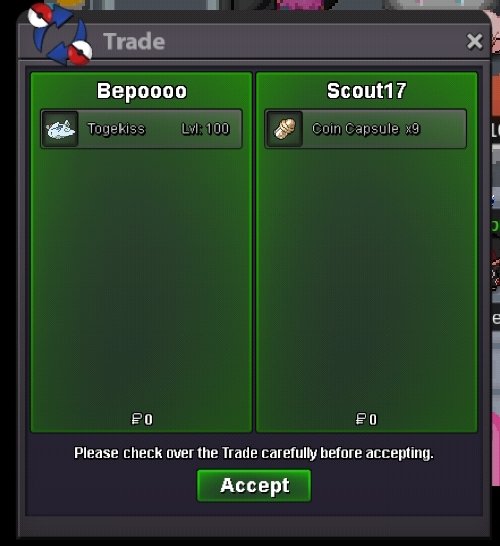
Congratulations @Scout17, you won the auction. Please send me a message when you're online @Bepoooo. Thank you to all bidders -
-

RYO EPIC POKEMON SHOP (JUNE 2026)
Ryokaiser12 replied to Ryokaiser12's topic in Pokémon Shops - Silver
UP! - Today
-

Allsmells Shiny & Event Shop
Allsmell replied to Allsmell's topic in Shiny and Special Pokémon - Gold
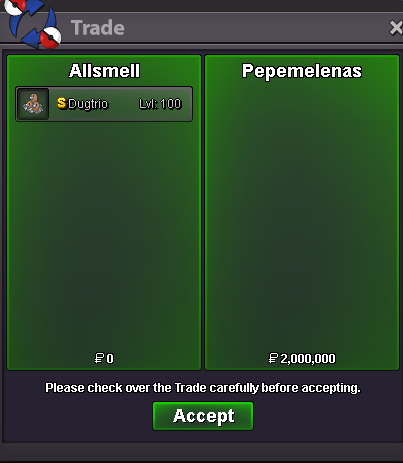
Shiny Dugtrio sold 2m Auction ended
-
It doesn't give any option, you have to press F2 key or Fn + F2 (It depends on the keyboard); write "clear reg" (without quotation marks) and press enter. Even if you can't see it, it should still work.
-
[AUCTION ENDED] GODLY 26+ | TOGEKISS | SERENE GRACE-BOLD
Bepoooo replied to Bepoooo's topic in Selling Pokémon - Gold
45mins left -
[AUCTION ENDED] GODLY 26+ | TOGEKISS | SERENE GRACE-BOLD
Bepoooo replied to Bepoooo's topic in Selling Pokémon - Gold
Bump -
[AUCTION ENDED] GODLY 26+ | TOGEKISS | SERENE GRACE-BOLD
Scout17 replied to Bepoooo's topic in Selling Pokémon - Gold
4.5m -
@Astreius, Ok, send pm, i'm online now
-
 Iero22 changed their profile photo
 -

Pokémon Shop | Jccelmar23 (UDPATED 06/04/26)
Jccelmar23 replied to Jccelmar23's topic in Pokémon Shops - Silver
-
Wtb 250k?
-
Buying Ceruledge Set - pm price.
-
It looks like everyone in this thread has been able to successfully login and play consistently since the latest client. As such, I will close this thread and mark as resolved. If anyone needs assistance again in the future, please feel free to create a new thread.
-

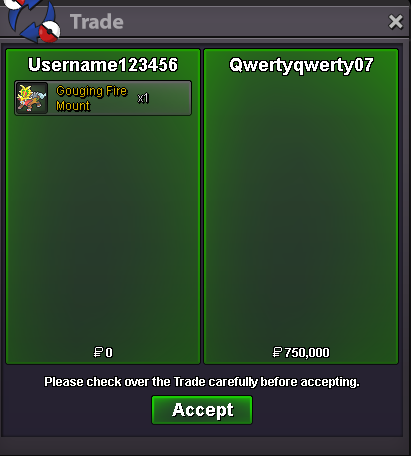
(AUCTİON)Rare Gouging fire mount(PvP Drop)
Username123456 replied to Username123456's topic in Coins & Items - Gold
-
-

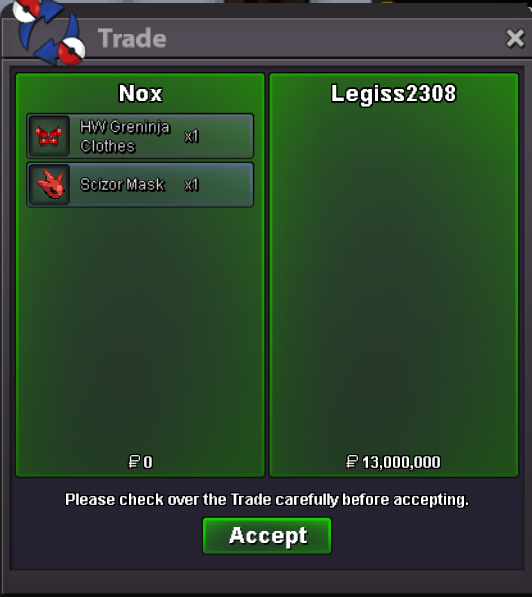
[Closed]🎃[WTS/WTT]: Halloween Greninja Clothes + Scizor Mask
Nox replied to Nox's topic in Coins & Items - Silver
-
suggestion is quite simple: activate the Volume + and Volume - hotkeys. HOW DOES IT WORK? VOLUME BUTTON + = 1 VOLUME BUTTON - = 2 When you press Volume +, it automatically enters Command 1 and uses what's in the game's shortcut bar to help in battles.
-
- 1
-

.thumb.jpg.375e6e8d6259d3ba8d67074029f6a884.jpg)