




New Trade Zone
Trade Zone is now live
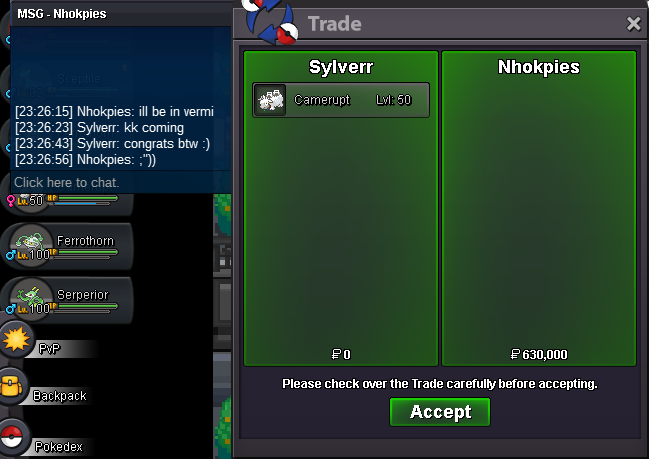
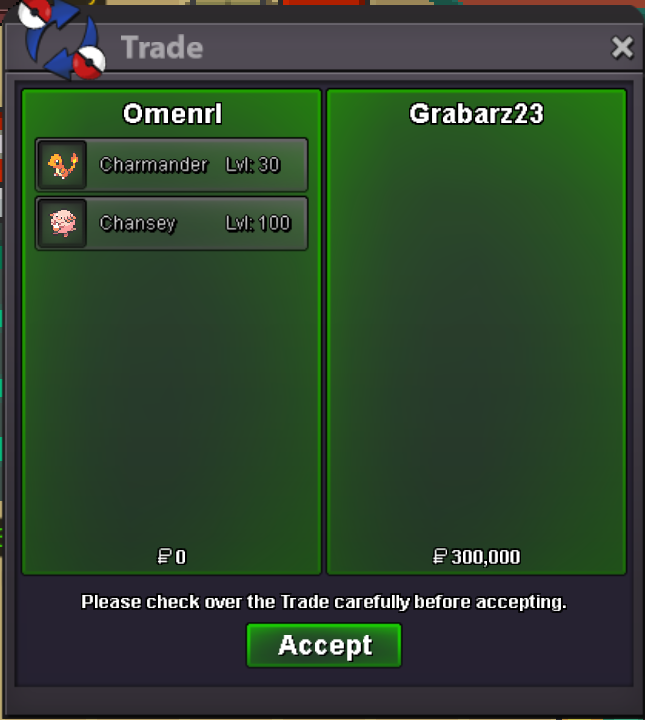
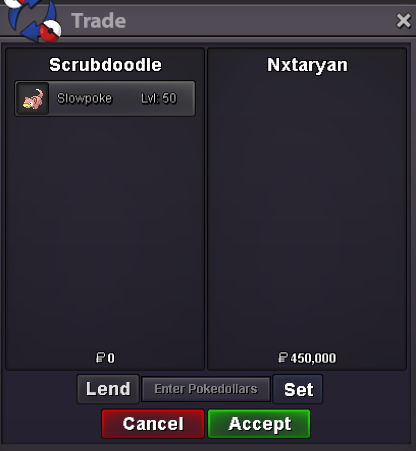
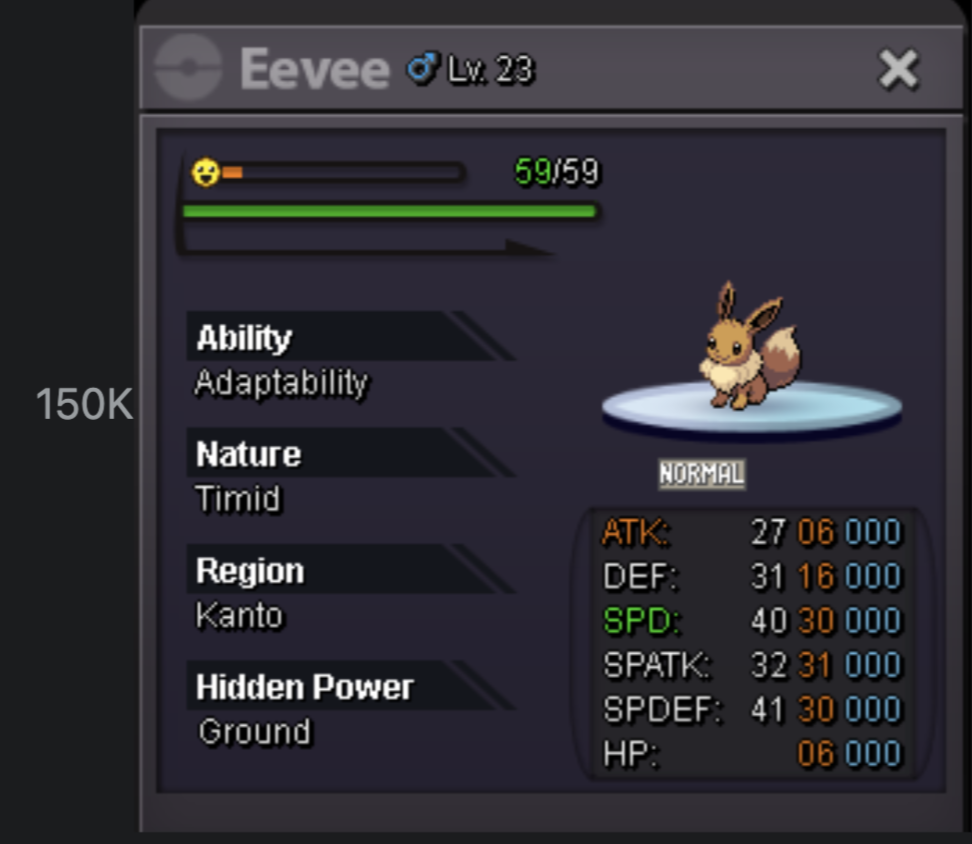
Use the new Trade Zone for auctions and instant-price trades so Pokemon and item offers are easy to find.
Leaderboard
-

Gjj
Registered User6Points104Posts -
M4dson
Registered User4Points1008Posts -
Musasi
Registered User4Points12Posts -
Shineycharizard
Registered User3Points94Posts


Popular Content
Showing content with the highest reputation on 01/24/25 in Posts
-
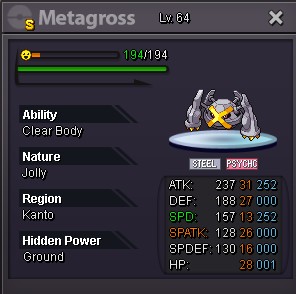
2 pointsStart Offer : 50m Min Bid : 1m Auction end 72 hours after first bid
 2 points
 -
2 points
-
2 points
-
2 points
-
2 points
-
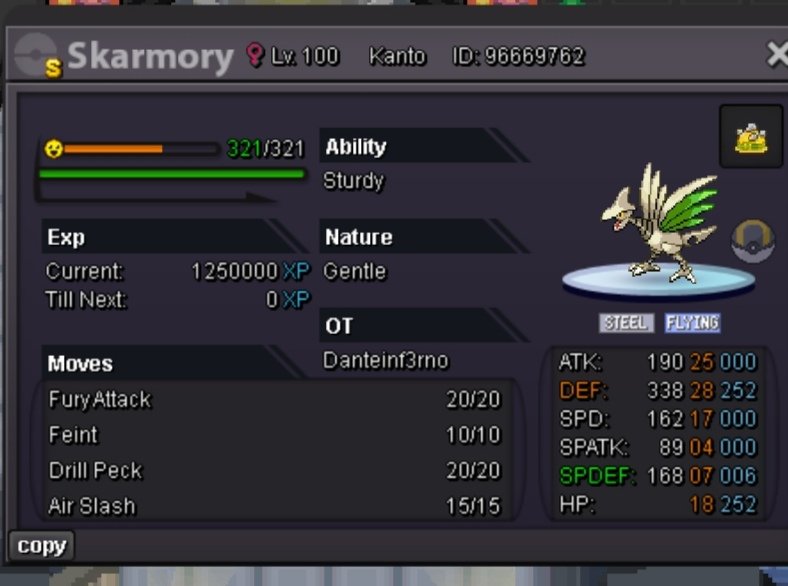
1 pointAuction Start 5m mInd bid 100k Auction ends 72h after first bid accept cc 400k
 1 point
 -
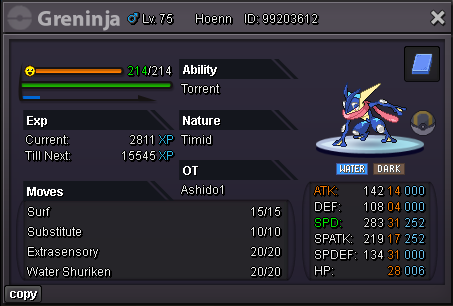
Starting Price: 100K Minimum Raise: 25K Insta Price: None Payments: Pokedollars, Coin Capsule 450K each Ending: Auction ends 24hrs after first bid
 1 point
 -
1 point
-
1 point
-
1 pointHello all, My apologies, but @Musasi bids are not valid as he does not have the funds to honor his bids. With that said, you have been punished for false bidding. This auction will continue as normally. Kindly, K-mew1 point
-
1 point
-
1 point
-
1 point
-
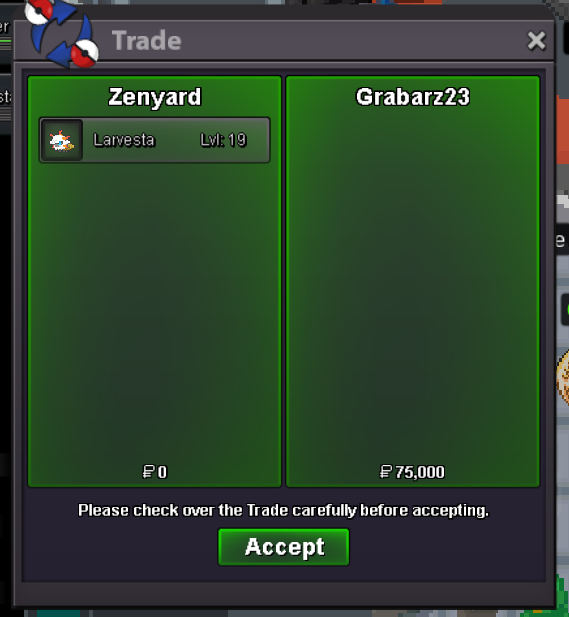
first litwick 200k, start larvesta, and second joltik1 point
-
1 point
-
1 point
-
1 point
-
1 point
-
1 point
-
1 point
-
1 point
-
1 point
-
1 point
-
1 point
-
1 point1 point1 point1 point1 point1 point1 point1 point1 point1 point1 point1 point1 point1 pointwe'll see what the trade mods determine. Either I won with my 325k bid or @1cloudz wins with his 750k bid0 points0 points0 points0 points0 points0 points0 points0 points


























Account
Navigation
Search
Configure browser push notifications
Chrome (Android)
- Tap the lock icon next to the address bar.
- Tap Permissions → Notifications.
- Adjust your preference.
Chrome (Desktop)
- Click the padlock icon in the address bar.
- Select Site settings.
- Find Notifications and adjust your preference.
Safari (iOS 16.4+)
- Ensure the site is installed via Add to Home Screen.
- Open Settings App → Notifications.
- Find your app name and adjust your preference.
Safari (macOS)
- Go to Safari → Preferences.
- Click the Websites tab.
- Select Notifications in the sidebar.
- Find this website and adjust your preference.
Edge (Android)
- Tap the lock icon next to the address bar.
- Tap Permissions.
- Find Notifications and adjust your preference.
Edge (Desktop)
- Click the padlock icon in the address bar.
- Click Permissions for this site.
- Find Notifications and adjust your preference.
Firefox (Android)
- Go to Settings → Site permissions.
- Tap Notifications.
- Find this site in the list and adjust your preference.
Firefox (Desktop)
- Open Firefox Settings.
- Search for Notifications.
- Find this site in the list and adjust your preference.