New Trade Zone
Trade Zone is now live
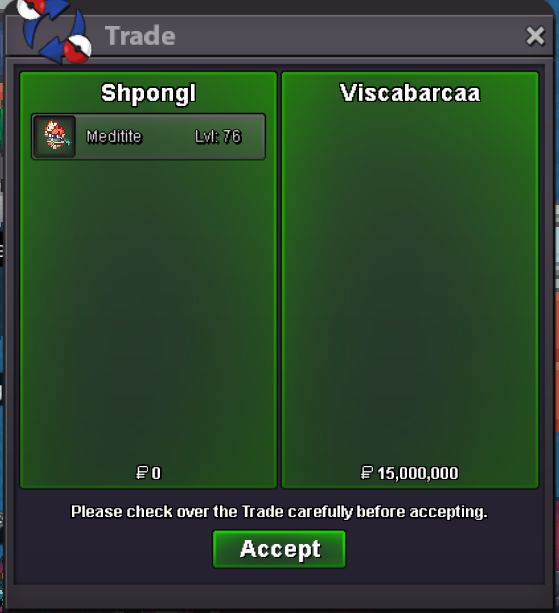
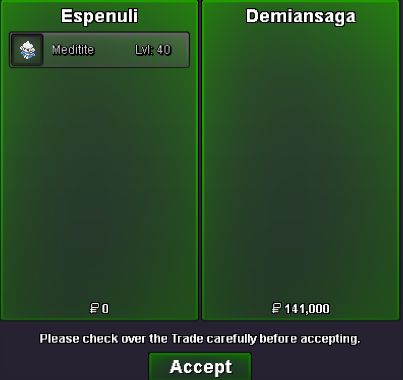
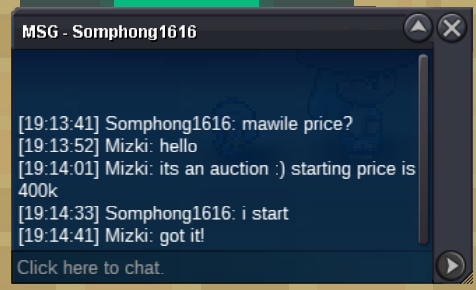
Use the new Trade Zone for auctions and instant-price trades so Pokemon and item offers are easy to find.
Leaderboard
-
Zwirrfinst
Registered User3Points312Posts -
Sixthmagnitude
Registered User3Points171Posts -
Saucedallas
Registered User3Points165Posts -

Cvkrzyk
Registered User2Points307Posts



Popular Content
Showing content with the highest reputation on 05/04/25 in Posts
-
Hello, I know there were a lot of suggestions about black medaillon, I don’t want to ask for a full rework but a little help to people for whose it can be complicated to dedicate 3 days to the game. I also know that it’s not because it’s a 3-day stuff, you should commit 72hours to only hunting, but i’m sure it can discourage people from buying it cause 3 days in a row is a lot of time. What I think that could be a good idea, without making it abuseable, it’s a one shot option per BMS (you can use it only one-time per BMS) to pause it for a let’s say, a maximum of 24h (that way I think it’s not too much). That way at least, it’s a bit less stressful, more time friendly for most people and i think keep the current way of working of the BMS. Thanks by Advance.3 points
-
3 pointsHey ho, right now, the game offers PvP enjoyer the opportunity to buy things from the PvE shop from other players in a monthly rotation. On the other hand, PvE enjoyer doesn't have this opportunity to get things from the PvP shop from other players, which is unfair. My suggestion to get equality: Please bring a similar monthly rotation for the PvP shop items too to make it fair for both player types Thanks in advance! 🙂3 points
-
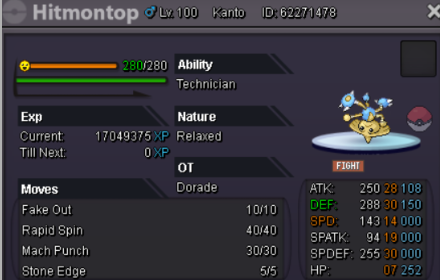
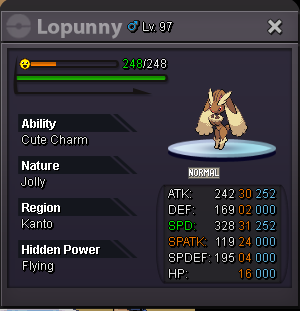
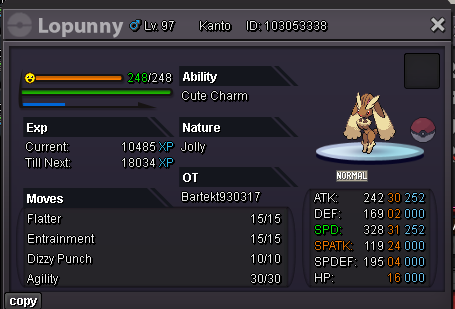
2 points= 550k = 625k = 350k = 6k pokedollars 50k start offer min raise 10k auction ends 48 hours after first bid
 2 points
 -
1 pointGreetings! Dear Visitor Warm Welcome to my Shop! I hope you have a wonderful time in here and find the items that you're looking for CONTACT INFORMATION IGN Silver: Daddyzard IGN Gold: Daddyzard20 Discord: sir.alcatraz ACCEPTED PAYMENT METHODS Pokedollars Coin Capsules - 450K IV Reroll Tickets - 600K Nature Reroll Tickets - 250K Rare Candy - 5K BROWSE SHOP Thank You for Visiting! Note: If you have any doubts or questions, please reach out to me via discord: sir.alcatrazsir.alcatraz
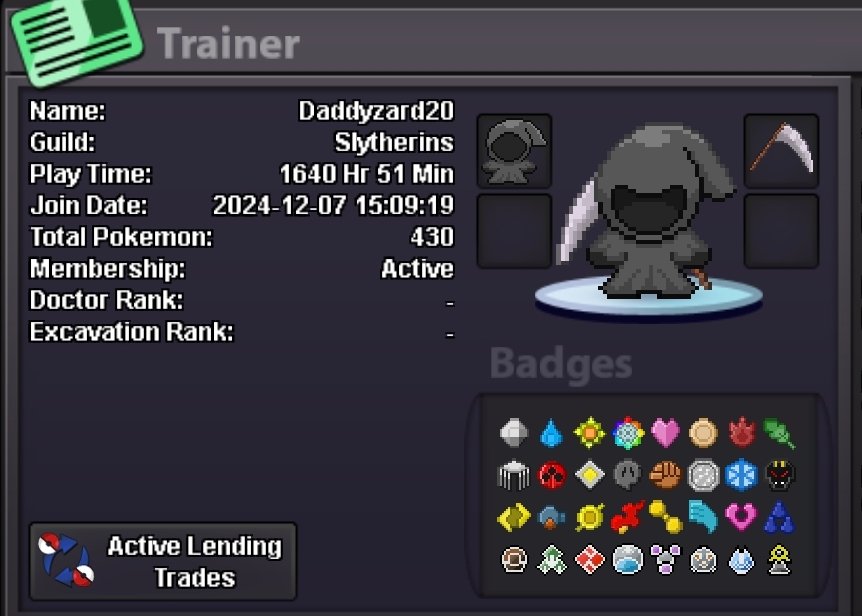
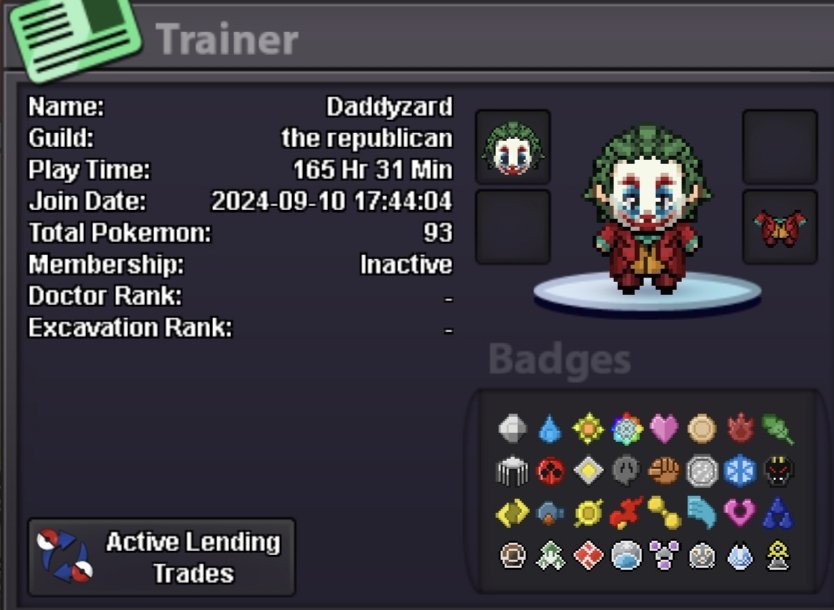 1 point
 -
1 point
-
1 pointStart Offer: 200k Minimum Bid: 50k End of Auction: 48h after first offer.
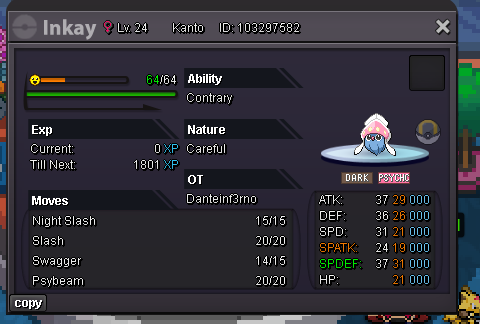 1 point
 -
start all beldum raise1 point
-
start beldum1 point
-
1 pointSince the world quest has only been coming around about once a month, I would like to suggest a simple discord poll once a month to vote on what we get for the WQ following each vote. That way people can determine if the upcoming world quest is something they need/want or not before they free up their schedule for the grind. this could also help cut back on some of the community issues like when we had Feebas and a lot of people were upset over membership repel only.1 point
-
1 point
-
1 point
-
1 point
-
1 point
-
1 point
-
1 point
-
1 point
-
1 point
-
1 point
-
1 point
-
1 point
-
1 point
-
1 point1 point1 point1 point1 point1 point1 point1 point1 point1 point1 pointAfter 10 years of suffering, 10 years of endless nightmares, it finally came to an end, the crab escaped!
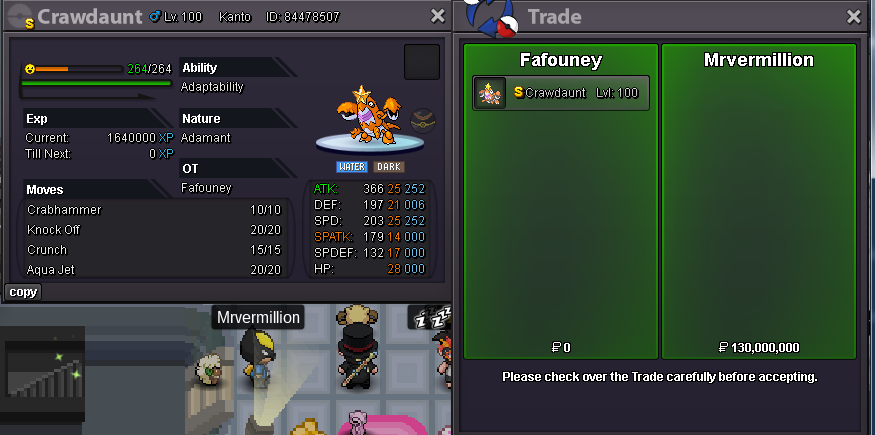 1 point1 point1 point1 point1 point1 point1 point0 points0 points0 points0 points0 points0 points0 points0 points0 points0 points0 points0 points0 points0 pointsCurrent Guild Name : White wallkers New Guild Name : White Phoenix Server : Gold0 points