New Trade Zone
Trade Zone is now live
Use the new Trade Zone for auctions and instant-price trades so Pokemon and item offers are easy to find.

Altruis
Registered User
-
Joined
-
Last visited
Everything posted by Altruis
-
upp
-
pm me in discord bro or give me your in game name if still want to buy it :)
-
bumpp up
-
bumpp
-
bumpp upp
-
Player Name: Altruis Showdown name: Altf4.20 Server: Silver Rank on Ladder: 11
-
bump
-
bump
-
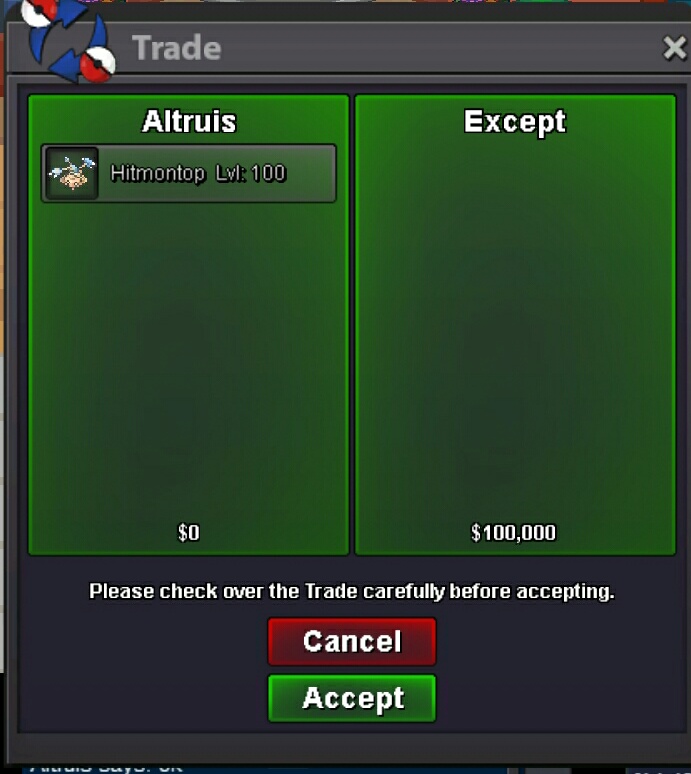
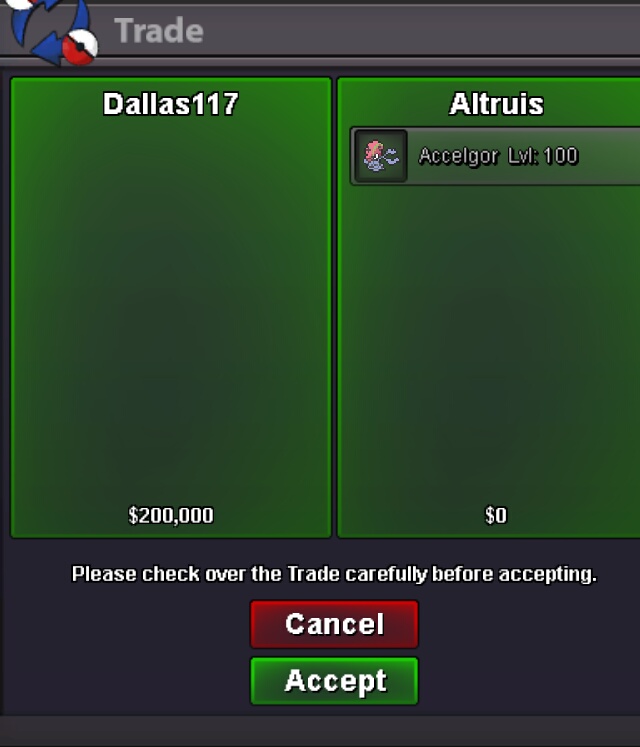
accelgor sold!
-
pm me in game Altruis or via discord Altruis#7767 bro
-
bump
-
you cant delete it bro, no problem just leave it haha
-
update some pvp poke and untrained poke
-
bump
-
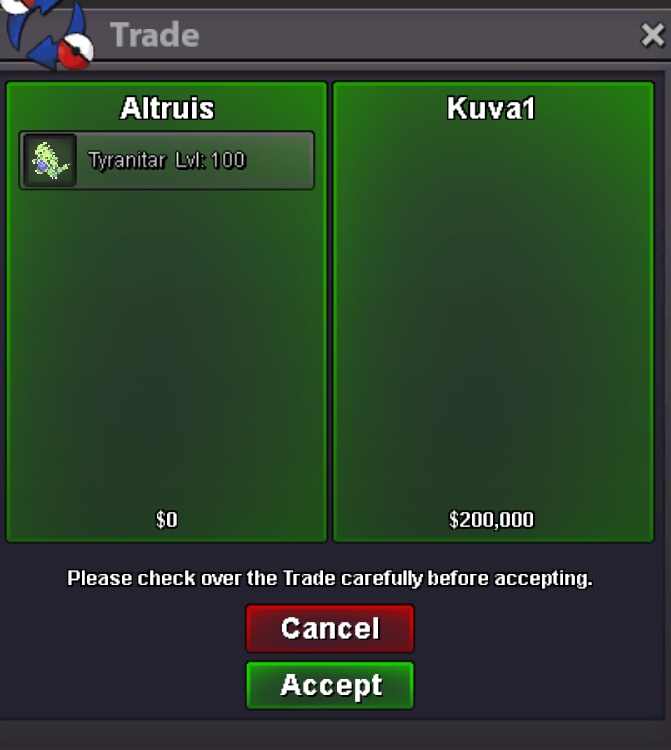
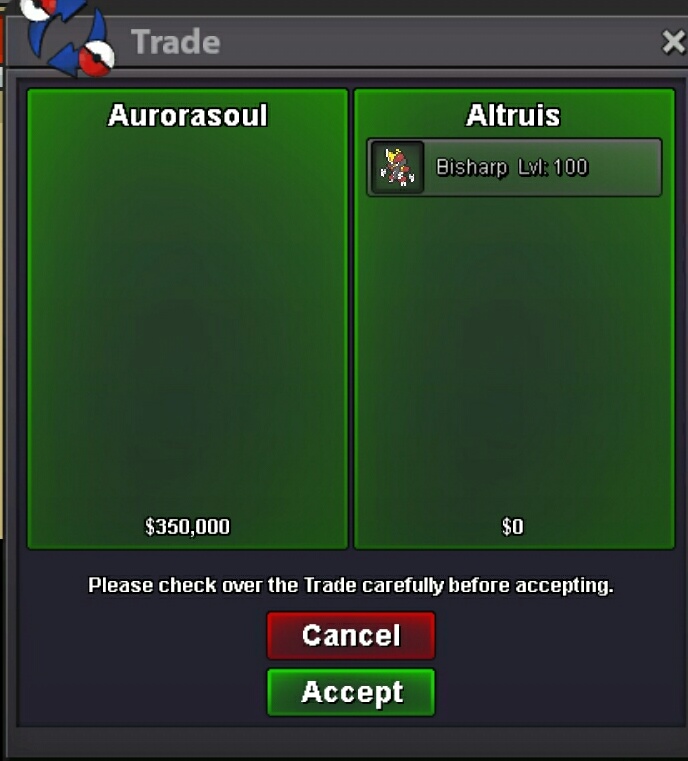
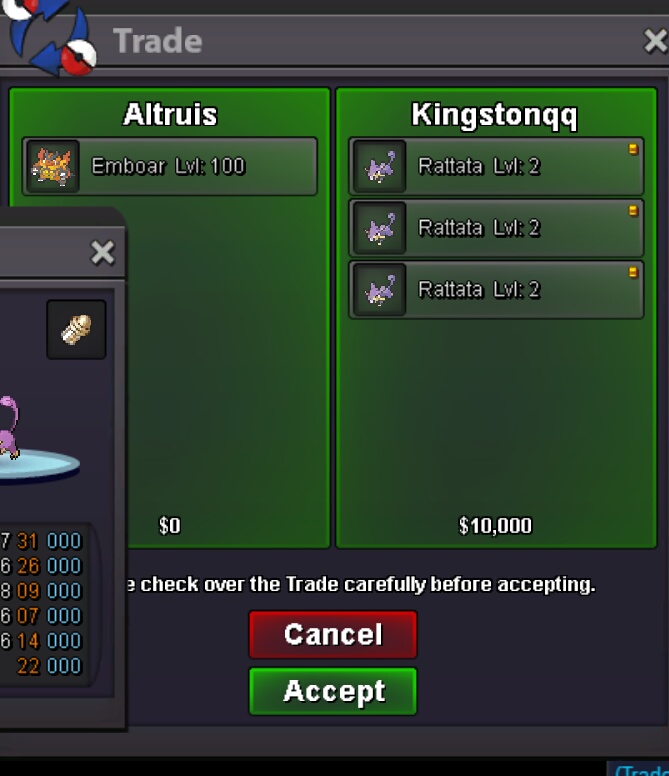
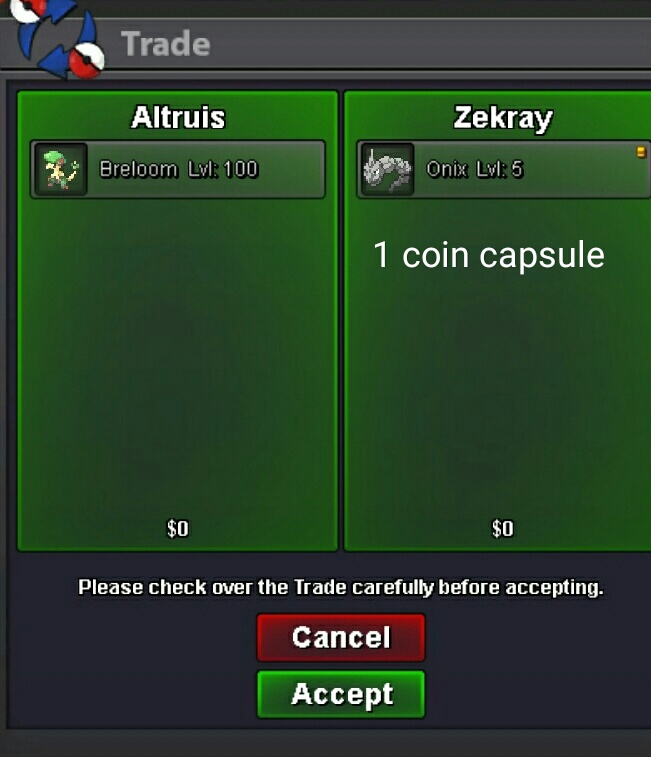
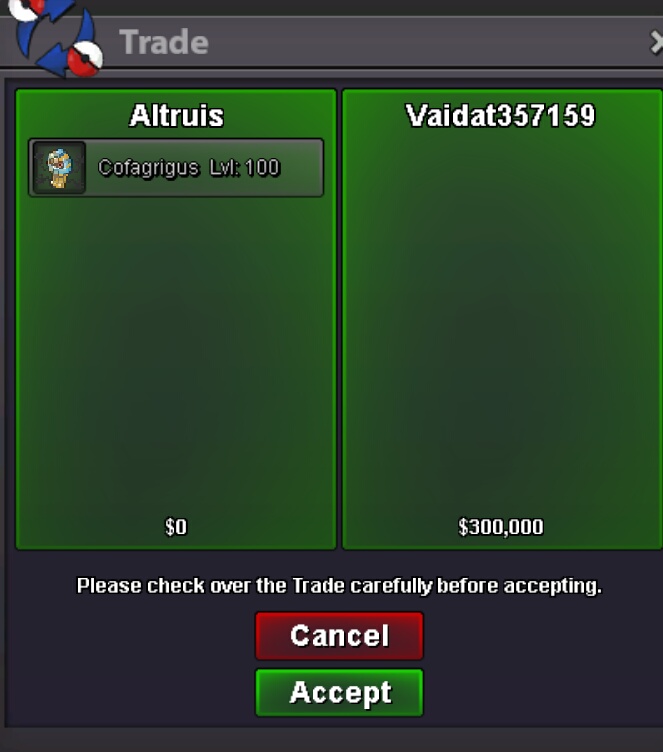
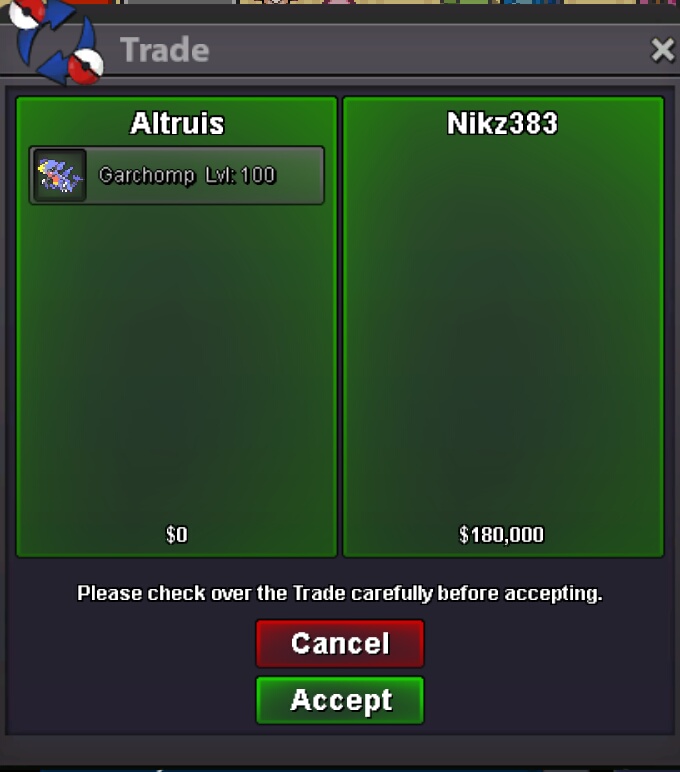
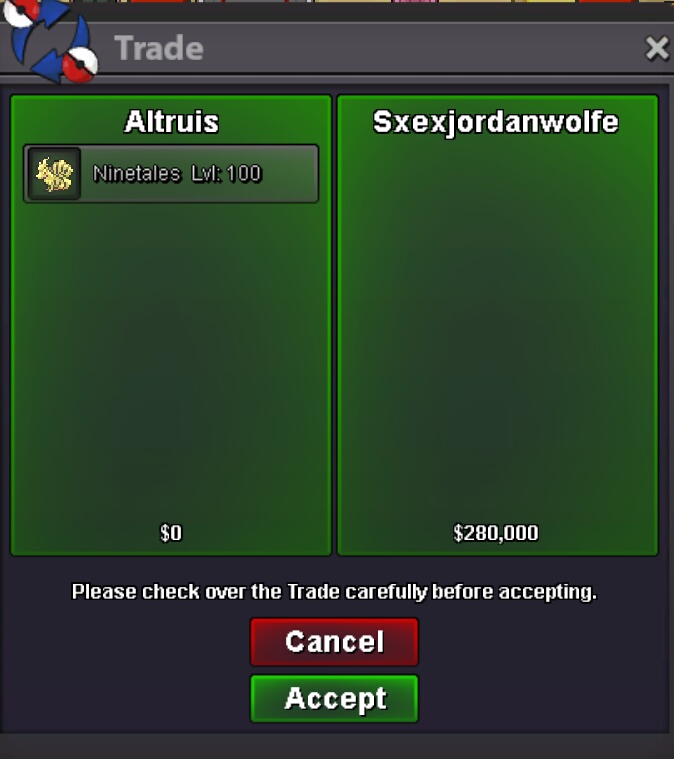
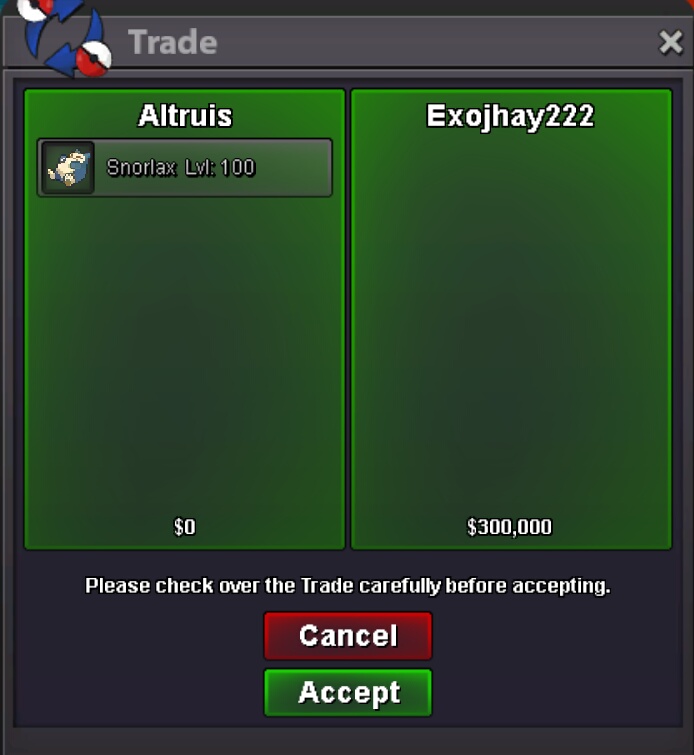
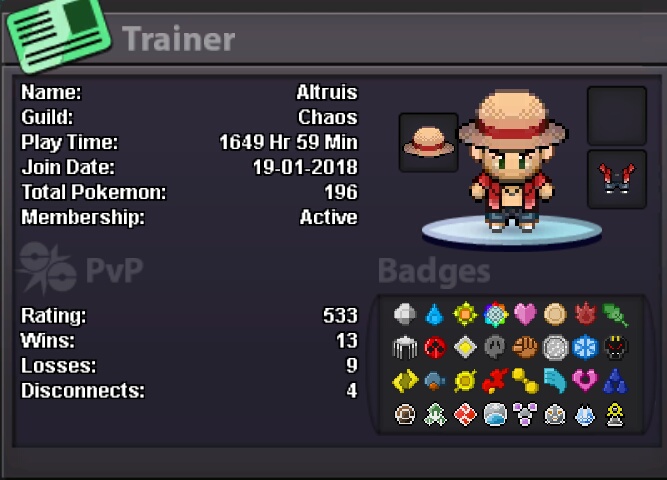
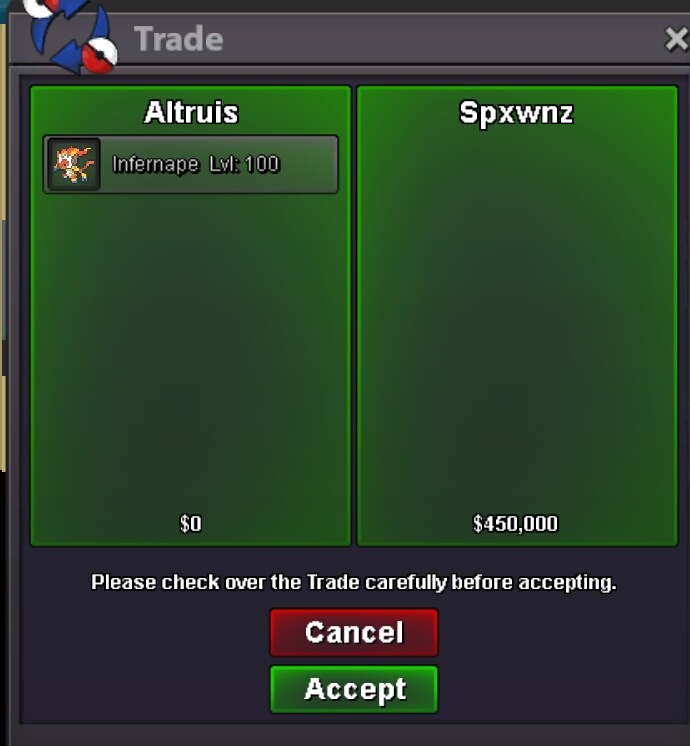
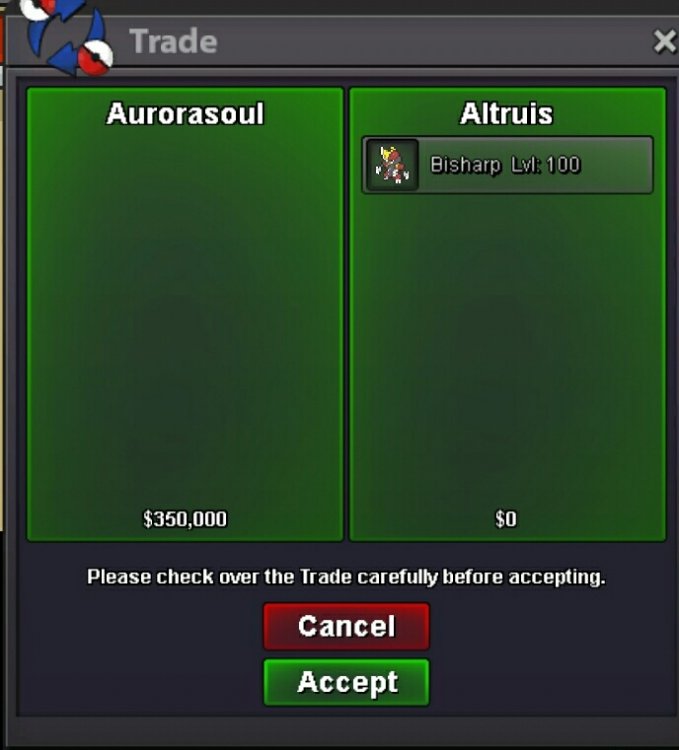
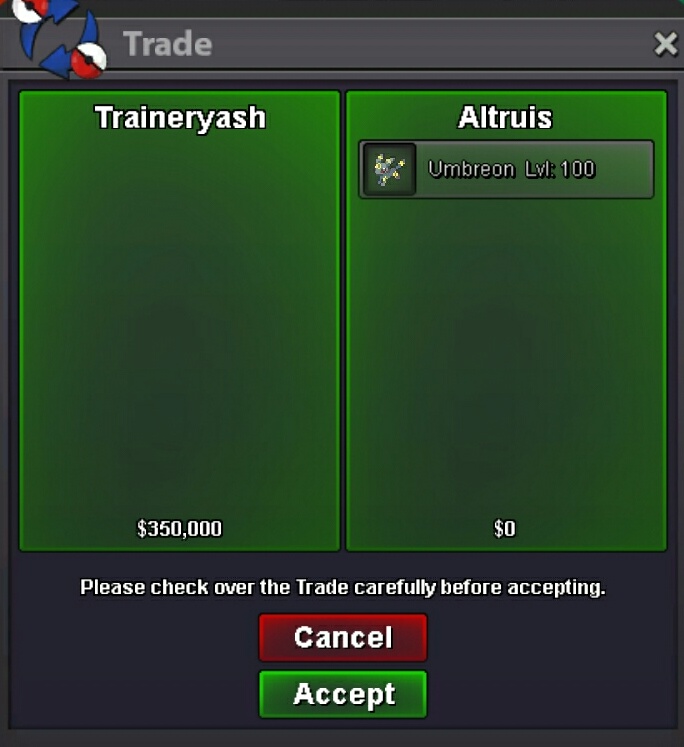
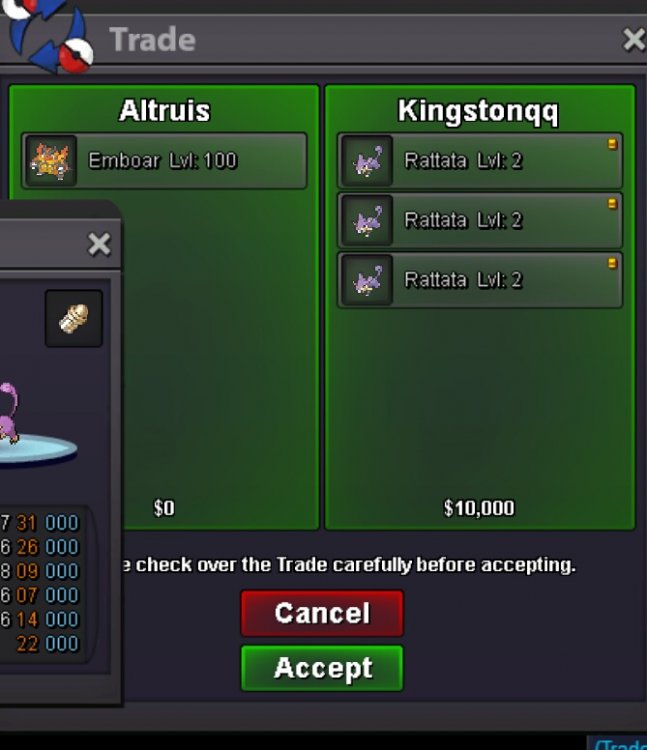
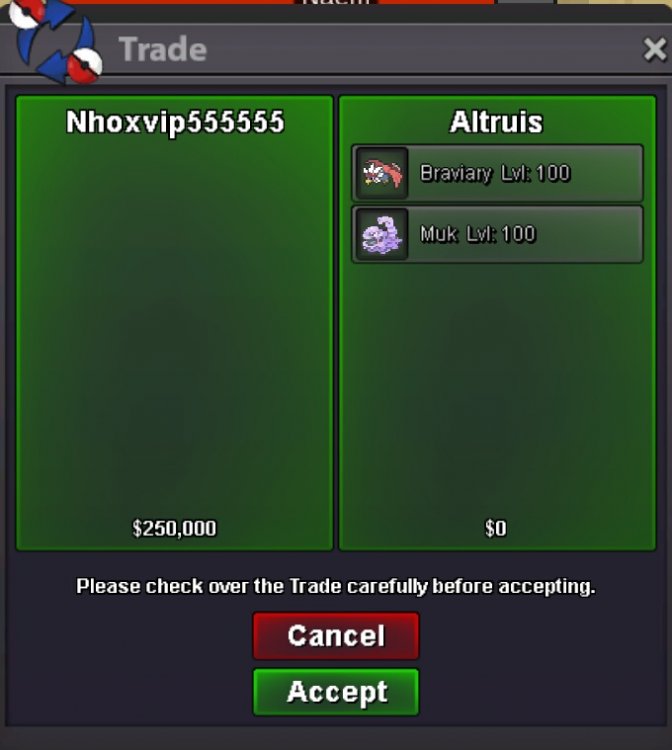
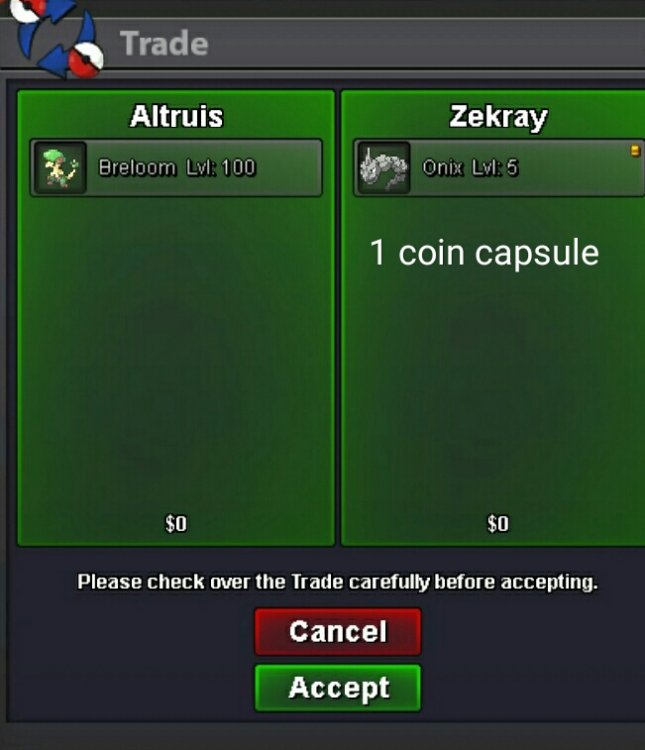
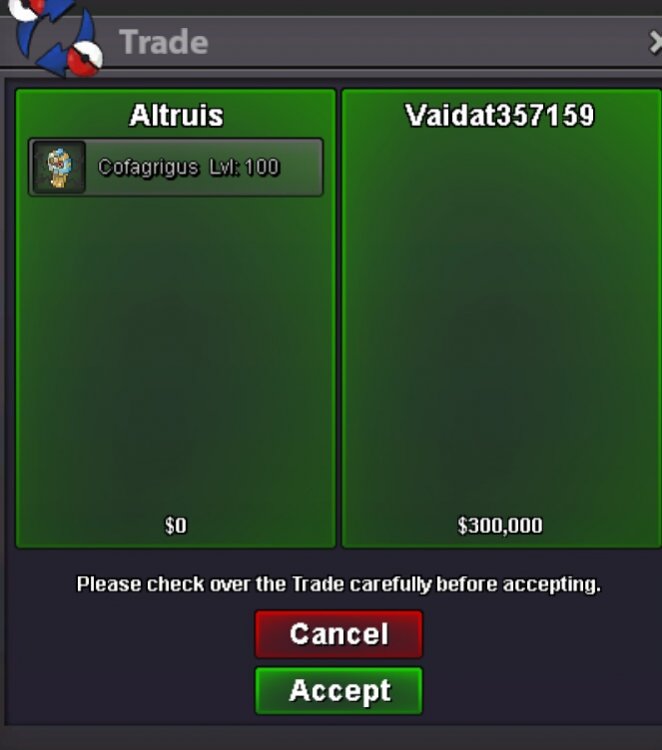
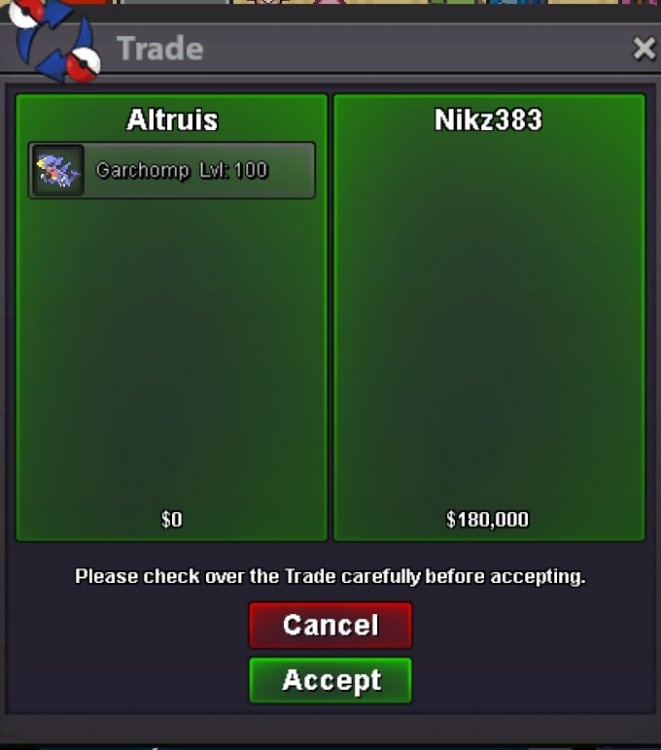
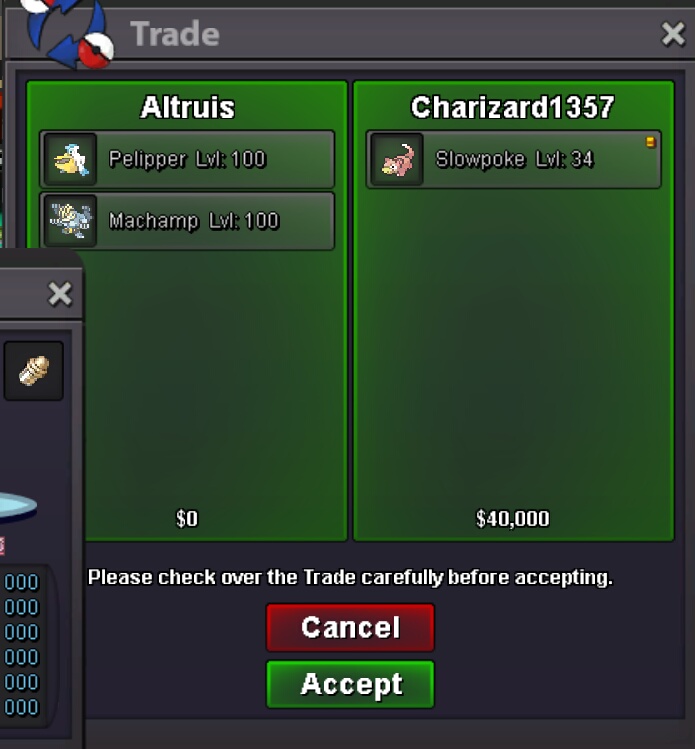
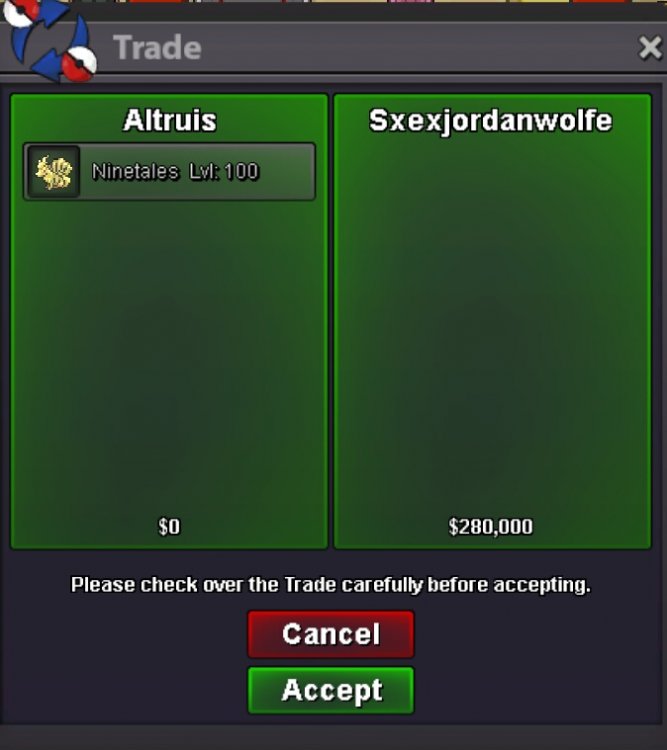
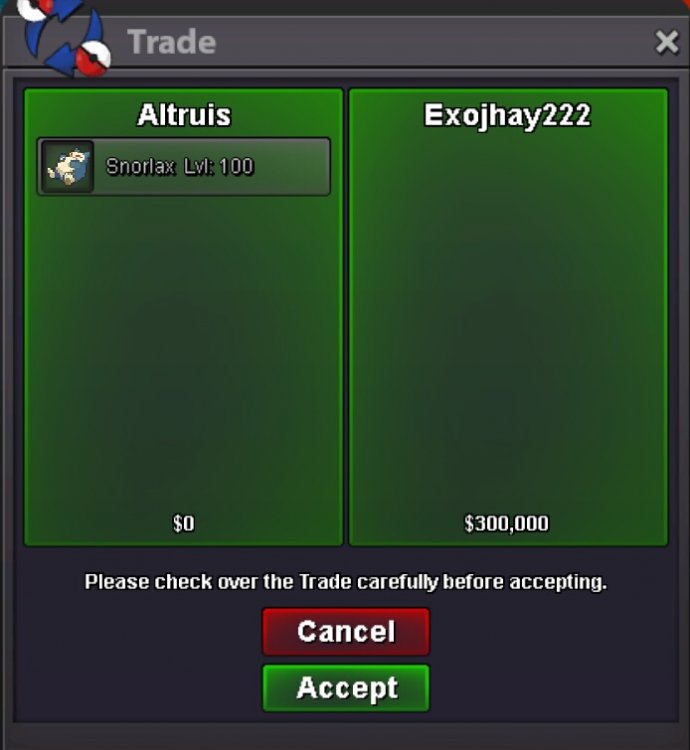
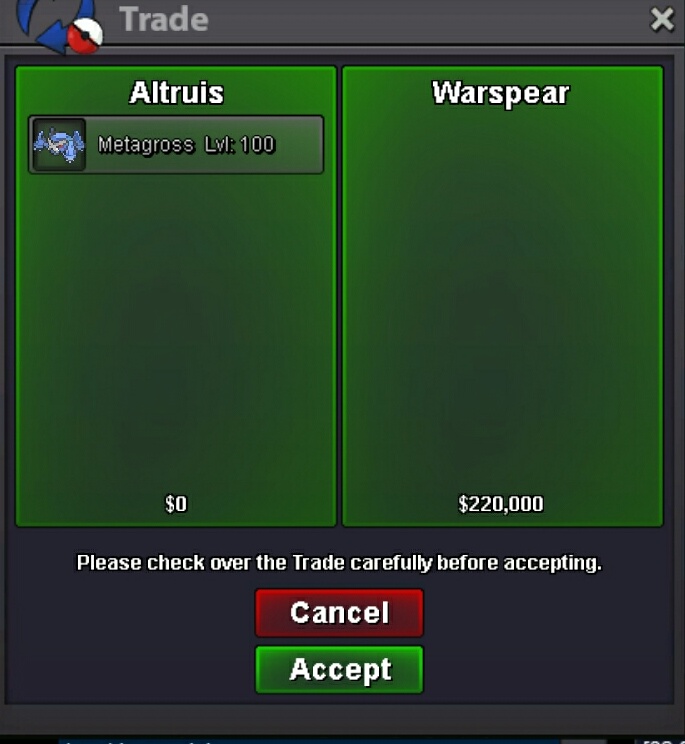
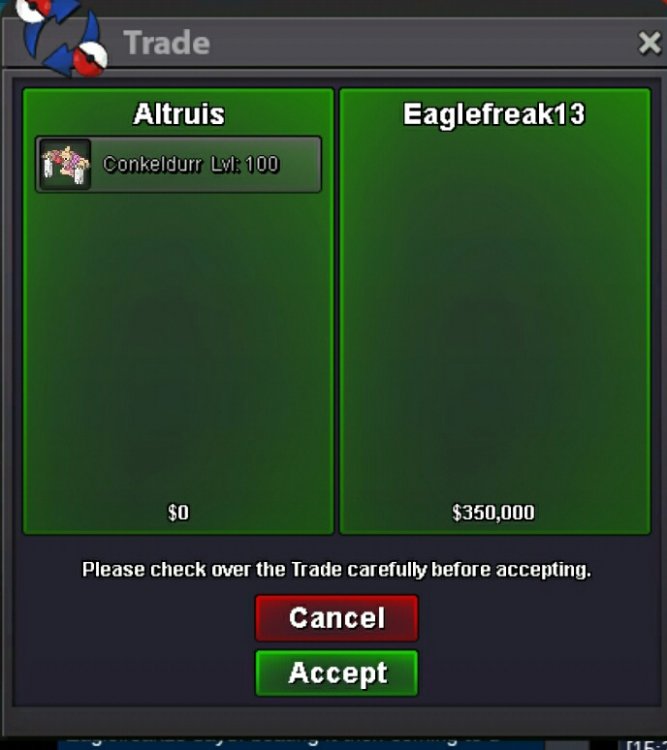
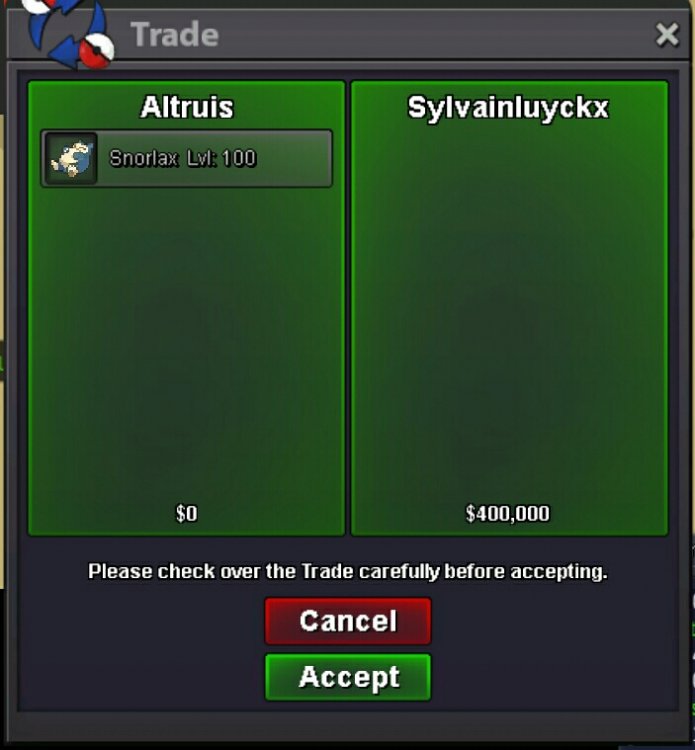
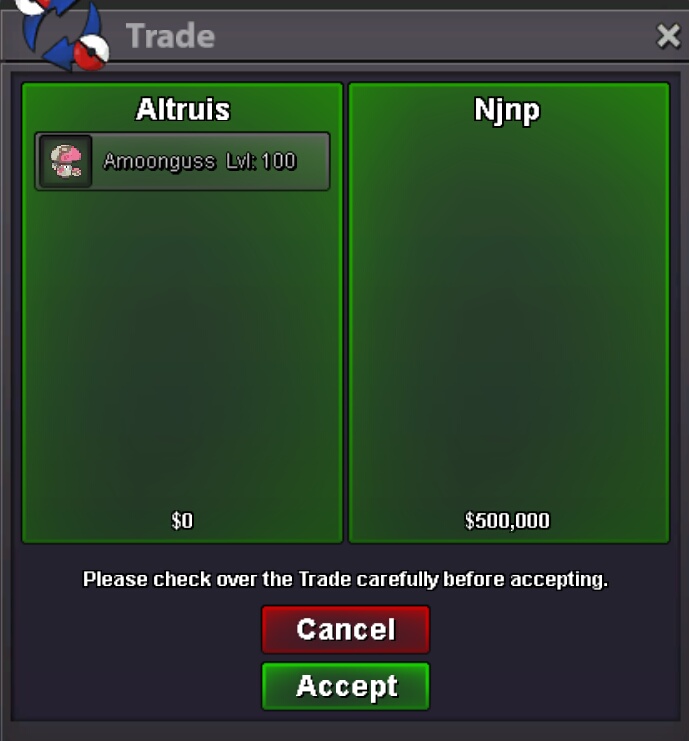
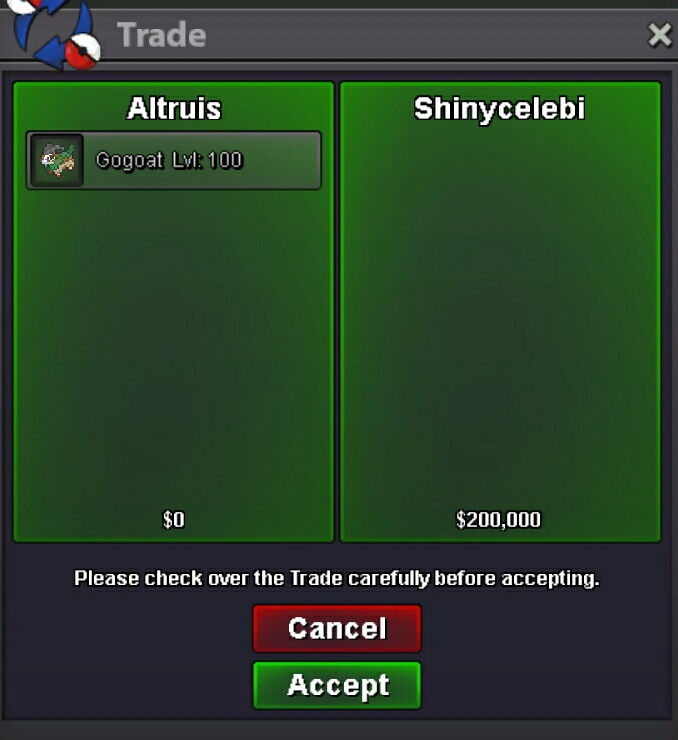
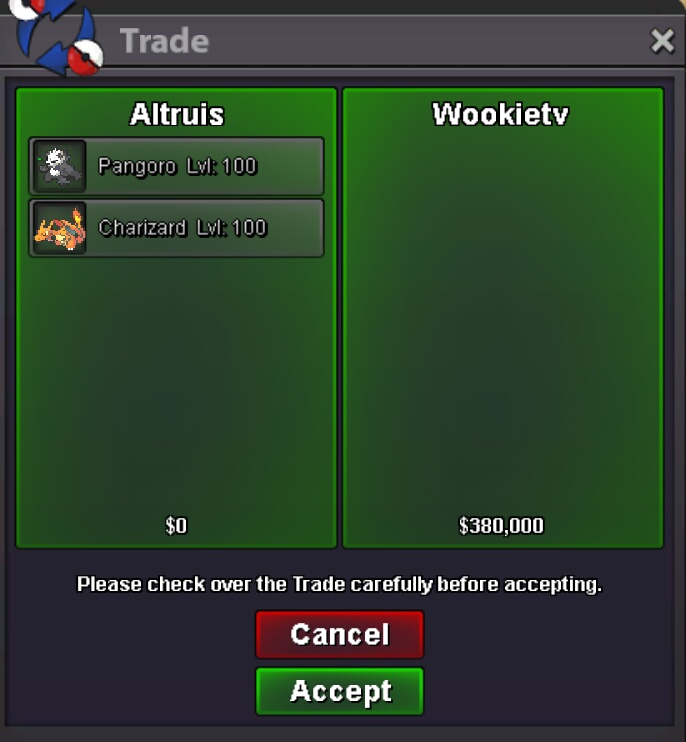
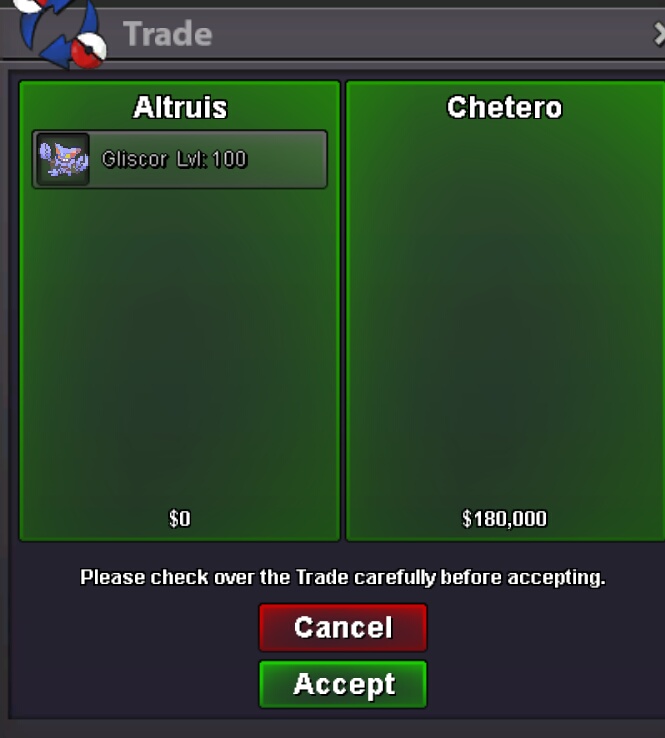
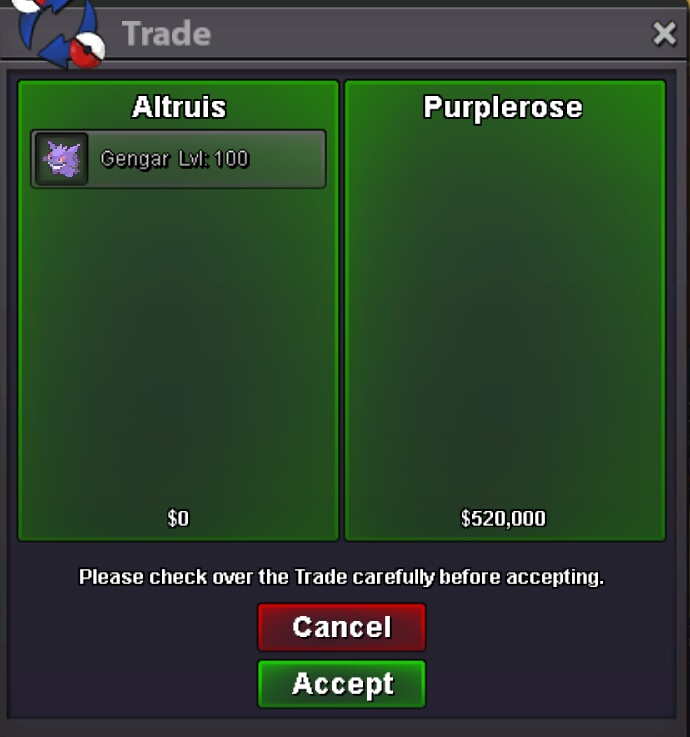
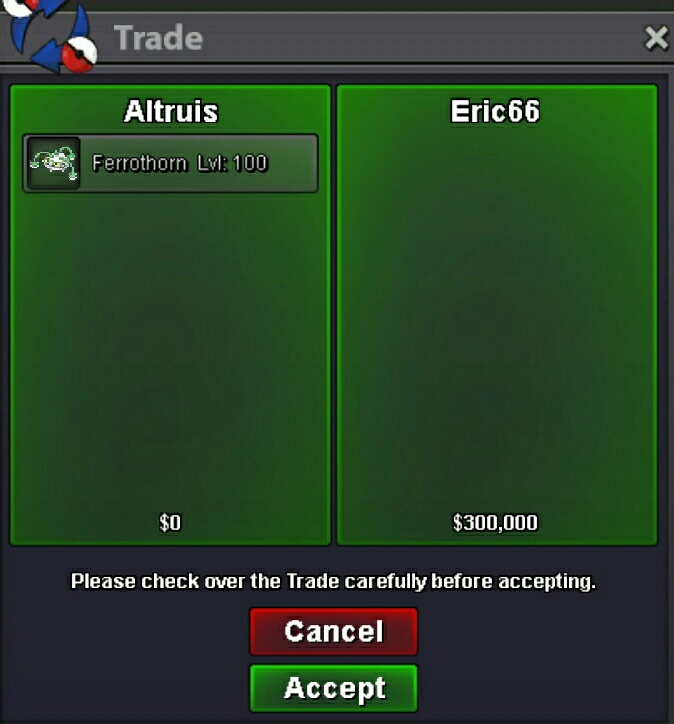
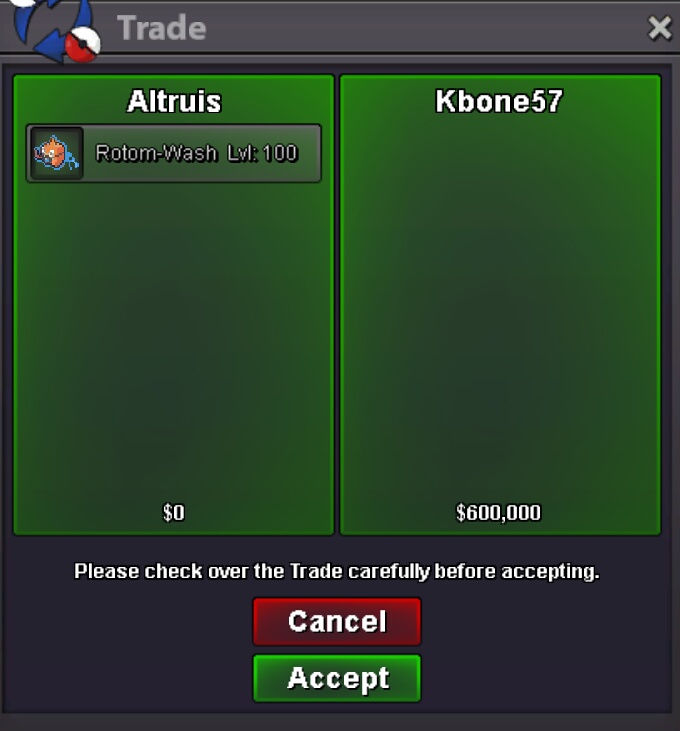
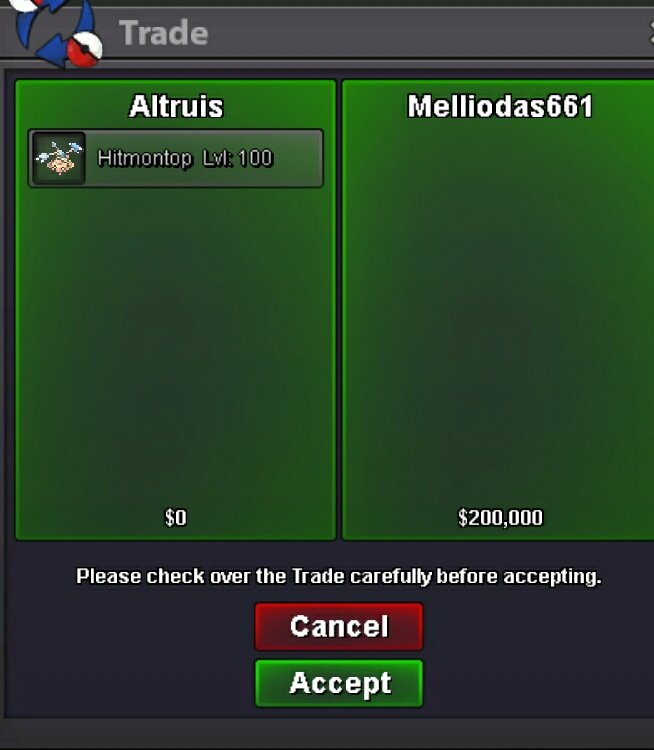
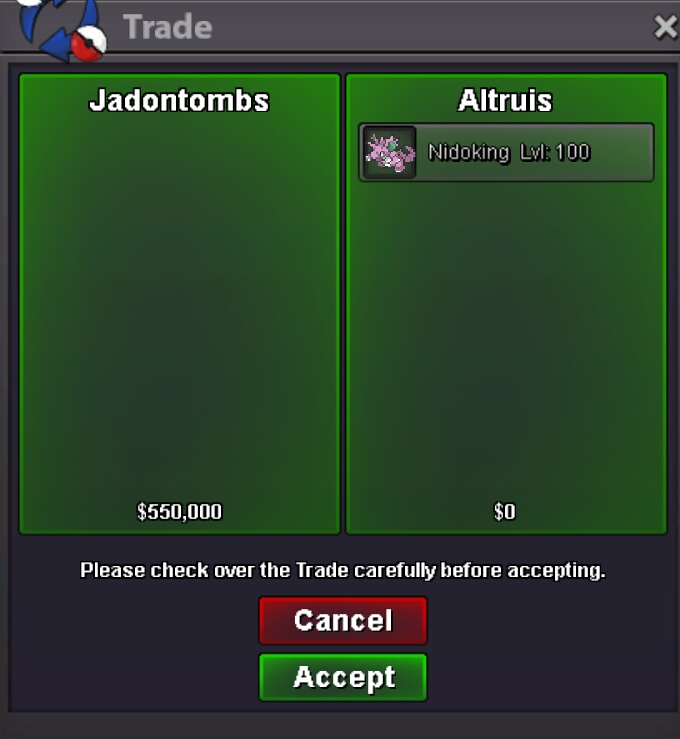
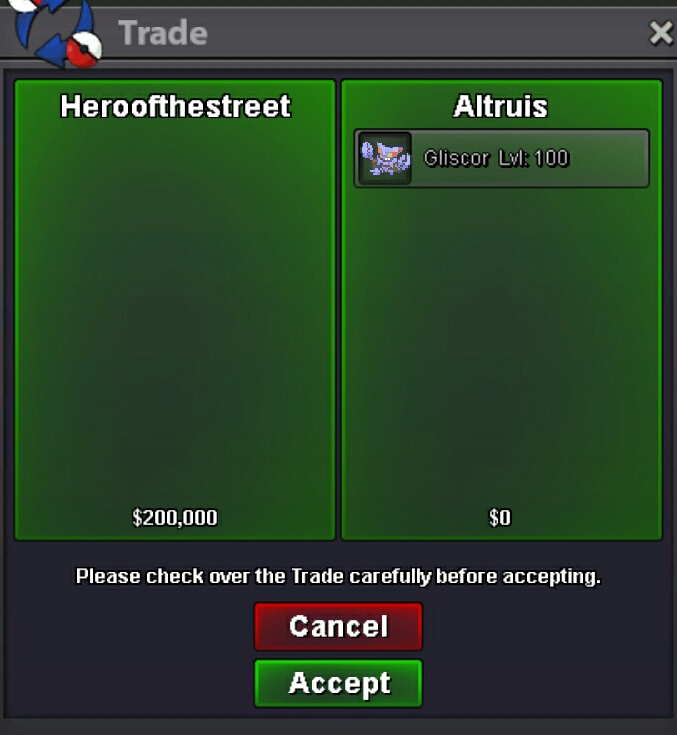
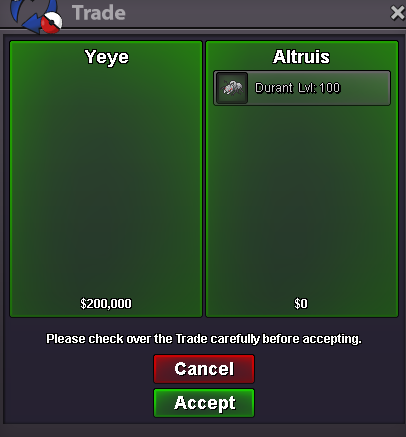
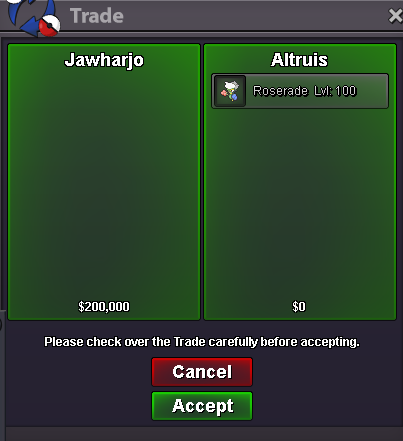
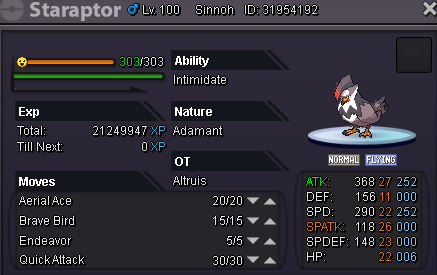
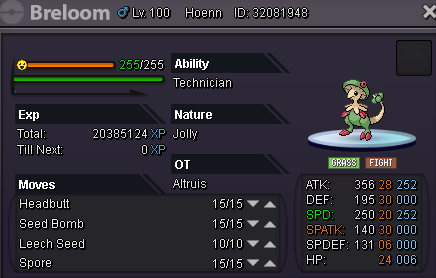
Welcome To My Personal Shop Rules: 1. Contact me with comment in this thread, or Pm ingame (IGN: Altruis) or Via Discord Altruis#7767 2. I will do not hold or save Pokemon 3. Fake Offer Will be reported How To Pay Pokedollars Coins Capsule (300k) IV's Reroll (600k) Nature Reroll (300k) 15 days (150k) 30 days (300k) 60 days (350k) PVP Pokemon [spoiler=Pvp Poke] 100k 150k 180k 180k 200k 230k 250k 280k 350k 400k 450k [spoiler=Sold Poke] all prices are negotiable* Thanks For Visiting my Shop stay tune will be updated constantly by adding new poke
.png.73eefe4987fbba3b7e4c4be4fb465ee7.png)
.png.28a0f54cb190c6e093bc9f5407344767.png)
.png.8c5029d5e4c5aa4a7b4a9c1c72fc941a.png)
.png.084be9eaa7d388a08a07b5caee973188.png)
.png.fdf8ba534c0f4e36dd62dcacc122dd6b.png)
.png.9a8dbfe0d875d917ff1cb2a494a6d803.png)
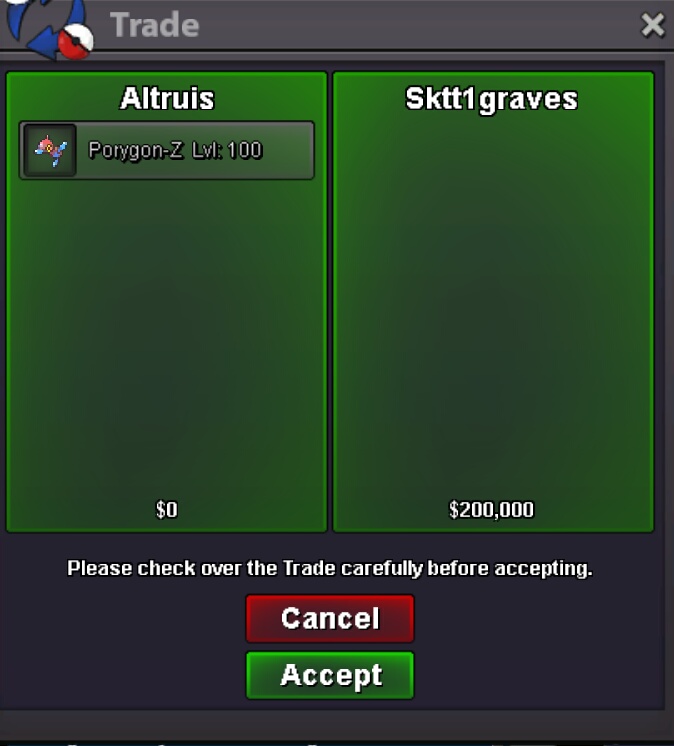
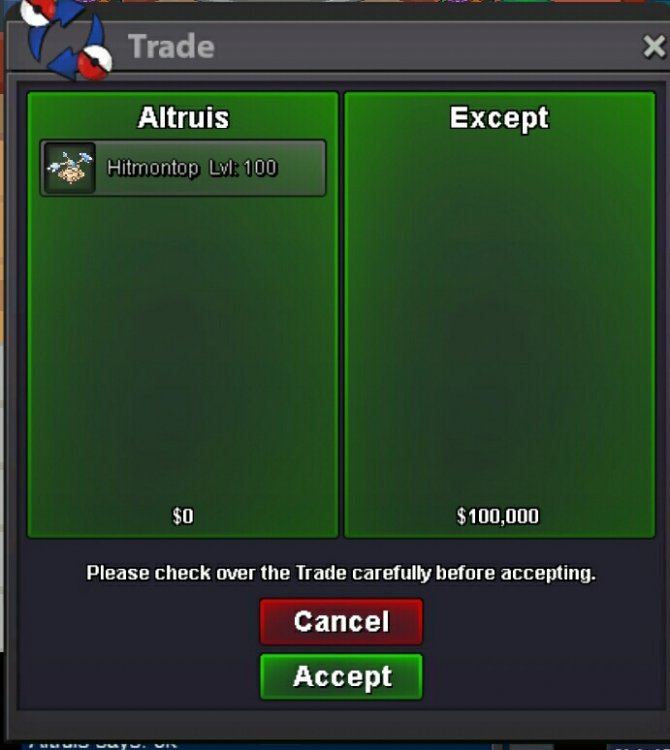

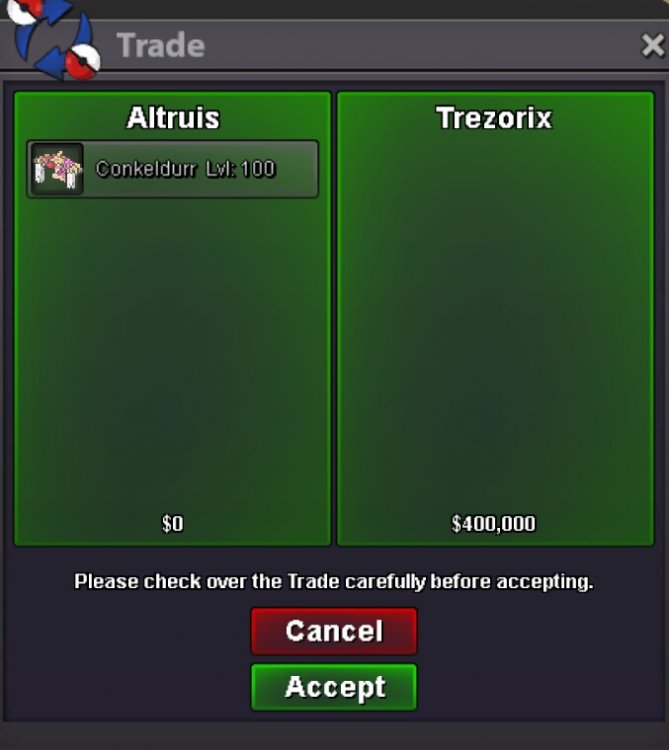
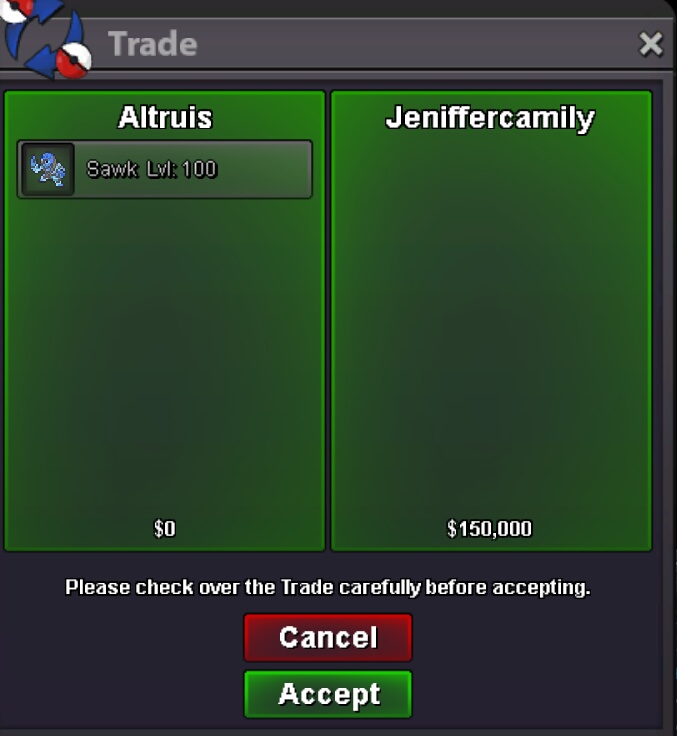



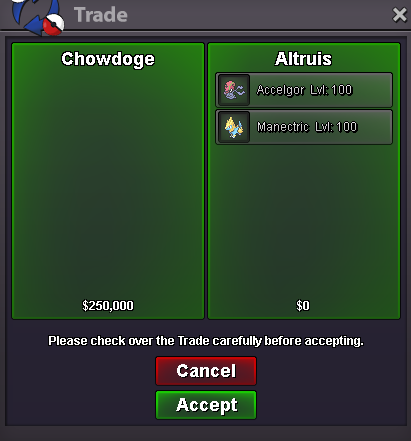
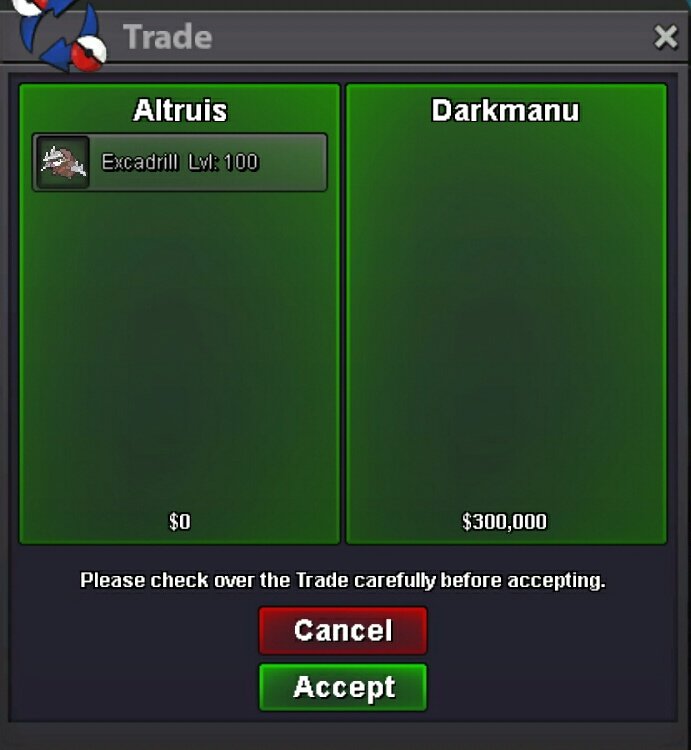
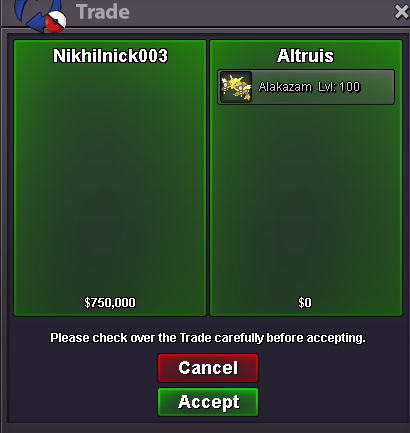

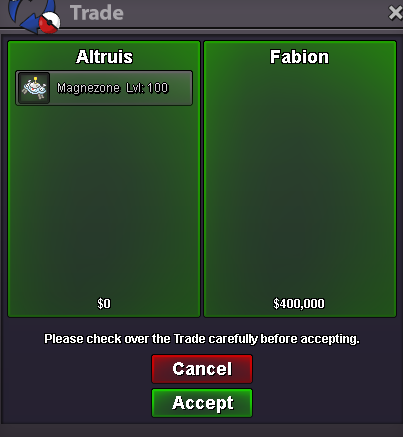
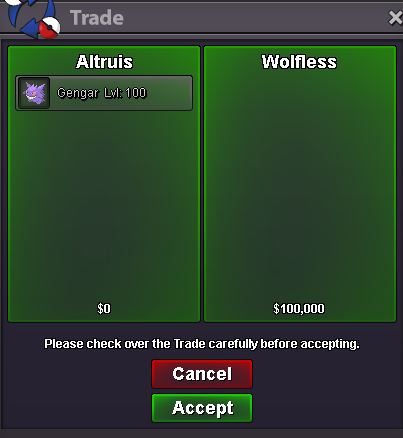

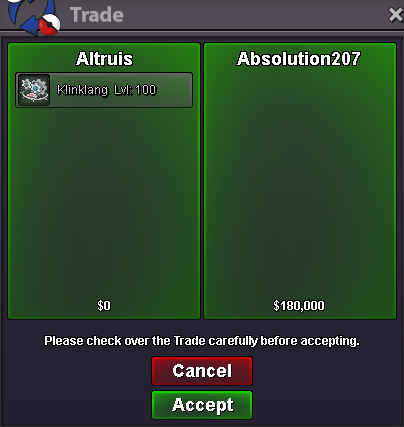
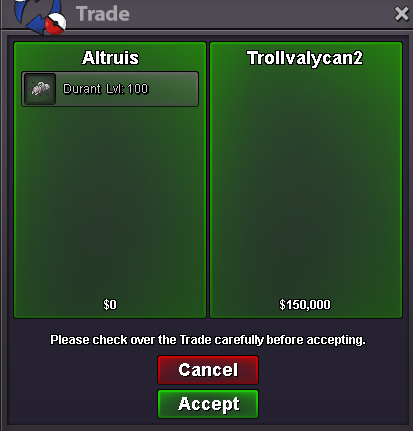
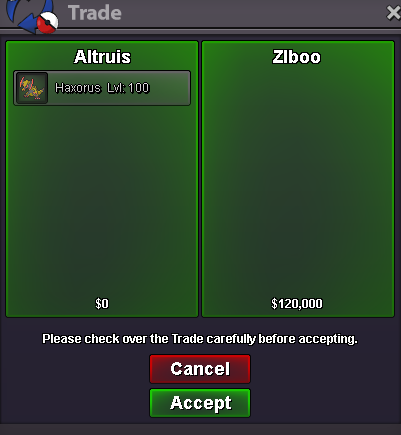

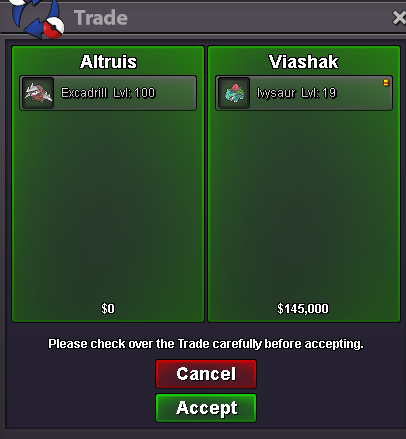
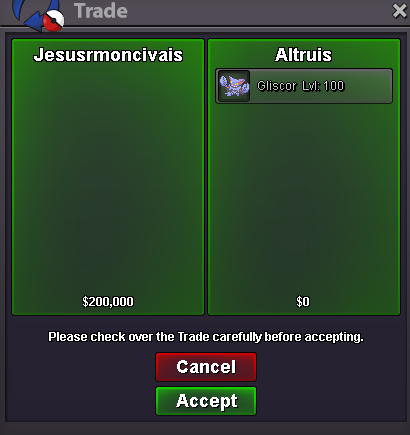


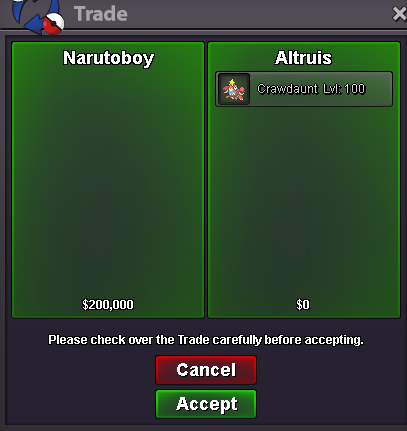
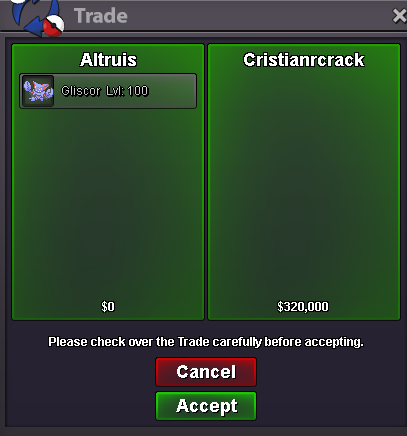
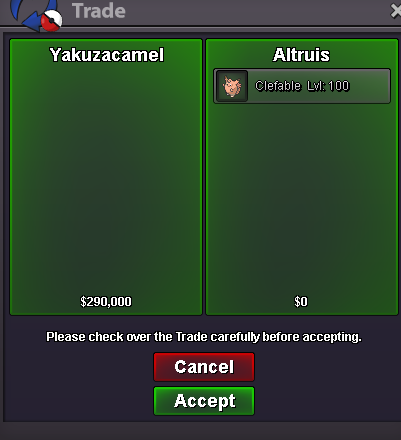
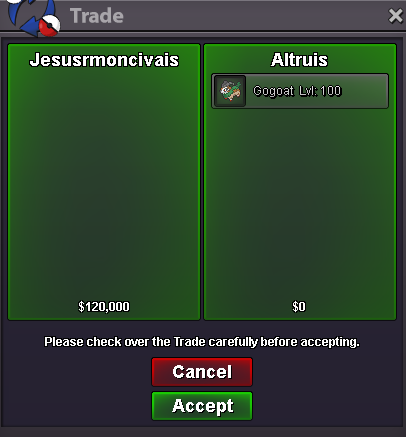
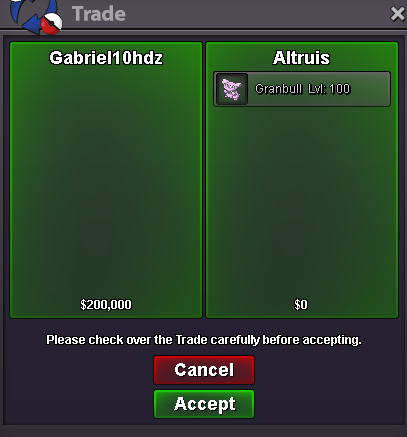
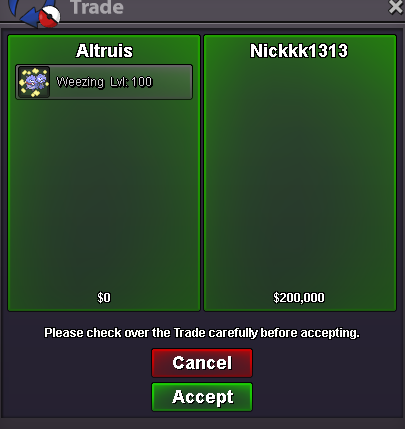

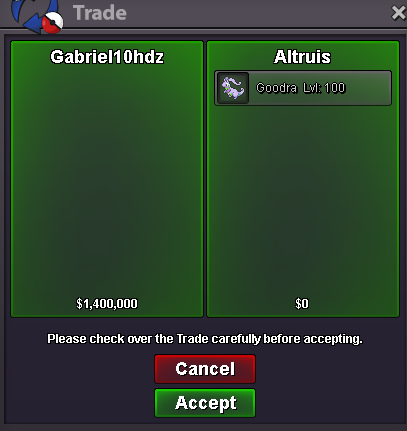

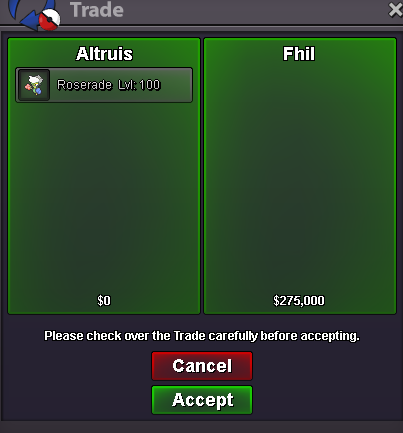
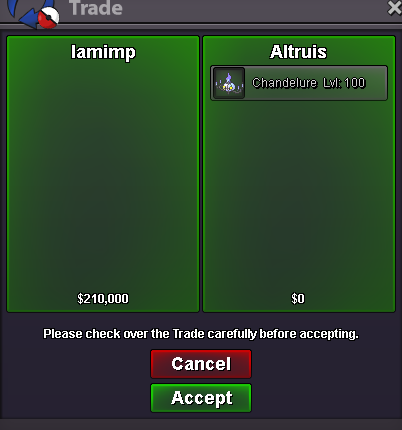
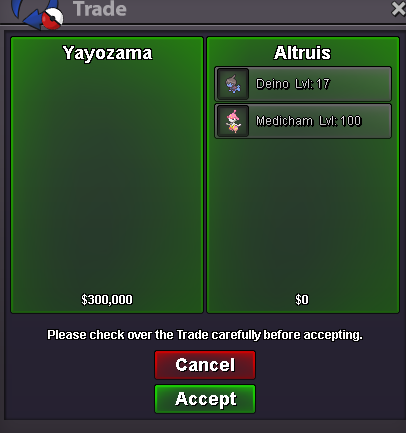
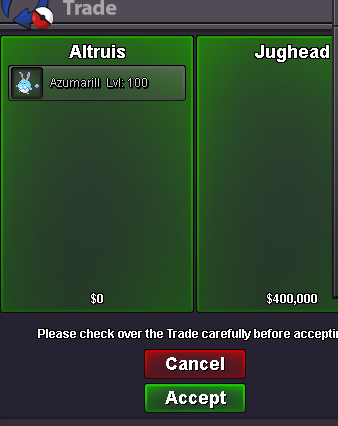
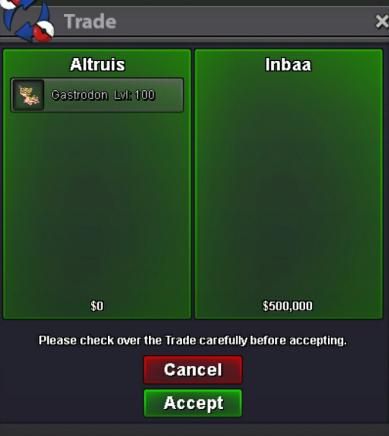
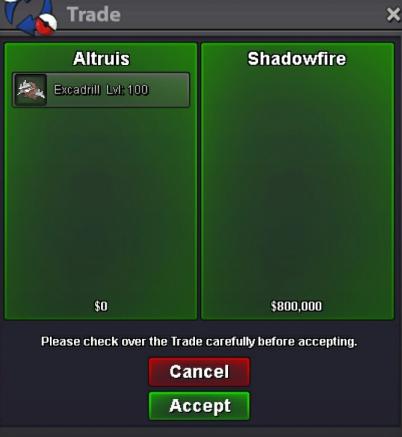
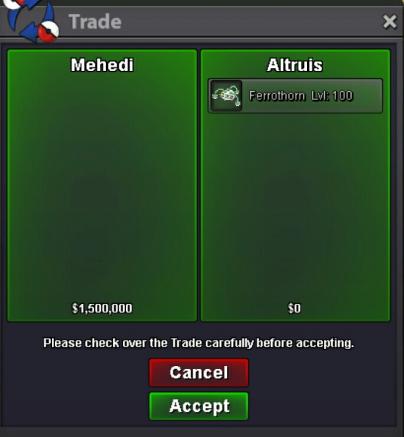





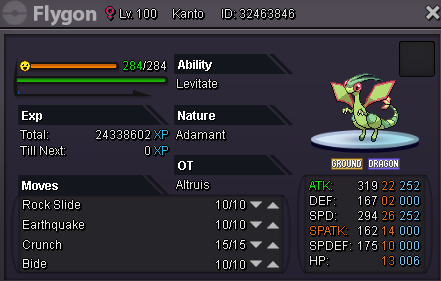
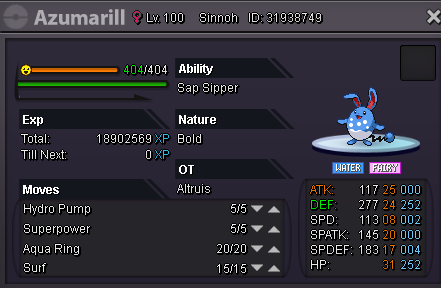
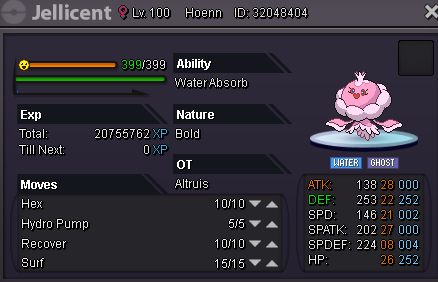
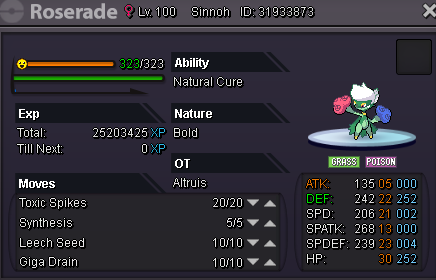
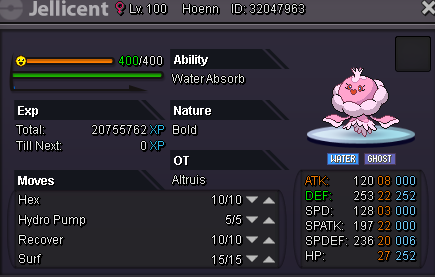

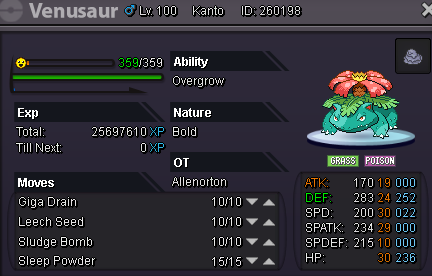
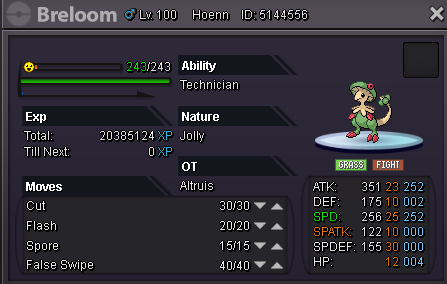
-
good luck for the tourney
-
4m2
-
cancel, sorry i thought sand rush
-
-
bump
-
buummppp
-
hi i wanna sell pvp ready adamant lucario. auction will start after the first bid, and will ends in 48hrs. minimum increase is 30k starting price = 250k insta price = 1m3 Format = Offer Ingame name You can contact me in discord Altruis#7767 or PM Ingame Altruis for make an offer

-
1m8
-
im in xD
-
i can go down for 800k