




New Trade Zone
Trade Zone is now live
Use the new Trade Zone for auctions and instant-price trades so Pokemon and item offers are easy to find.

Toshikikai
Registered User
-
Joined
-
Last visited
Everything posted by Toshikikai
-
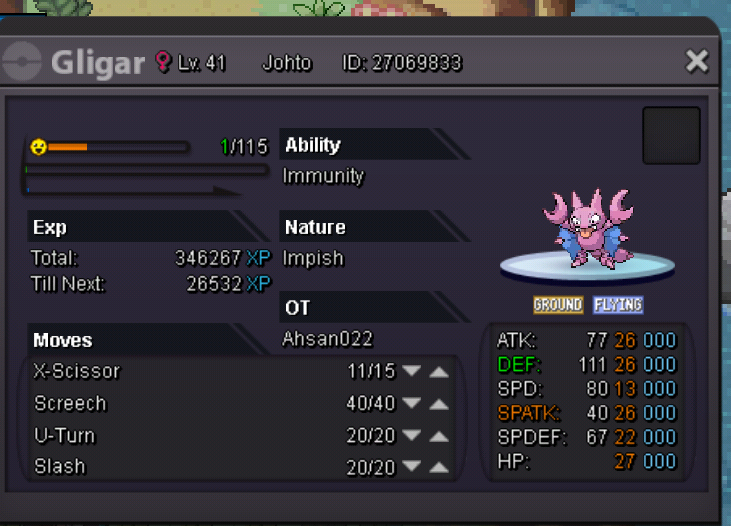
Gligar done
.thumb.jpg.5f97f8fe7f37b88004a3034ae056cc12.jpg)
-
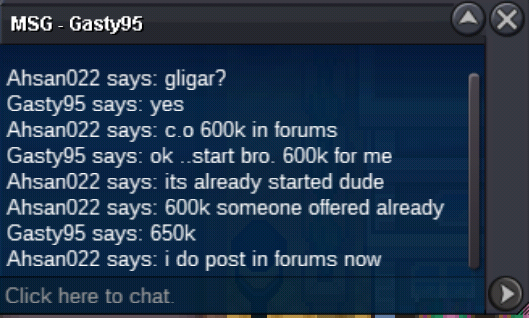
you got it...pm me in game as soon possible! gligar auction ends now as the insta price came up thanks everyone for bidding and support
-
donphan been sold can be close
-
Opps scizor sold already
-
Raise 100k in each bid as you to do bid 950k
-
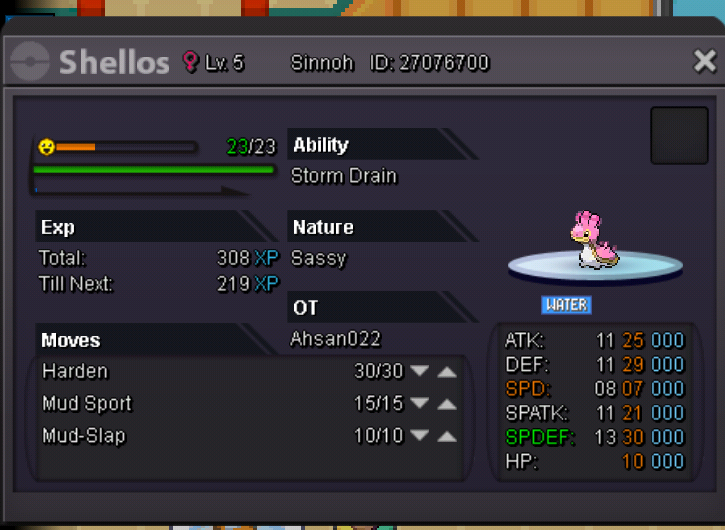
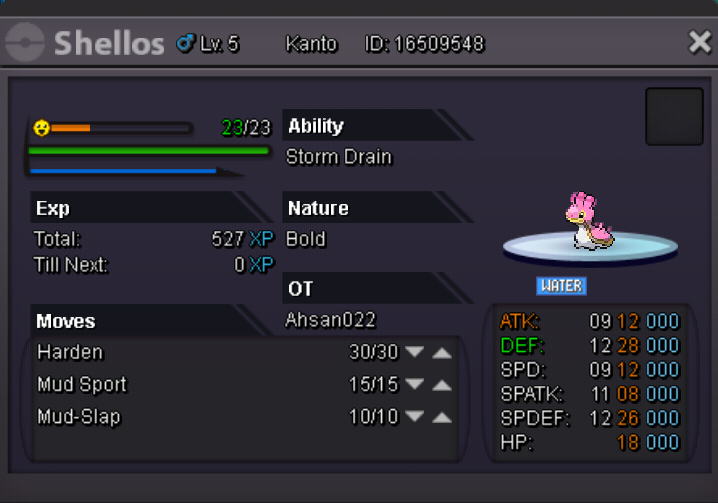
Sassy shellos sold in 100k Pic upload soon
-
Sure thingAre you selling these or buying tho?Dude thanks for reminding but I do things on my own as someone bid the count down starts thoseBump gligar started 600k 3d left since nowS.O 400k Insta 800k
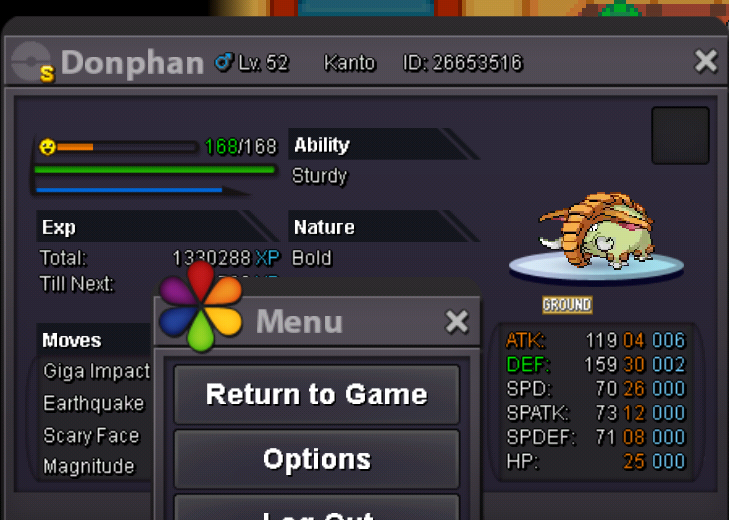 sold in game can be close now
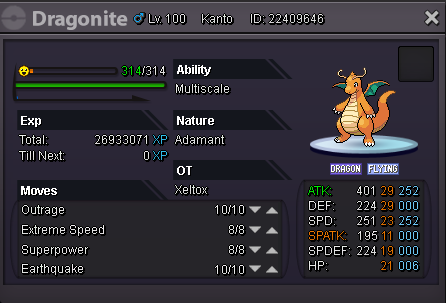
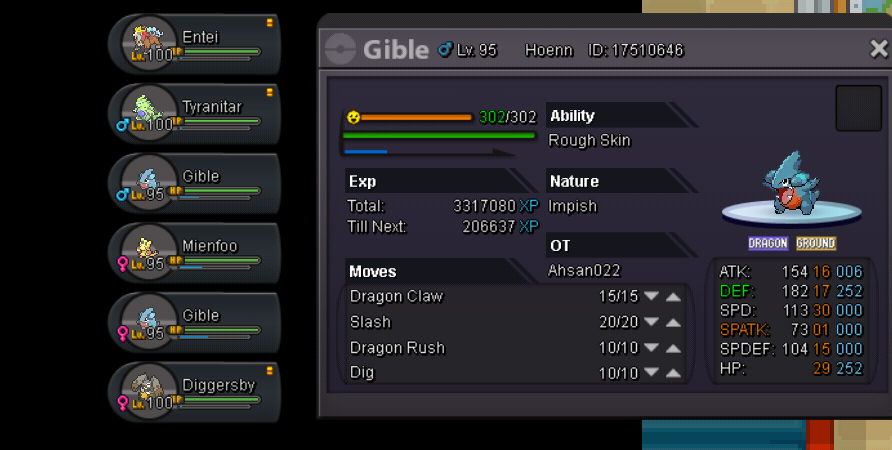
 We're UP againConkeldurr 500k Mandibuzz 400k Excadrill 600k Donphan 300k Diggersby 1m Note: Item not included and price can be negotiate pm here or on Discord AHsAN#8312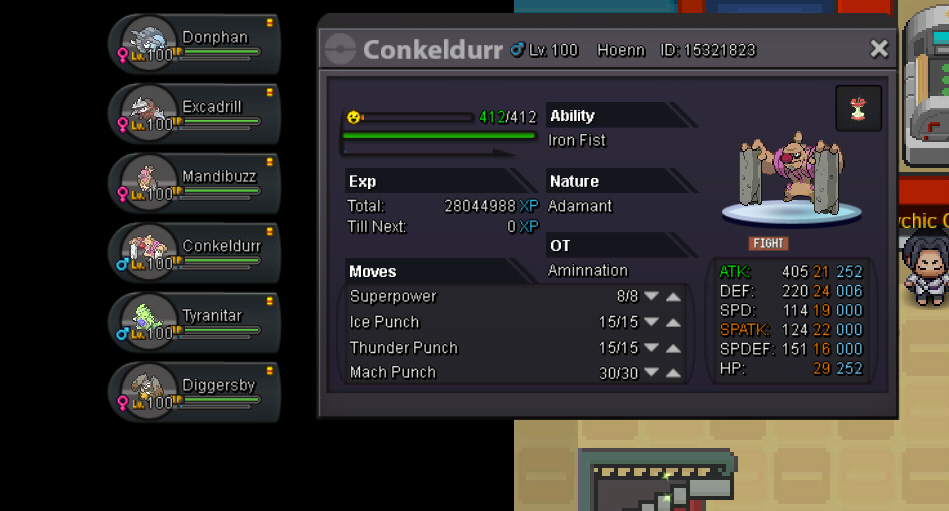
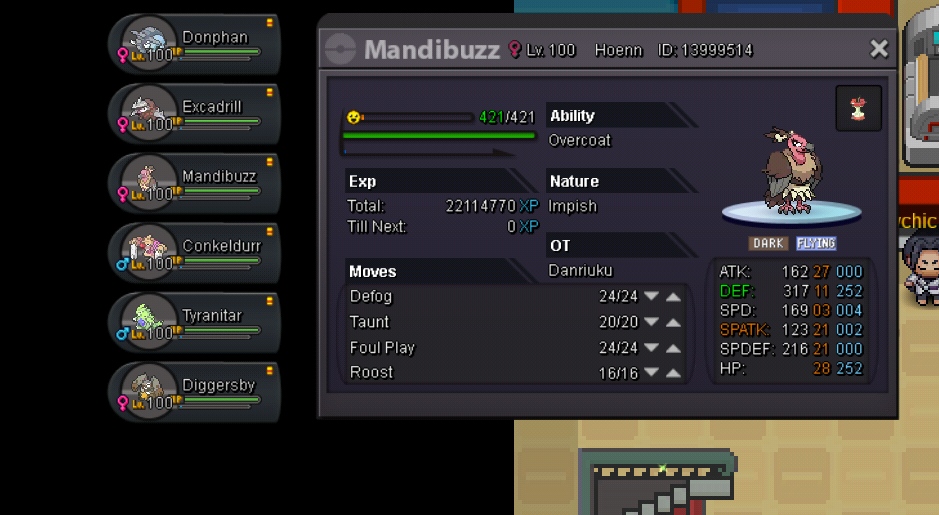
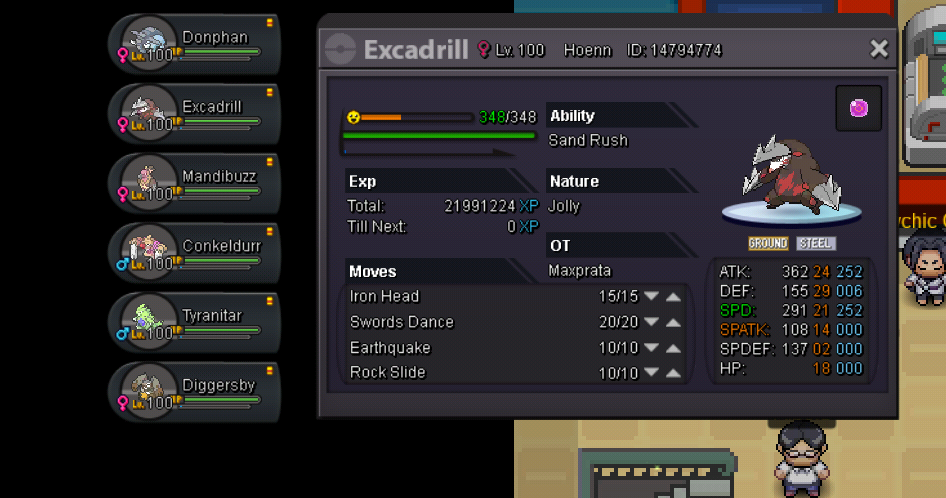
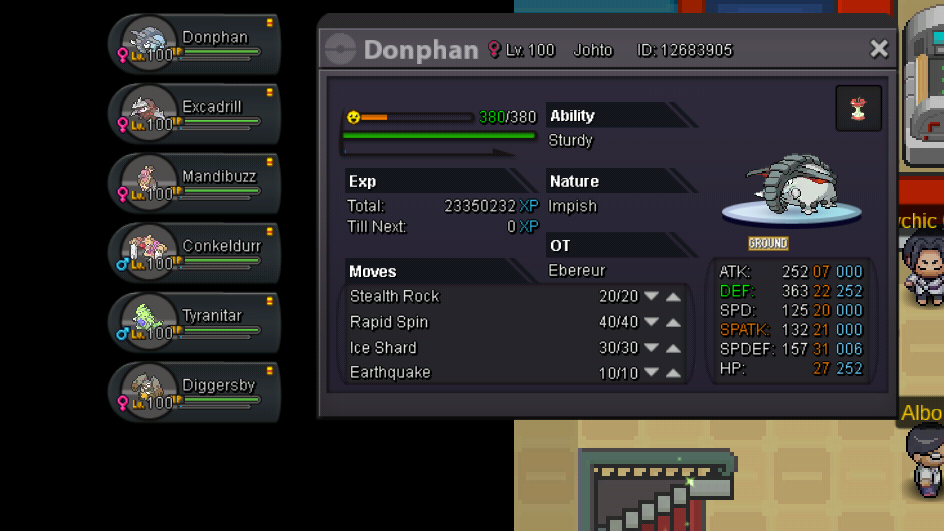
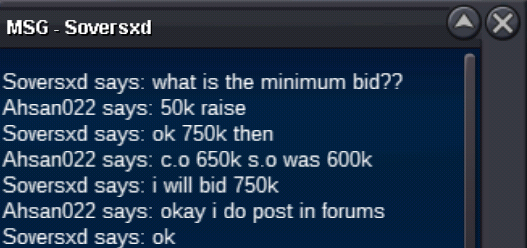
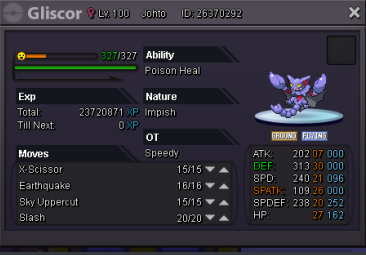
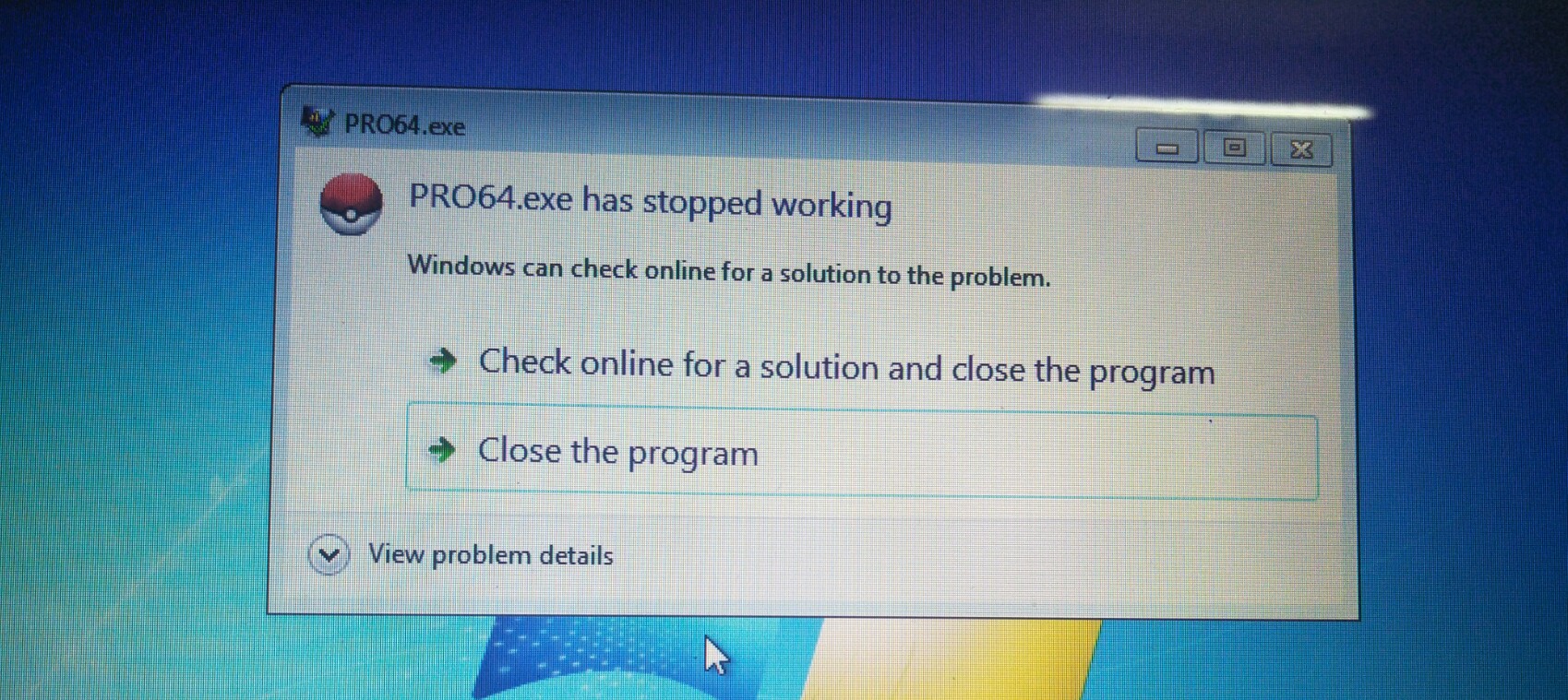
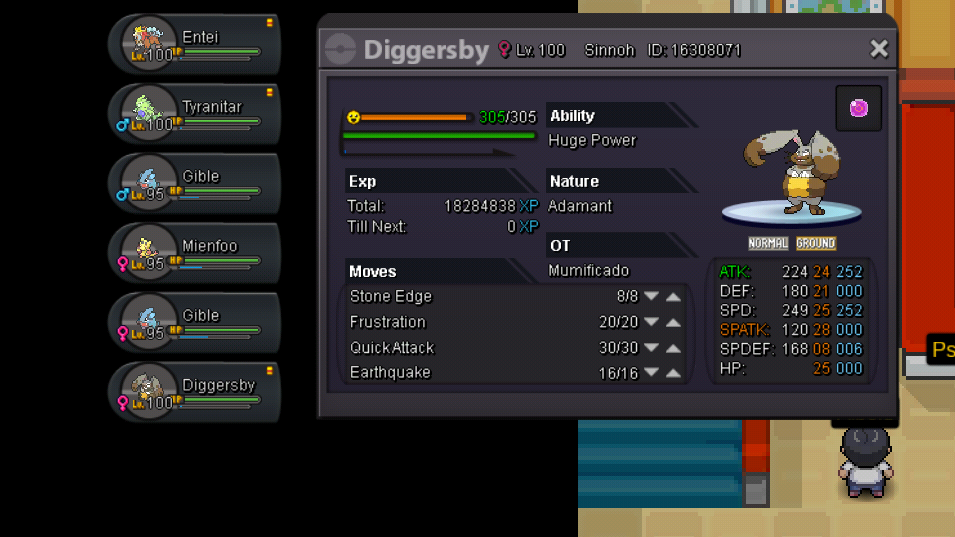 can i start starmie for 500k?Sorry for this comment but if you auctioning a poke and someone offer you in game or discord make sure you should take ss=screen shot for showing as proof otherwise will be count as false offer..just a suggestion sorry if said anything wrongJust take your time thor..would love to see your hard work..Good Luck and Appreciate itMate if it still available i'll buy ferro,crawdaunt, gliscor and gengar...Pm in game or discord: AHsAN02#8312Error in pro keep closing.what to do?
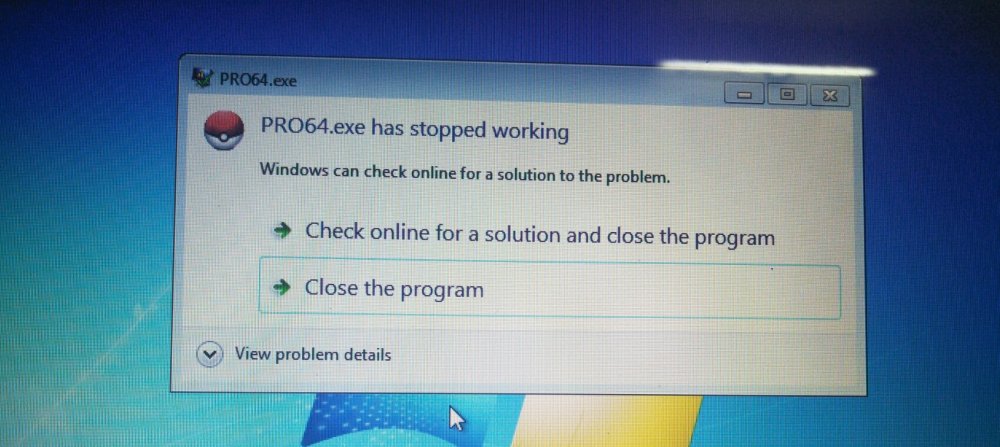 My bit is 32 windows 7 not 64
.jpg.81c48d9abe3414b86326844786efdc09.jpg)


Account
Navigation
Search
Configure browser push notifications
Chrome (Android)
- Tap the lock icon next to the address bar.
- Tap Permissions → Notifications.
- Adjust your preference.
Chrome (Desktop)
- Click the padlock icon in the address bar.
- Select Site settings.
- Find Notifications and adjust your preference.
Safari (iOS 16.4+)
- Ensure the site is installed via Add to Home Screen.
- Open Settings App → Notifications.
- Find your app name and adjust your preference.
Safari (macOS)
- Go to Safari → Preferences.
- Click the Websites tab.
- Select Notifications in the sidebar.
- Find this website and adjust your preference.
Edge (Android)
- Tap the lock icon next to the address bar.
- Tap Permissions.
- Find Notifications and adjust your preference.
Edge (Desktop)
- Click the padlock icon in the address bar.
- Click Permissions for this site.
- Find Notifications and adjust your preference.
Firefox (Android)
- Go to Settings → Site permissions.
- Tap Notifications.
- Find this site in the list and adjust your preference.
Firefox (Desktop)
- Open Firefox Settings.
- Search for Notifications.
- Find this site in the list and adjust your preference.