




New Trade Zone
Trade Zone is now live
Use the new Trade Zone for auctions and instant-price trades so Pokemon and item offers are easy to find.

Zyncro
Registered User
-
Joined
-
Last visited
-
-
+1 I send sugerence in forum
-
Is necessary add now the command memberlist and inspect because the leader guild can see all members what need up ranking pvp
-
7m+ reroll iv
-
7m
-
5.5m
-
4m
-
Add me dc zyncronia#3350 because is more easy coordination trade
-
Zyncro changed their profile photo
-
@springhow i won? I remember what you said other people push more 300k
-
1.6m
-
Bump
-
Start Bid : 2M Min raise : 200k Insta : 5M Auction ends 48 hrs after the Start offer is met. (HRS GMT-4 / CHILE) CC: 380k Reroll iv: 750k Reroll nature: 375k Rc: no accept IGN: Zyncro Discord: Zyncronia#3350

-
I understand, i needed send poke to he judge, but send other, me error
-
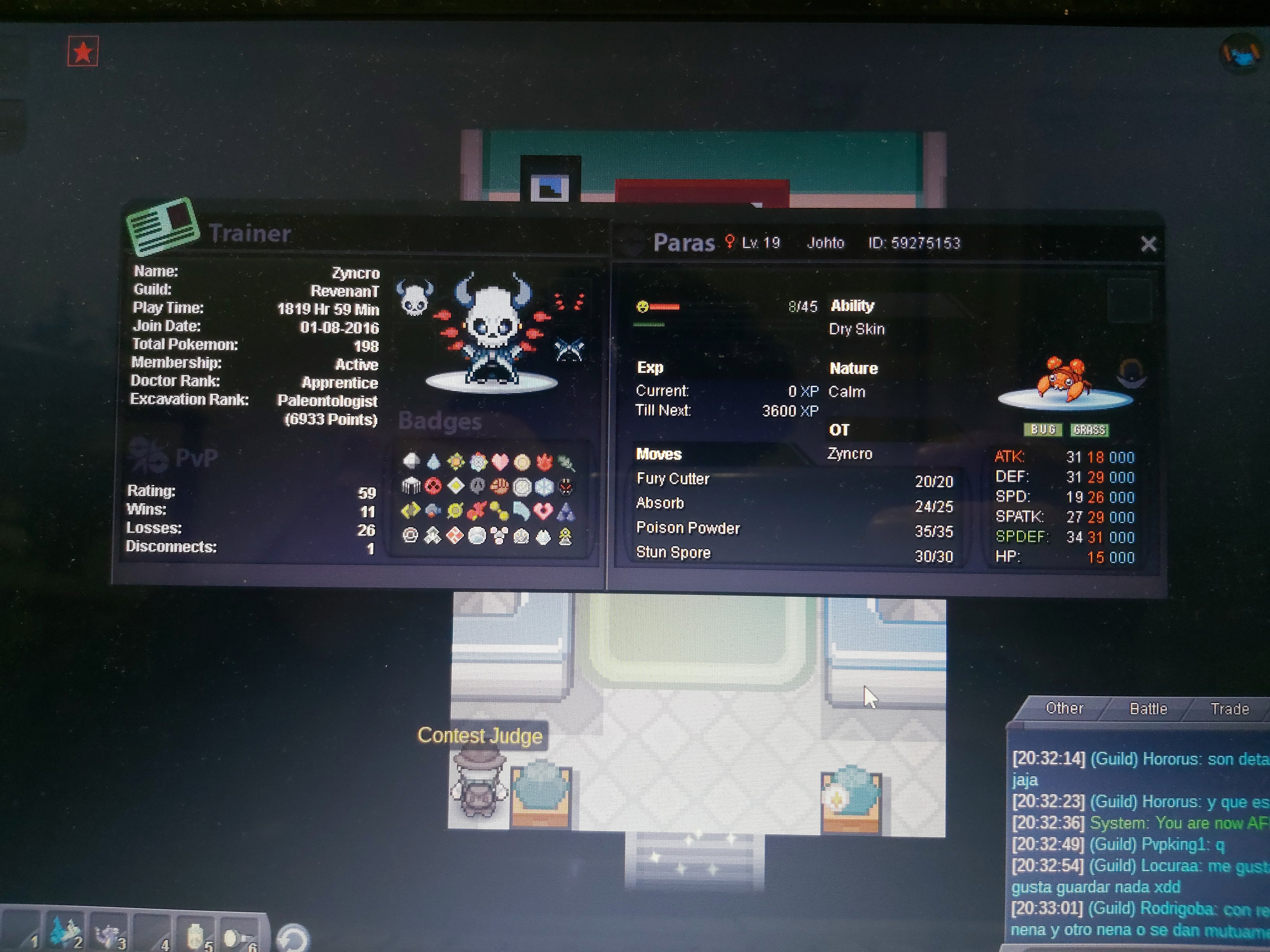
Capture en el bug catching un pokemon con 148 ivs, tengo 1800 hr jugadas mas de 300 evo y aun asi no me deja ir por genesect. Hice algo mal o algun bug o algo?
-
I think that the guild island is well designed, I would change the probability of changing the element (rain, sand, trick room, etc.) that of the 100% of changing it is divided in each zone in such a way that there is a greater probability that the This island is in constant change, this is because in the last 15 days, 5 days were trick rooms and there are some that do not appear yet. So my idea is that there is no 12% to change or not, if not that each theme has its probability, for example each theme has a 15% of appearing regardless of which one is currently

