New Trade Zone
Trade Zone is now live
Use the new Trade Zone for auctions and instant-price trades so Pokemon and item offers are easy to find.

Nemolina
Registered User
-
Joined
-
Last visited
Everything posted by Nemolina
-
Welcome! hope you enjoy the game!
-
bem vinda!
-
Glad you love it! Welcome!
-
Welcome, don't hesitate to ask any questions :)
-
thank youa ll, currently playing in yellow server, having all sorts of pokefun, really, cheers!
-
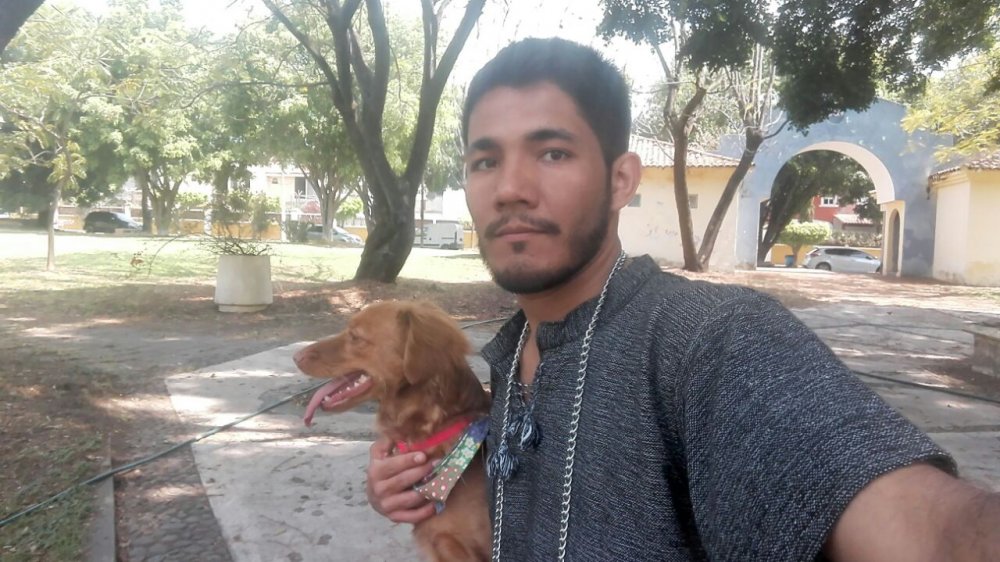
This is me most of the time tbh


-
Anybody up to date? Darn... just watched latest episode.
-
Just started watching it, i am loving it so far, it's pretty neat, well animated, clear and an appealing story. I also really wanna know what that's from on your forum signature, looks amazing
-
Alright chill dudes, it's an online game. This stuff is bound to happen.
-
Alright, I'm quite new in the game, started a couple weeks ago, enjoying it a lot. First generation player and maybe a bit of older generations, so a lot of stuff is quite new to me but it's a smooth transition. I'm from México and I'm quite into Yoga too, this game is a nice entertainment to keep oneself busy when there is nothing to do. Plus, all the nostalgia, am i right? Looking forward to enjoying more of the game and some nice community perhaps, hopefully. K, that's it, thank you for reading!