




New Trade Zone
Trade Zone is now live
Use the new Trade Zone for auctions and instant-price trades so Pokemon and item offers are easy to find.

Prasen2003
Registered User
-
Joined
-
Last visited
-
Thank you it's working now
-
The new update makes the game crash for me. After few minutes of playing it takes me back to the login screen.i lost 45k yesterday on moon because the game crashed while I encountered a Pokemon. I did not report yesterday because I thought the problem was with my internet and lots of player coming together in one place but my game is crashing even now. I checked my internet and wasn't near any other players.
-
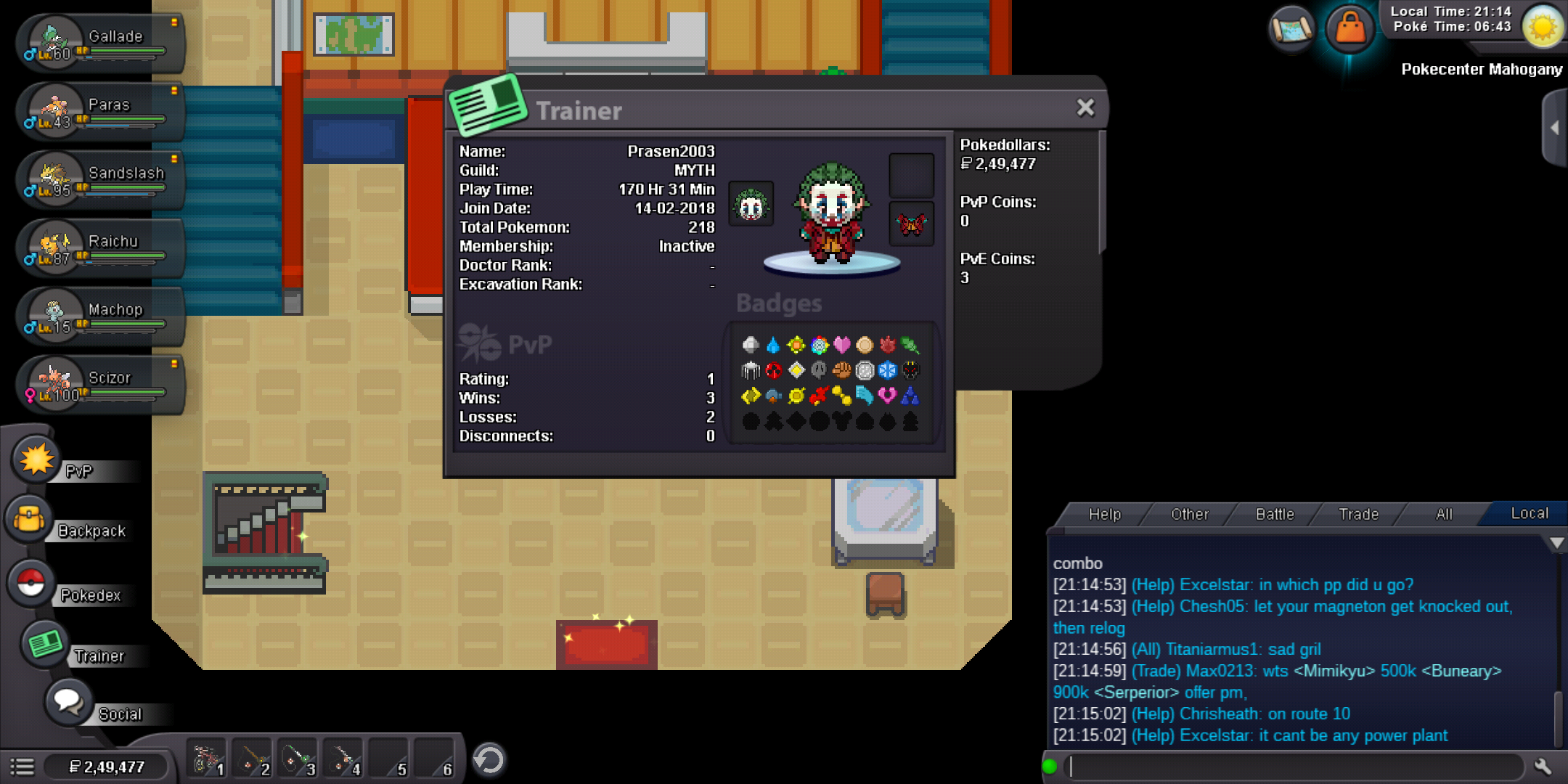
I had a mudkip in my party few hours ago.I started the game now and saw that my mudkip was replaced by a machop I got in trade with an NPC.I had put the machop in the pc and had kept a lvl100 scizor in my last slot of party it got replaced by the mudkip I had lost after a few minutes
-
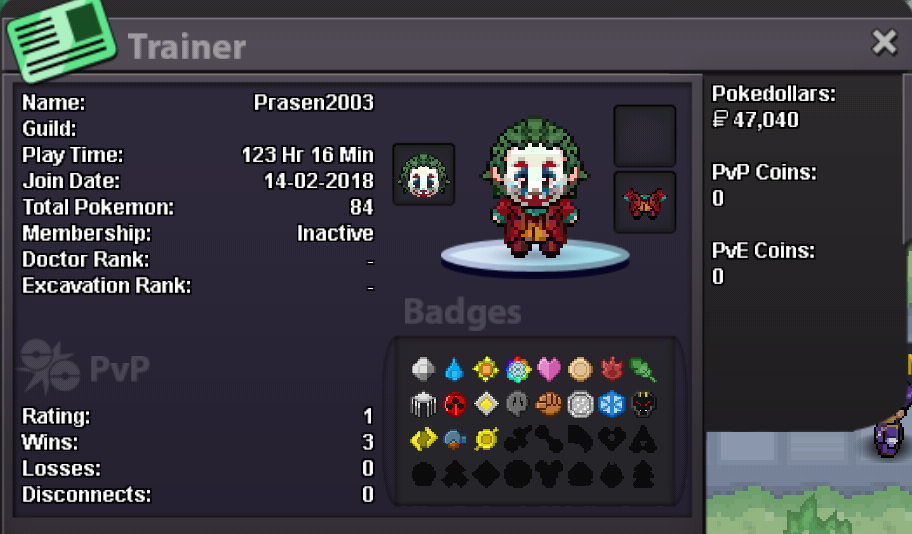
IGN:Prasen2003 Discord:prasen#5596 Timezone:GMT+5:30 124 hours of gameplay Favourite poke rayquayza I want play with friends and learn pvp
-
-
Silver server I am completing hoenn story right now I have played for a total of 123 hours Discord id:prasen#5596
