New Trade Zone
Trade Zone is now live
Use the new Trade Zone for auctions and instant-price trades so Pokemon and item offers are easy to find.

Soppie
Registered User
-
Joined
-
Last visited
Everything posted by Soppie
-
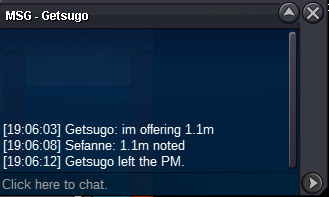
1m. Will transfer to Gold if i win
-
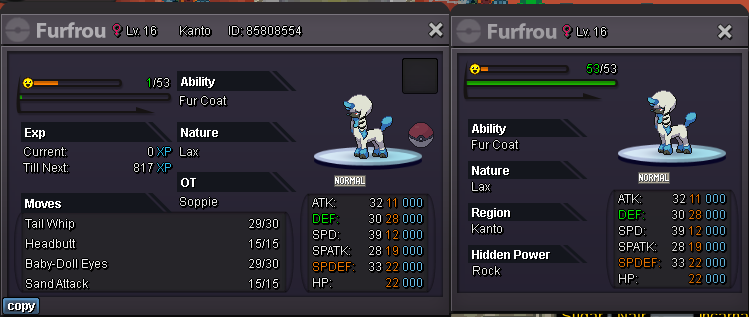
Start offer 10m min. bid 1m Auction will last for 24h after the starting bid. Accept pokedollar & CC (400k value) no insta
-
-
-
-
I just hope these halloween forms are not as rare as the summer forms. Coz my god what a grind this is
-
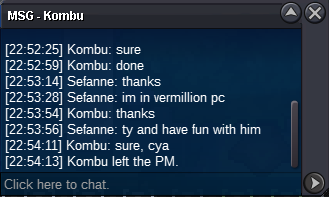
Auction closed. Congratz to the winner @Kombu Thank you all for participating. I will contact the winner via a forum dm. Thread can be closed.
-
Bump - Last hour
-
Ey I got a couple for you. I tried to get one myself too to beat some bosses with. I can't log in the server though, for some reason. Idk if the servers are down or anything, if so, pm me when they are up. Ingame name SefanneAuction Start Friday 22:49 GMT +2 Auction Ends Sunday 22:49 GMT +2Starting Bid 500k Mininum bid increase: 50k Auction will run for 48 hours after the first bid
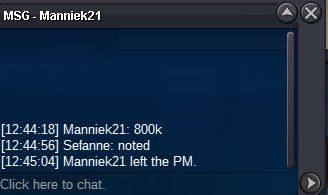
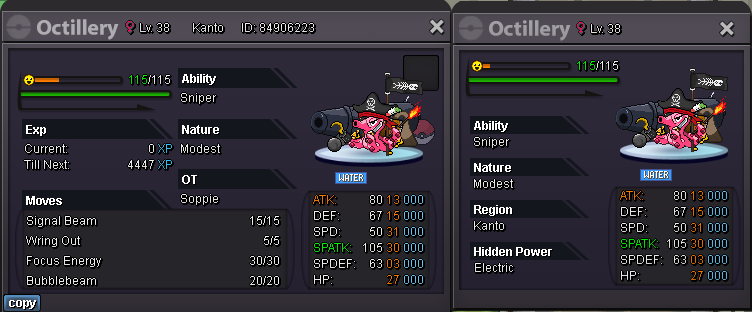 bump. insta 600kif interested place an offer here. I will PM you ingame if I acceptRe: CHRONOS (International Guild) Recruiting 17+! <t>1. Tell us about yourself!<br/> I'm Jamie (Male), 23 years old and live in the Netherlands. I believe if we work together as a team the game is alot easier for everyone to grow strong and succeed.<br/> <br/> 2.What is your nickname in PRO? What server you're playing at? (Red/ Blue)<br/> Soppie, red.<br/> <br/> 3. How many hours of game play do you have (check your trainer card)? How many badges do you have?<br/> 359 hours, 24 badges.<br/> <br/> 4. How old are you? Where do you come from?<br/> 23, Netherlands.<br/> <br/> 5. What is your ambition/ final objective in PRO?<br/> 2nd Priority is to climb the ranked ladders by catching great pokemon and gaining game knowlegde. 1st priority is to have fun.<br/> <br/> 6. Why should we accept you into the Guild?<br/> I'm helpfull, honest and trustworthy. Also I'm online alot and I know Aymanex15.<br/> <br/> 7. Have you in the guild before or maybe you in the guild right now? and tell us the reason that you left.<br/> I've been in the Shadows guild but left because of inactivity.<br/> <br/> 8. What is your favorite Pokemon? Why?<br/> Darkrai. I like ghost pokemon and this one is the best.<br/> <br/> 9. Are you able to visit our Discord Group?<br/> I am.<br/> <br/> 10. Are you able to follow PRO Rules and Guild Rules?<br/> Yes.</t>Alright add me ingame and we make this happen when will u onl? i'm fed up with waitting :Cry: Ive been trying to add u for days, I'll log in right now and try againAlright add me ingame and we make this happensounds like a deal to me! Add me ingame and we take care of itRe: Soppie's Shoppy - New Pokémon added! <t>Added Murkrow, Aipom, Shiny Tentacruel, Chansey, Pineco, another Pineco, Seedot, 2 Staryu's, Eevee, Murkrow2, Magnemite & Abra</t>Found an Aipom and Starly in Azalea TownRe: Soppie's Shoppy - New Shinies added!! <t>Updated Alakazam, Abra, Rhyhorn, Duskulls, Shuppets, new shinies & More!</t>Re: Soppie's Shoppy - Ghost Town <t>Updated</t>