New Trade Zone
Trade Zone is now live
Use the new Trade Zone for auctions and instant-price trades so Pokemon and item offers are easy to find.

Alphrodia
Registered User
-
Joined
-
Last visited
-
2m from me
-
1. What's your Player name (IGN)? Alphrodia 2. Number of hours played? 4467hr 3. What's your favorite Pokemon? Dedenne 4. What do you enjoy doing the most in PRO? (Hunting, Dungeons, PvP, trading, etc) mostly hunting/trading but can do pvp just not hardcore xd 5. How long have you been playing Pokemon? (Optional) more than 10+ years 6. Favorite ice cream flavor. (Optional) Caramel
-
Alphrodia changed their profile photo
-
http://prntscr.com/jpddy7
-
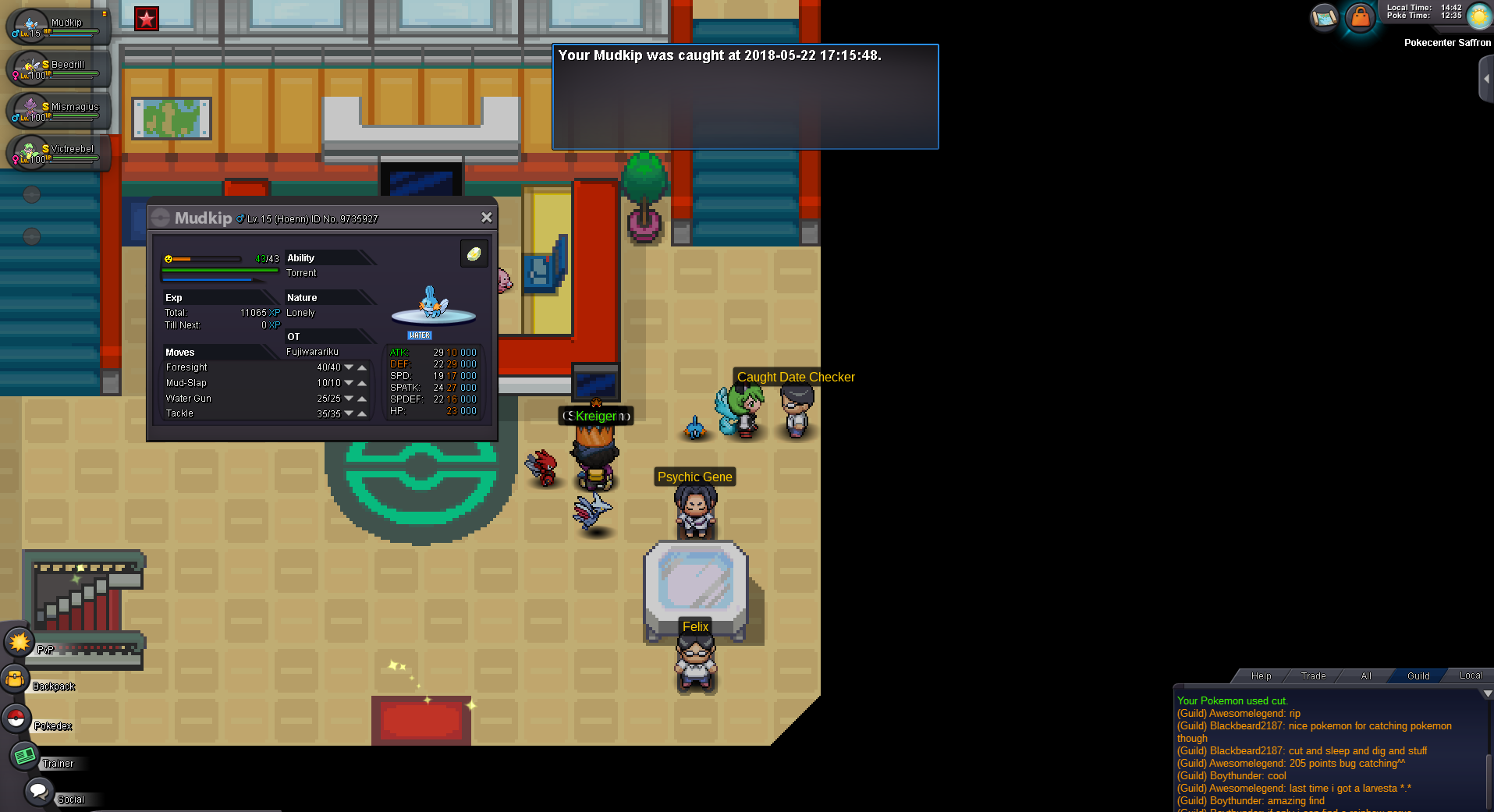
Normal Npc NPC name : Aphrodia Dialogue : Let's celebrate~ It Christmas time \(^.^)/
-
name of the guild? Generation Of Miracles/ pfft xD
-
Re: Please dont put coins to change ivs <t>Shane you better reconsider not to make that item into the game <br/> it will ruined the trade <br/> so sorry, cant agree this one ~('.'~)</t>
-
?? dare ??
-
Welcome back then ~('.'~)
-
just w8 a little longer then gonna fixed it
-
Fujiwarariku GMT +9
-
just click on latest client download above :3
-
Sigh,guess you better take care of your health 1st tyvm for always put you effort in this game *bow* \(^o^)/
-
Re: yoyo's lvl 50 superfast daycare <r>guess im gonna use this service soon <E>:Smile:</E></r>
-
Re: Wedding in Pro ! <t>Woah.okay</t>
-
Members Smartest: Pengin Friendliest: Doctor6 Funniest: Piyunation Coolest: BallzOfSteel Best Debater: Seibuza Best Forum Artist: Somes Comeback Player of the Year: Skullbash Most Attractive Male: Doctor6 Most Attractive Female: Madact Most Talkative: Garvas Most Trustworthy: Fresharn Most Helpful: Hazu Most Potential: Liena Most Missed (who parted from PRO this year but hasn't returned): Kisaelolicon,Peacekitty Most Influential (good or bad, who made the biggest impact on the community this year?): Fuyukamui Most Intriguing (a player that manages to capture your attention for some weird/unique reason):Raimei Staff Best Admin: Arnie Best DEV: Shane Best GM: Bhardis Best Artist: Best Mapper: Best Scripter: Chappy Best CC: Neva Most Professional Staff: Deathwing Most Friendly Staff: Saxio Most Dedicated Staff: Deathwing Most Honorable Former Staff: Trainers/Guilds Toughest Battler: Zierheim Best Collector: Doggy Most Dedicated Hunter: Fresharn Most Generous: Destinykeat Best Businessman: Coldboy Best Daycare: Mrosi Strongest Guild: Most Fun Guild: Top Guild Leader: Doggy