New Trade Zone
Trade Zone is now live
Use the new Trade Zone for auctions and instant-price trades so Pokemon and item offers are easy to find.

Lkaory
Registered User
-
Joined
-
Last visited
-
start . 200k
-
....
-
-
-
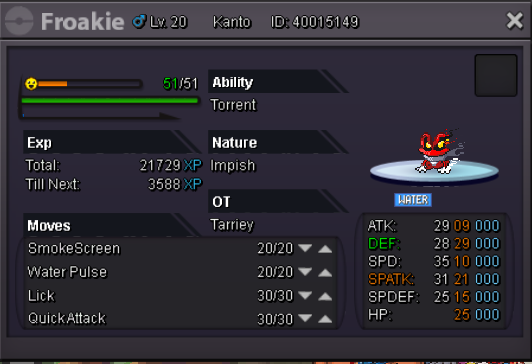
I trade him for another tier 8 pokemon event.
-
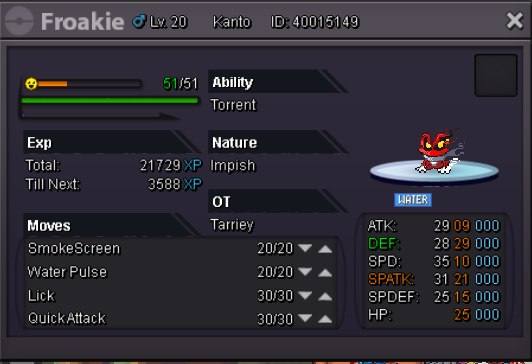
Seeing or exchanging him for the best offer I get by the end of today. Minimum price for sale or exchange of 1.4m. I accept exchange for another pokemon event. (easter togepi / evo, hallo ralts / evo, hallo larvitar / evo, hallo fennekin / evo, hallo togepi / evo, xmas skitty / evo, valentiny budew / evo valentiny luvidisc)
-
I give up
-
-
-
i buy for 1 m
-
-
Silver server crashed again and now I was in bug catch :( had just entered couldn't catch anything
-
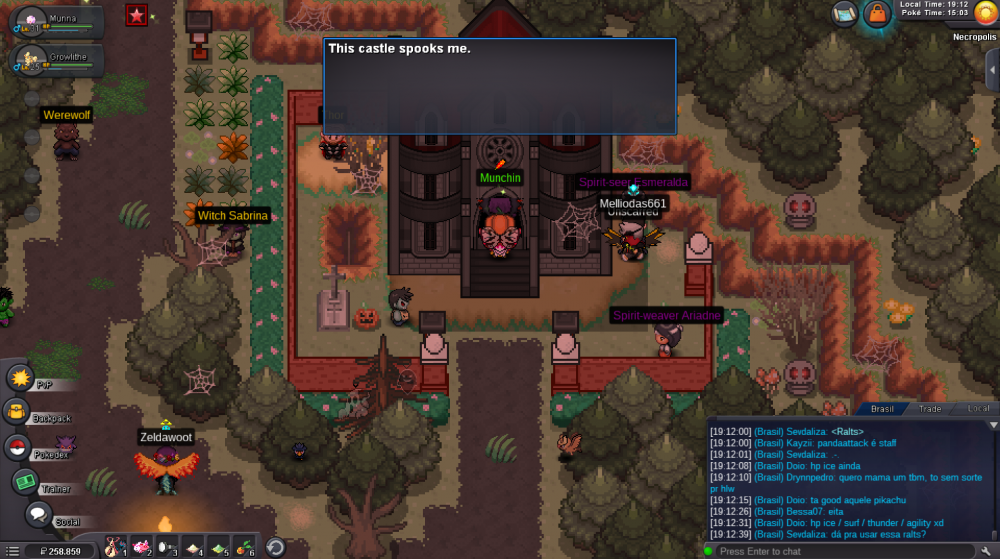
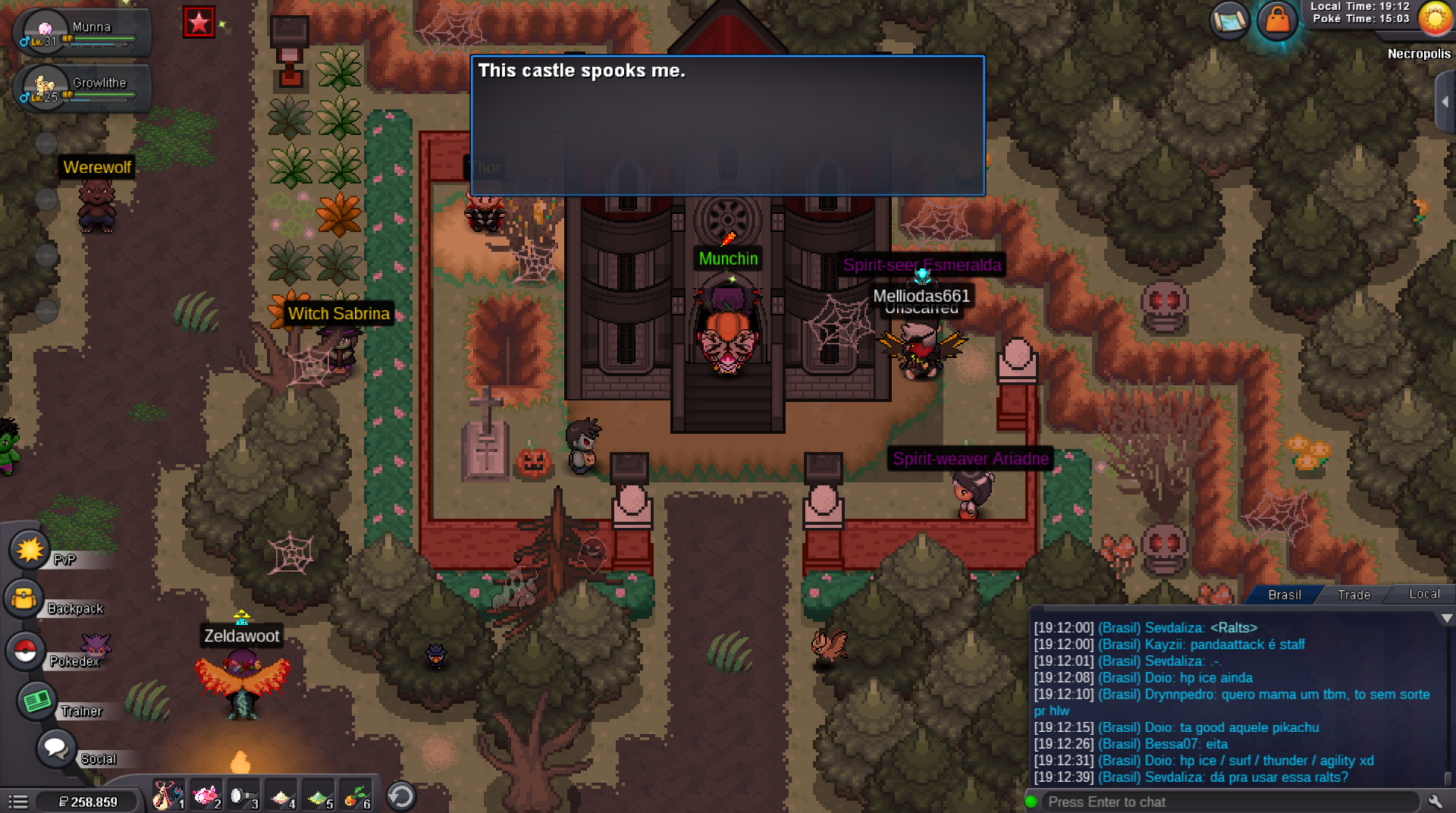
but there was no other npc to return the quest. There was only this one to go back to the physical world this quest is difficult we have to use pokemons the munna and growlithe we win that is low level. And the server goes down. Needs a reset
-
HI . I was doing the quest to get the darkrai when the serve silver fell. I lost a battle and returned to the physical world. Now I can't return to the castle for the quest. The serving is falling a lot. saturday i lost a boss by serving dropped during battle too. It is unfair to miss the chance to get the mystic pokemon darkrai due to the instability of serve silver.