New Trade Zone
Trade Zone is now live
Use the new Trade Zone for auctions and instant-price trades so Pokemon and item offers are easy to find.

Elitearigus
Suspended
-
Joined
-
Last visited
-
700k scizor
-
Username: EliteArigus Server: Gold Country : Nepal (+5:45 GMT)
-
Oh sry i was kinda inactive these days lemme know when i can pick it up EliteArigus#0870
-
-
550k
-
Player name:- Hunter373 Showdown name:- EliteArigus Server :- Gold Rank in ladder:-19 Timezone:- GMT +5:45
-
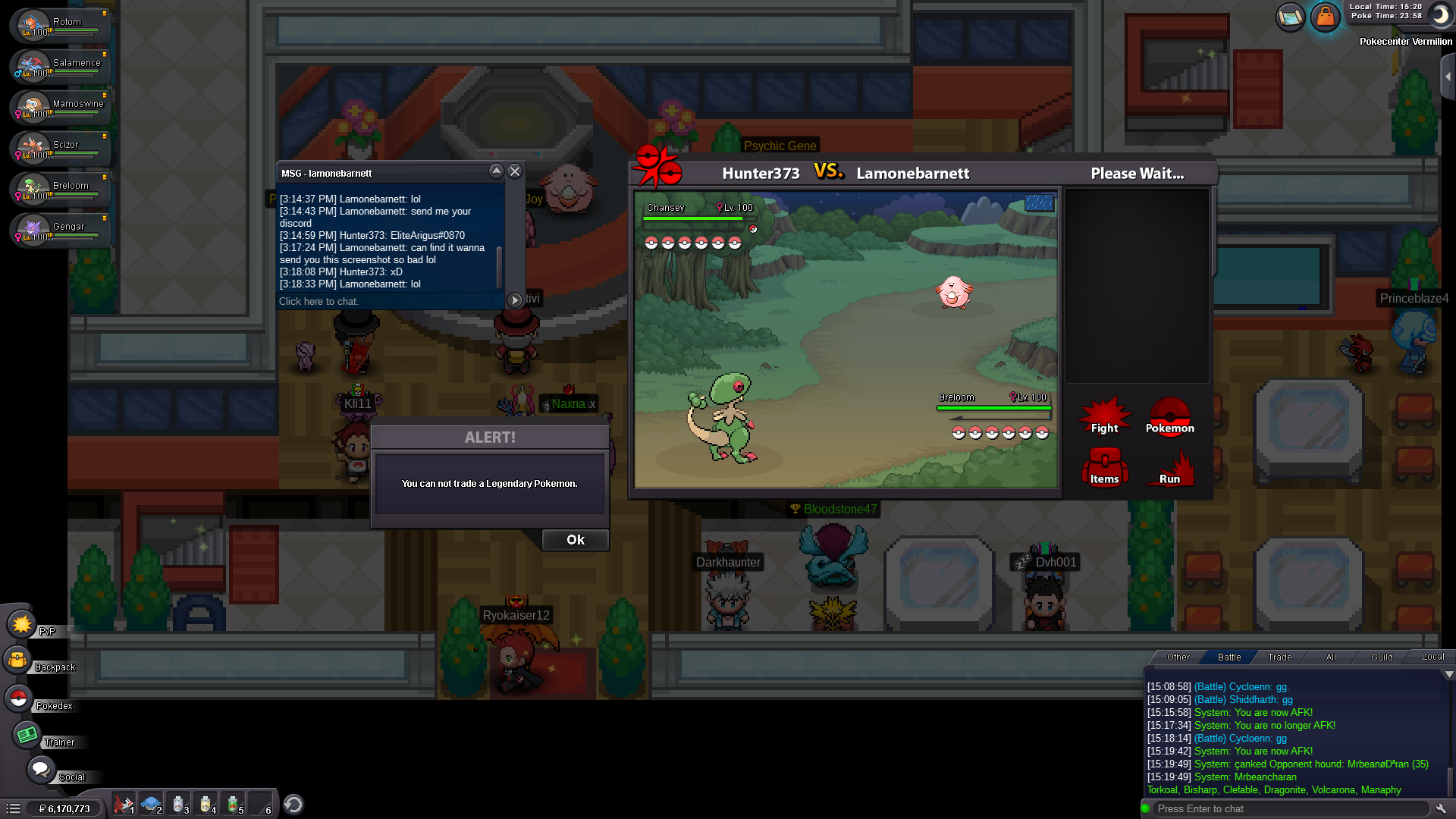
Here i was pvping against lamonebarnett and it stuck so we waited and he dced after that but i still didnt got any rating and it automatically queued me with new opponent as u can see in chat tab below and pop up comes that u cannot trade a legendary pokemon. I literally have no idea what happened.
-
-
+1
-
Liked the idea
-
Player name :- EliteArigus Showdown name :- Arigus Server :- gold Rank on ladder :- 10
-
Name change :- EliteArigus New username :- Ari Server to charge money from :- silver
-
Cancelled
-
Not yet i will add it on last day
-
Auction cancelled selling insta send ne offers at EliteArigus#0870 Or forum dm Reason for cancelling - Cant be active 4-5 days on forum to check auction regularly