




New Trade Zone
Trade Zone is now live
Use the new Trade Zone for auctions and instant-price trades so Pokemon and item offers are easy to find.

Redsorrow
Registered User
-
Joined
-
Last visited
Everything posted by Redsorrow
-
1. What's your Player name (IGN)? RedSorrow 2. Number of hours played? 1803h 3. What's your favorite Pokemon? Mew 4. What do you enjoy doing the most in PRO? (Hunting, PvP, trading, etc) Hunting & PvP
-
it works now, thank you 🙂
-
Same..
-
@Henr1que i was afk when you dm'd me, send me another dm when you get back online 🙂
-
buy weavile, dm ig
-
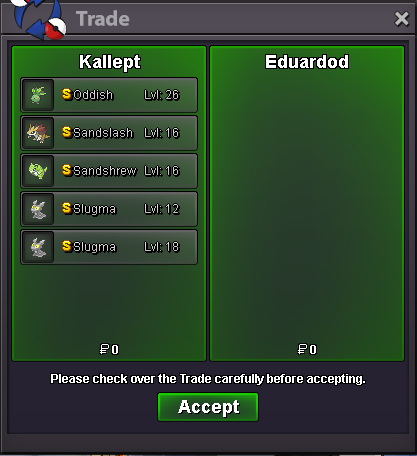
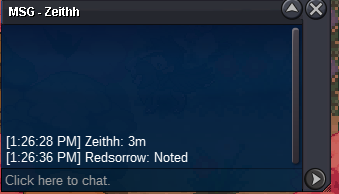
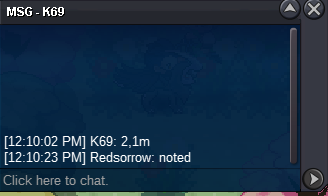
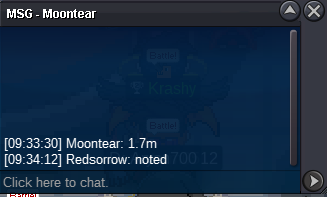
Auction ended! The winner is @Zeithh, congratz! Since you're not on in-game, message me whenever u can either ig or discord Kalle von Hohenzollern#5594
-
Auction ends in 7min!
-
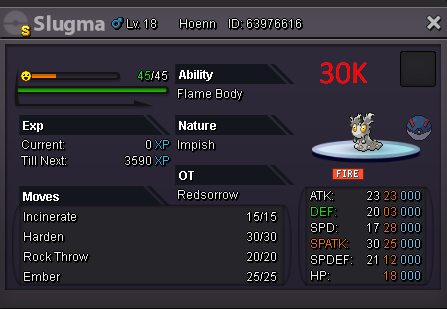
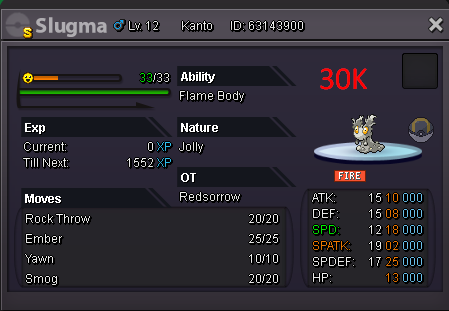
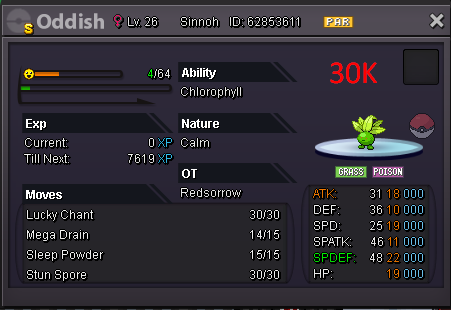
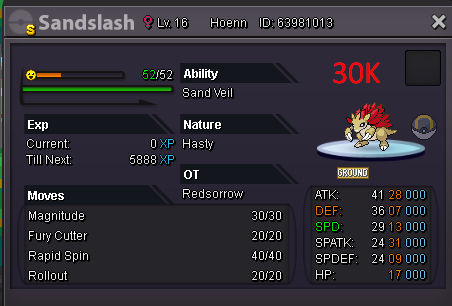
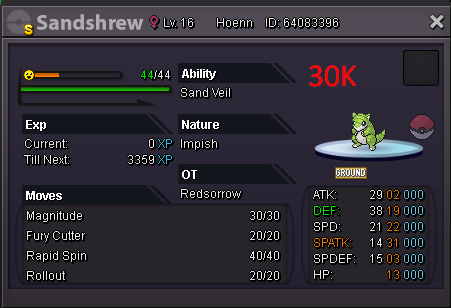
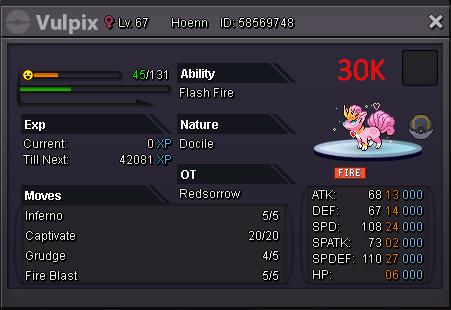
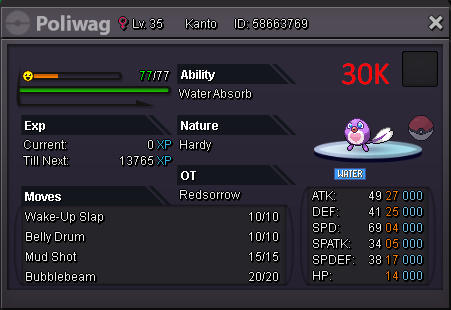
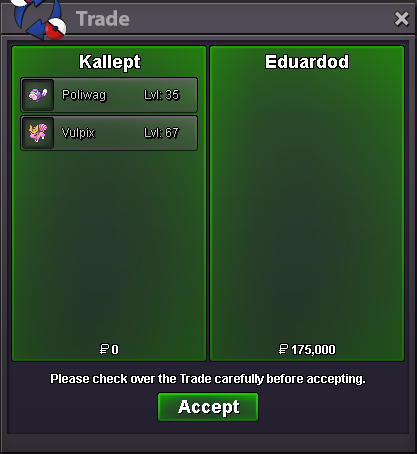
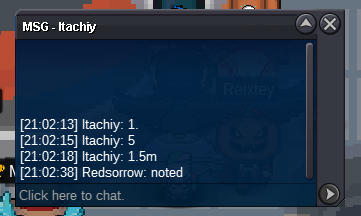
Action ends in ~11h30min! (21h GMT - Lisbon, London)hello, i wanna buy the whole team. since you're not on, hit me up on disc whenever u can Kalle von Hohenzollern#5594auction done.i am online and will be during the day. pm me when you're ingame 🙂Buy 1 pansy flower300kI wont bother contest it, its yours. But this is a perfect example of a bad auctionMy bid was within op's extended limited, as it was before the 1h52minute he stipulated when he extended And btw, your last bid was also made on his first extended time, because the last offer on the original time frame was also mine, 900k. So i dont understand whats doubt here.1M Bold larvesta900k Bold larvesta800k Bold larvesta.ill buy your Garchomp #1 for 1cc + 170k (600k)ALL SOLD! Also new pokes will be added soon, stay tuned!


Account
Navigation
Search
Configure browser push notifications
Chrome (Android)
- Tap the lock icon next to the address bar.
- Tap Permissions → Notifications.
- Adjust your preference.
Chrome (Desktop)
- Click the padlock icon in the address bar.
- Select Site settings.
- Find Notifications and adjust your preference.
Safari (iOS 16.4+)
- Ensure the site is installed via Add to Home Screen.
- Open Settings App → Notifications.
- Find your app name and adjust your preference.
Safari (macOS)
- Go to Safari → Preferences.
- Click the Websites tab.
- Select Notifications in the sidebar.
- Find this website and adjust your preference.
Edge (Android)
- Tap the lock icon next to the address bar.
- Tap Permissions.
- Find Notifications and adjust your preference.
Edge (Desktop)
- Click the padlock icon in the address bar.
- Click Permissions for this site.
- Find Notifications and adjust your preference.
Firefox (Android)
- Go to Settings → Site permissions.
- Tap Notifications.
- Find this site in the list and adjust your preference.
Firefox (Desktop)
- Open Firefox Settings.
- Search for Notifications.
- Find this site in the list and adjust your preference.