




New Trade Zone
Trade Zone is now live
Use the new Trade Zone for auctions and instant-price trades so Pokemon and item offers are easy to find.

Izrael
Registered User
-
Joined
-
Last visited
Everything posted by Izrael
-
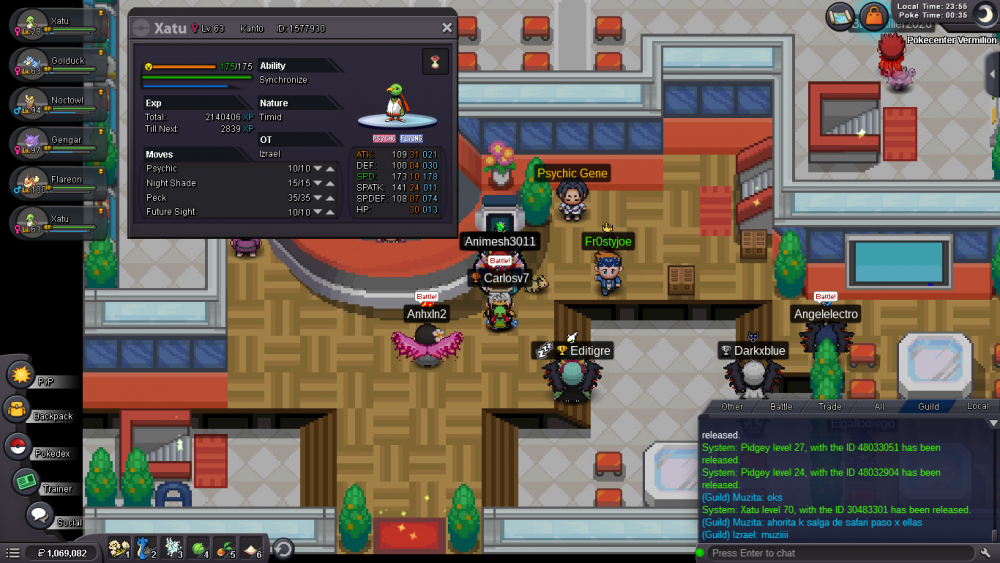
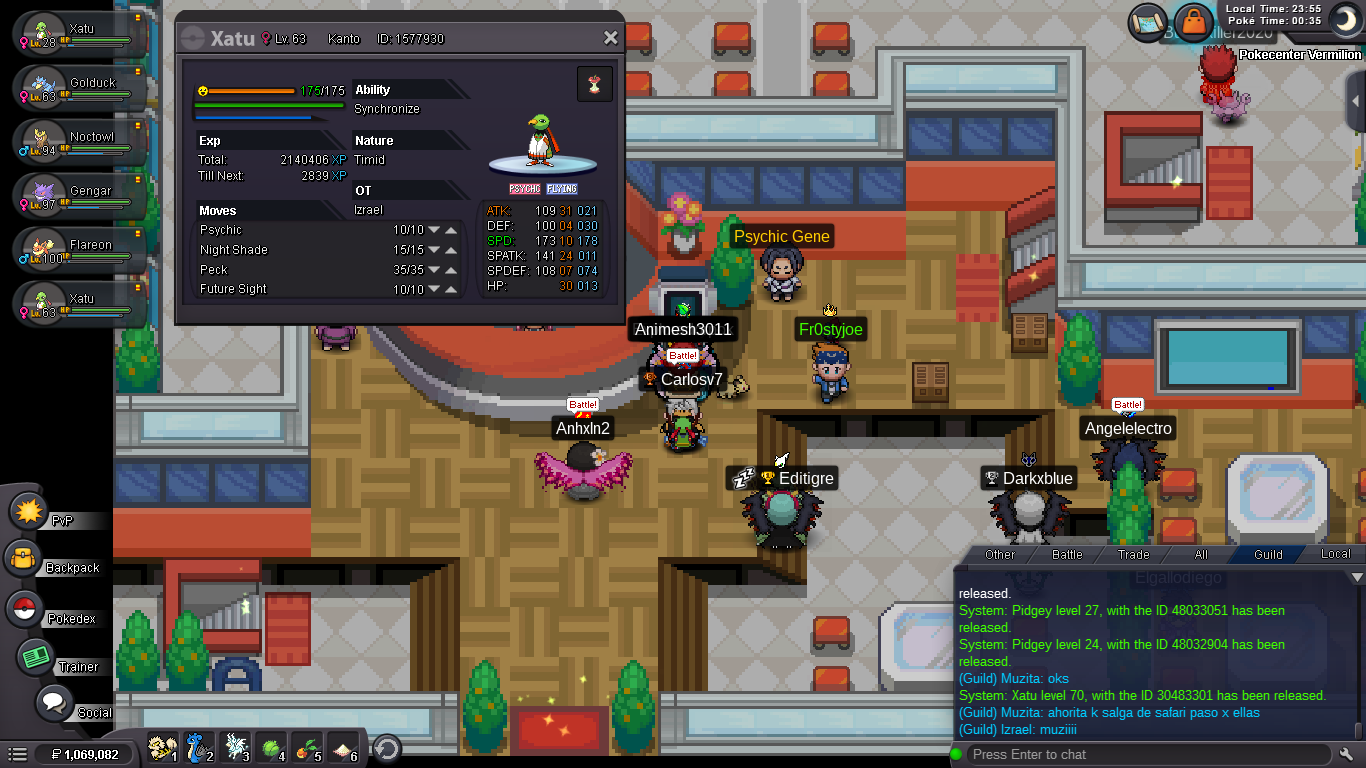
I NEED HELP PLS I DELETED A POKEMON BY MISTAKE I HOPE YOU CAN HELP ME PLS. IS THAT XATU LVL 70 ID: 30483301 SILVER SERVER ID: Izrael
-
PLAYER CATEGORY Smartest: Nero Friendliest: Muzita Funniest: Nero Coolest: Muzita Comeback Player of the Year: Nornornor444 Most Talkative: Muzita Most Trustworthy: Muzita Most Helpful: Muzita Most Missed: Muzita Most Influential: Muzita Most Intriguing: Muzita Most Experienced Player: Nero Best/Funniest Username: Matherfather13 Most Professional Guide Maker: Waleed1301 Most Professional Discord Moderator: Waleed1301 STAFF CATEGORY Best Mapper: Tempa Best Artist: YuiFelwood Best Content Scripter: MagicGuard Best Community Coordinator: Shinohara Best Moderator: Qeight Best Trade Moderator: Tigerous Best Tester: Gouda Best Game Master: Logan Best Admin: Eaty Best Staff Username: Caged Most Professional Staff: Eaty Most Dedicated Staff: Eaty Funniest Staff: Chariot Friendliest Staff: Aspheric Most Honorable Former Staff: Fluffes Most Missed Former Staff: Armin
-
i already had 4 rerolls from sinnoh reporter
-
I did the quest, donate all the fossils, but i didnt get the reroll ticket
-
No
-
Hi, scyther or electabuzz have to be with my OT???
-
when i use dig and find max revives (route 211), they never appear in my backpack!! Help pls!when i use dig and find max revives (route 211), they never appear in my backpack!! Help pls!

Account
Navigation
Search
Configure browser push notifications
Chrome (Android)
- Tap the lock icon next to the address bar.
- Tap Permissions → Notifications.
- Adjust your preference.
Chrome (Desktop)
- Click the padlock icon in the address bar.
- Select Site settings.
- Find Notifications and adjust your preference.
Safari (iOS 16.4+)
- Ensure the site is installed via Add to Home Screen.
- Open Settings App → Notifications.
- Find your app name and adjust your preference.
Safari (macOS)
- Go to Safari → Preferences.
- Click the Websites tab.
- Select Notifications in the sidebar.
- Find this website and adjust your preference.
Edge (Android)
- Tap the lock icon next to the address bar.
- Tap Permissions.
- Find Notifications and adjust your preference.
Edge (Desktop)
- Click the padlock icon in the address bar.
- Click Permissions for this site.
- Find Notifications and adjust your preference.
Firefox (Android)
- Go to Settings → Site permissions.
- Tap Notifications.
- Find this site in the list and adjust your preference.
Firefox (Desktop)
- Open Firefox Settings.
- Search for Notifications.
- Find this site in the list and adjust your preference.