New Trade Zone
Trade Zone is now live
Use the new Trade Zone for auctions and instant-price trades so Pokemon and item offers are easy to find.


Xdzin
Suspended
-
Joined
-
Last visited
Everything posted by Xdzin
-
b.o 1m, last 18min now

-
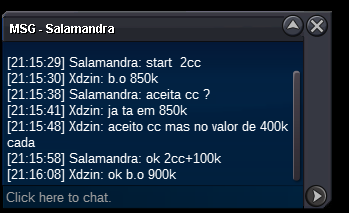
15min b.o 900k
-
21min
-
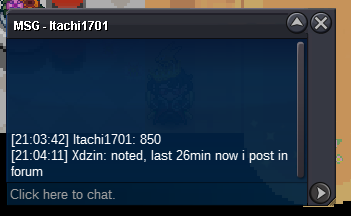
b.o 850k, last 26min now
-
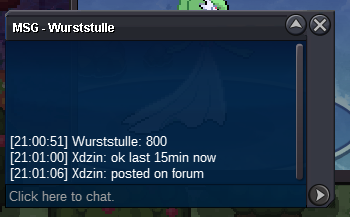
b.o 800k last 14min
-
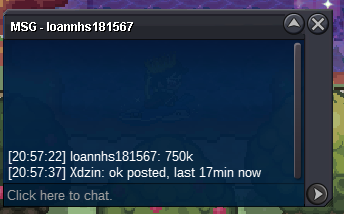
b.o 750k, last 17min now b
-
up
-
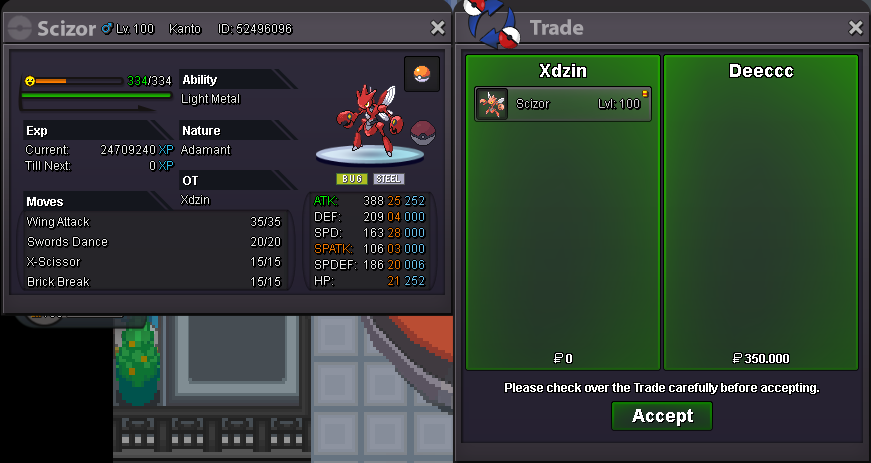
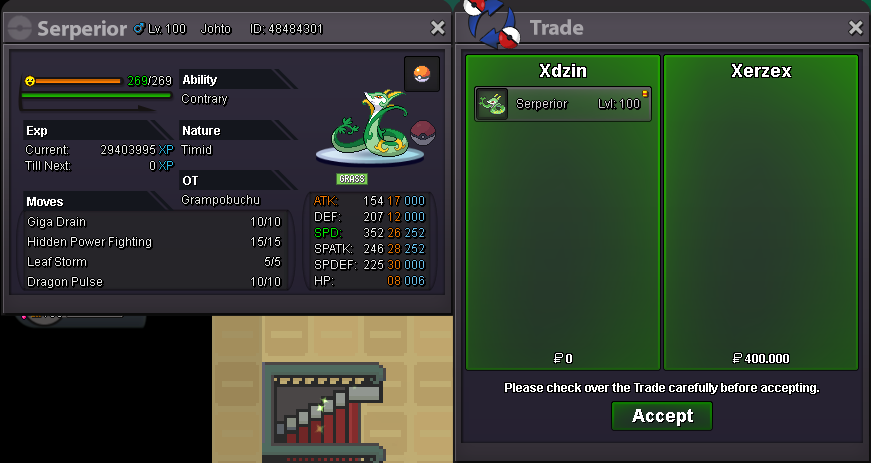
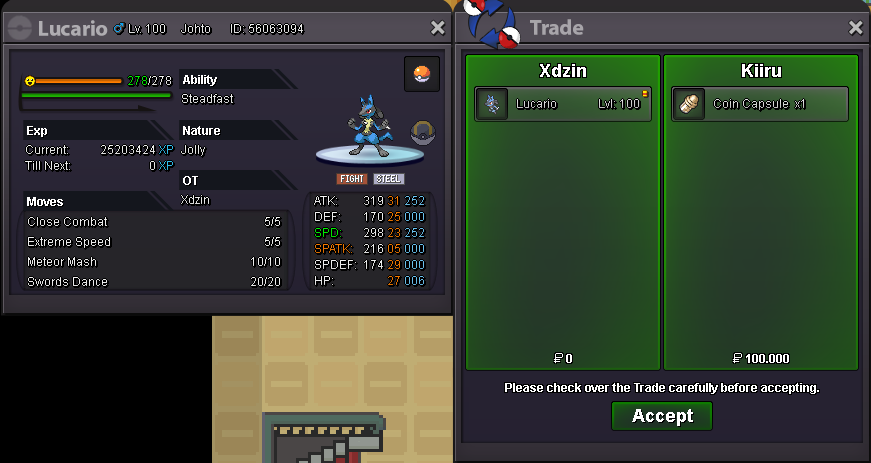
Lucario and Scizor bought by @deeccc Rotom-Wash and Lucario bought by @Kiiru Serperior bought by @XerZex


-
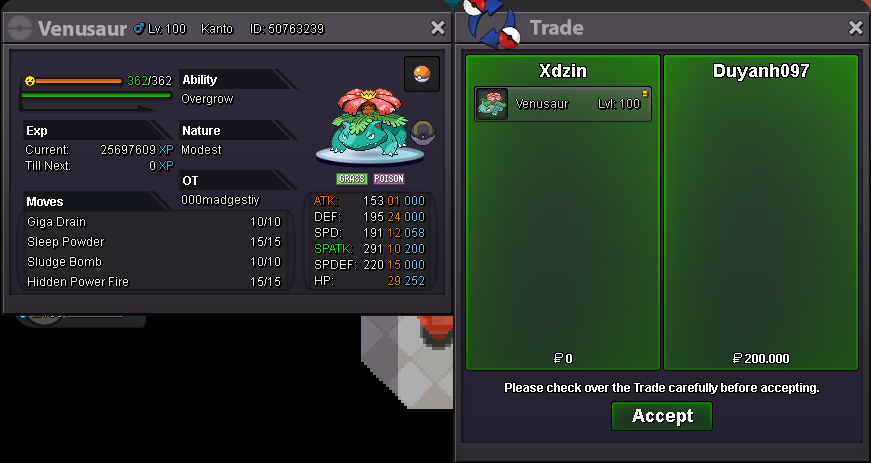
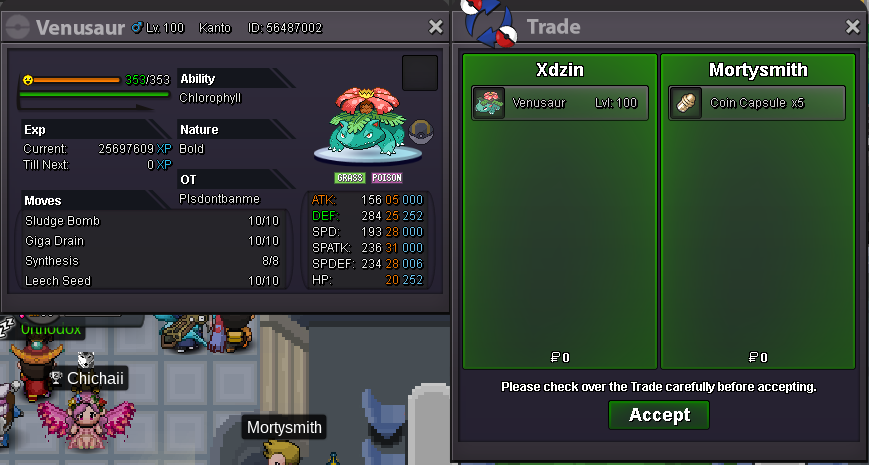
ok, ty Venosaur bought by @duyanh097
-
Rotom-wash and Magnezone bought by @ErrOrZz


-
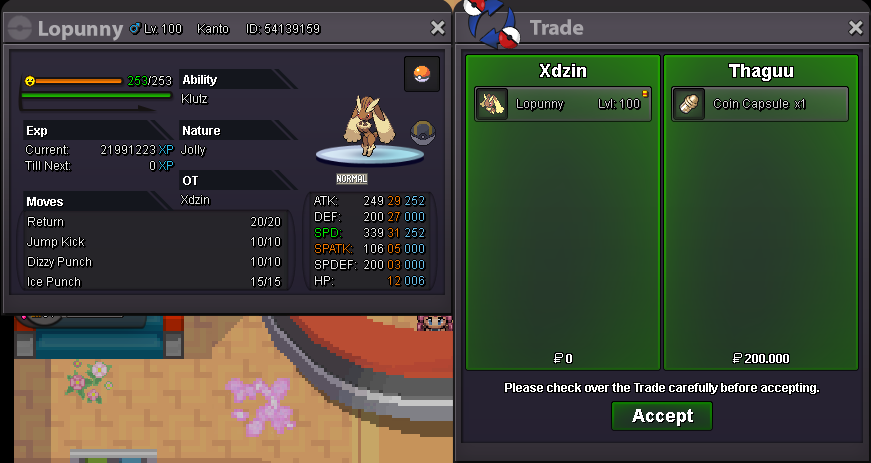
Lopunny bought by @Thaguu
-
started by @Wurststulle last 28h and 40min now https://countingdownto.com/?c=3465524

-
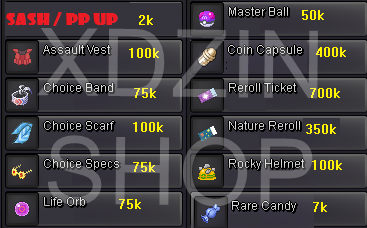
Sold

-
will be reported and perhaps duly punished
-
started 2d 3h 19min from now https://countingdownto.com/?c=3463921
-
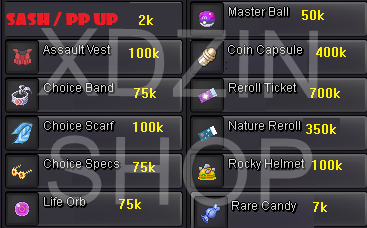
S.O: 1M MIN BID: 100K INSTA: 2.5M TIME: 2 DAY AFTER STARTING, PLUS A FEW HOURS TO FINISH AT 7PM (GTM -5) FOR EXAMPLE: STARTED AT 4PM, THEN IT'S 2 DAY + 3H Payment Methods: Pokedollars and

-
+1 yes, I was going to make a post about the same thing of course you can't put wheels on, but some combinations can be planned like this

-
-
I understand, thank you
-
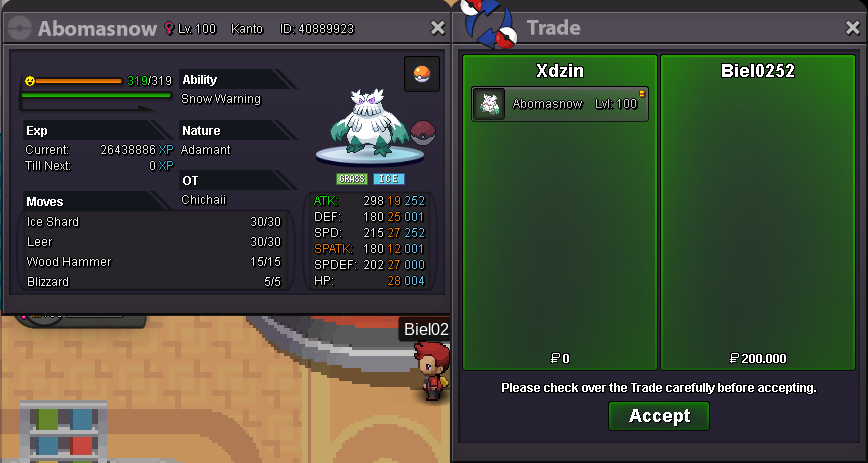
Abomasnow bought by @biel0252
-
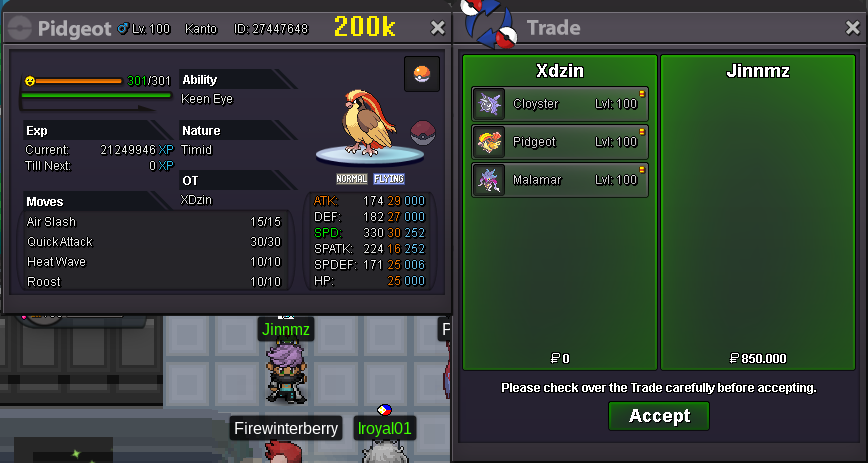
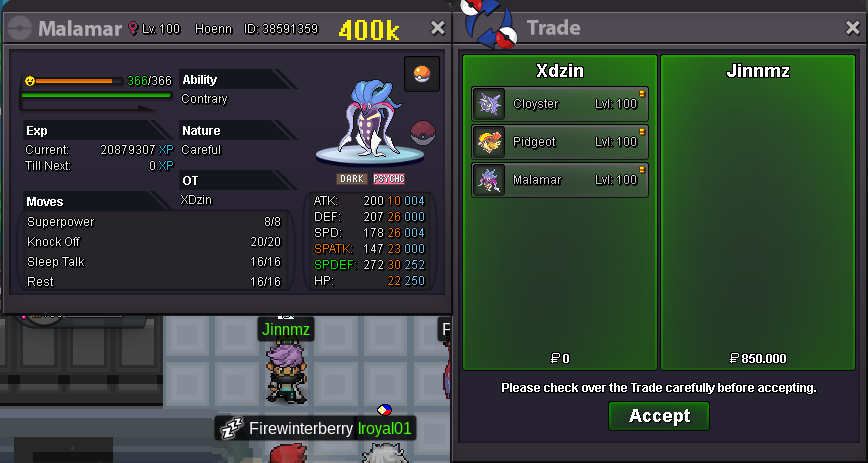
Pidgeot, Cloyster and Malamar bought by @JinnMz

-
already been sold
-
-
-
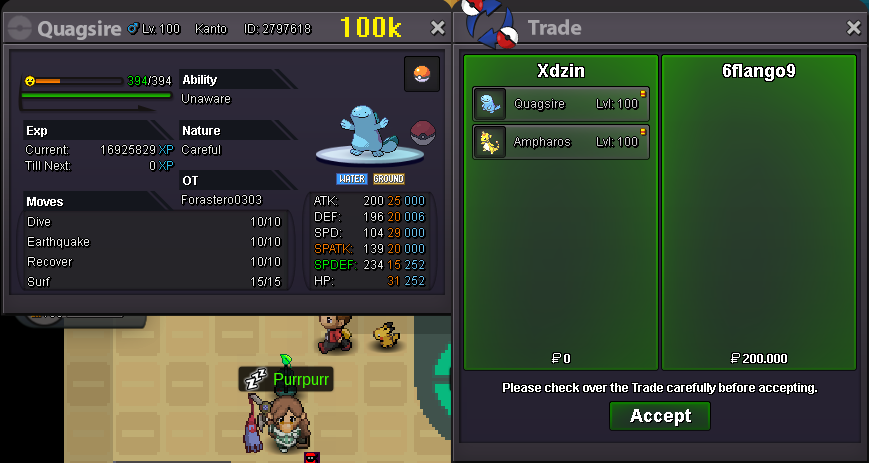
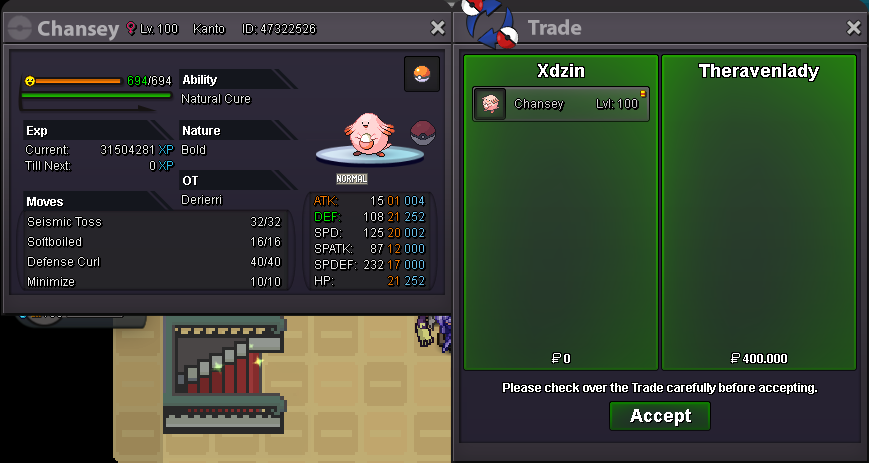
Chansey bought by @theravenlady Quagsire bought by @6Flango9 Ampharos bought by @6Flango9