




New Trade Zone
Trade Zone is now live
Use the new Trade Zone for auctions and instant-price trades so Pokemon and item offers are easy to find.

Margar3tt3
Registered User
-
Joined
-
Last visited
Everything posted by Margar3tt3
-
Ok, pm me in discord when you come online -.LadySelina#8701Ok if you're in Gold. Please meet me in Vermillion. I'm online now.I'm sorry I can't fulfill this request for now, I just transferred to Gold server due to my auction trade. But if you're willing to transfer to Gold I'll give it to you for free as I promised. Thanks and take care.Thanks @TheProOne19
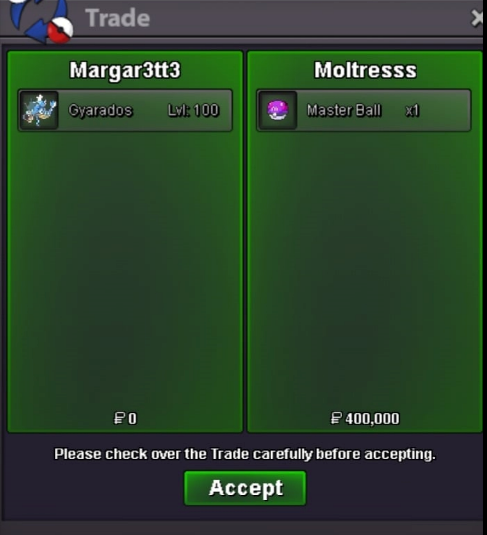
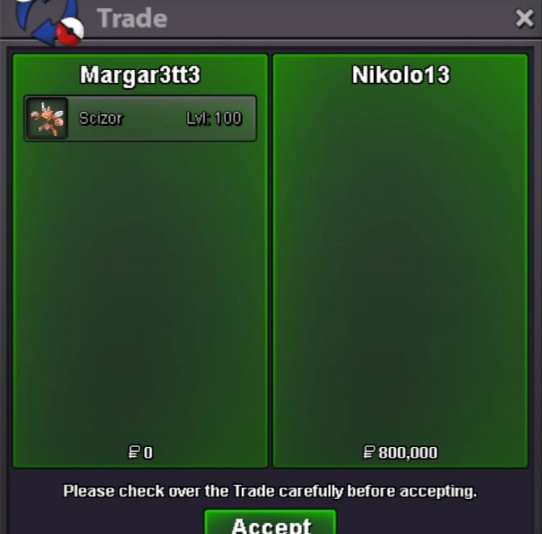
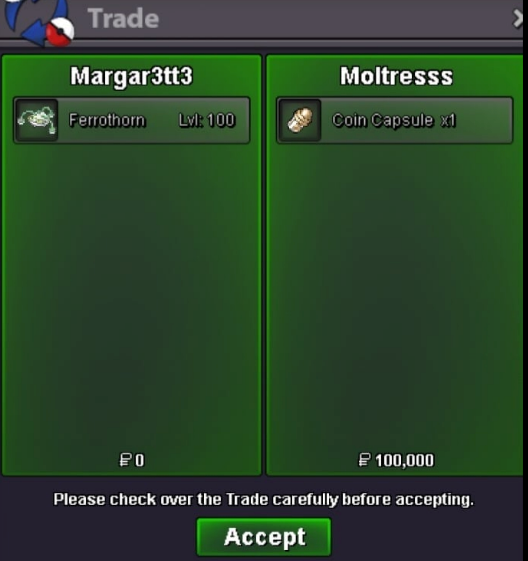
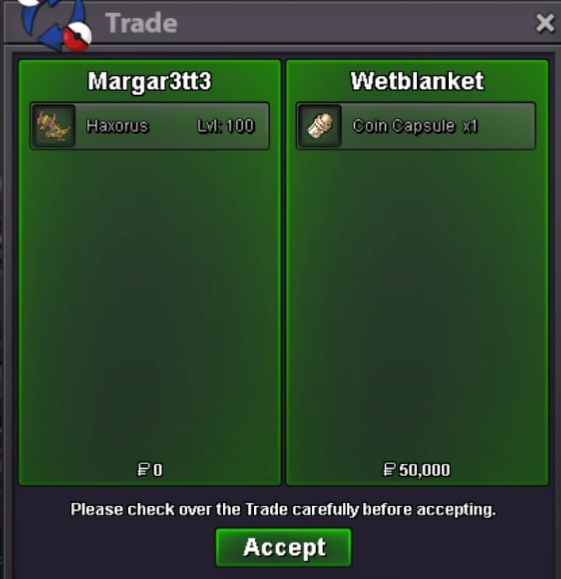
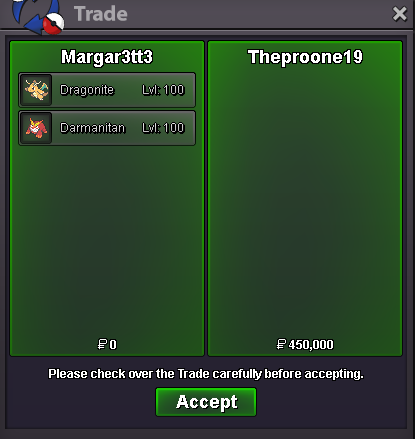 You've won this auction congrats!, please pm me I'm online now. Discord is LadySelina#8701If you'll go Cryofrost town, I'll give it free.Bump. 22 hours and 47 minutes left.Noted @Duanng7 47 hours and 55 minutes left.Noted @Grabarz23 Start 7:10Start Point/Price: 5 M End Point: Auction ends in 72 hours after first bid Insta: 10 M Min. Raise: 500K Accepted Payment: Pokedollars, CC for 400k, IV RR for 700k FYI for bidders, please let me know which server you're in.
 Thanks @Zerriath
 Can you please tell me which sandshrew ia it you want to buy? Please contact me in Discord LadySelina#8701 when you can. Thanks!Thanks @SchmittyT9
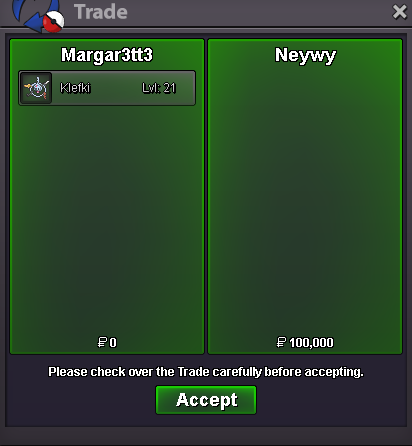
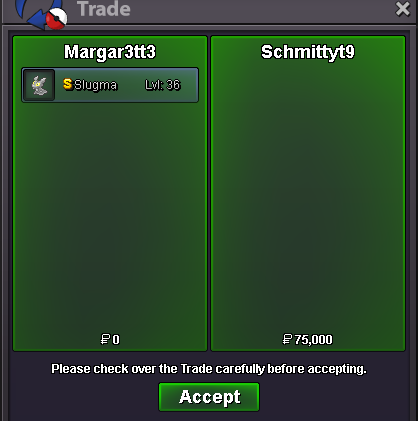 ok where to meet? I'm online now. Thanks!Is this fixed already? I've been experiencing the same issue... please advise.Farewell and good luck with your new journeys to come.. Take care! 😭😉Bump for Clefable
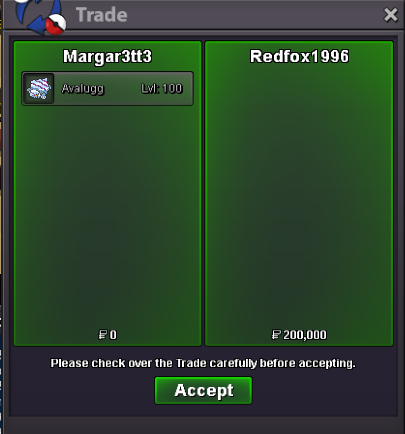
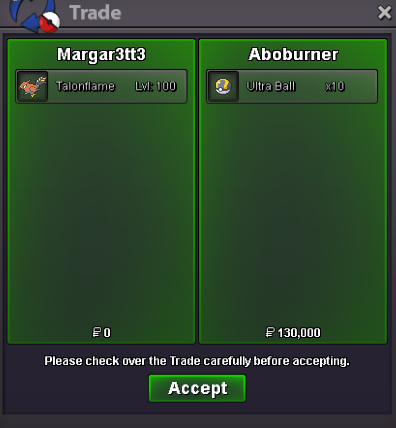



Account
Navigation
Search
Configure browser push notifications
Chrome (Android)
- Tap the lock icon next to the address bar.
- Tap Permissions → Notifications.
- Adjust your preference.
Chrome (Desktop)
- Click the padlock icon in the address bar.
- Select Site settings.
- Find Notifications and adjust your preference.
Safari (iOS 16.4+)
- Ensure the site is installed via Add to Home Screen.
- Open Settings App → Notifications.
- Find your app name and adjust your preference.
Safari (macOS)
- Go to Safari → Preferences.
- Click the Websites tab.
- Select Notifications in the sidebar.
- Find this website and adjust your preference.
Edge (Android)
- Tap the lock icon next to the address bar.
- Tap Permissions.
- Find Notifications and adjust your preference.
Edge (Desktop)
- Click the padlock icon in the address bar.
- Click Permissions for this site.
- Find Notifications and adjust your preference.
Firefox (Android)
- Go to Settings → Site permissions.
- Tap Notifications.
- Find this site in the list and adjust your preference.
Firefox (Desktop)
- Open Firefox Settings.
- Search for Notifications.
- Find this site in the list and adjust your preference.