




New Trade Zone
Trade Zone is now live
Use the new Trade Zone for auctions and instant-price trades so Pokemon and item offers are easy to find.

Subhammaster
Registered User
-
Joined
-
Last visited
Everything posted by Subhammaster
-
can i start hawlucha for 3m?
-
3.2 m pansear
-
start foongus
-
2.4m ^_^
-
3m250k
-
Sold can be closed
-
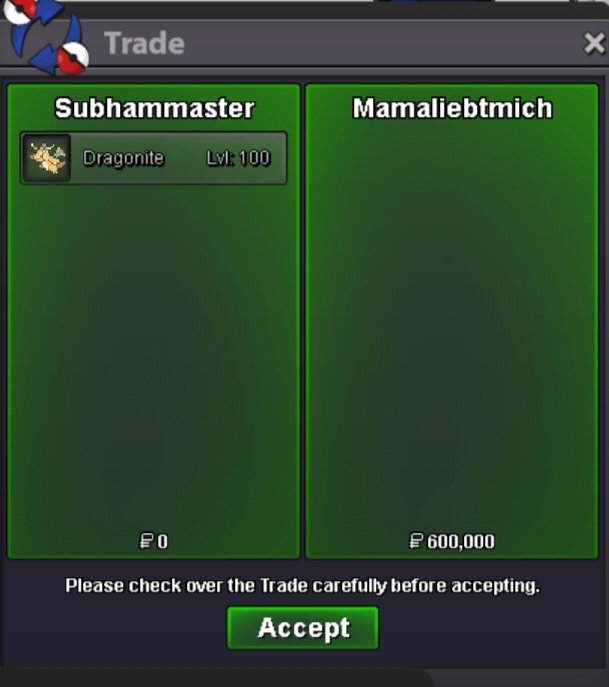
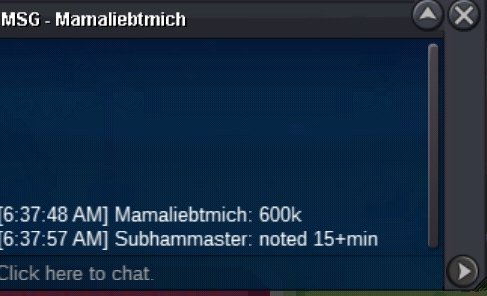
C.o 600k 15min added
-
Noted Approximately 1hrs left
-
Bump its end soon
-
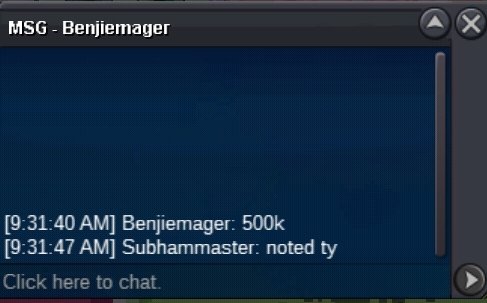
C.o 500k
-
C.o 450k

-
Started
-
Happy easter to you and gl for hunting easter forms
-
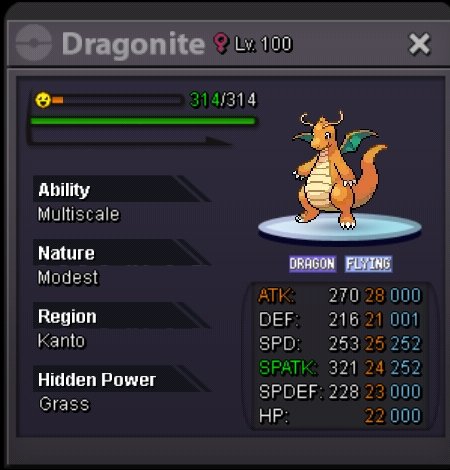
Start : 400k min bid : 50k Insta : N/A Duration : 2days after start accepted payment CC = 400k Iv RR = 700k Nat RR = 350k
-
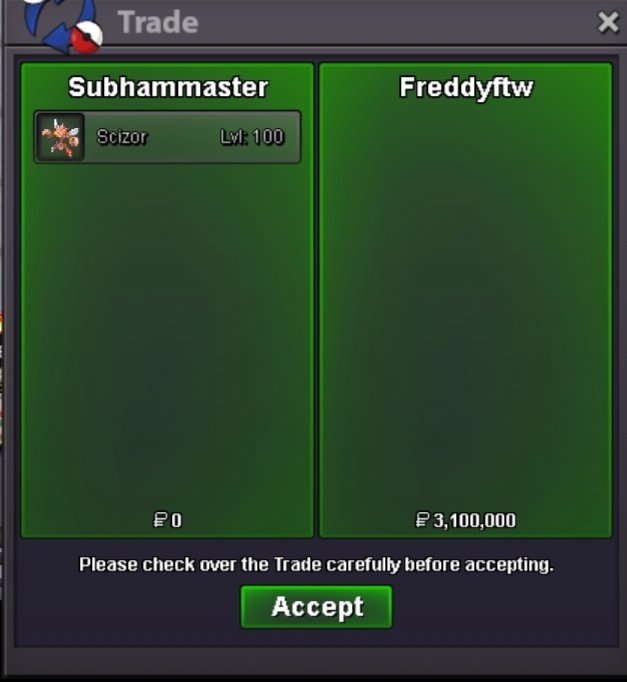
Scizor trade done
-
I m online.
-
9m001k
-
Buy ttar jolly 30/31
-
-1 More coins more problems
-
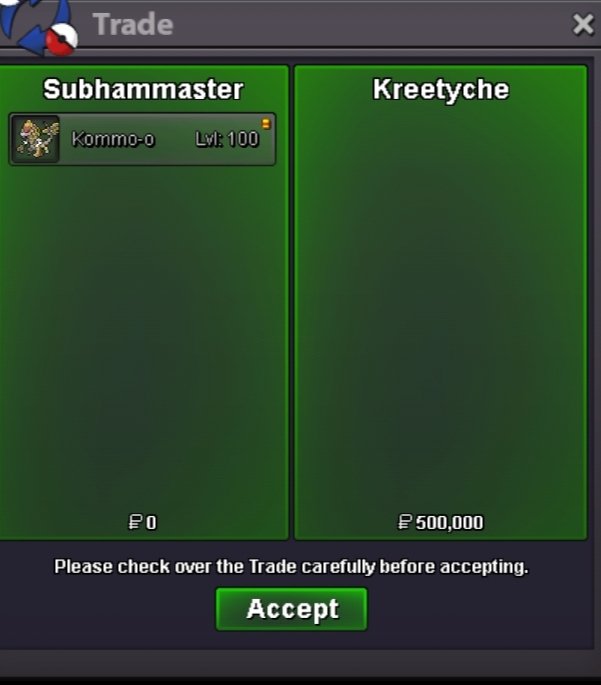
Kommo-o trade done
-
Bump
-
6m250k exca
-
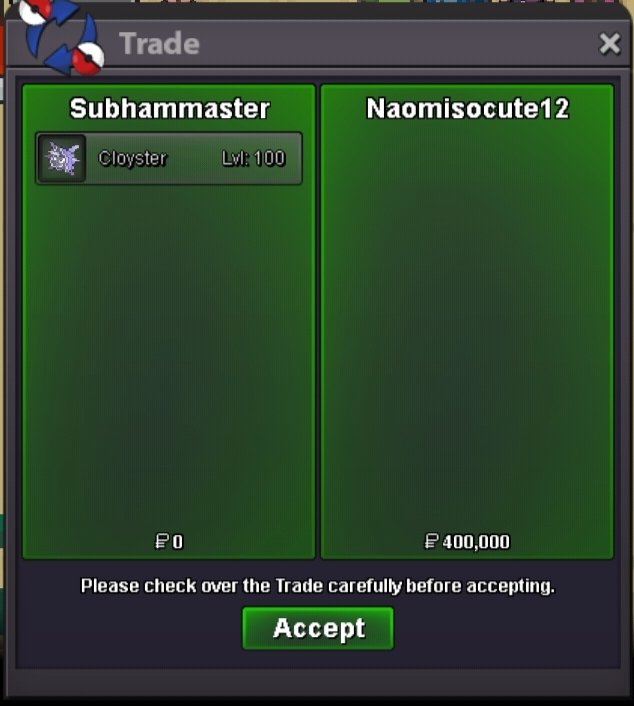
Cloyster trade done
-
Scizor and cloyster Acution ended
-
+15min for scizor