Skip to content
View in the app

A better way to browse. Learn more.

Pokemon Revolution Online

A full-screen app on your home screen with push notifications, badges and more.

To install this app on iOS and iPadOS
  1. Tap the Share icon in Safari
  2. Scroll the menu and tap Add to Home Screen.
  3. Tap Add in the top-right corner.
To install this app on Android
  1. Tap the 3-dot menu (⋮) in the top-right corner of the browser.
  2. Tap Add to Home screen or Install app.
  3. Confirm by tapping Install.
New Trade Zone
Trade Zone is now live
Use the new Trade Zone for auctions and instant-price trades so Pokemon and item offers are easy to find.

Open Trade Zone

Subhammaster

Registered User
  • Joined

  • Last visited

Everything posted by Subhammaster

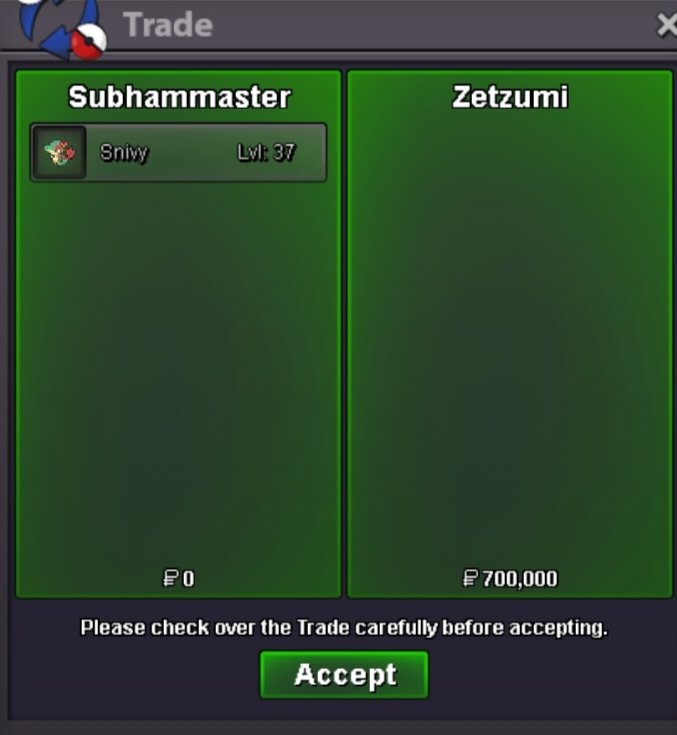
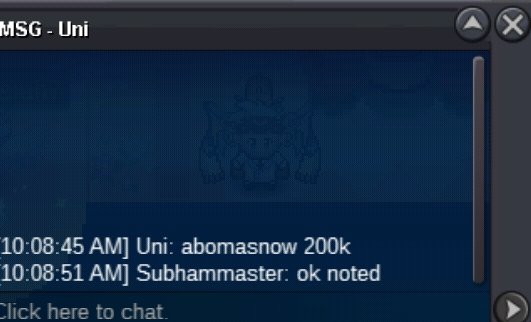
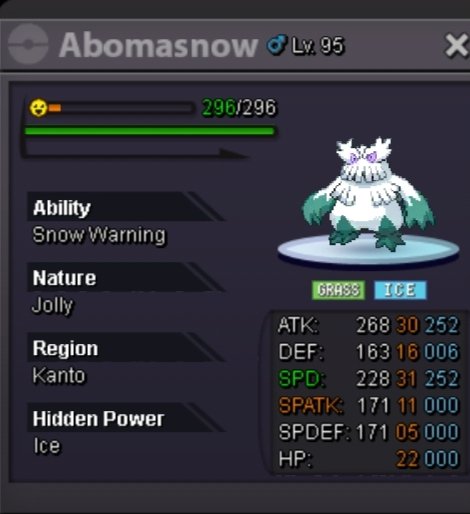
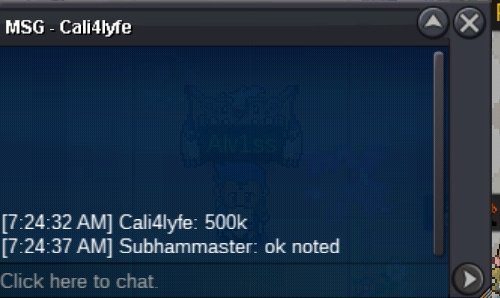
  1. Accepted payment Pokedollar Coin capsule :- 400k ea Iv reroll :- 700k ea Nature reroll :- 350k ea Rare candy :- 7k ea VLT SERPERIOR Auction ended winner is regabi with 900k VLT GARDEVOIR Sold in instant price 800k VLT RALTSRALT (NOTE - MASTER BALL) Auction ended winner is darflamegames with 600k VLT CORSOLA Sold in instant price 400k HLW VENASAUR Auction ended winner is kgf with 400k HLW TORKOAL acution ended winner is jianychta with 200k XMAS DRAGONITE auction ended winner is jianychta with 800k SHINY OMASTAR Auction ended winner is tweaken with 500k SHINY SPINDA Sold in instant price 400k SHINY BRONZOR Sold in instant price 200k THANKS FOR VISITING 🙂 AND GOOD LUCK
  2. +1 that make sense
  3. https://www.tickcounter.com/countdown/3127827/gible check time here
  4. bump start+insta reduced and if no one bid in 24hrs so its cancel
  5. S.o 100K Min bid 50k insta 600k end in 24hrs after start https://www.tickcounter.com/countdown/3127827/gible Accepted payment Pokedollar cc - 400k IV rr - 700k nat rr - 350k
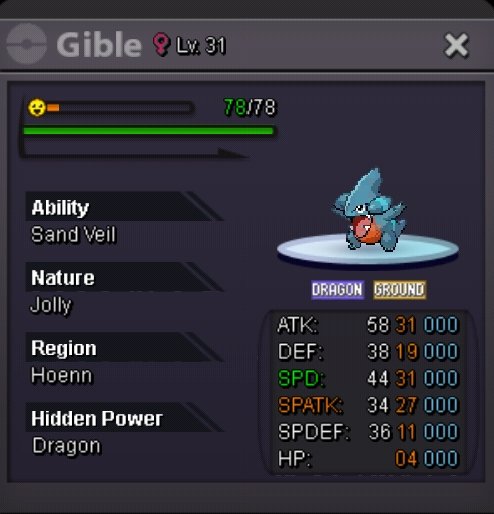
  6. Auction Has ended @Zetzumi u won Pm me ig
  7. Starting offer : 100k min bid : 100k insta : 1m end time : 24hrs after start Accepted payment Pokedollar cc - 400k ea rr - 700k ea nat rr - 350k ea
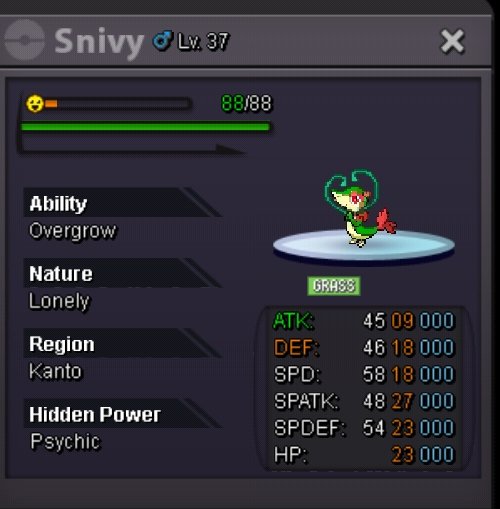
  8. Bump Start lowered Min bid lowered Instant lowered

Account

Navigation

Search

Search

Configure browser push notifications

Chrome (Android)
  1. Tap the lock icon next to the address bar.
  2. Tap Permissions → Notifications.
  3. Adjust your preference.
Chrome (Desktop)
  1. Click the padlock icon in the address bar.
  2. Select Site settings.
  3. Find Notifications and adjust your preference.