




New Trade Zone
Trade Zone is now live
Use the new Trade Zone for auctions and instant-price trades so Pokemon and item offers are easy to find.


Sayainji
Registered User
-
Joined
-
Last visited
Everything posted by Sayainji
-
@Souoca123 won the auction for Muk
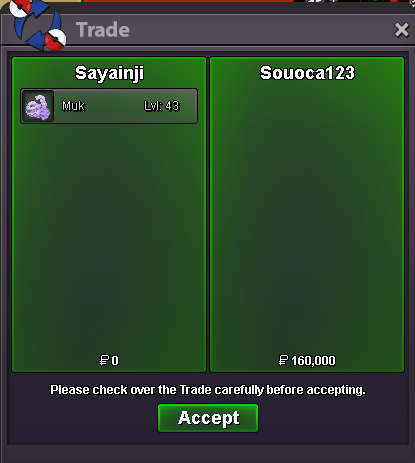
-
auction will extend to another 15 minutes until someone else bids over it like in the rules
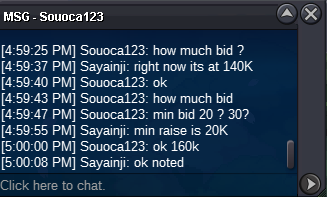
-
bidded in the last seconds, auction will extend 15 minutes like in the rules
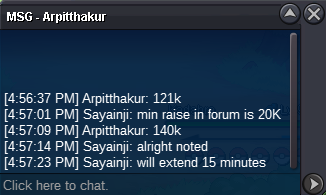
-
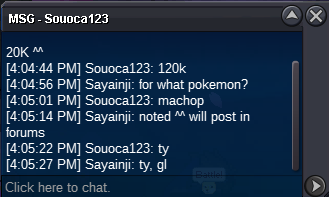
Machop sold for @Souoca123
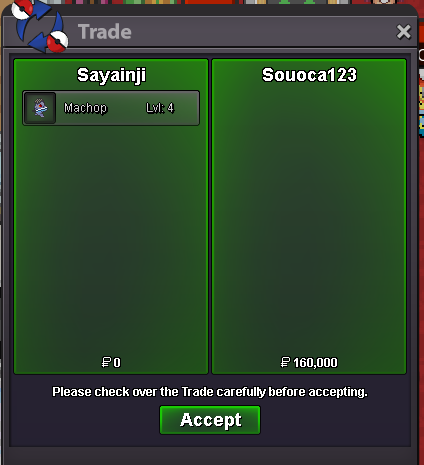
-
@Souoca123 won the auction for Machop Still one hour for Muk
-
1 hour left for Machop
-
Start offer 100K for each one min bid 20K accept CC = 400K and iv rerolls = 550K no insta Auction ends in 24 hours after first bid IGN : Sayainji Discord : Sayainji#2746 EDIT : Muk and machop deleted because they were sold and won in this auction
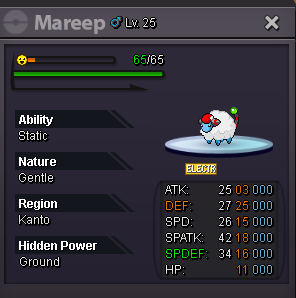
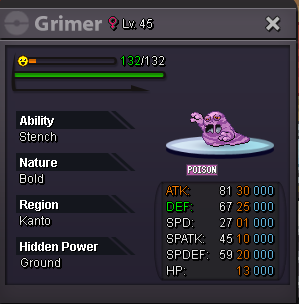
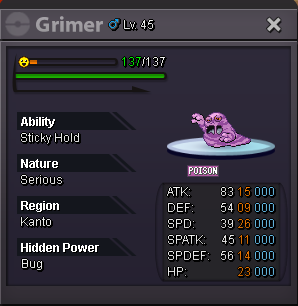
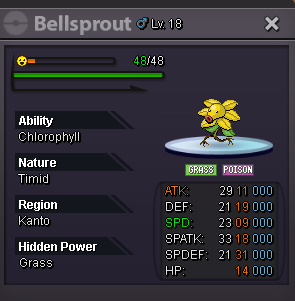
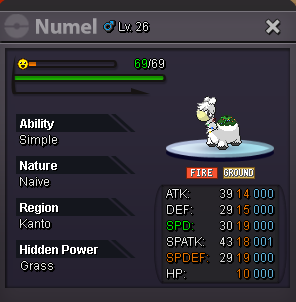
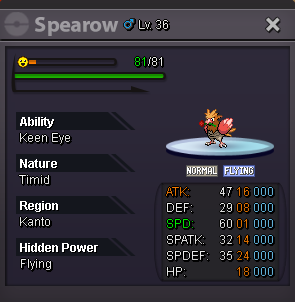
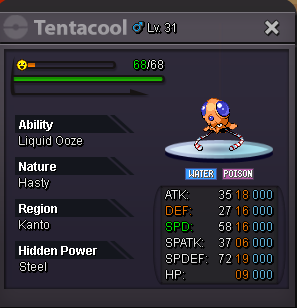
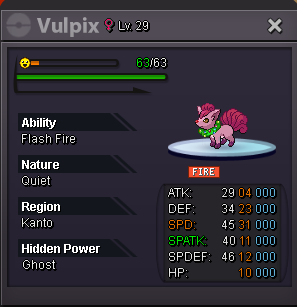 can't see the picturethey can simply disable that feature if they don't want to be blastedI have added you on discord since days but you didn't accept yet,140 metalopunny 110Klopunny 90K120K meta70K lopunny, 100K metacan't see mounts or cosmetics, you probably forgot to put the picturesBuster sword , Goth clothes and pink or purple headphones ^^ how much for them all if you can make a discount if possible, thanks 🙂300K
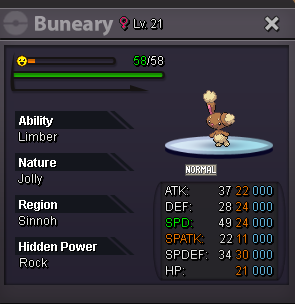 I have 3 shuppets ada epic ones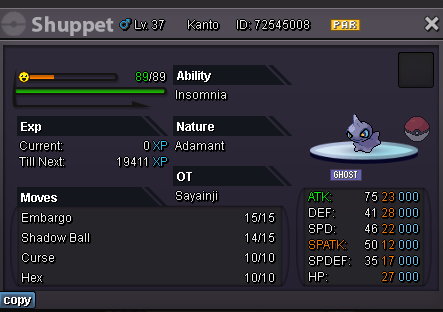
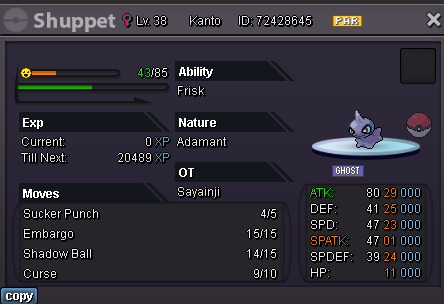
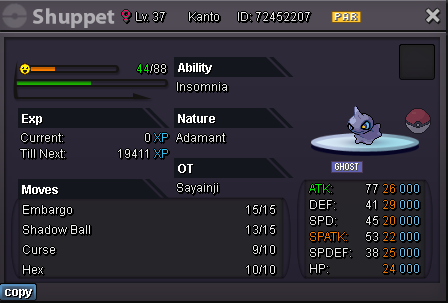 BumpI think dude has solved his money issue ^^"
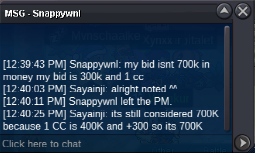 Auction started by Snappywnl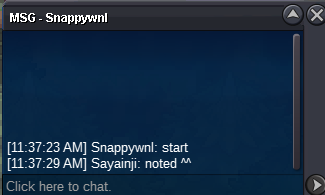
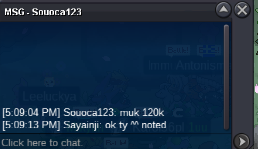
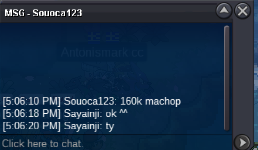

Account
Navigation
Search
Configure browser push notifications
Chrome (Android)
- Tap the lock icon next to the address bar.
- Tap Permissions → Notifications.
- Adjust your preference.
Chrome (Desktop)
- Click the padlock icon in the address bar.
- Select Site settings.
- Find Notifications and adjust your preference.
Safari (iOS 16.4+)
- Ensure the site is installed via Add to Home Screen.
- Open Settings App → Notifications.
- Find your app name and adjust your preference.
Safari (macOS)
- Go to Safari → Preferences.
- Click the Websites tab.
- Select Notifications in the sidebar.
- Find this website and adjust your preference.
Edge (Android)
- Tap the lock icon next to the address bar.
- Tap Permissions.
- Find Notifications and adjust your preference.
Edge (Desktop)
- Click the padlock icon in the address bar.
- Click Permissions for this site.
- Find Notifications and adjust your preference.
Firefox (Android)
- Go to Settings → Site permissions.
- Tap Notifications.
- Find this site in the list and adjust your preference.
Firefox (Desktop)
- Open Firefox Settings.
- Search for Notifications.
- Find this site in the list and adjust your preference.