




New Trade Zone
Trade Zone is now live
Use the new Trade Zone for auctions and instant-price trades so Pokemon and item offers are easy to find.

Scream60
Registered User
-
Joined
-
Last visited
Everything posted by Scream60
-
poke for poke [MEDIA=imgur]LnxN7Y1[/MEDIA] [MEDIA=imgur]7SlgTB6[/MEDIA] [MEDIA=imgur]hCQQ492[/MEDIA] [MEDIA=imgur]X04Ce78[/MEDIA] [MEDIA=imgur]Qj24jXh[/MEDIA] https://imgur.com/uBB7P9X https://imgur.com/4DExhLa https://imgur.com/ckbLIYt https://imgur.com/9vr1PLx https://imgur.com/kW2qOkC https://imgur.com/bdTePEO https://imgur.com/hoNchFD https://imgur.com/8yehZxU https://imgur.com/p242p8C https://imgur.com/mIO4MjO https://imgur.com/GimthpH https://imgur.com/vrl3nhI
-
some could help me with the this imgur?
-
[MEDIA=imgur]FT8ksHb[/MEDIA]
-
another link [MEDIA=imgur]FT8ksHb[/MEDIA]
-
I don't underst the error with the image in imgur this is the link [MEDIA=imgur]J3wDuzv[/MEDIA]
-
pokes tournament time zone: CEST (UTC +2)
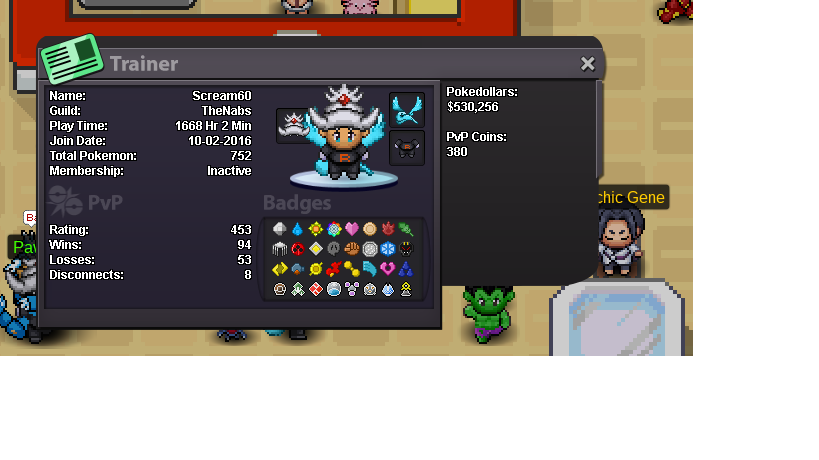
-
Player name: Scream60 Showdown name: Scream60 Server: Silver Rank on ladder: 9
-
Player name: Scream60 Showdown name: Scream60 Server: Red Rank on ladder: 25
-
Re: [The Nabs] 5° Torneo Interno > Grupos Huevo <t>Me anoto ^^</t>
-
Player name: Scream60 Showdown name: Scream60 Server: Red Rank on ladder: 13
-
Player name: Scream60 Showdown name: Scream60 Server: Red Rank on ladder: 13
-
Re: -Discord Link Inside- [All Servers] ||PRO|| Monotype Showdown Tour++ <t>Showndown name: Scream60<br/> Server: RED</t>