New Trade Zone
Trade Zone is now live
Use the new Trade Zone for auctions and instant-price trades so Pokemon and item offers are easy to find.

Mrfruit17
Registered User
-
Joined
-
Last visited
-
● What's your Name/IGN? Mrfruit17 ● How old are you? 18 ● Are you active in Discord? yes ● Where are you from? usa ● What's your playtime?/How often do you play PRO? around 1400 hours ● What's your goal in PRO? hunt event/shiny, pvp eventually ● Why do you want to be part of Chaos? never really been in guild, wanna see what its like ● What's your favorite Pokemon and why? rhyperior, it was my favorite as a kid ● What's your favorite animal and why? none
-
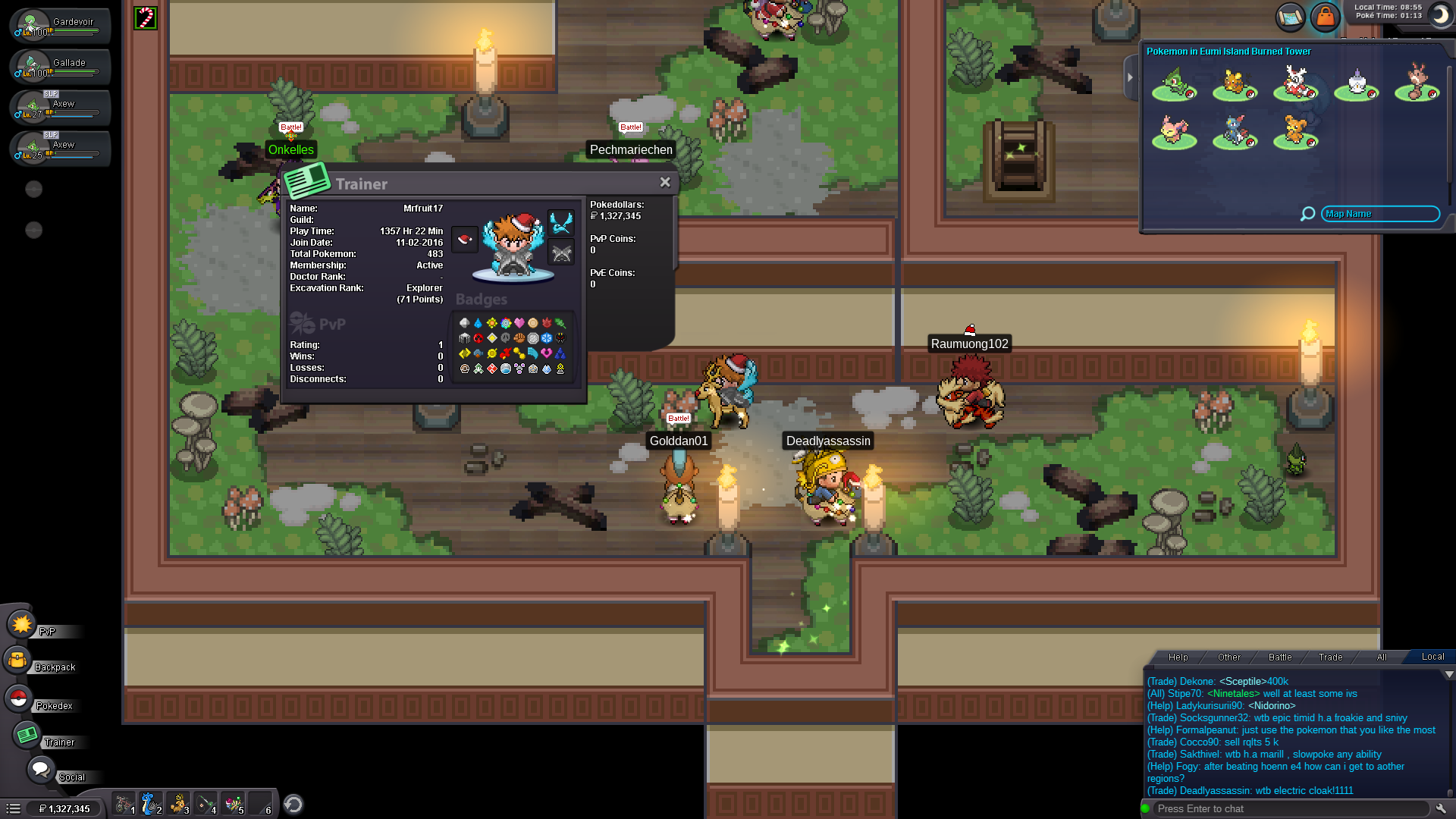
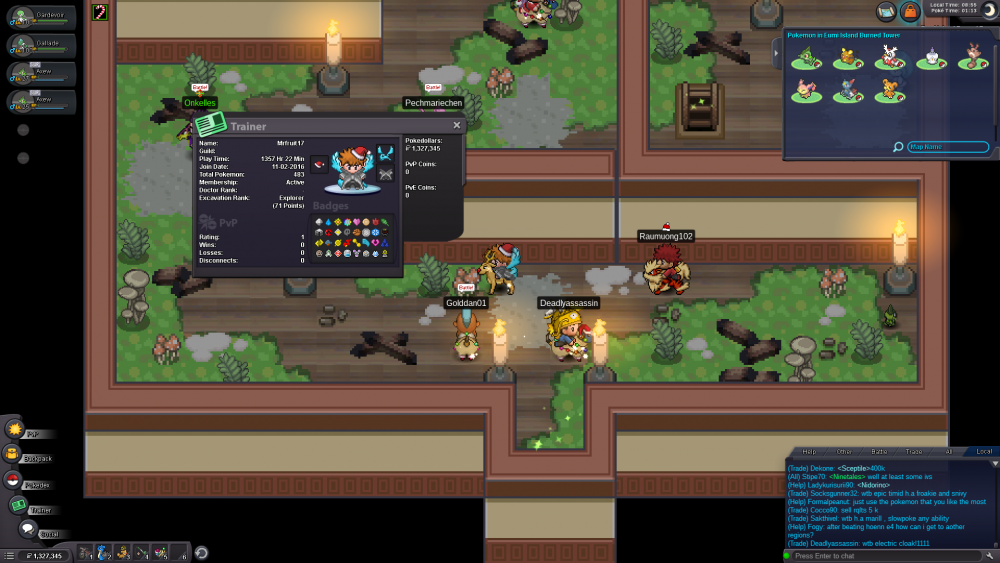
Why do you want to join NoMercy? Never been in a guild, wanna see what its like What can you contribute to NoMercy? i can give away left over farming pokemon, help people with my experience Have you ever been banned in PRO, and why? no Other than having fun playing the game, what are your goals in PRO? collect rare pokemon (event, shines), and maybe pvp if i get a good enough team How old are you and other than English, what languages do you speak? 18 What is your discord name and ID tag number? (Example: teerav#0975) Mrfruit17#3428 Provide a screenshot of your Trainer Card.
-
I hope your right because I really want Unova to come out.
-
whats a good team against the johto e4