New Trade Zone
Trade Zone is now live
Use the new Trade Zone for auctions and instant-price trades so Pokemon and item offers are easy to find.

Manellzao
Registered User
-
Joined
-
Last visited
-
Manellzao changed their profile photo
-
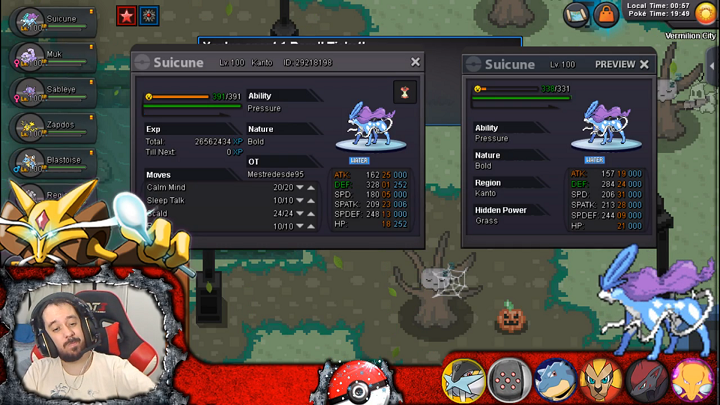
Username :Mestredesde95 Server : Gold Country: Brazil (GMT + 3)Username: mestredesde95 Server: gold Your streamlink: https://dlive.tv/MestreCareca What type of content do you stream: Live exclusive Brazilian PRO for more than 3 years. Now that I know it doesn't have to be just the English language to be an official strimer, I ask for the first time on a new platform.Wrong to click confirm rerol, have video to confirm this below: (Time 4:40 min) https://www.streamcraft.com/user/EU44991/video/3039661. I am a Pokemon revolution strimer online for 2 years and have never seen the iv scroll confirmation. As I didn't know I squeezed Not thinking I had spoken to the NPC again. If you can revoke the miss click thank you. Nick: Master of 95 Server: GOLD
 Username: : chesuscareca Novo usuário: MestreDesde95 Server to change the name from: Gold