New Trade Zone
Trade Zone is now live
Use the new Trade Zone for auctions and instant-price trades so Pokemon and item offers are easy to find.


Inustur
Registered User
-
Joined
-
Last visited
Everything posted by Inustur
-
c.o 1.2m
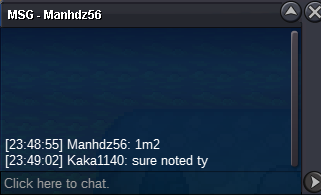 c.o 1m
 3m2.5m (will transfer if winningc.o 600k
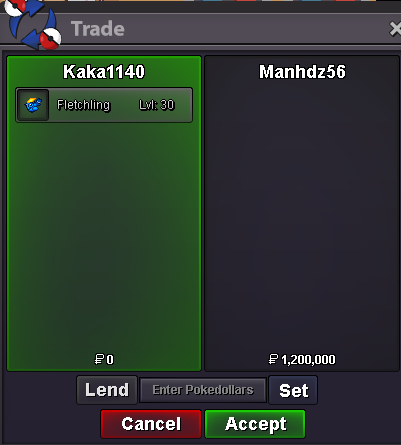
 S.O 500k Min bid 50k Insta: 1.5m Duration: 24hrs Accept: CC = 480k, IV RR = 730k, Pokedollar *NOTE: -All Trade/Auction Rules apply (please read if needed). -The trade might happen with my alt (Kaka1140) and will transfer to Silver if needed. -Goodluck and have a great day.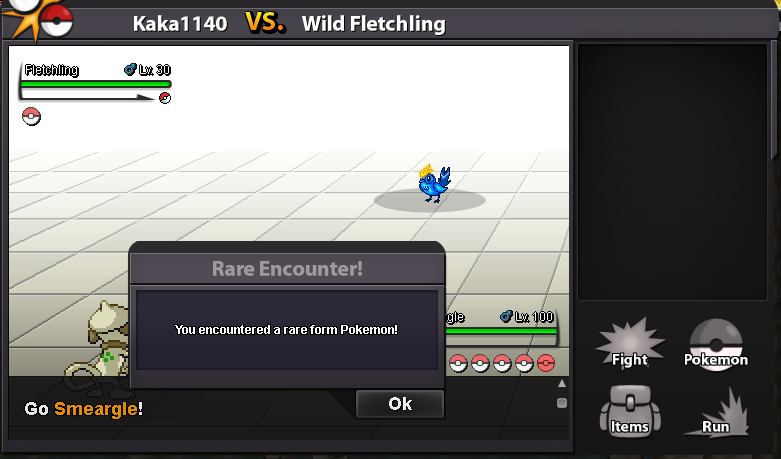
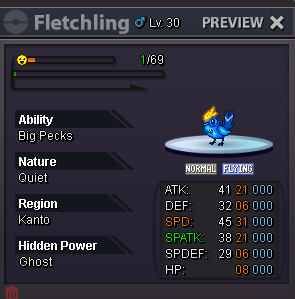 Bump3.9m3.5mGot a pinkish duck, still lurking for that shiny ancient bug (a.k.a anorith/armaldo) 👀👀Start: 1m Min bid: 100k Duration: 24hrs Payment Option: Pokedollar, CC=450k, IV Reroll = 700k Note: -This is GOLD auction, silver bidder will have to transfer upon winning. -All auction and trade rules are applied (please read if needed) -Thank you and goodluck!👀I'm at lilycove atm and online nowWtb shiny luxray👋.Last 1hr👀😄Start Price: 1m Min bid: 100k Time: 48hrs after first bid (GMT -6) Insta: 3.5m Payment option: Pokedollar, Coin Capsule = 450k, IVs Reroll = 700k Note: -This is GOLD auction, Silver bidder has to transfer upon winning. -All trade/auction rules apply (pls read if needed) -Goodluck and have a good day.