




New Trade Zone
Trade Zone is now live
Use the new Trade Zone for auctions and instant-price trades so Pokemon and item offers are easy to find.


Magicarpediem
Registered User
-
Joined
-
Last visited
Everything posted by Magicarpediem
-
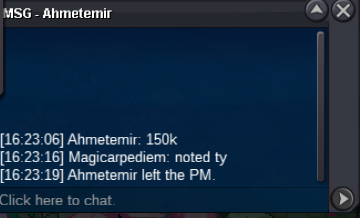
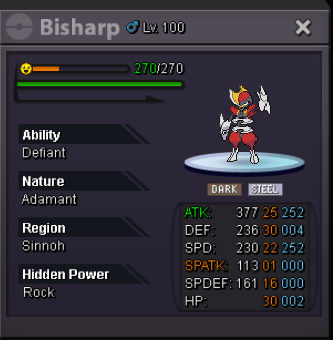
you won the bisharp congratz
-
arounnd 3h left for bisharp
-
Gonna add more ( pvp,items,etc..) and update some prices.
-
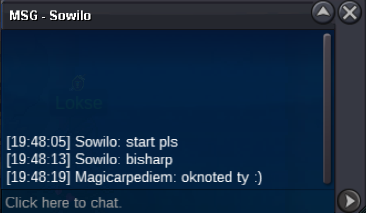
bisharp end in 48h !
-
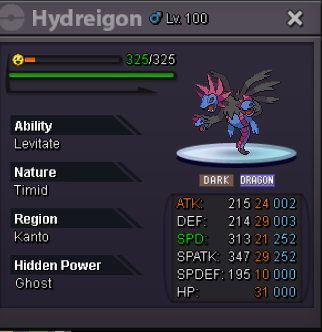
Start Price: 100k End Point: 48 hours (after start price is met) Minimum Raise: 20k If you intend to purchase with an alt account, specify the account alongside your bid. If a bid is received in the final 15 minutes of the auction, the end point will be delayed by 15 minutes from that bid, and will be delayed by 15 minutes for each new bid thereafter, until the current offer has been held for a full 15 minutes.

-
7m
-
2m
-
+1 great idea. I can suggest some rewards like new pokeball, shadow mounts, cosmetics around bcc and fcc themes etc..
-
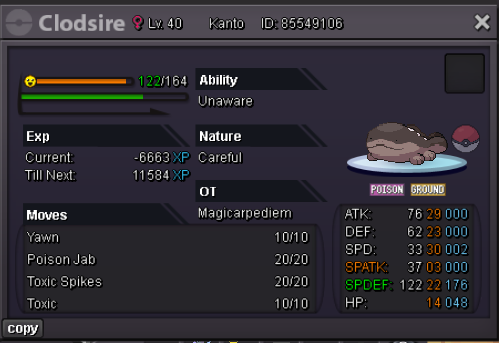
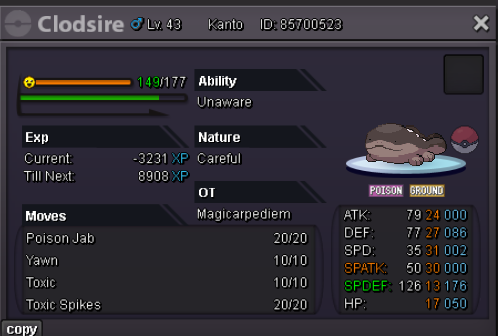
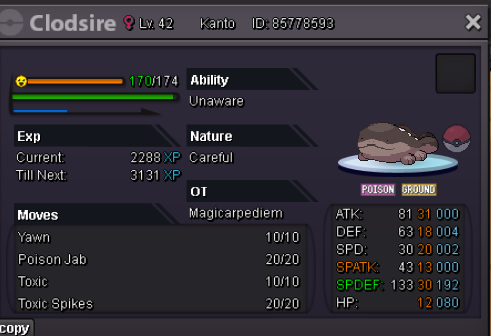
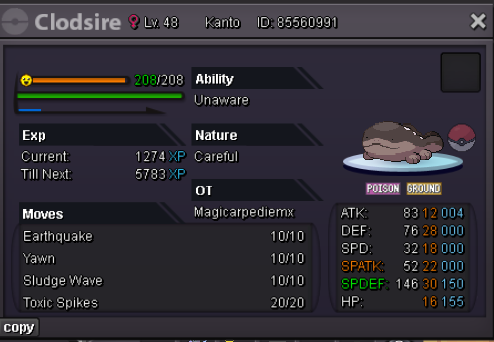
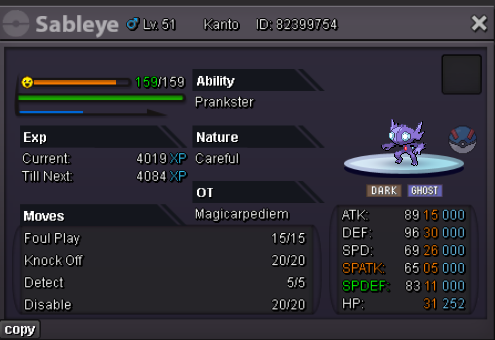
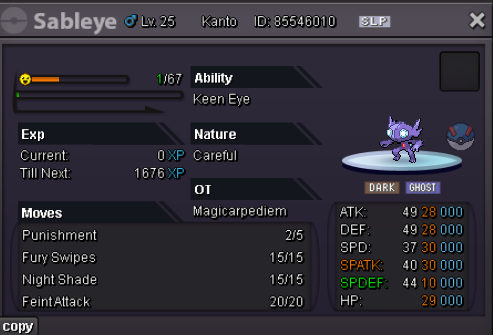
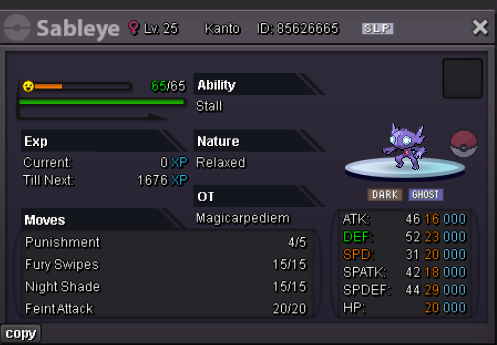
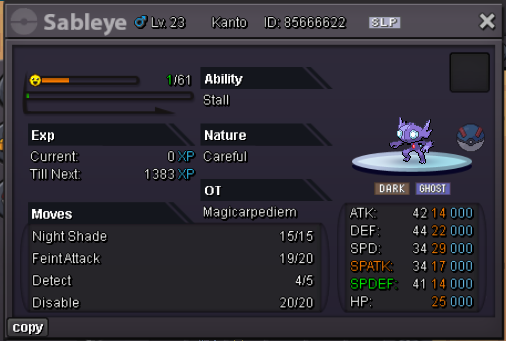
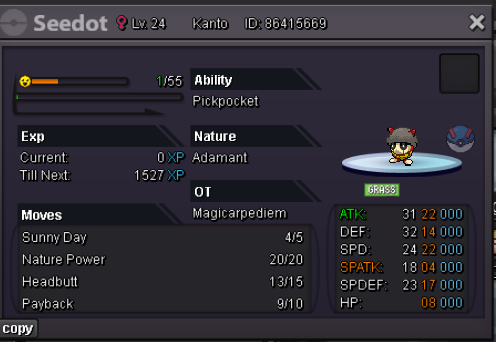
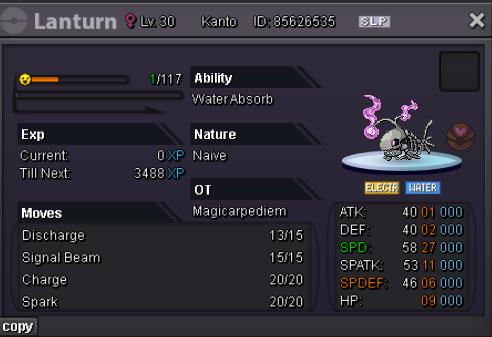
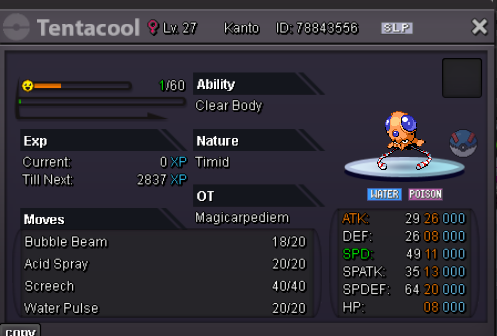
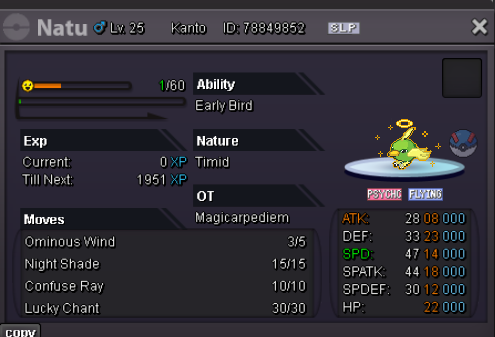
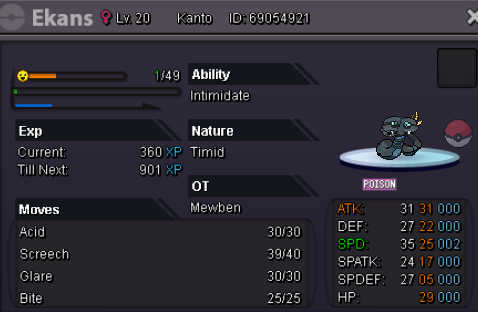
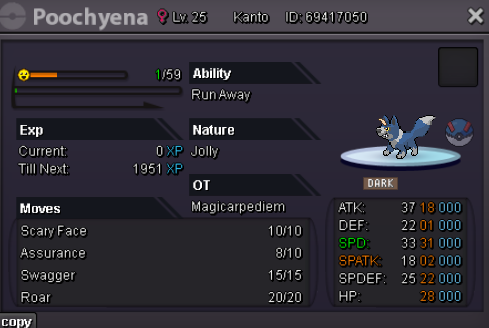
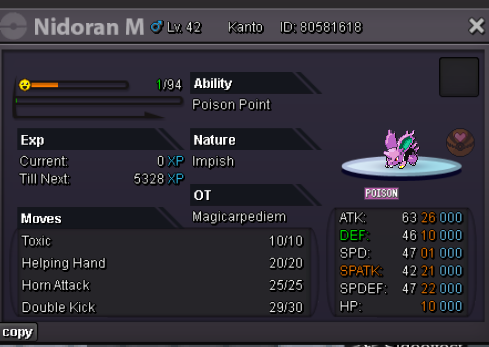
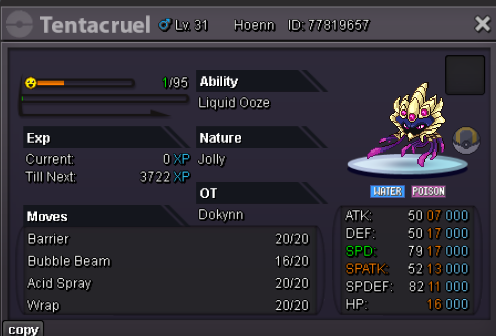
Carpe Diem CLODSIRE & WOOPER: Sableye: TRAINED & UNTRAINED 50K EACH LVL 100 100K EACH OR 3 FOR 200K PVP + EPIC ONES: FORMS EVENT : 40K EACH OR 3 FOR 100K FORMS EVENT epic & rare : SHINY ONES : Misc Items: WHISHLIST:

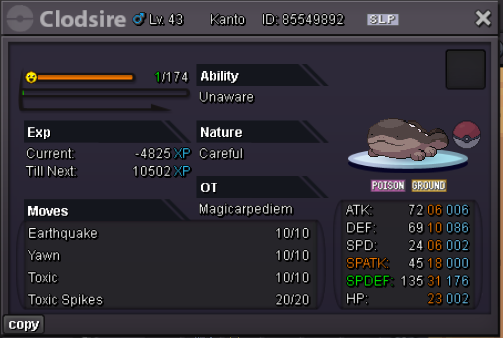
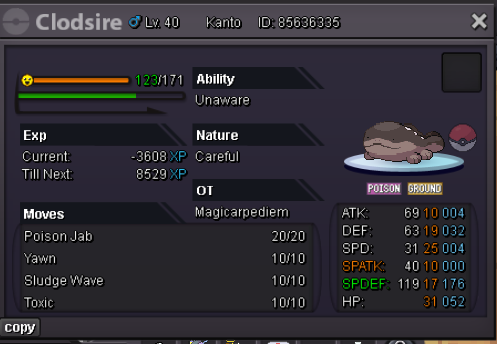
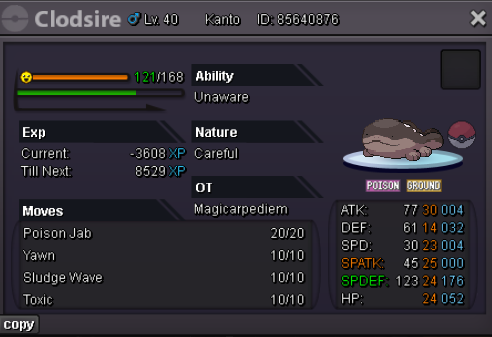
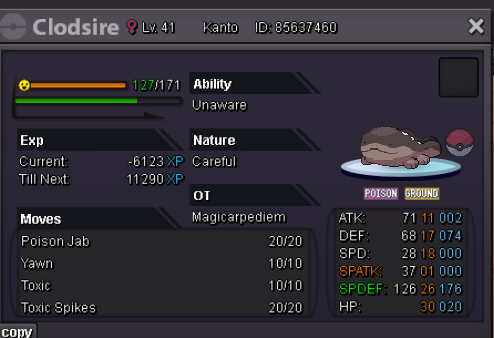
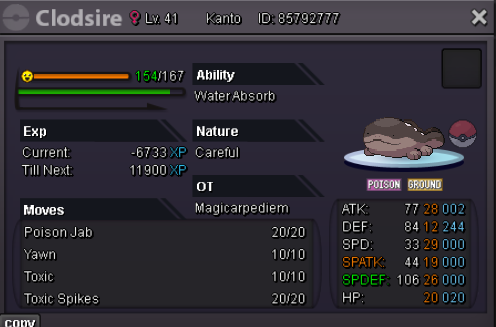
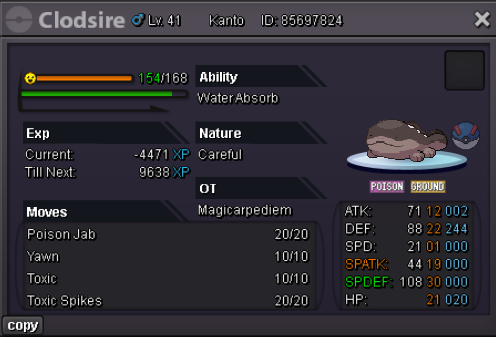
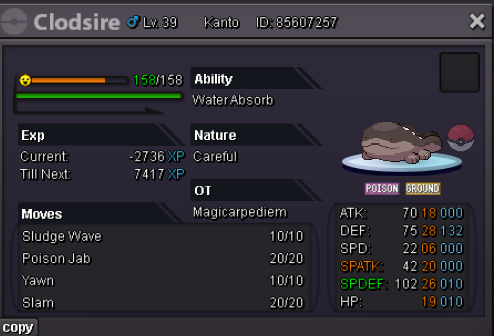
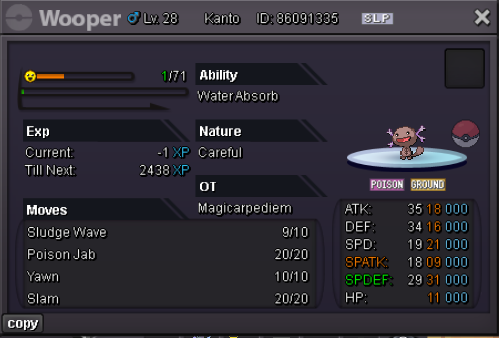
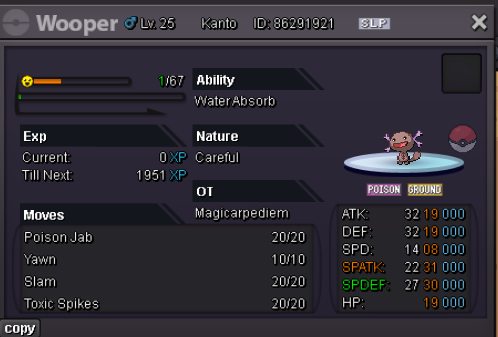
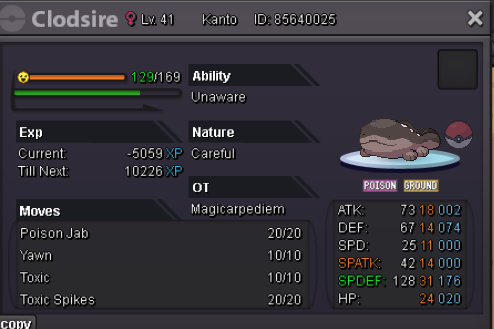
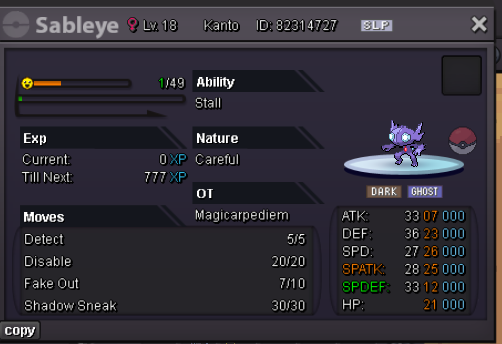
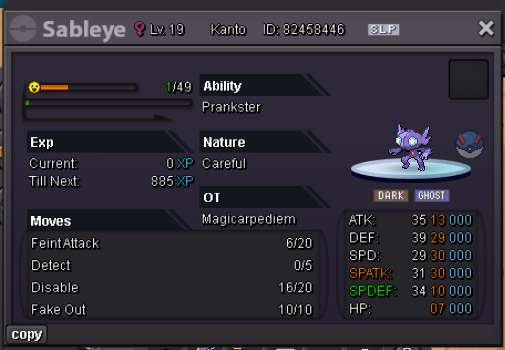

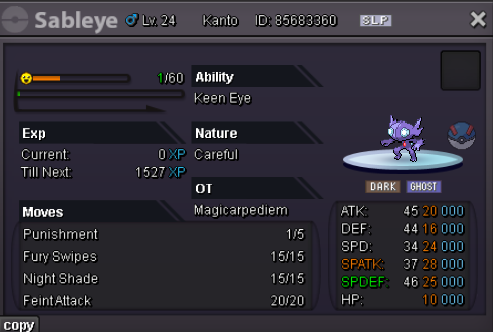
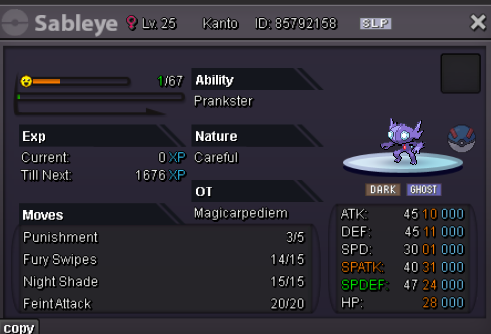
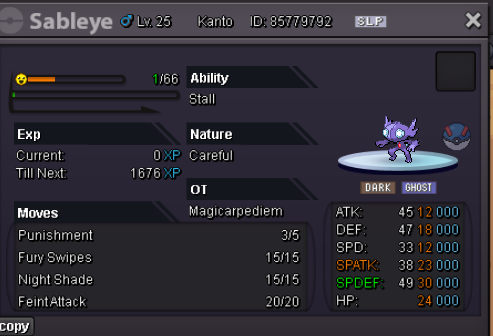
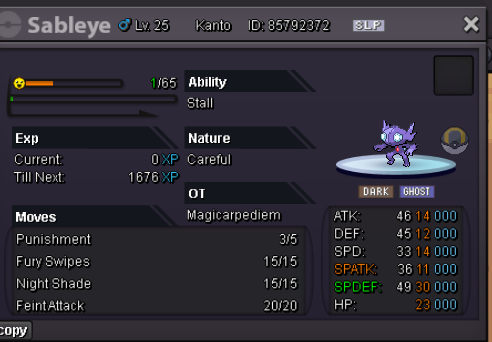
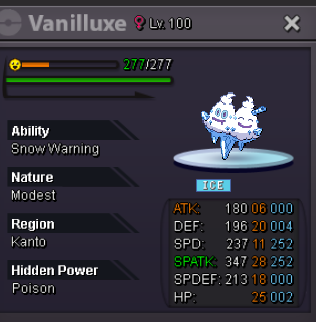

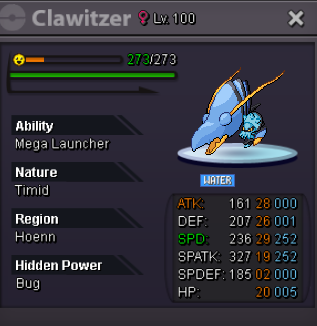















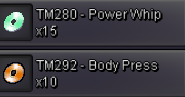


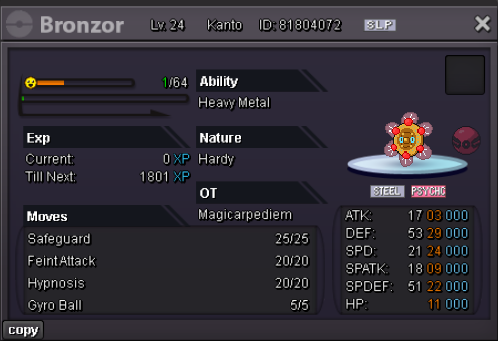
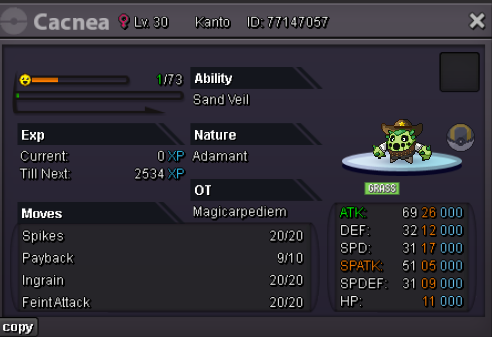
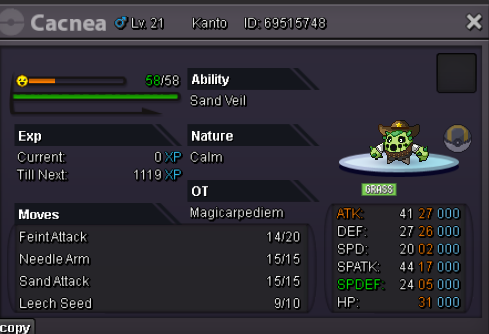
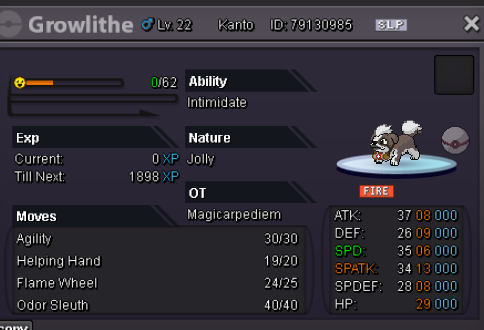
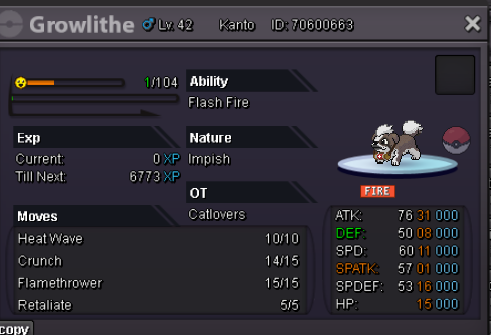

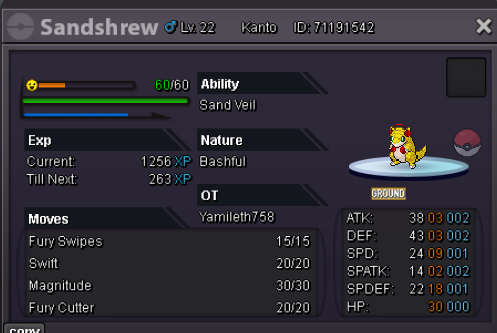
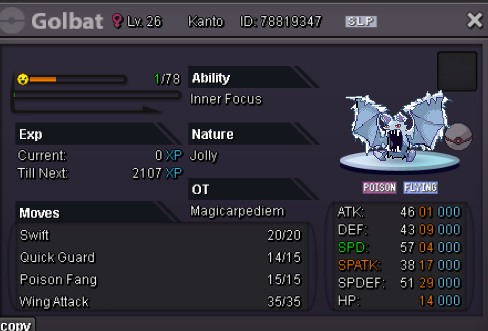
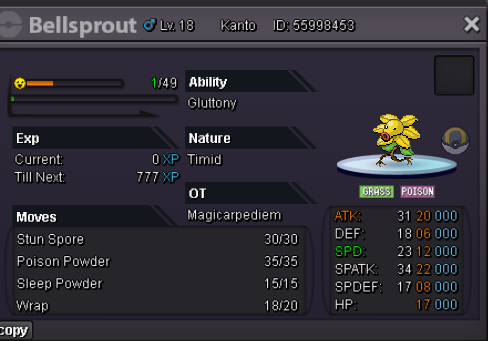
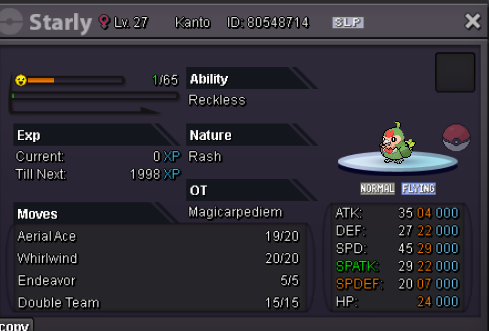
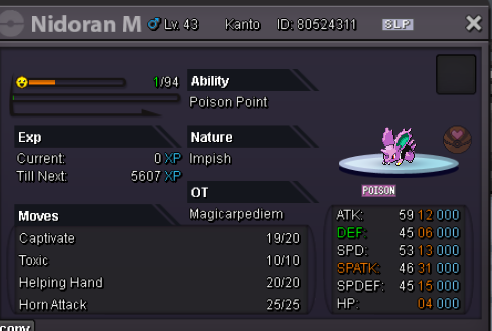
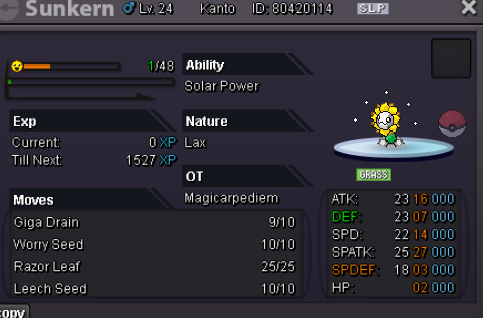

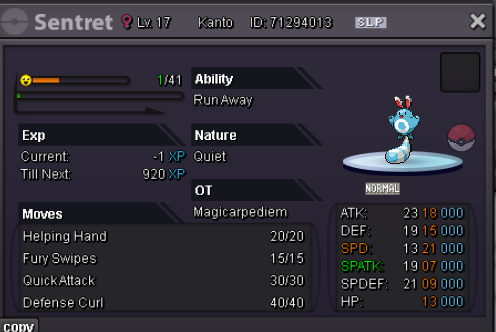
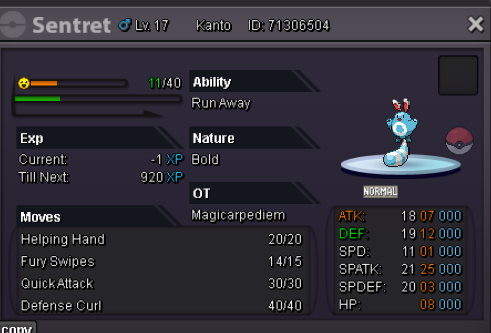
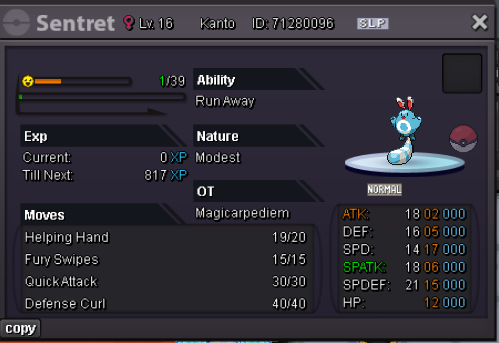
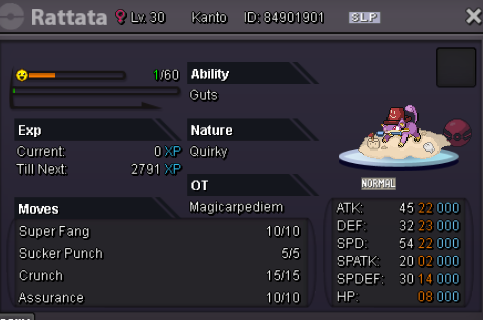
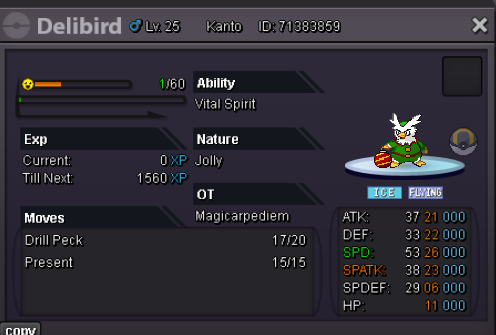
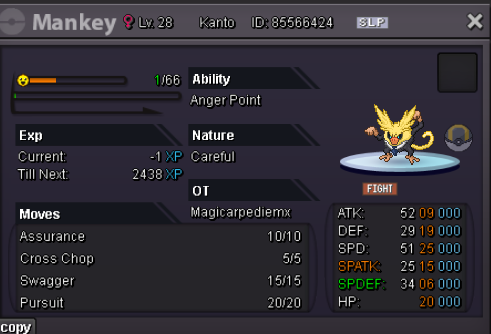
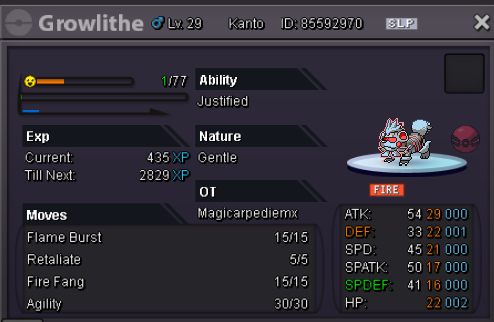
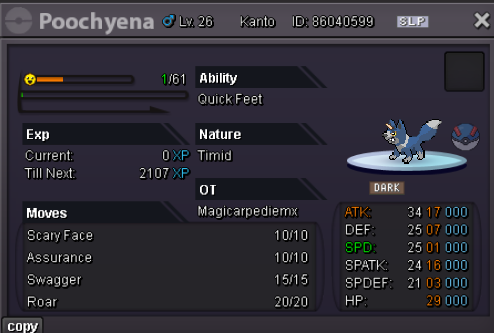
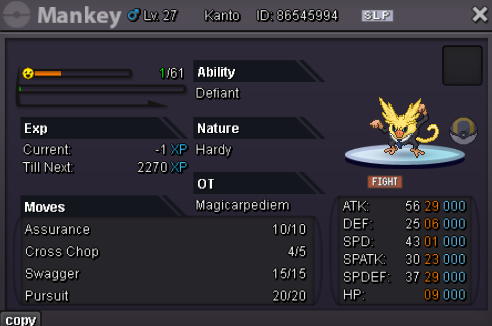
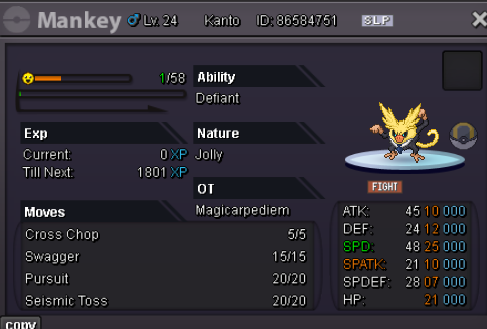




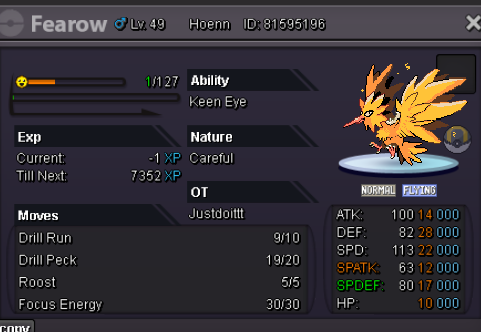
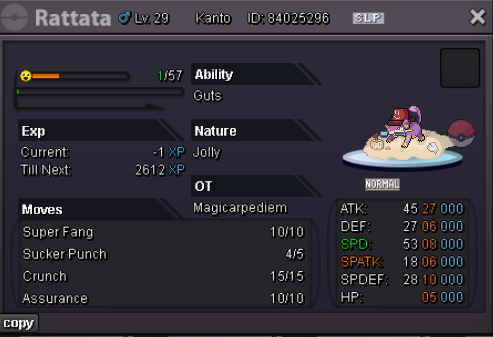
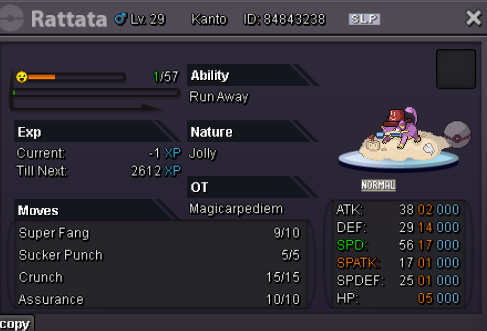
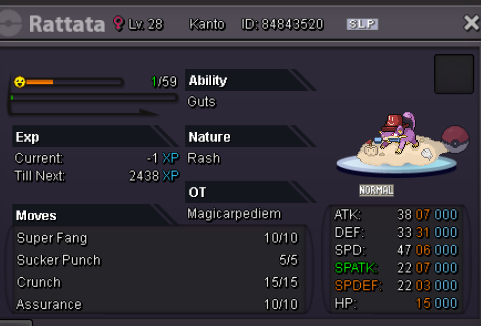
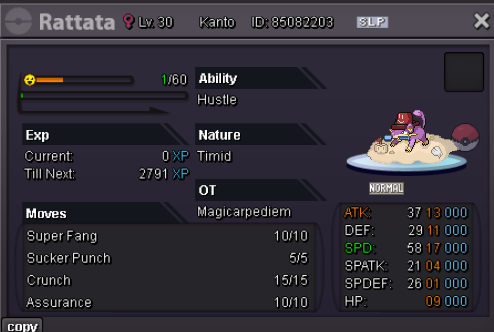
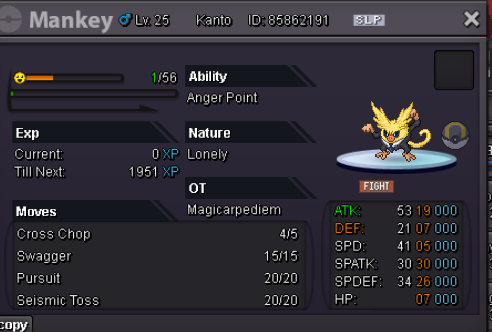
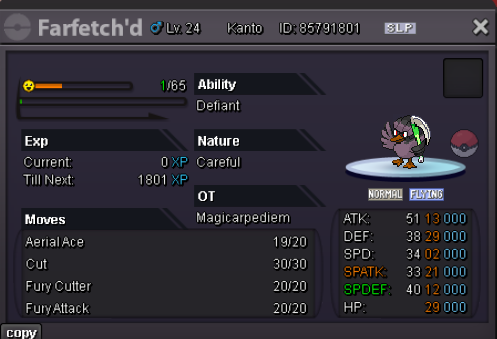
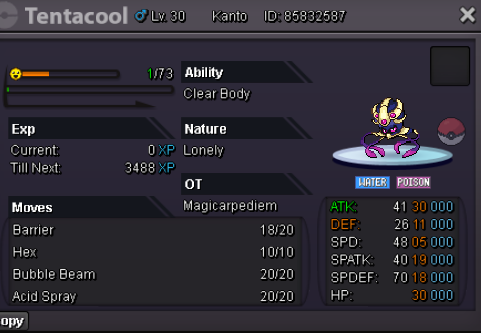
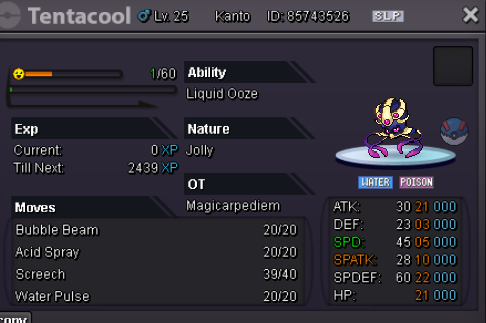
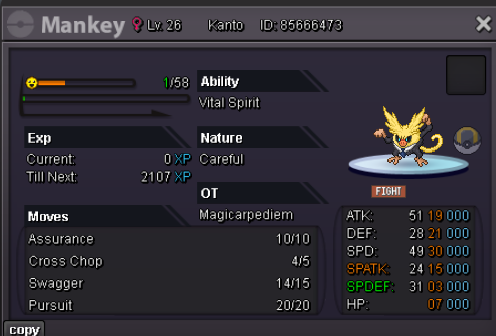
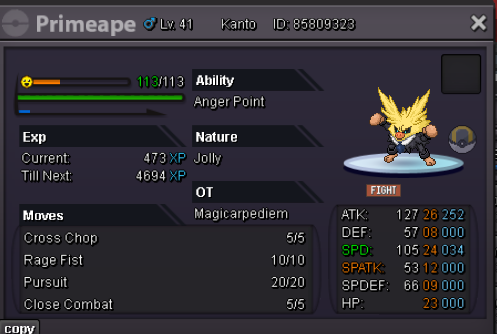
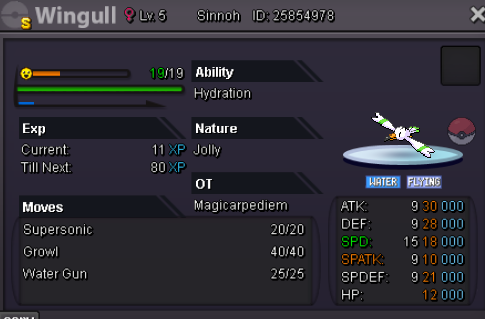
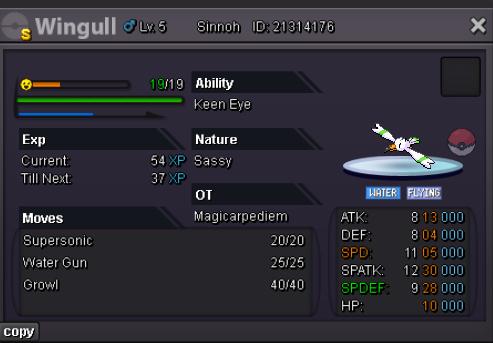
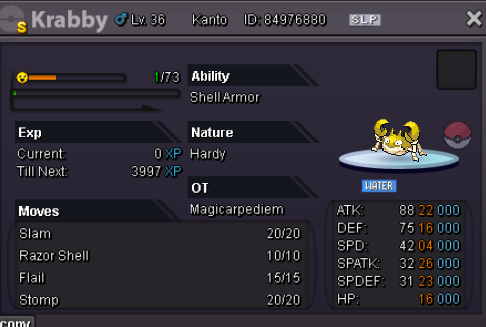
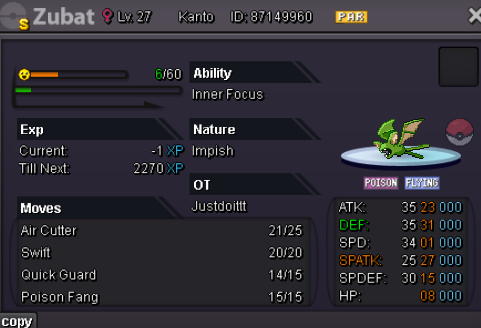
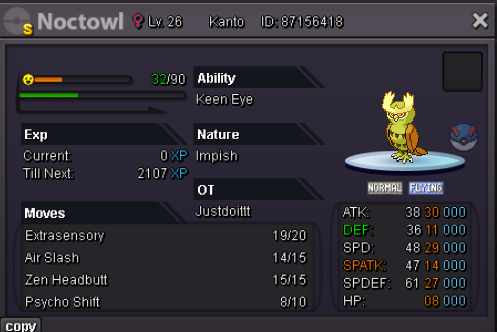
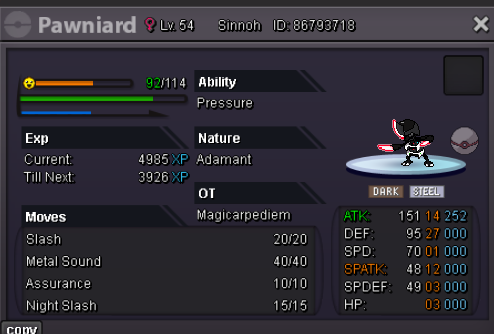




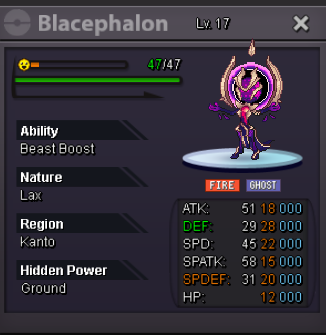

-
start
-
4.2m
-
2m
-
pm me when you're online
-
25k shroomish
-
1.4m timburr
-
1.2m timburr
-
900K TIMBUR / 15k SHROOM
-
Auction can be closed Ty for bidding ❤️
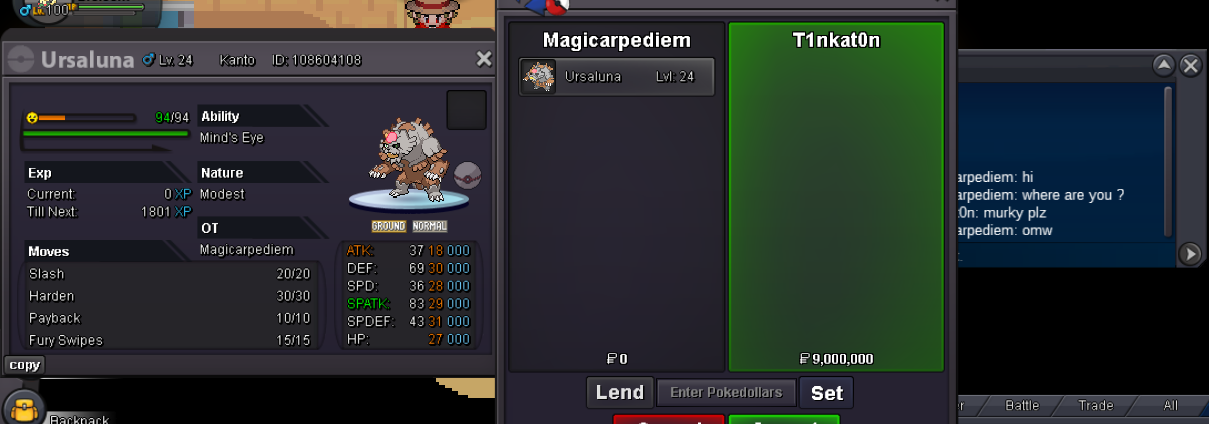
-
Auction is over ! 🙂 Let me know which server you want o trade ?
-
end in 15min from time of this offer. If a bid is received in the final 15 minutes of the auction, the end point will be delayed by 15 minutes from that bid, and will be delayed by 15 minutes for each new bid thereafter, until the current offer has been held for a full 15 minutes.
-
1h left !+1+1 i suggest you to watch norex's suggestion about it.+1 great idea ❤️

