




New Trade Zone
Trade Zone is now live
Use the new Trade Zone for auctions and instant-price trades so Pokemon and item offers are easy to find.


Magicarpediem
Registered User
-
Joined
-
Last visited
Everything posted by Magicarpediem
-
-
-
i will be online tomorrow. will contact you on discord
-
wtb both hallo magikarp, sneazel hallo too ( no price ? )
-
wtb weezing 200k
-
wtb easter seedot
-
-
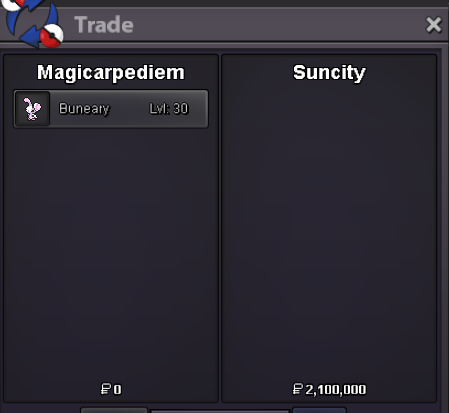
can be closed . ty
-
you won the auction ! congratz @Justbillionare offer is too late sorry.
-
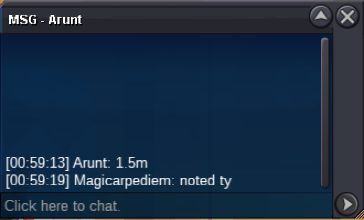
auction end in around 9h.
-
32h left
-
-1
-
2m
-
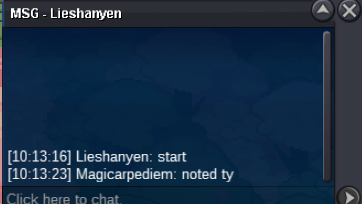
started. end in 72h 10:13 am gmt +2 6/6/25
-
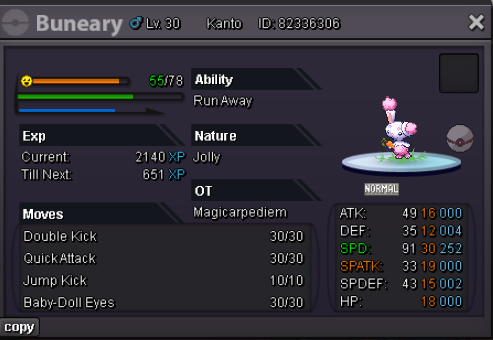
Start Offer : 1m min bid 100k 72h auction after start offer 15min rules accept reroll ticket 550k
-
1.1m
-
1m 20k
-
Hi everyone ! First of all, I just want to clarify that I played a lot, and almost since the start of this project. Once you finished story etc it can be repetitive, but there is still content like pvp, etc.. But there isone thing who totally ( or very rare ) disapeared, and it's outbreak spawns. Is it hard to implement this more often in game ? Cause, there is a lot of pokemon who can only be catch by this feature. We can talk about beast like blacephalon, but there is more. ( alola diglet, zacian, falinks, wooloo, skwovet .. ) Some get no outbreak since more than 4 years now. Even Rockruff got removed from guild island spawn. To end I just want to know if it's a decision you made ? and why there is not more outbreak spawn like it was 4/5 years ago. I really think it can be good for the game when there is no event and people asking all the time when x event start etc .. Thank you 🙂
-
1m
-
up
-
2m
-
i buy the karp
-
3m pancham
-
1;5m pancham
-
UP

