New Trade Zone
Trade Zone is now live
Use the new Trade Zone for auctions and instant-price trades so Pokemon and item offers are easy to find.


Norex
Discord Moderator
-
Joined
-
Last visited
Everything posted by Norex
-
#2 started

-
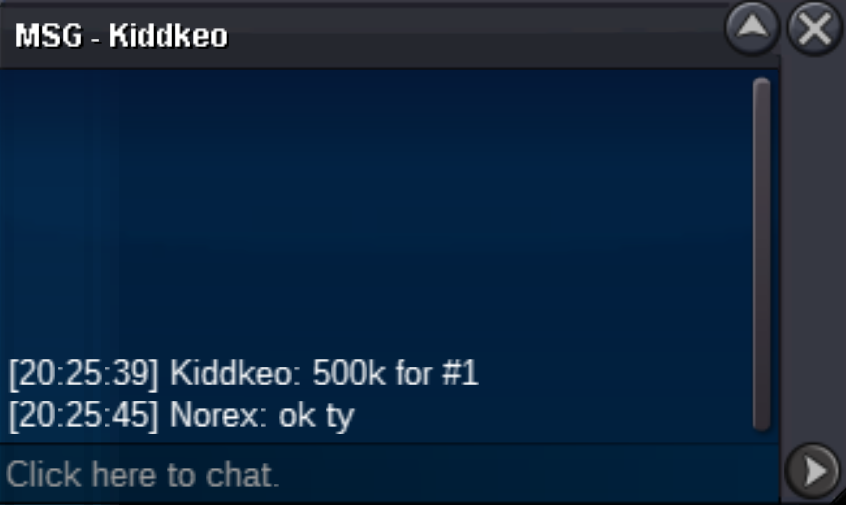
#1 was just started with a 500k bid
-
#1 started
-
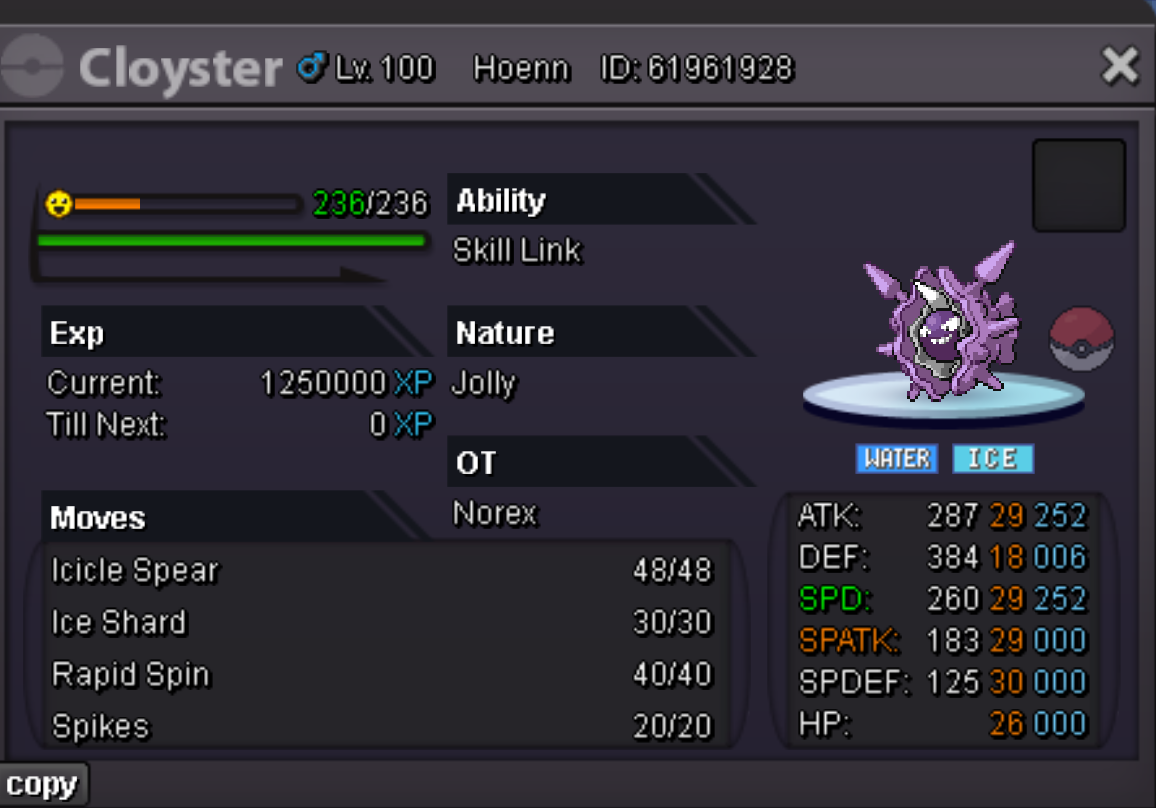
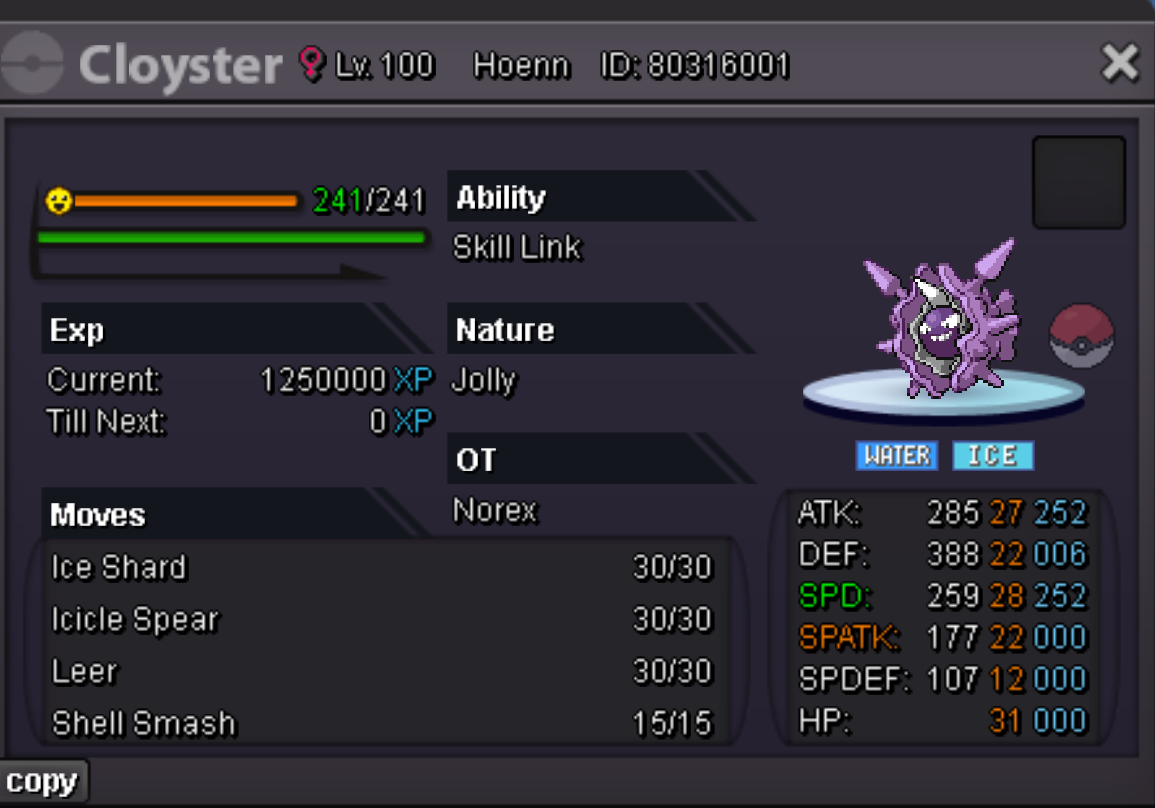
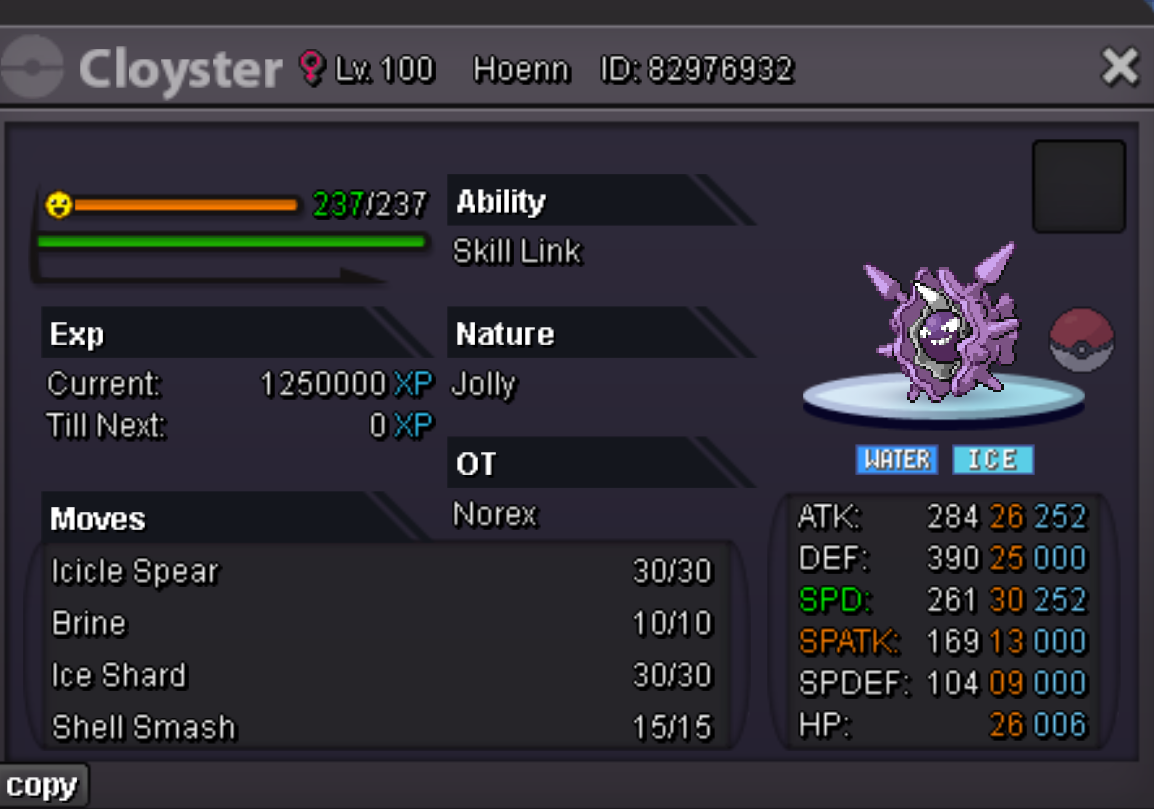
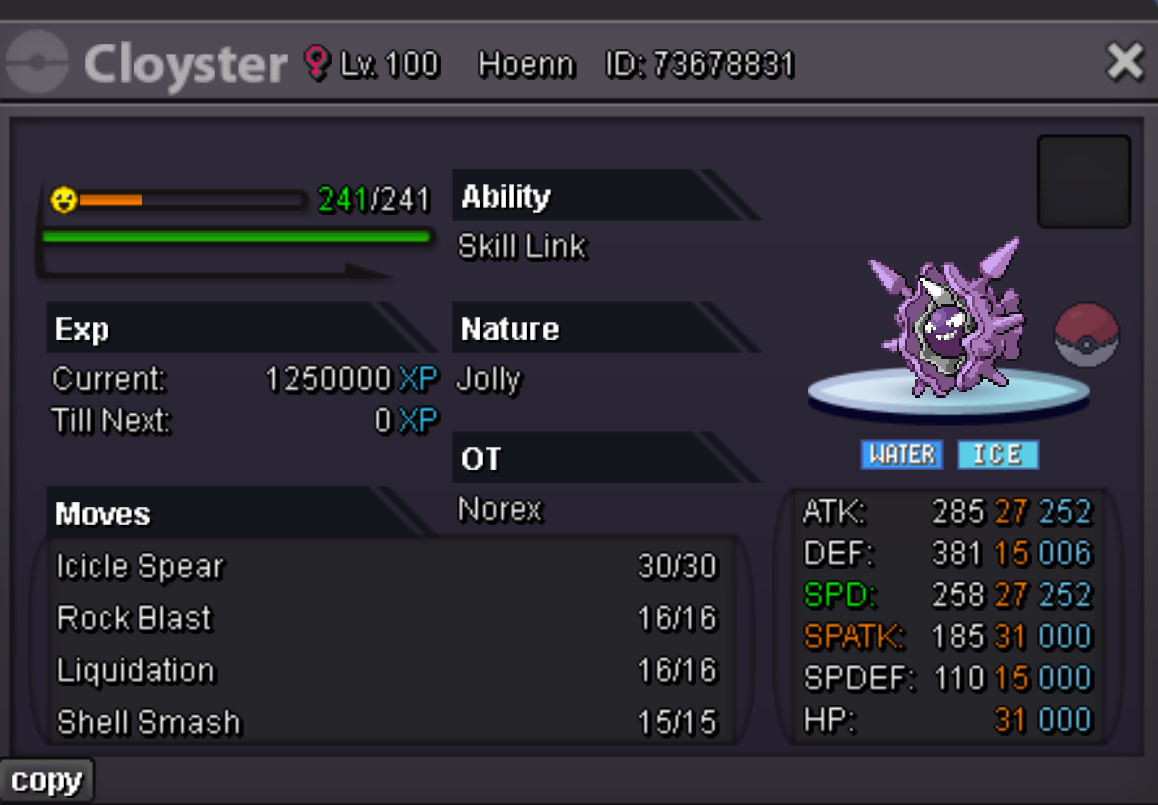
Cloyster #1 c.o. 500k [started 08:25 PM GMT+2] Cloyster #2 c.o. 200k [started 08:32 PM GMT+2] Cloyster #3 c.o. 200k [started 08:26 PM GMT+2] Cloyster #4 c.o. 200k [started 08:33 PM GMT+2] Duration: 24h after first bid Start offer: 200k each Min Bid: 50k Insta: None Accepted payments Coin Capsule = 500k Reroll Ticket = 600k Contact Ingame: Norex Discord: norex1234 If you want to bid from Silver Server make sure to mention that when bidding.
-
#2 ended, all auctions are over
-
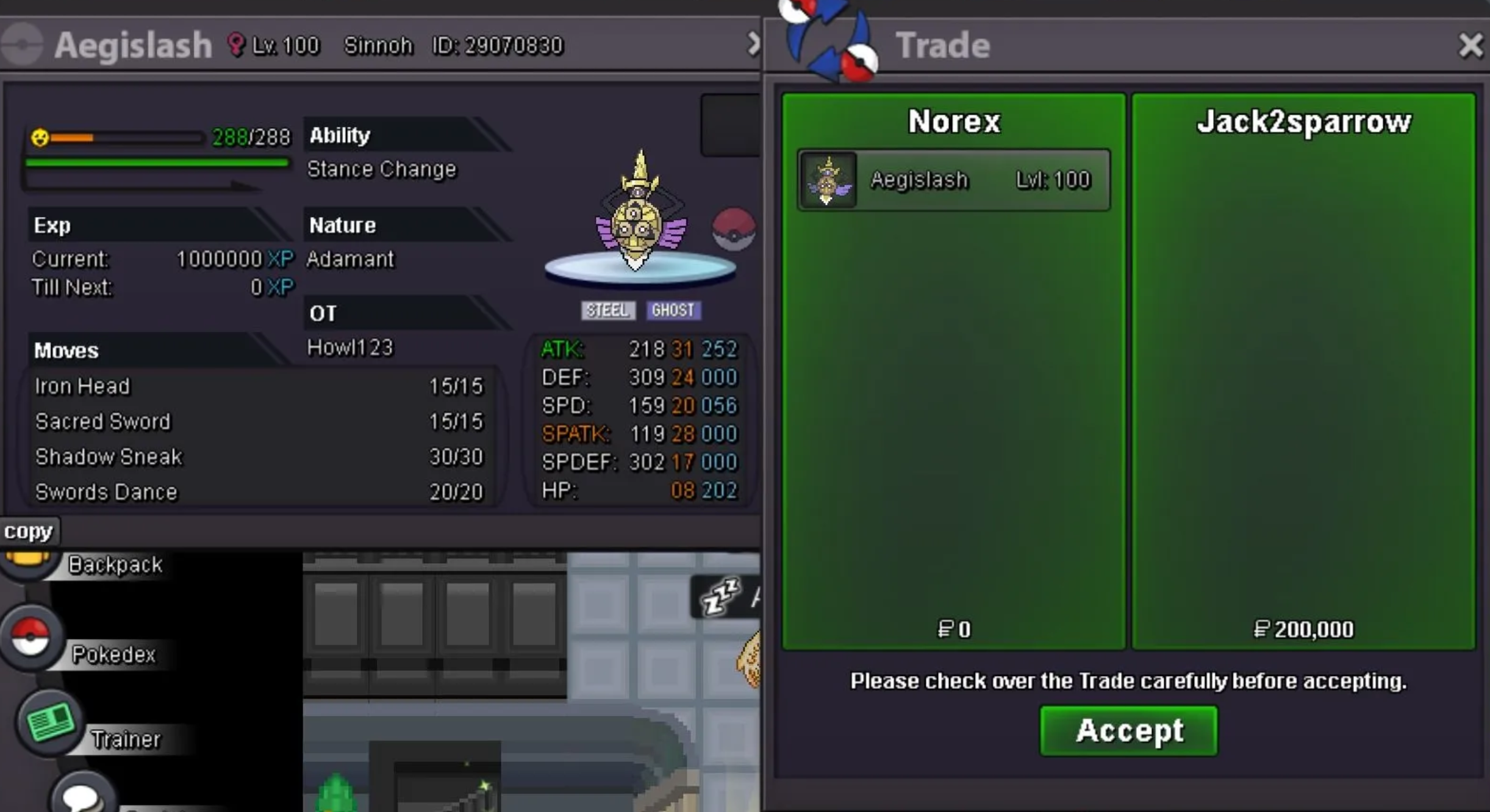
#3 traded
-
hey #5 already ended
-
@Jack2sparrow you won #3 at 200k, please contact me ingame or on discord
-
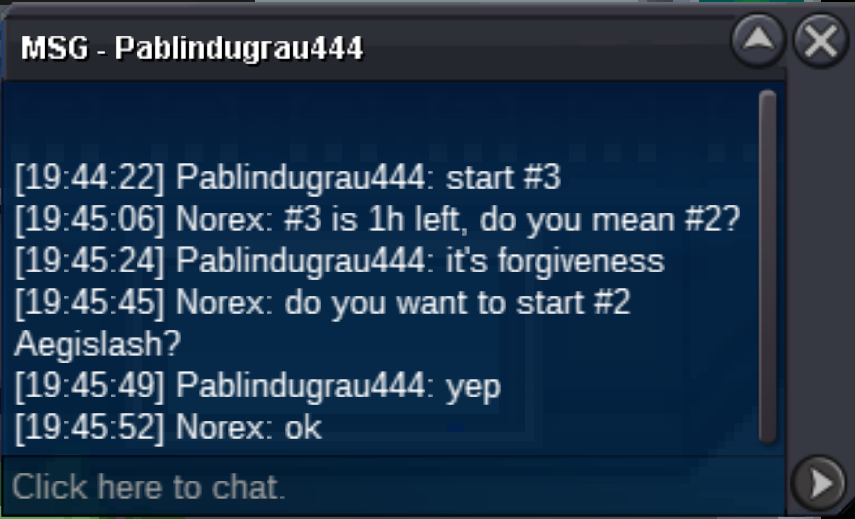
#2 started
-
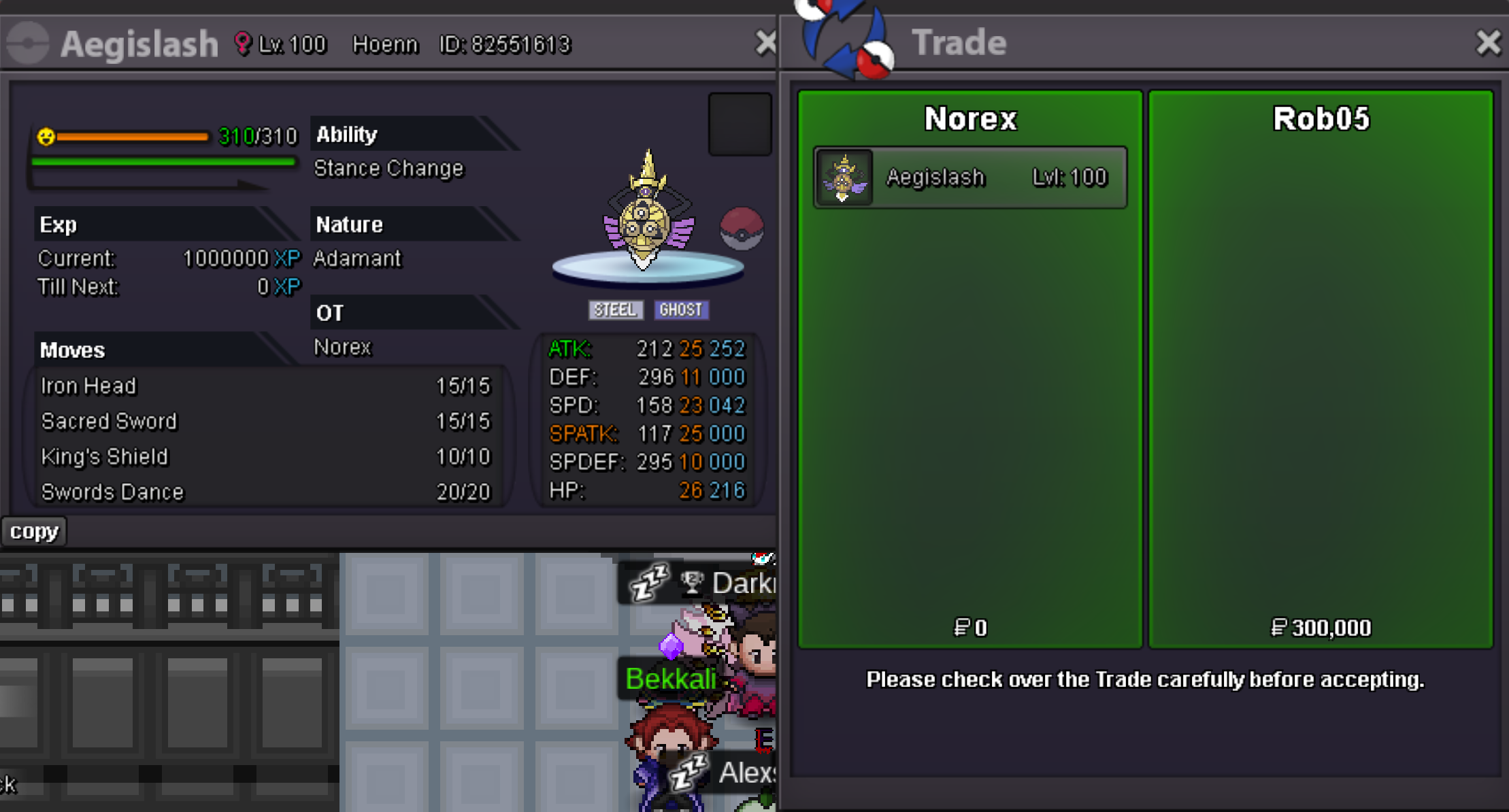
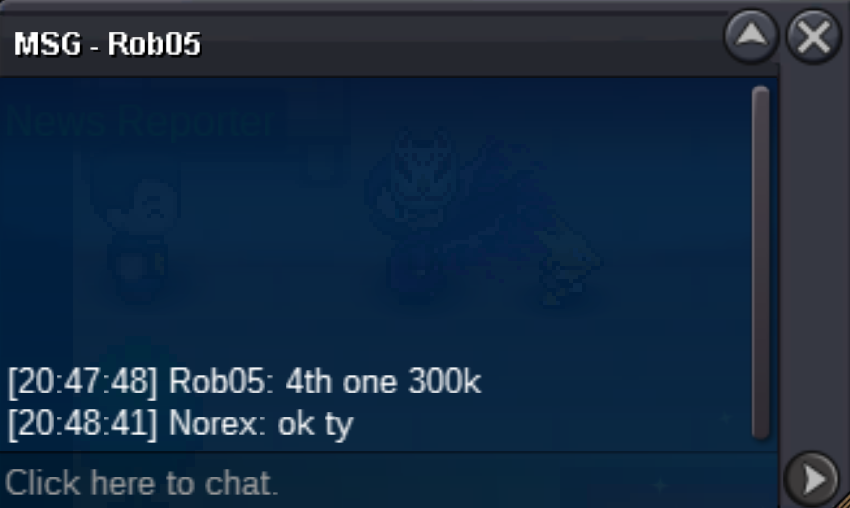
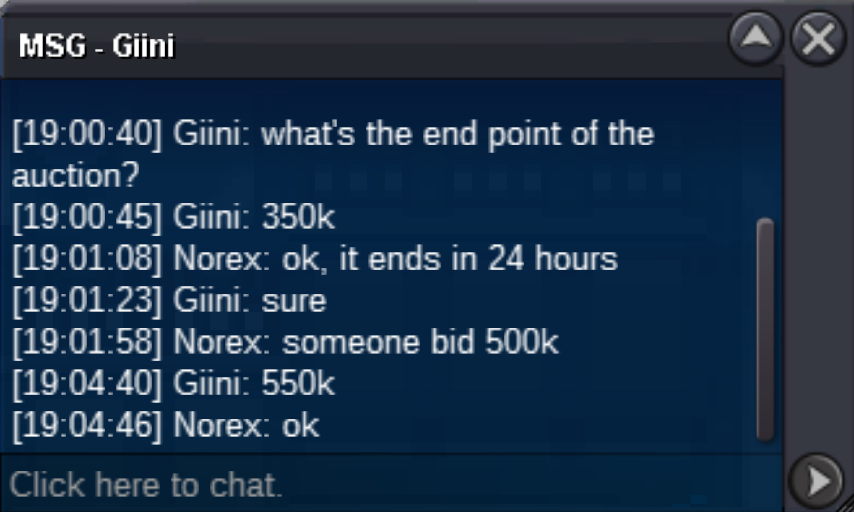
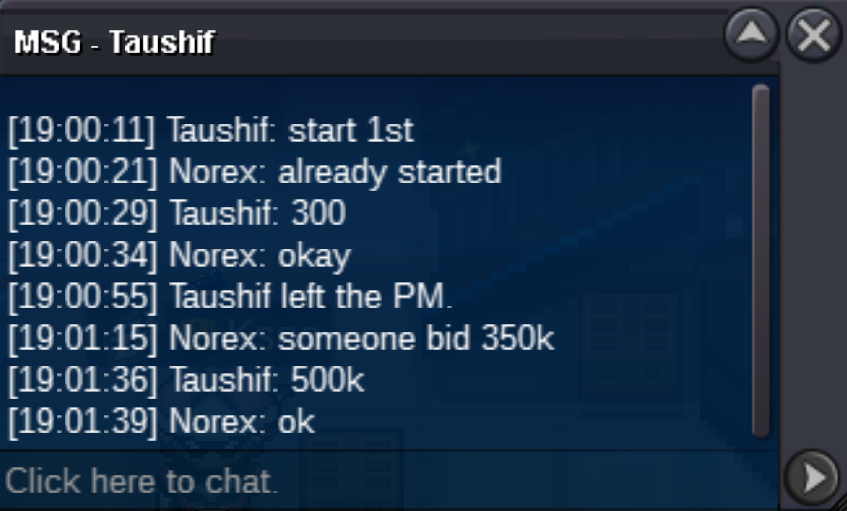
@Rob05 you won #4 at 300k#1 is already at 500k, the next bid would need to be 550k#1 started
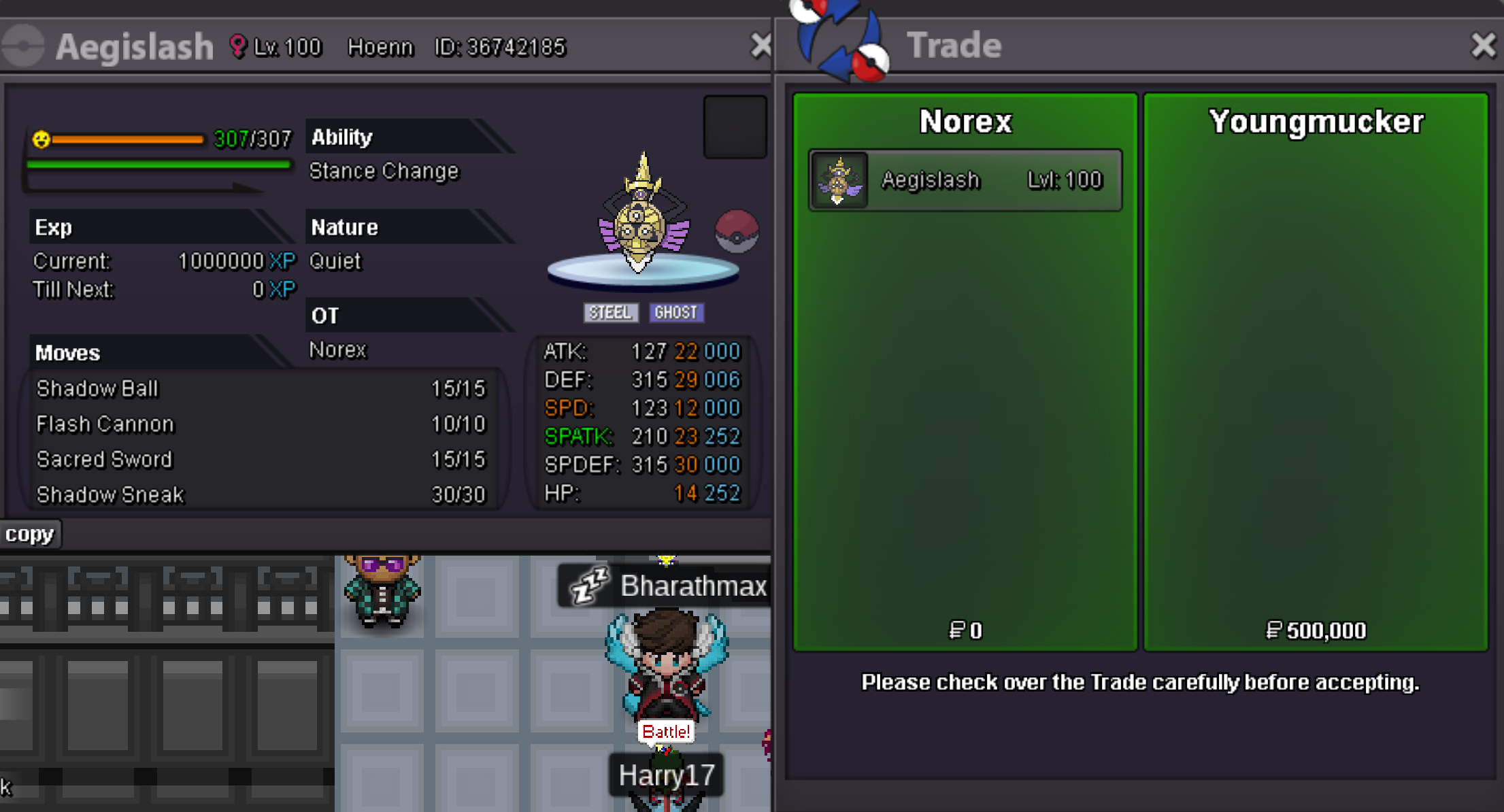
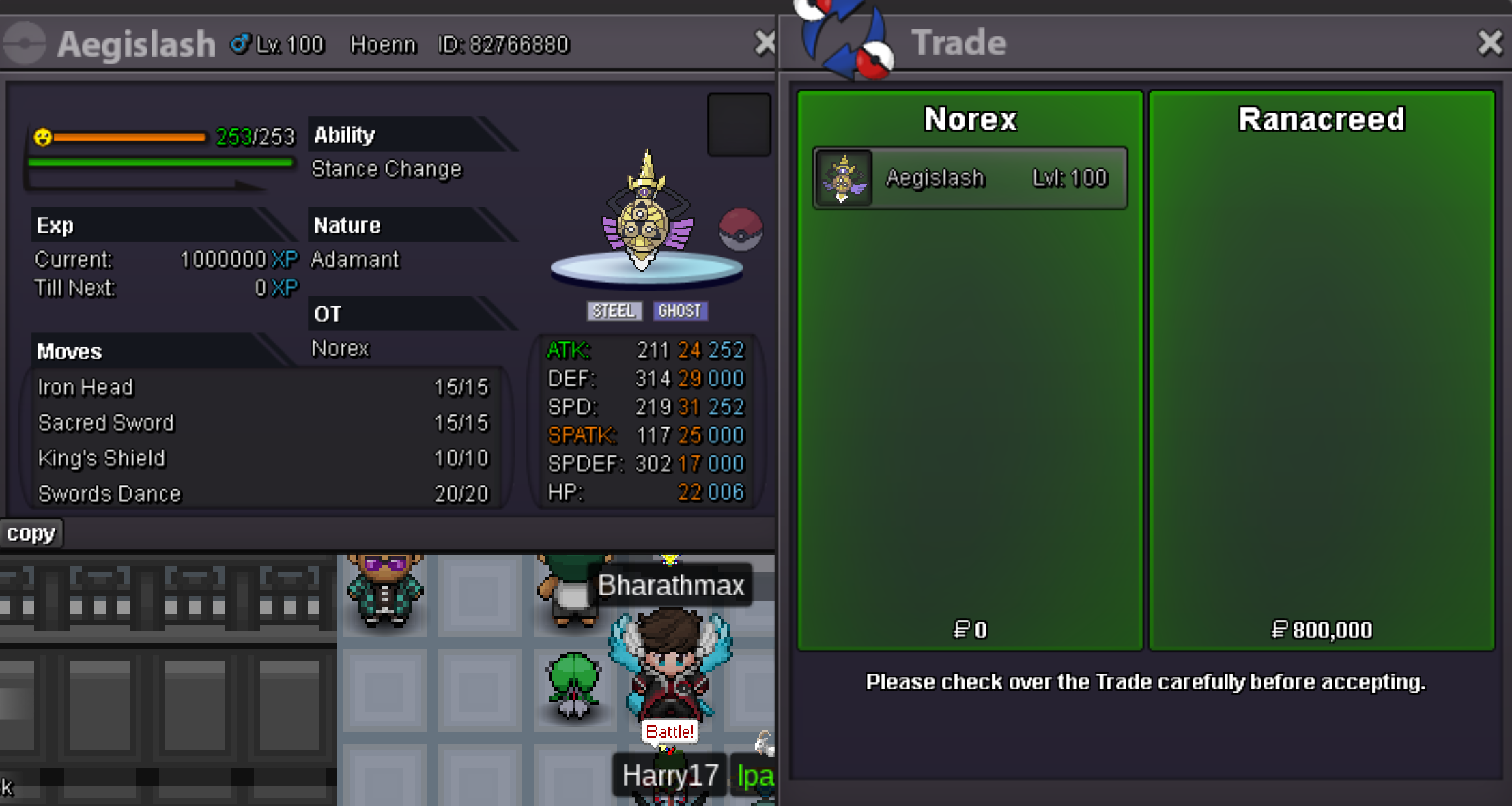
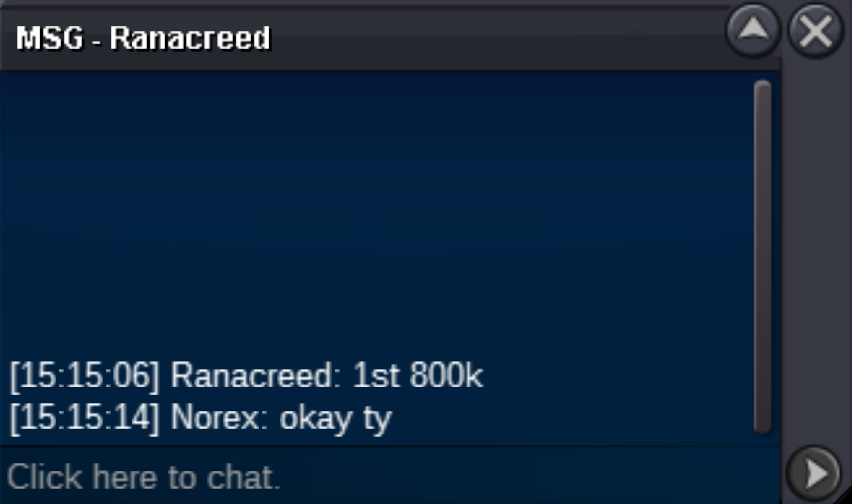
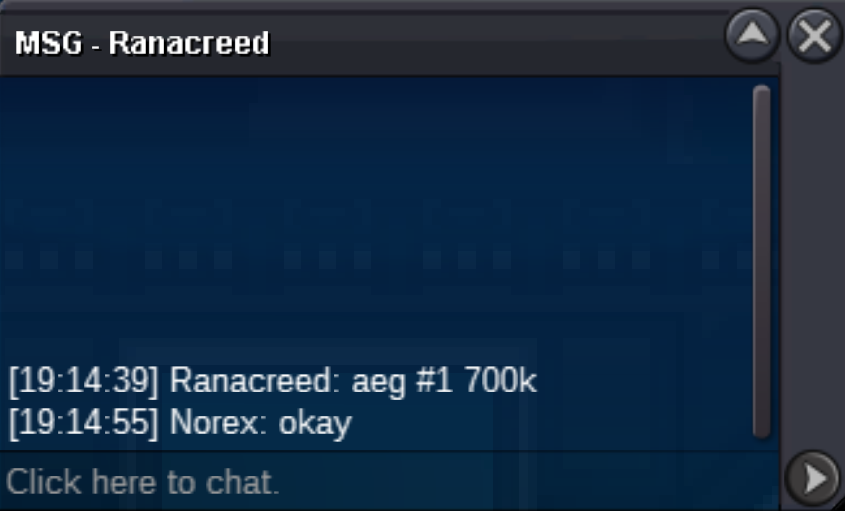
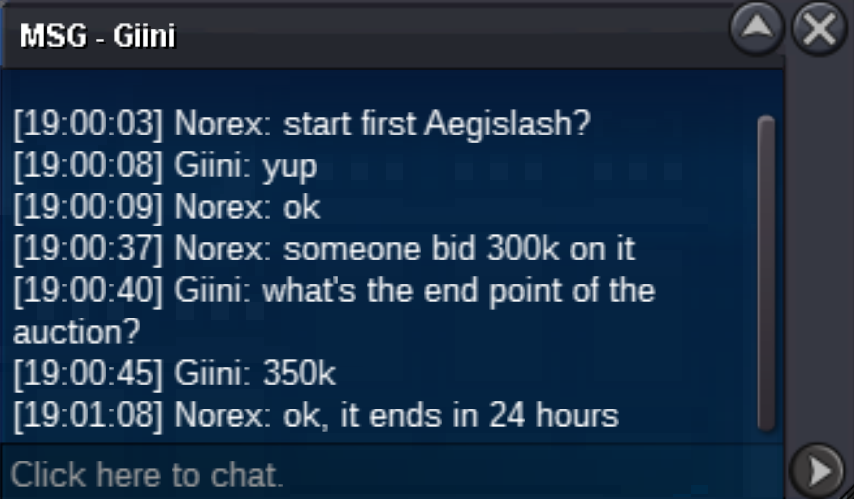
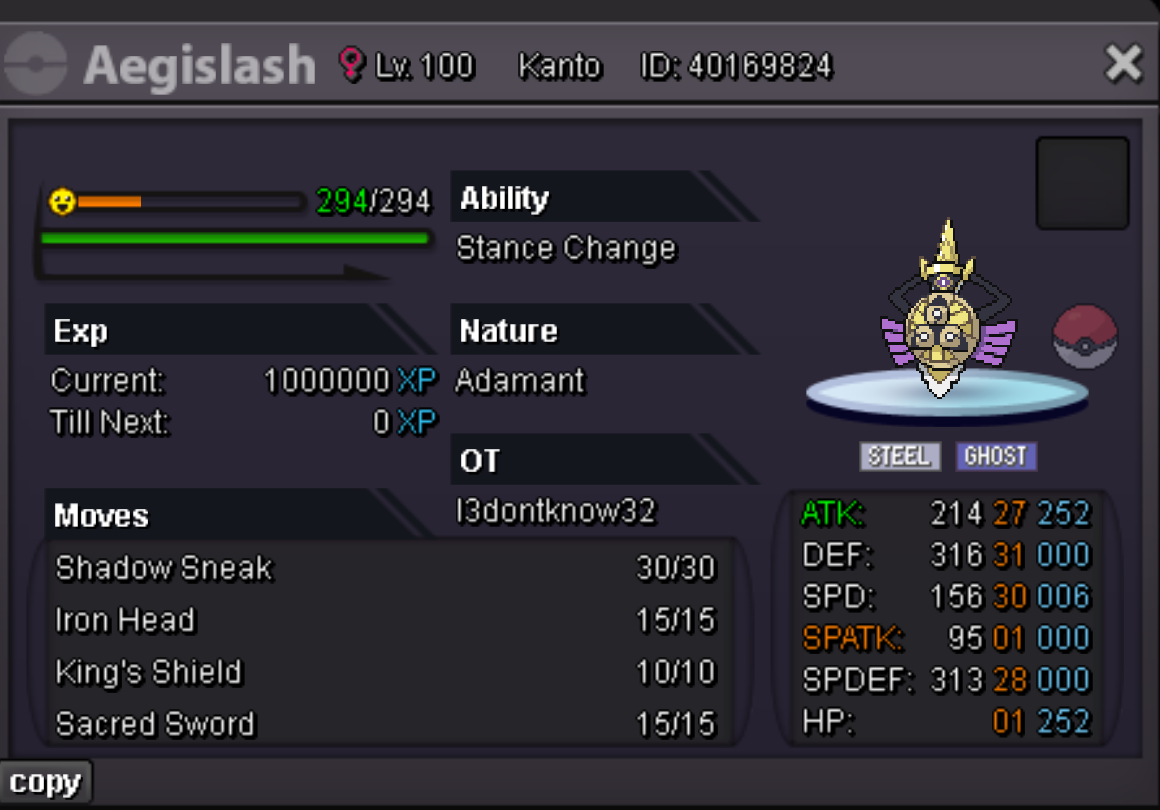
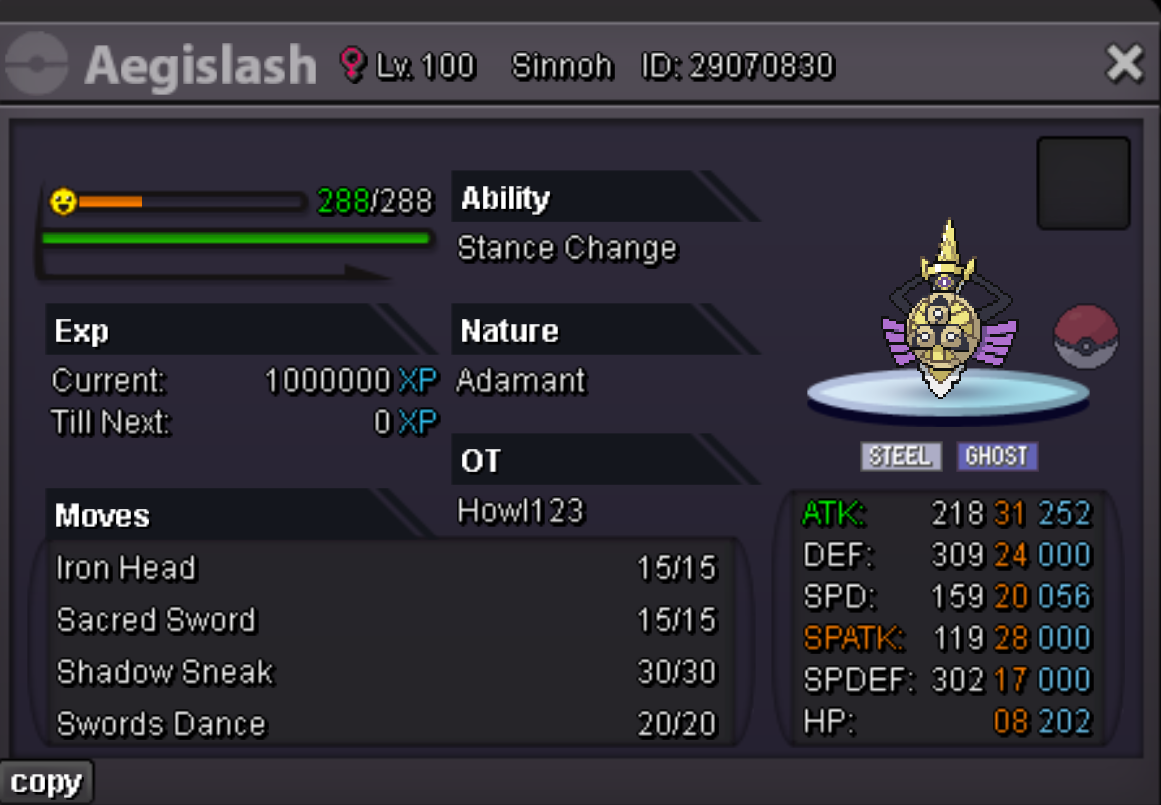
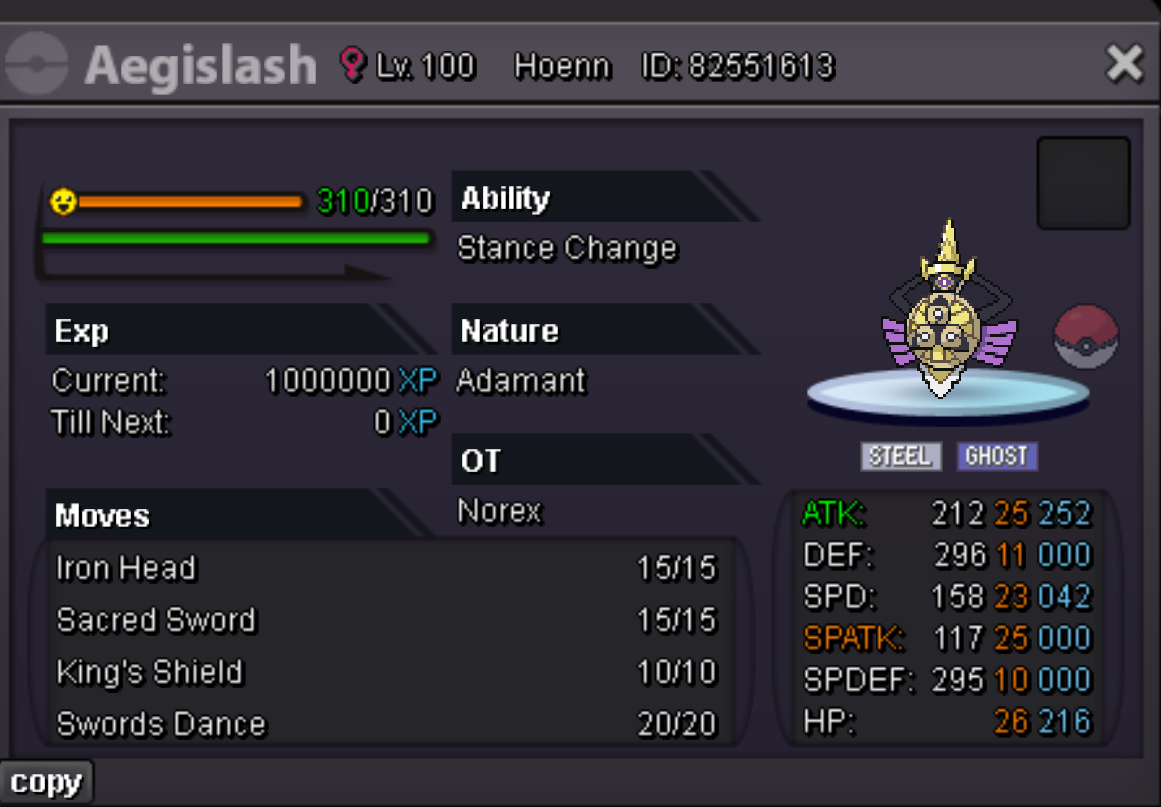
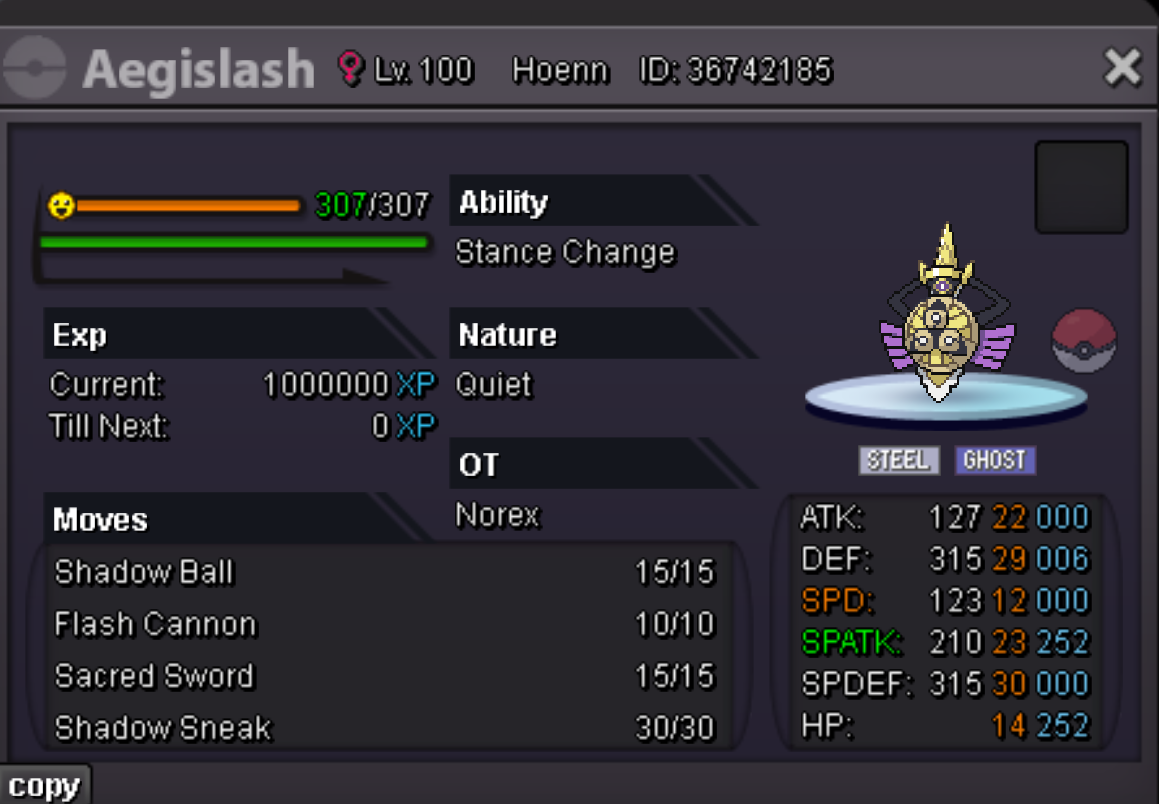
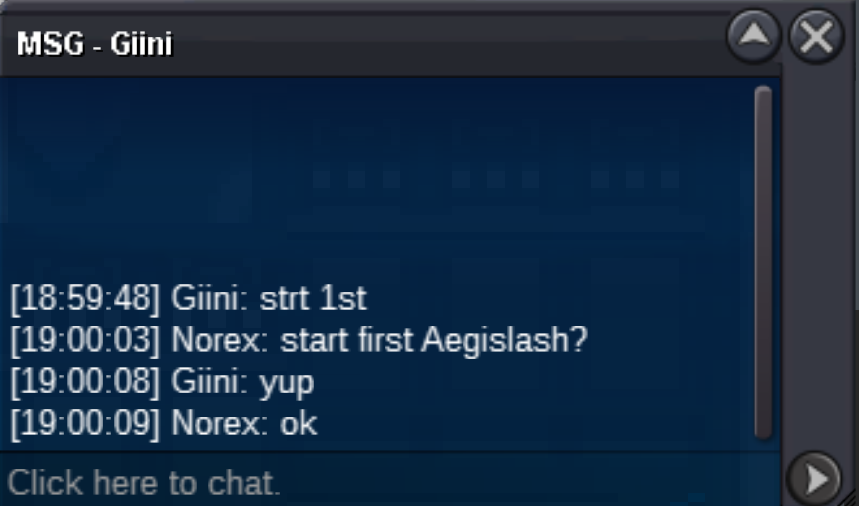 ENDED Aegislash #1 c.o. 800k [started 07:00 PM GMT+2] ENDED Aegislash #2 c.o. 200k [started 07:46 PM GMT+2] ENDED Aegislash #3 c.o. 200k [started 08:47 PM GMT+2] ENDED Aegislash #4 c.o. 300k [started 07:02 PM GMT+2] ENDED Aegislash #5 c.o. 500k [started 07:10 PM GMT+2] Duration: 24h after first bid Start offer: 200k each Min Bid: 50k Insta: None Accepted payments Coin Capsule = 500k Reroll Ticket = 600k Contact Ingame: Norex Discord: norex1234 If you want to bid from Silver Server make sure to mention that when bidding.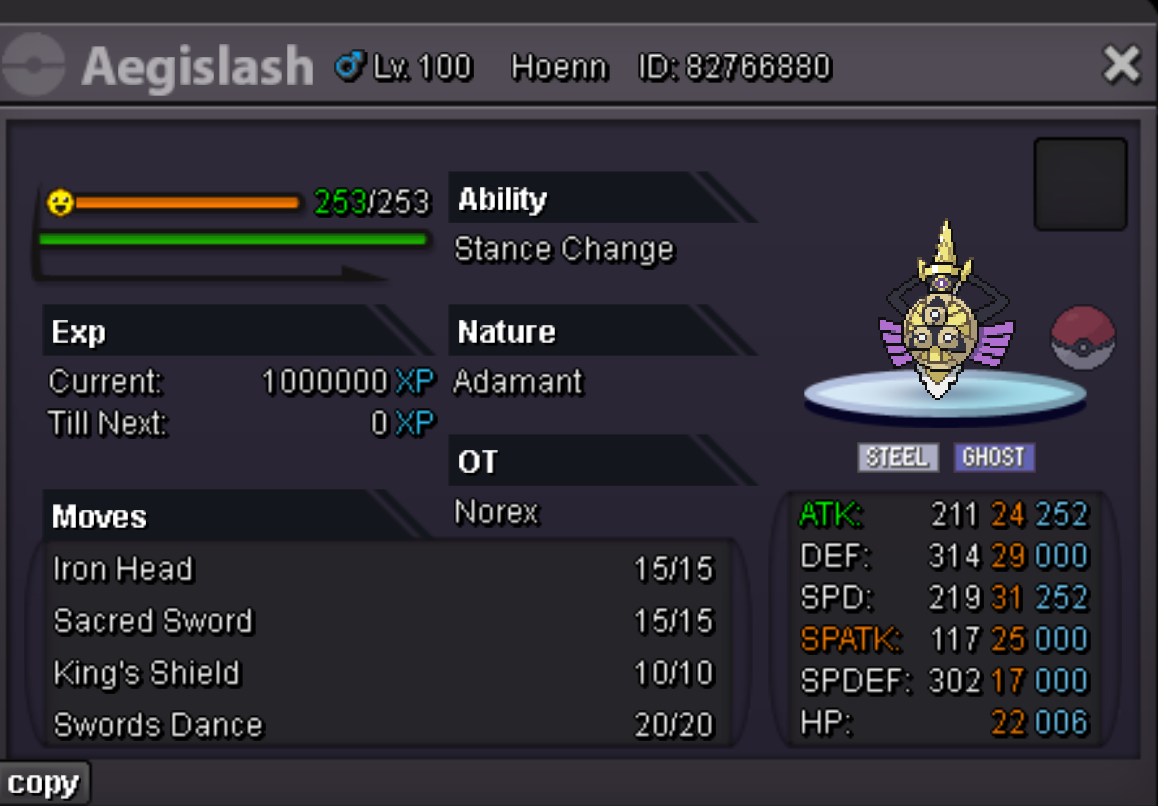
Account
Navigation
Search
Configure browser push notifications
Chrome (Android)
- Tap the lock icon next to the address bar.
- Tap Permissions → Notifications.
- Adjust your preference.
Chrome (Desktop)
- Click the padlock icon in the address bar.
- Select Site settings.
- Find Notifications and adjust your preference.
Safari (iOS 16.4+)
- Ensure the site is installed via Add to Home Screen.
- Open Settings App → Notifications.
- Find your app name and adjust your preference.
Safari (macOS)
- Go to Safari → Preferences.
- Click the Websites tab.
- Select Notifications in the sidebar.
- Find this website and adjust your preference.
Edge (Android)
- Tap the lock icon next to the address bar.
- Tap Permissions.
- Find Notifications and adjust your preference.
Edge (Desktop)
- Click the padlock icon in the address bar.
- Click Permissions for this site.
- Find Notifications and adjust your preference.
Firefox (Android)
- Go to Settings → Site permissions.
- Tap Notifications.
- Find this site in the list and adjust your preference.
Firefox (Desktop)
- Open Firefox Settings.
- Search for Notifications.
- Find this site in the list and adjust your preference.