




New Trade Zone
Trade Zone is now live
Use the new Trade Zone for auctions and instant-price trades so Pokemon and item offers are easy to find.

Samad1786
Registered User
-
Joined
-
Last visited
Everything posted by Samad1786
-
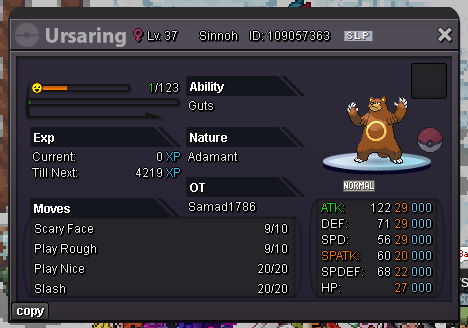
@Demiansaga u won ursaring auction. pm me when online
-
Auction Details: Start Price: 300k End Point: 24 hours (after start price is met) Insta Price: 1m Minimum Raise: 100k Accepted Payments: Pokedollars, Coin Capsules (x1 Coin Capsule = 500k), IV Reroll Tickets (x1 IV Reroll Ticket = 700k 15 min rule applied If you intend to purchase with an alt account, specify the account alongside your bid.
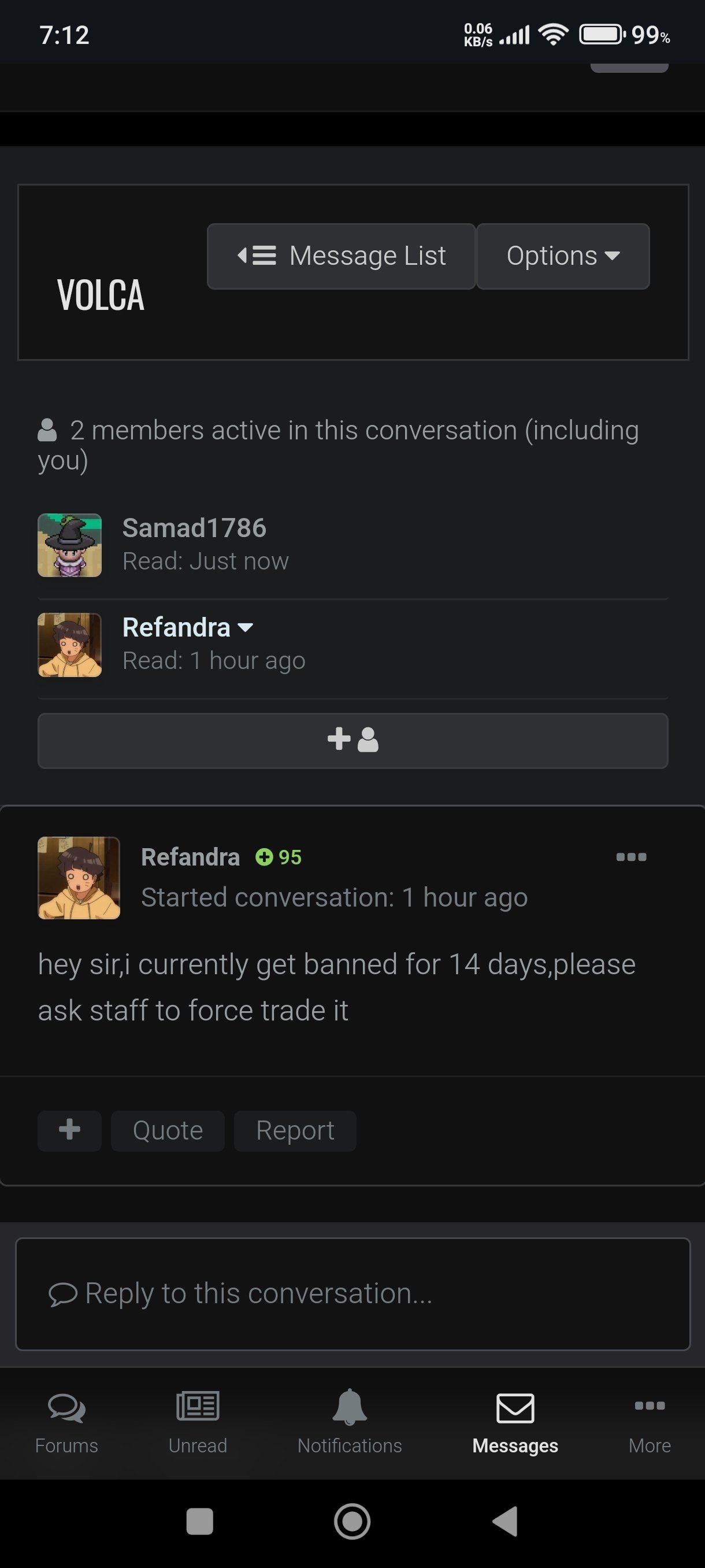
 350k250k150ki think i won gible alreadyAny trade moderator online please help with this issue@Kimew this guy (refandra) said to me by message that he/she is banned for 14 days and to ask staaf to force trade the volcarona. So can u please force the pokemon and amount between our accounts. As the winning bid is 4m1 i want to pay this amount through (3*iv rr and 2m150k)
 I think this auction is over already @RefandraI am online right now Where to come?Start volcarona400k trapinch untrained2.9m Mimi #13.4m3.2m1m50k850kStart 3rd volcarona Acc : AmaskeI will take it from acc : AmaskeI will take it in 10 mins1m550k Acc : Amaske I will transfer if win650k Acc : Amaske I will transfer if winI think its more sense of having the opponent team preview slider on top right of the pvp window attached horizontally Or maybe someone likes vertical but it should be on the right side of the battle window As a point to note that while in pvp the opponent pokes are on the right so it is much clear in understanding if we have the opponent team preview on right side. Also this is not that hard UI change as its already applied we just want this preview on right side. P.S. : i prefer horizontal on top right corner of battle window


