




New Trade Zone
Trade Zone is now live
Use the new Trade Zone for auctions and instant-price trades so Pokemon and item offers are easy to find.


Whixerr
Registered User
-
Joined
-
Last visited
-
Whixerr changed their profile photo
-
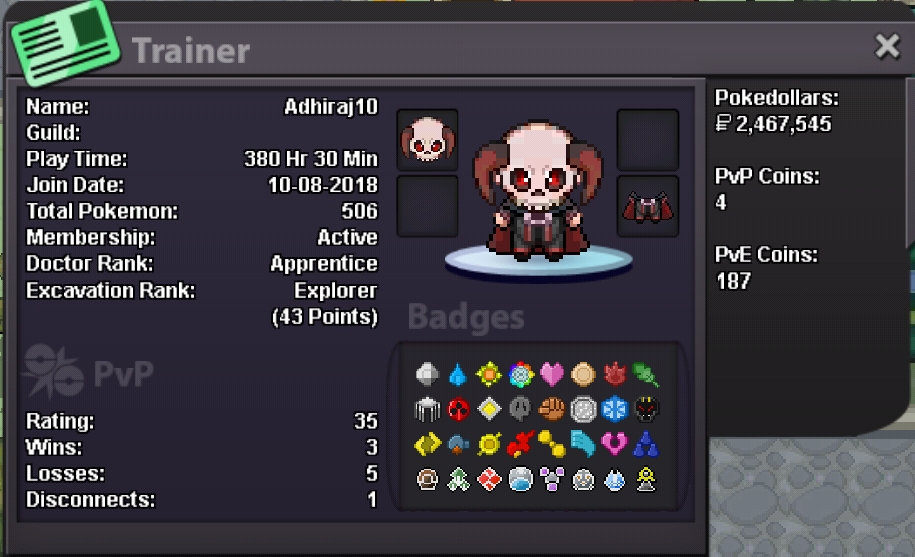
What's your IGN? Adhiraj10 What is your discord ID? Whixer#9036 How far are you in story? I have completed all the regions. How active are you in PRO? (How often do you play?) I play for like 2-3 hrs on a daily basis. Are you a PvP or PvE player? Or do you enjoy both? I enjoy both, although I am kinda new to PvP but I am trying my best to get better. Have you ever been banned in game and why? Nope. Why do you want to join Calamity guild? Actually I used to play alot back in 2018 and made alot of friends but I had to skip for 2 yrs due to personal reasons and by the time I came back, all of em had quit, so i would love to make some friends and help others as much as I can.
-
I want to buy that relaxed larvitar, have pinged u on discord already.
-
Hey I want to buy that technician breloom, what's ur in game name or discord id?
-