New Trade Zone
Trade Zone is now live
Use the new Trade Zone for auctions and instant-price trades so Pokemon and item offers are easy to find.

Accmola42
Suspended
-
Joined
-
Last visited
-
Name changed cancled
-
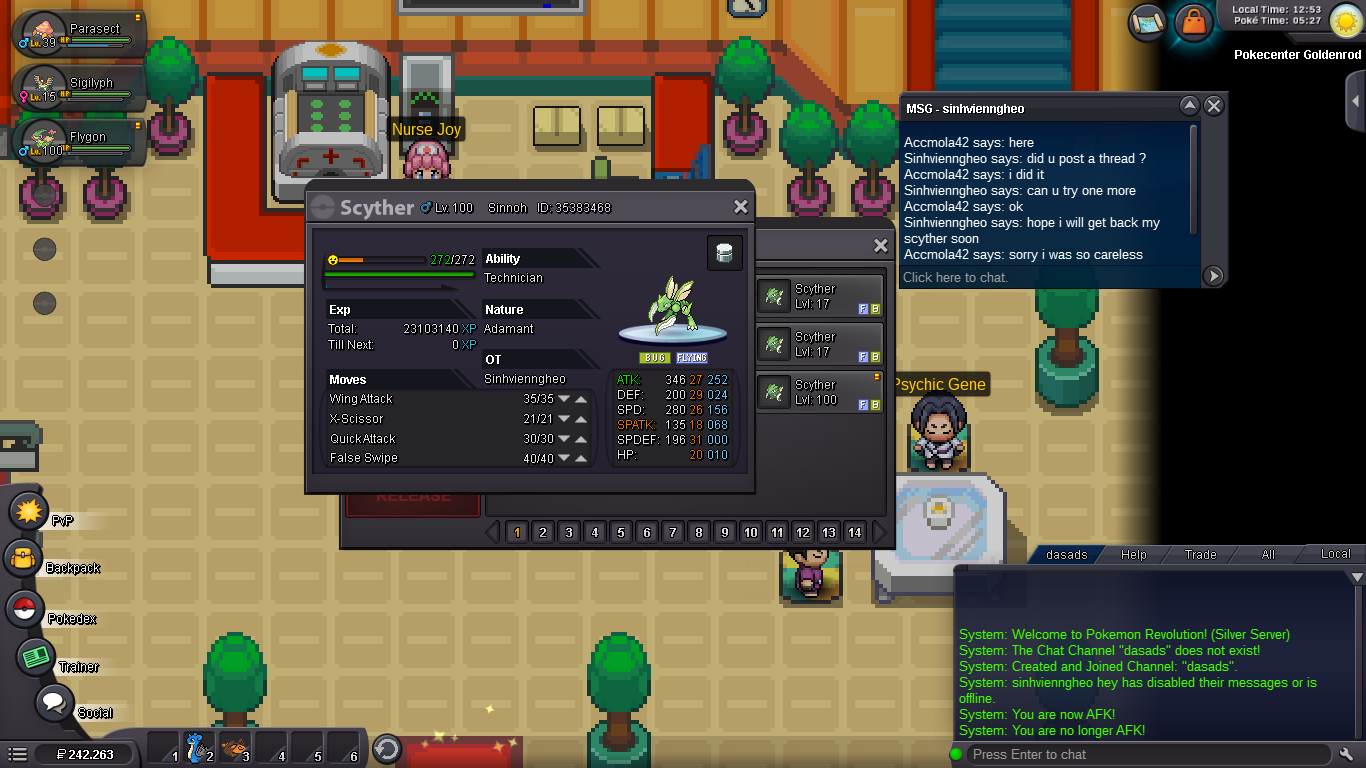
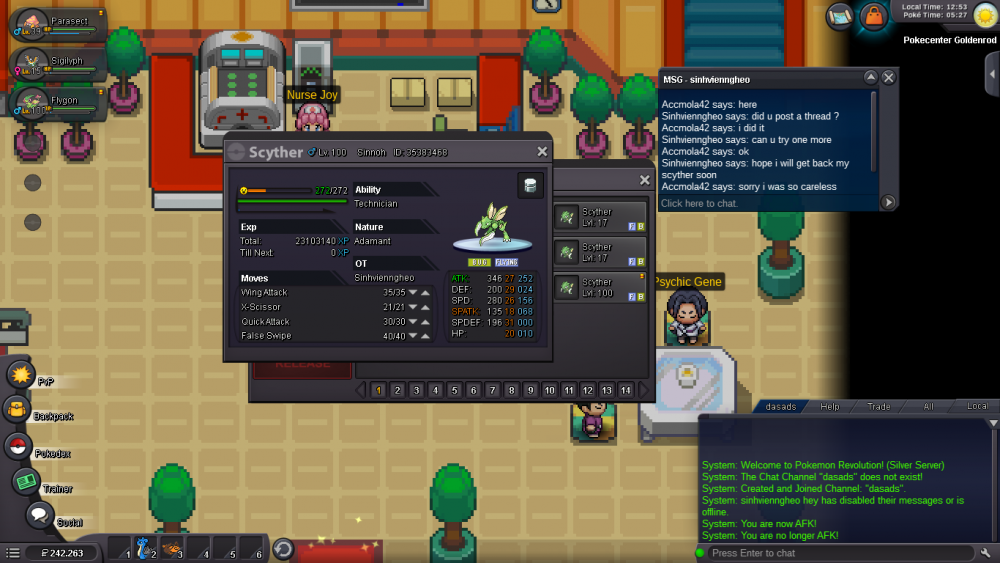
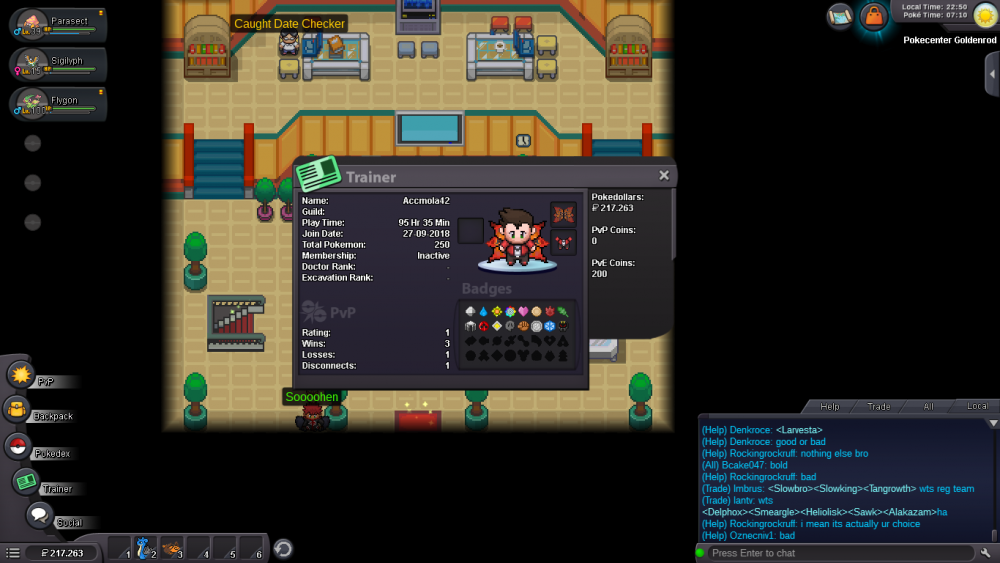
I helped sinhvienngheo to trade for evolving a scyther but it was unable to trade it back because of the region locked. Can you help me return that scyther to it's original trainer, thank you. Server: Silver
-
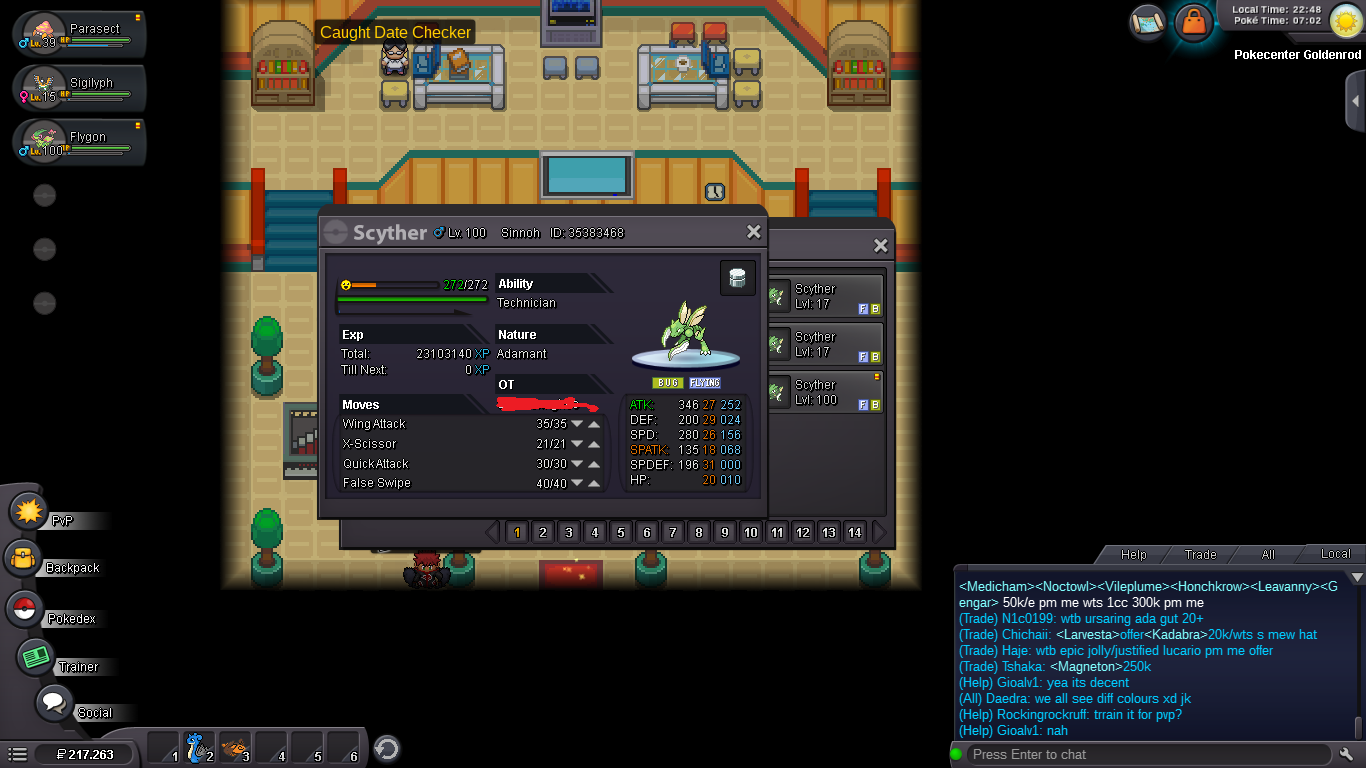
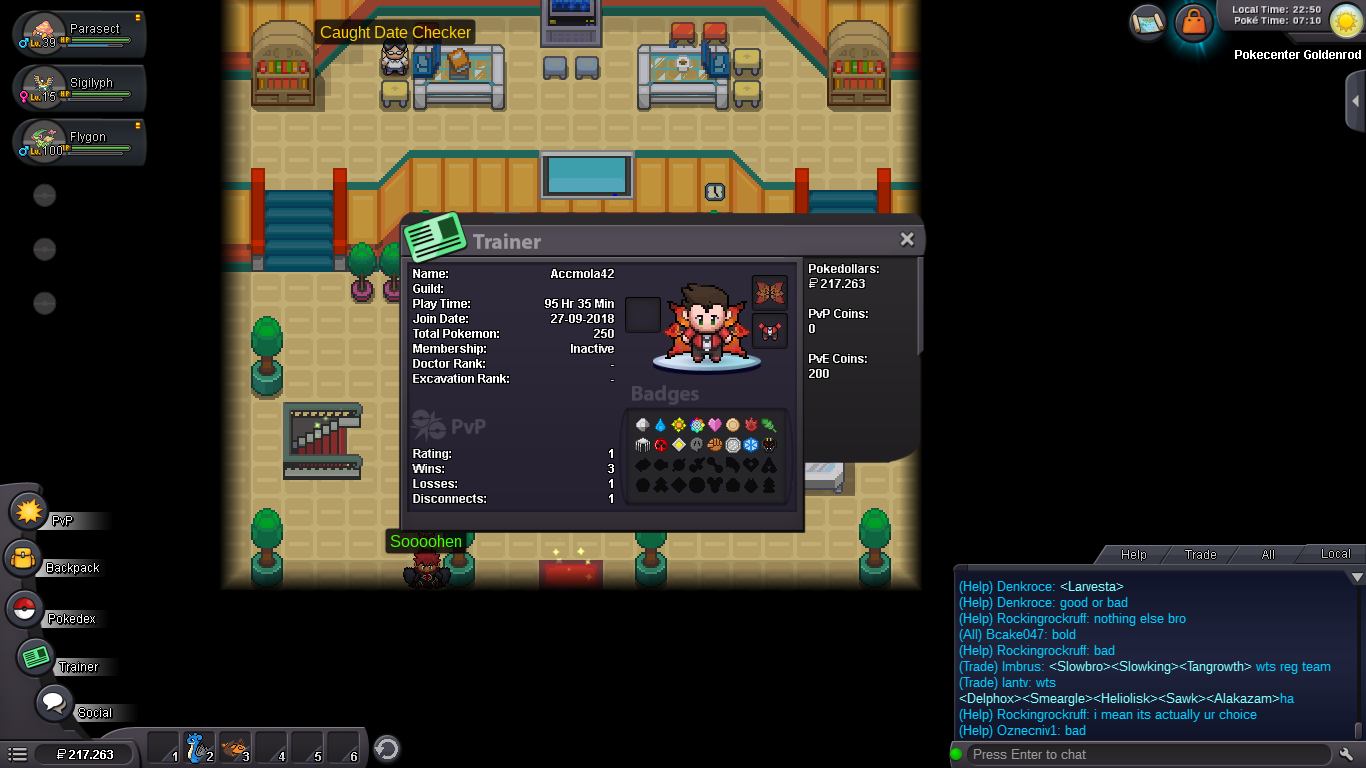
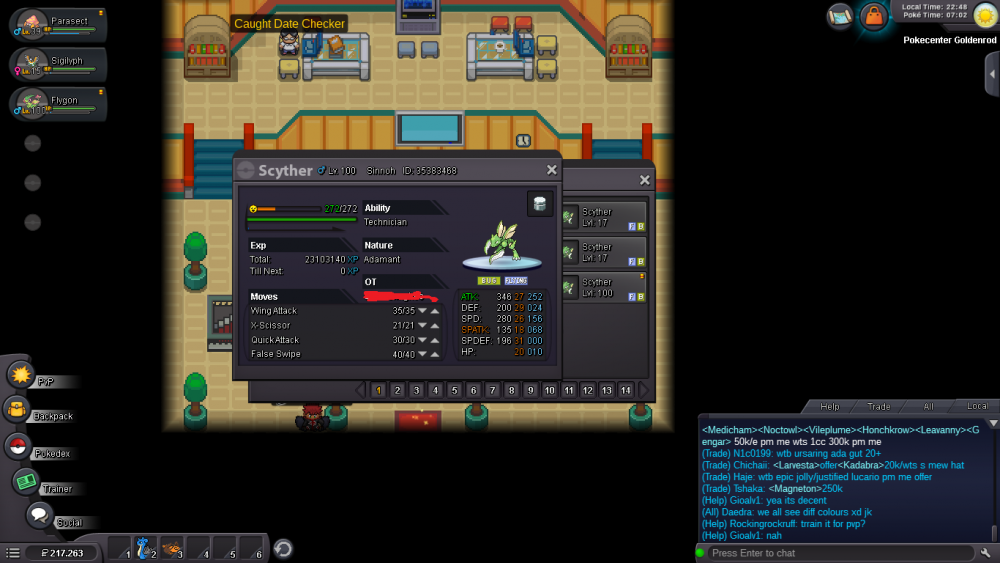
I helped my friend to trade a scyther for evolving. However, I did it carelessly, i dont know that scyther was caught in Sinnoh while I only have 2 regions completed. Now that Scyther stucks in my pc. Can you help me to return that Scyther to it's original trainer. Hope reply from you and thanks. Server: Silver Scyther's ID: 35383468
-
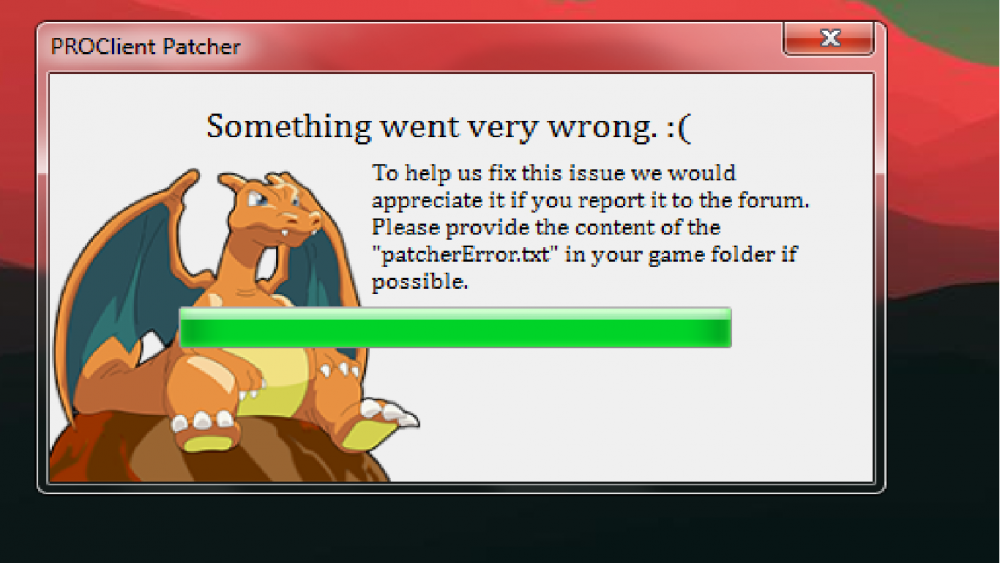
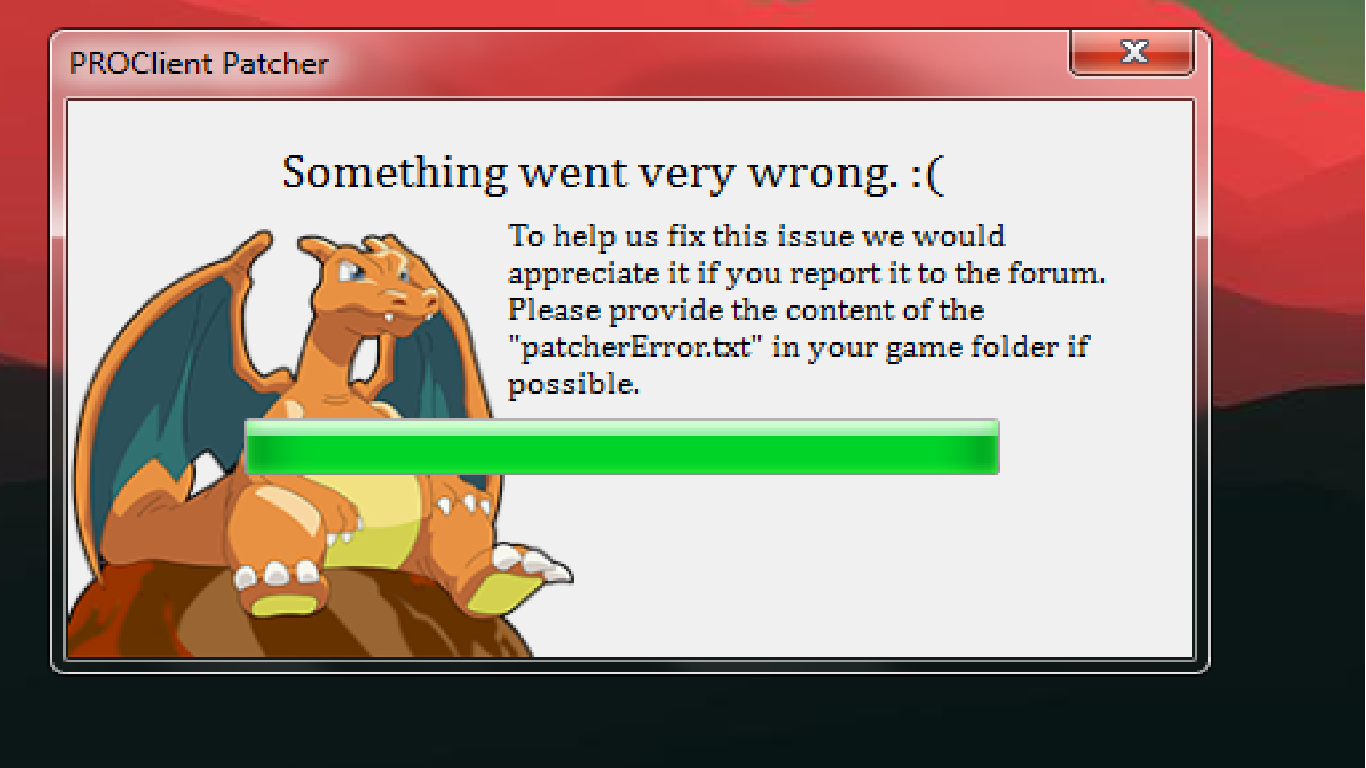
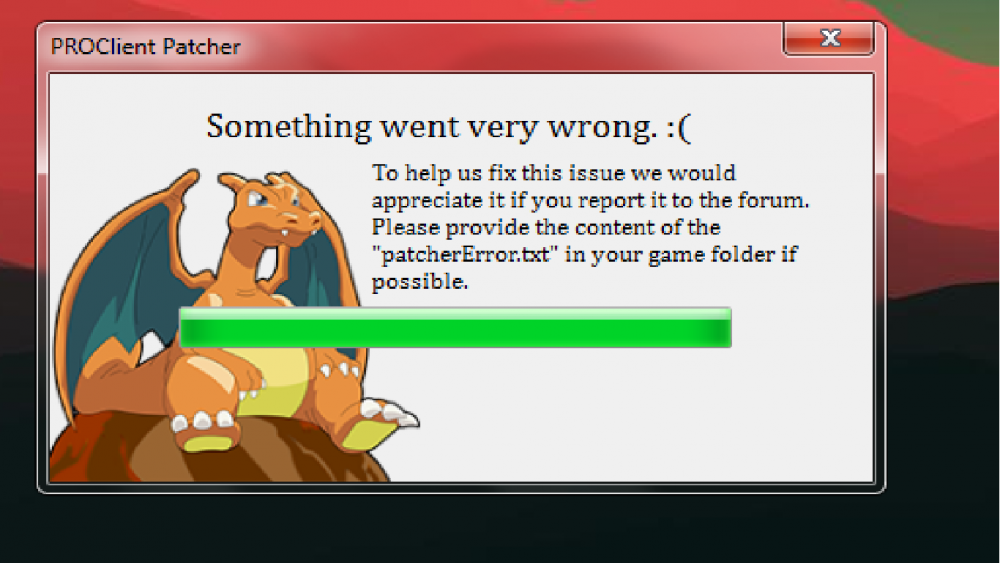
I had reinstall but it still not work. Here is the code of patcherError.txt System.Exception: Could not begin restart session. Unable to determine file locker. at ClientPatcher.Form1.GetProcesses(String path) at ClientPatcher.Form1.Stage2() at ClientPatcher.Form1.ExceptionWrapper() Could not begin restart session. Unable to determine file locker. ClientPatcher at ClientPatcher.Form1.GetProcesses(String path) at ClientPatcher.Form1.Stage2() at ClientPatcher.Form1.ExceptionWrapper() System.Exception: Could not begin restart session. Unable to determine file locker. at ClientPatcher.Form1.GetProcesses(String path) at ClientPatcher.Form1.Stage2() at ClientPatcher.Form1.ExceptionWrapper() Could not begin restart session. Unable to determine file locker. ClientPatcher at ClientPatcher.Form1.GetProcesses(String path) at ClientPatcher.Form1.Stage2() at ClientPatcher.Form1.ExceptionWrapper()
-
Thanks for replying, i hope it will be fixed as soon as possible
-
Today i cant play PRO because of this problem File patchererror.txt System.Exception: Could not begin restart session. Unable to determine file locker. at ClientPatcher.Form1.GetProcesses(String path) at ClientPatcher.Form1.Stage2() at ClientPatcher.Form1.ExceptionWrapper() Could not begin restart session. Unable to determine file locker. ClientPatcher at ClientPatcher.Form1.GetProcesses(String path) at ClientPatcher.Form1.Stage2() at ClientPatcher.Form1.ExceptionWrapper() System.Exception: Could not begin restart session. Unable to determine file locker. at ClientPatcher.Form1.GetProcesses(String path) at ClientPatcher.Form1.Stage2() at ClientPatcher.Form1.ExceptionWrapper() Could not begin restart session. Unable to determine file locker. ClientPatcher at ClientPatcher.Form1.GetProcesses(String path) at ClientPatcher.Form1.Stage2() at ClientPatcher.Form1.ExceptionWrapper()