New Trade Zone
Trade Zone is now live
Use the new Trade Zone for auctions and instant-price trades so Pokemon and item offers are easy to find.

Thegodfather
Registered User
-
Joined
-
Last visited
Everything posted by Thegodfather
-
1.8
-
I won?
-
1.6 scyther
-
-
-
2m
-
-
Bump
-
1.5
-
Hey guys As Im preparing to PVP Im looking for a Frog Rotom: Bold Greninja: Naive or Timid (if HP Fire or Grass), 26+ Speed Budget: 6+ M, so just PM me with your Offers or post them here.
-
Dont announce it with godly pls when its not even close to it
-
Can only see toxic aswell
-
-
Added Prices
-
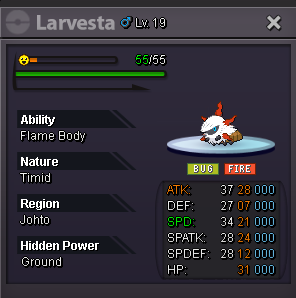
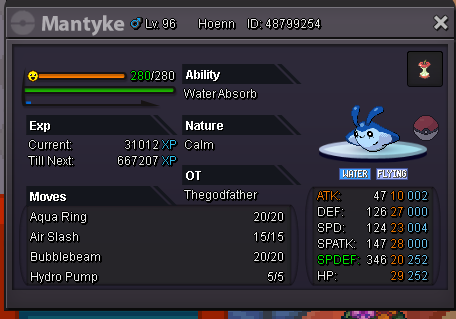
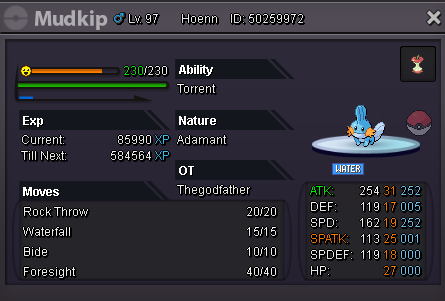
All Pokes are gonna be hold in 48hrs Auction after Start Offer. Min Bid 50k. Payment Methods: Pokedollars CC (360k) IV Reroll (700k) Nature Reroll (350k) Untrained Pokes Trained Pokes




-
Bump
-
Bump, Price lowered to 700k
-
700k, PM me or write here
-
-
Hey guys I was doing some levelling and then this happened to me: I was false swiping a Golbat in CC to 1 HP and then let my false swiper die. After that i put in a lvl 7 Cacnea with Focus Sash and the absorb i used didnt kill the Golbat. Is that a bug or intended like that?
-
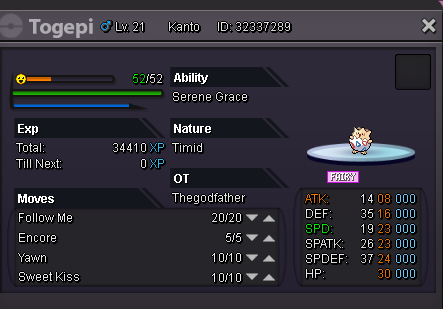
Starting bid: 100k. Insta-Price: 350k Auction lasts 24 hours after first bid
-
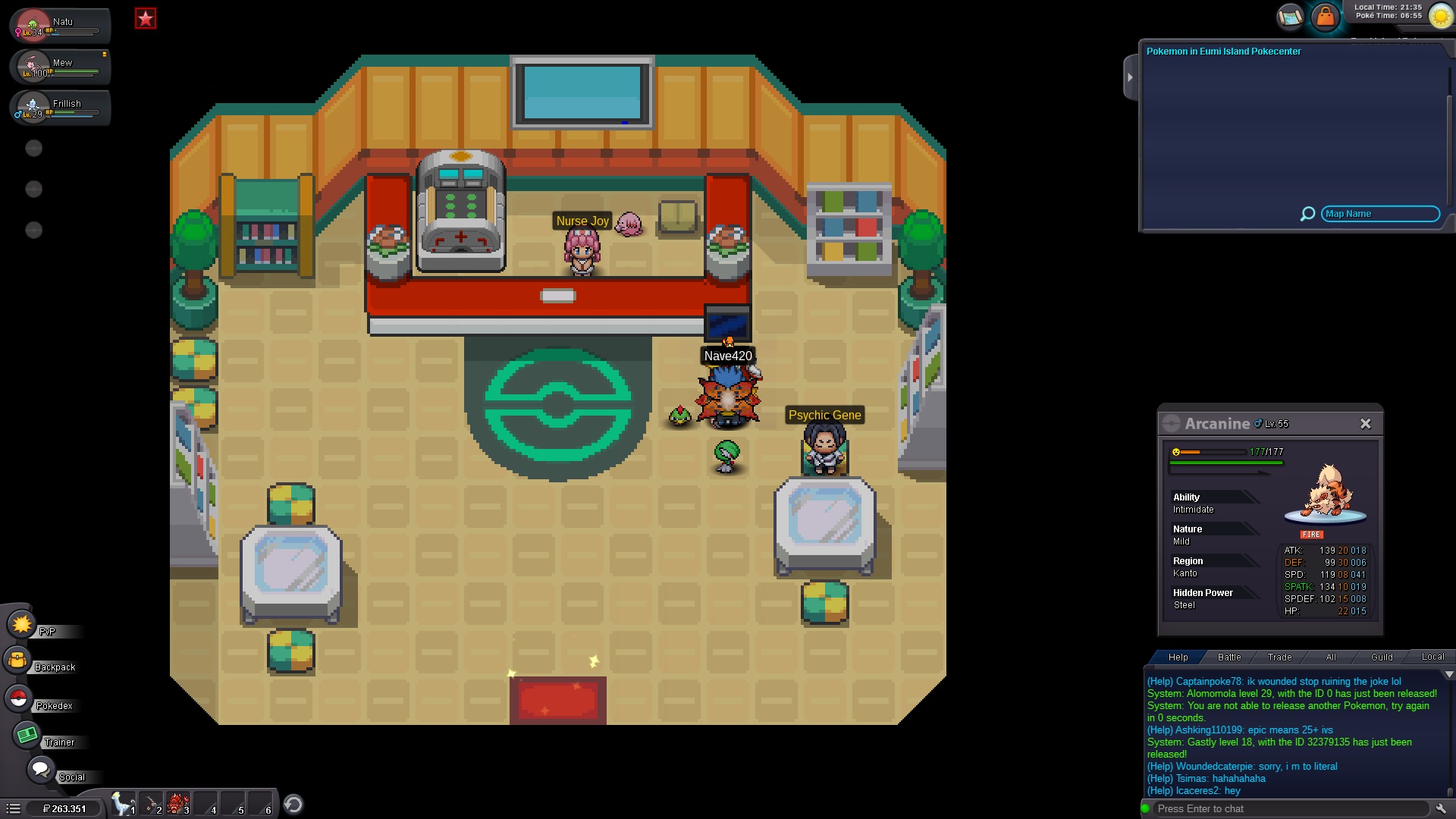
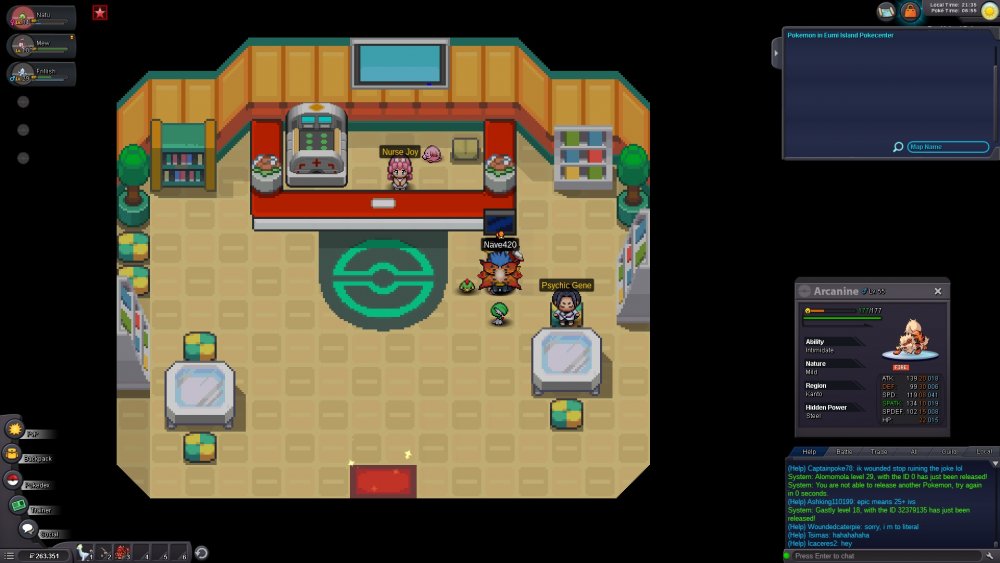
I accidentally just released my Gastly :( Silver Server Pokemon ID: 32379135 Would be amazing if you could restore it!
-
sold close pls
-
*up*
-
Start 150k, end of auction 16:00 gmt+1 tomorrow