New Trade Zone
Trade Zone is now live
Use the new Trade Zone for auctions and instant-price trades so Pokemon and item offers are easy to find.

Euripides
Registered User
-
Joined
-
Last visited
Everything posted by Euripides
-
Hello, Dylan
-
I assume the both of you walked out through the wrong light portal. There is no solution to this at the moment. However, a new questline/boss might be released to give people a second chance. Take a look at this.
-
I don't think anything is wrong with the game/spawns. It is pure RNG. Which means that you might encounter a Halloween counterpart within a few seconds, minutes or even many hours. Just keep hunting and you might find one. I know people who've encountered hundreds of Pokémon but none of them were Halloween ones. But I guess if you're still discontented, you could make a post in the spawns subforum.
-
That's a bug with Google Chrome. So open the guide with another browser such as Firefox.
-
I've said that in that post.. But yeah, no information regarding that.
-
You cannot do the quest at the moment. Read the FAQ section.
-
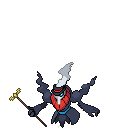
They're releasing either a quest or a boss which will help you catch Darkrai. No ETA on when they'll release it.
-
Well, you'd be surprised to know that many people prefer to have their animation turned off. However, a larger part of the community wishes to have other things such as moves (which haven't been coded), new regions, etc. Therefore, they are more important. Yeah, surely animations will make the game look better but some other things are more needed at the moment.
-
Check out this thread. A chance for players who missed Dakrai to catch it again might be given. You'll have to keep an eye on that thread or announcements for further information.
-
Read FAQ section.
-
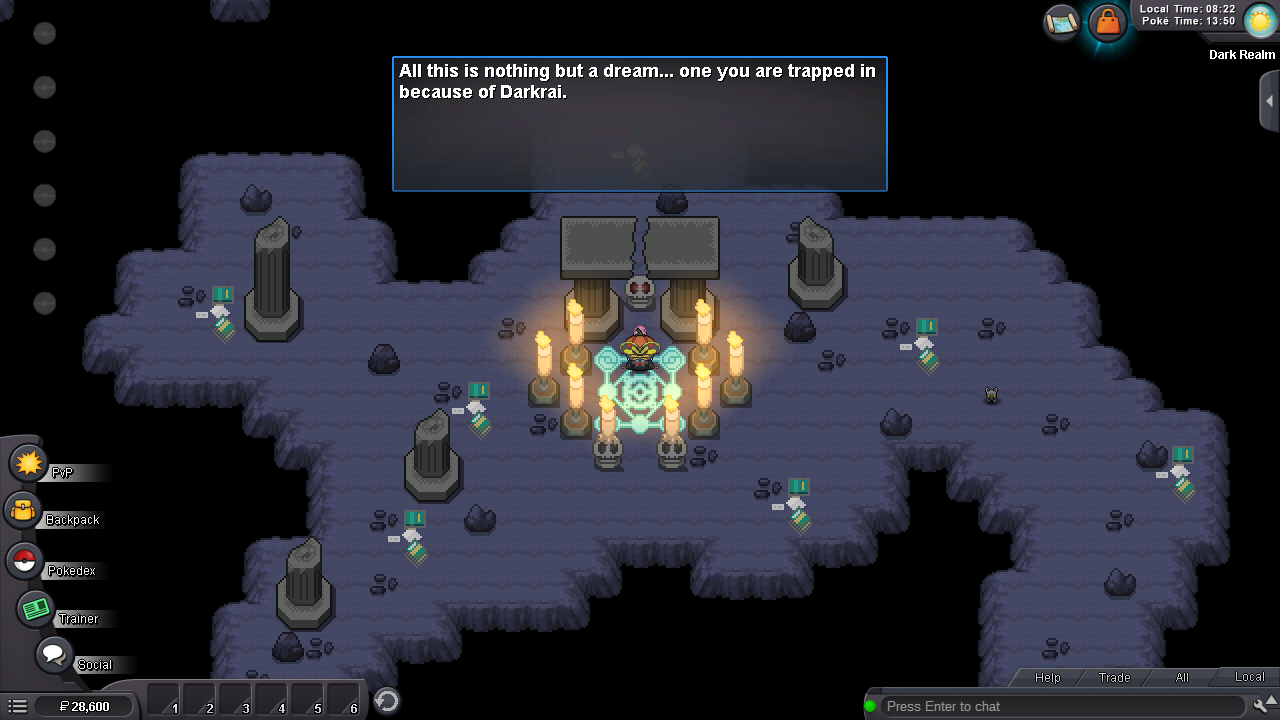
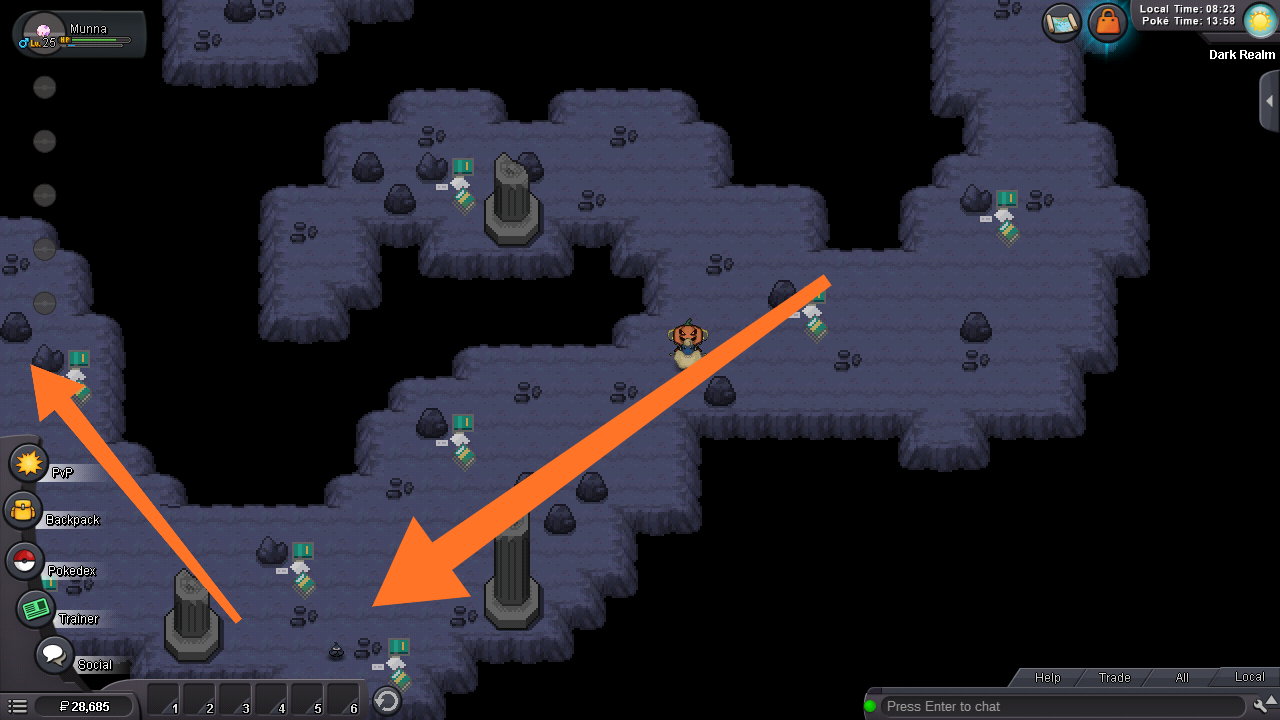
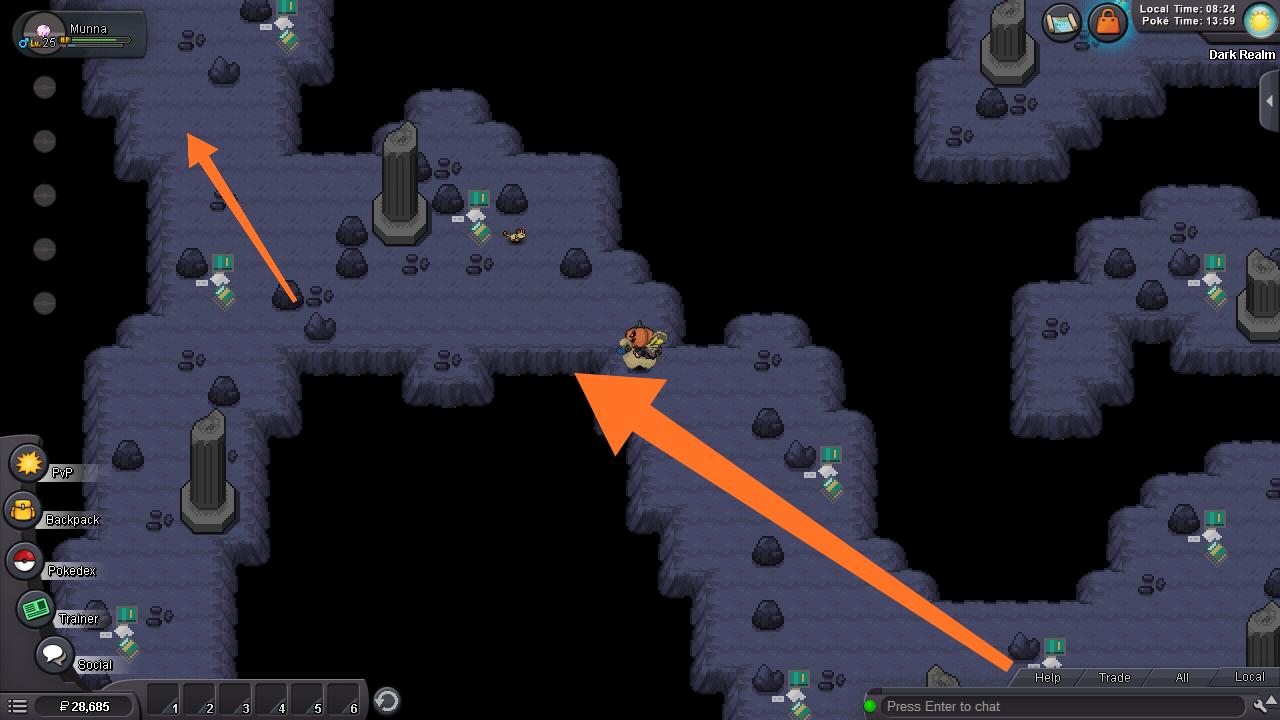
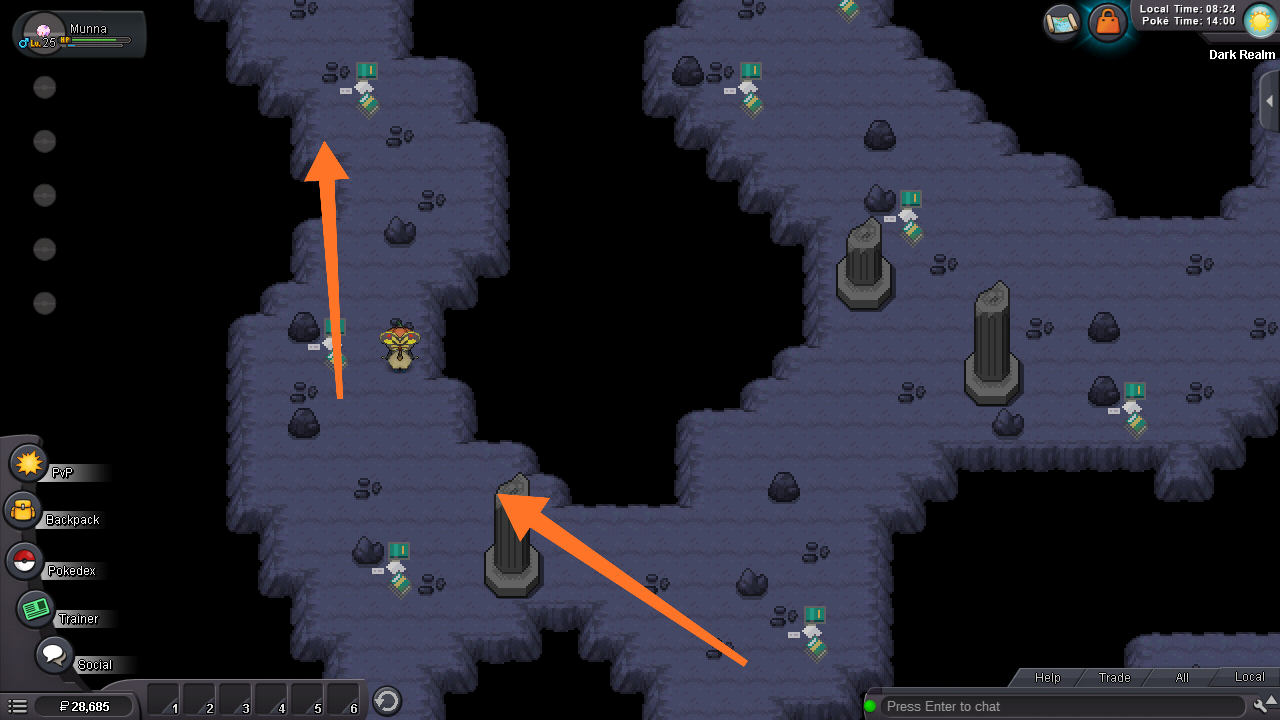
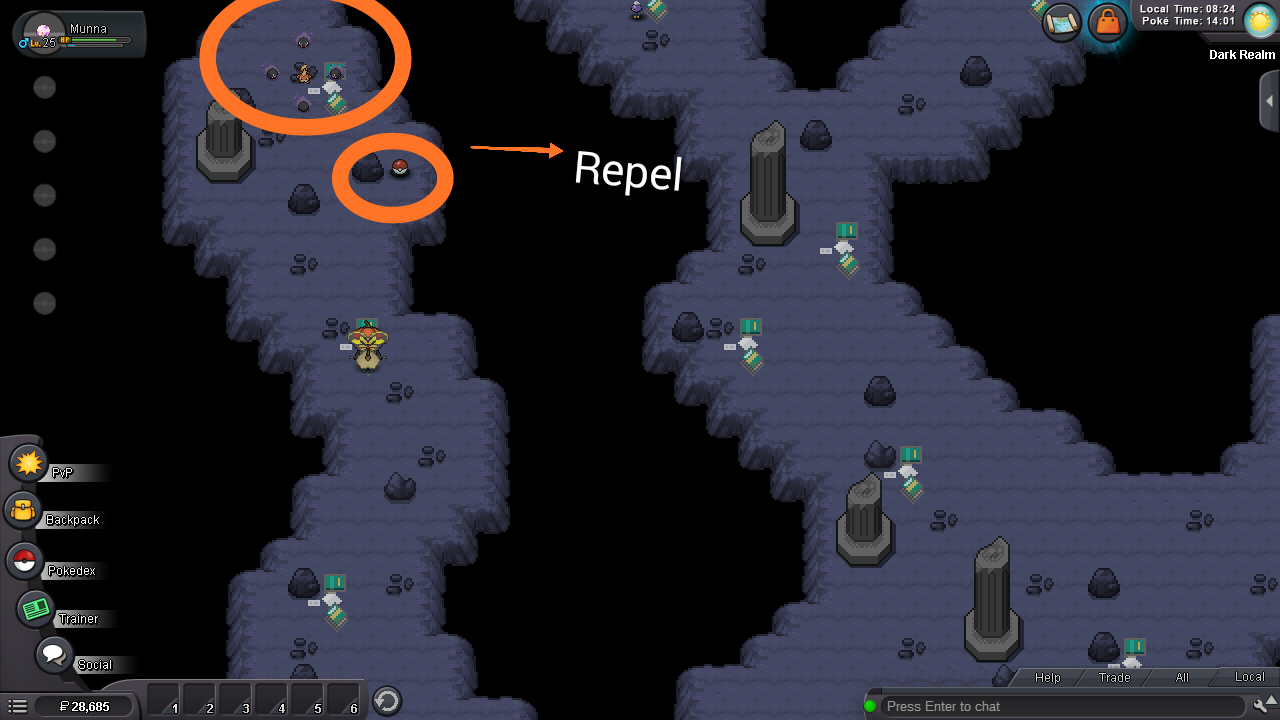
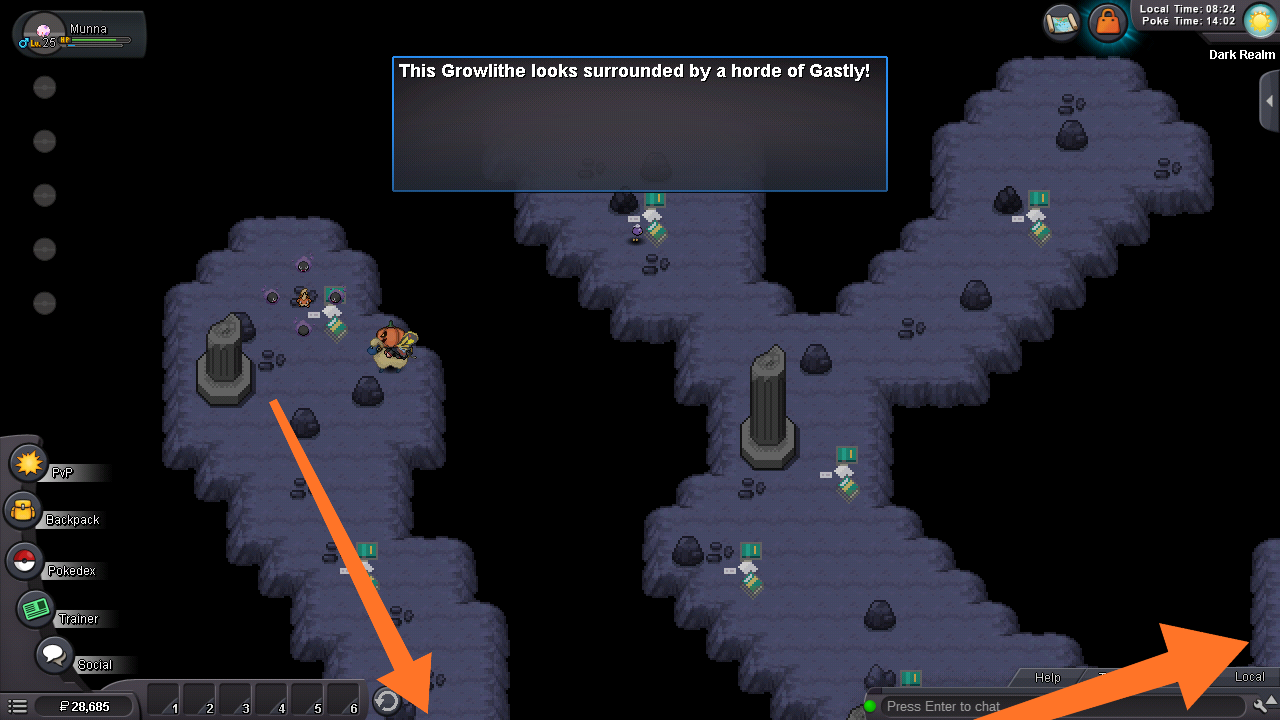
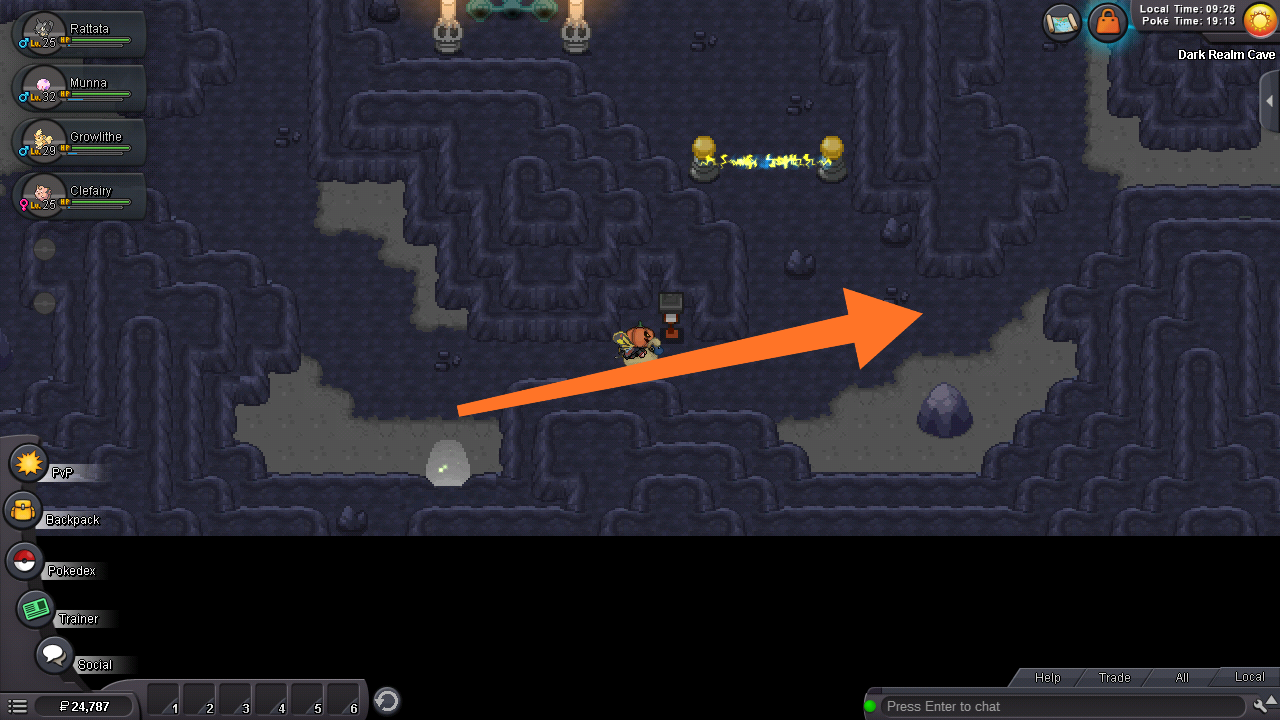
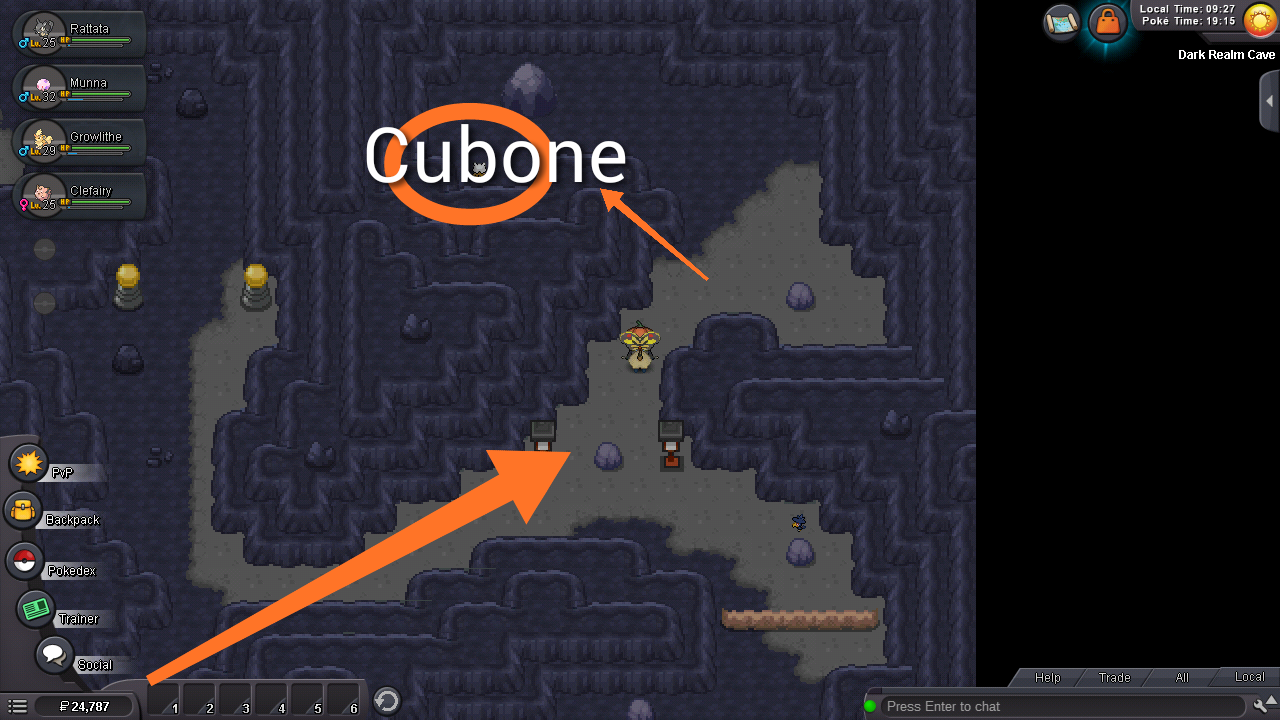
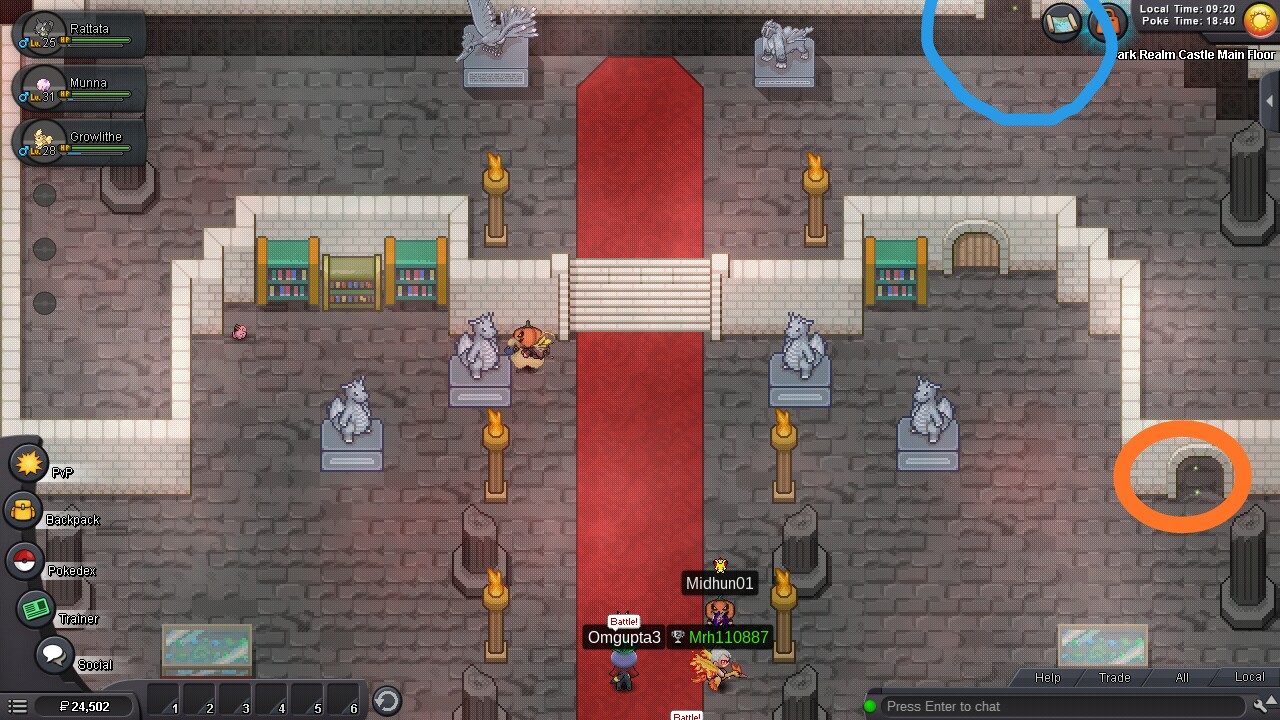
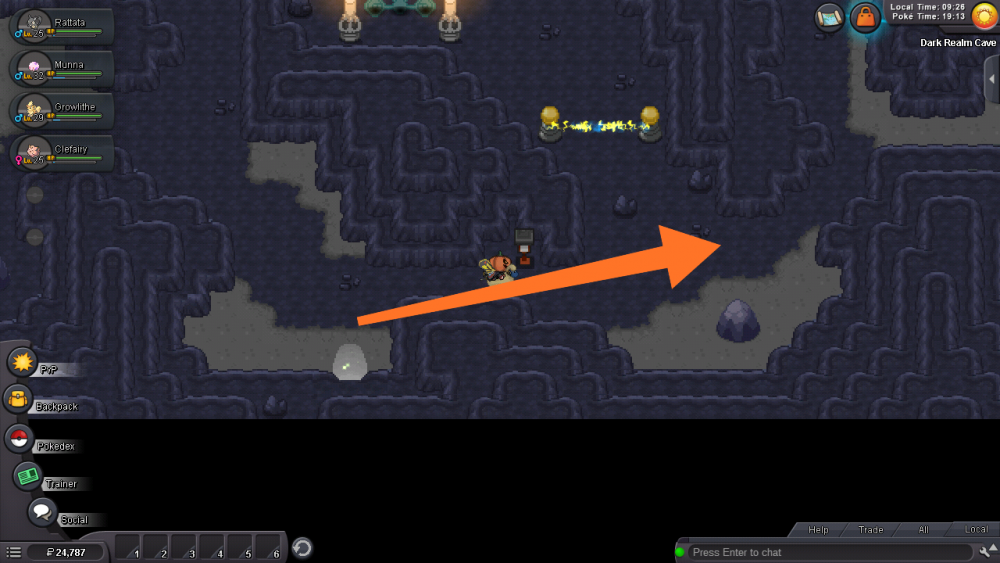
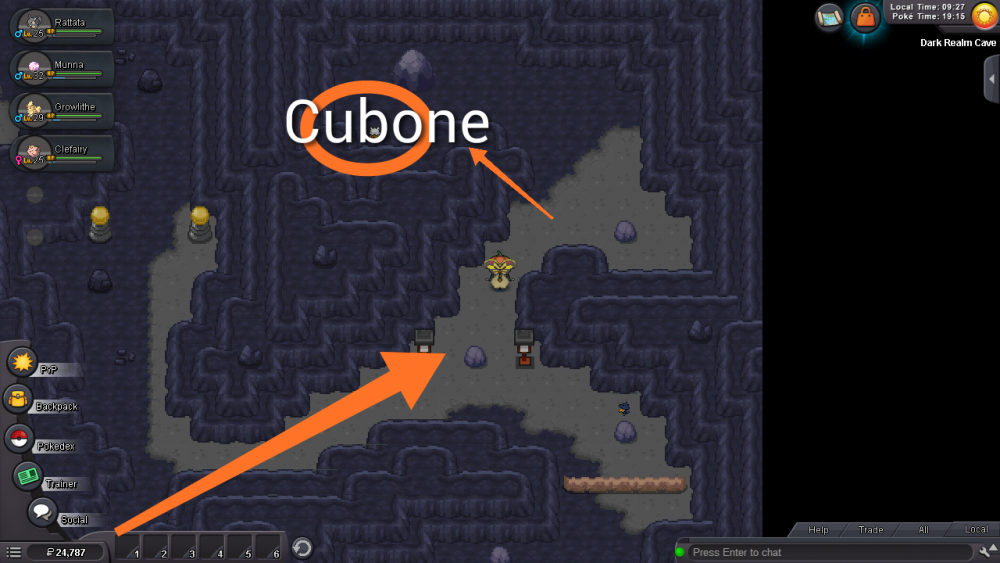
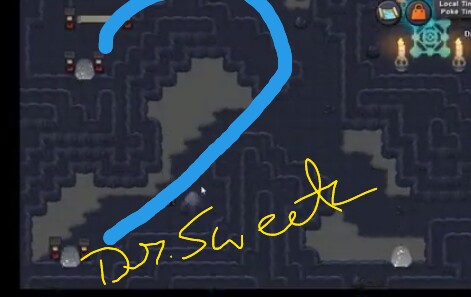
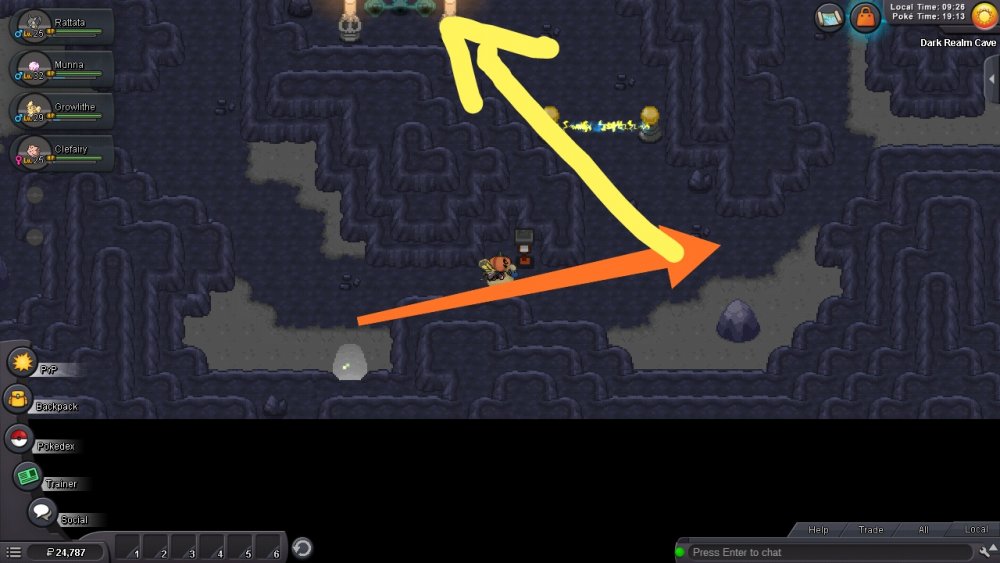
That's the Dark Corridor. That's how it's. Umm, try moving around until you find two light portals. One will take you to Dark Realm and the other to the physical world (which will reset the quest). Check the guide if you're stuck somewhere.
-
Welcome back! :)
-
Yes.
-
Check out this thread. A chance for players who missed Dakrai to catch it again might be given. You'll have to keep an eye on that thread or announcements for further information.
-
Hello there. It's normal since Kaguya boss has been removed. The following have been removed along with it.
-
Update: Added Part II. Guide completed.
-
Hey. I don't know whether handpick Testers but know that they open Tester Applications when they are in need of some. Maybe you'll have to keep an eye on that thread.
-
Unfortunately, nothing can be done by anyone. Before you leave the area, a warning appears. Therefore, you can not enter the area again sadly
-
Unfortunately, nothing can be done by anyone. Before you leave the area, a warning appears. Therefore, you can not go back to the area sadly.
-
I've just started the guide. I'll slowly update it.
-
No guide has been made yet.
-
Who says so?
-
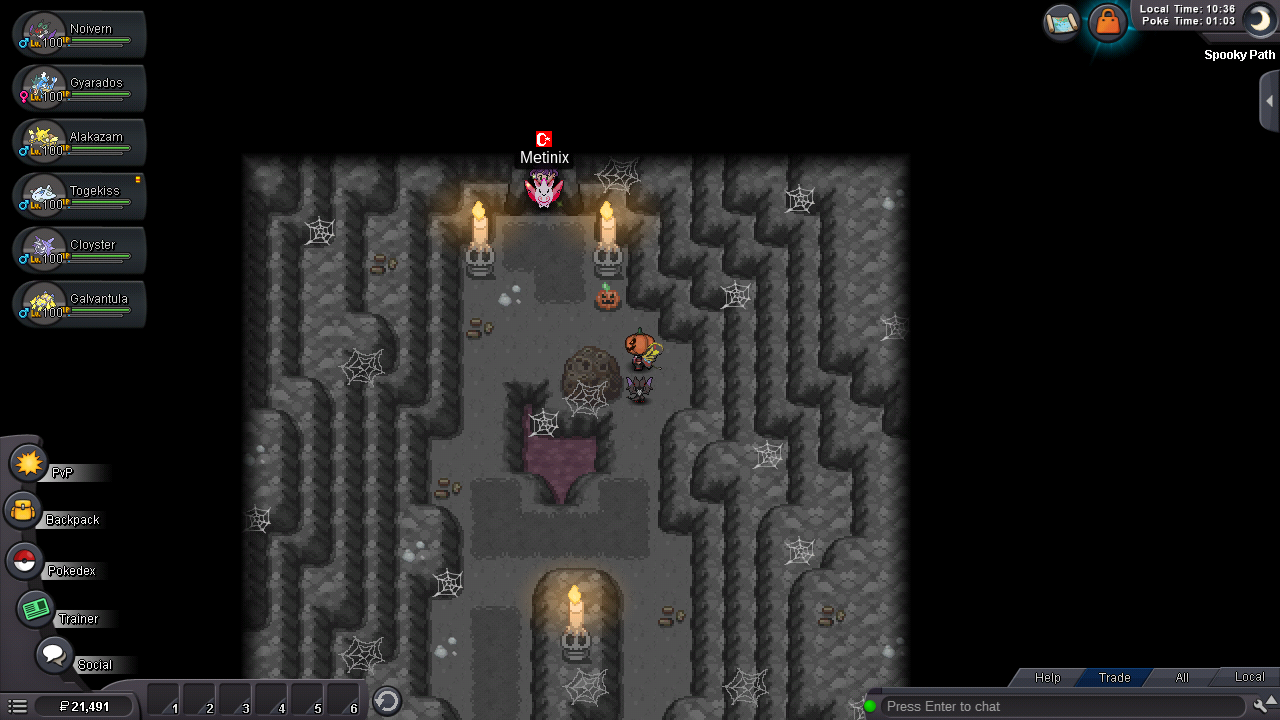
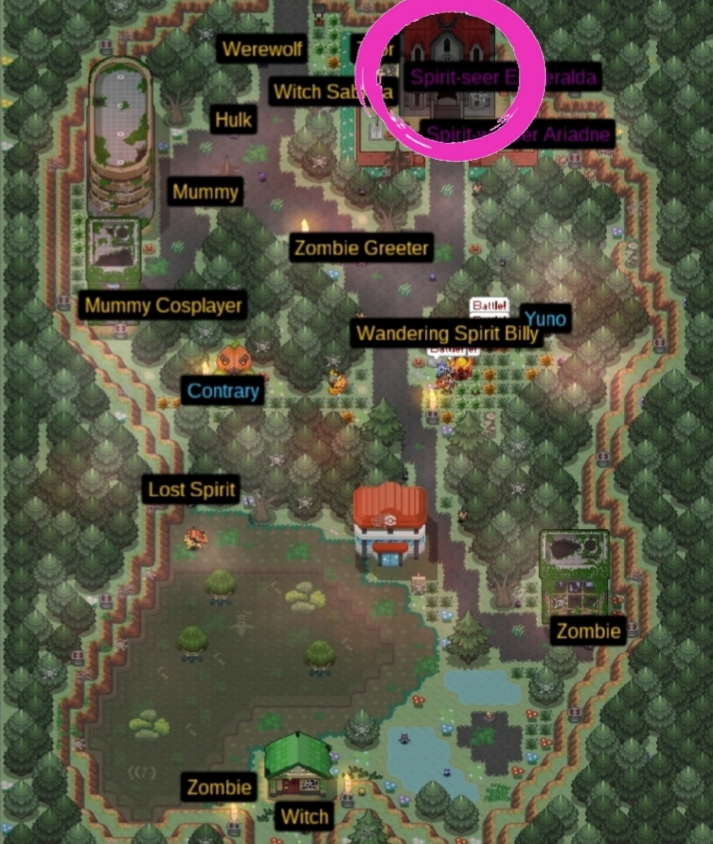
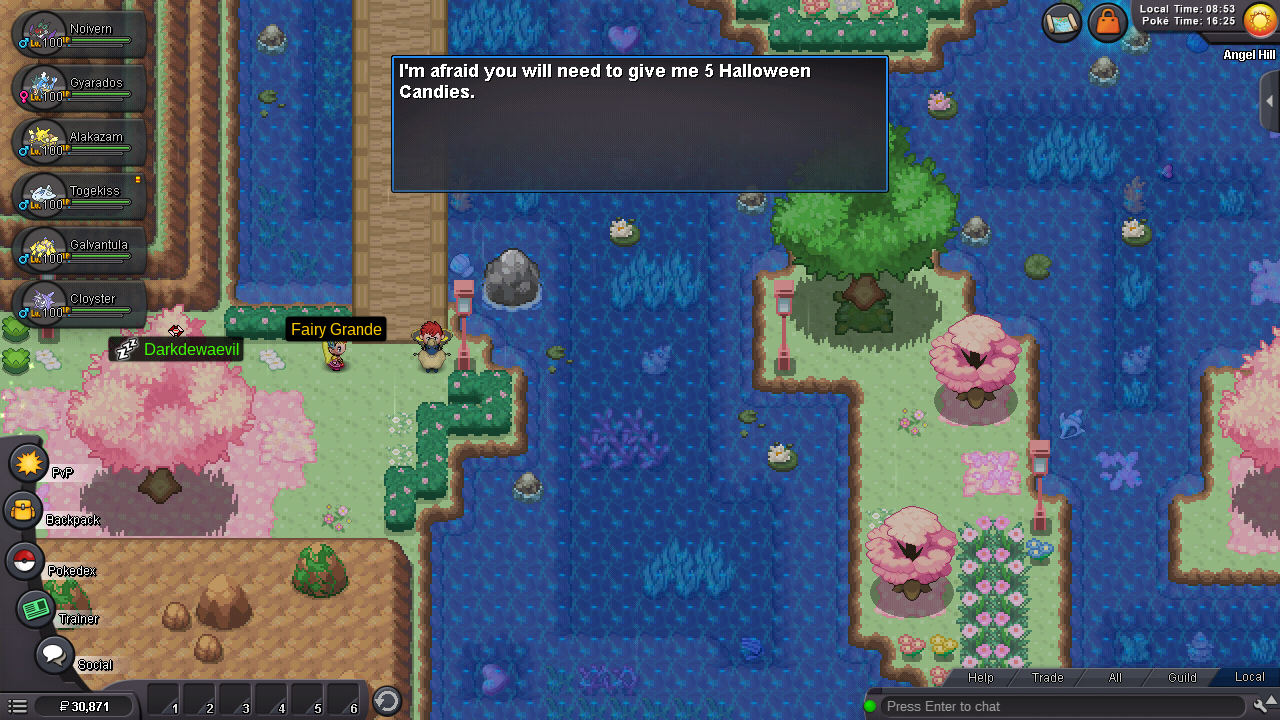
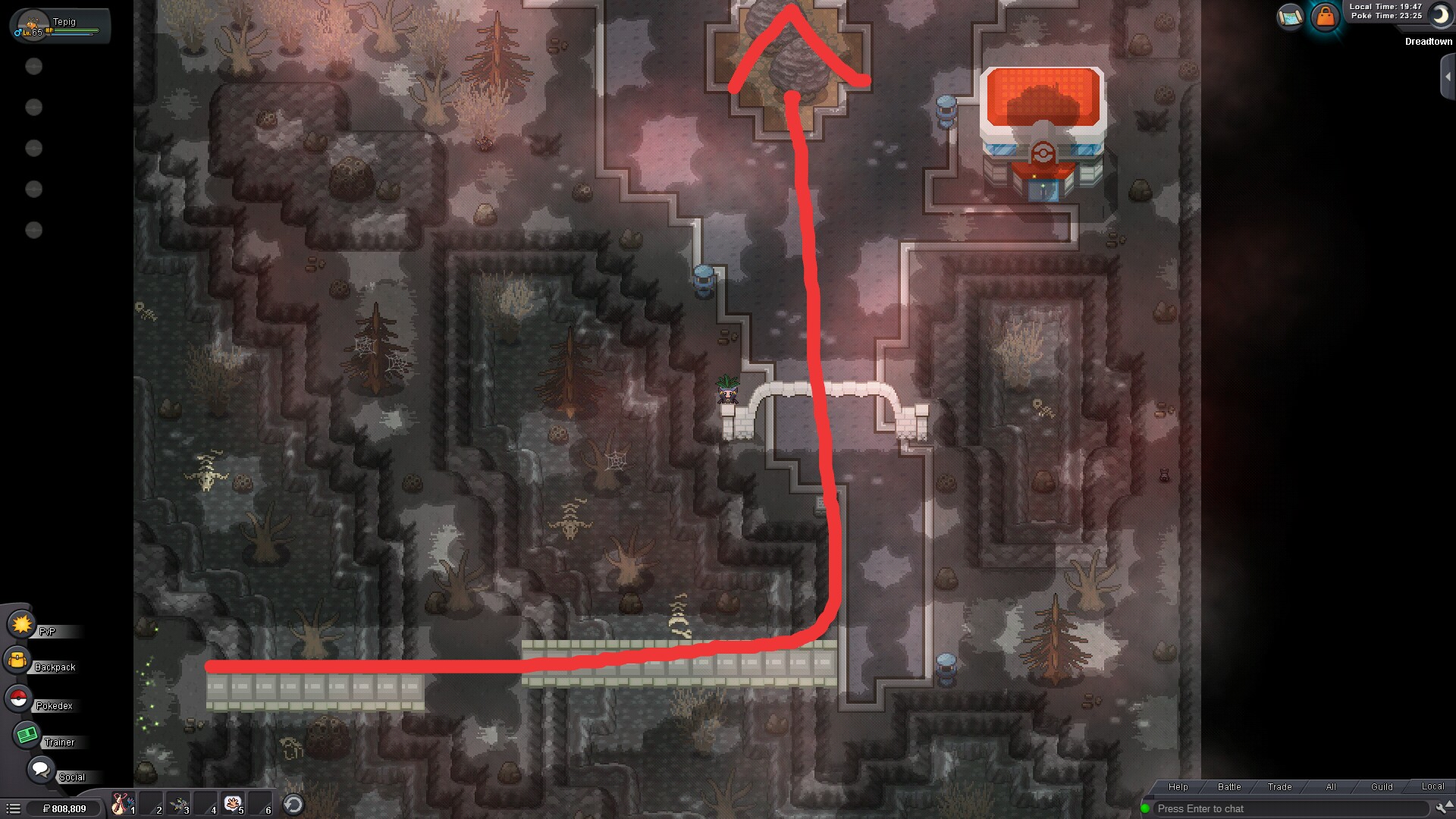
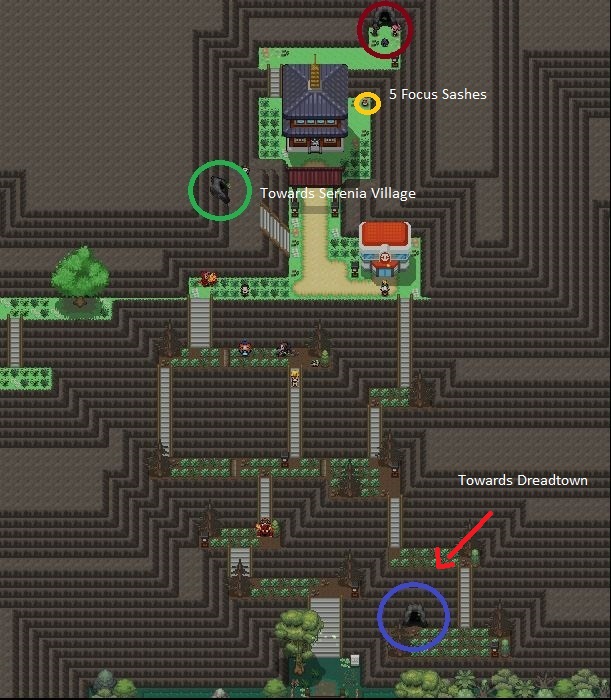
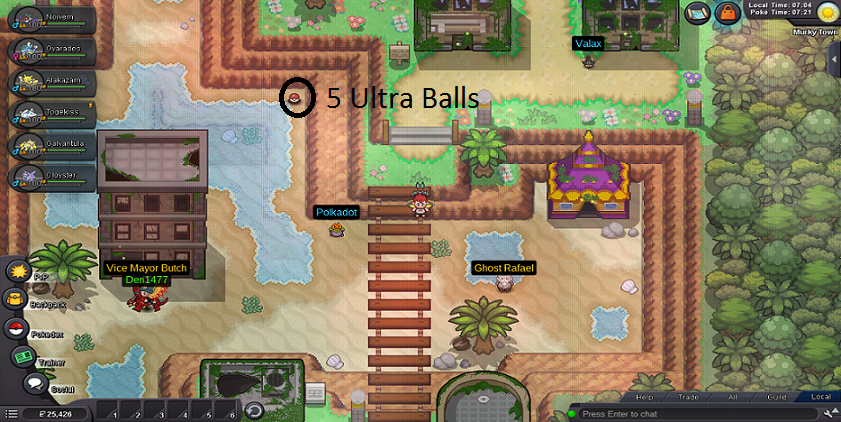
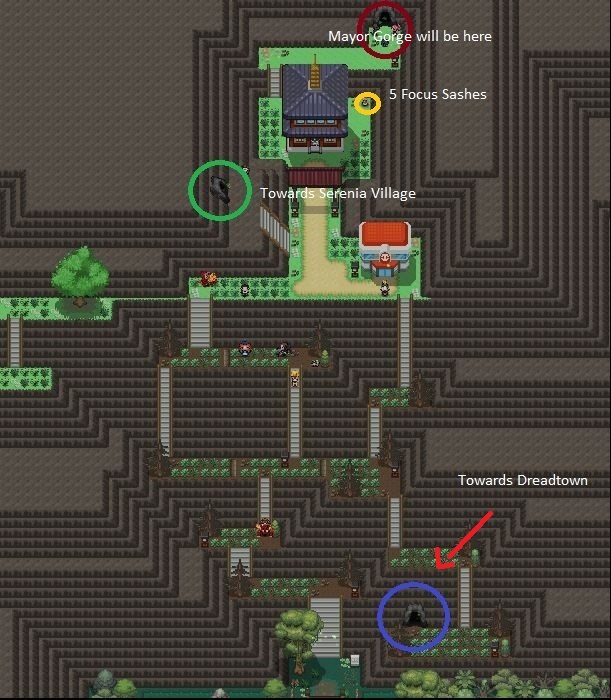
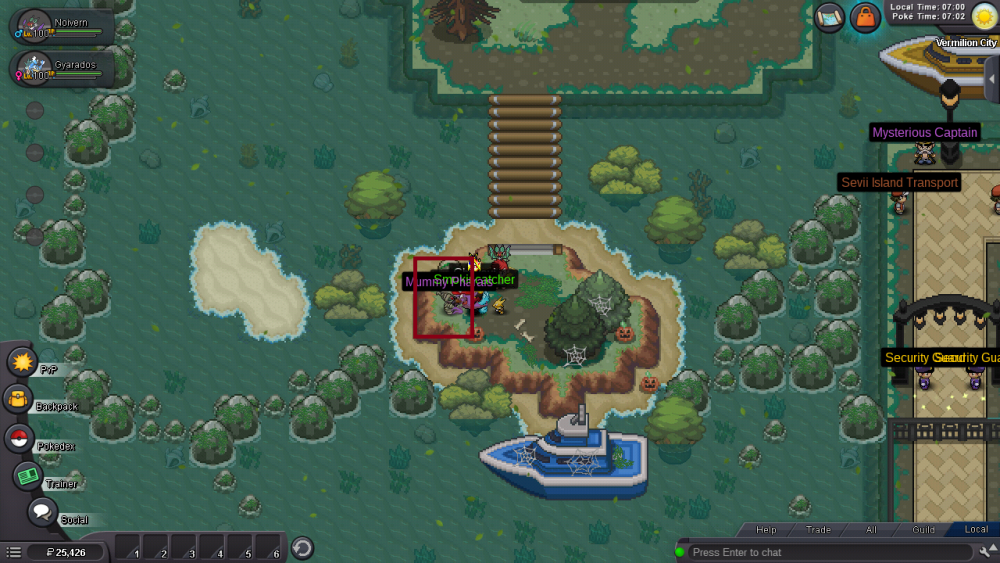
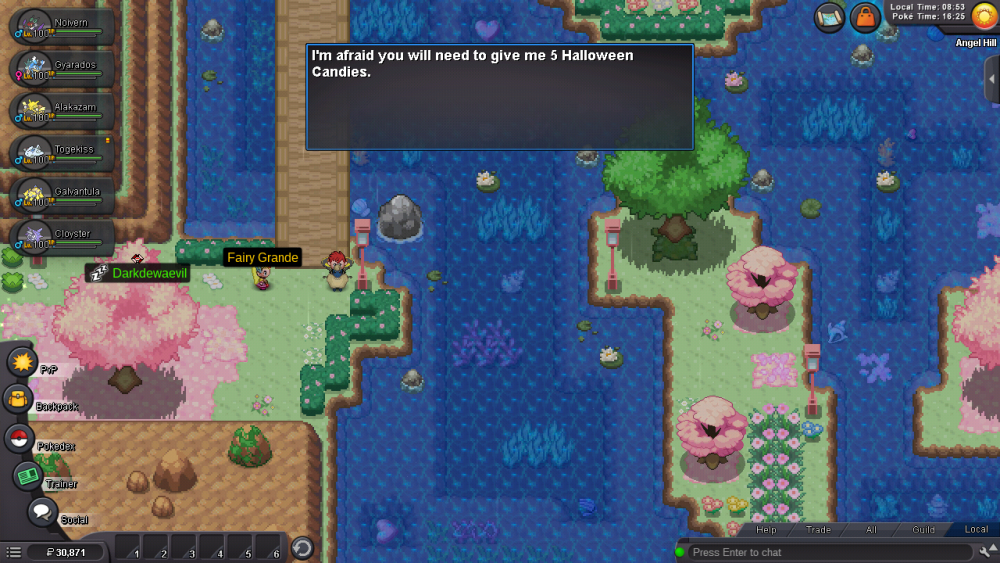
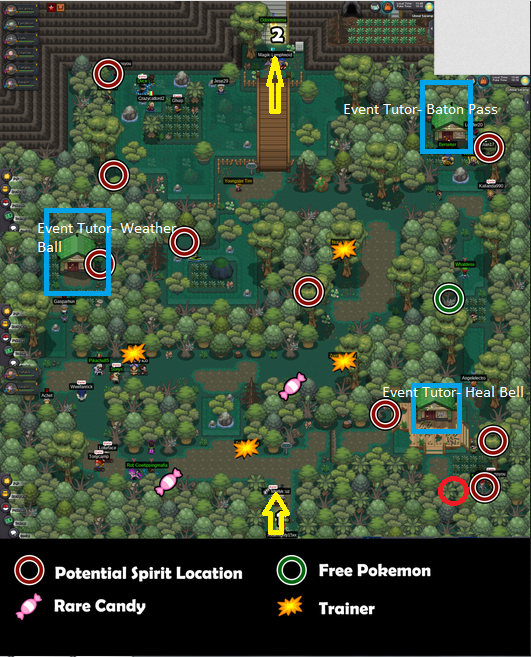
[spoiler=Halloween Candies Locations In Murky Town] Sandy [House 1]- 1x Halloween Candy [Free] Uno [House 1]-1x Halloween Candy, 1x Red Halloween Candy [Have to battle] Baswedan [House 2]- 1x Halloween Candy [Free] Annies [House 2]- 1x Halloween Candy, 1x Orange Halloween Candy [Have to battle] Officer Agus [Outside PC]- 1x Orange Halloween Candy, 1x Halloween Candy [Have to battle] Witch Neroli [PokeCenter]- 1x Halloween Candy [Free] Plumber Carl [PokeCenter] - 1x Halloween Candy, 1x Red Halloween Candy [Have to battle] Mummy Setnov [PokeCenter]- 1x Orange Halloween Candy, 1x Halloween Candy [Have to battle] Ghost Rafael [PokeCenter]- 1x Red Halloween Candy, 1x Halloween Candy [Have to battle] Ghost Ronnie- 1x Halloween Candy [Free] Now since we have collected these sweet candies, let's start the quest. To do so, we'll have to talk to Vice Mayor Butch. He'll tell us that recently, an explorer had discovered that many gems and minerals could be found on the Unison Mountain. As a result, the Mayors of two other towns (Mayor Vlad of Dreadtown and mayor Camelia of Serenia Village) of the Phantasm Land started fighting for that mountain which caused destruction everywhere. The only one who could stop them, Mayor Gorge of Murky Town had also disappeared. So he sees us as a trainer with great potential. Thus, we have to save Phantasm Land! He'll ask us to either stop the mayor of Dreadtown or Serenia Village. You can choose either of them. (Although choosing Dreadtown will save you 5 Halloween Candies and some time too!) [/Quote] [Anchor=GS][/anchor][Anchor=GS] [/Anchor] [spoiler=Hilda's Team] Florges Delphox Sylveon Excadrill Clefable Aromatisse After you've defeated her, follow the ladders inside and get to Camelia's House 3F. Here, Camelia promises us that she'll stop fighting with Dreadtown if we defeat her. It is pretty easy to defeat her. [spoiler=Camelia's Team] [spoiler=Camilea's Team] Gardevoir Krookodile Gastrodon Chandelure Sylveon Altaria Since you chose Serenia Village, skip the next part and jump to Mayor Gorge. [/Quote] [Anchor=Mayor Gorge][/anchor][Anchor=Mayor Gorge] [/Anchor] Dark Valley is to the North of Necropolis. It has got two or three trainers. There are some nice spawns there as well! [spoiler=Credits] Allsmell Omgupta3 Two to three of my images got deleted due to some reason. So I needed some help with the images. Waleed1301 Belzebel The banner was made by Robo-Shark (Deviantart)
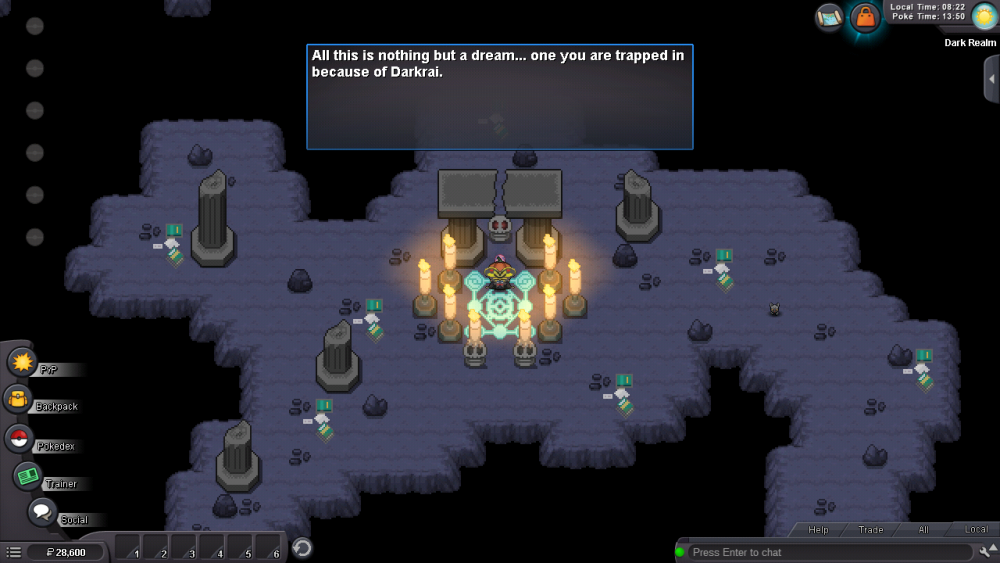
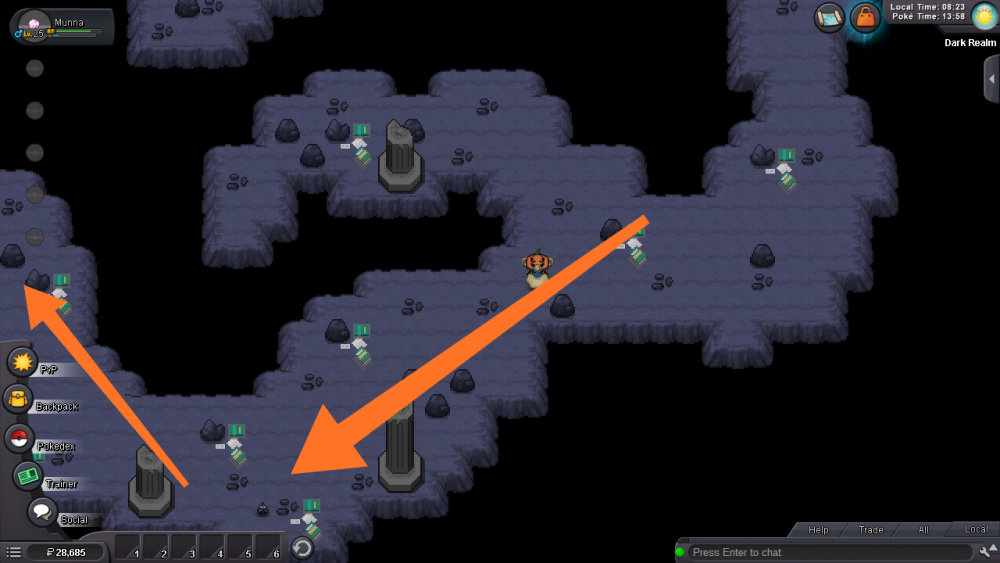
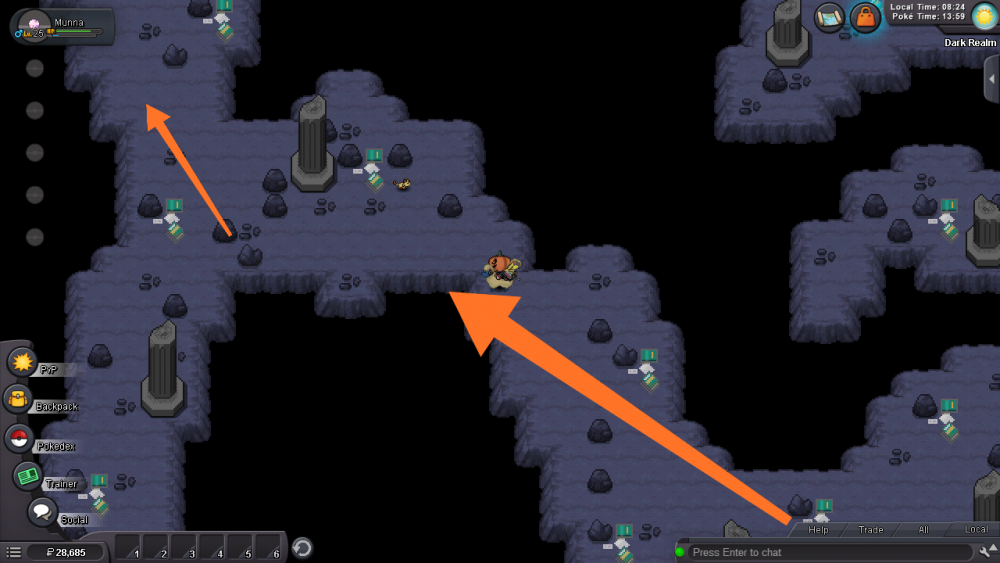
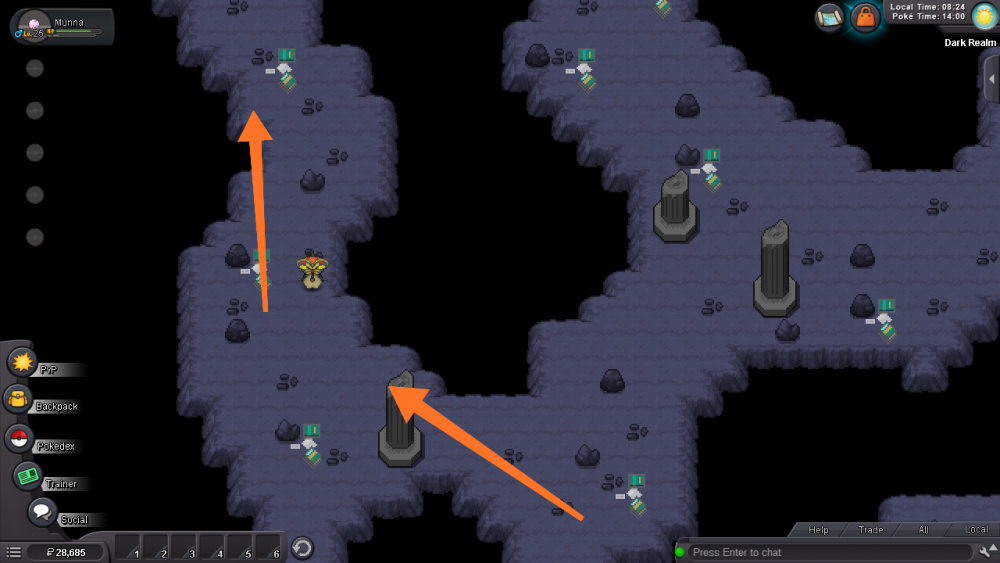
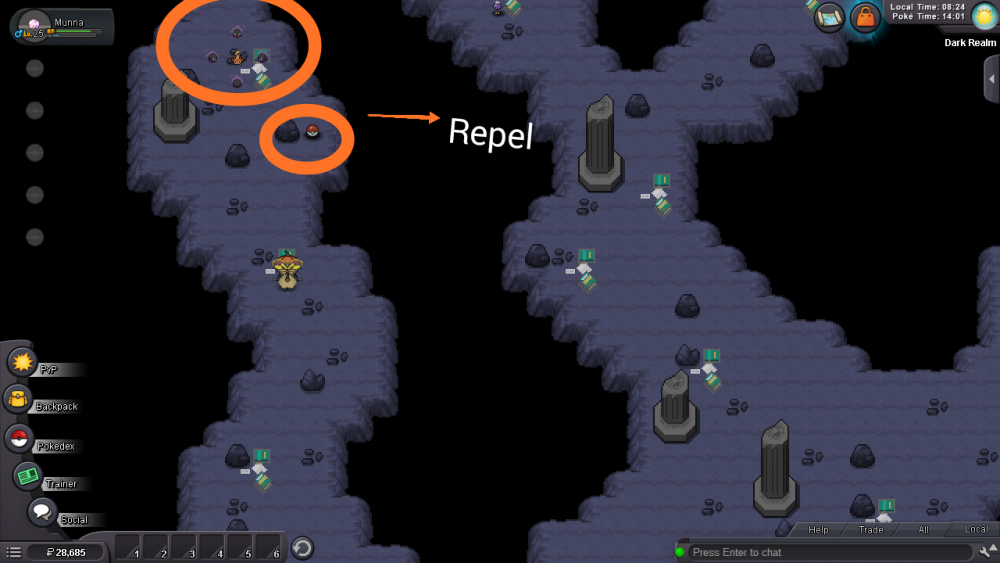
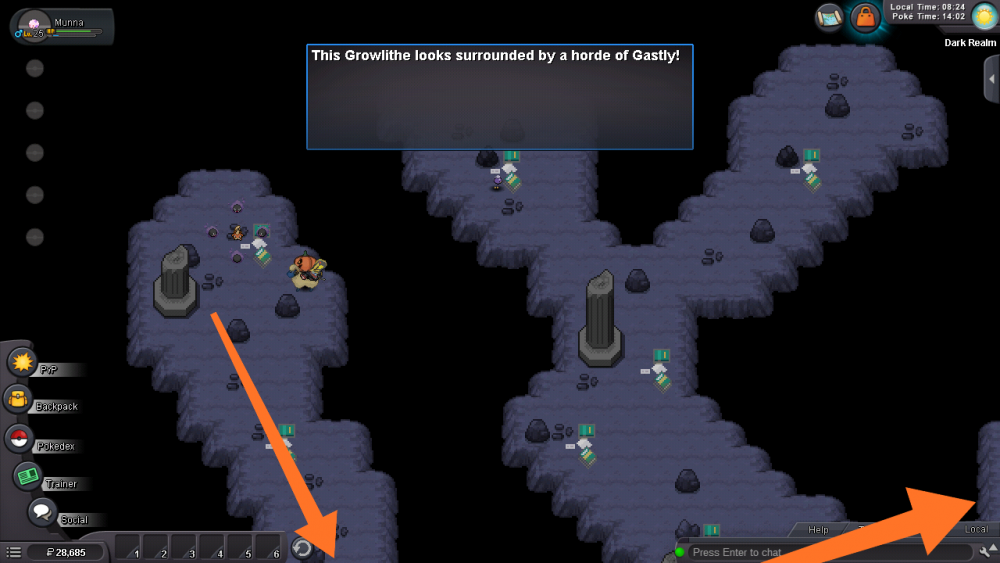
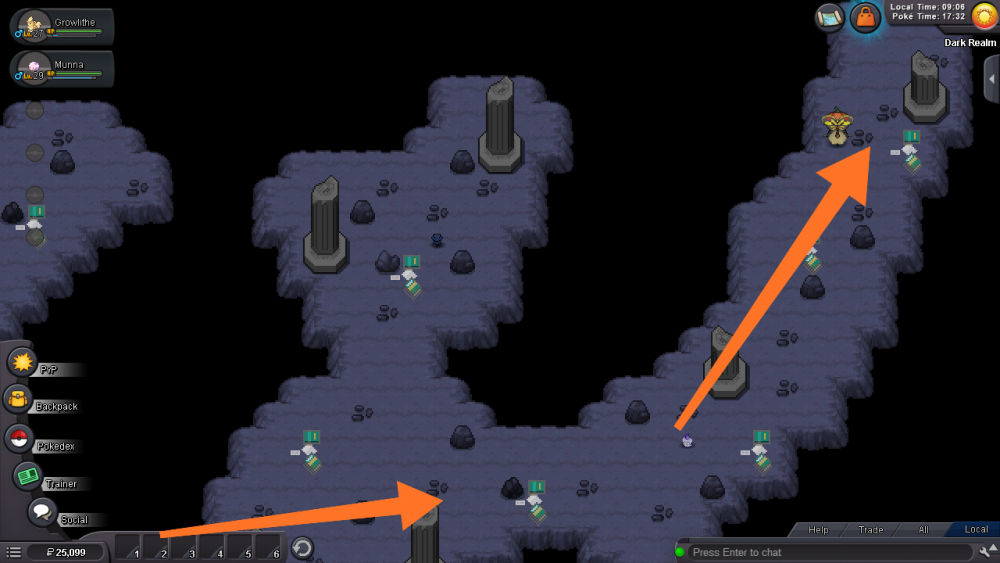

























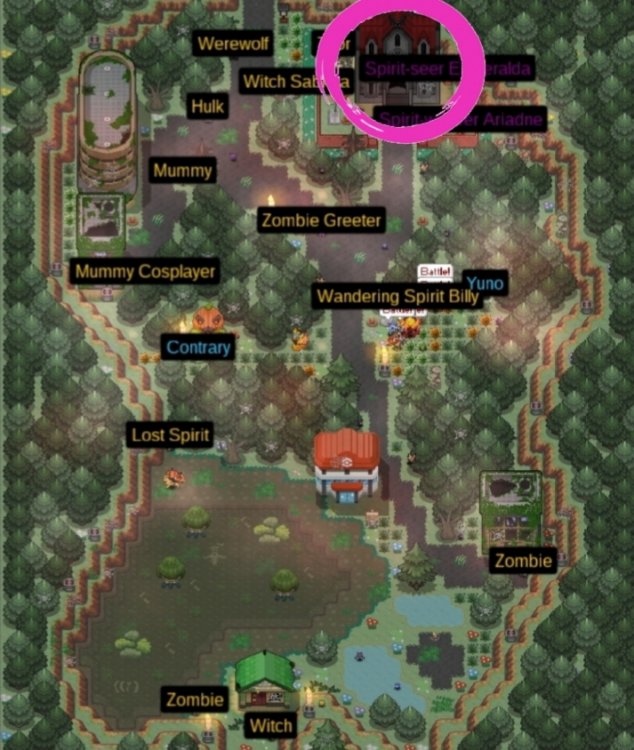



.png.bc32d520b863db68c71e9aaa31e890ed.png)
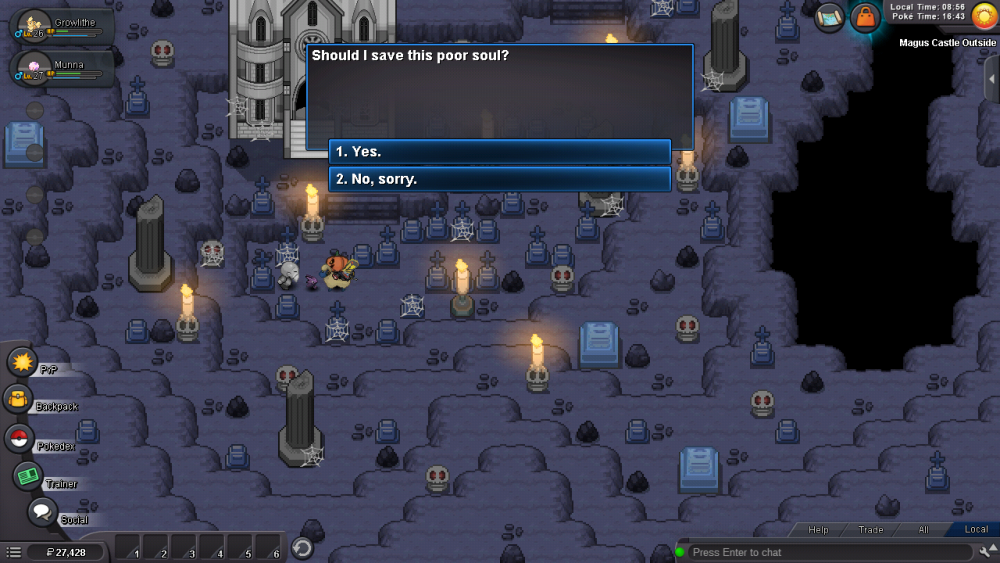
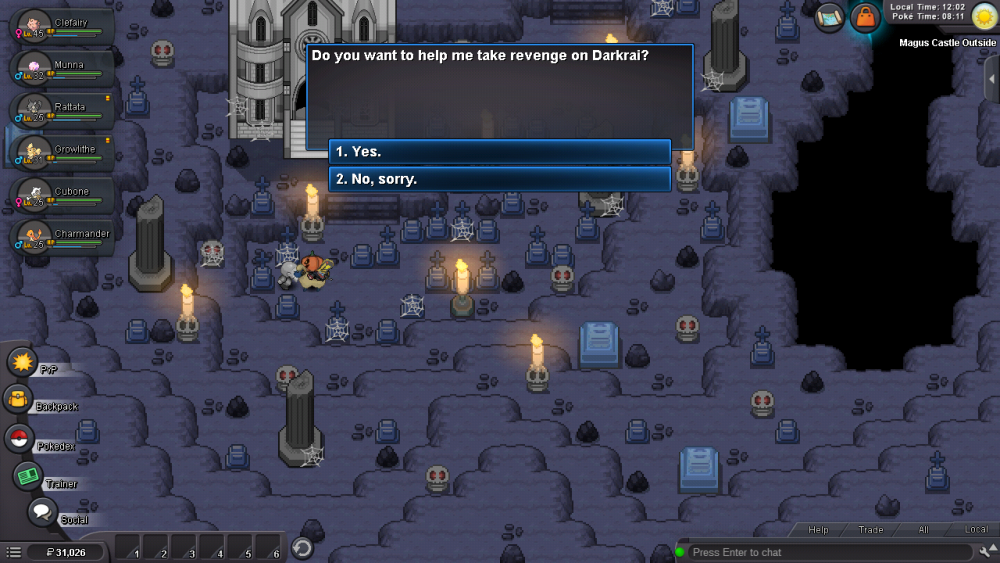
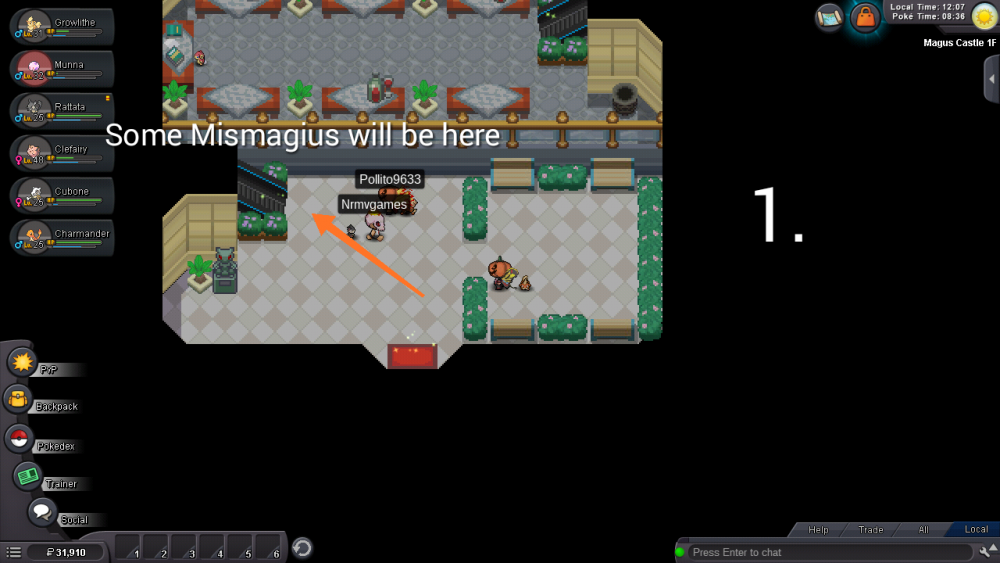
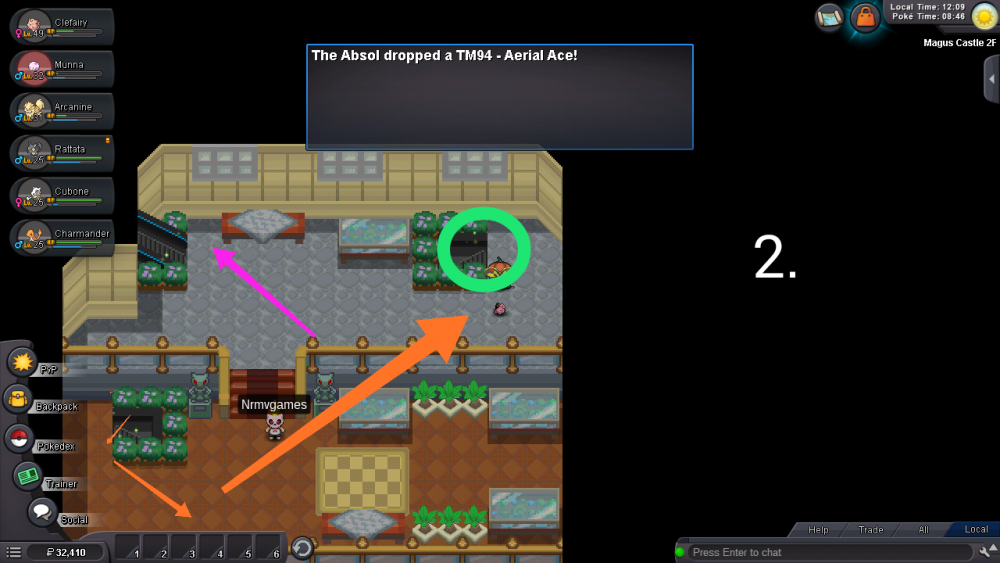
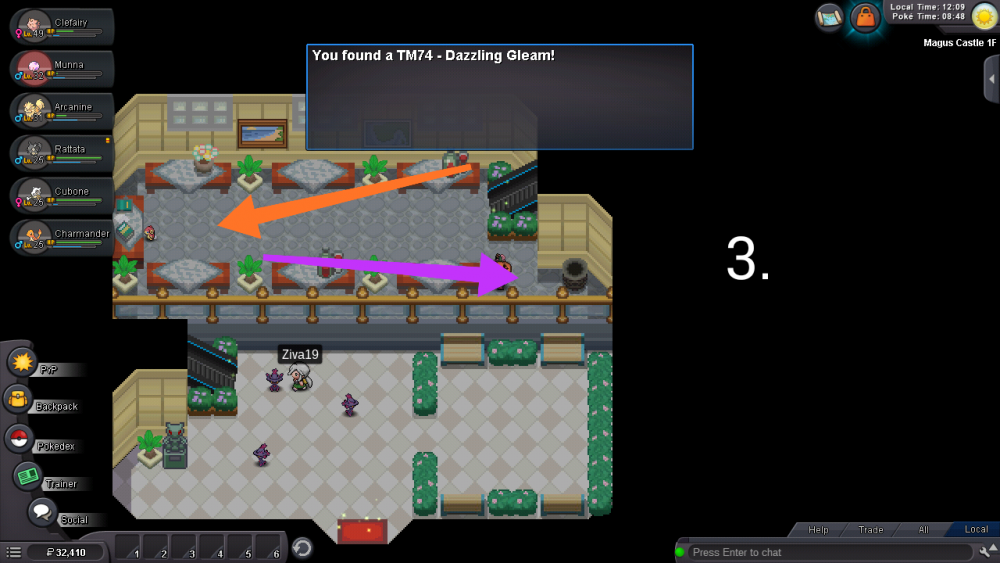
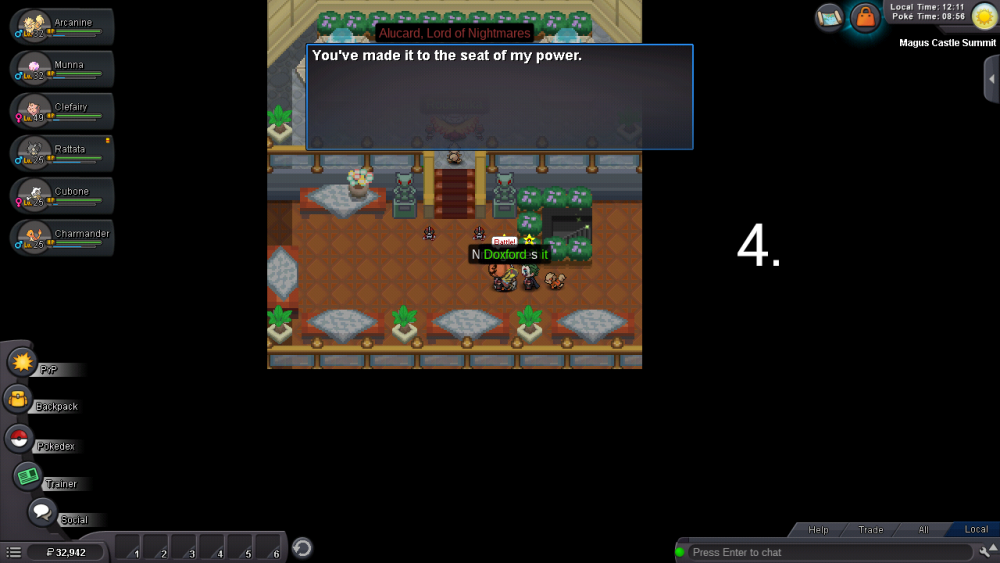
.jpeg.d8790cd500fb7c9a9457a5e0399bc819.jpeg)

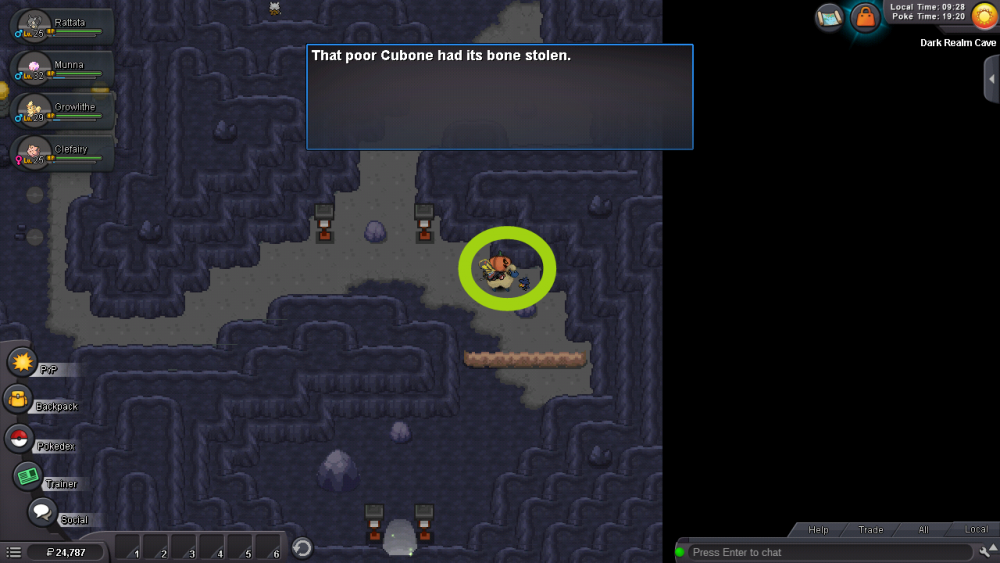
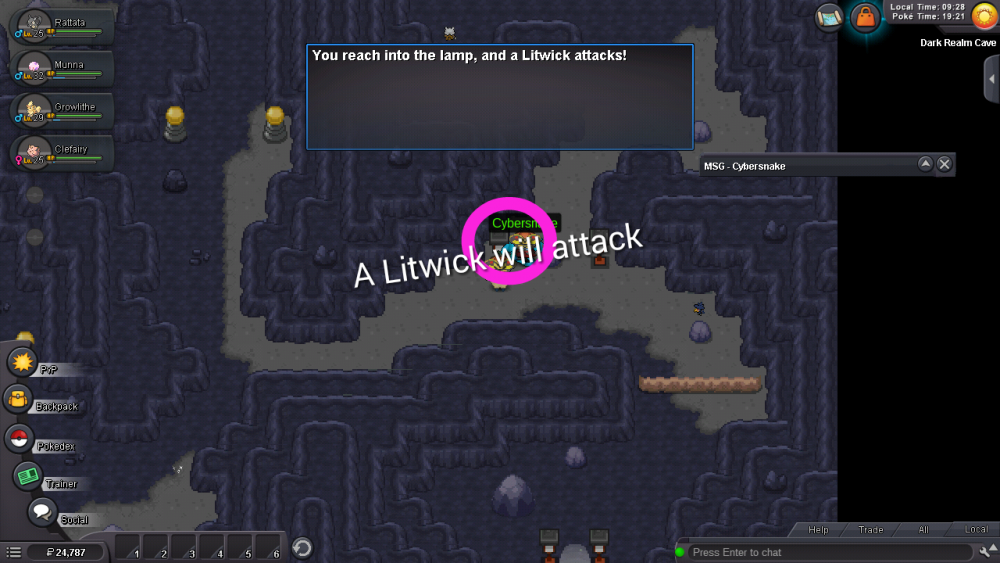
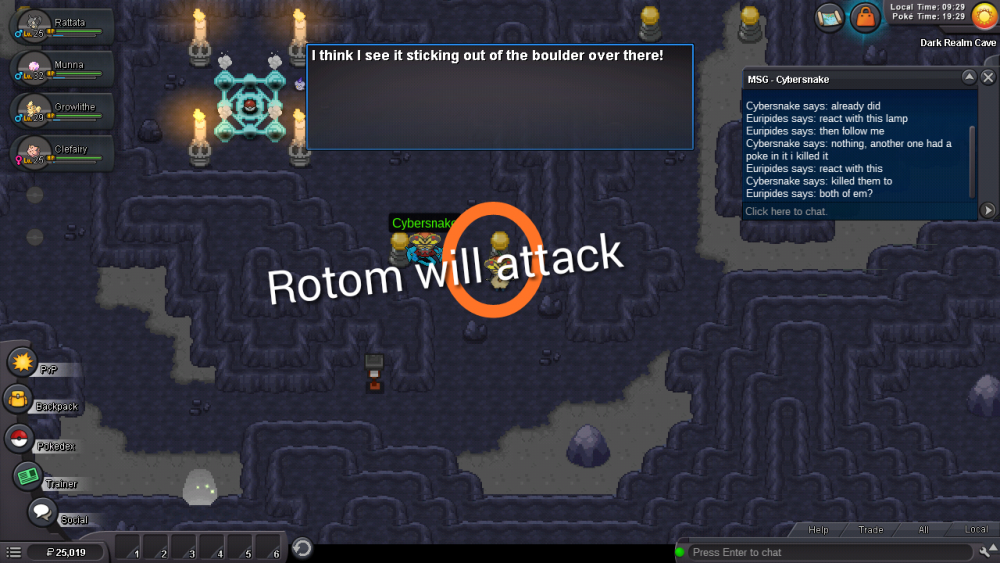
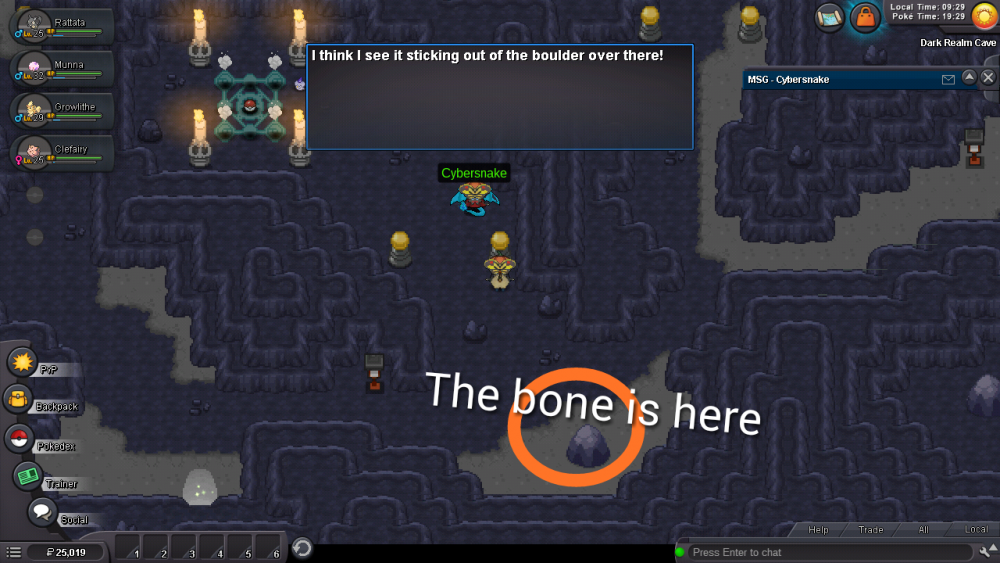
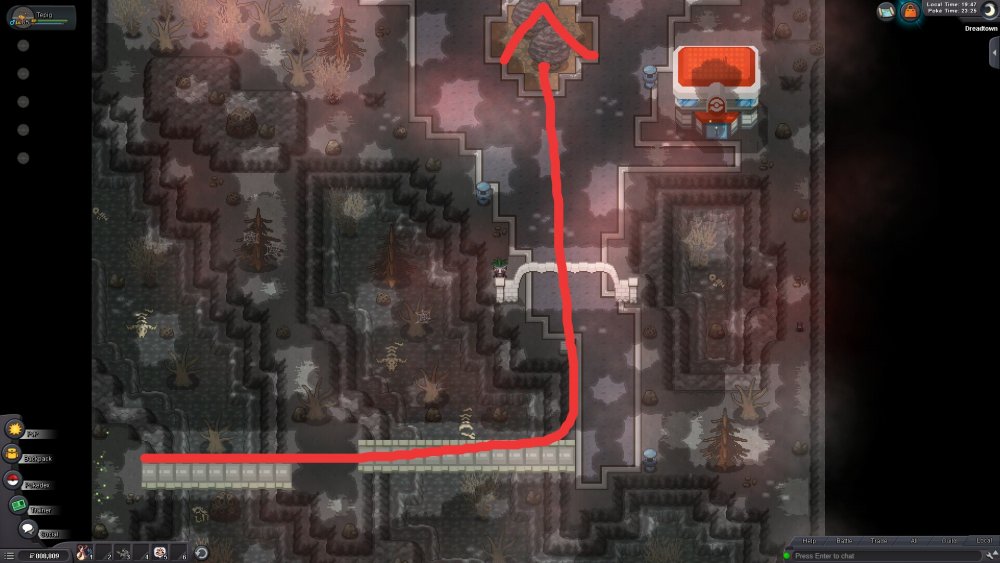
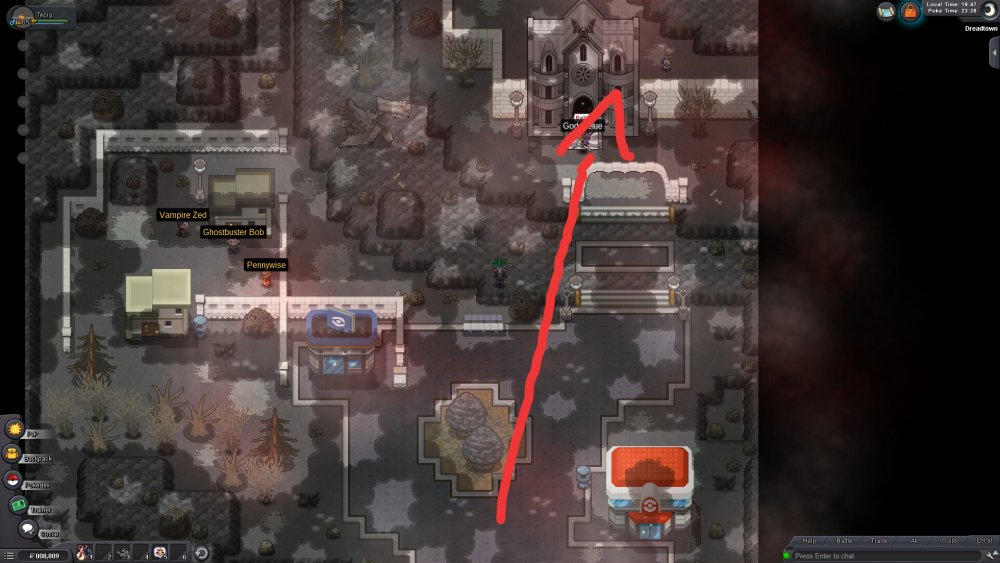
.png.b80fdc5633ecb7c9425146b4d1ed3caf.png)
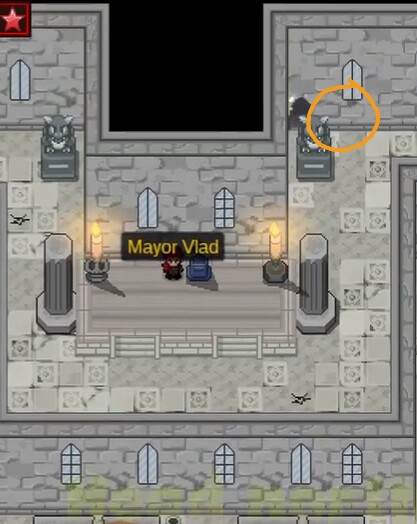
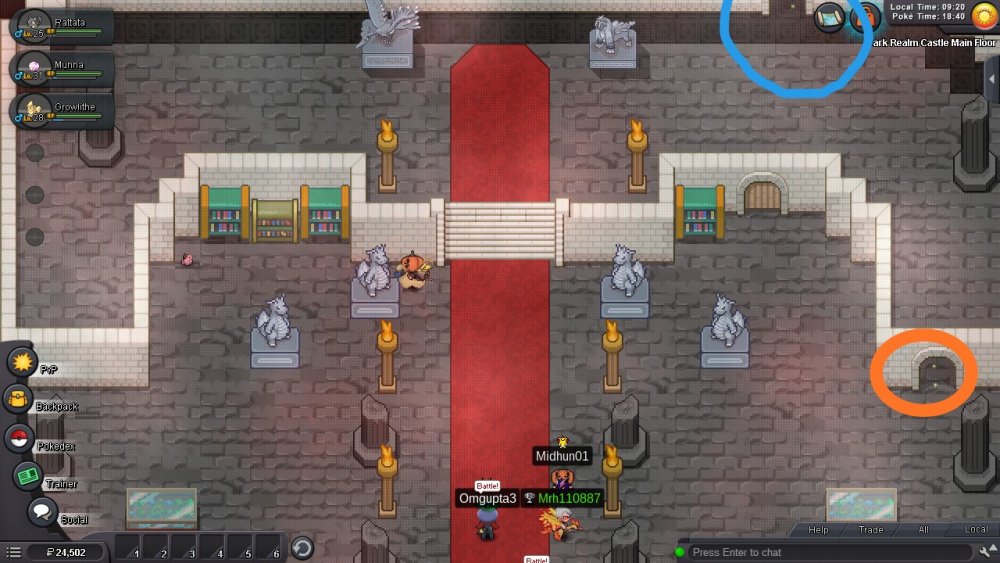

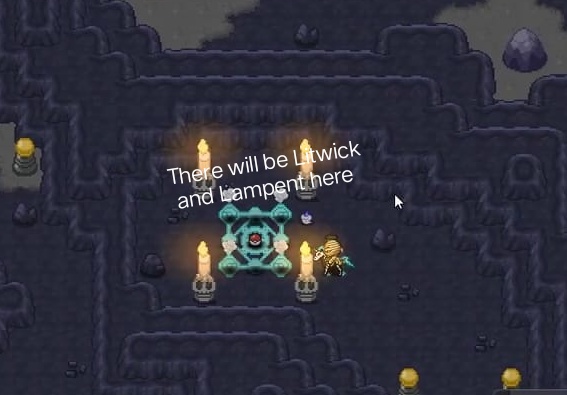
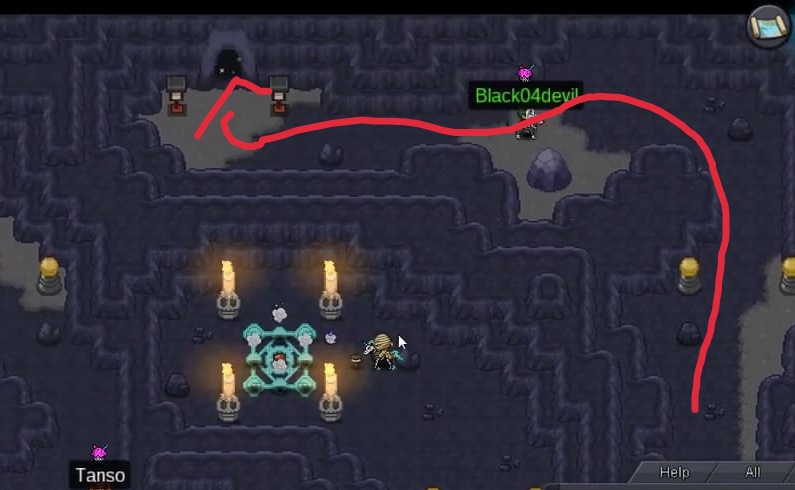

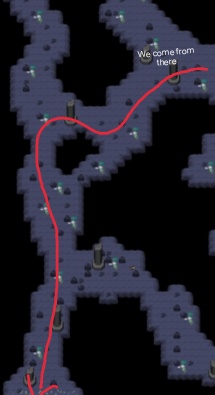



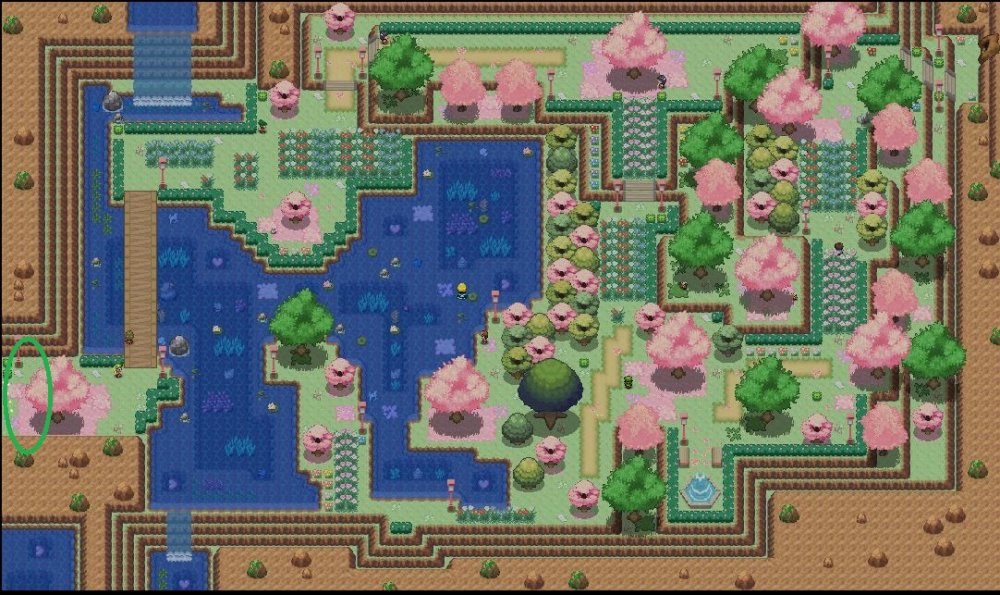

-
Oh, then you can make a post here.
-
There will be a rework of the Battle UI. According to an old announcement, important animations like Substitute might come with the rework. Others will be added later. Overall, this is something that's probably not on the top of the Devs' to-do list. They might come eventually, nonetheless.