




New Trade Zone
Trade Zone is now live
Use the new Trade Zone for auctions and instant-price trades so Pokemon and item offers are easy to find.
.jpg.a7947d5c93143da2919c8b02cd72756c.jpg)

Xytreh
Registered User
-
Joined
-
Last visited
Everything posted by Xytreh
-
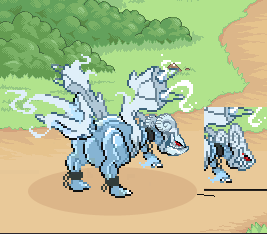
Yes it is available! Happy to read that 🙂 Just let me know when you're online via discord or forum.Refresh!Hi! So I have recently updated (for the 4th time to be exact) X-mas Kyurem sprite (JUST HEAD (HORNS, FACE, JAW)). I hope you like it and change the current one 🙂 Since there's a lot of confusion - MY VERSION IS ON THE LEFT!
 Can't see any complaints in my last post. Not sure what you're trying right now.So in the end I did not receive neither halloween nor shiny Bulbasaur. Caught around 500 in total I believe. Last encounter before event ended
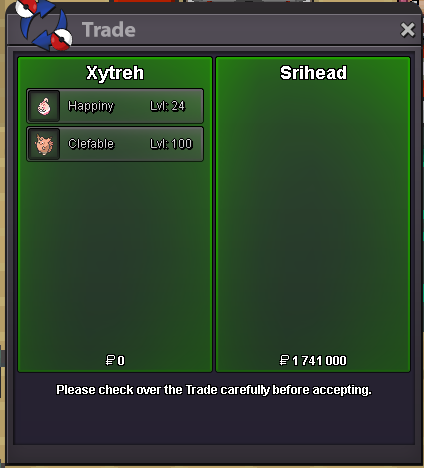
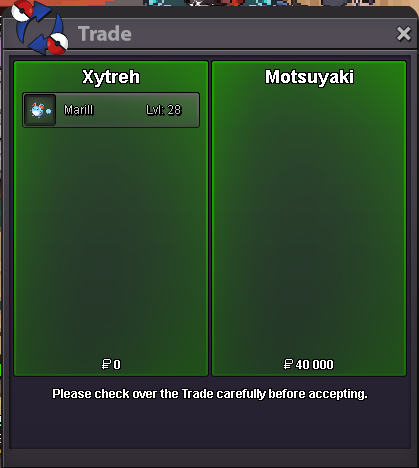
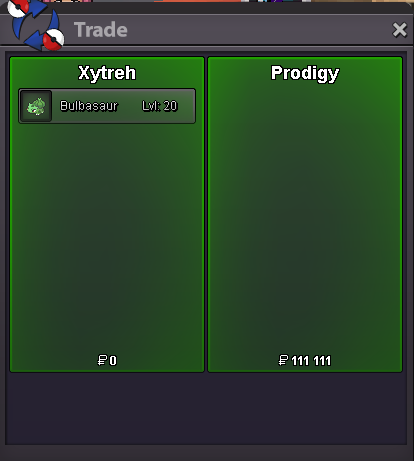
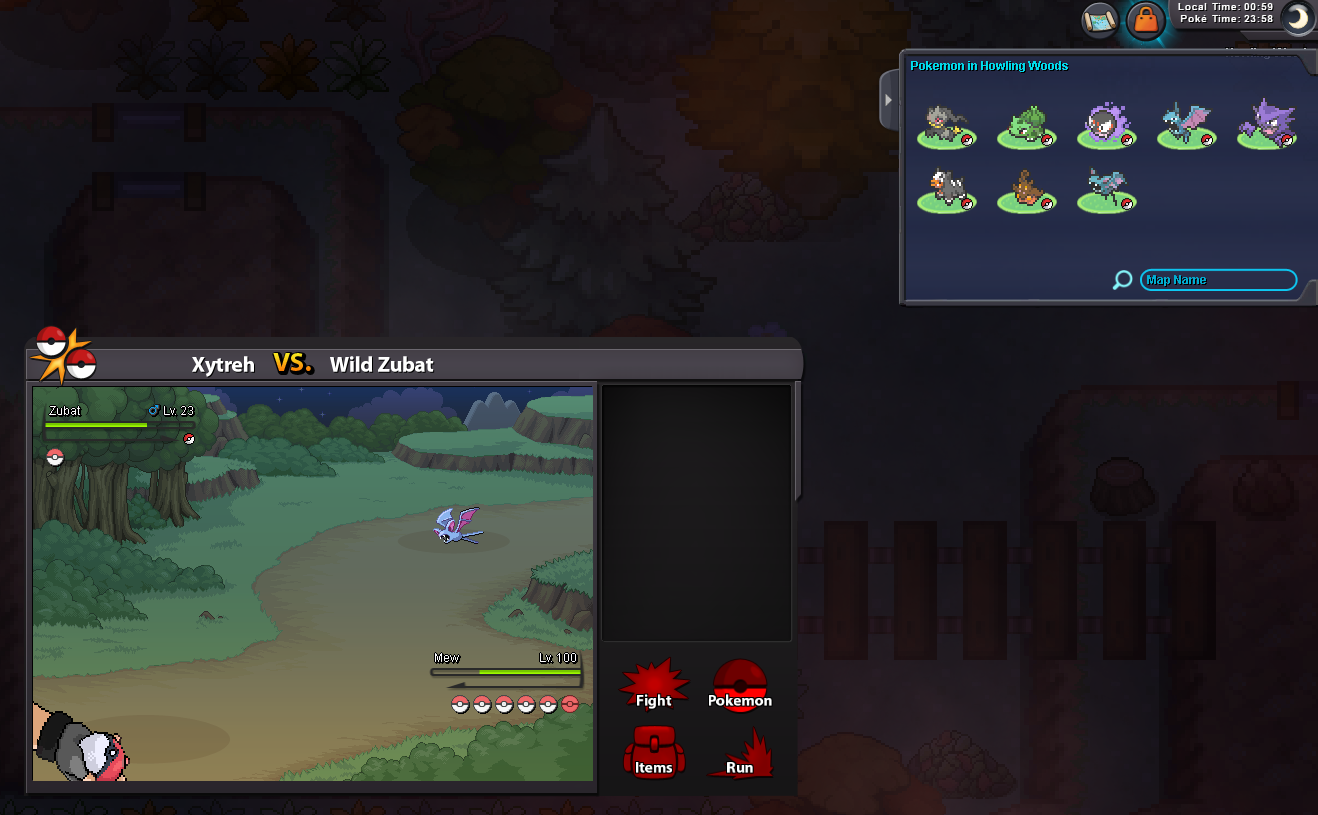 Hello. I've caught over 500 Bulbasaur right now. Never seen shiny or halloween form (which I'm after). The event ends in 4 hours so could you, please, increase the event form chance a bit so I can get the Bulba I seek for? Thank you.Updated.1000 VIEWS SPECIAL ADDED TO THE OFFER!I can see a lot of great Pokemon left ;>Xanthina, just add some videos! I miss your voice :<Sold to BoozeMaster, forgot to take a screenshot. Sorry!
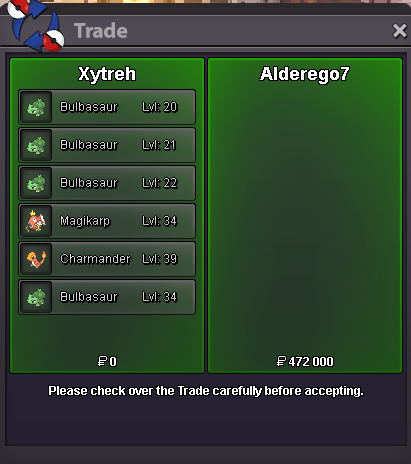
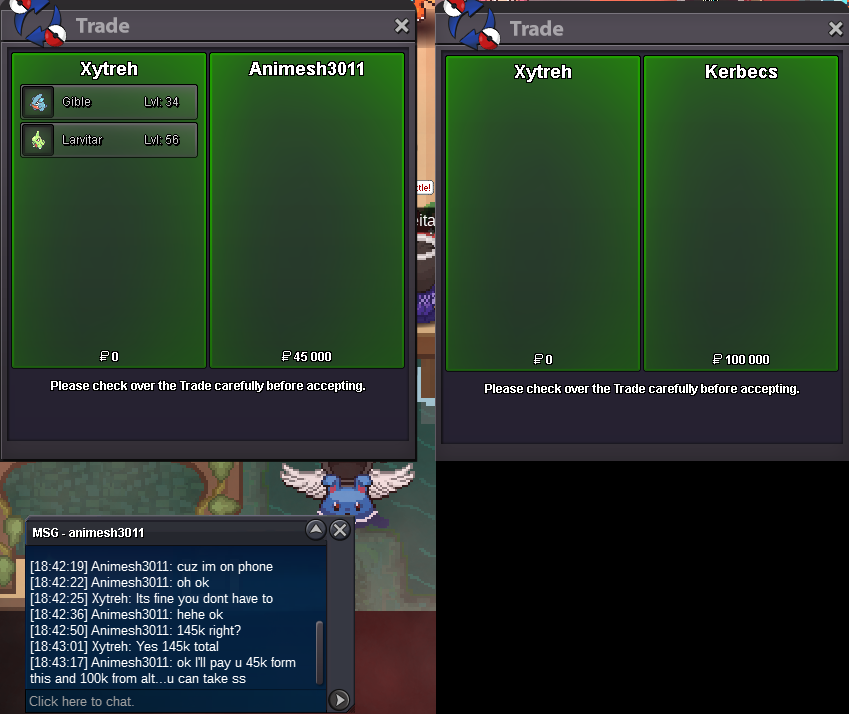
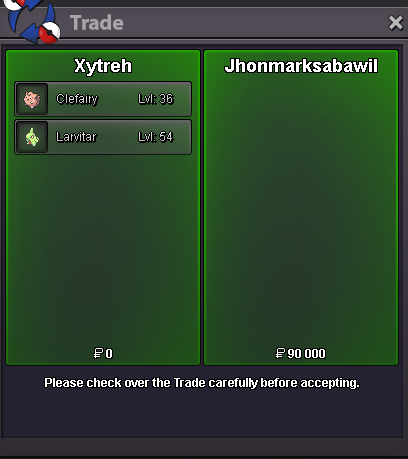
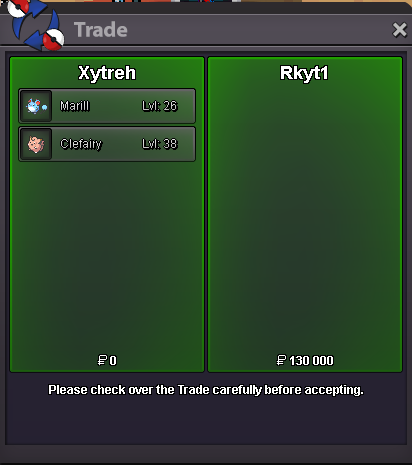
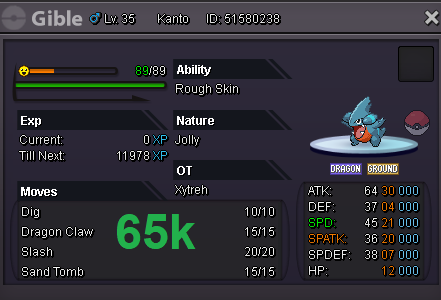 Refresh.Seperated for 2 trades in the end.
 Refresh.Refresh.Few Pokemon on discount now! 🙂

Account
Navigation
Search
Configure browser push notifications
Chrome (Android)
- Tap the lock icon next to the address bar.
- Tap Permissions → Notifications.
- Adjust your preference.
Chrome (Desktop)
- Click the padlock icon in the address bar.
- Select Site settings.
- Find Notifications and adjust your preference.
Safari (iOS 16.4+)
- Ensure the site is installed via Add to Home Screen.
- Open Settings App → Notifications.
- Find your app name and adjust your preference.
Safari (macOS)
- Go to Safari → Preferences.
- Click the Websites tab.
- Select Notifications in the sidebar.
- Find this website and adjust your preference.
Edge (Android)
- Tap the lock icon next to the address bar.
- Tap Permissions.
- Find Notifications and adjust your preference.
Edge (Desktop)
- Click the padlock icon in the address bar.
- Click Permissions for this site.
- Find Notifications and adjust your preference.
Firefox (Android)
- Go to Settings → Site permissions.
- Tap Notifications.
- Find this site in the list and adjust your preference.
Firefox (Desktop)
- Open Firefox Settings.
- Search for Notifications.
- Find this site in the list and adjust your preference.