




New Trade Zone
Trade Zone is now live
Use the new Trade Zone for auctions and instant-price trades so Pokemon and item offers are easy to find.

Zwirrfinst
Registered User
-
Joined
-
Last visited
Everything posted by Zwirrfinst
-
Hey, which one do u want? There are 2 😅
-
Hey, sure. Are you online atm? The Shroomish you wanted is already sold, sry
-
Hey, sure. Can u tell me when u are online?
-
Oh, I'm at work then. Will be home at around 4:30pm GMT+1
-
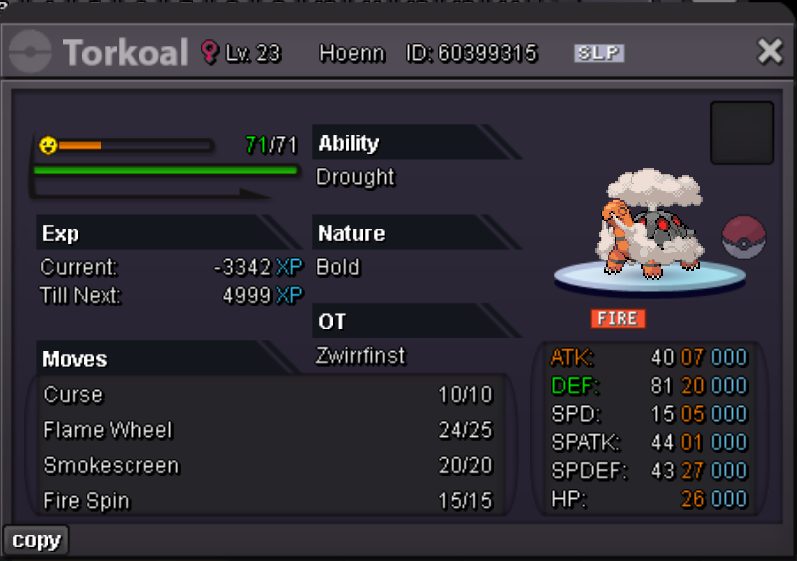
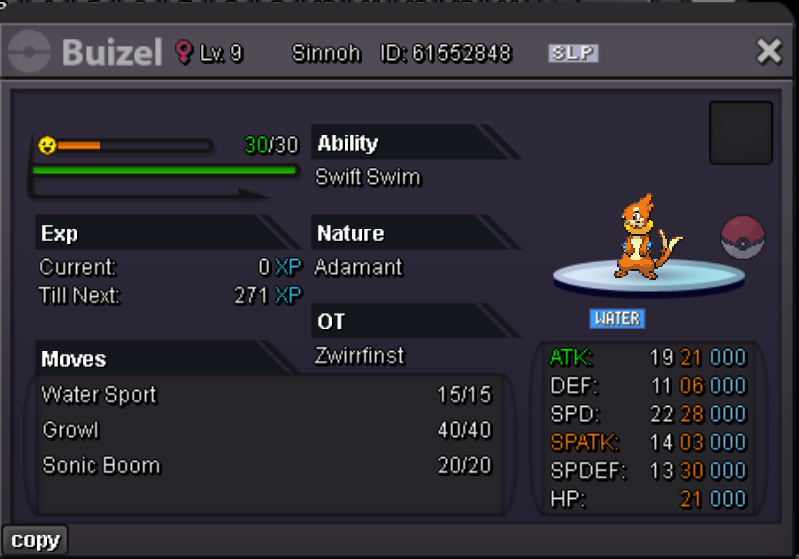
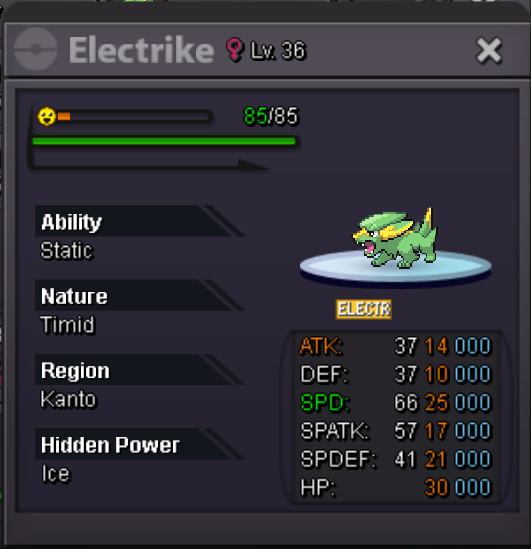
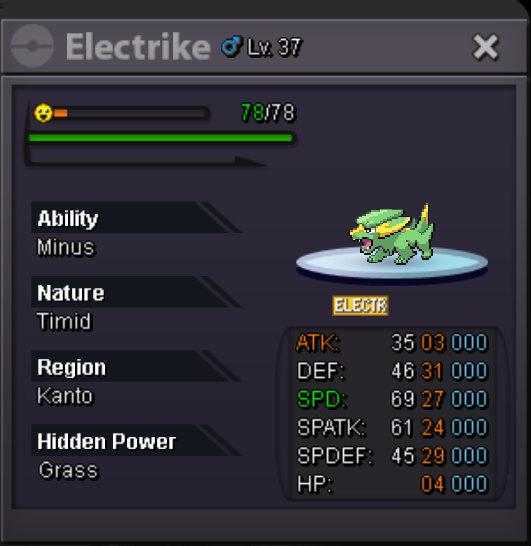
Hey, could you be more specific please? I have 4x 250k Bunnelby and like 50 Bagons. 😅 All Timid and Modest Blace or specific ones?@1cloudz Are you online atm?Added somewhat around 570 mons ✌️Fake offers will be reported You can't take back your offer PM me on Discord with a picture of the Pokemon you want from this shop Pokedollars CC = 450K Ingame: Zwirrlicht, Nanarikki Discord: Nanarikki If there are mons below, they are already sold, sorry!






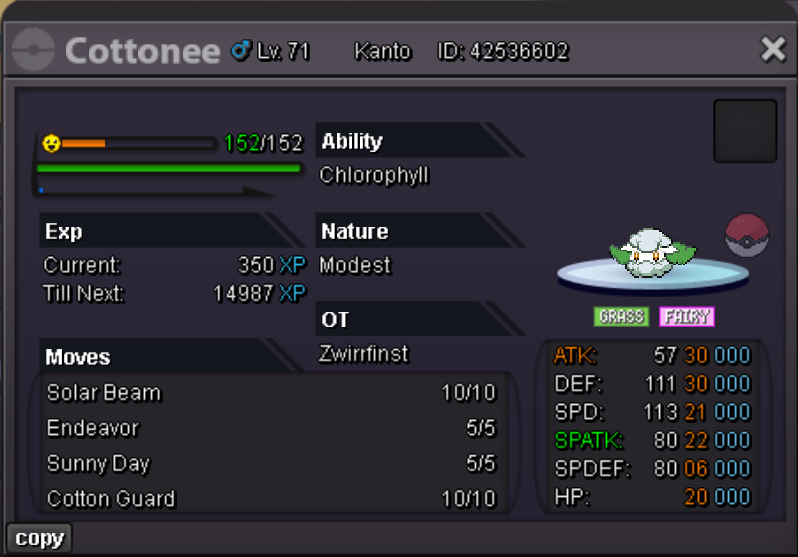
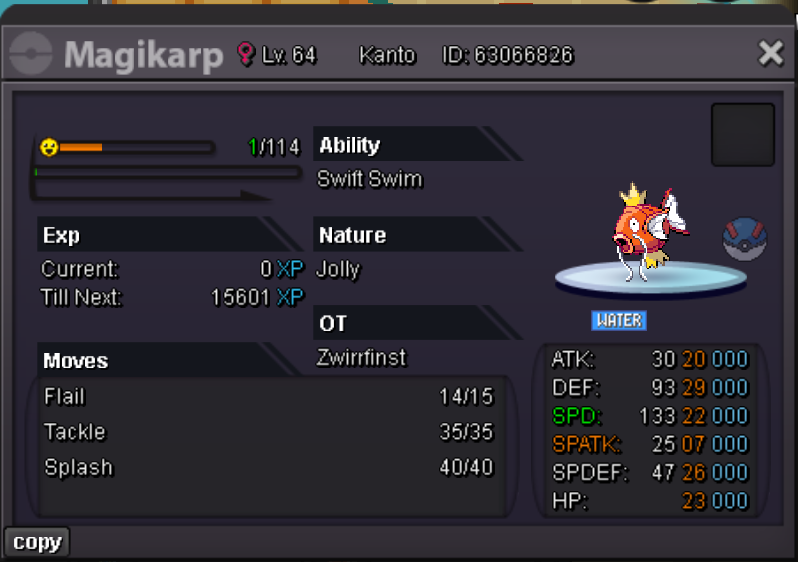
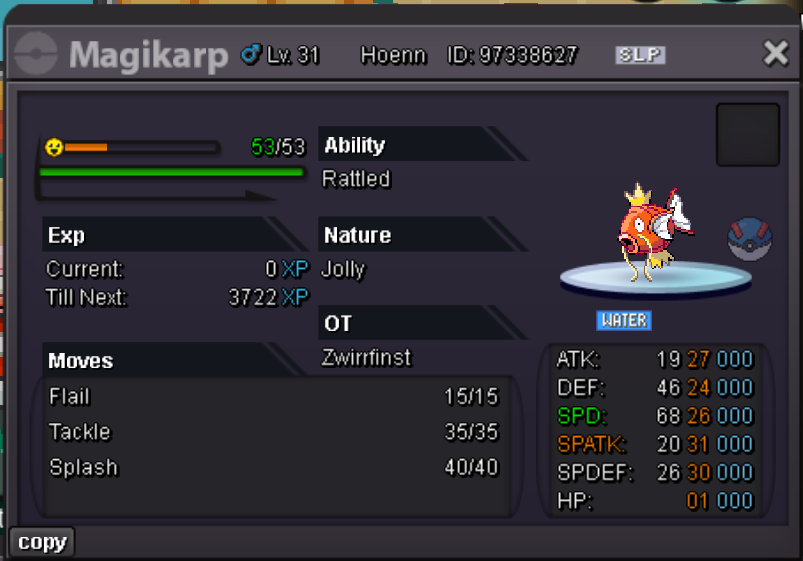
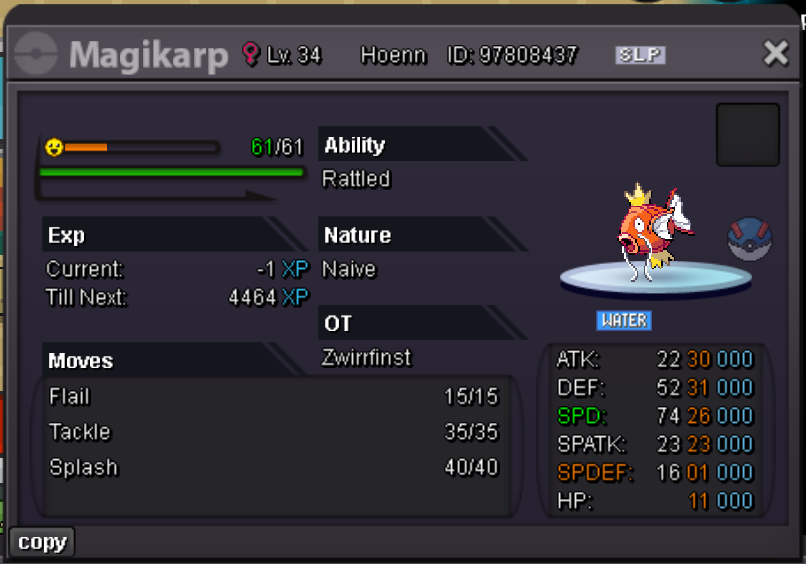
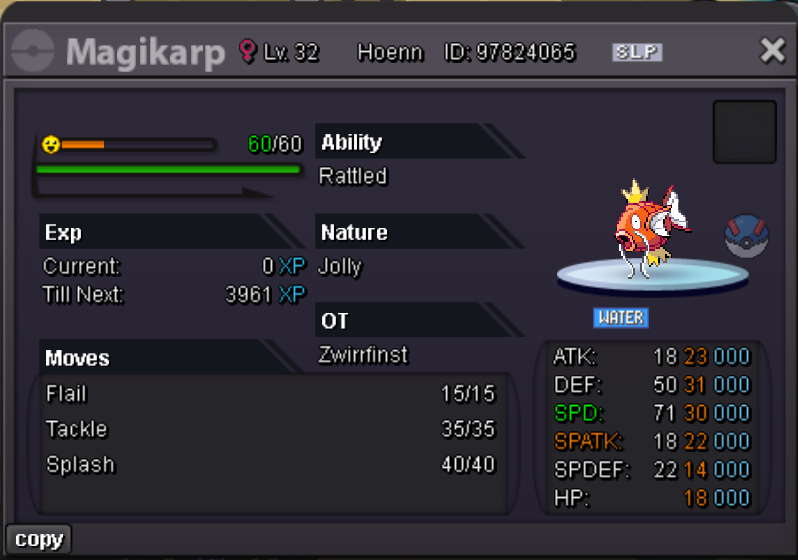
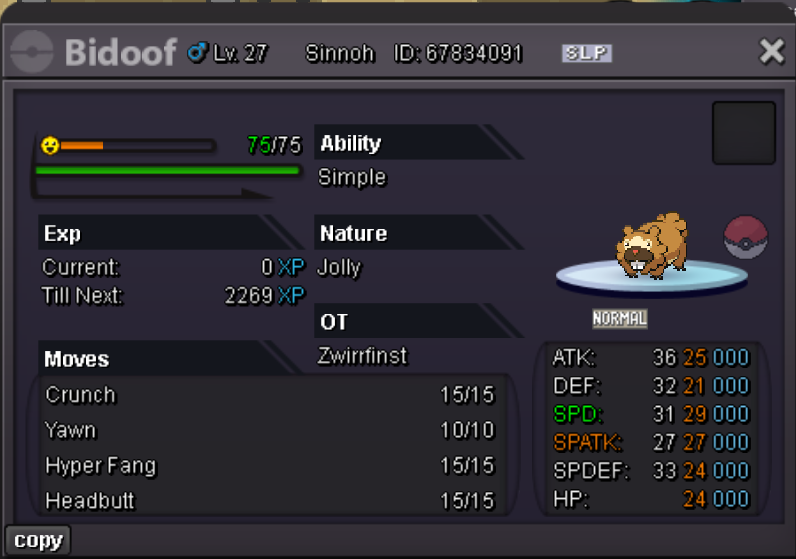
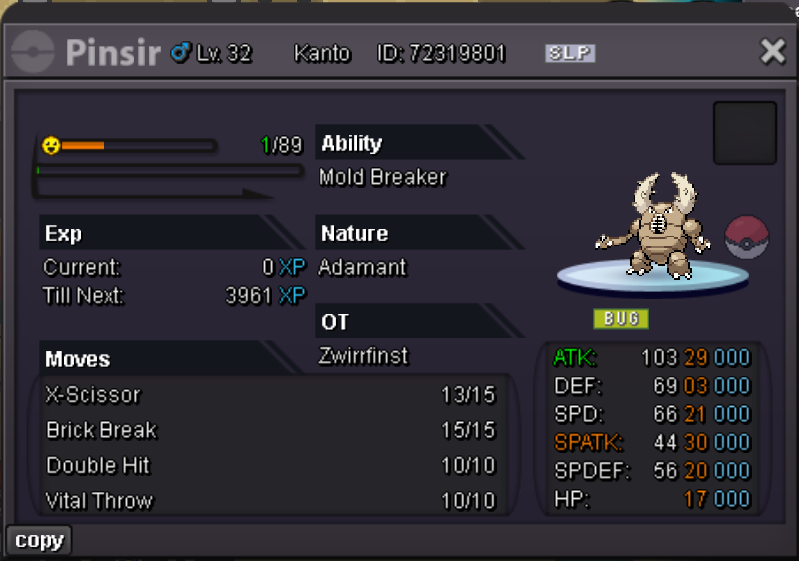
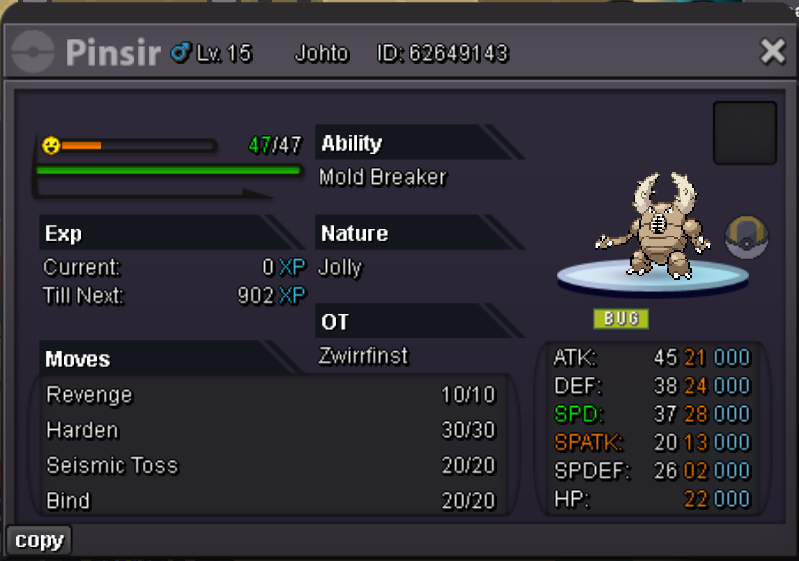
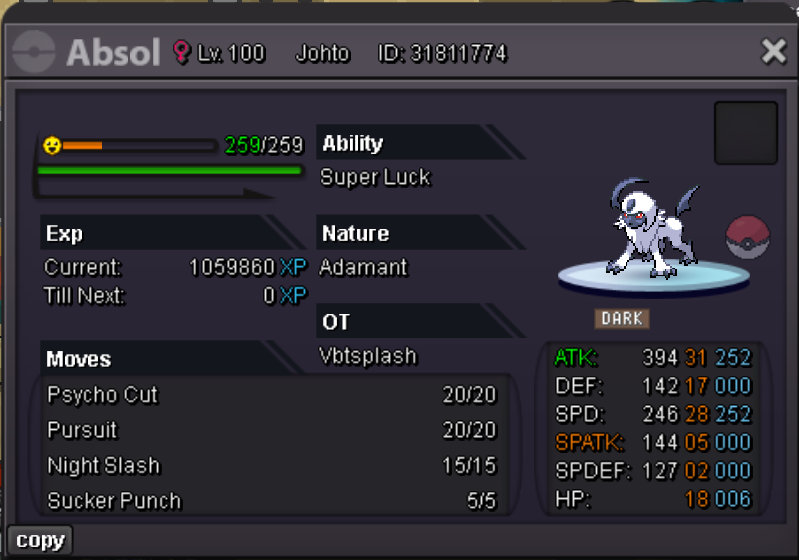
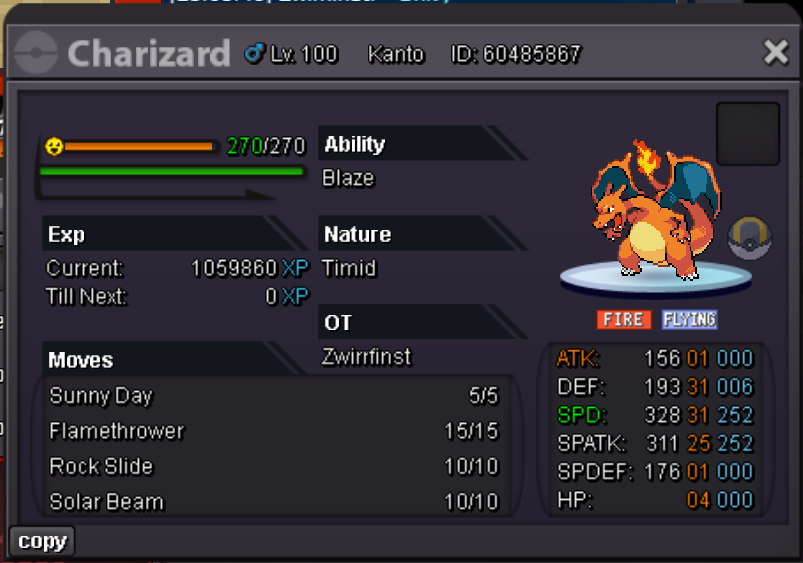
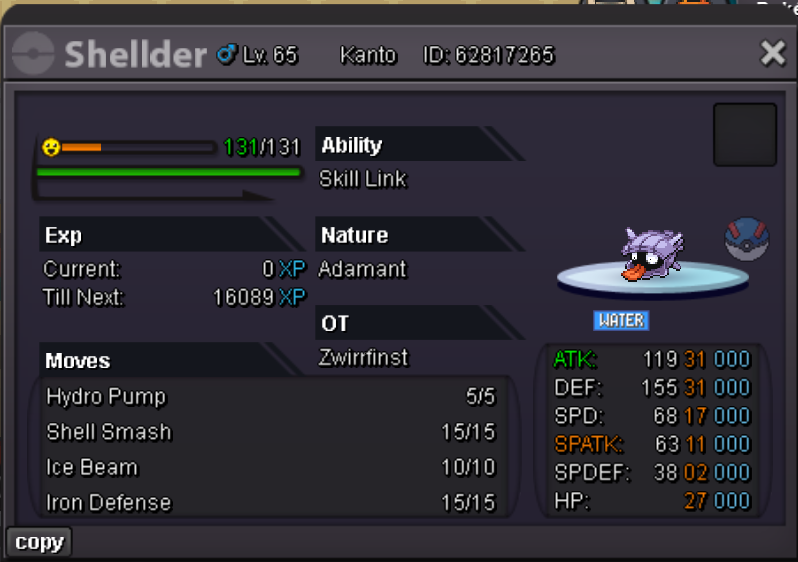
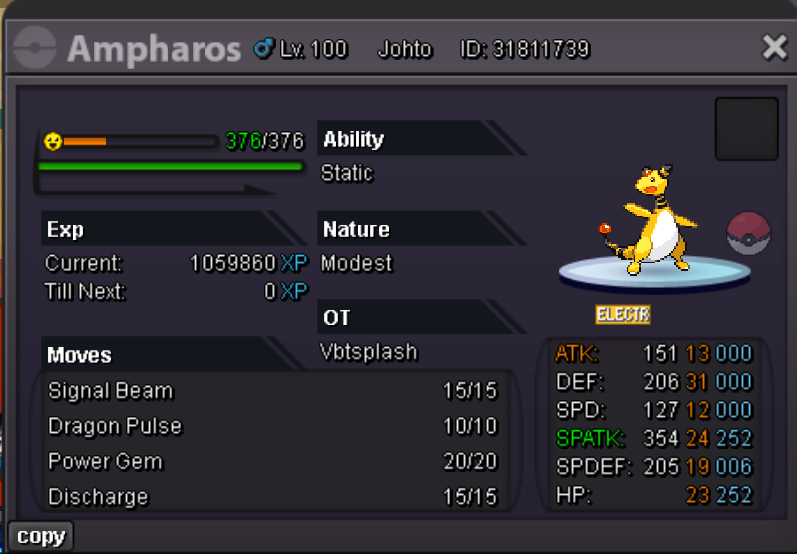
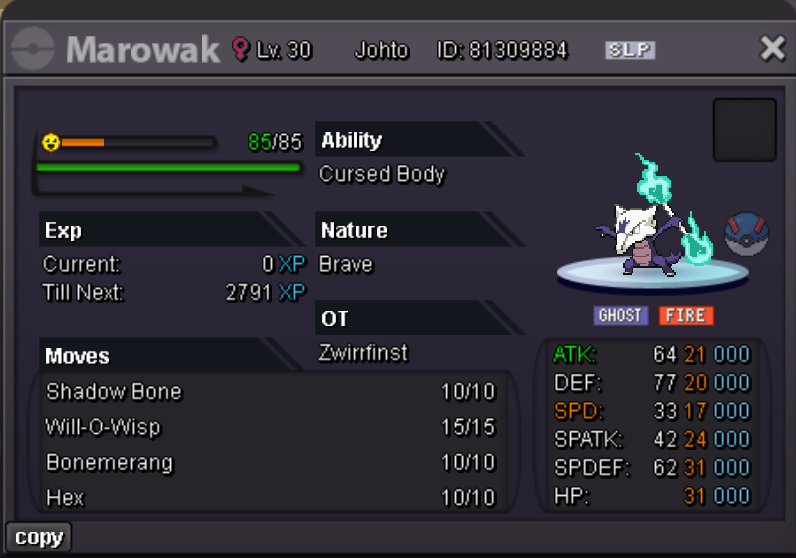
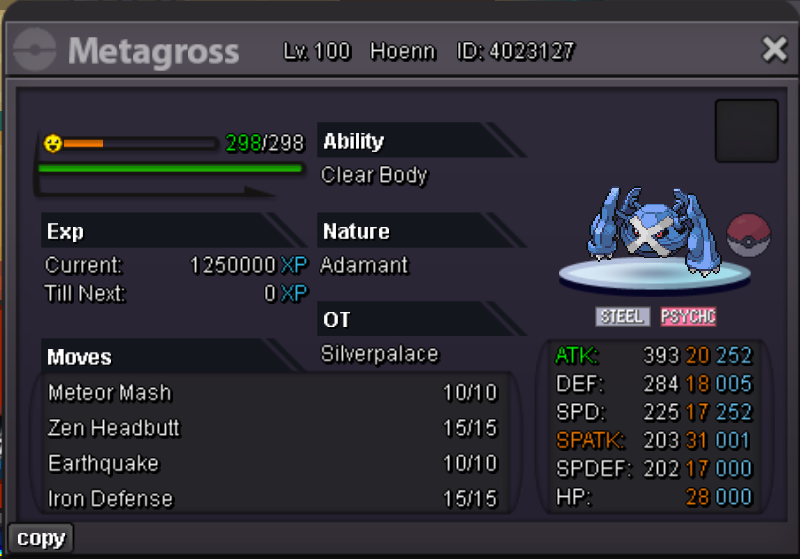
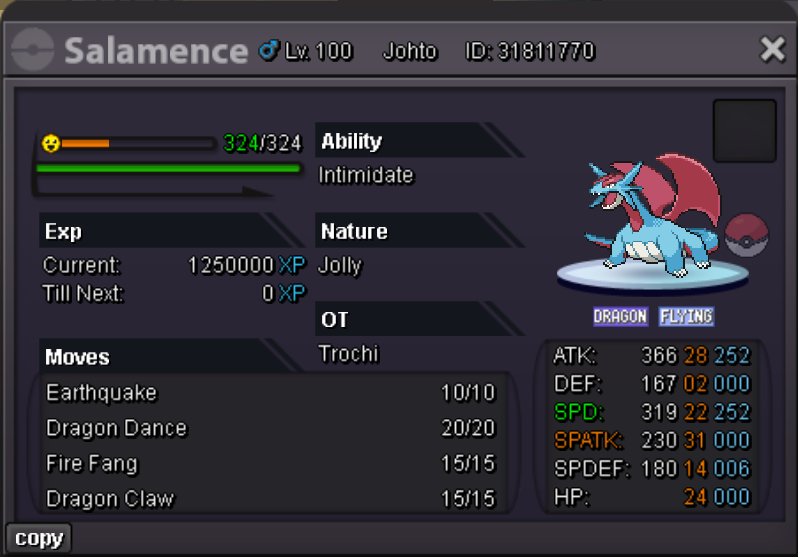
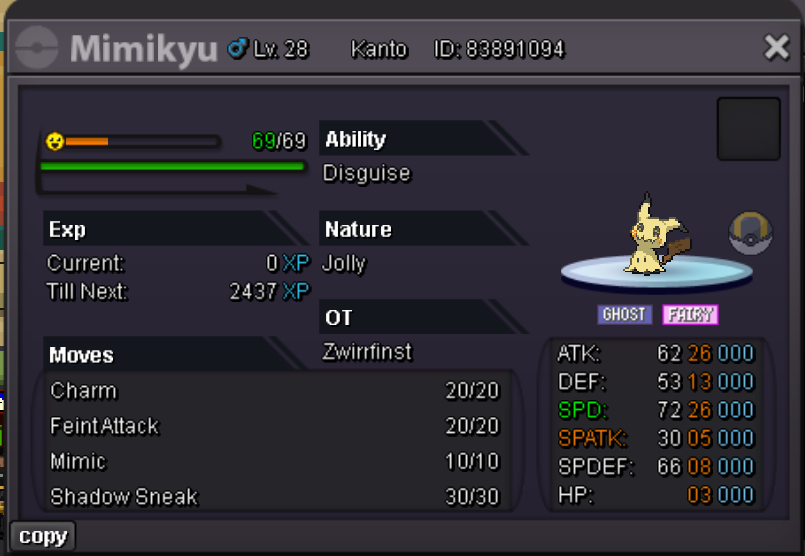
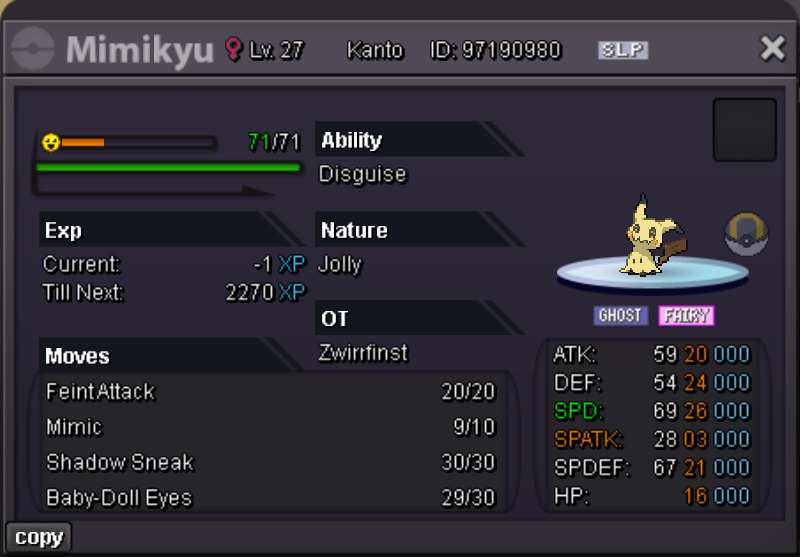
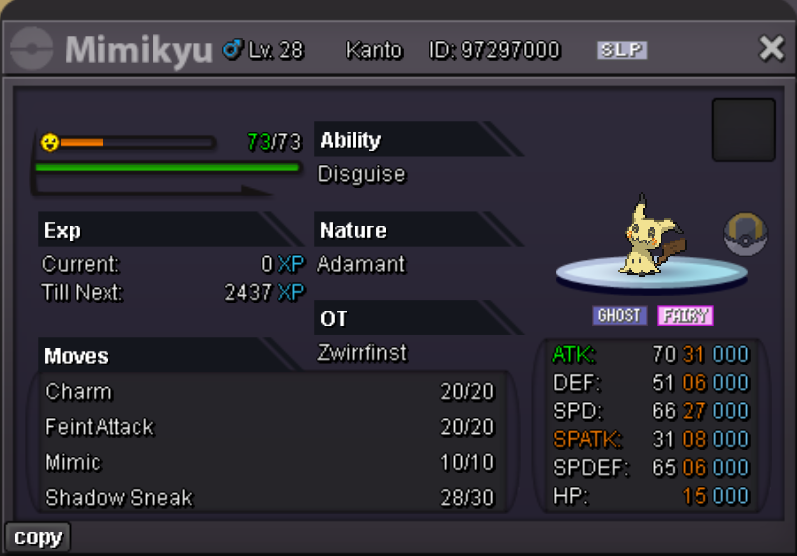
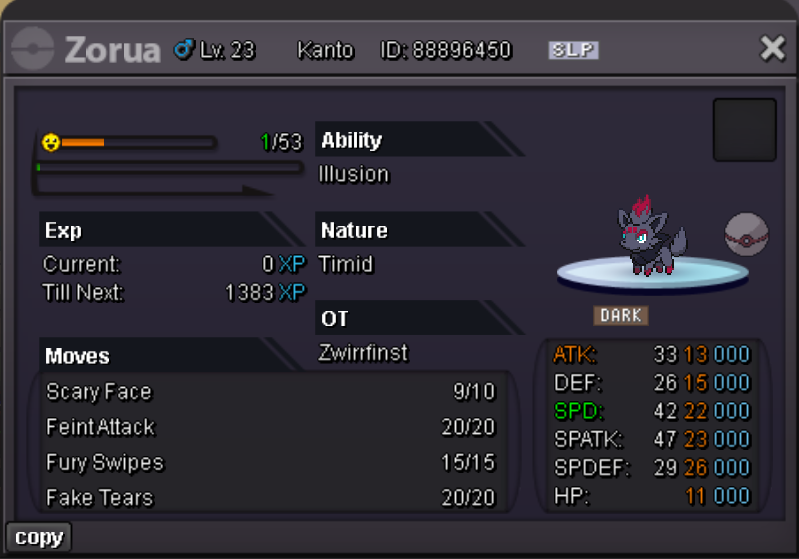
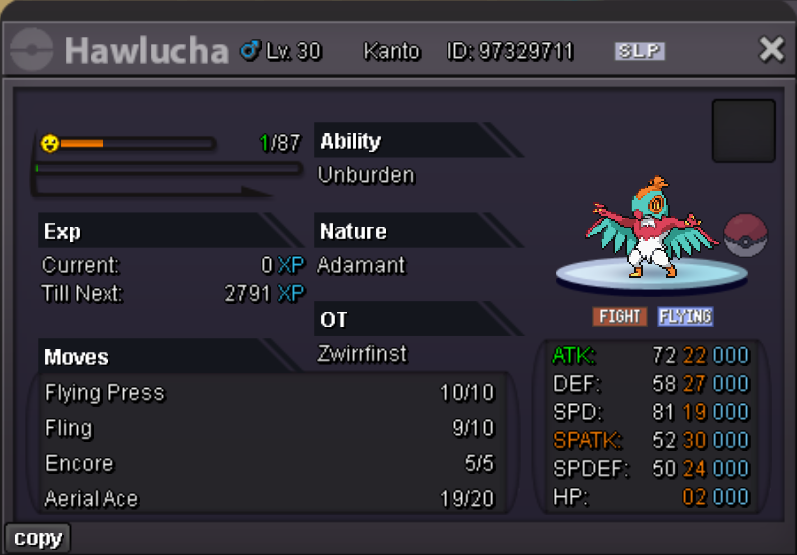
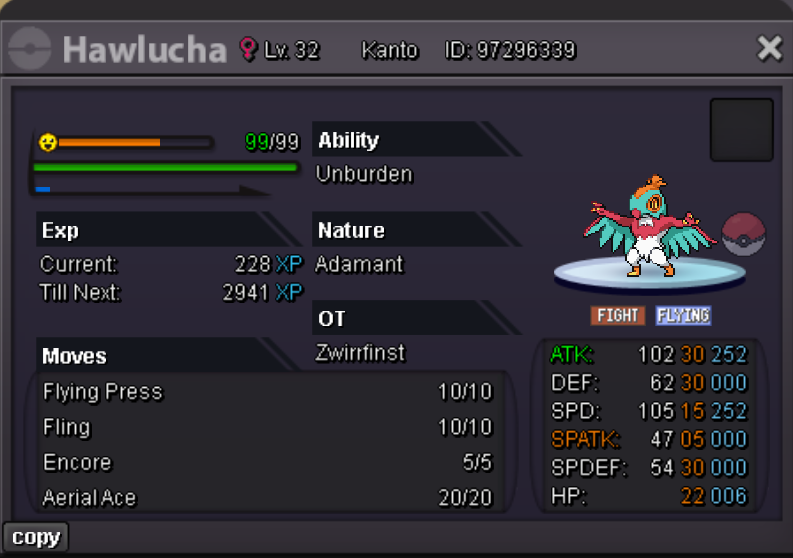
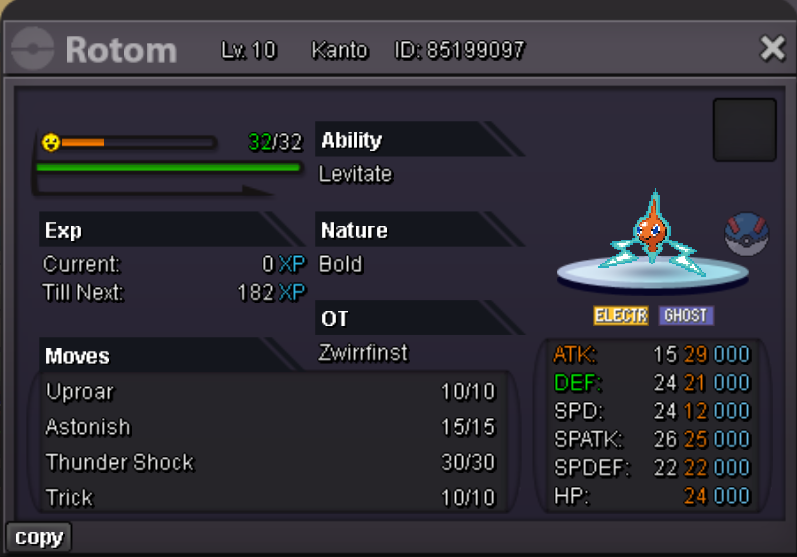
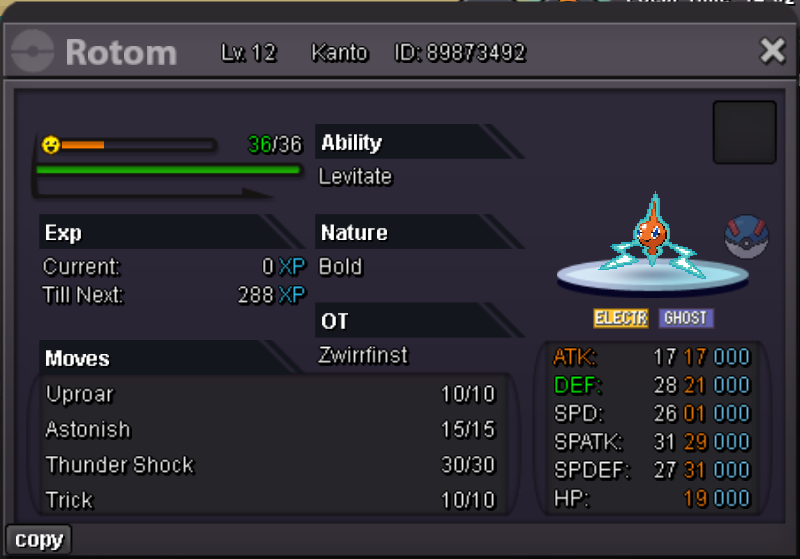
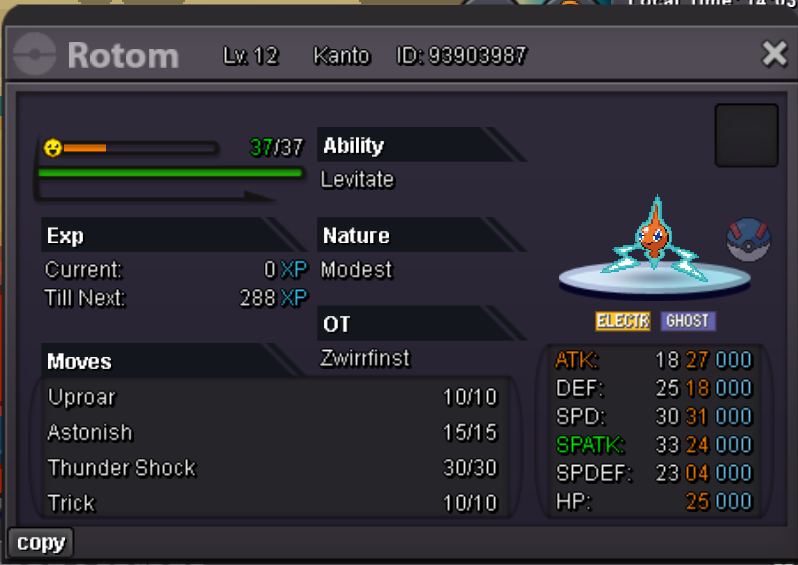
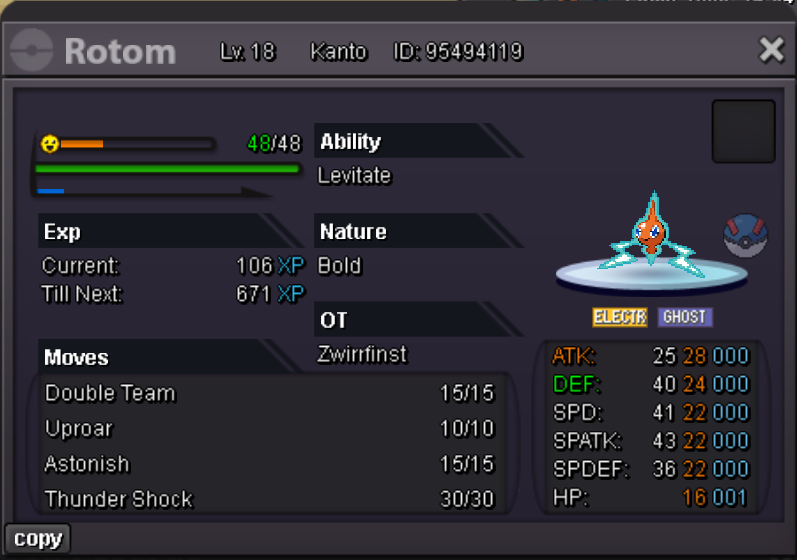
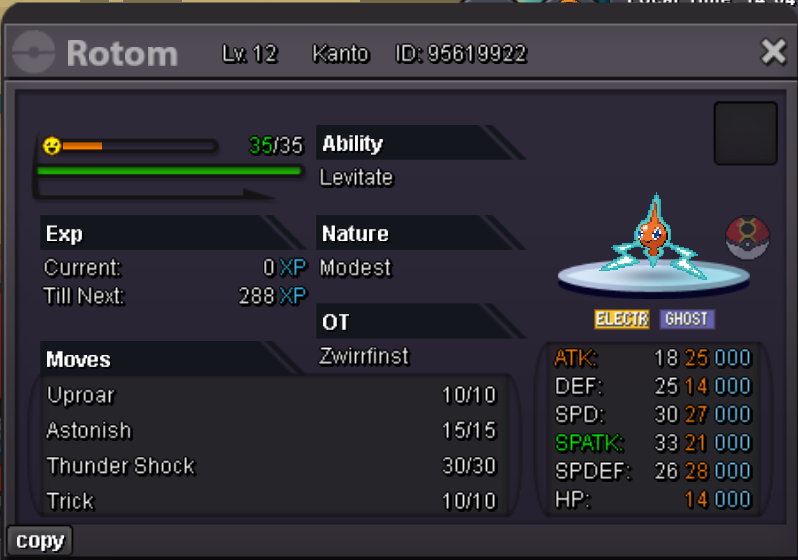
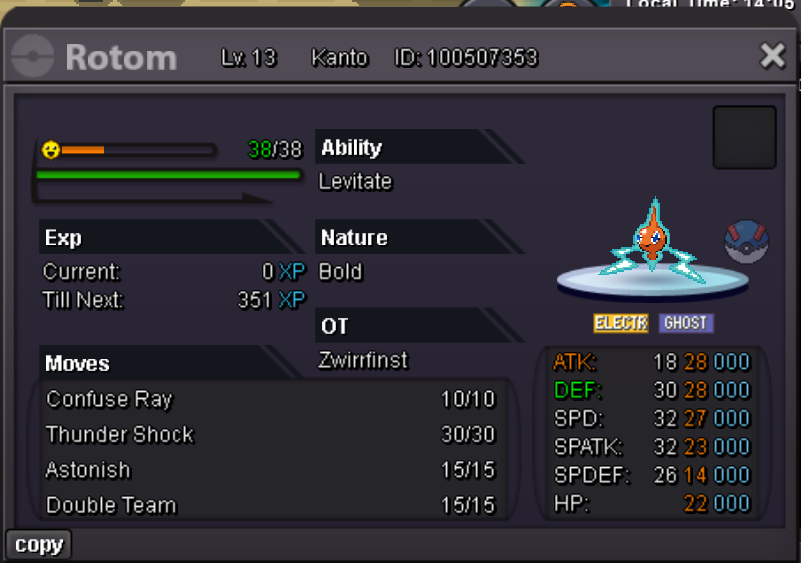
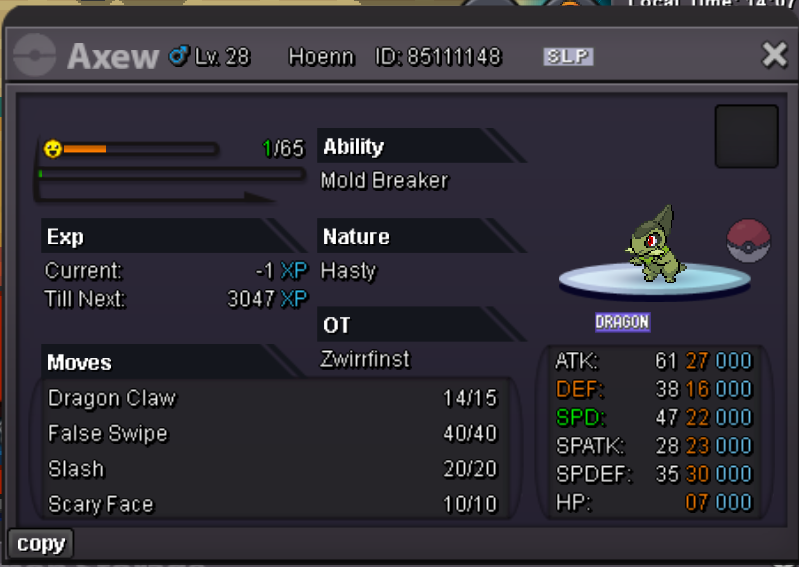
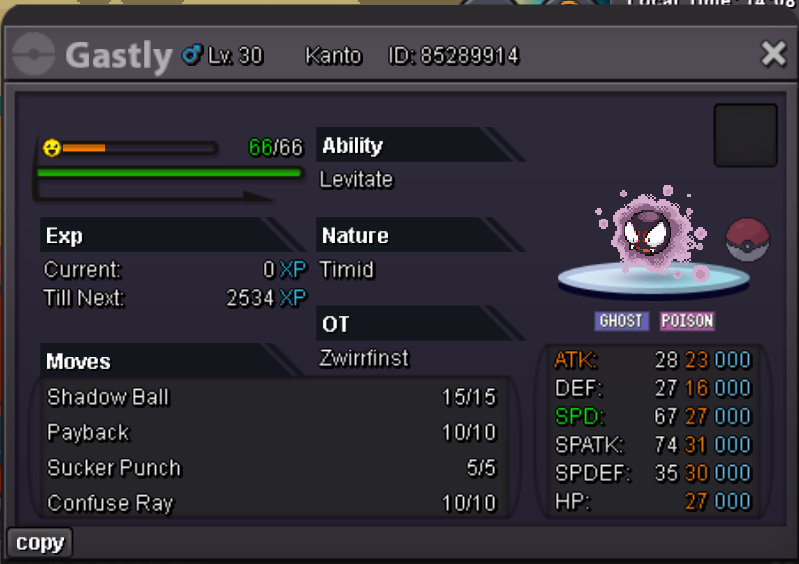
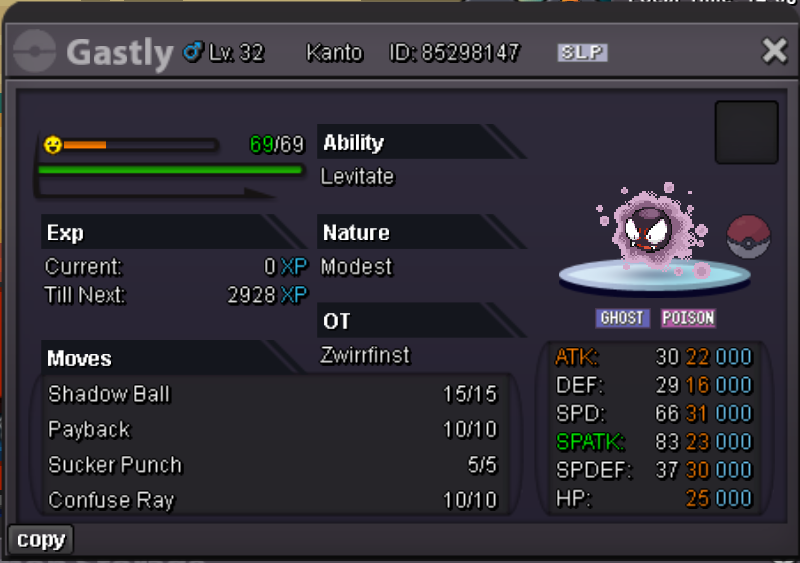
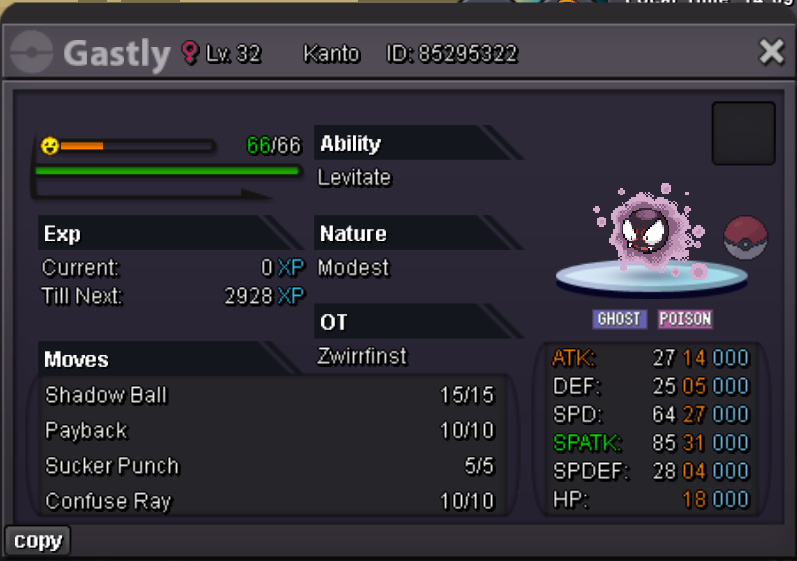
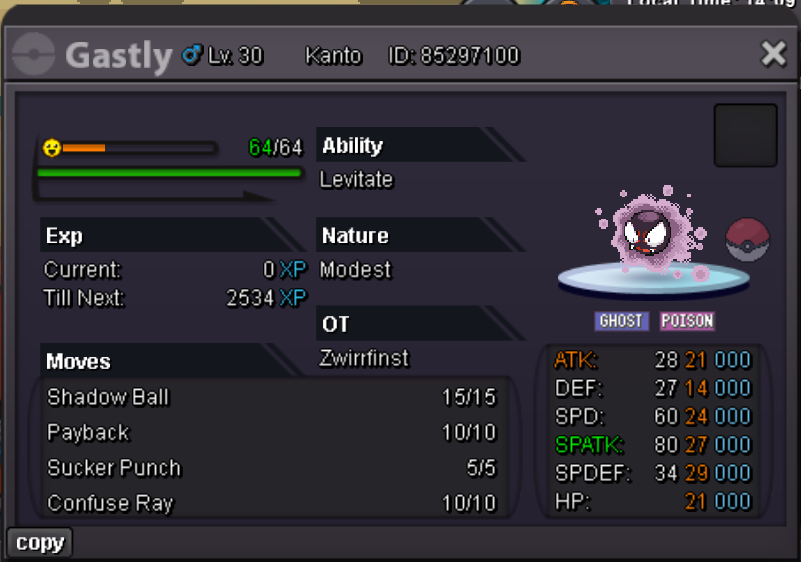
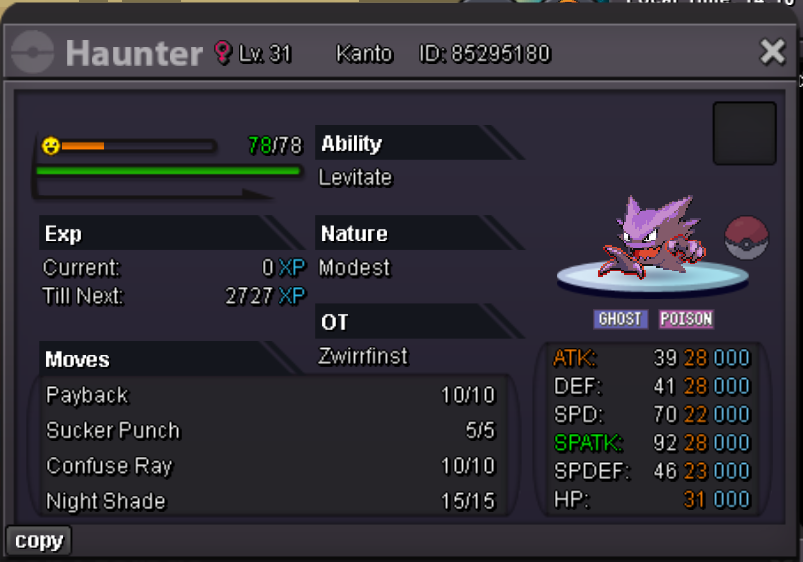
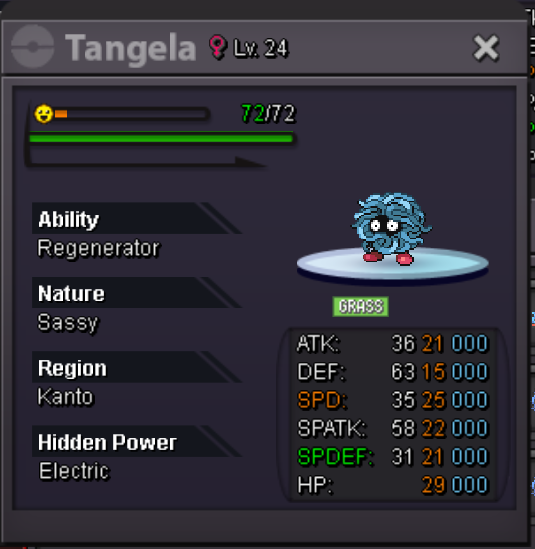
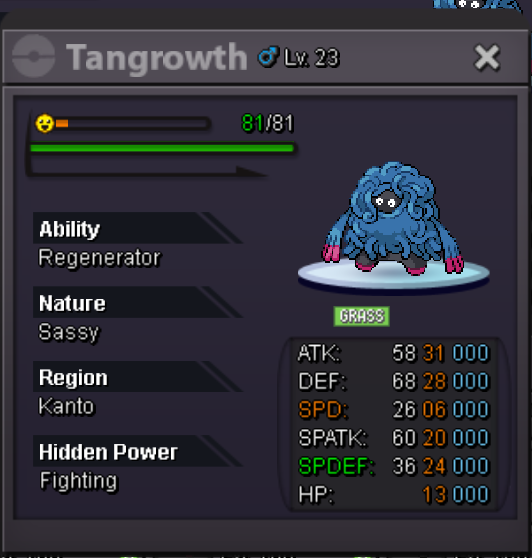
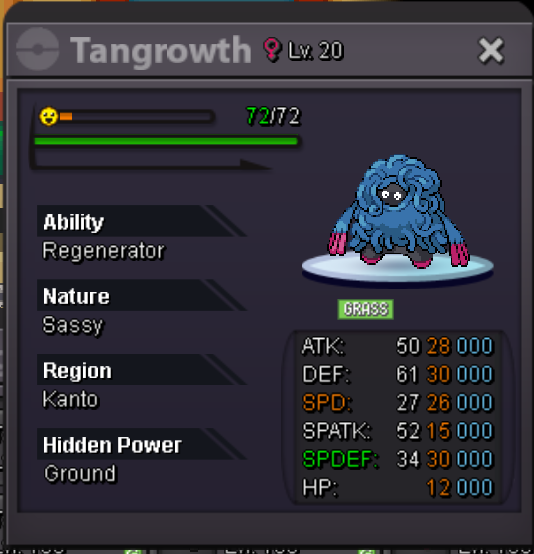
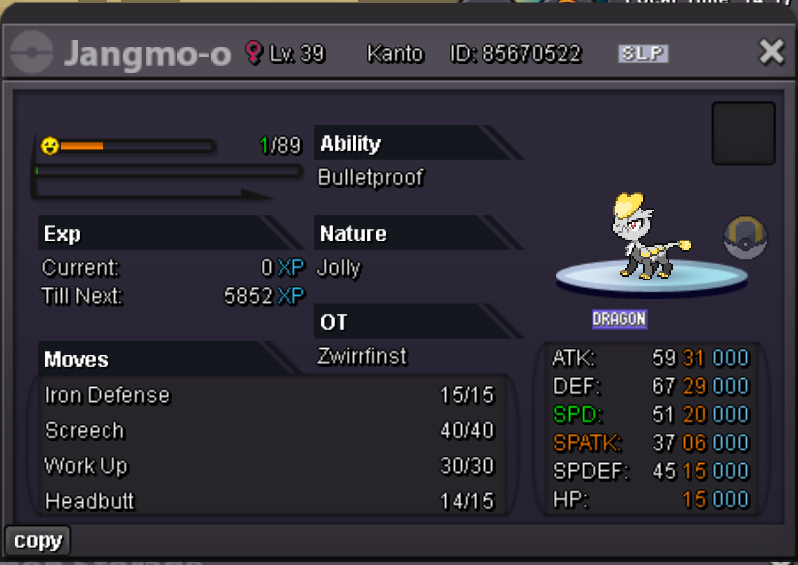
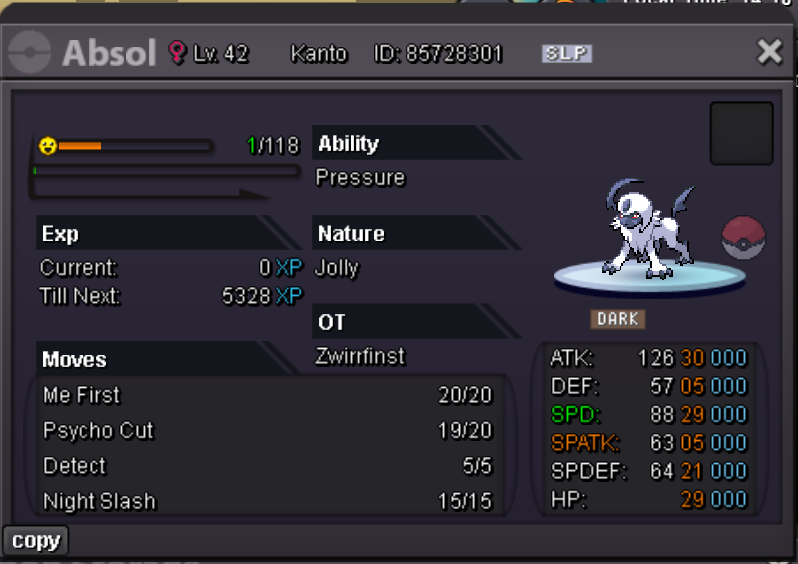
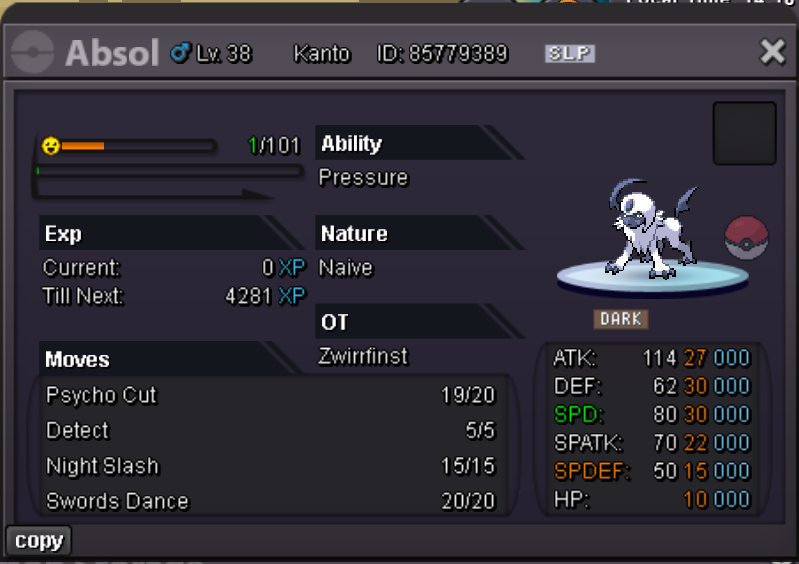
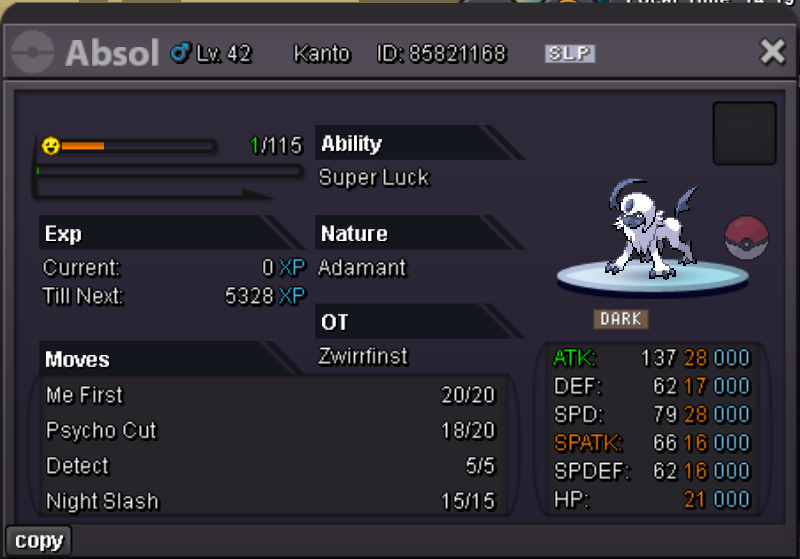
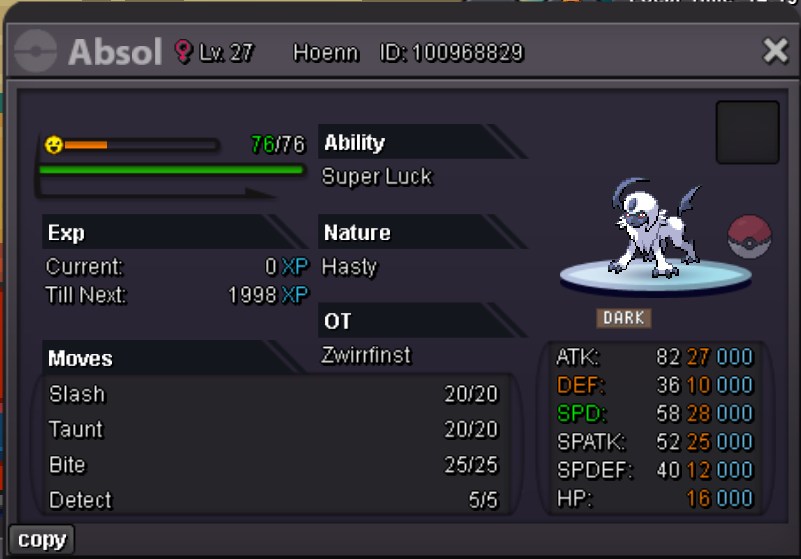
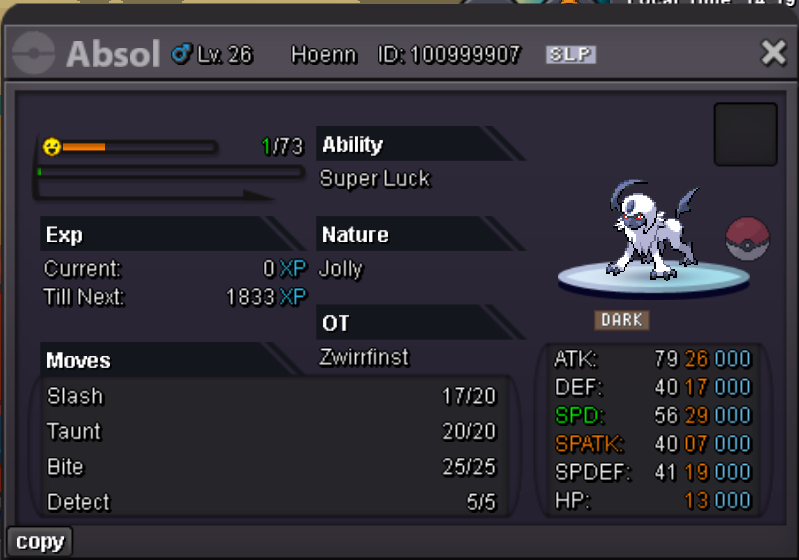
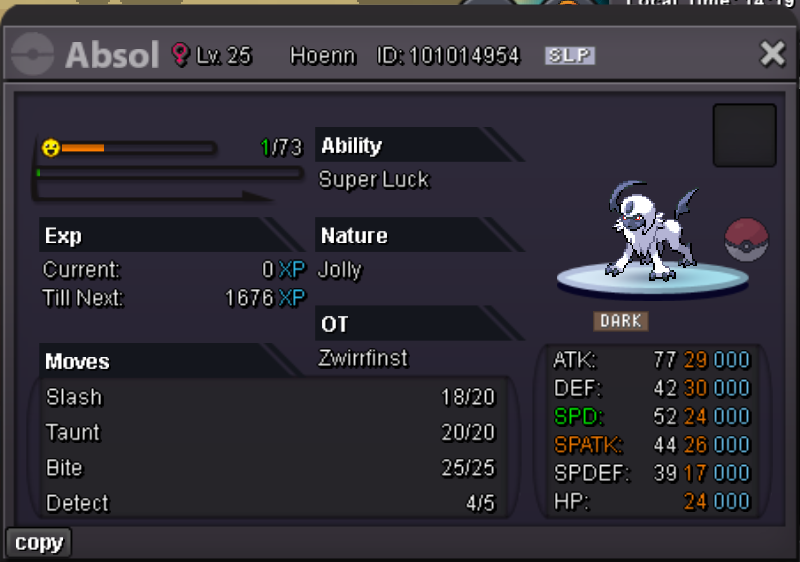
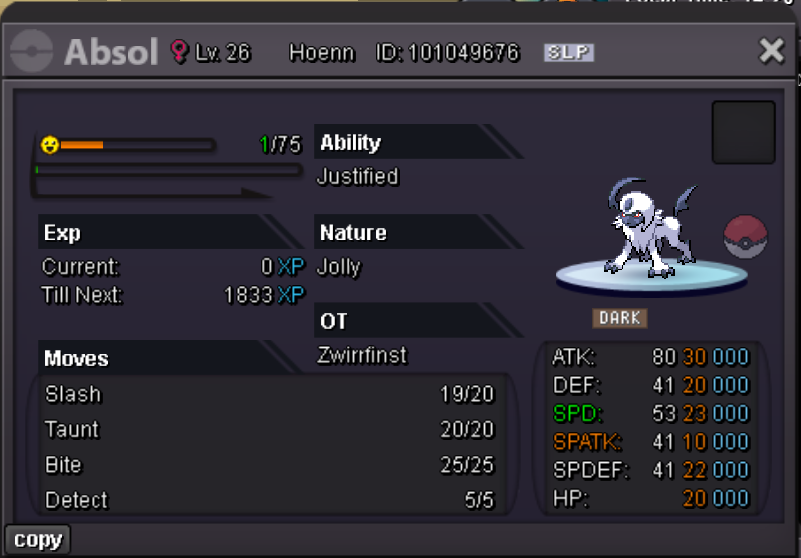
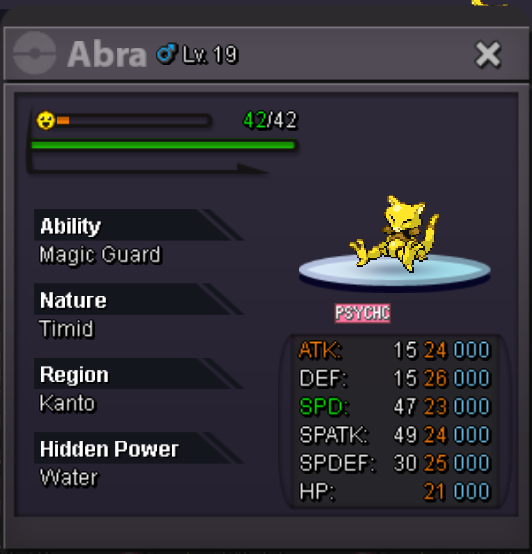
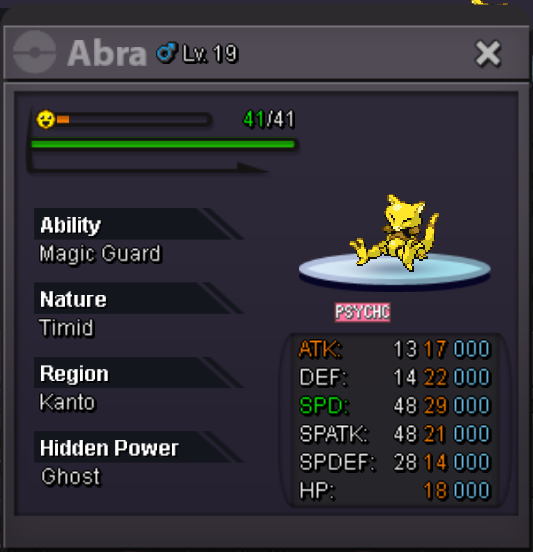
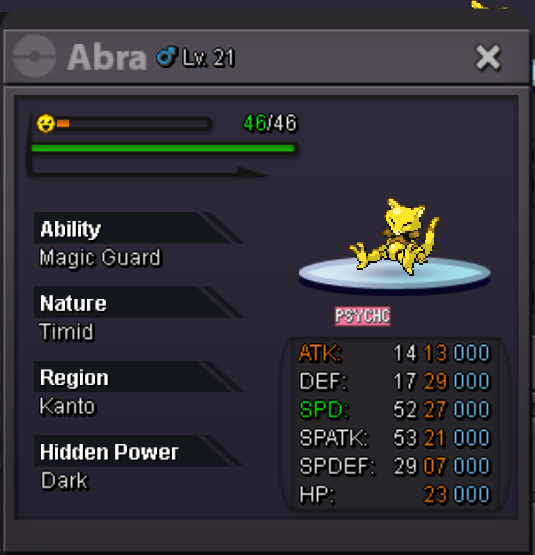
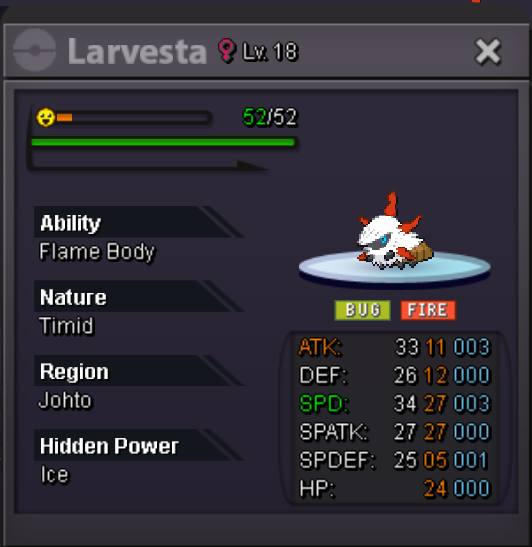
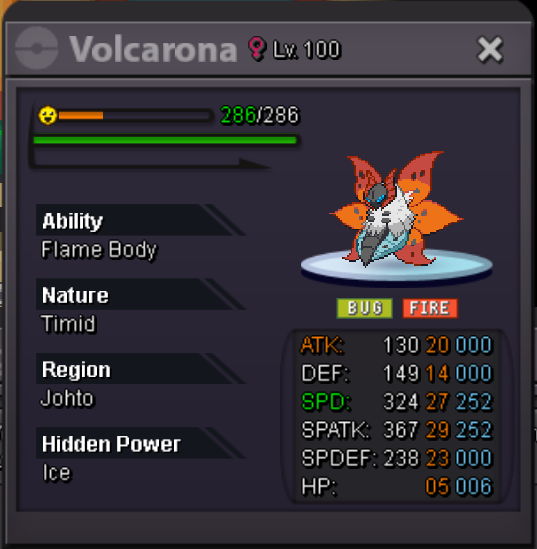
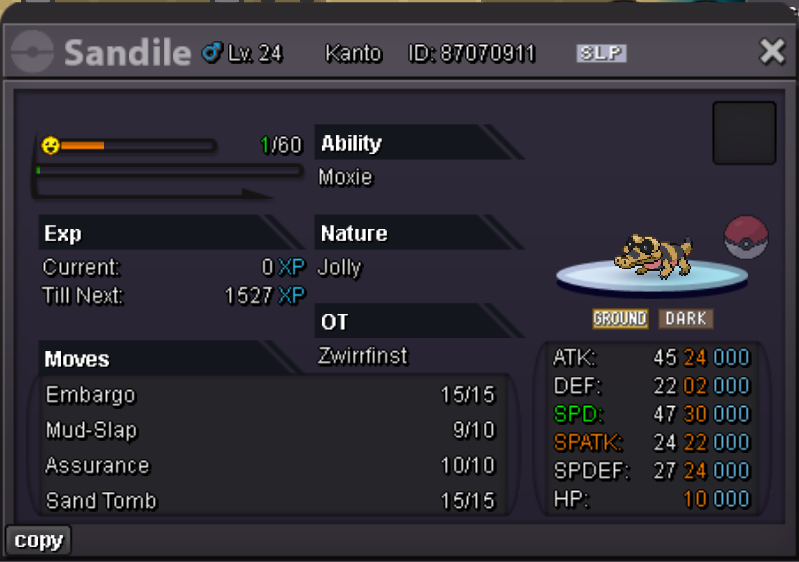
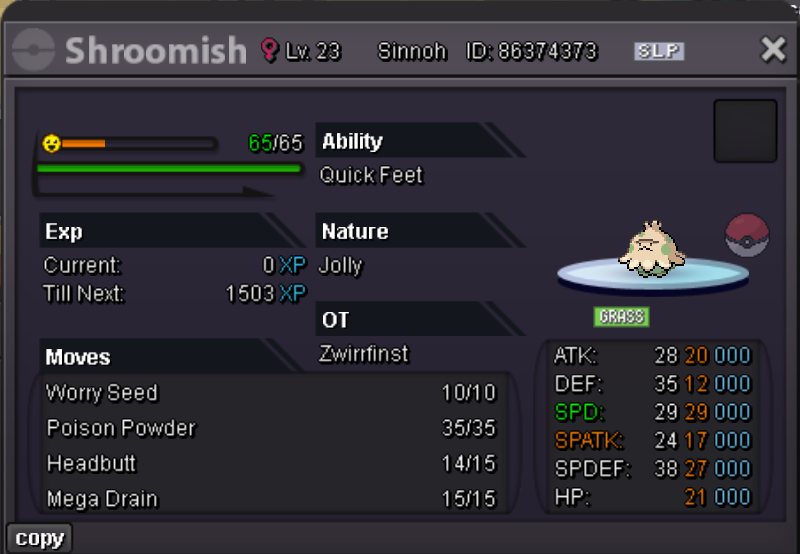
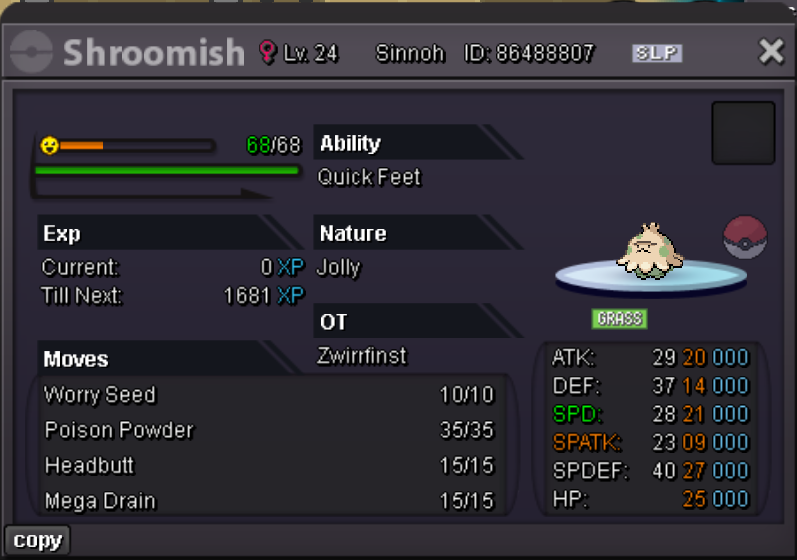
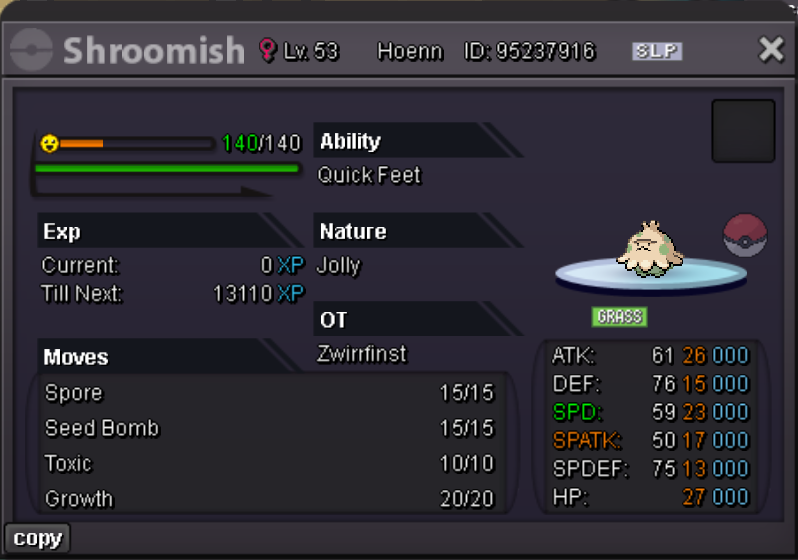
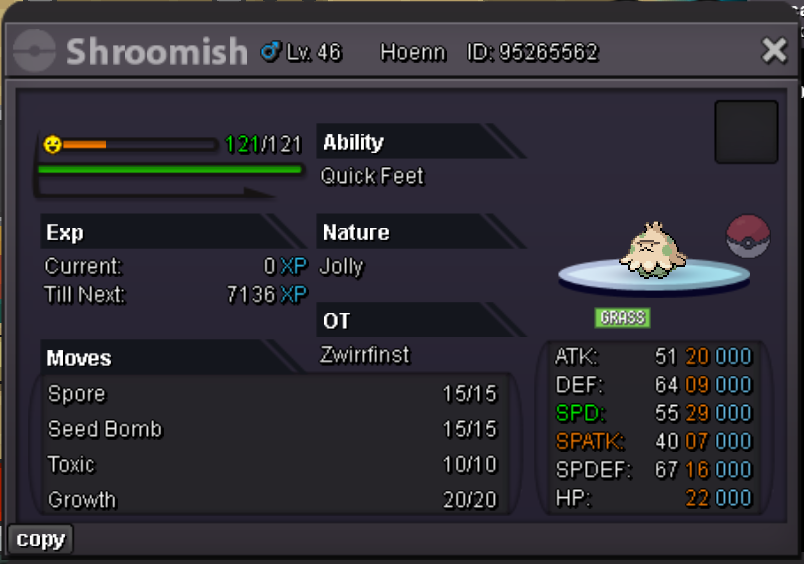
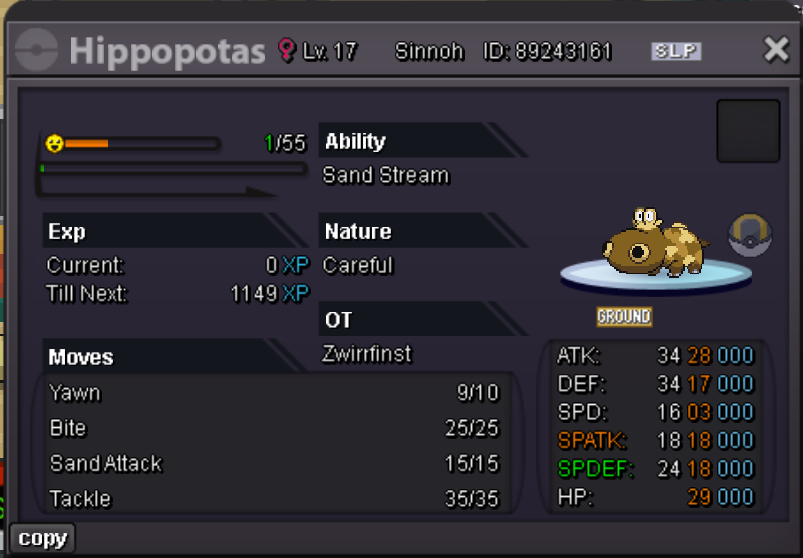
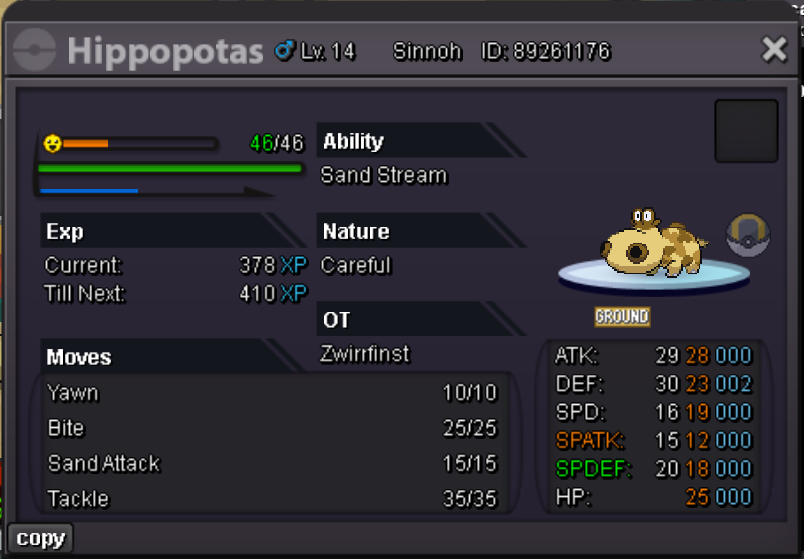
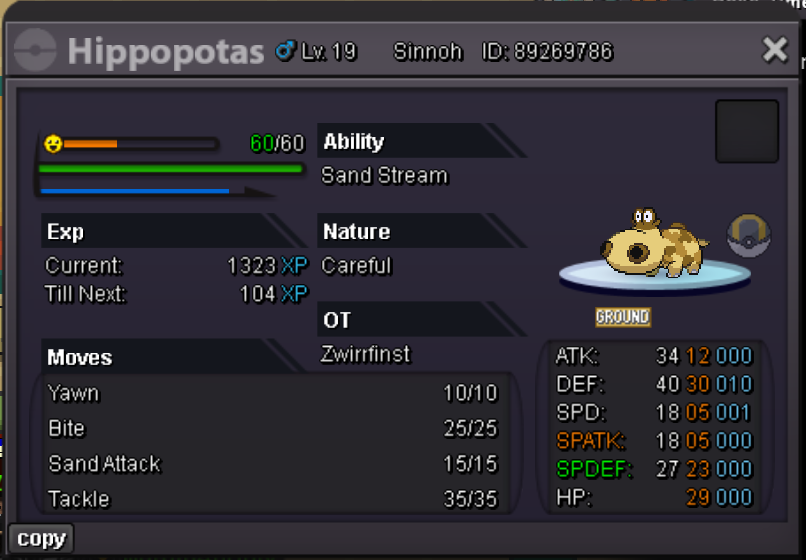
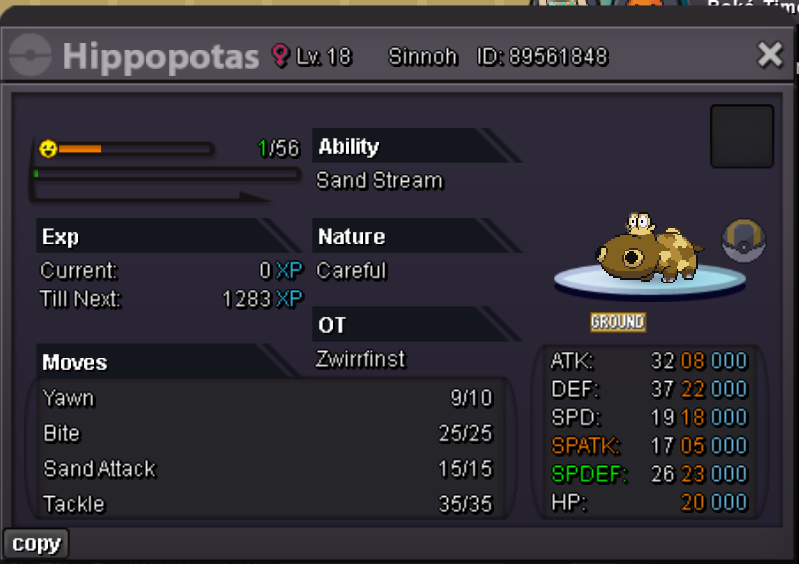
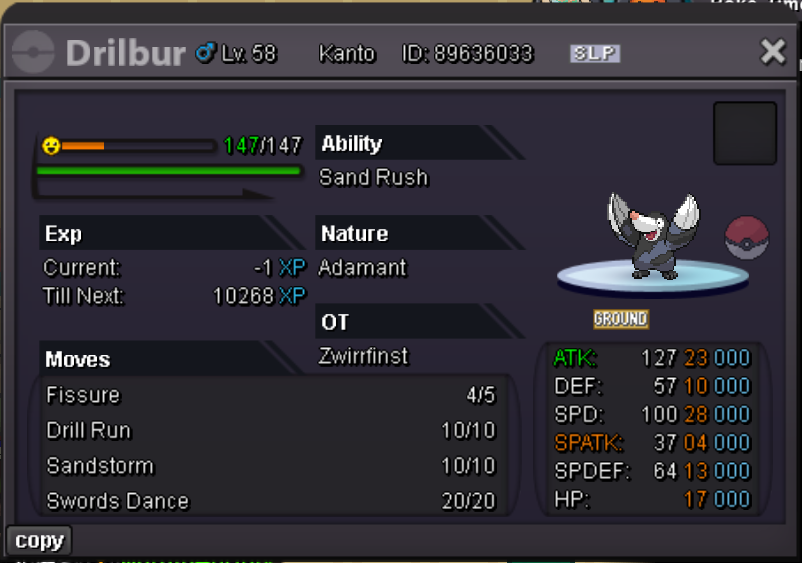
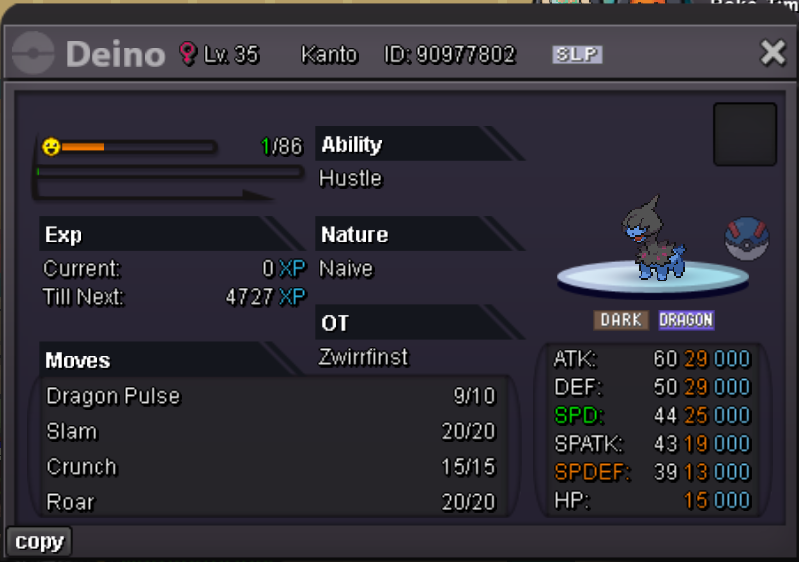
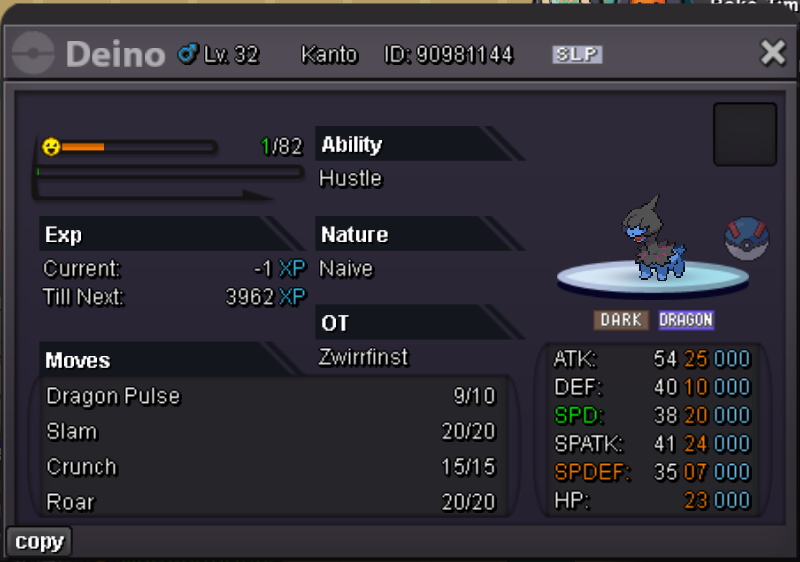
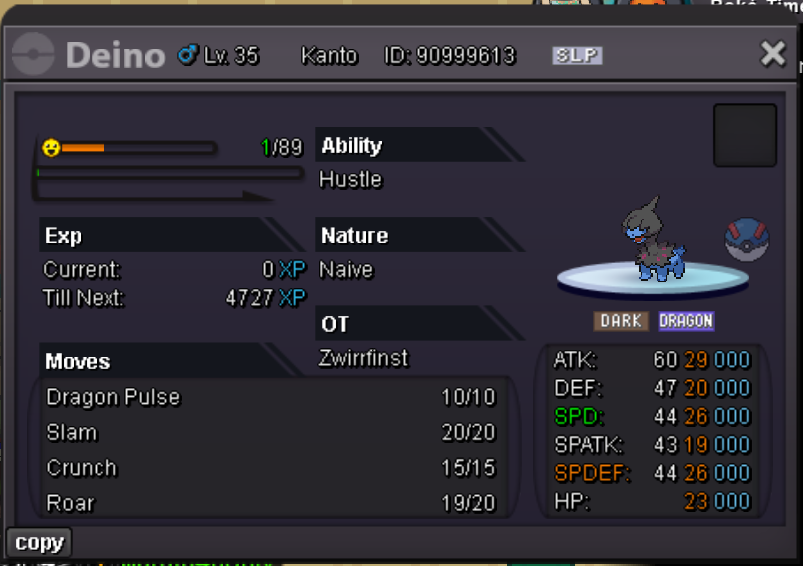
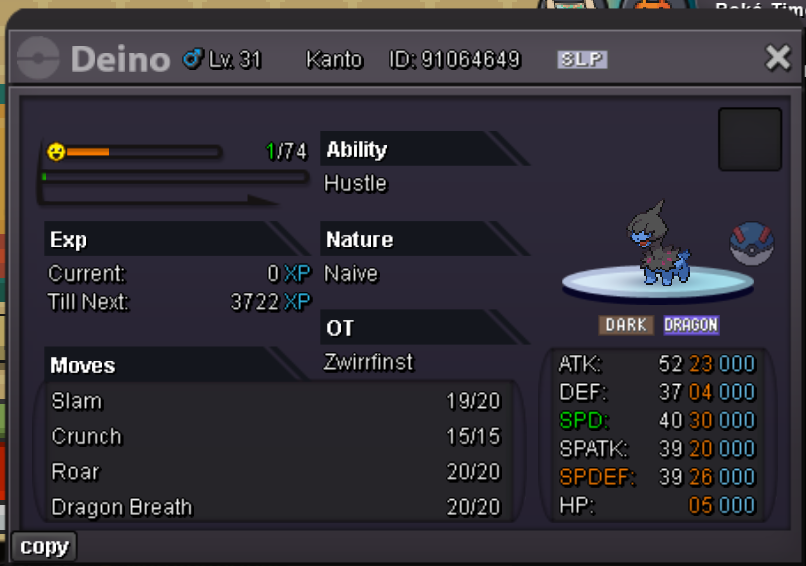
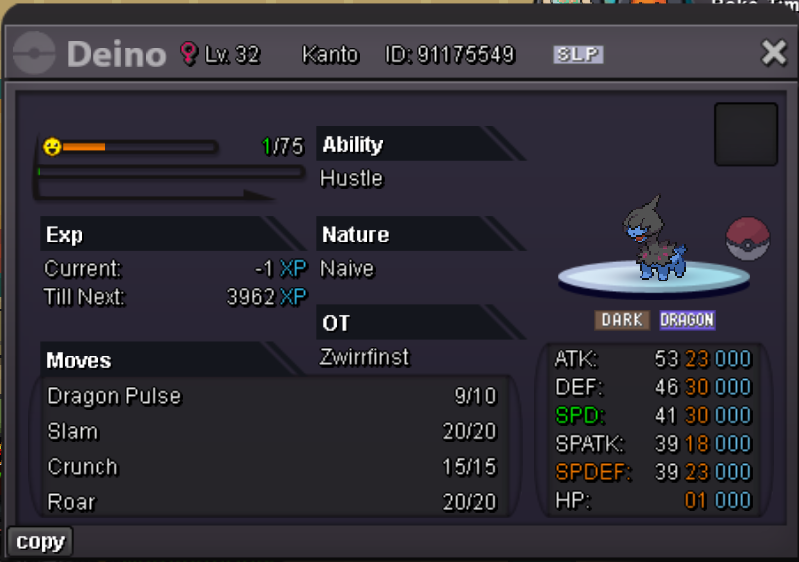
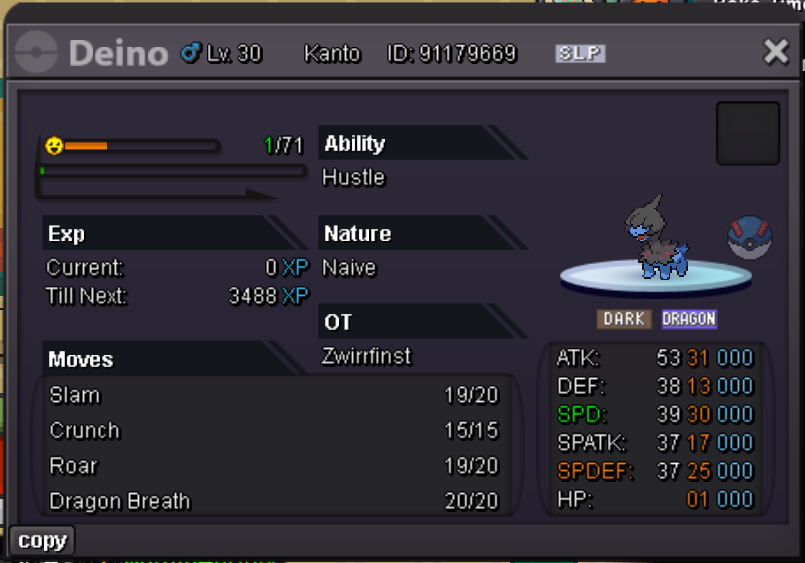
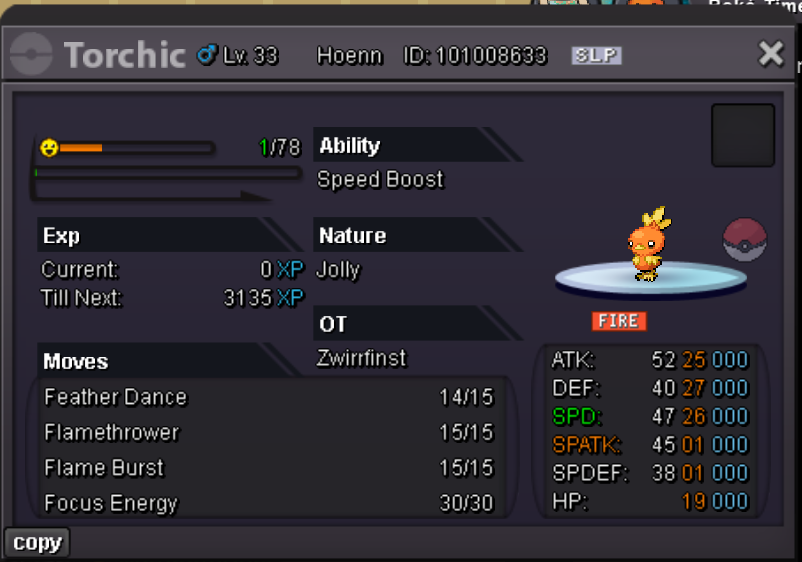
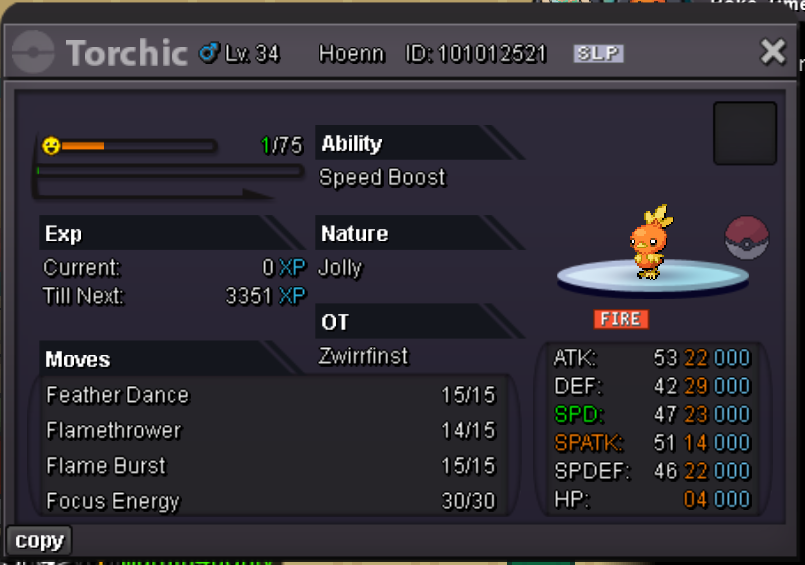
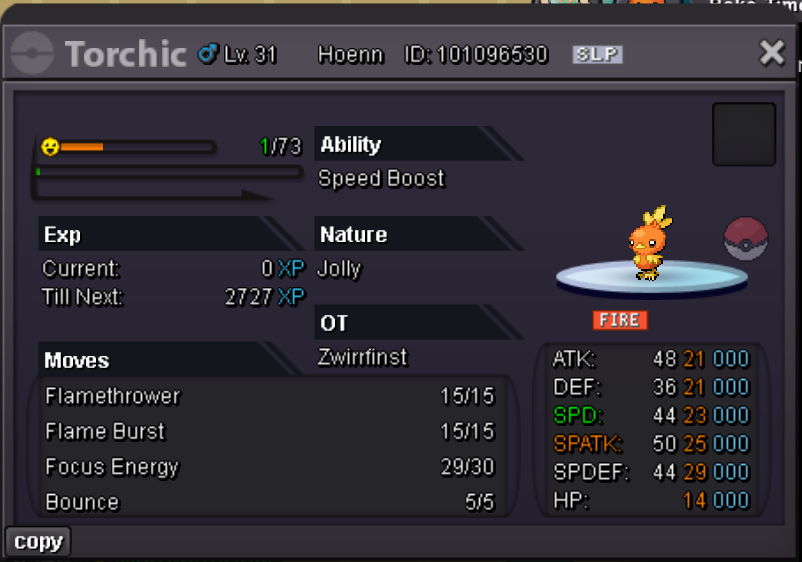
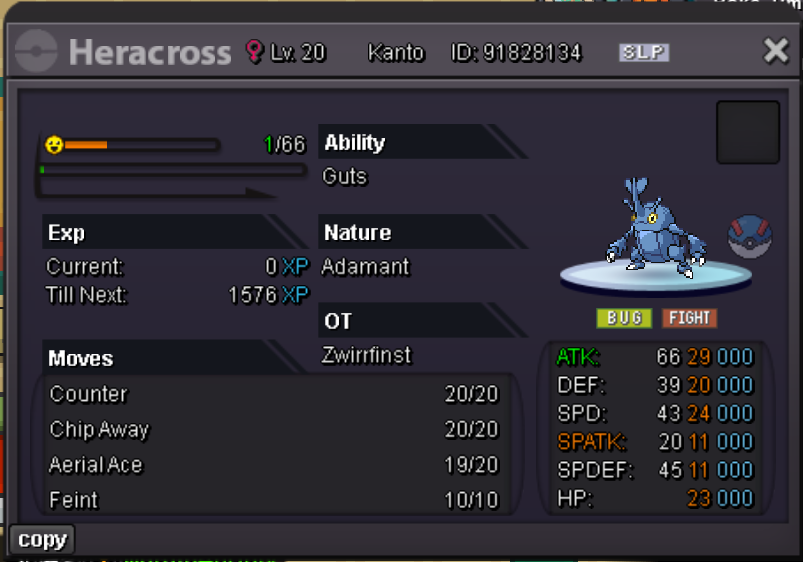
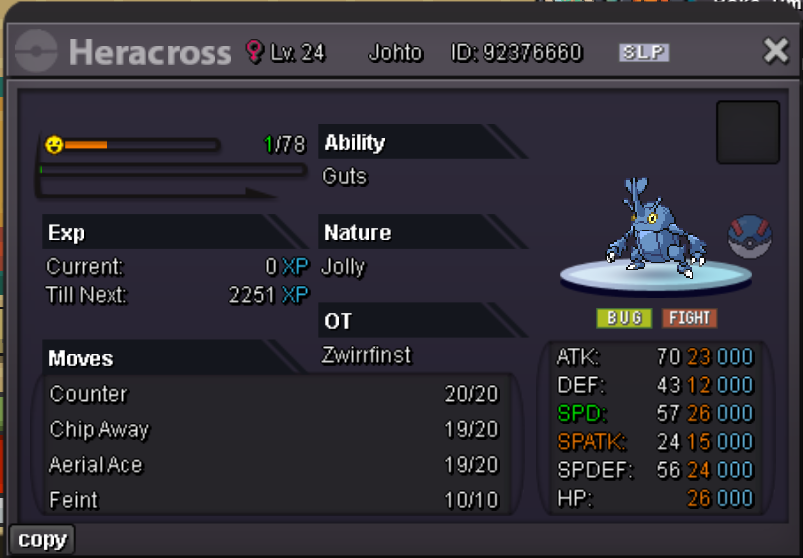
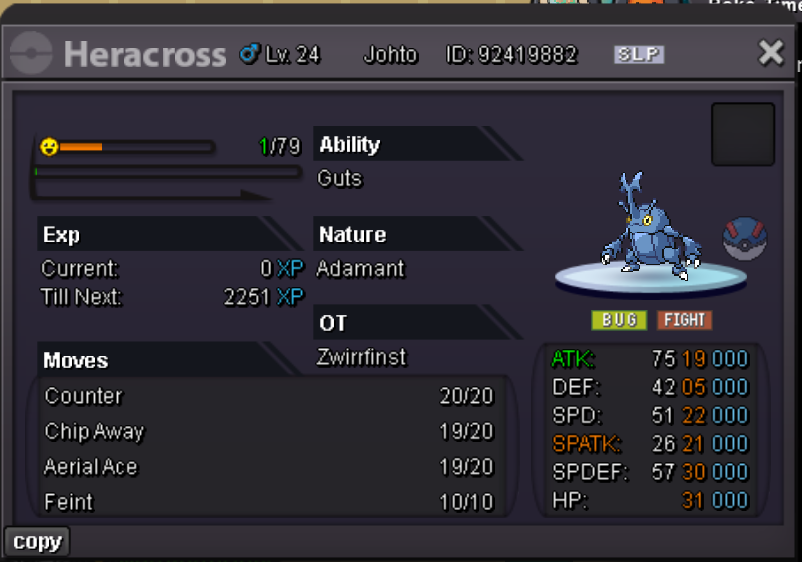
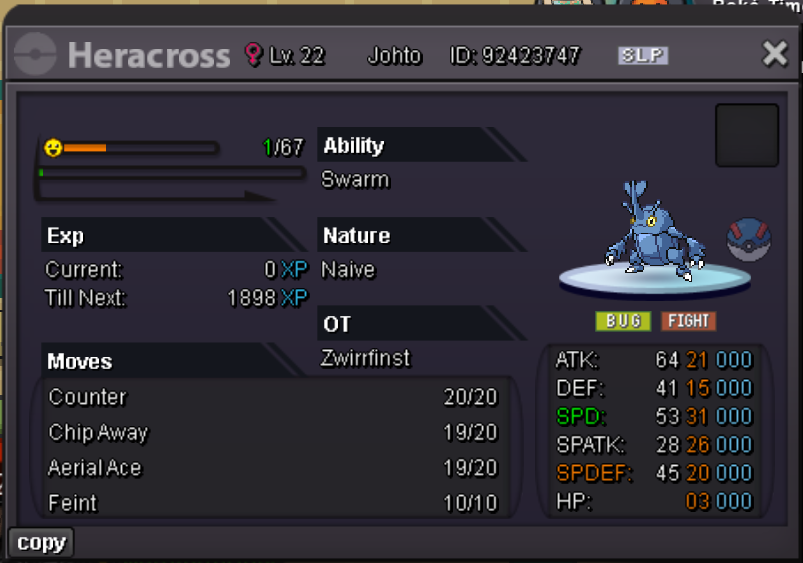
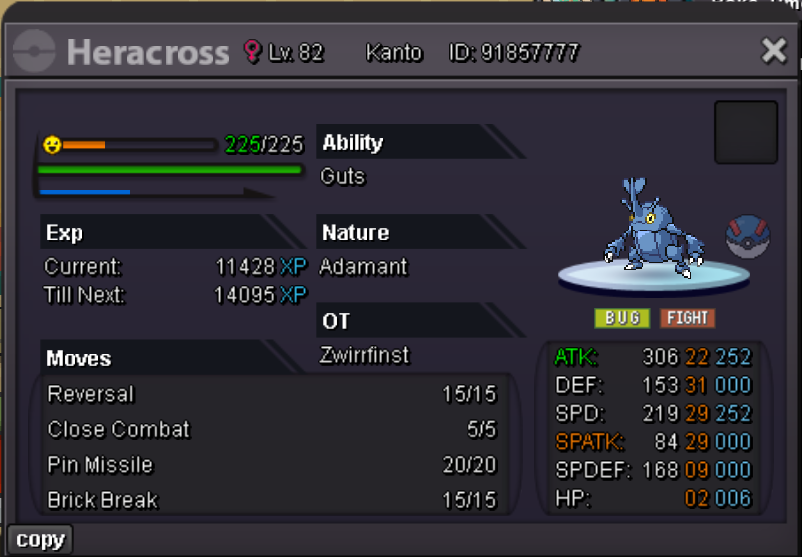
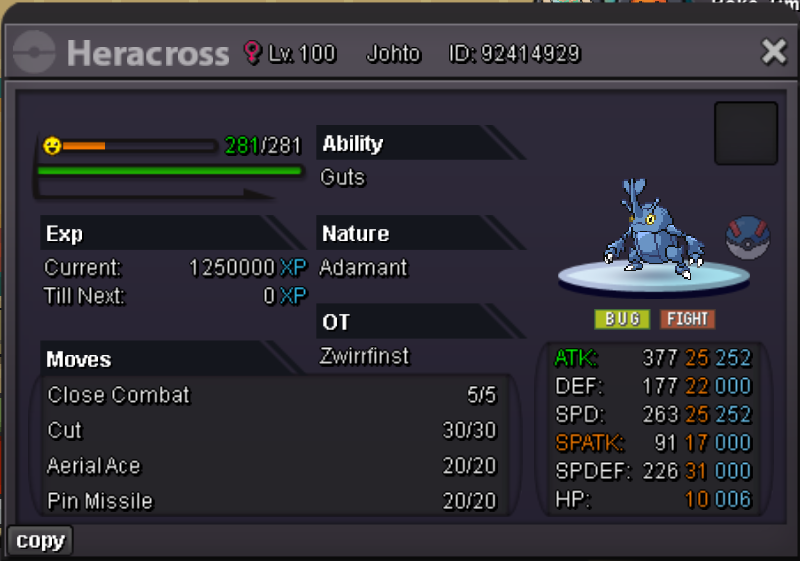
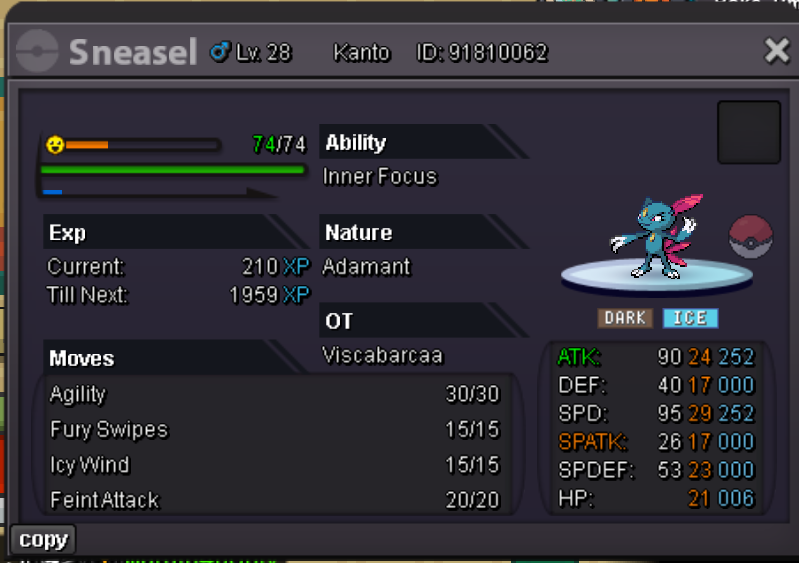
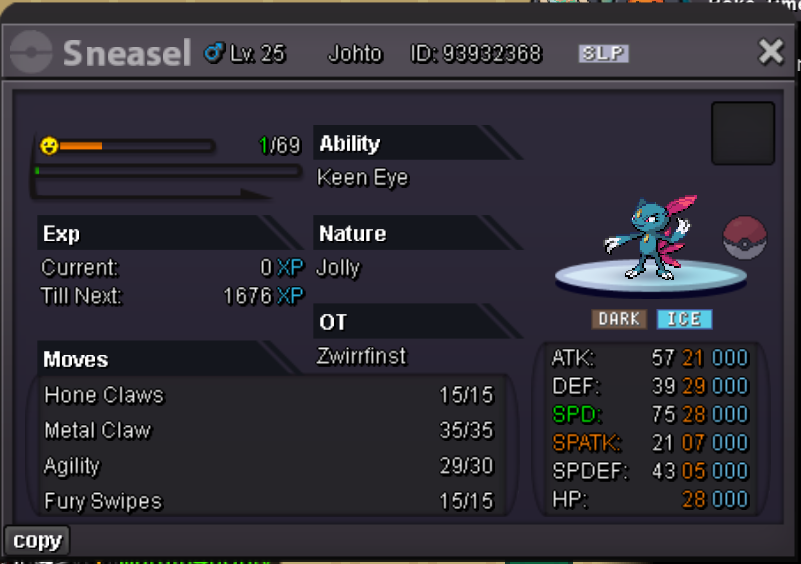
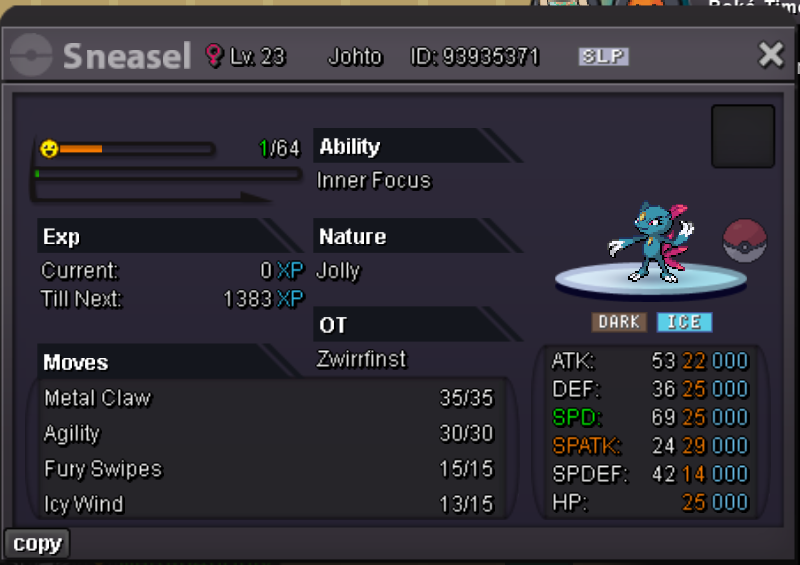
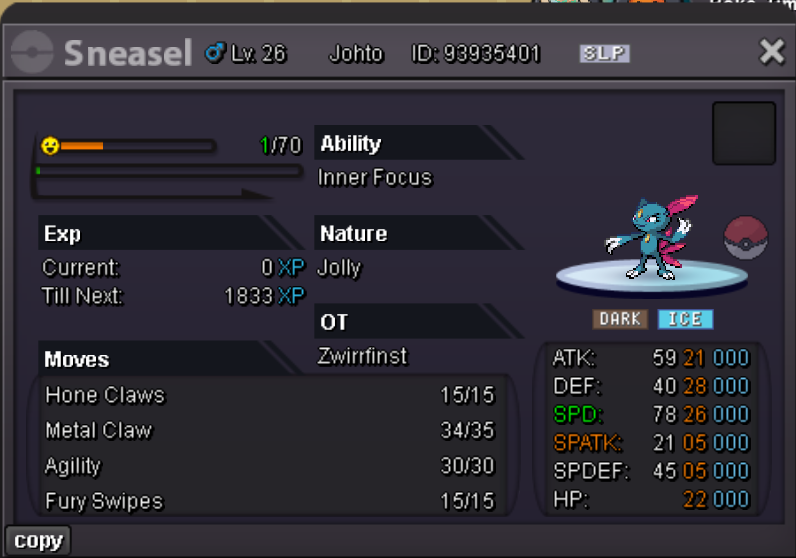
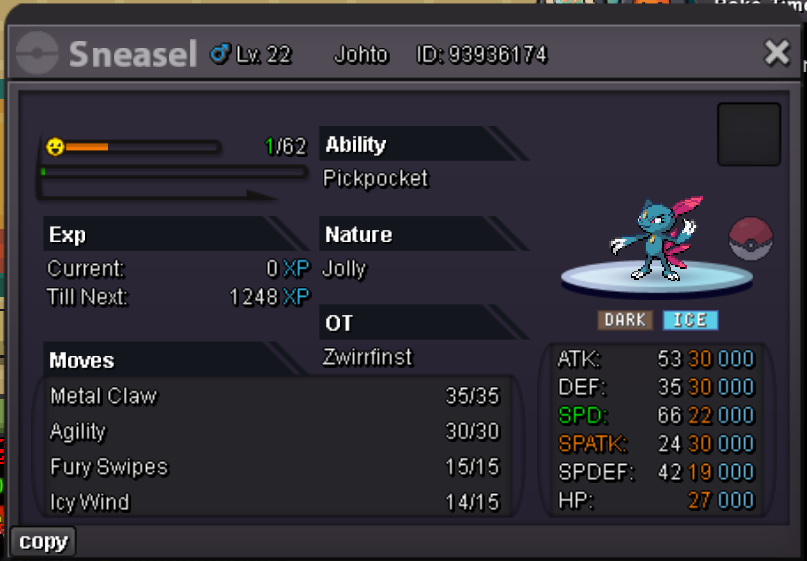
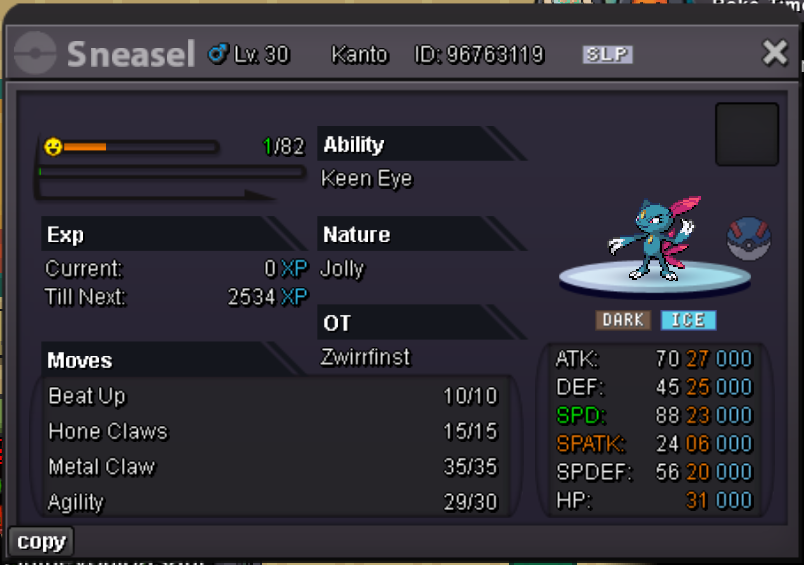
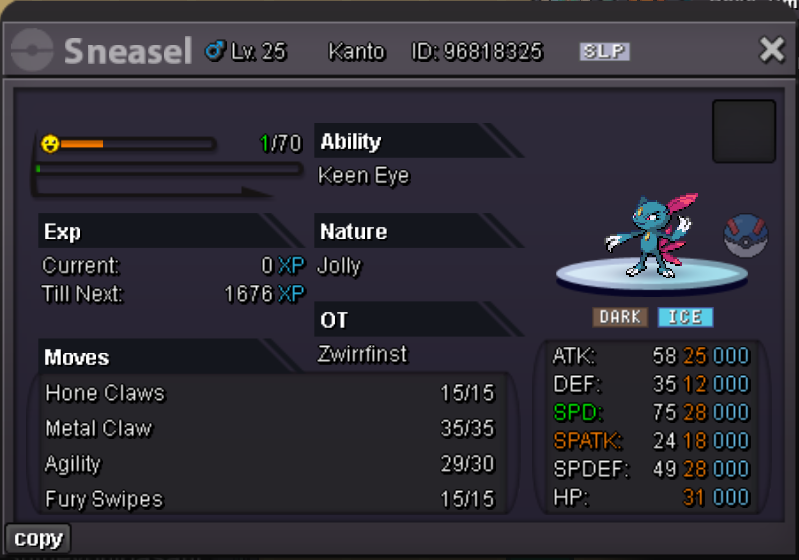
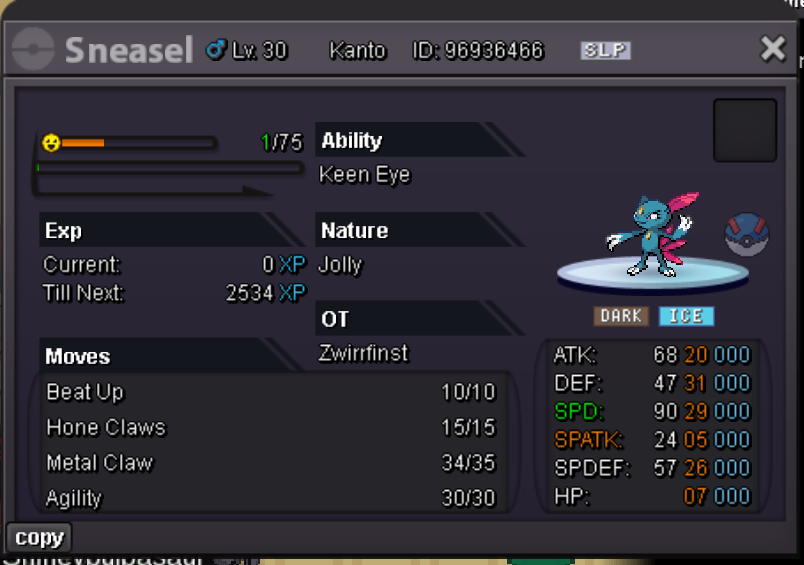
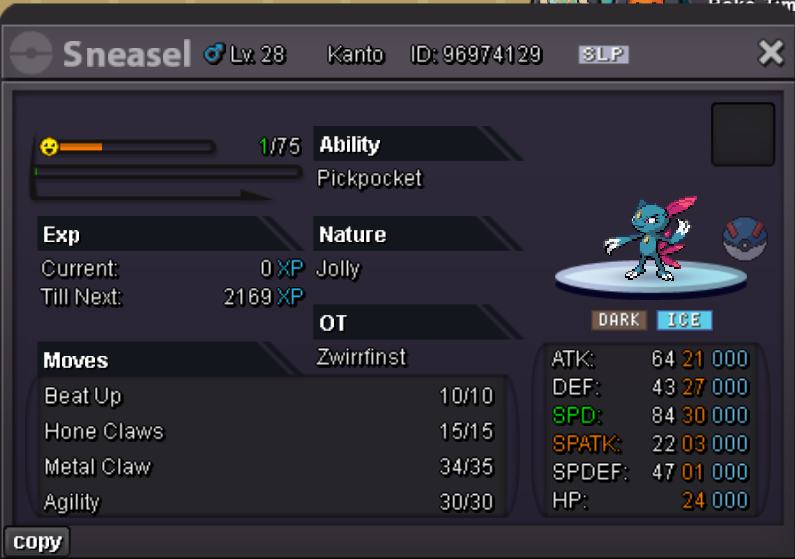
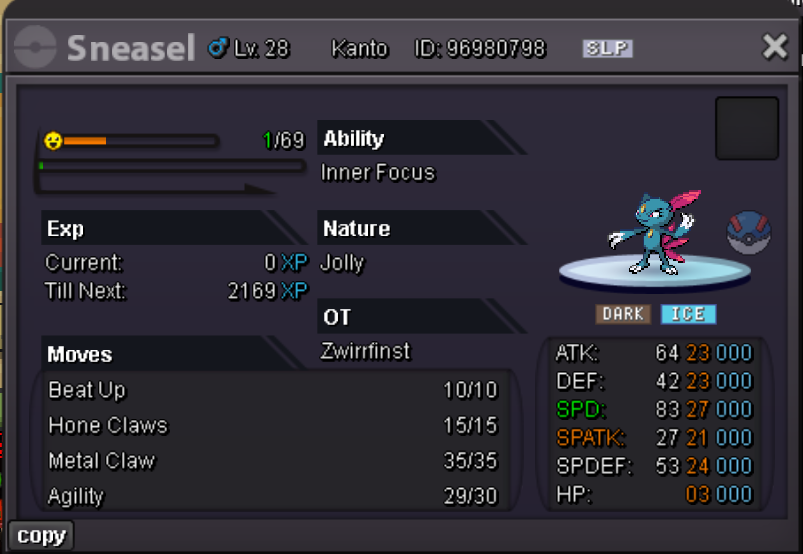
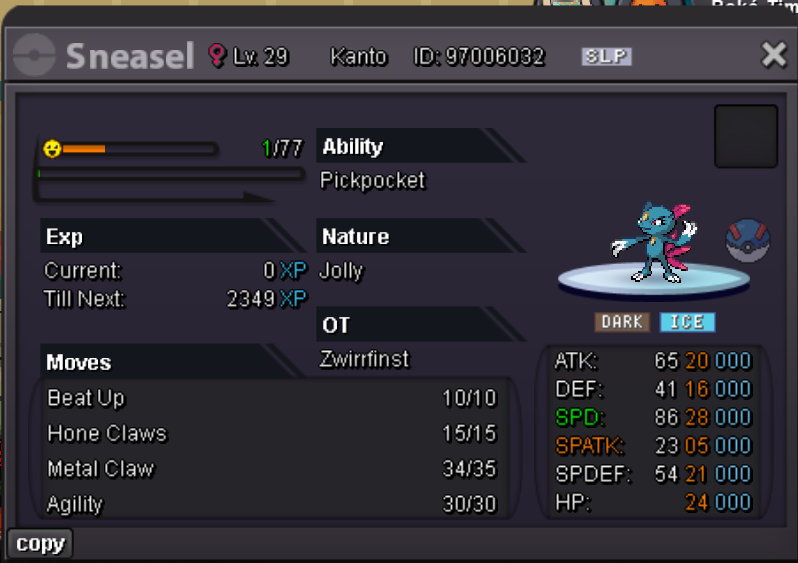
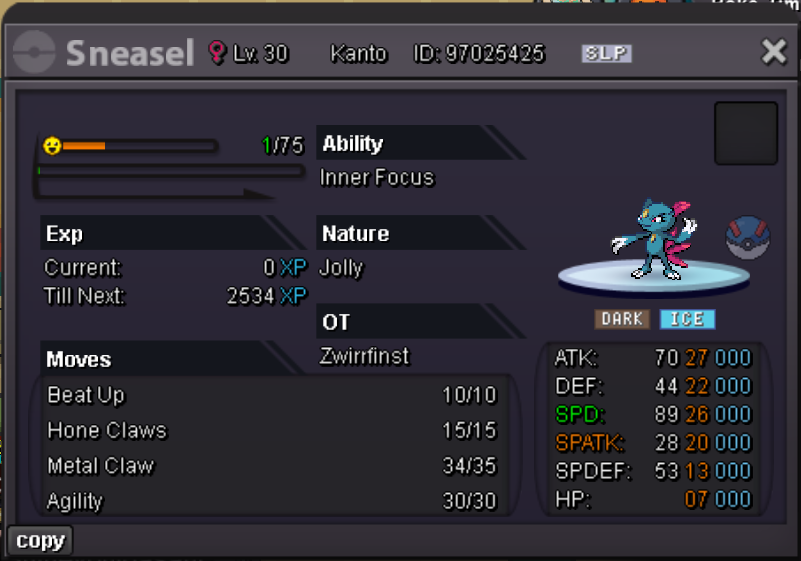
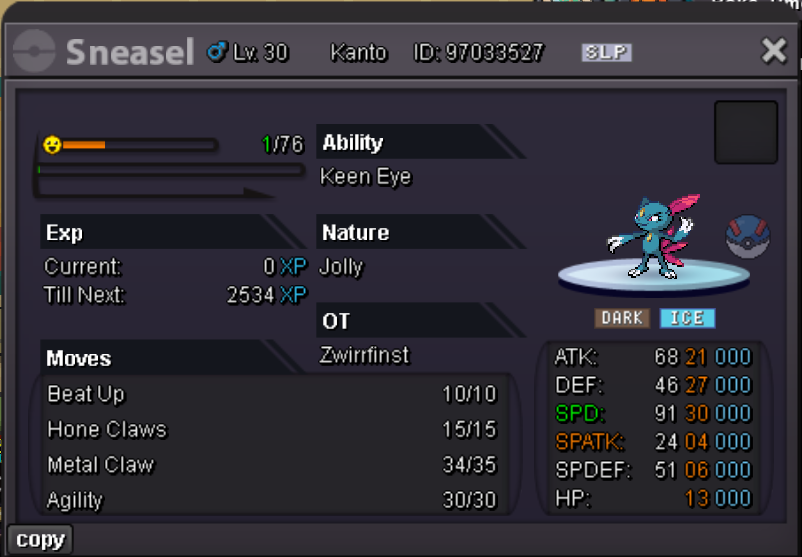
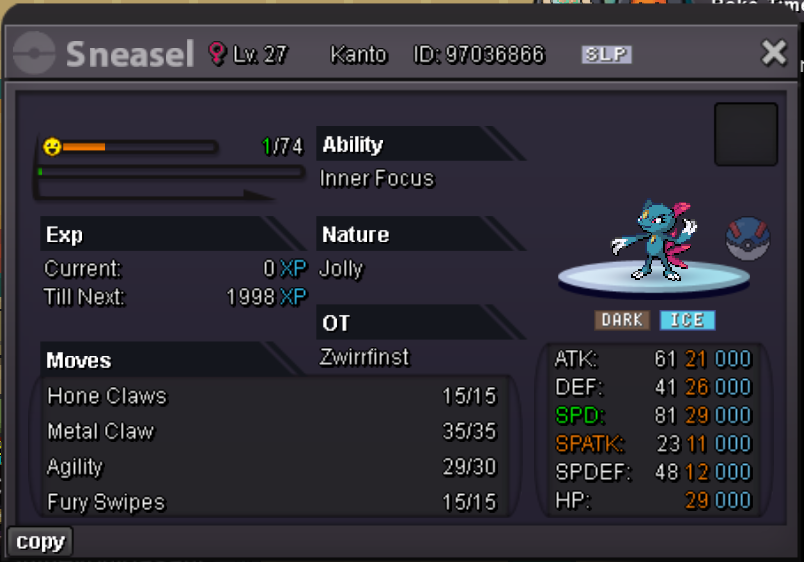
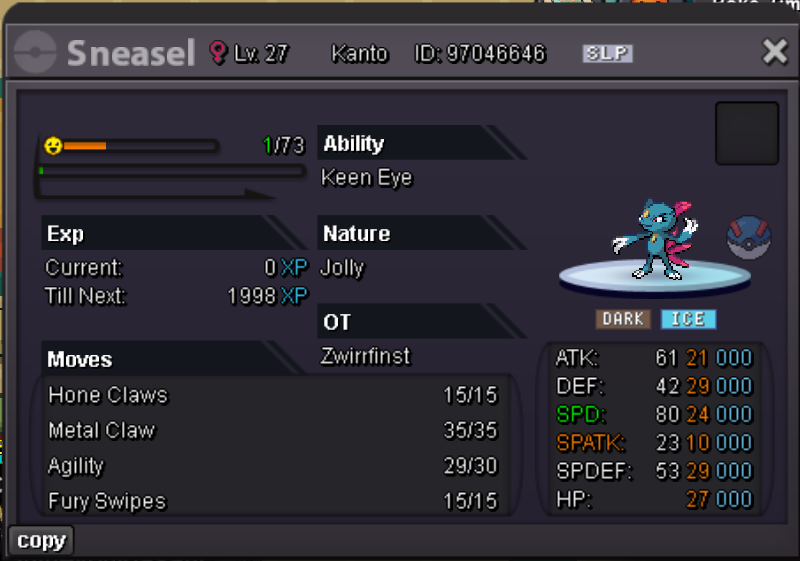
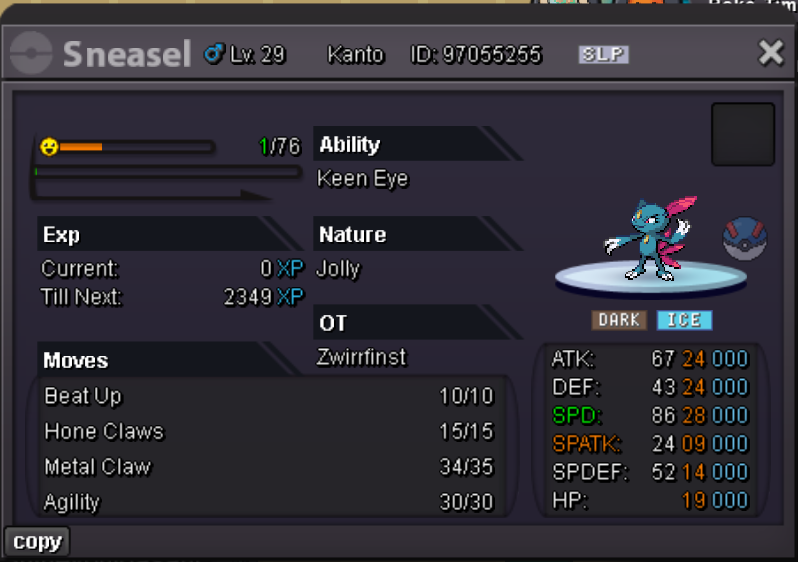
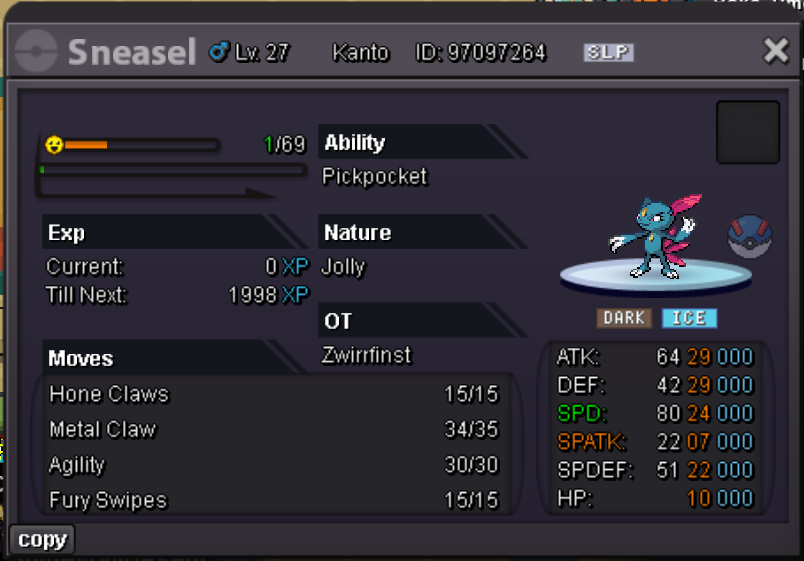
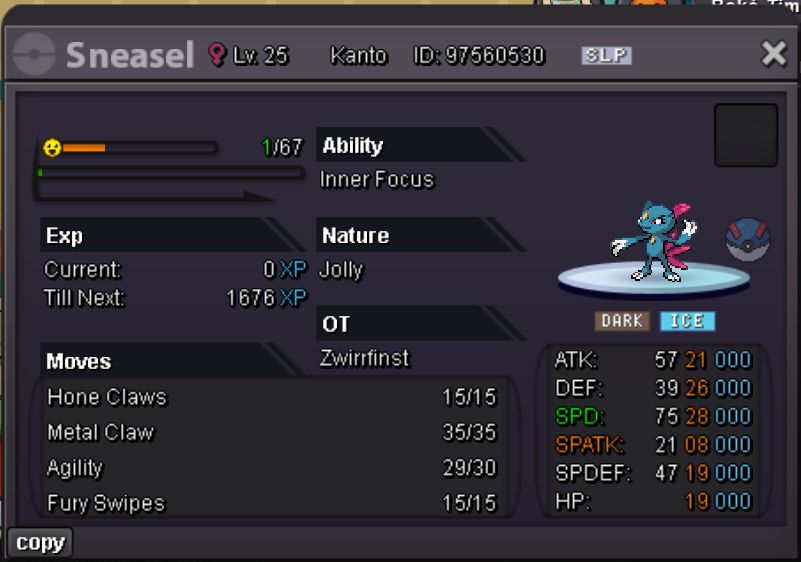
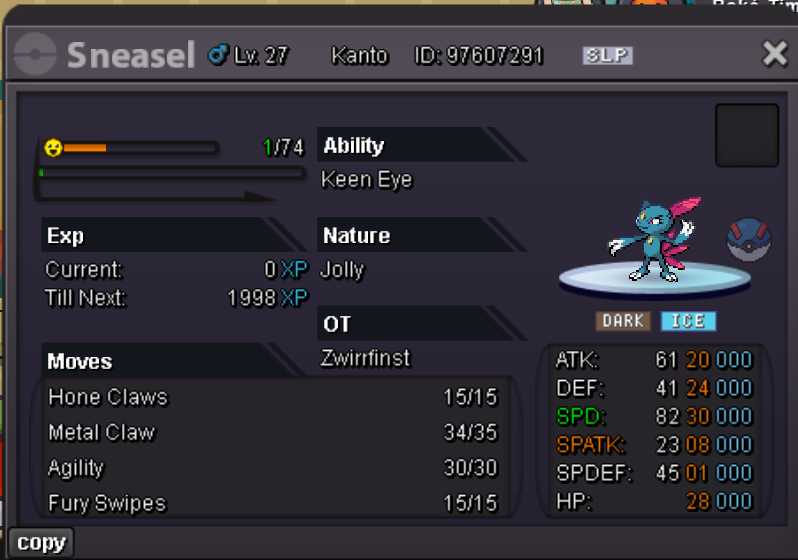
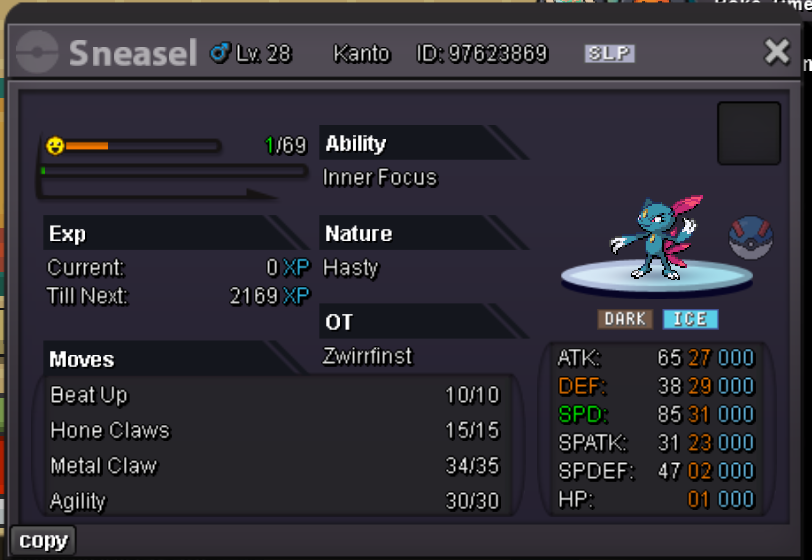
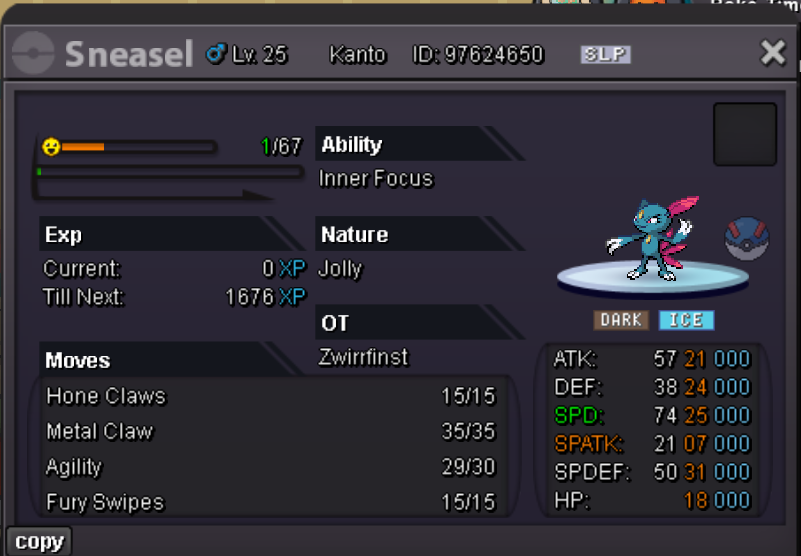
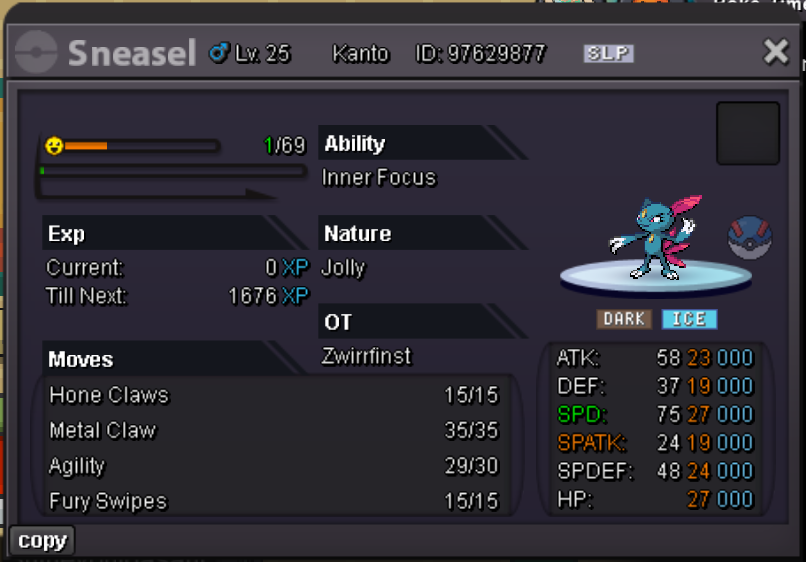
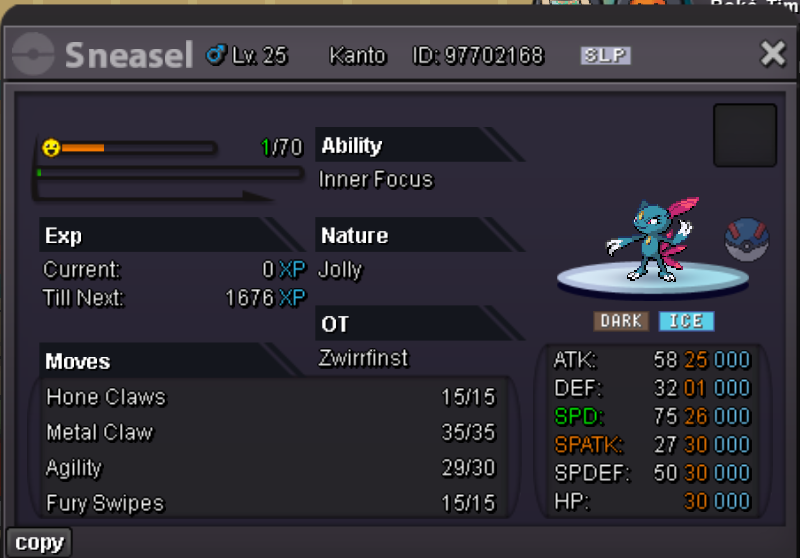
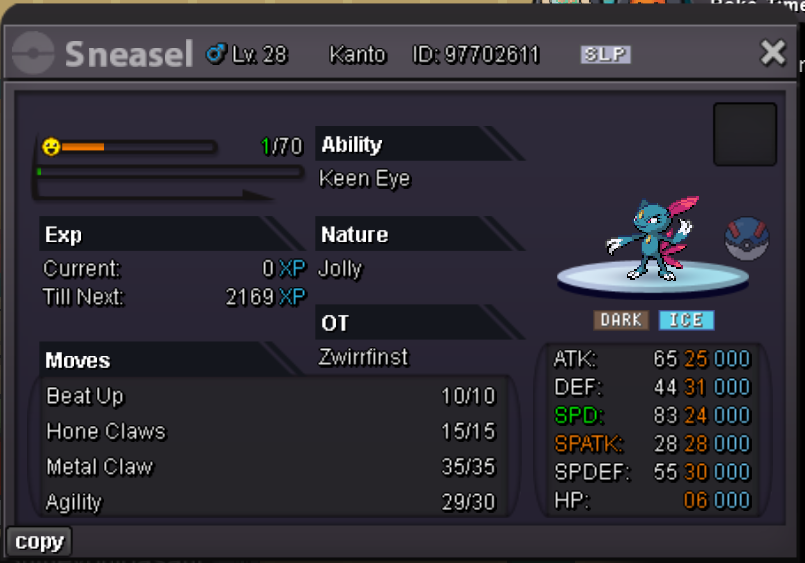
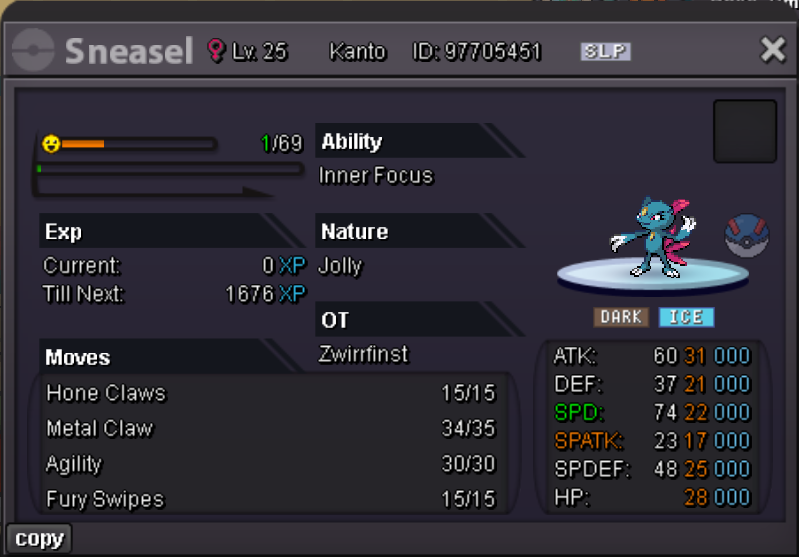
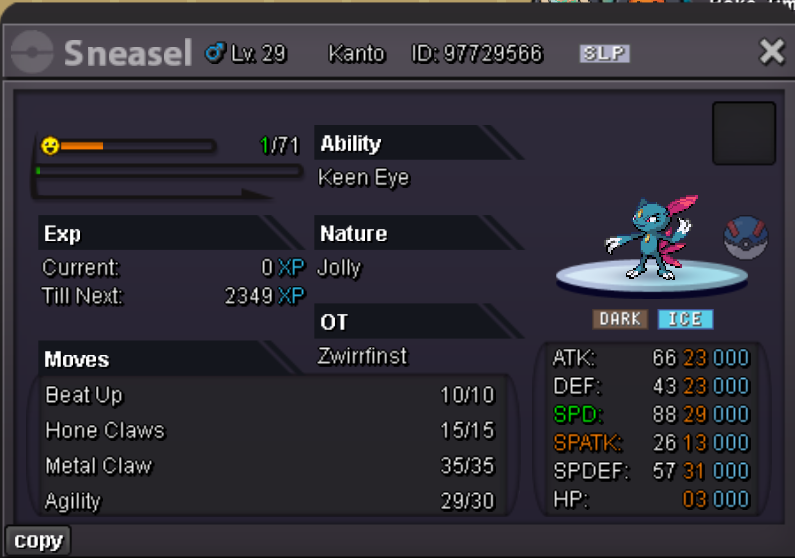
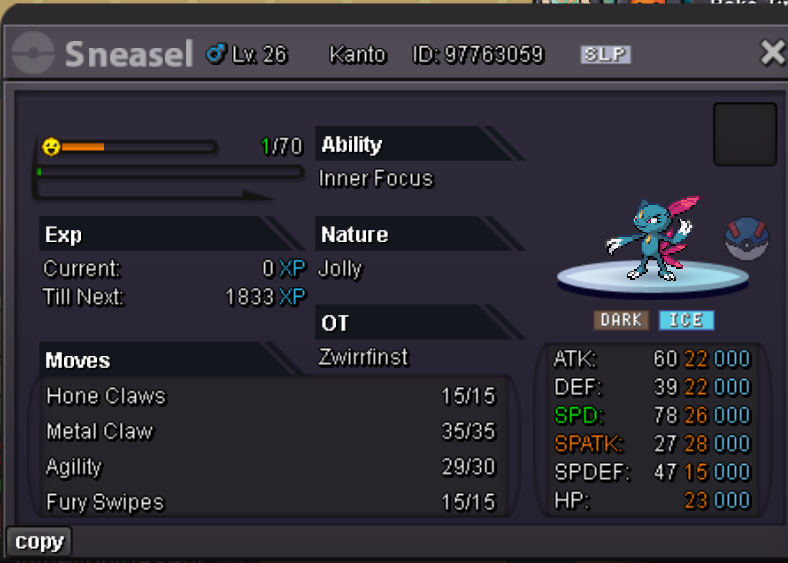
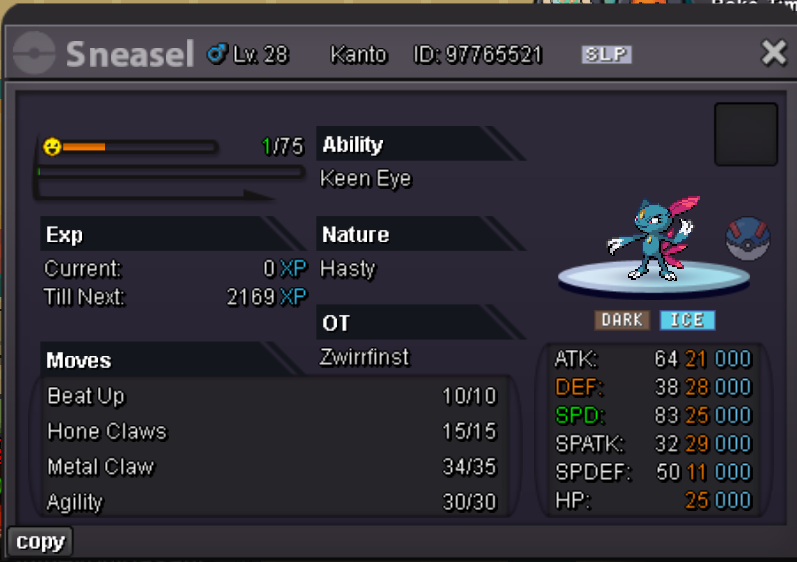
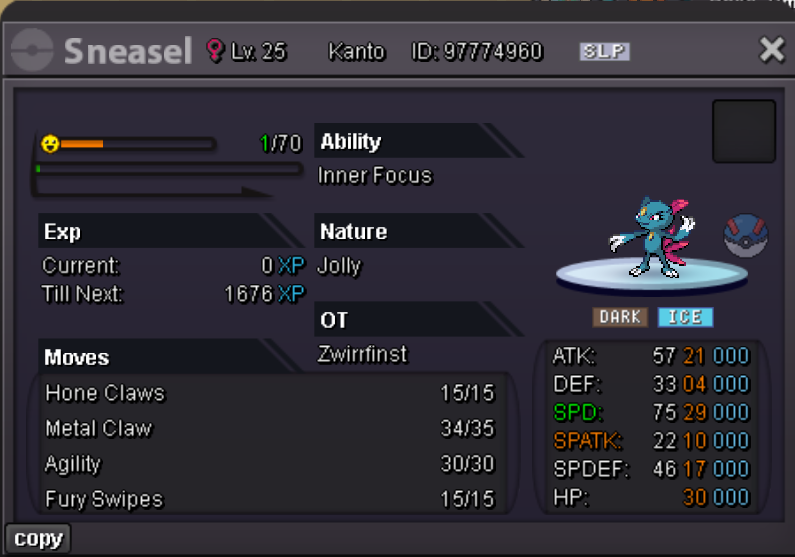
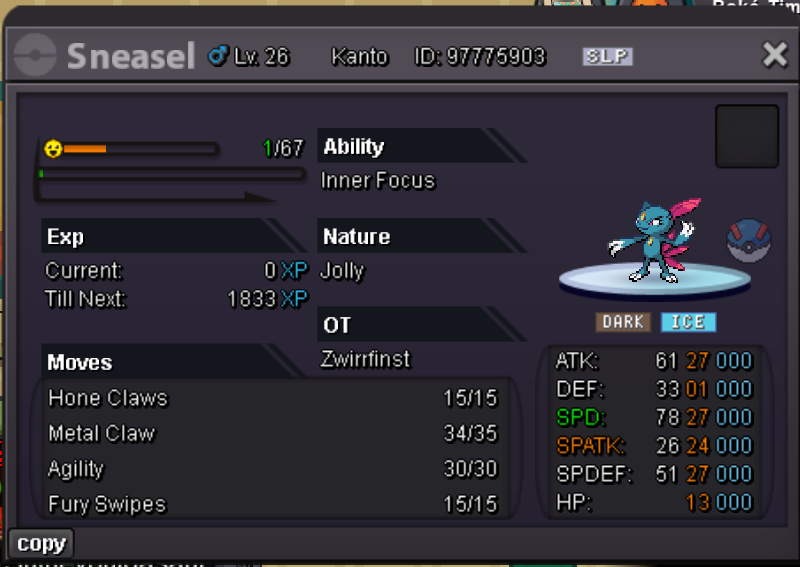
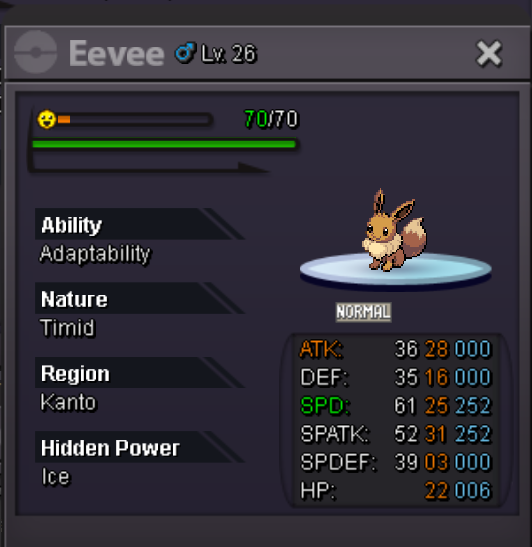
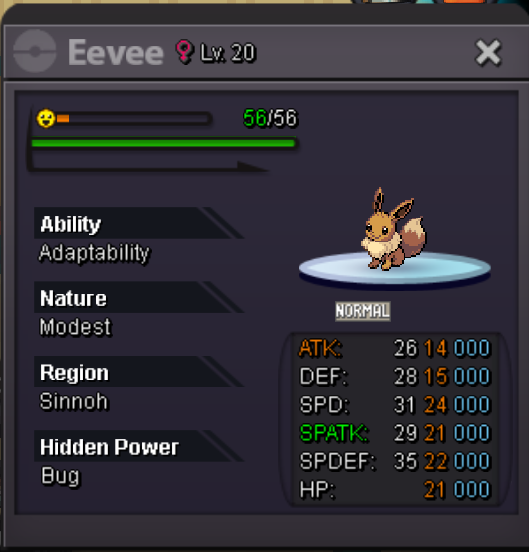
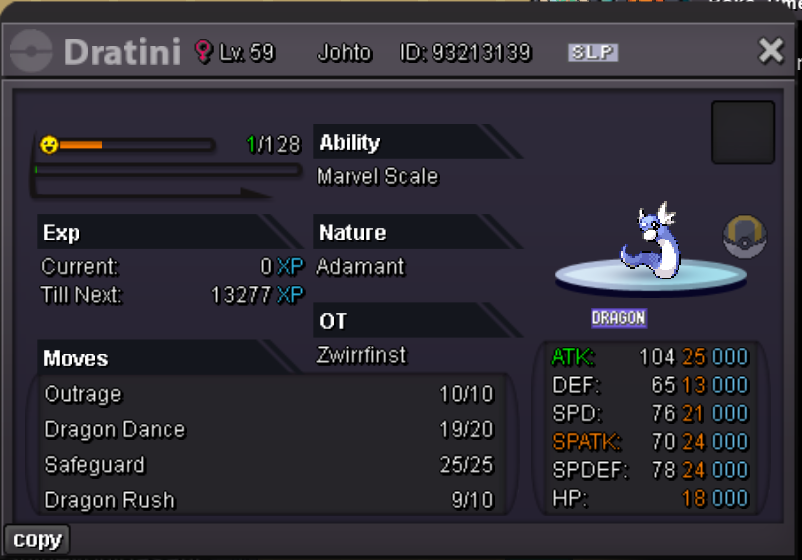
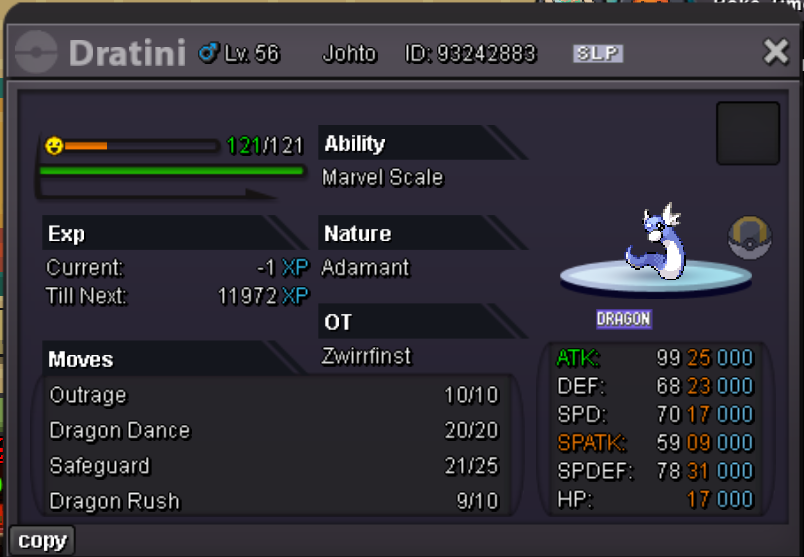
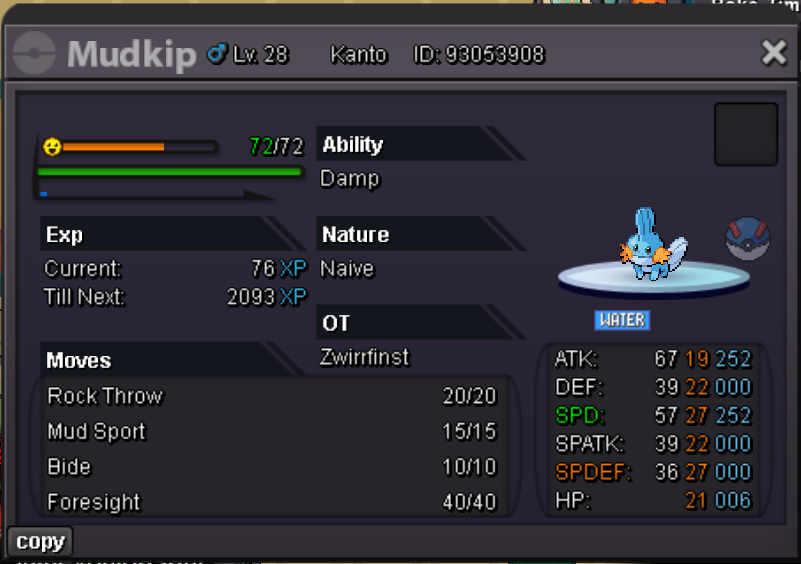
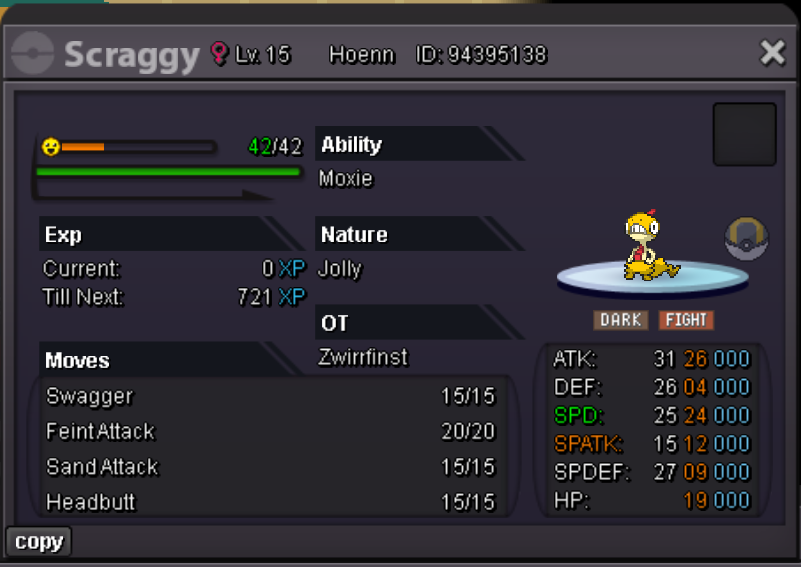
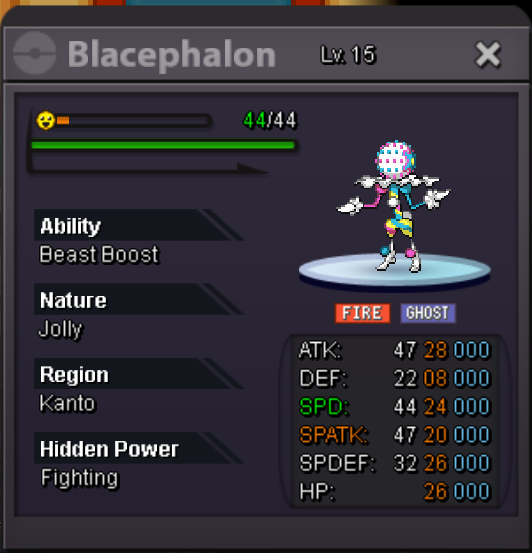
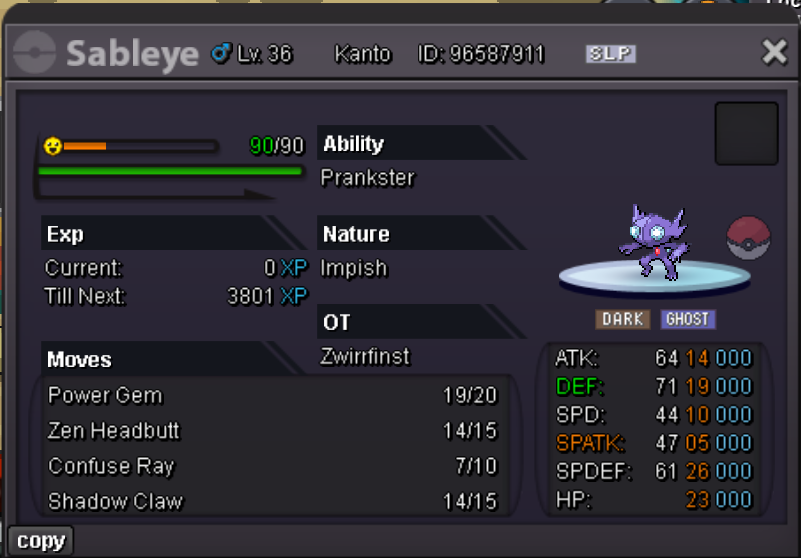
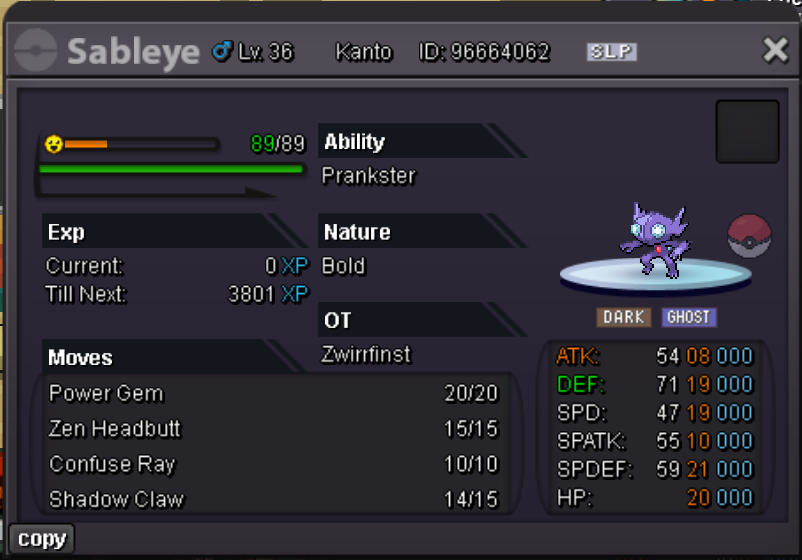
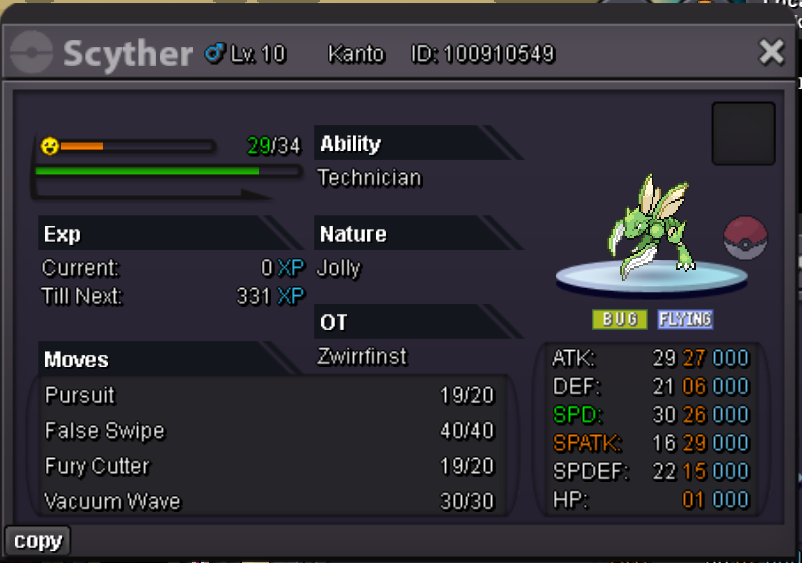
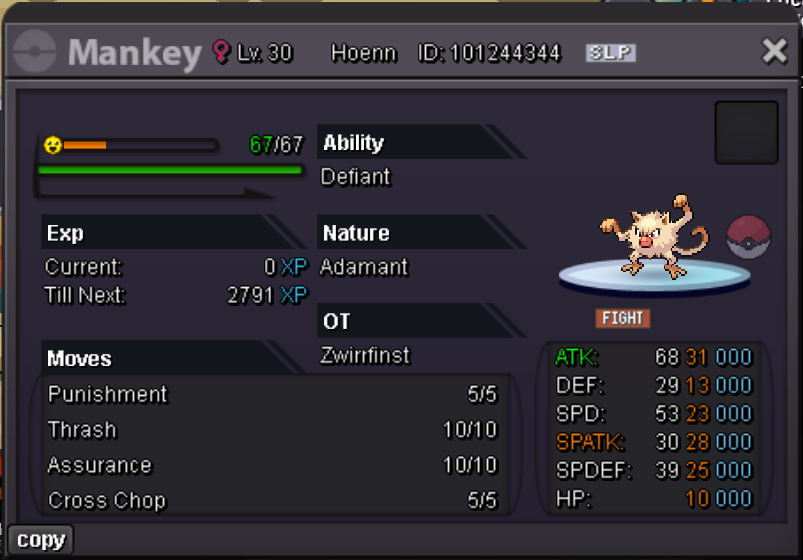
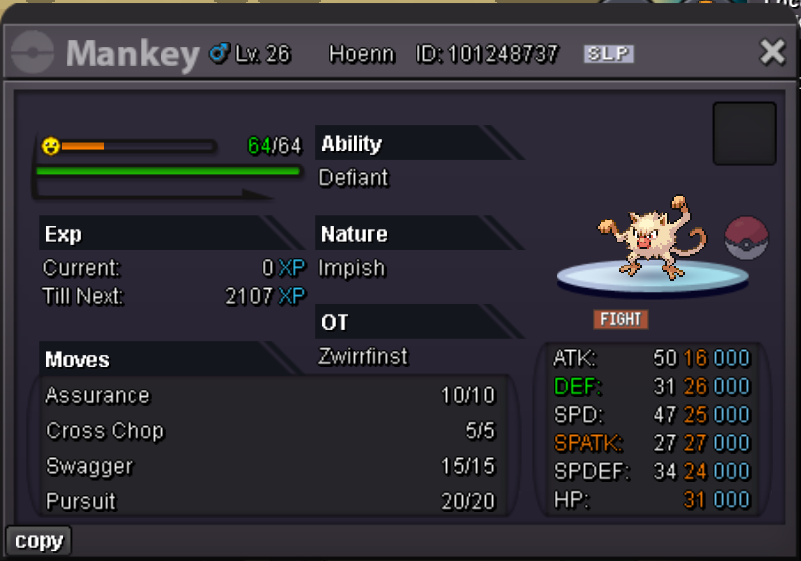
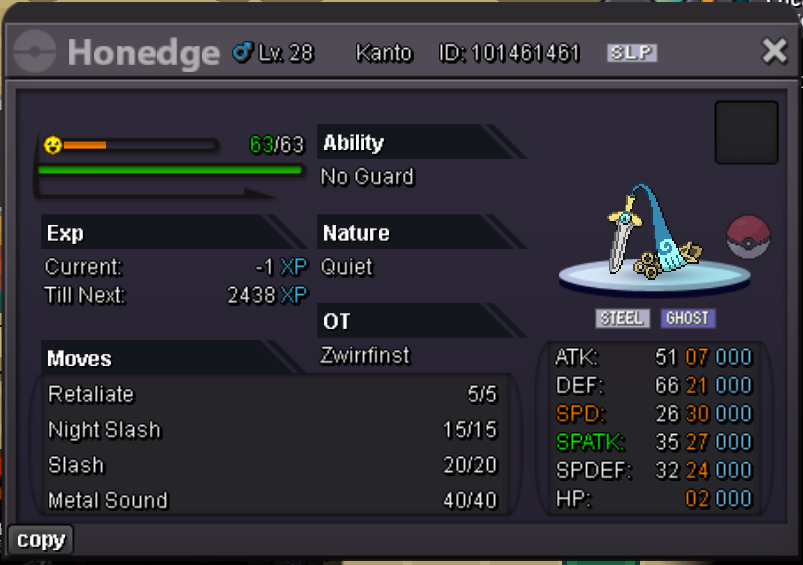
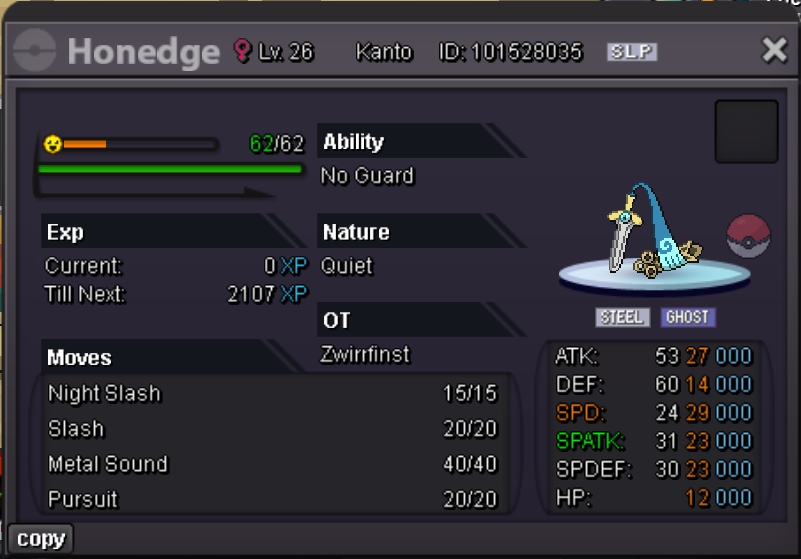
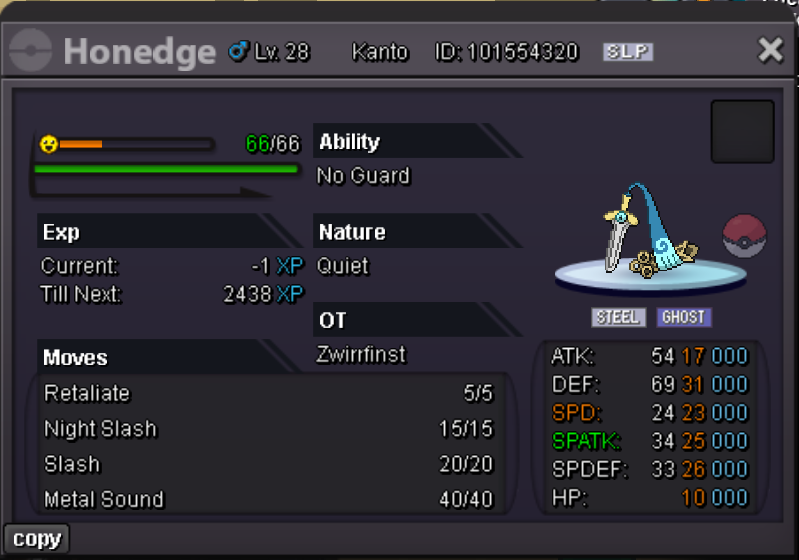
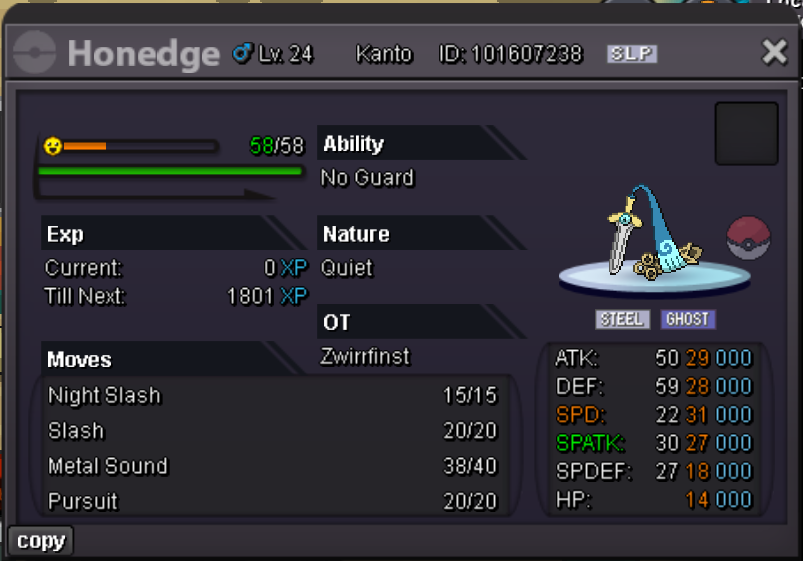
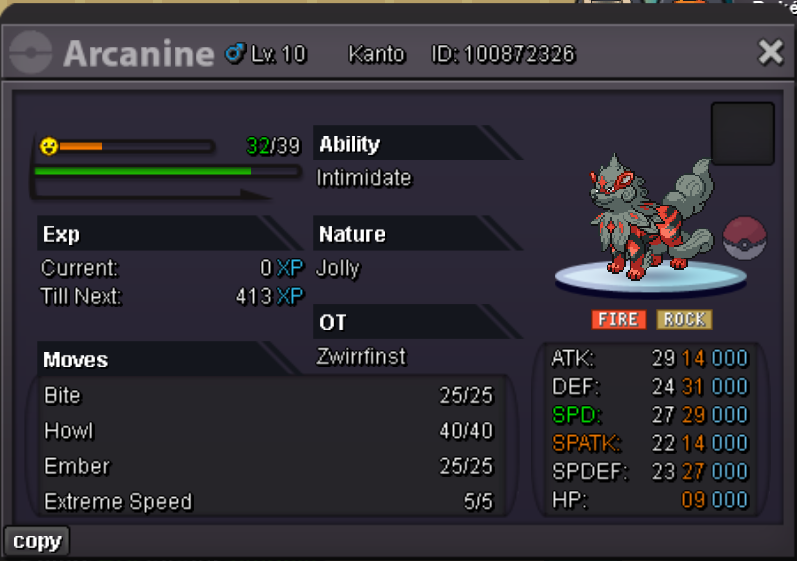
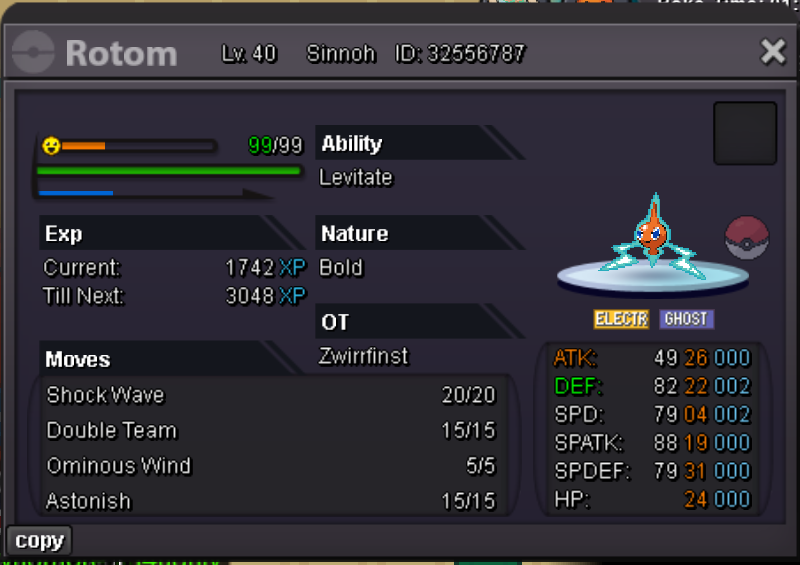
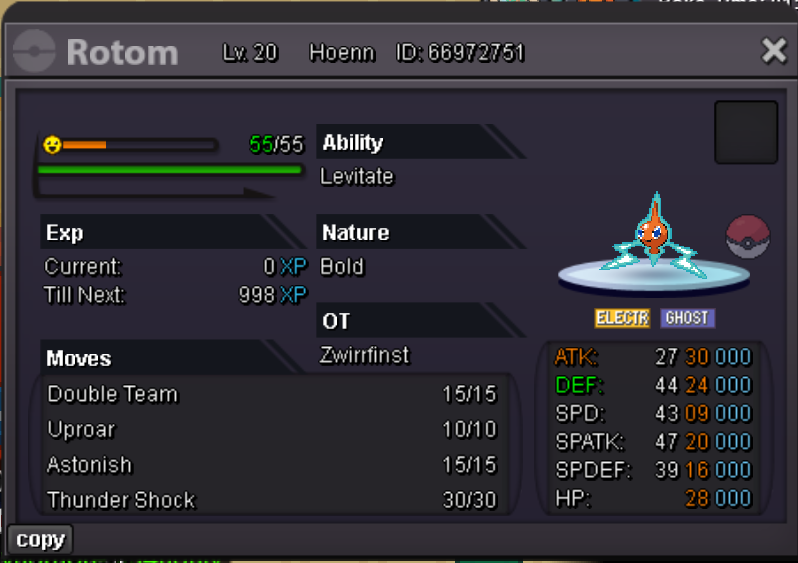
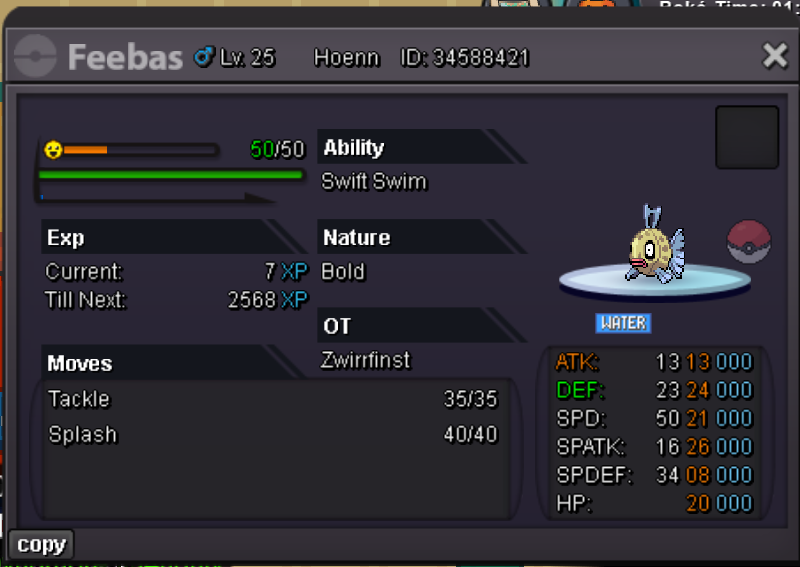
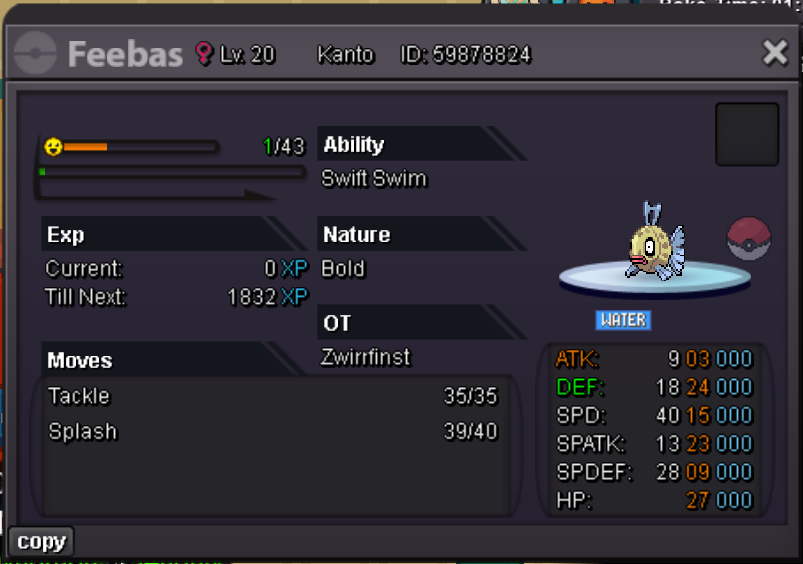
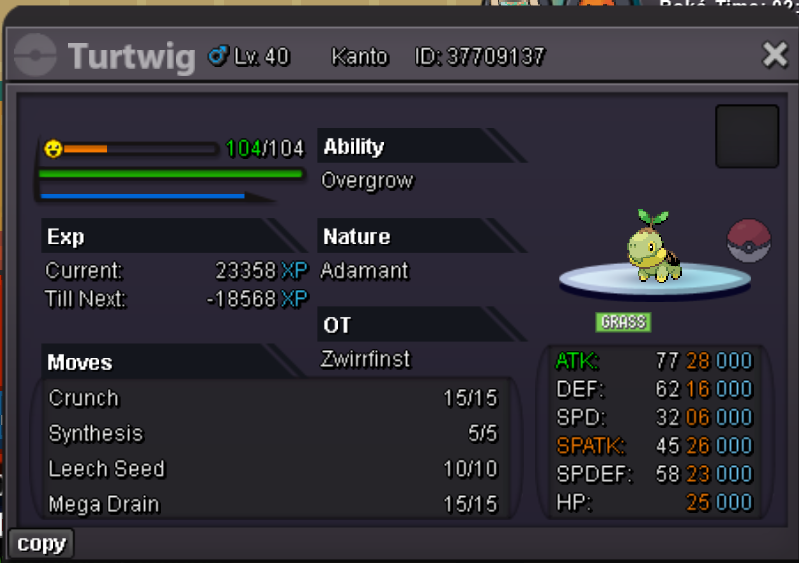
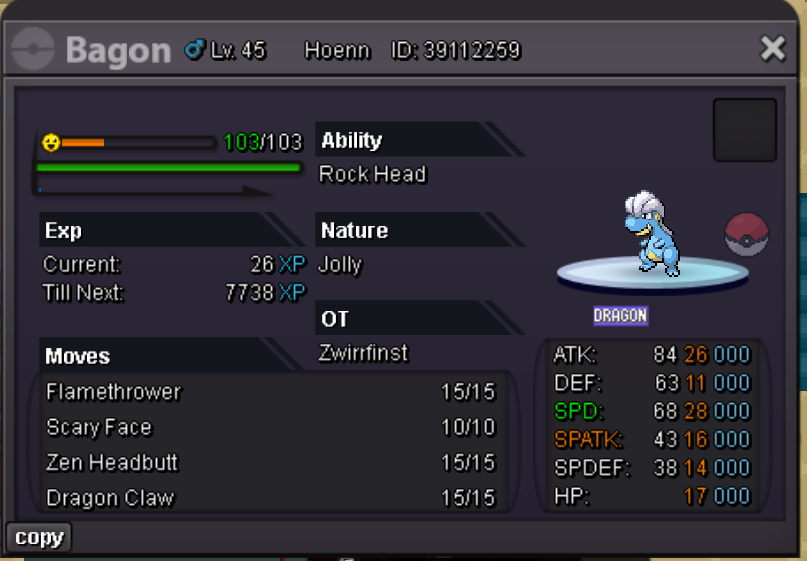
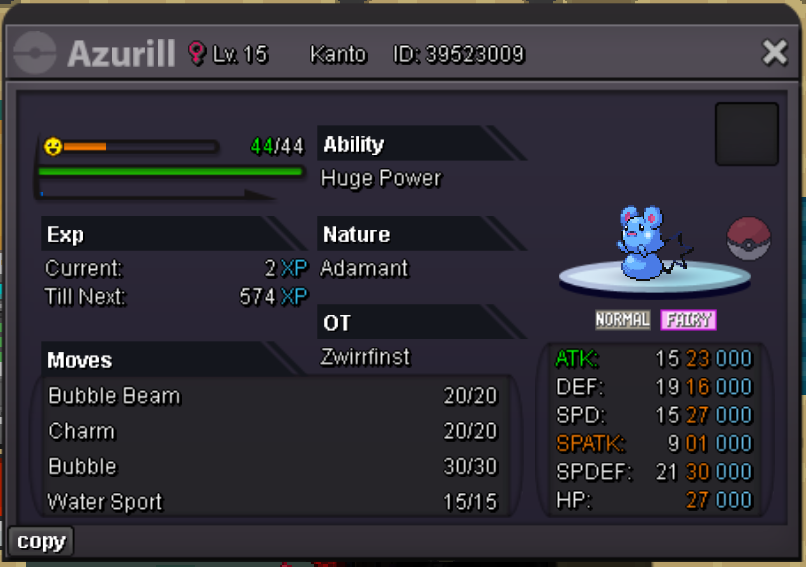
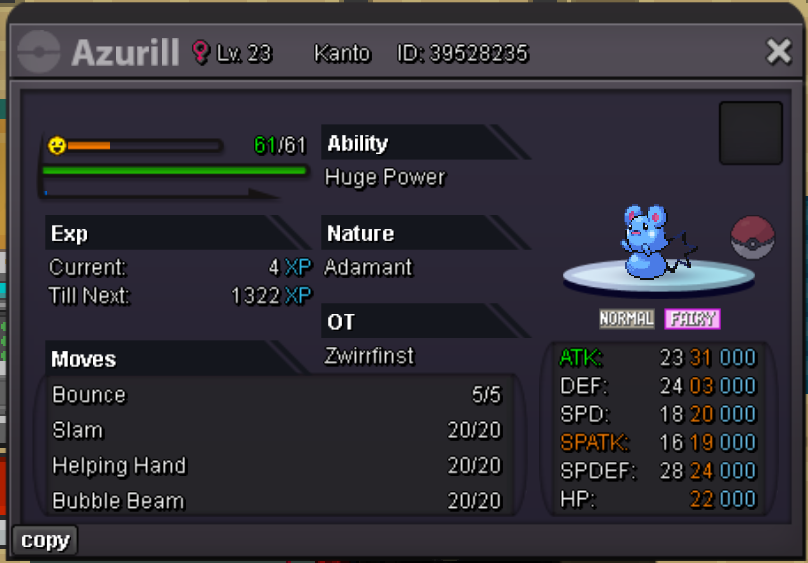

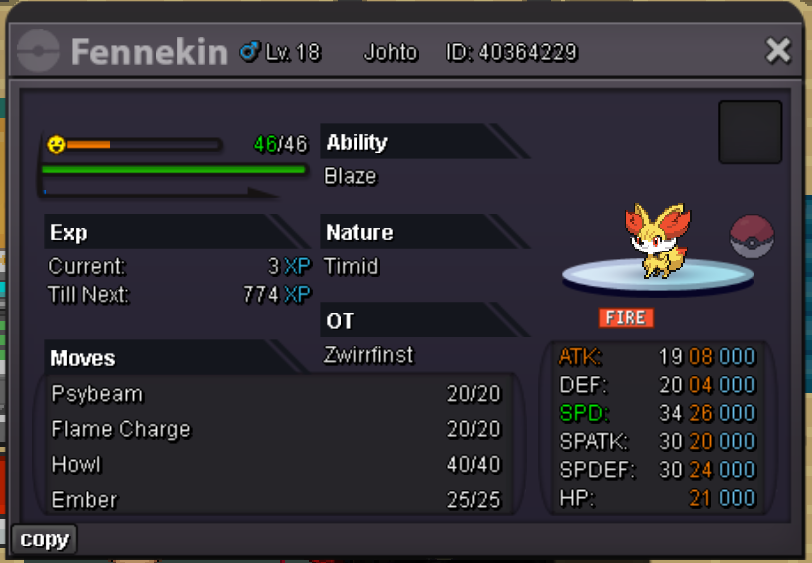
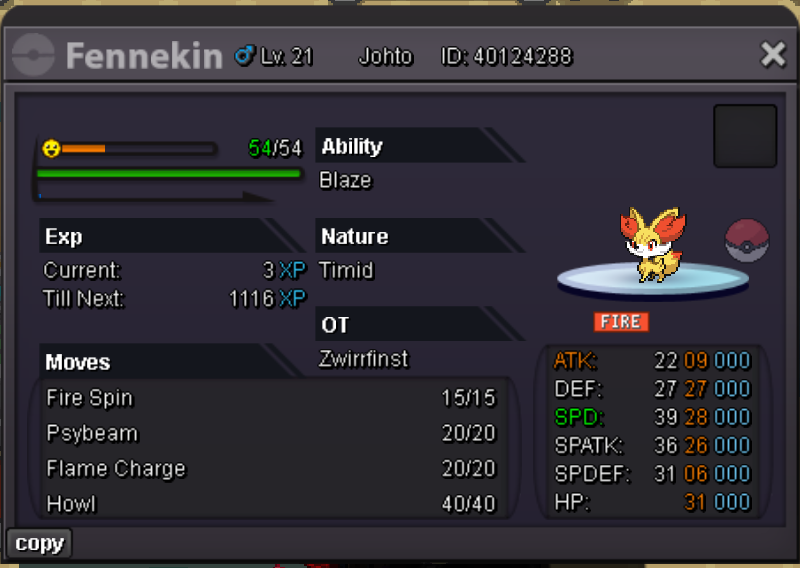
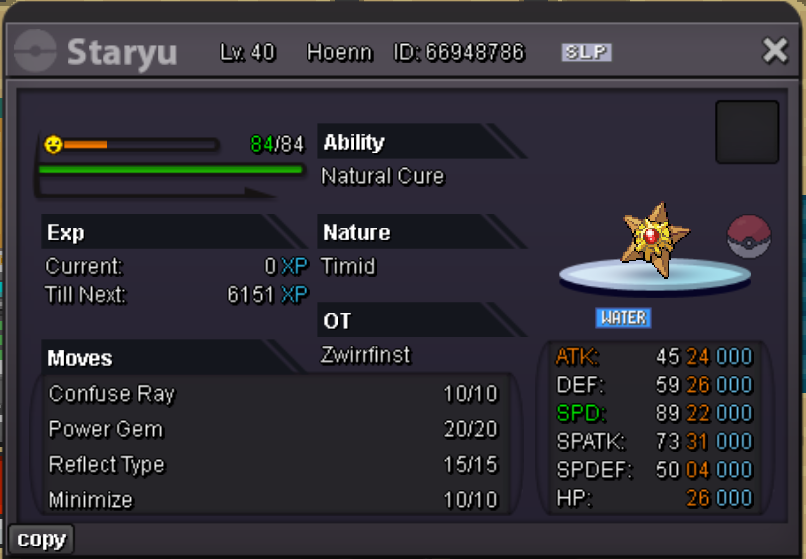
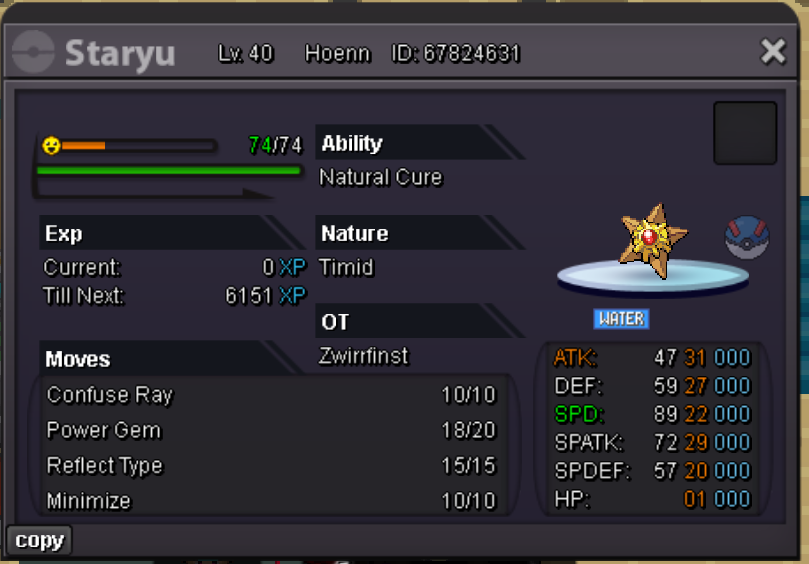
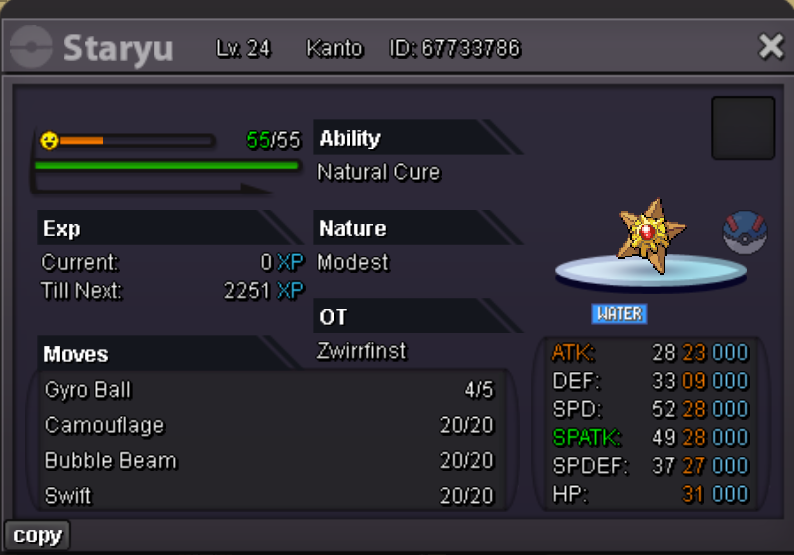
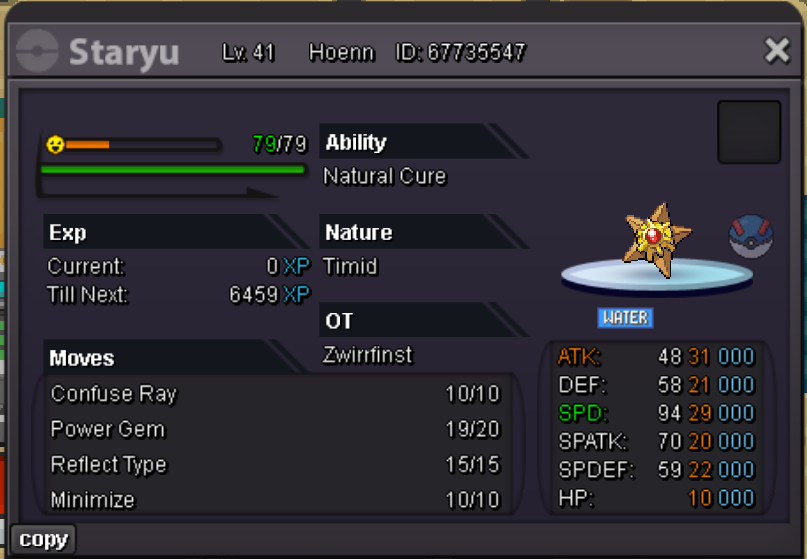
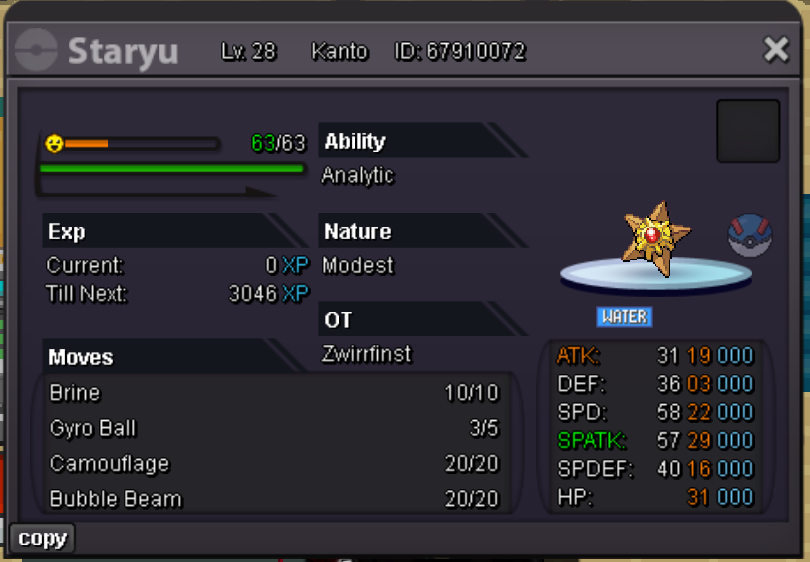
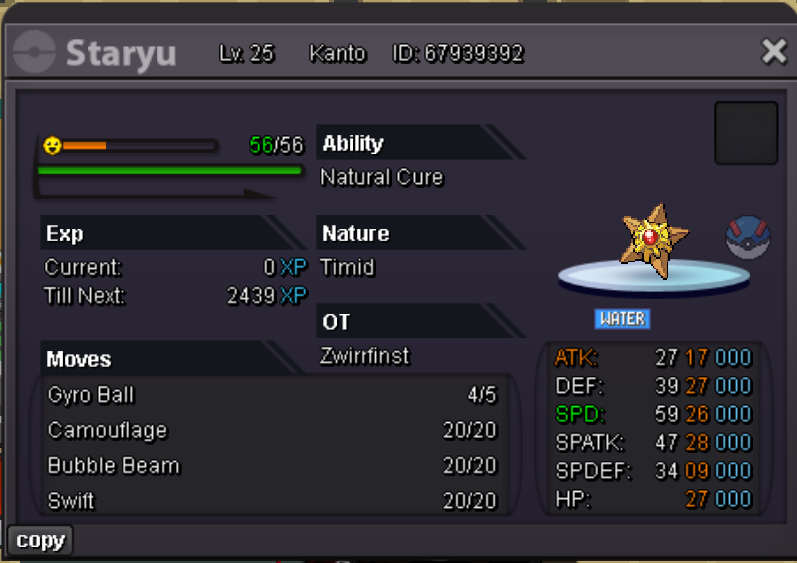
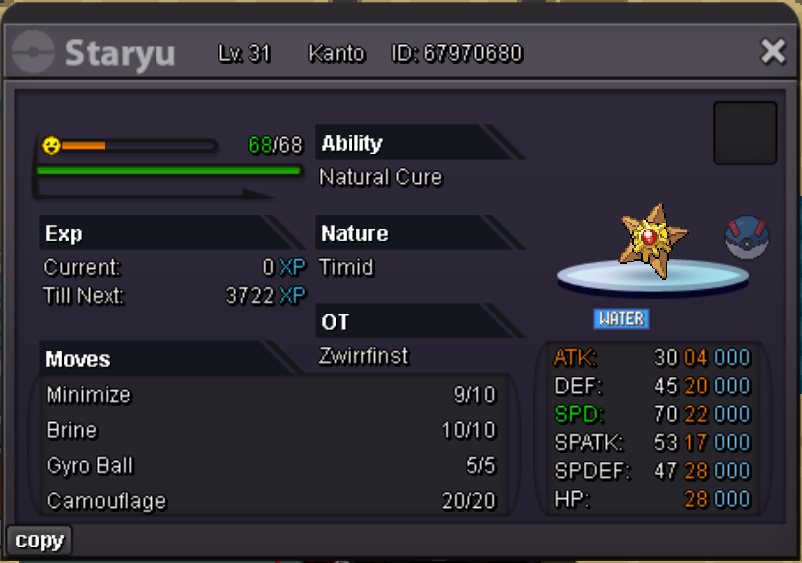
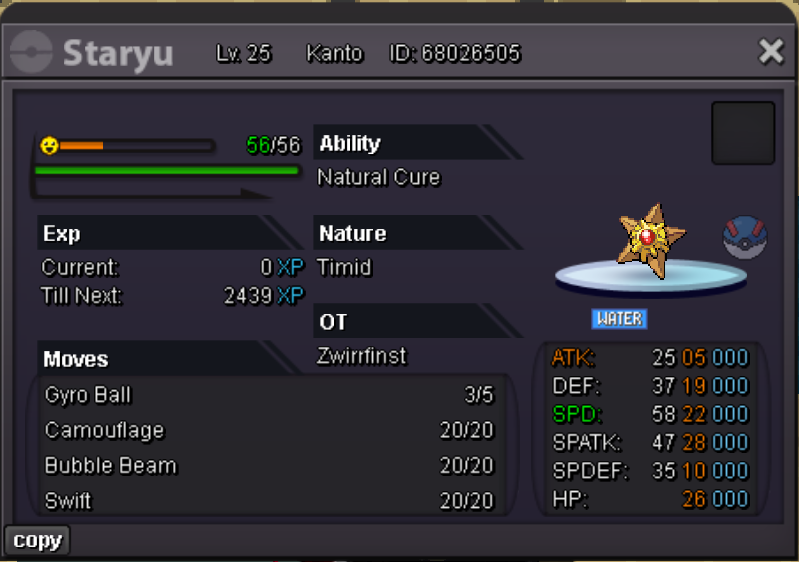
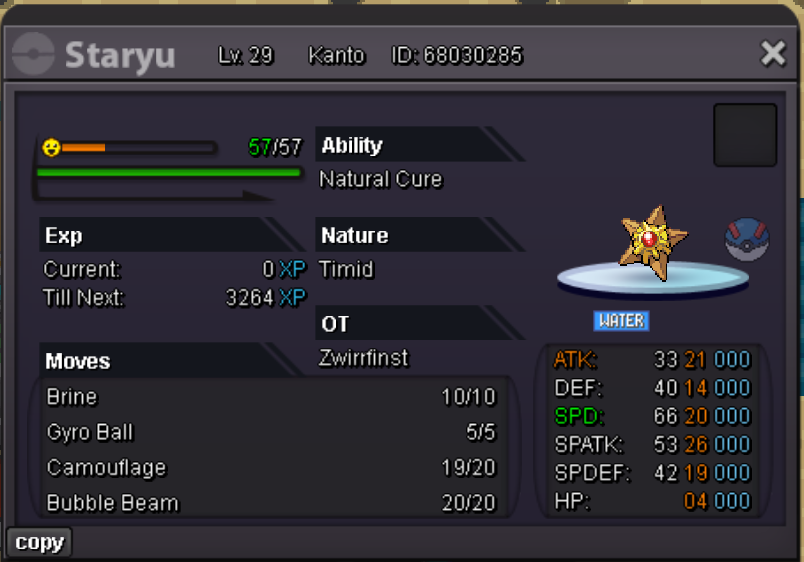
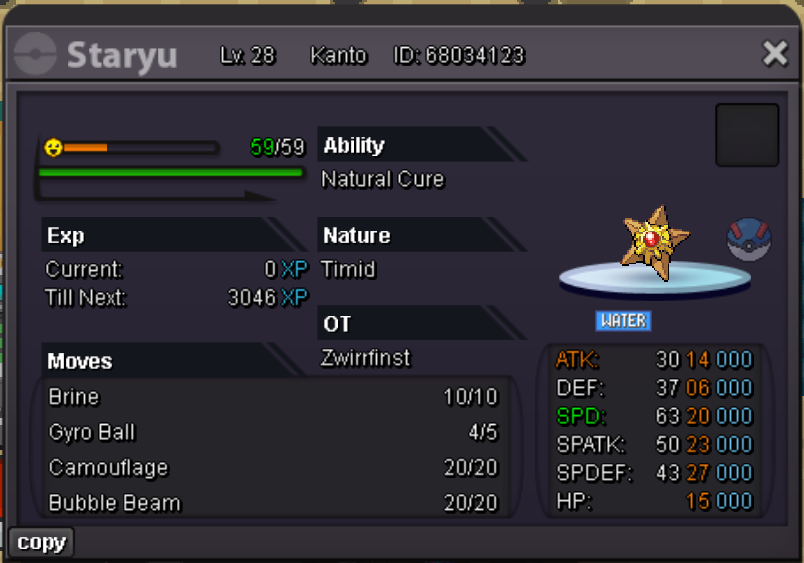
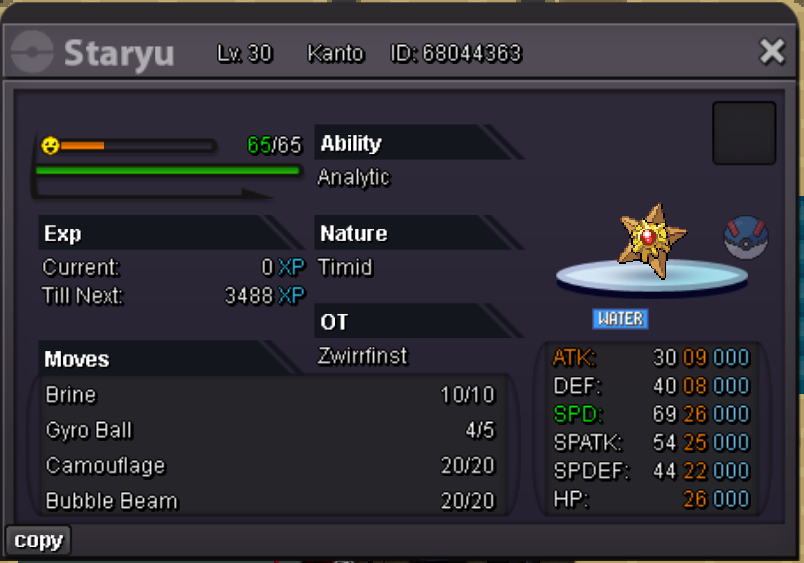
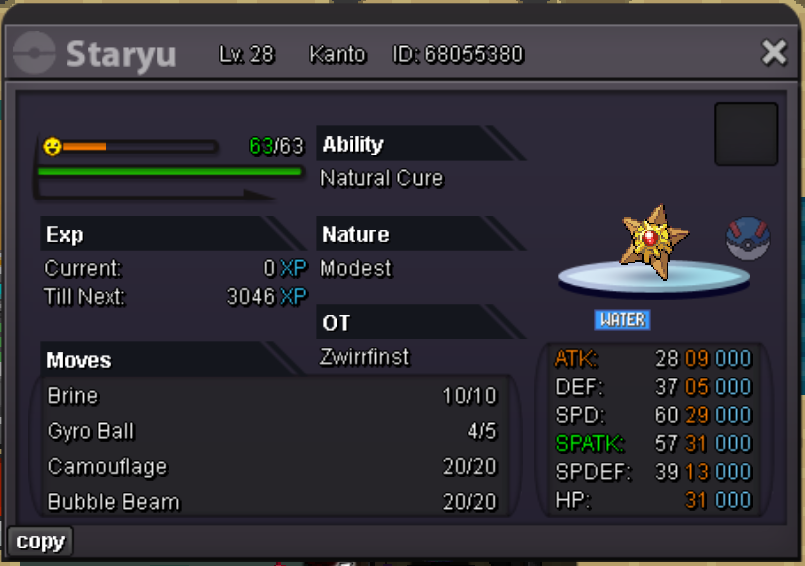
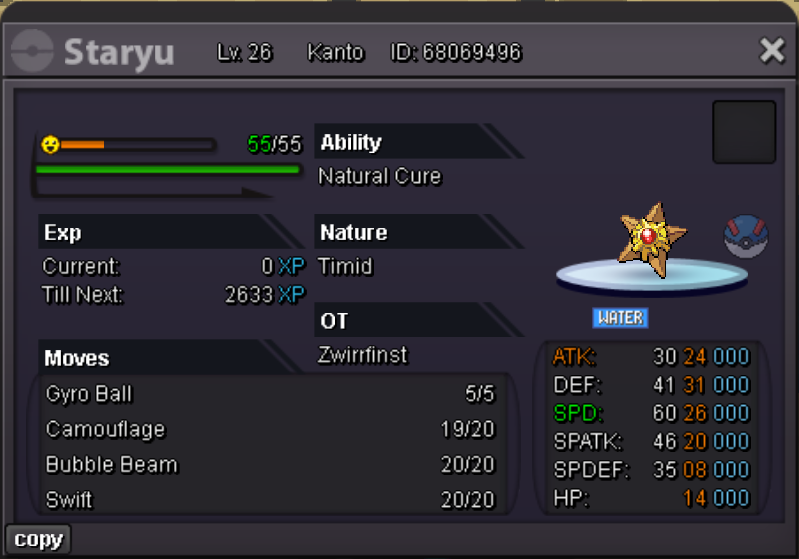
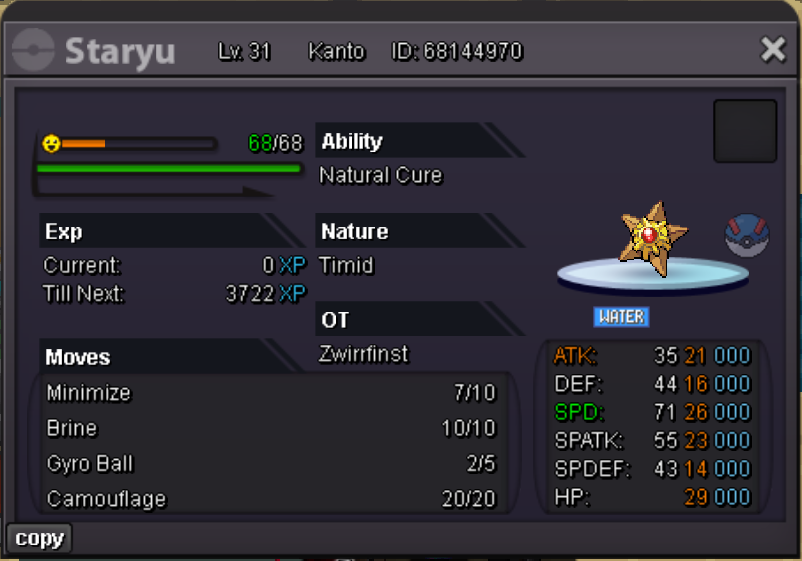
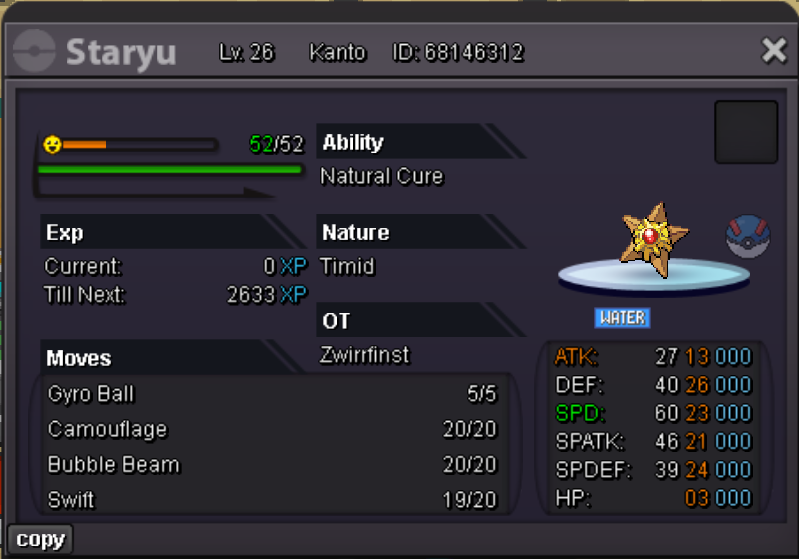
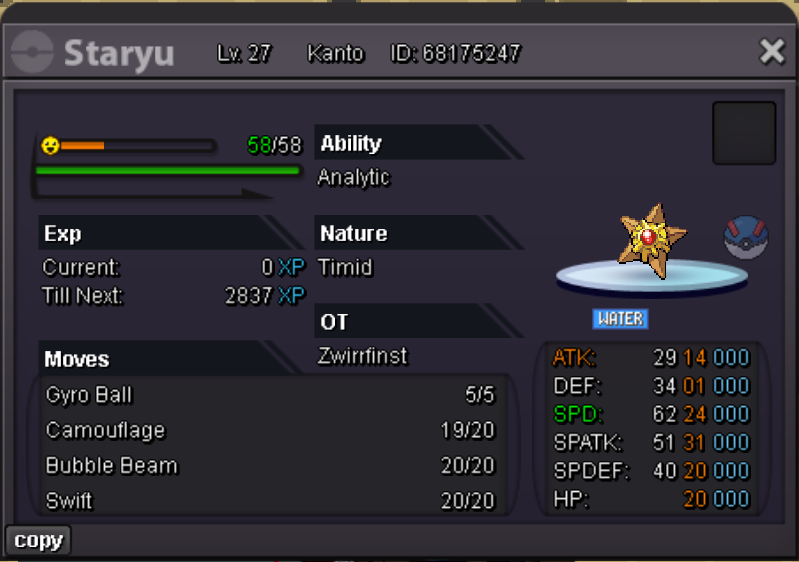
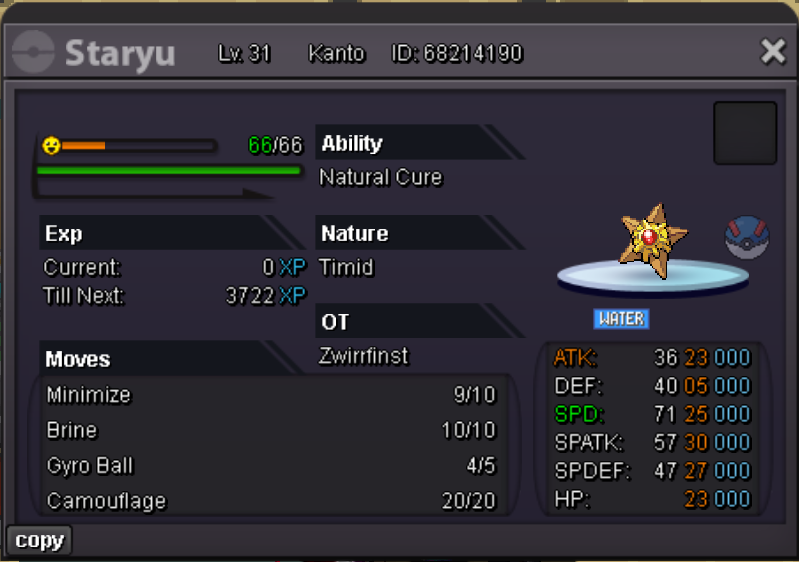
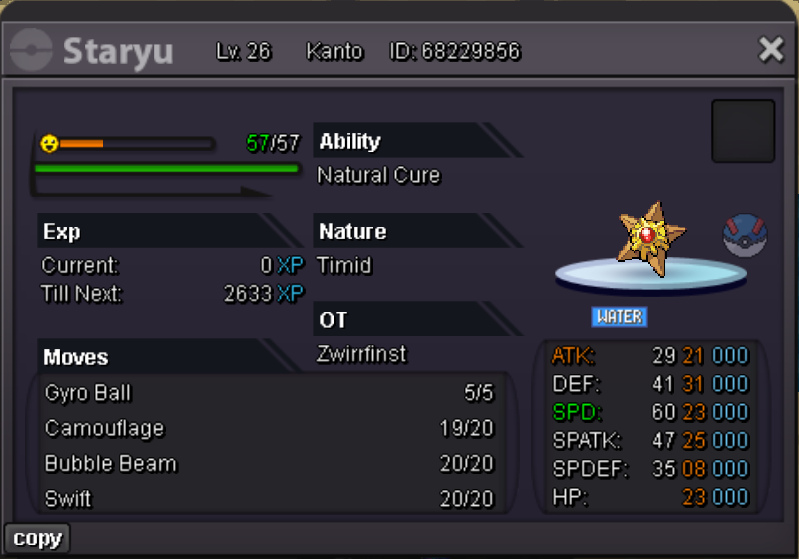
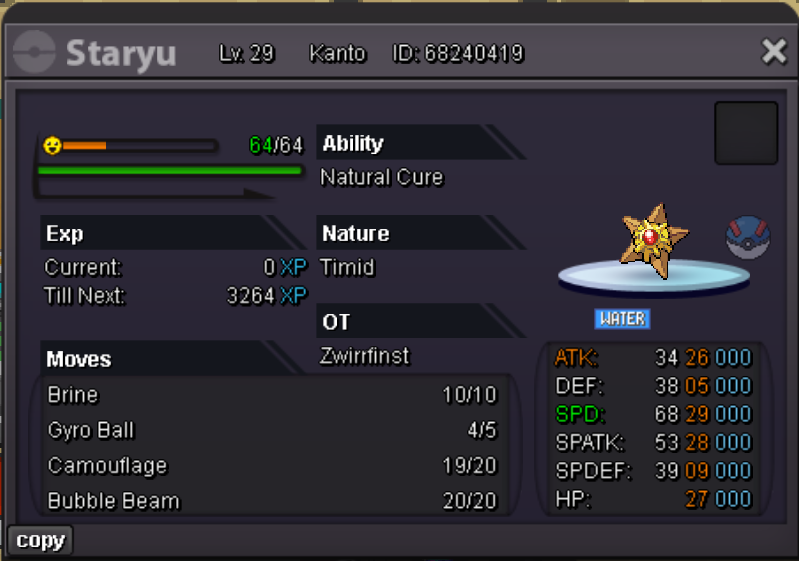
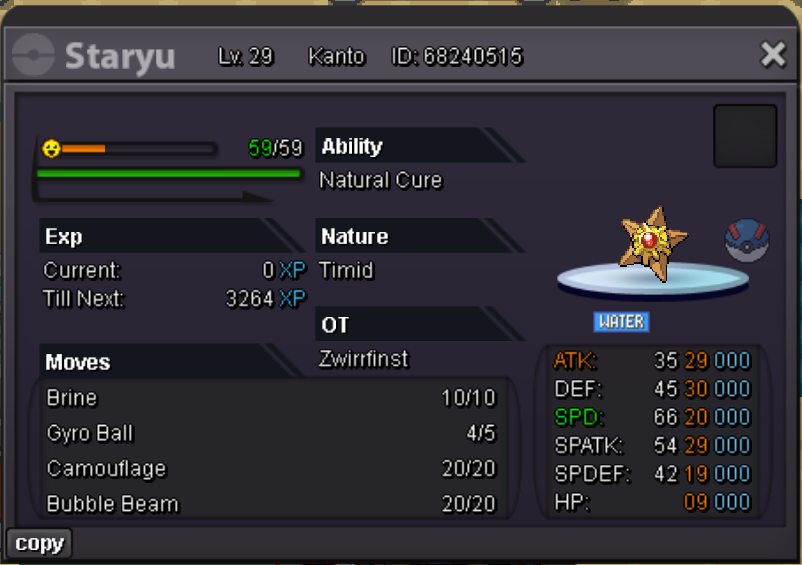
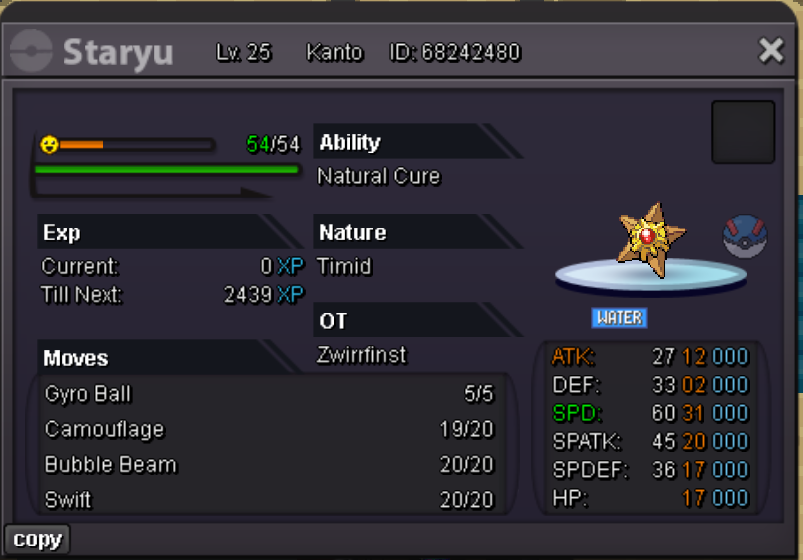
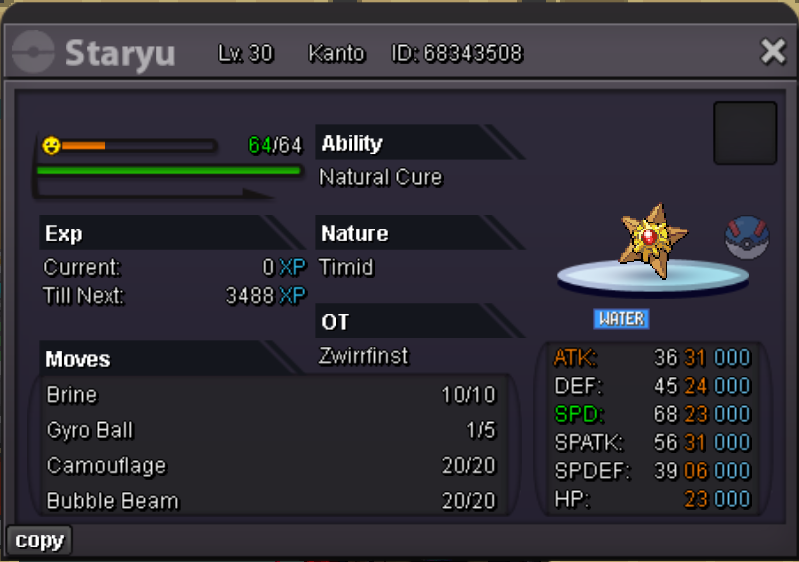
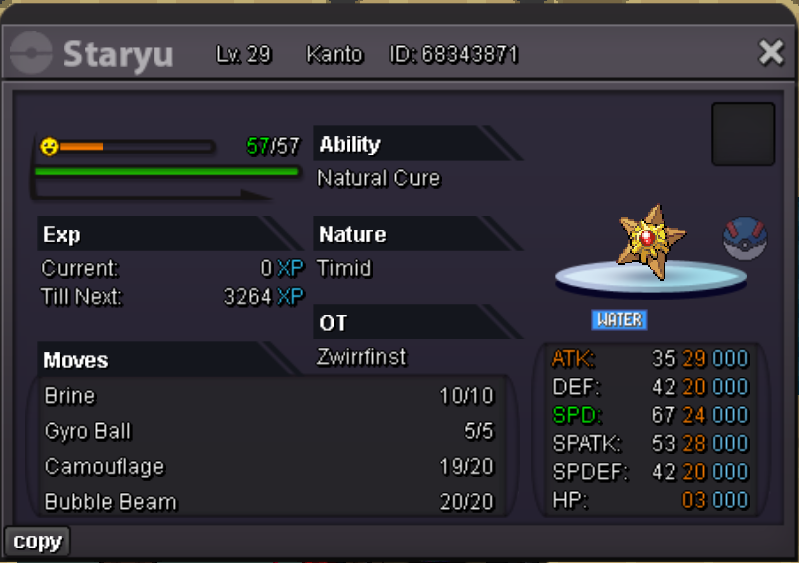
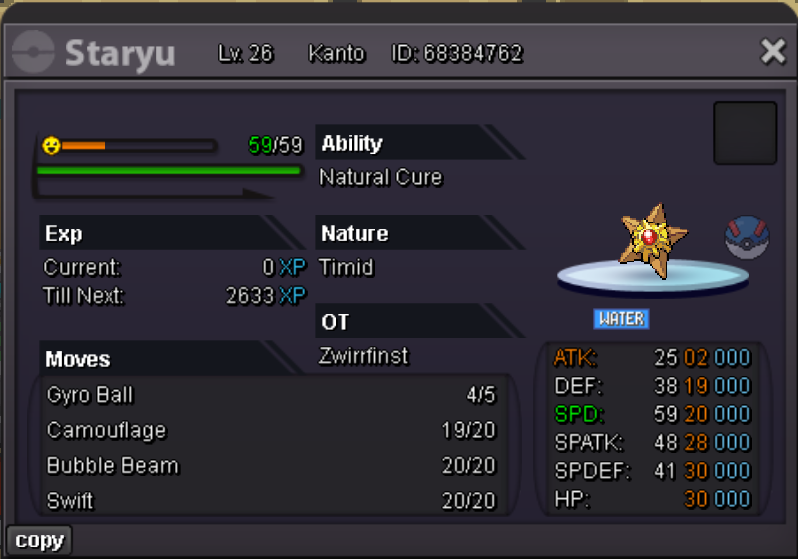
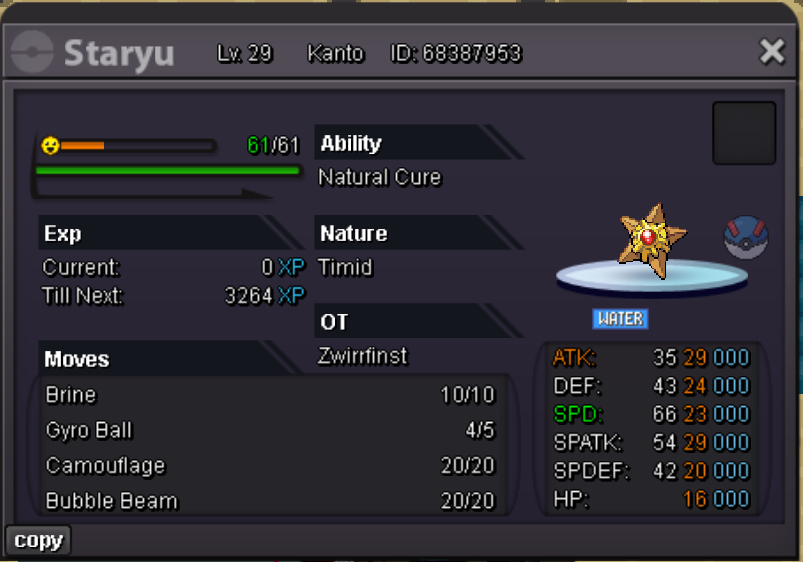
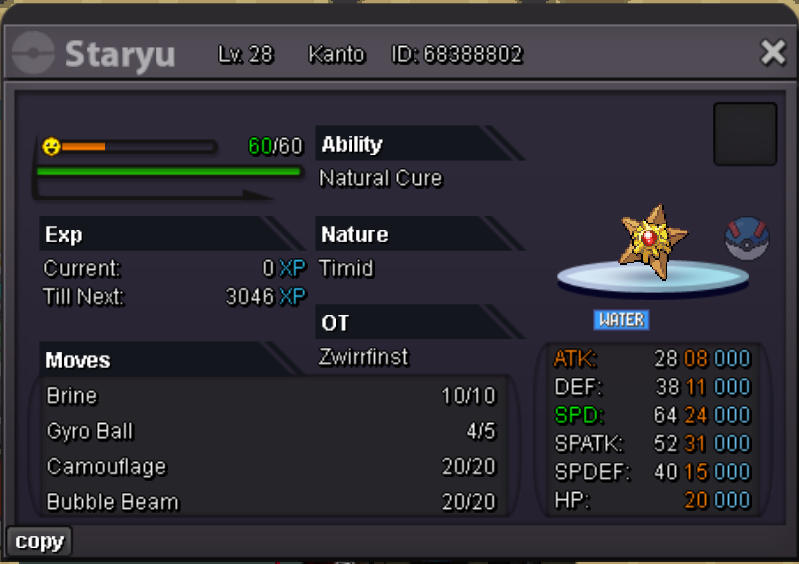
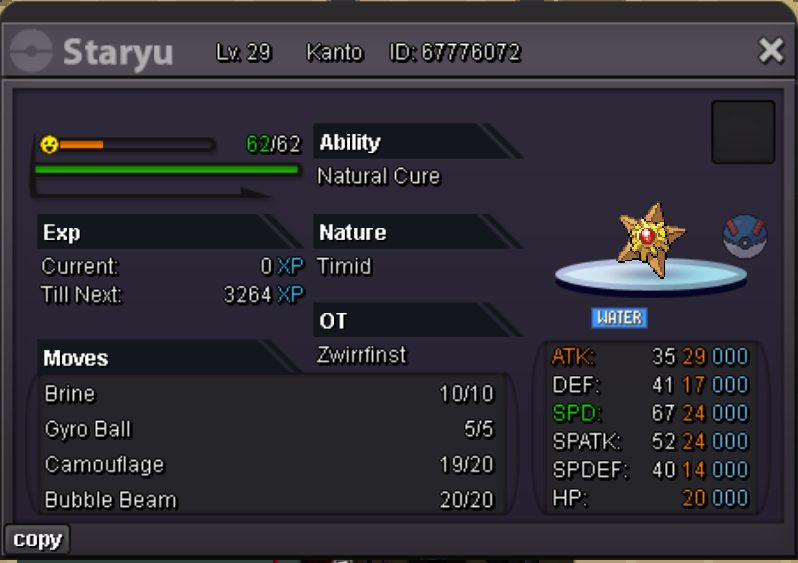
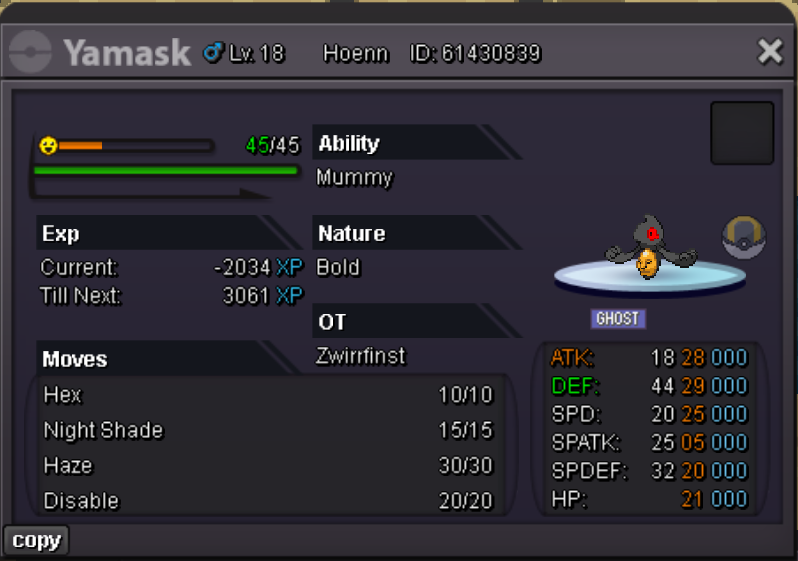
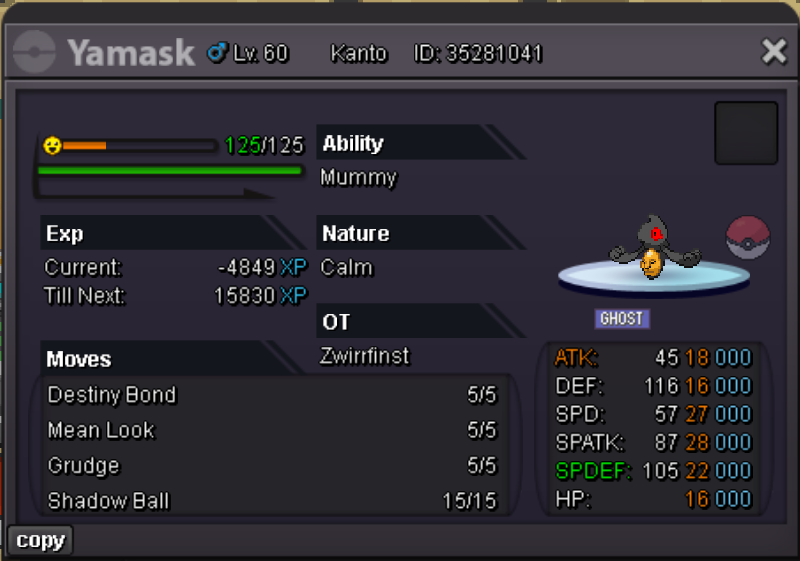
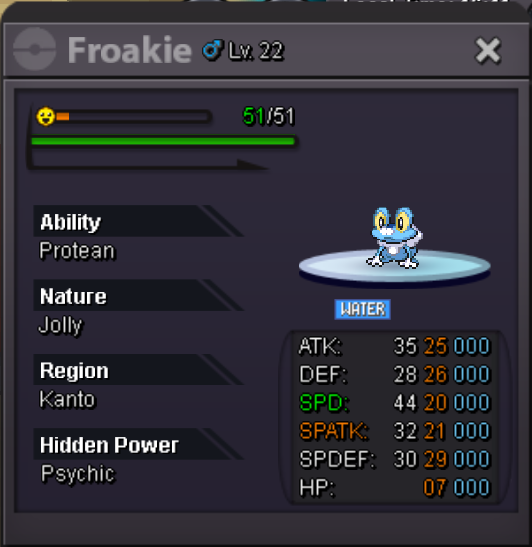
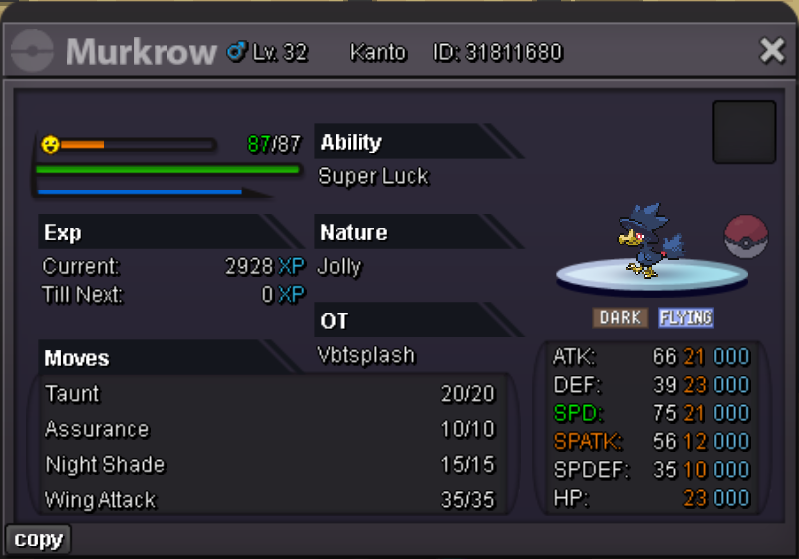
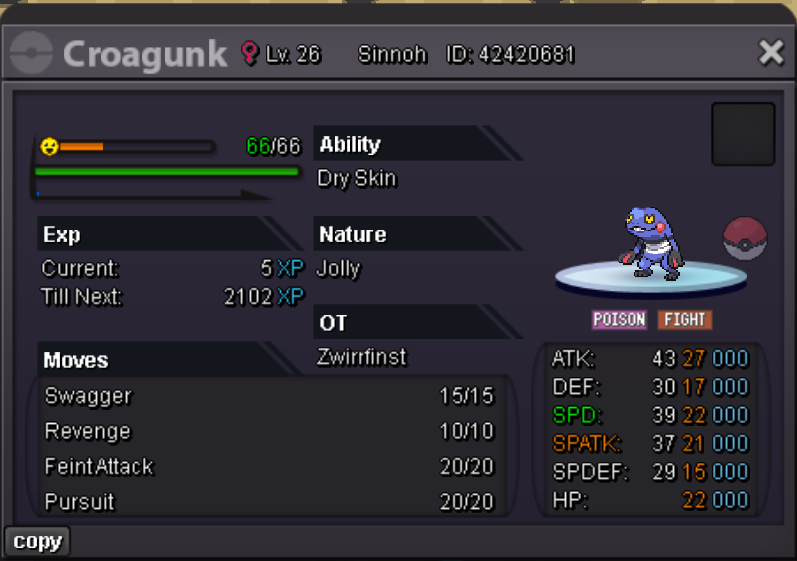
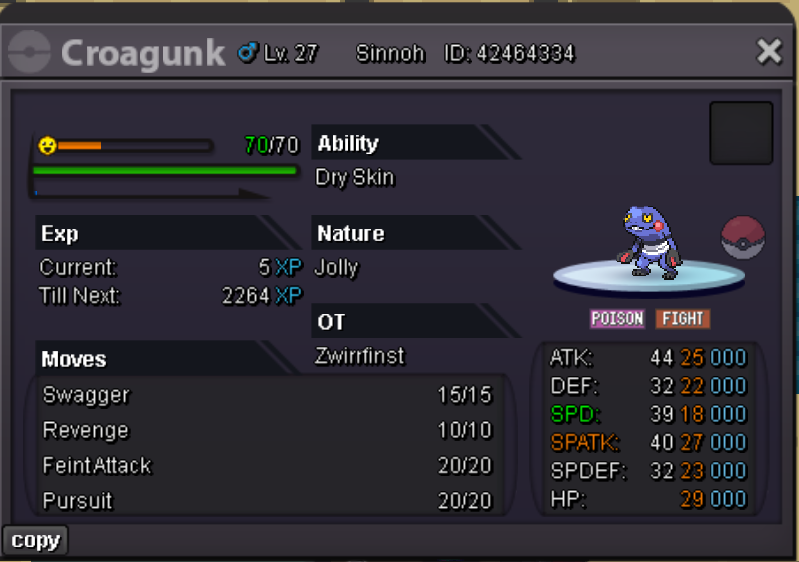
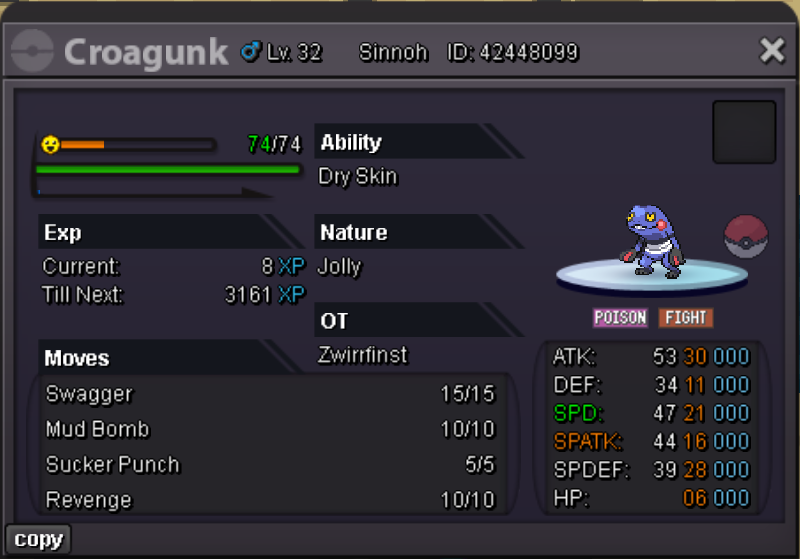
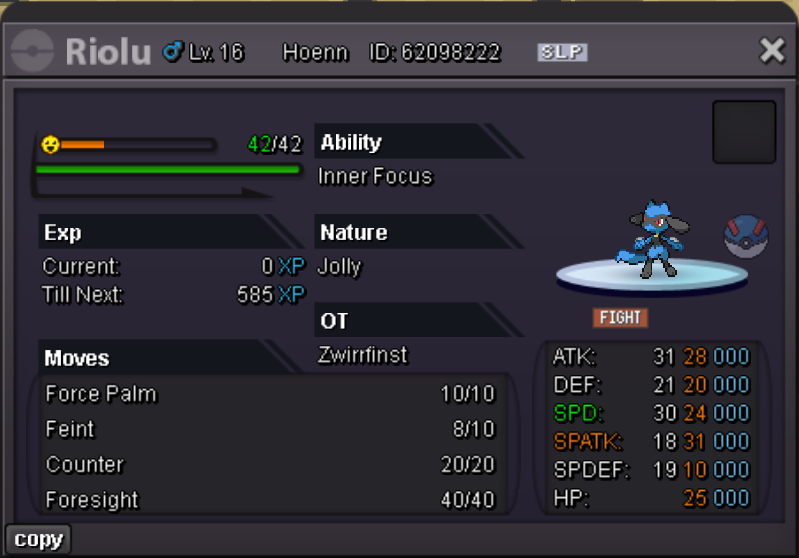
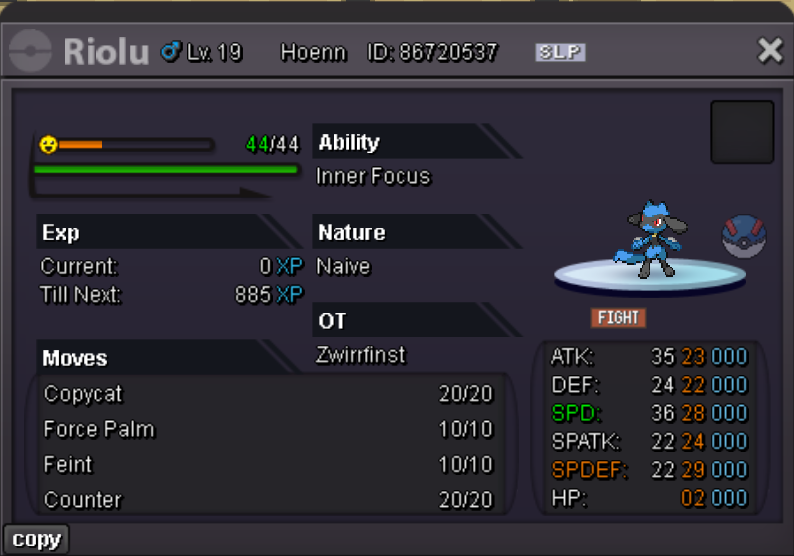
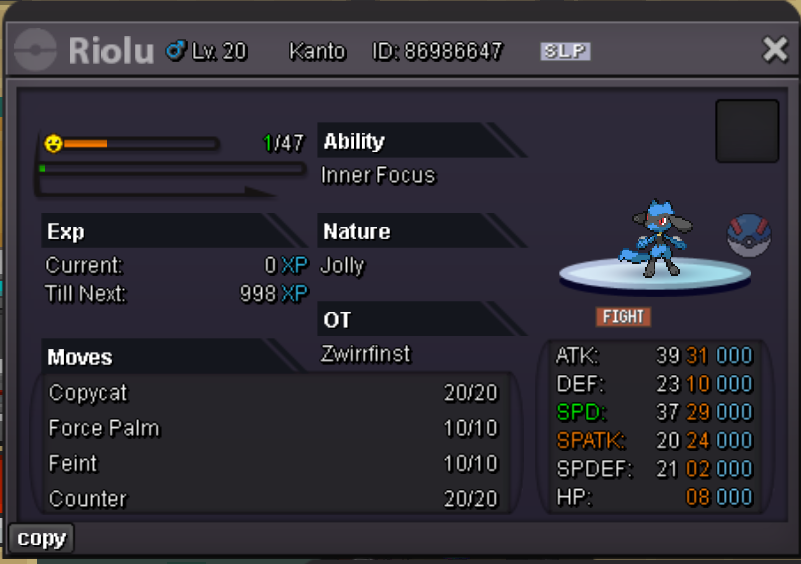
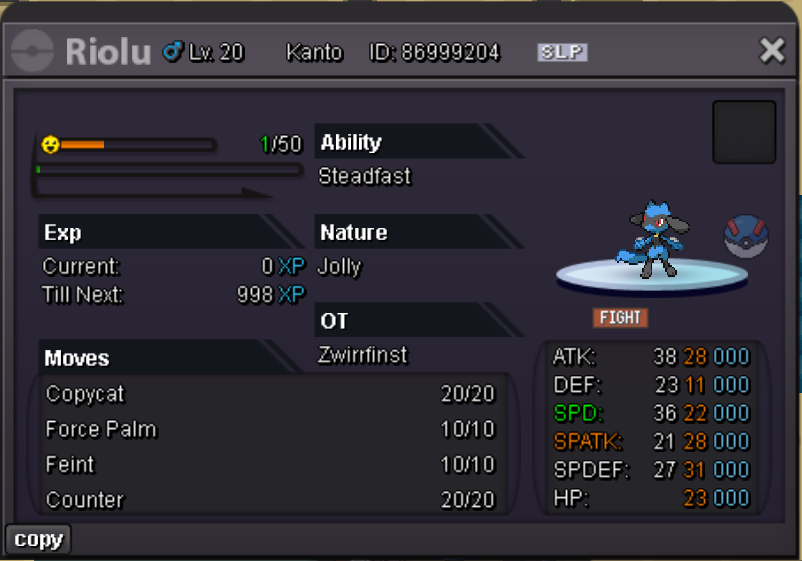
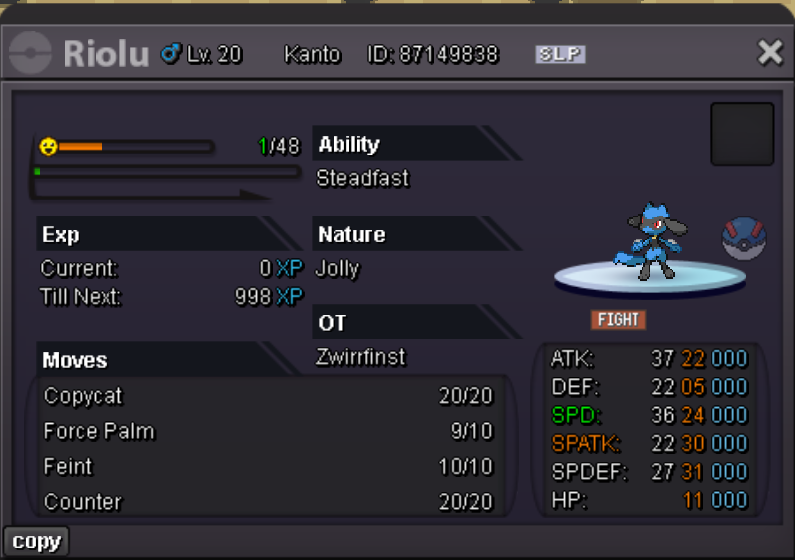
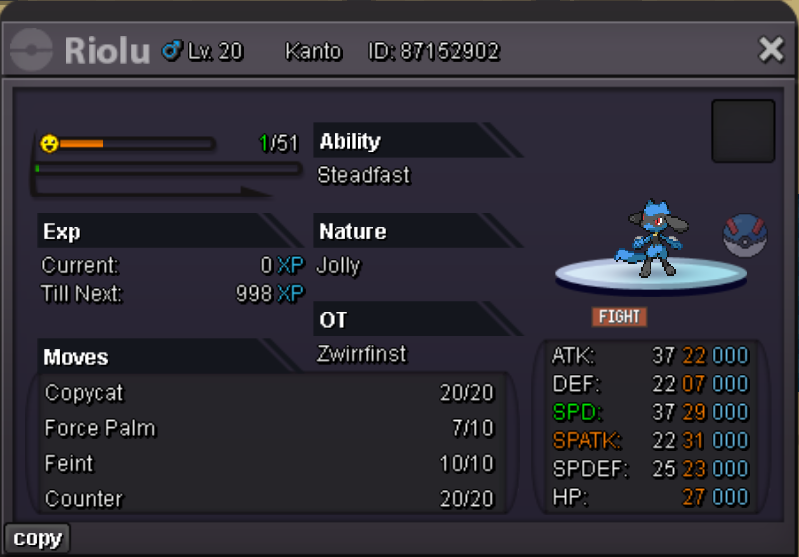
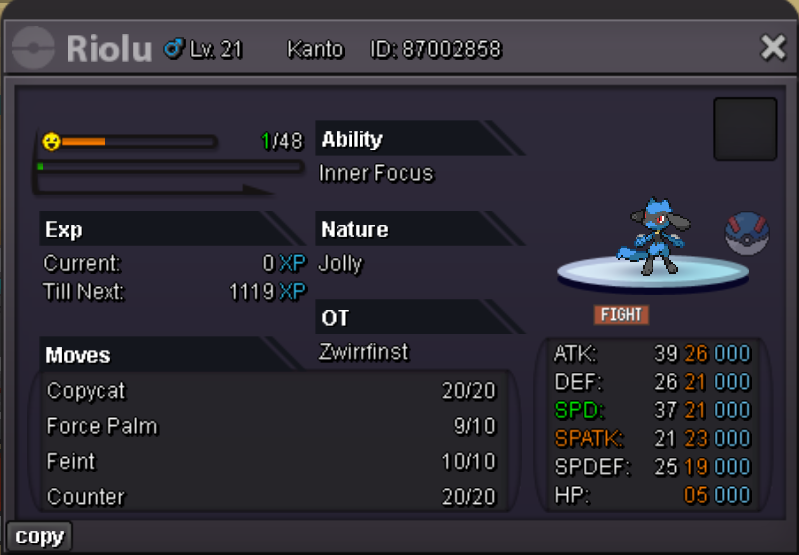
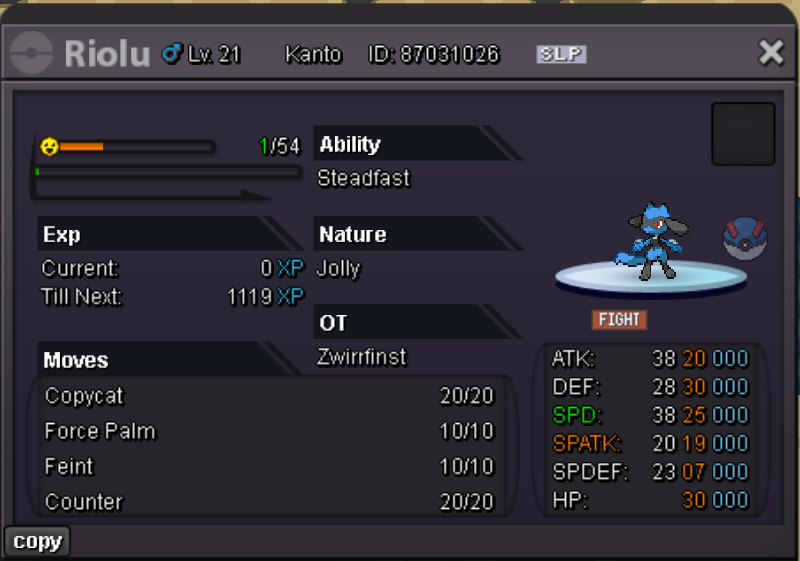
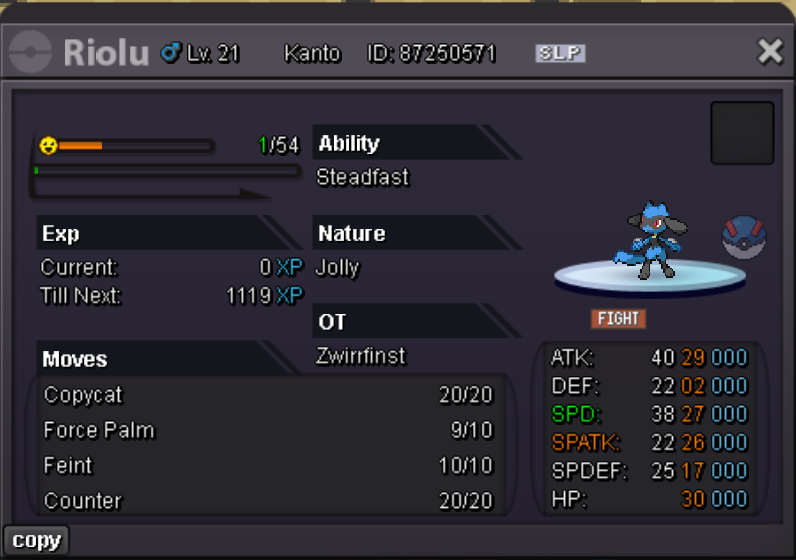
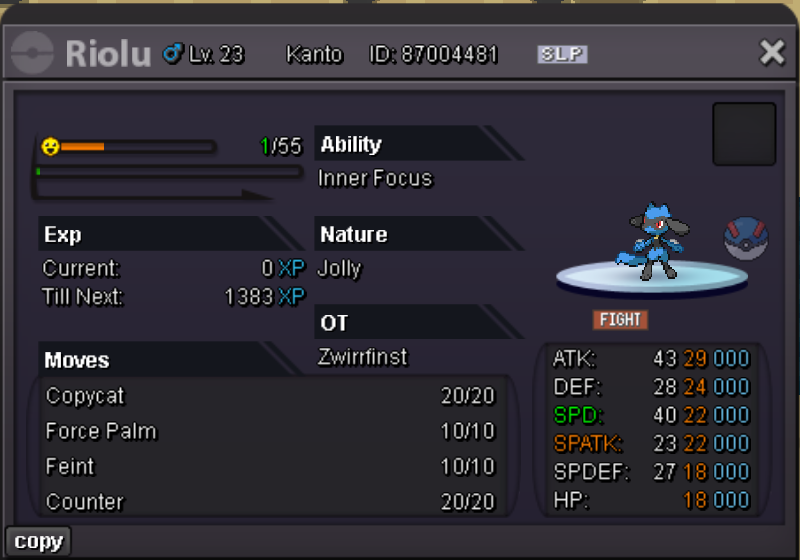
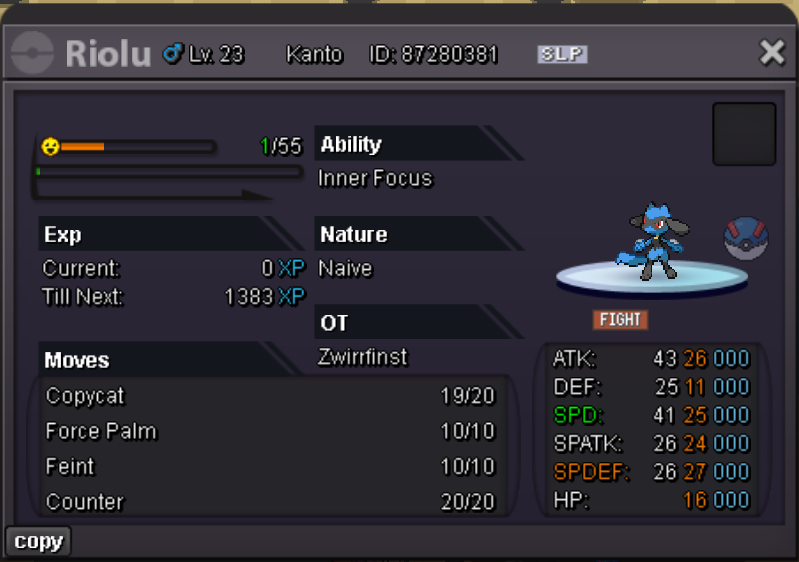
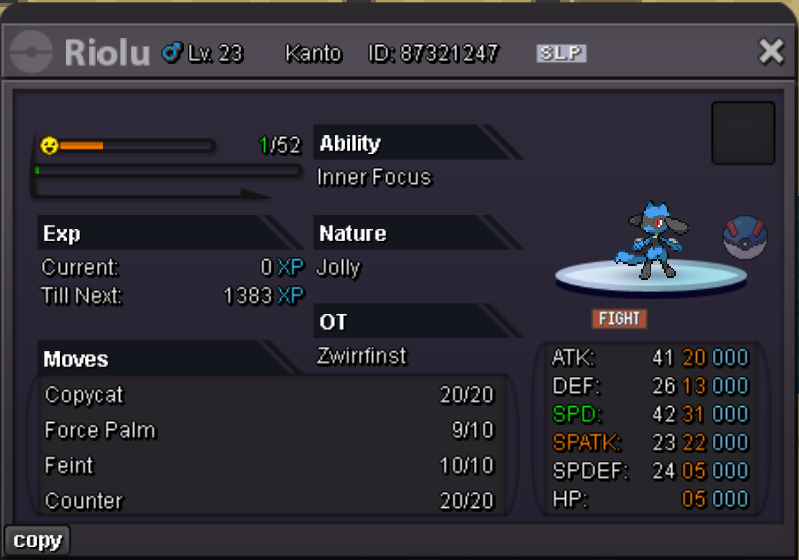
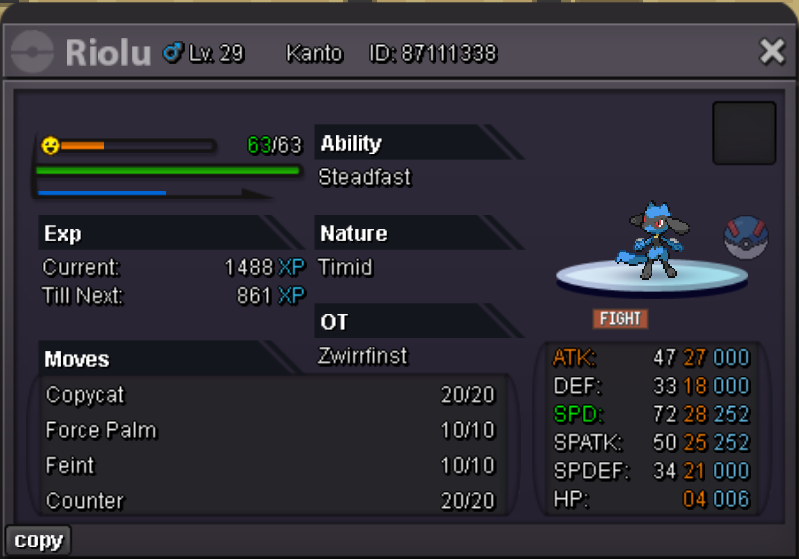
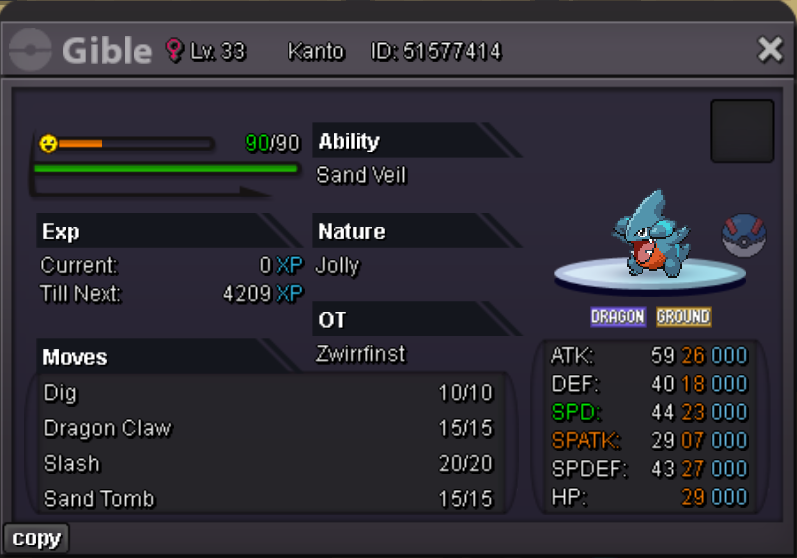
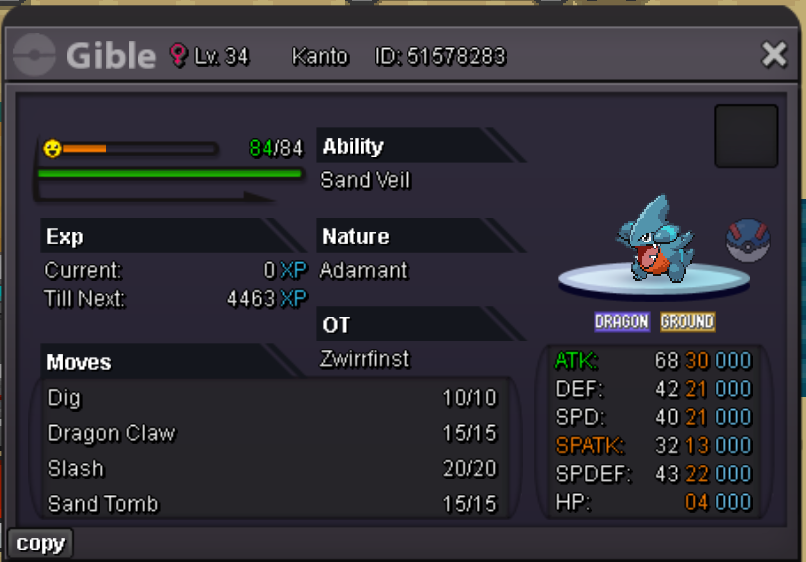
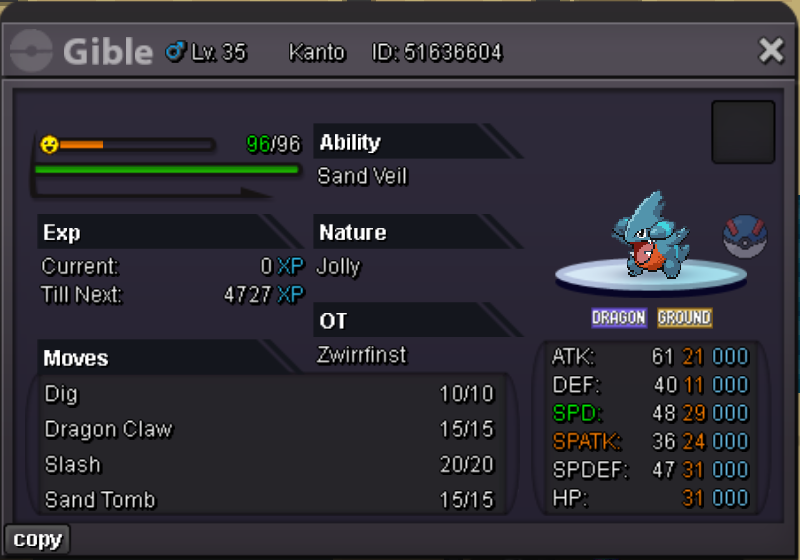
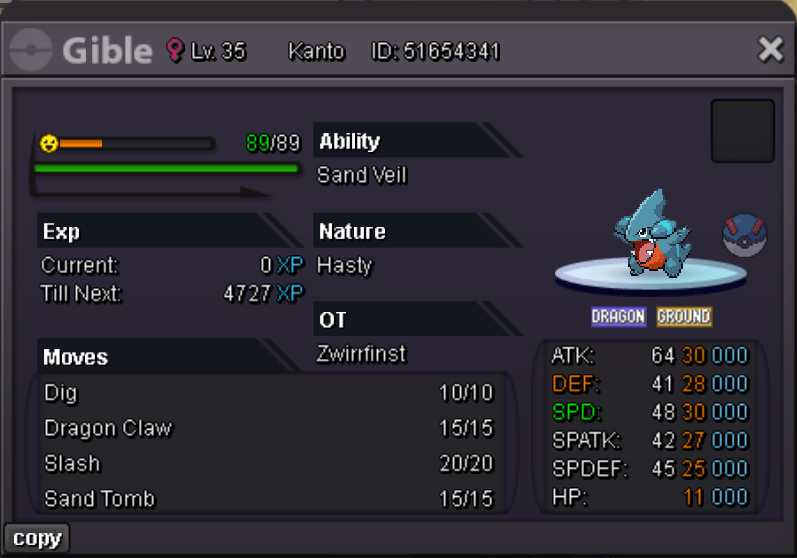
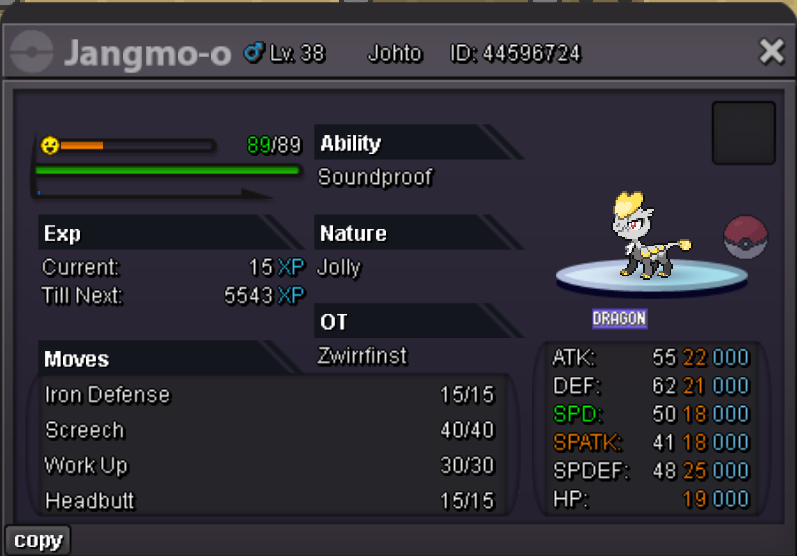
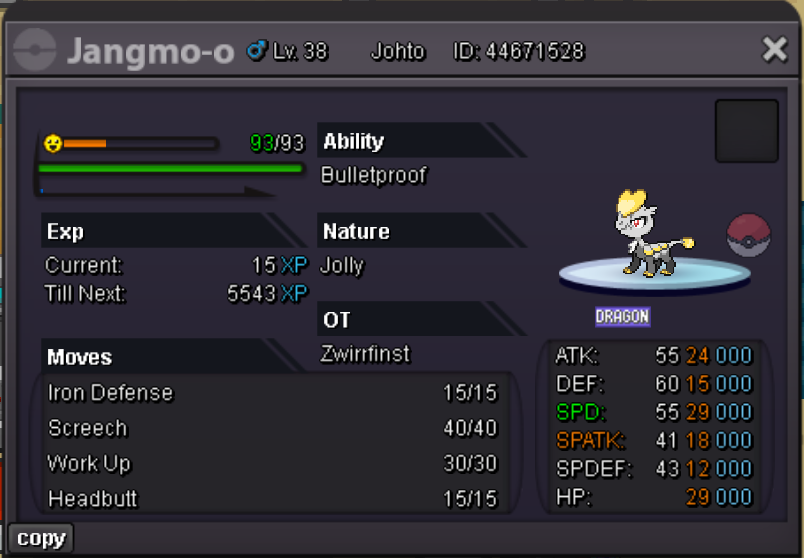
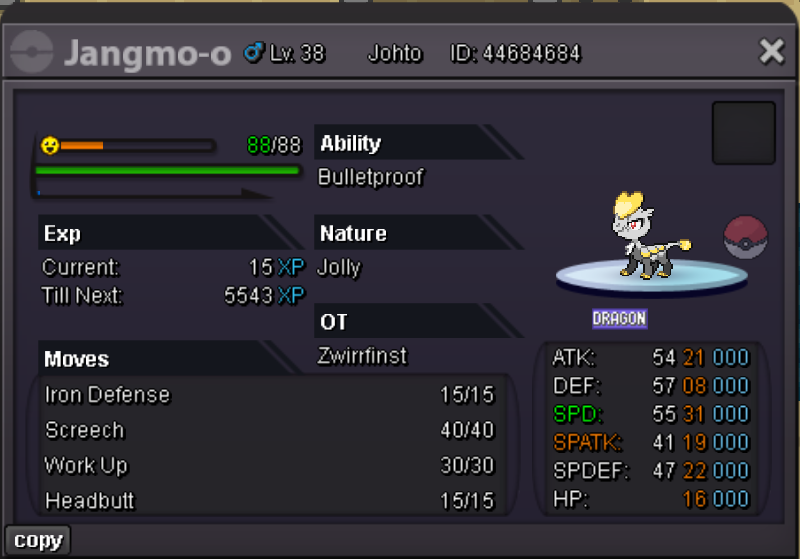
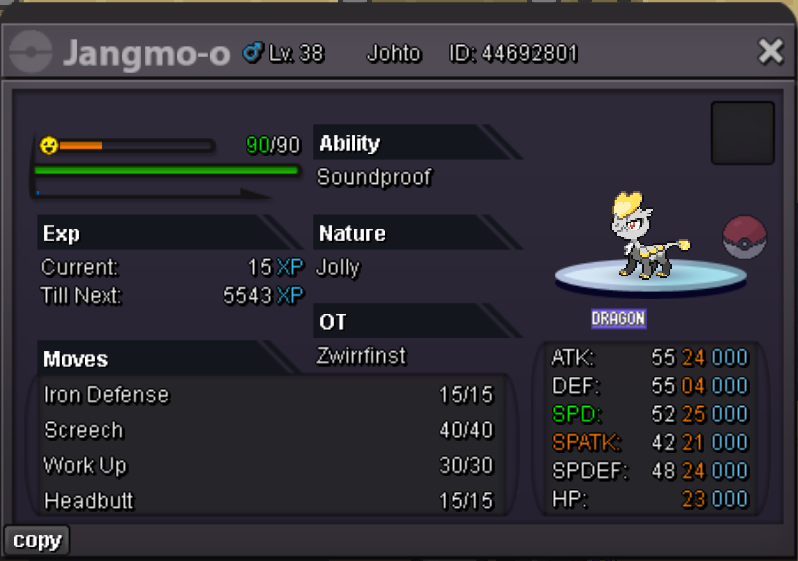
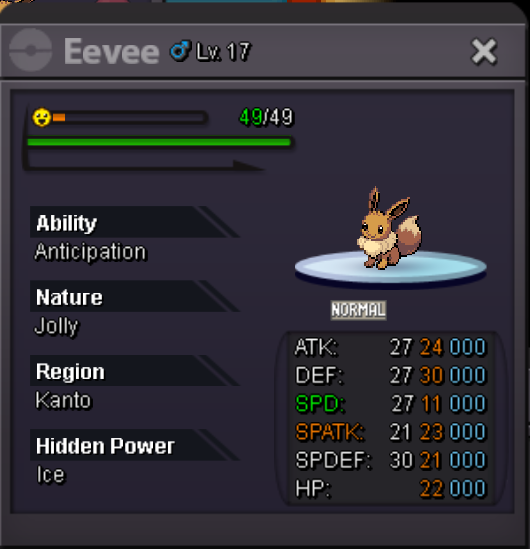
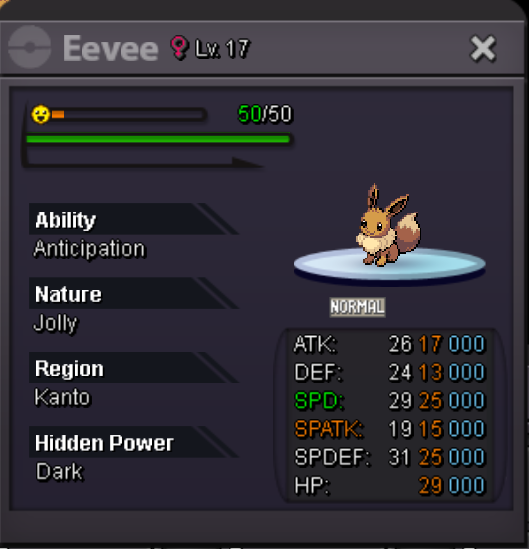
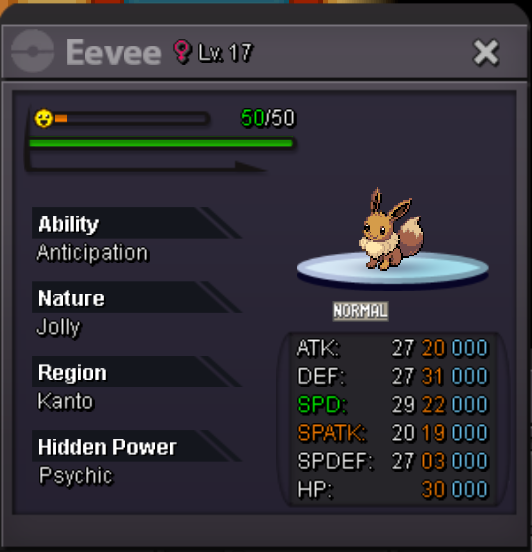
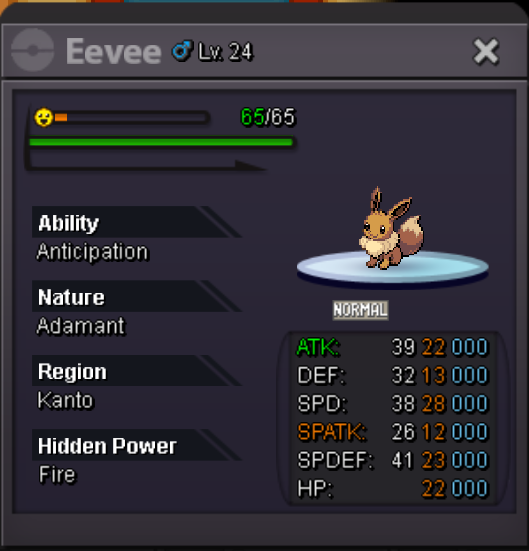
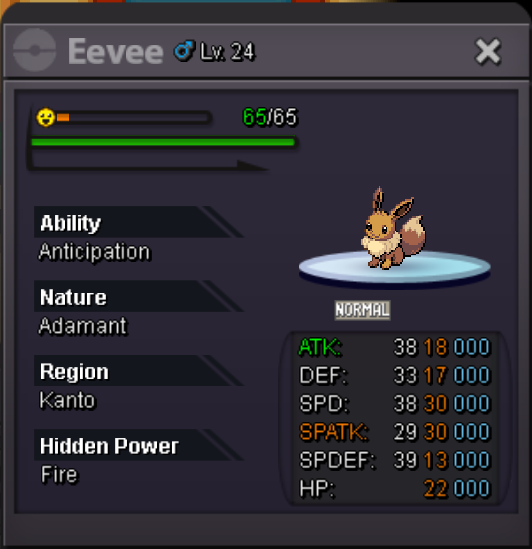
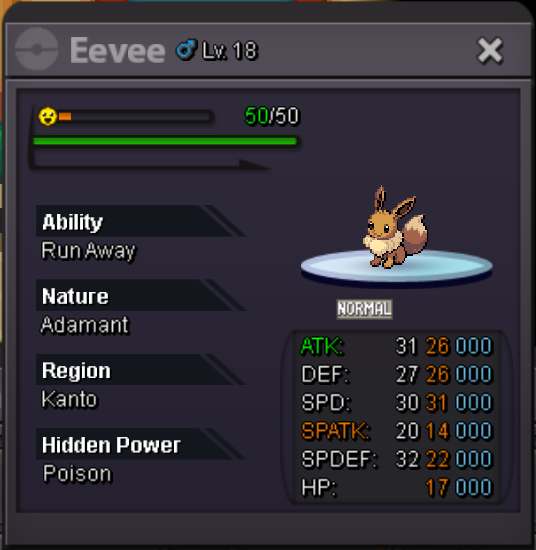
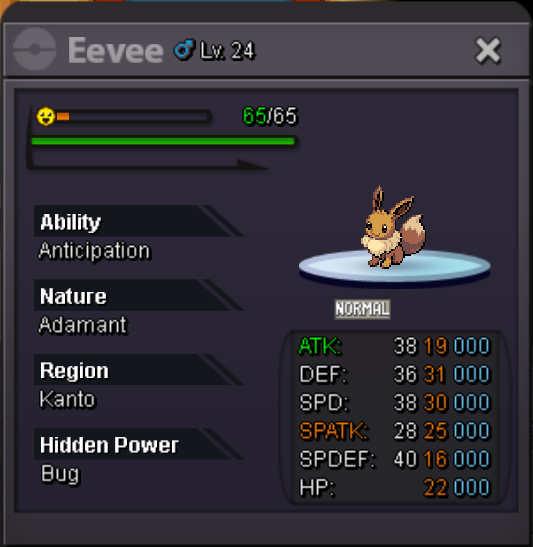
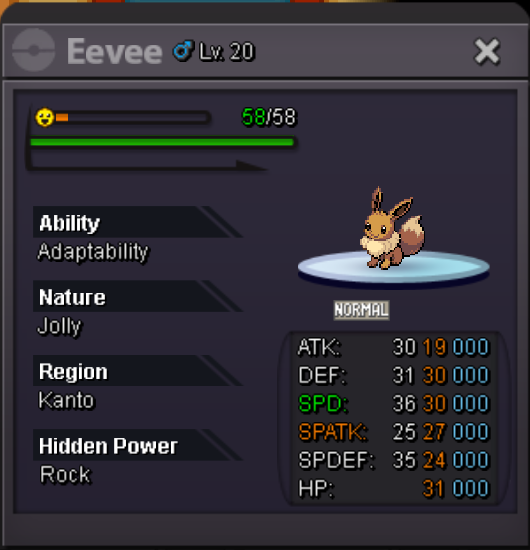
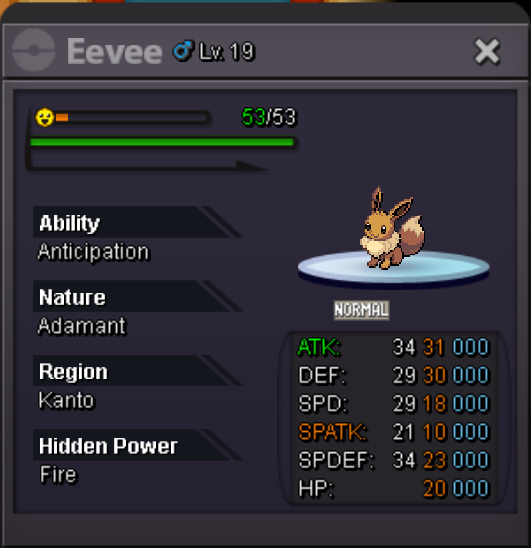
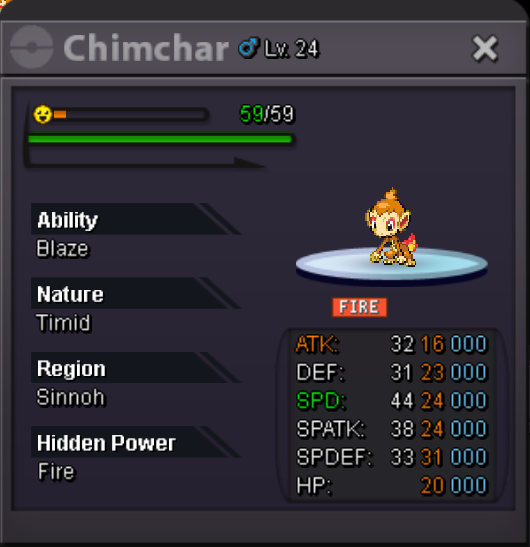
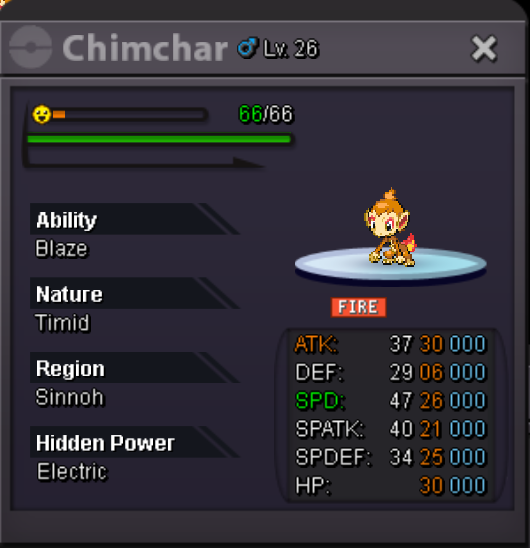
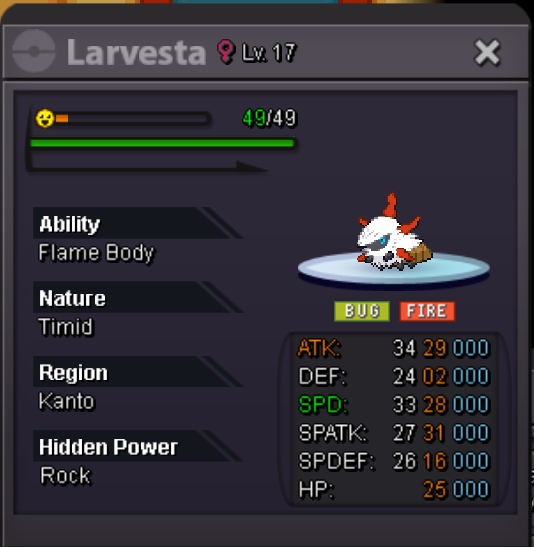
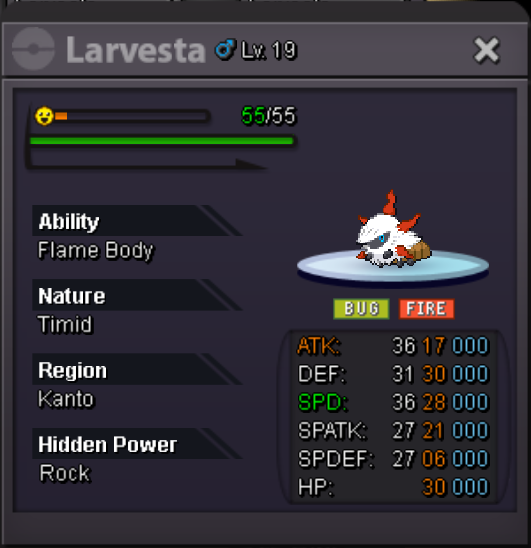
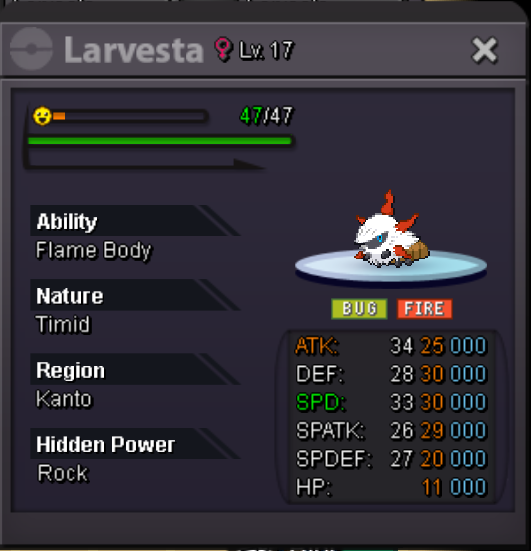
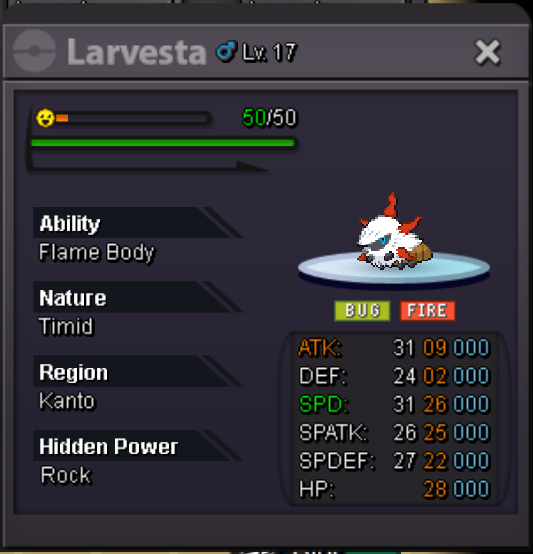
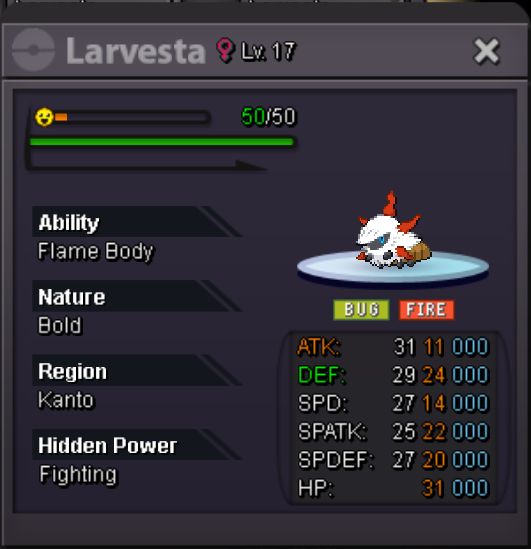
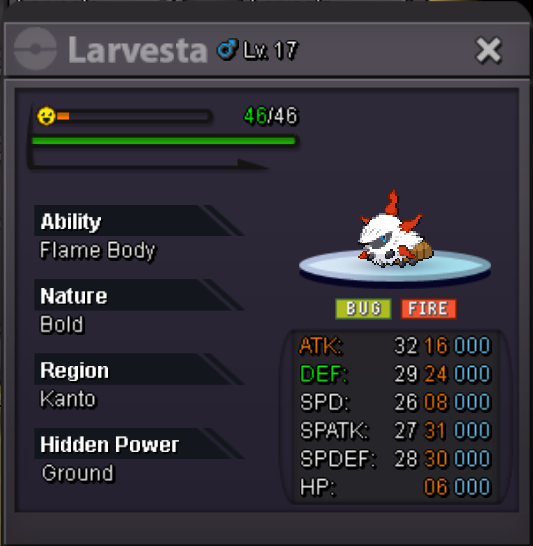
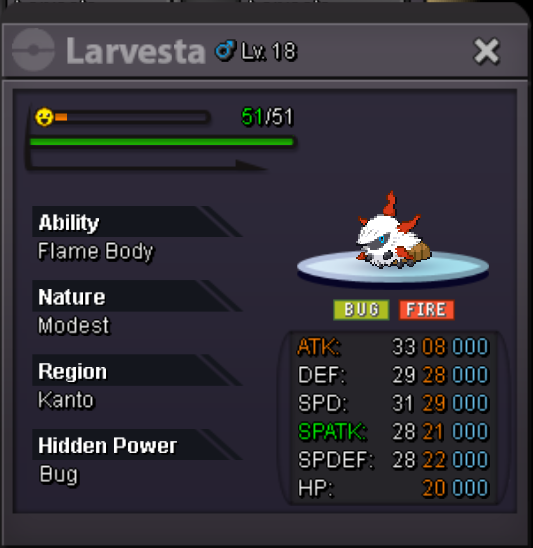
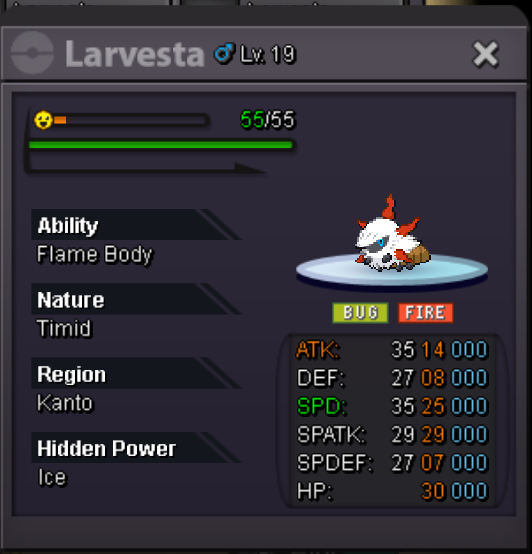
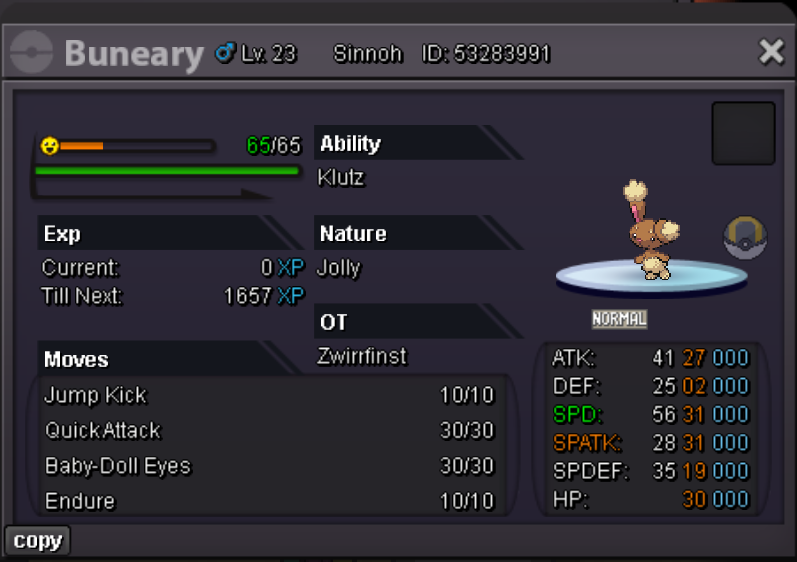
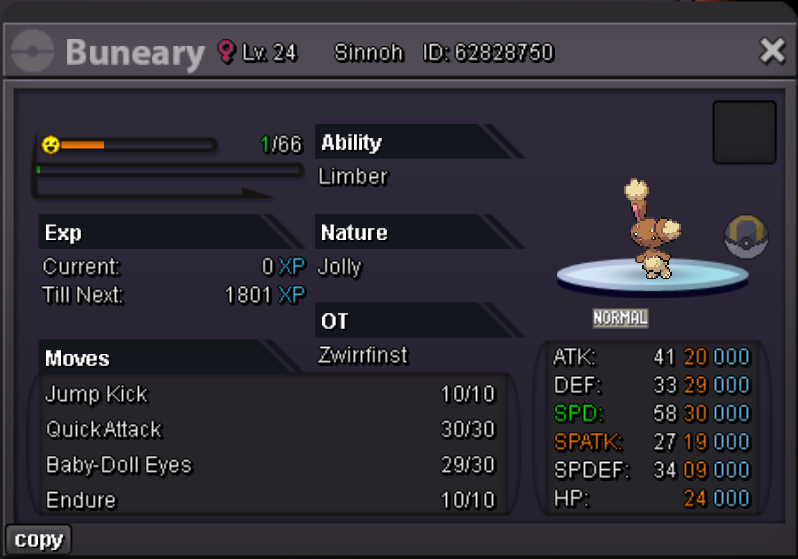
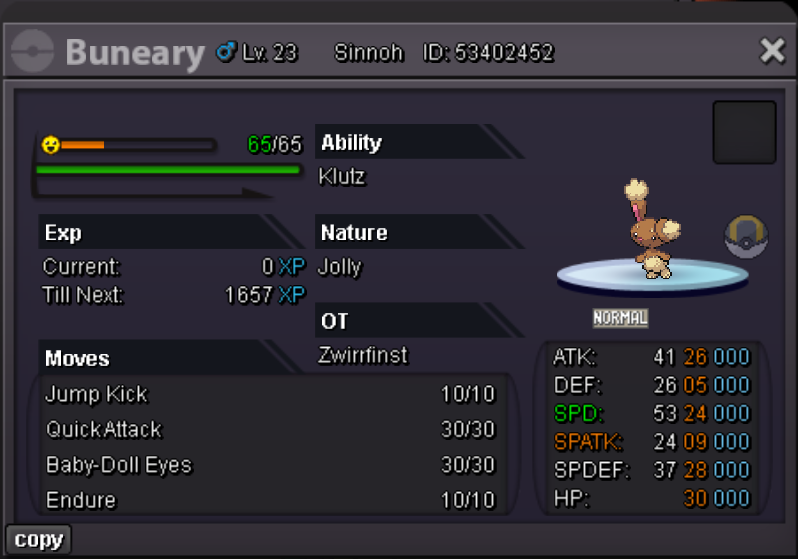
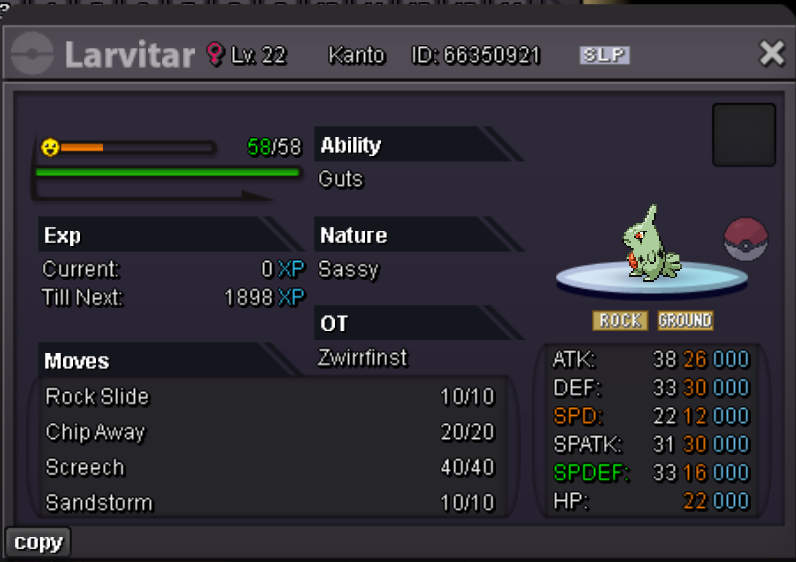
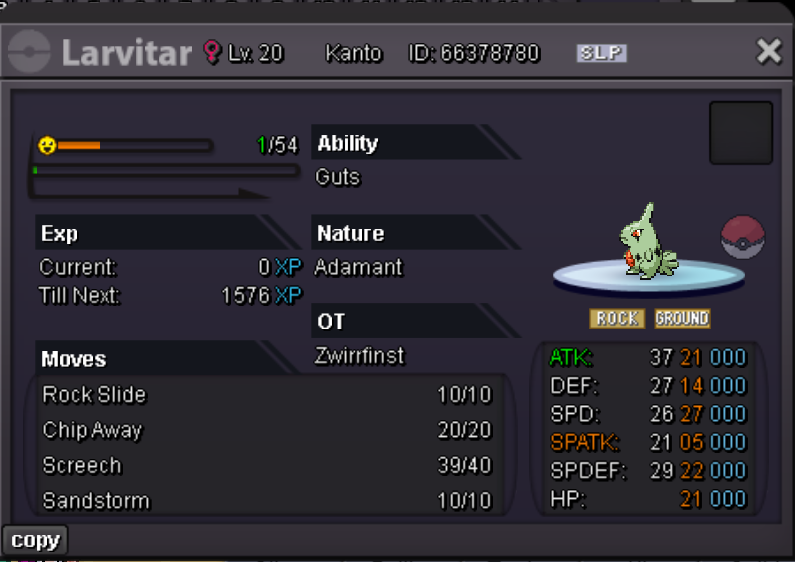
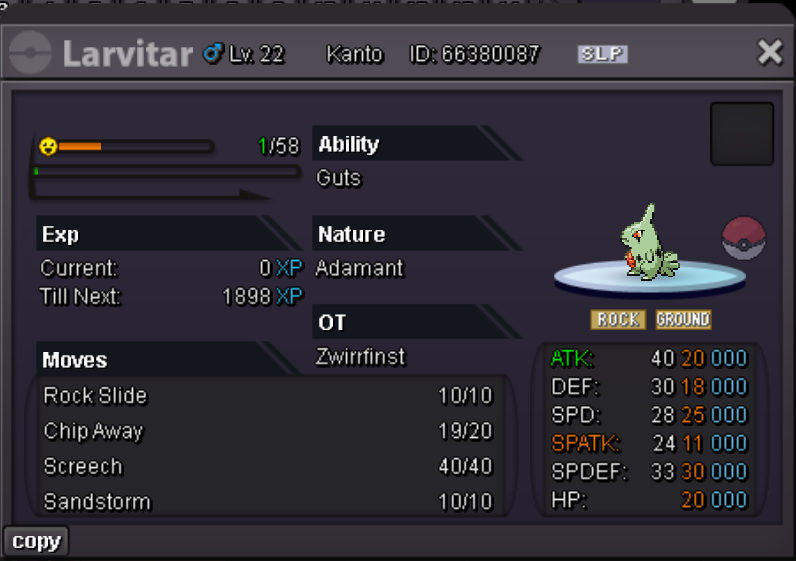
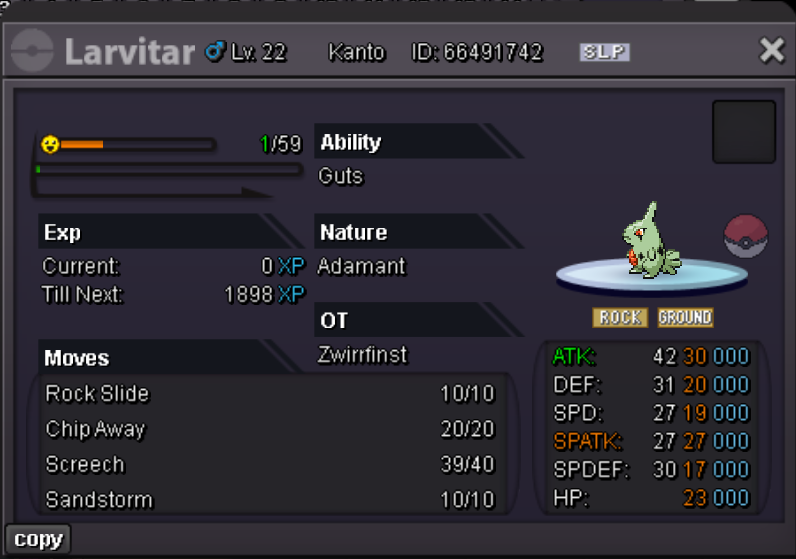
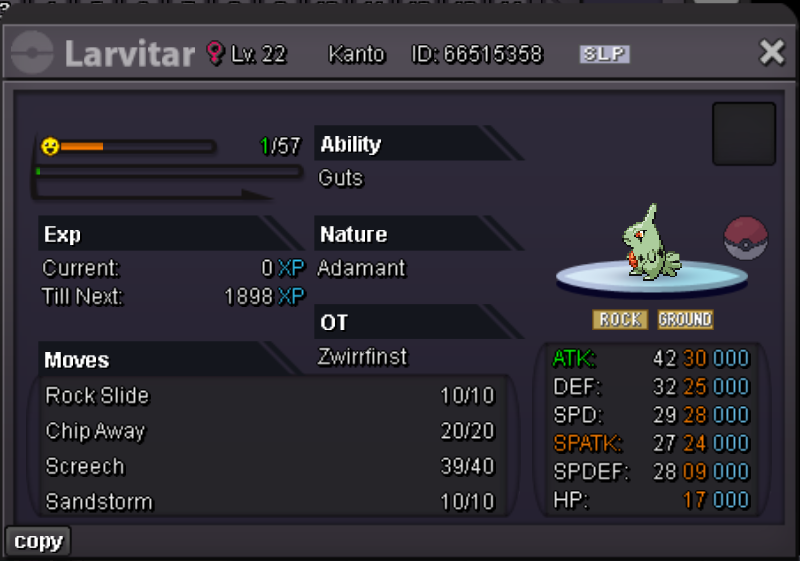
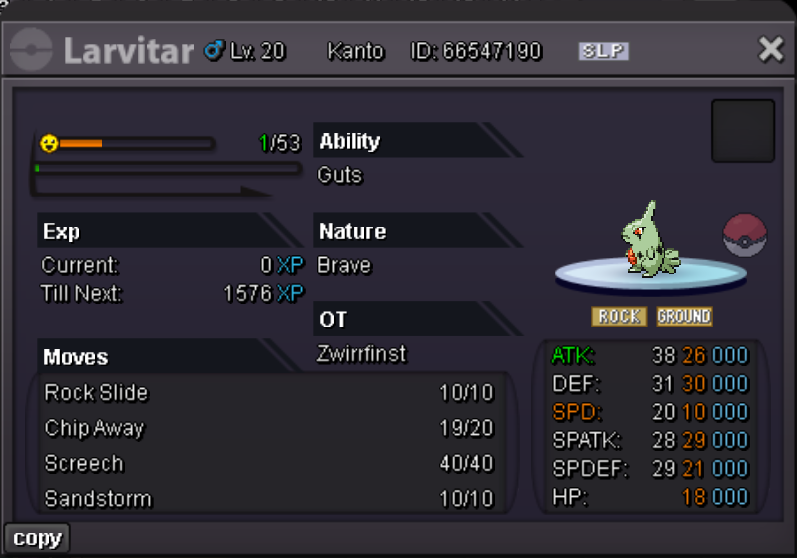
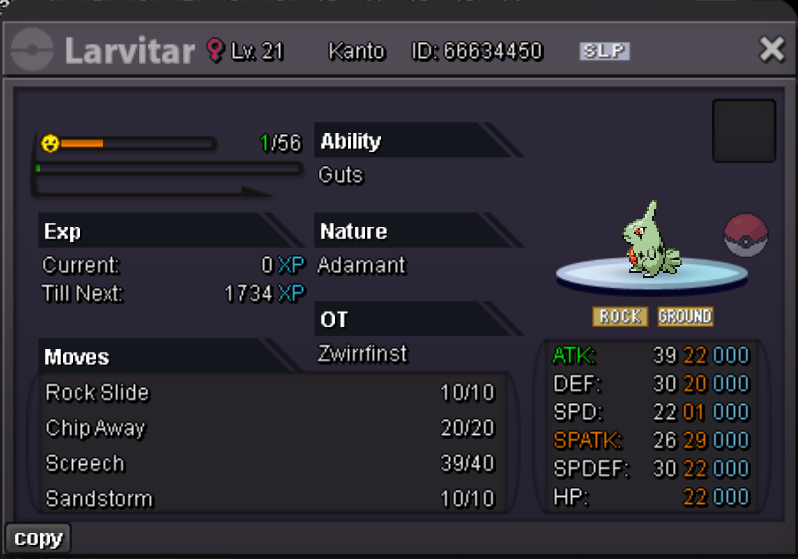
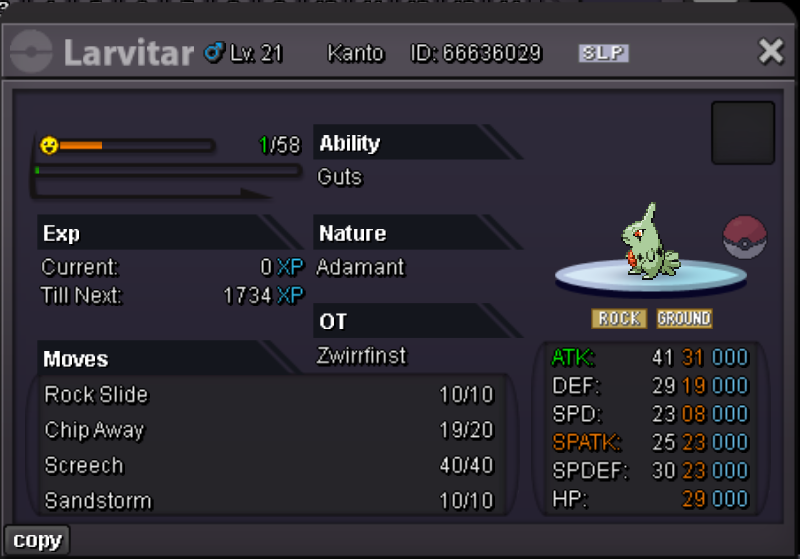
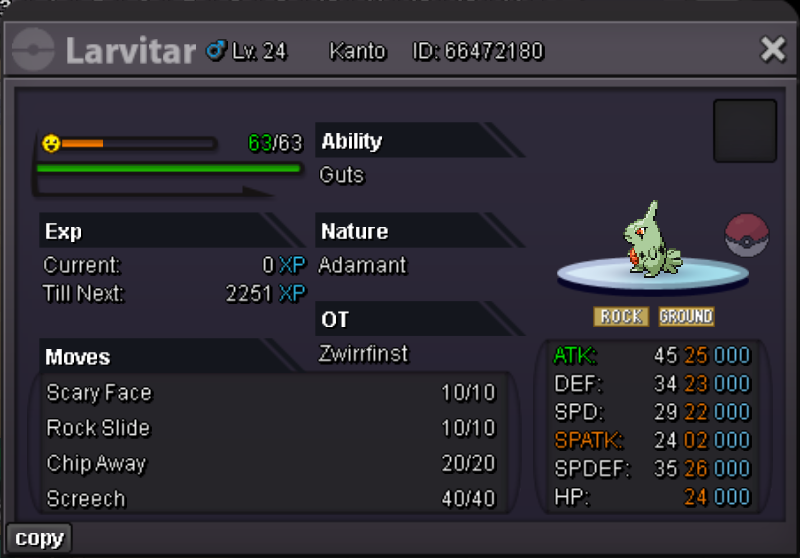
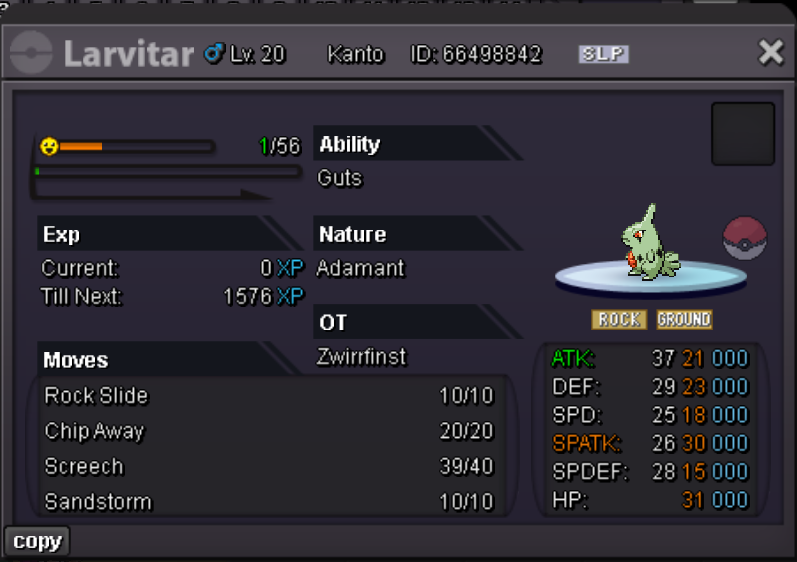
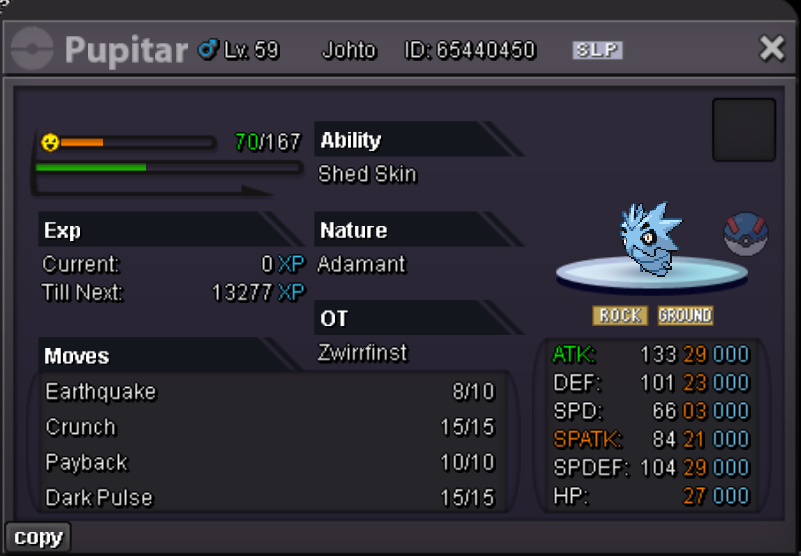
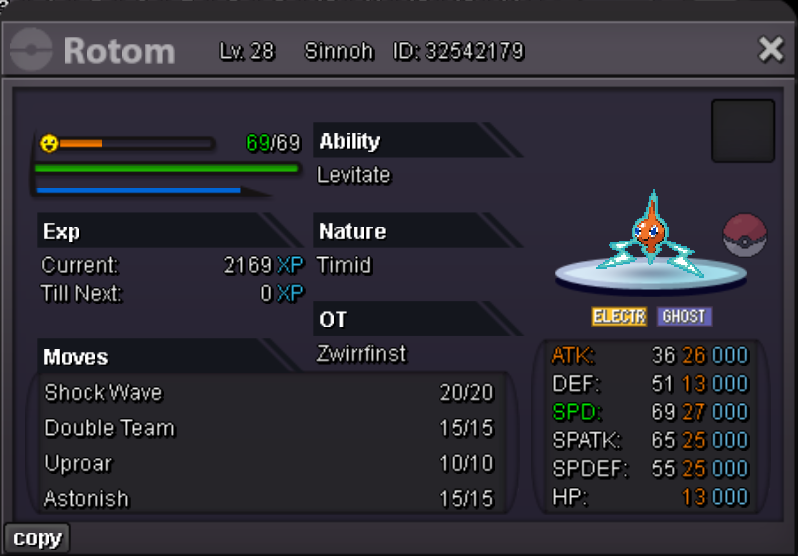
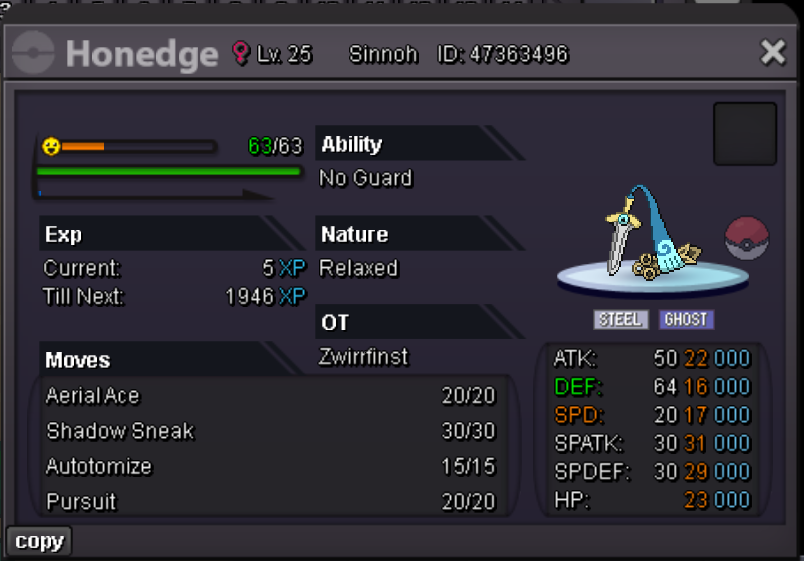
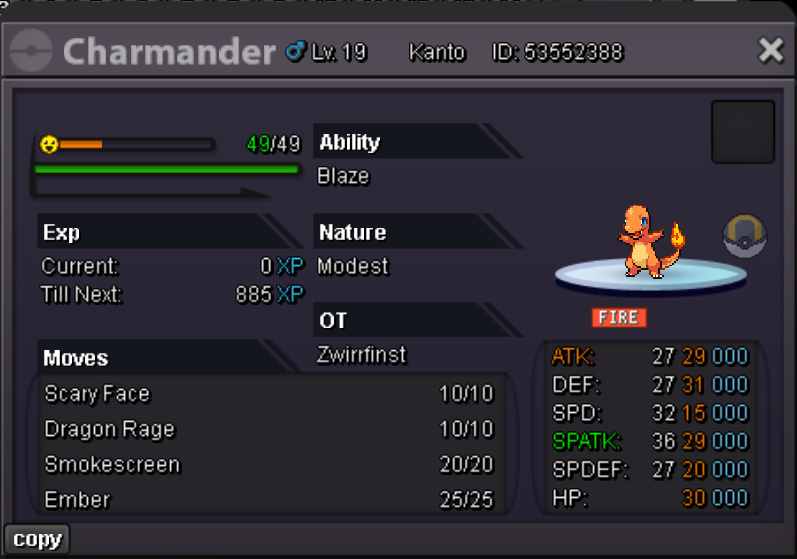
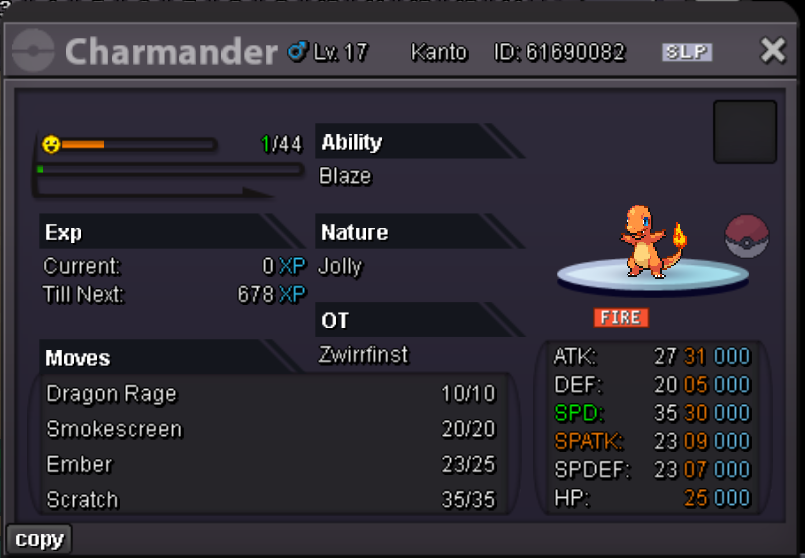
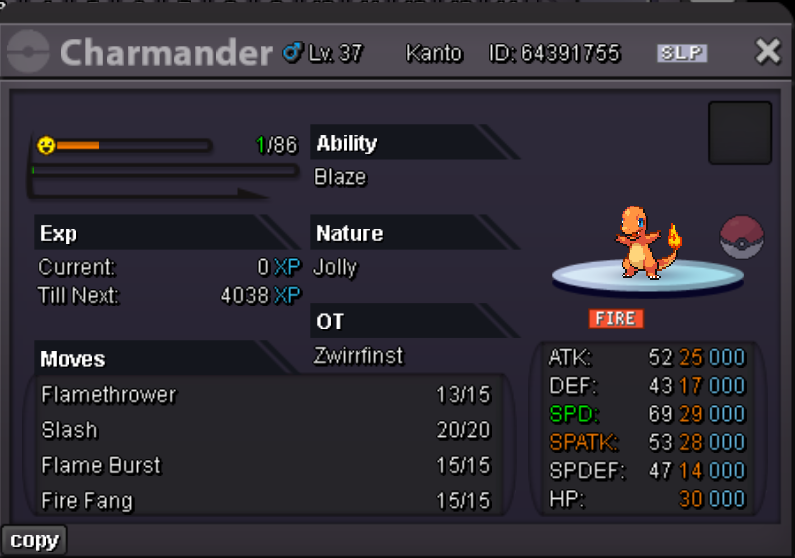
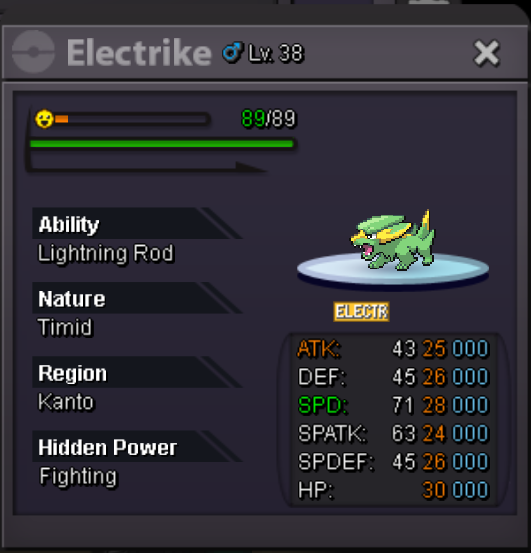
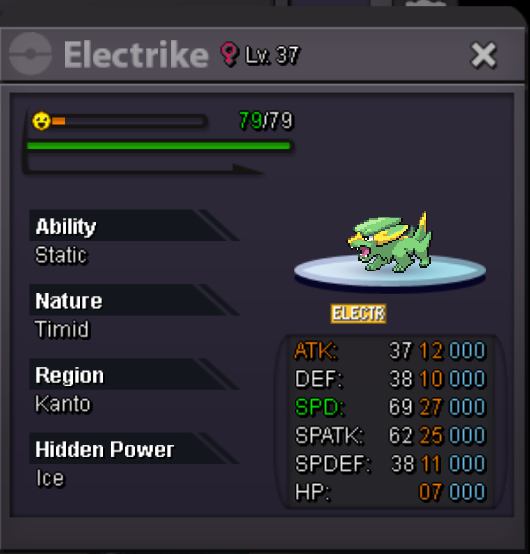
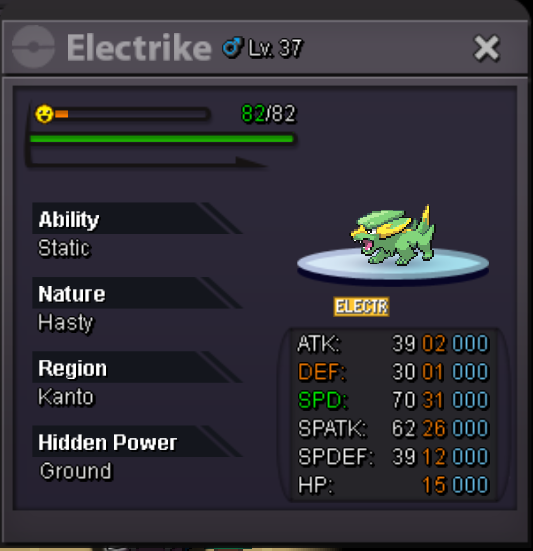
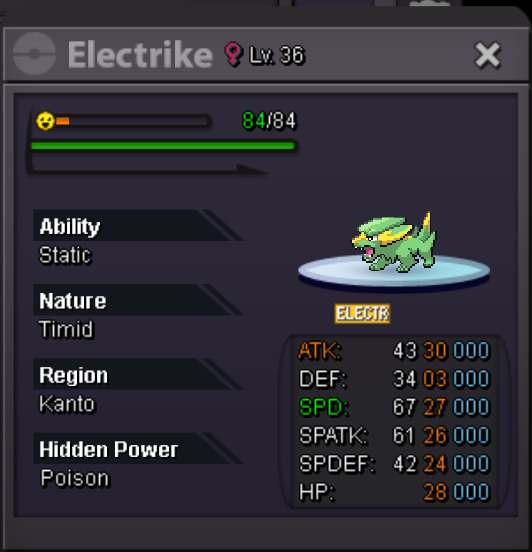
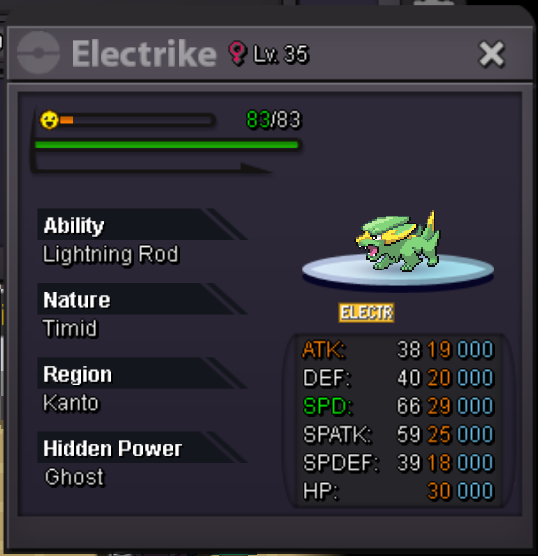
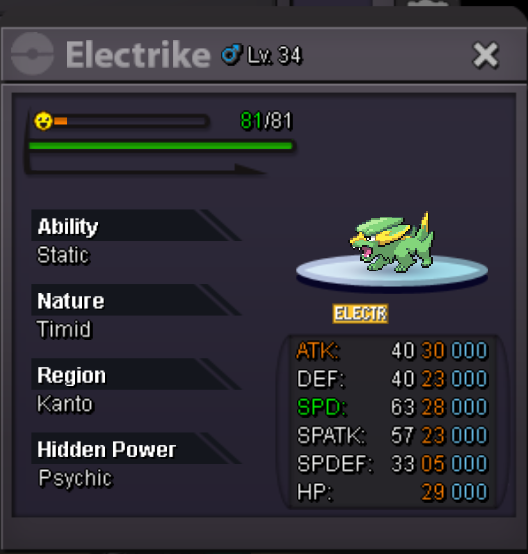
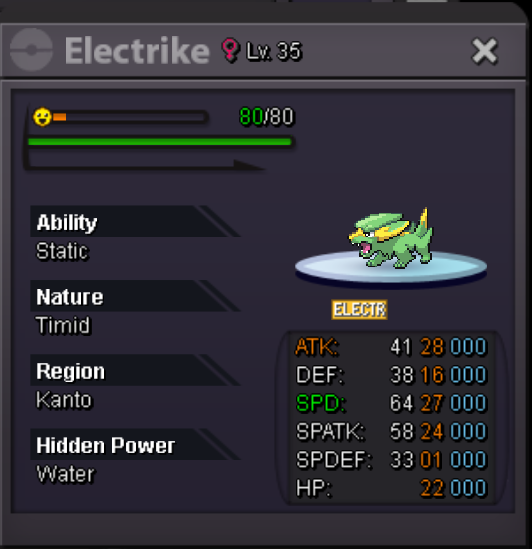
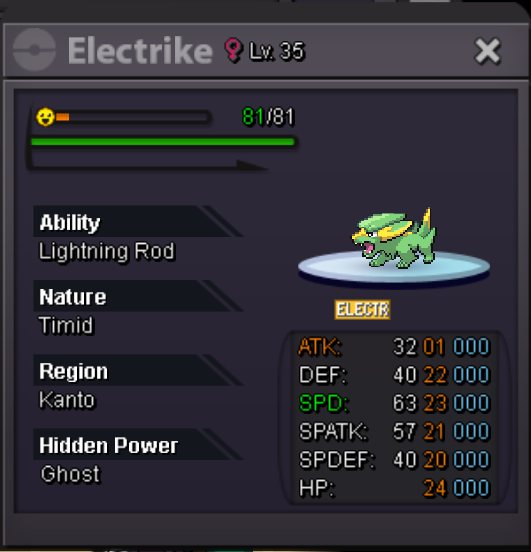
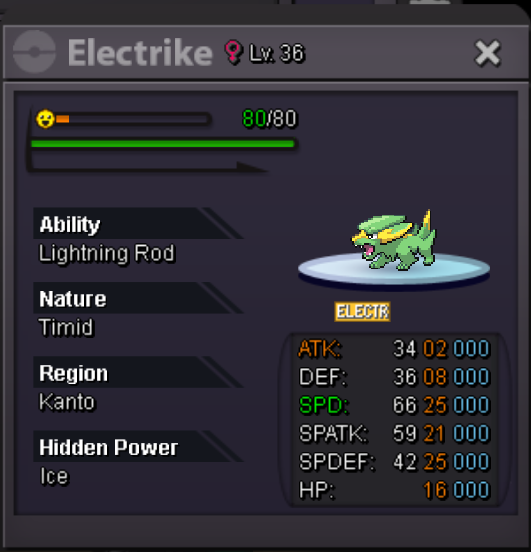
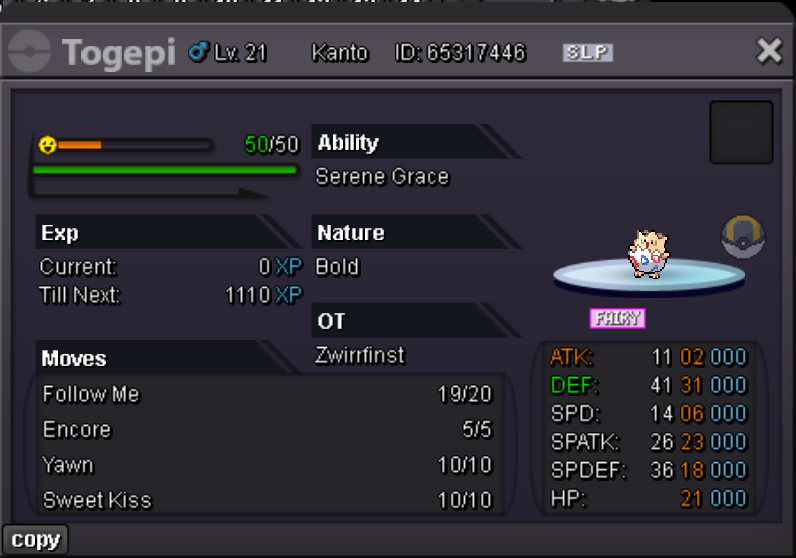
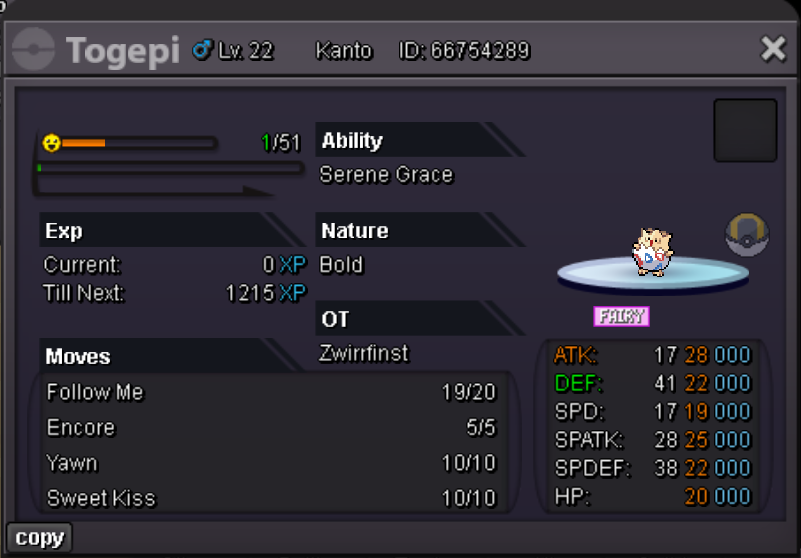
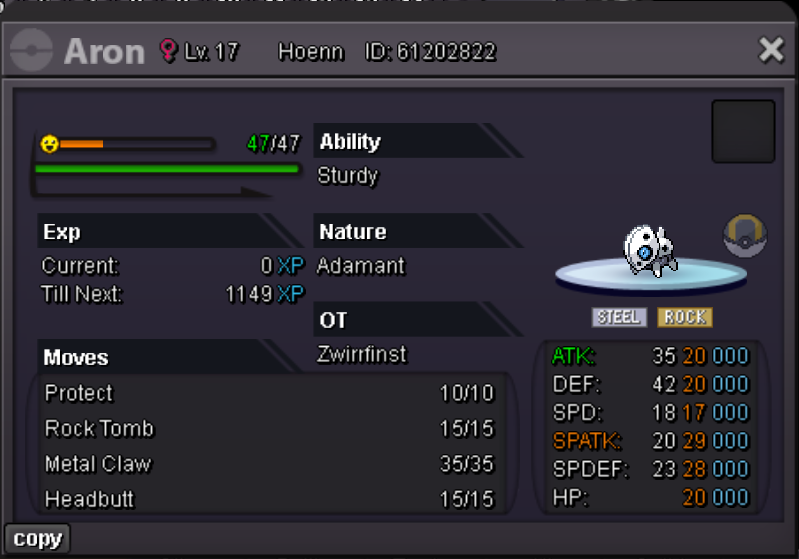
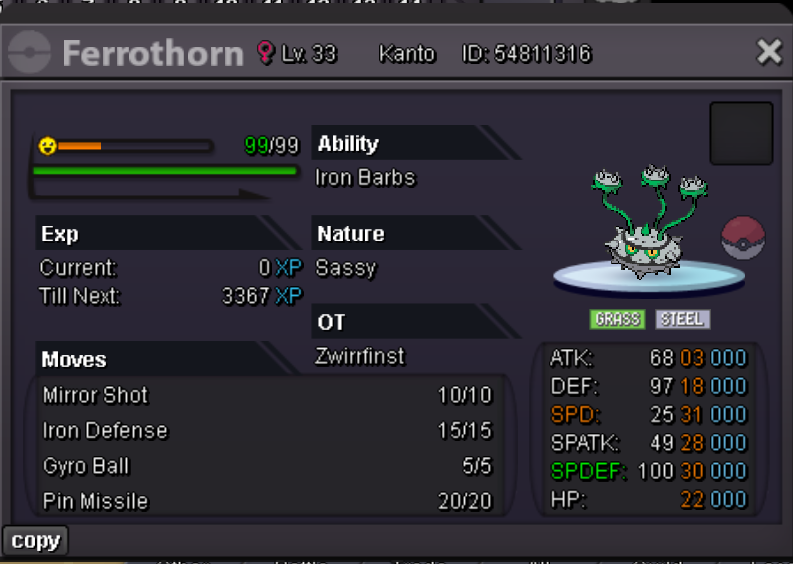
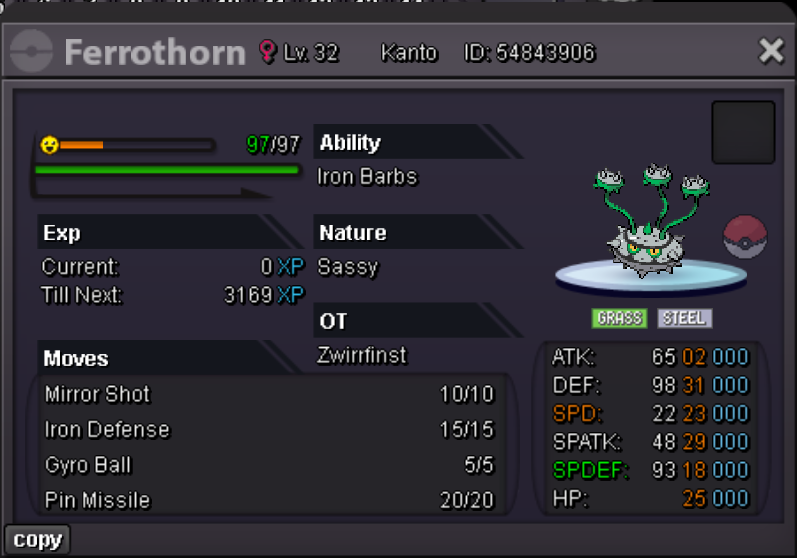
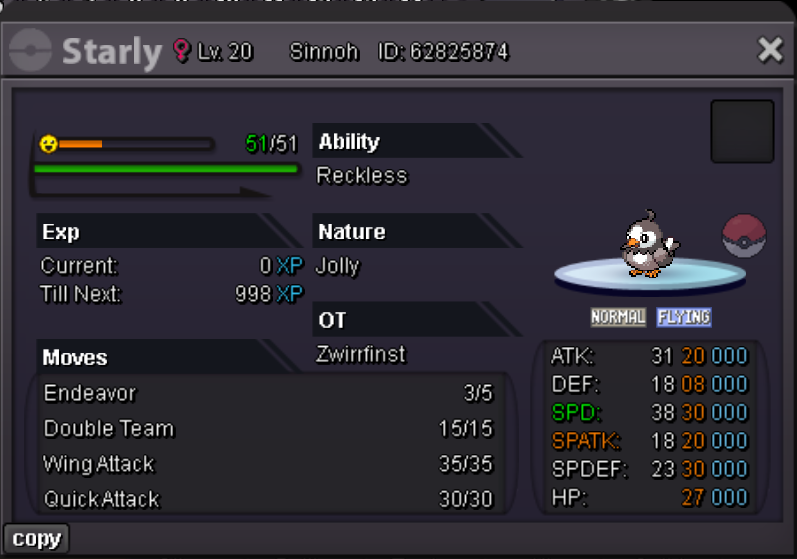
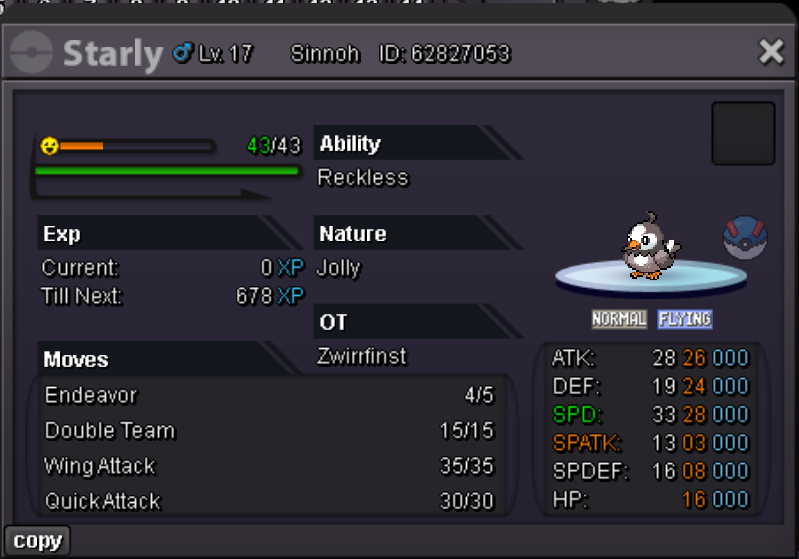
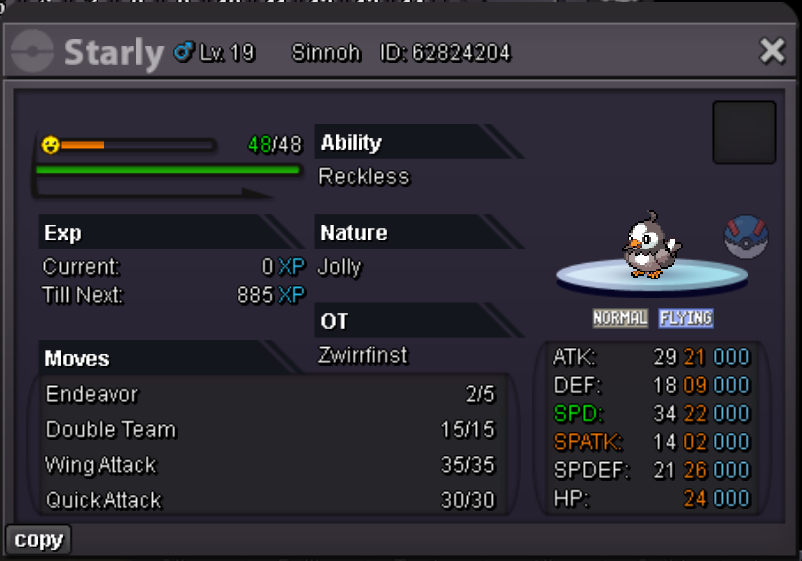
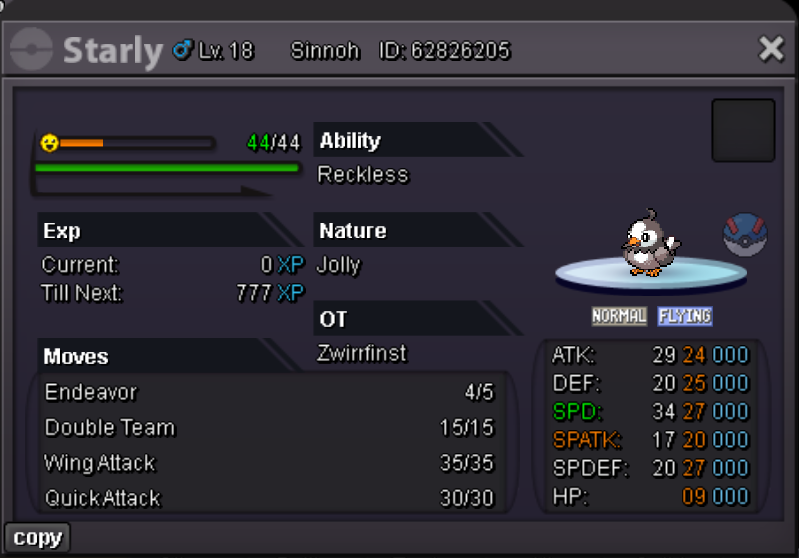
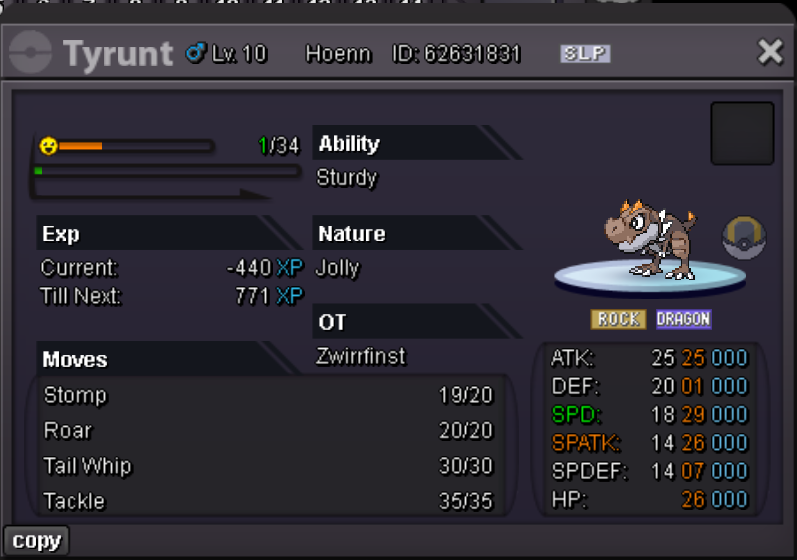
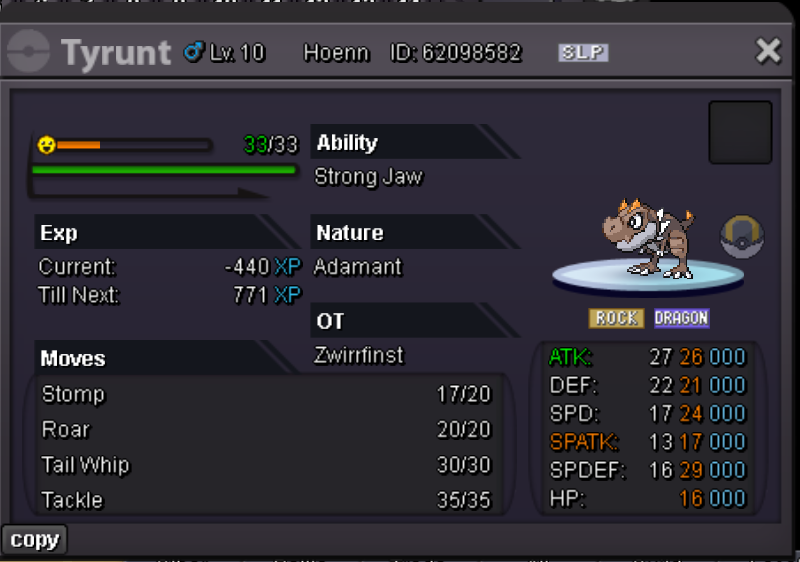
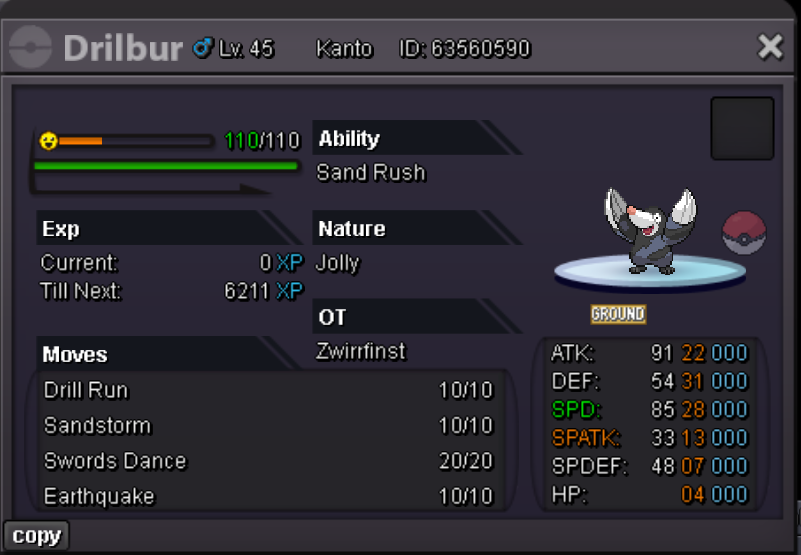
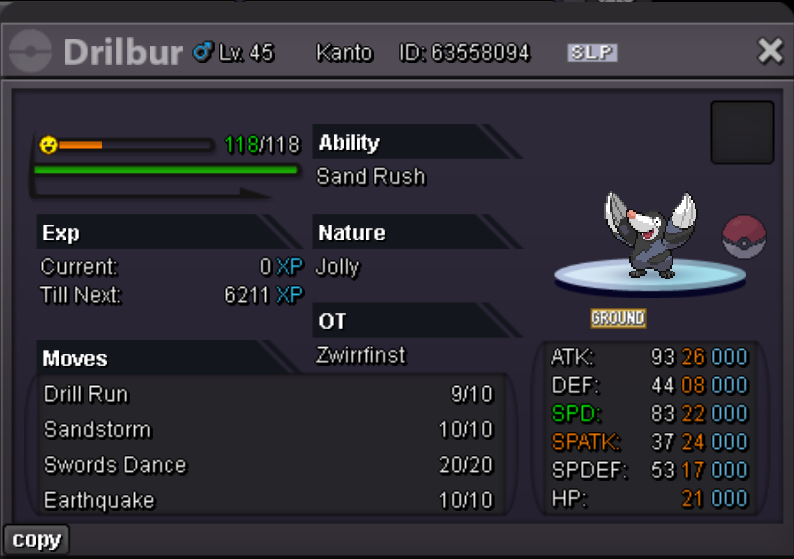

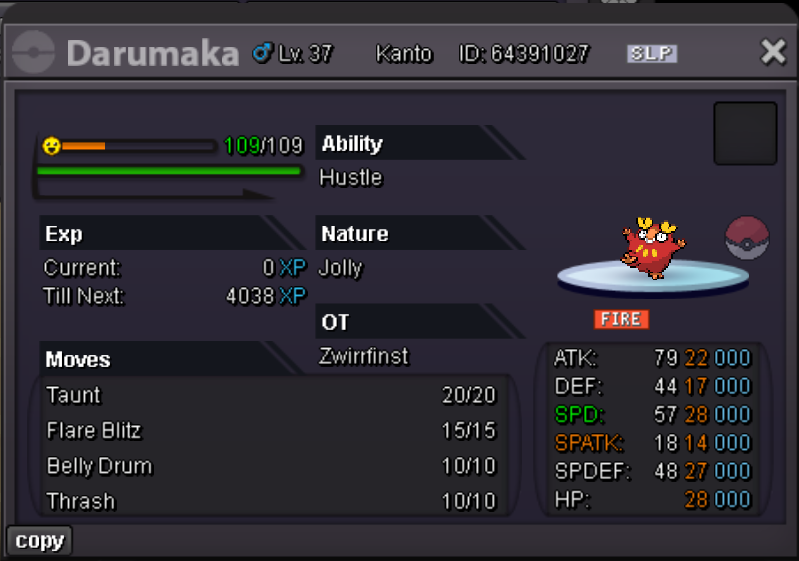
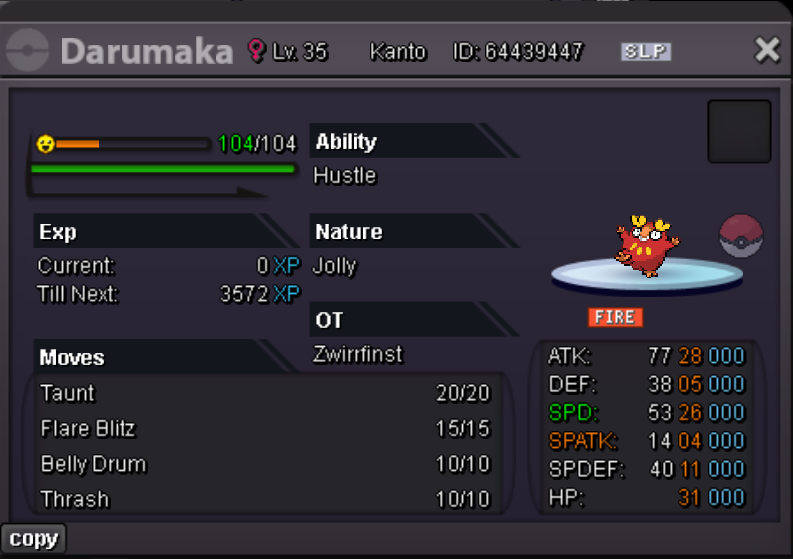
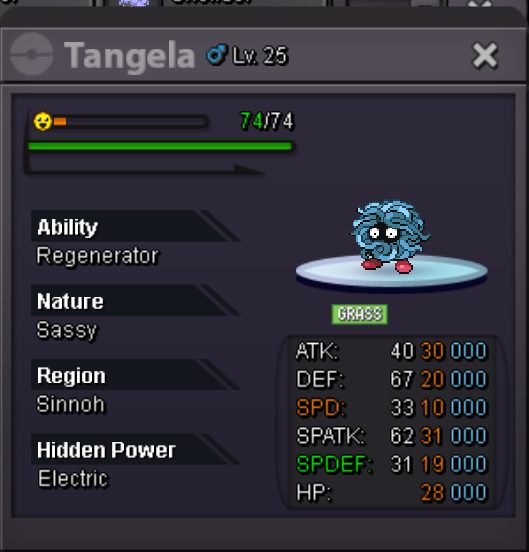
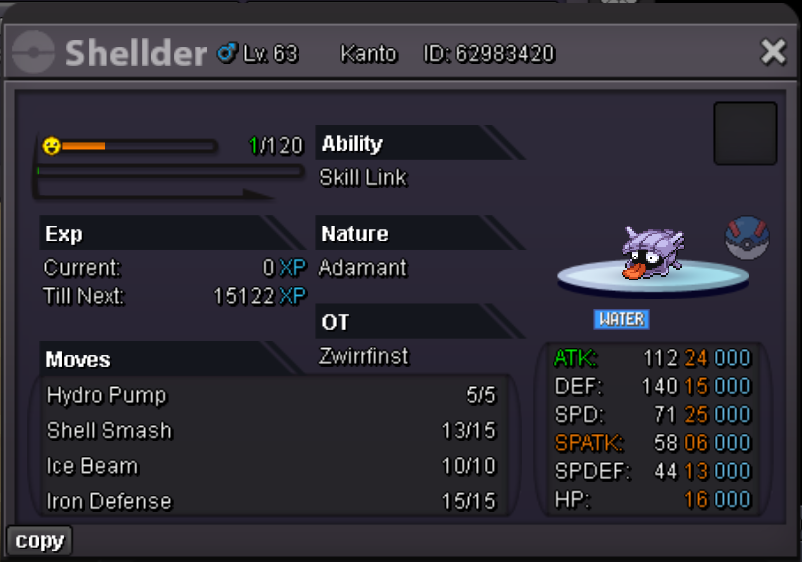
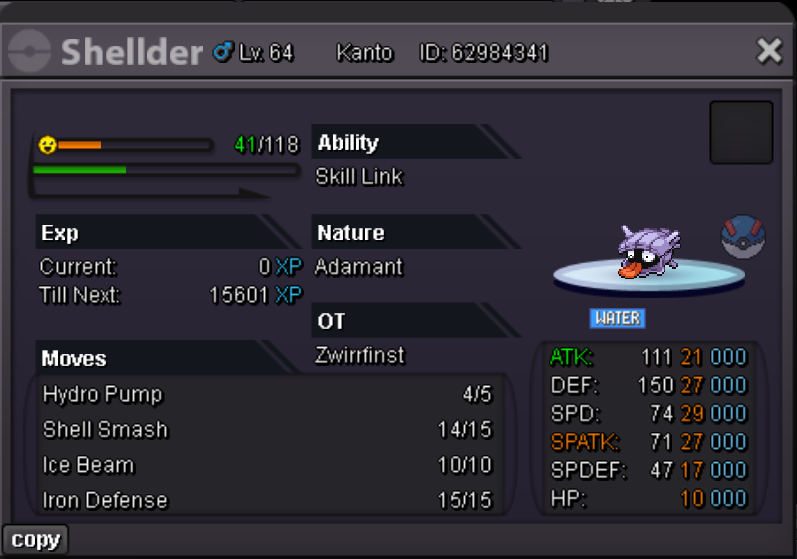
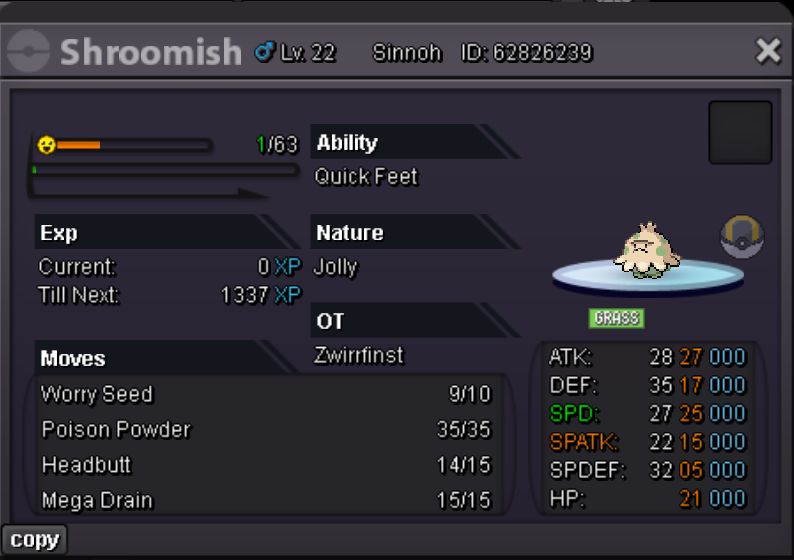
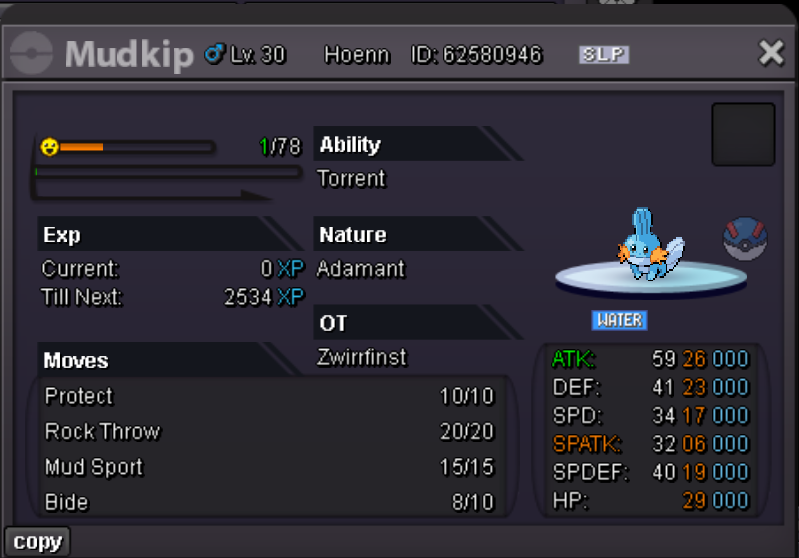
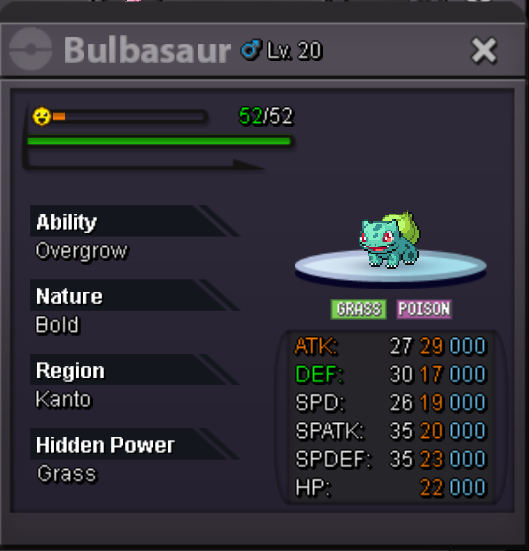
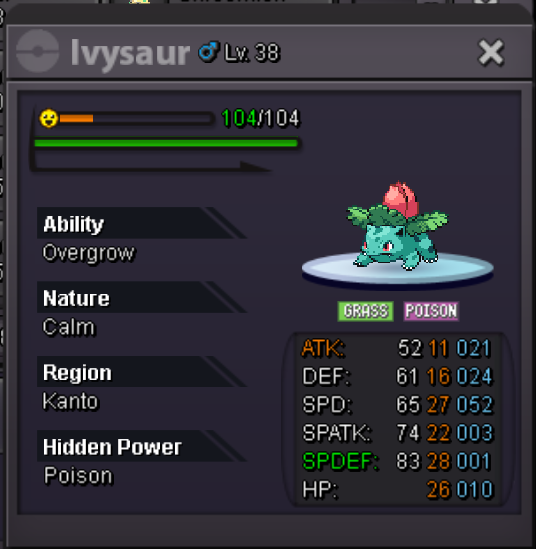
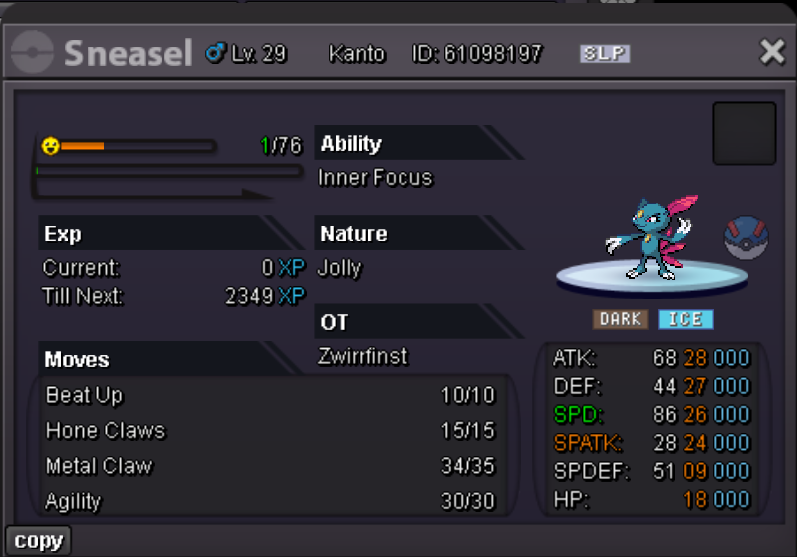
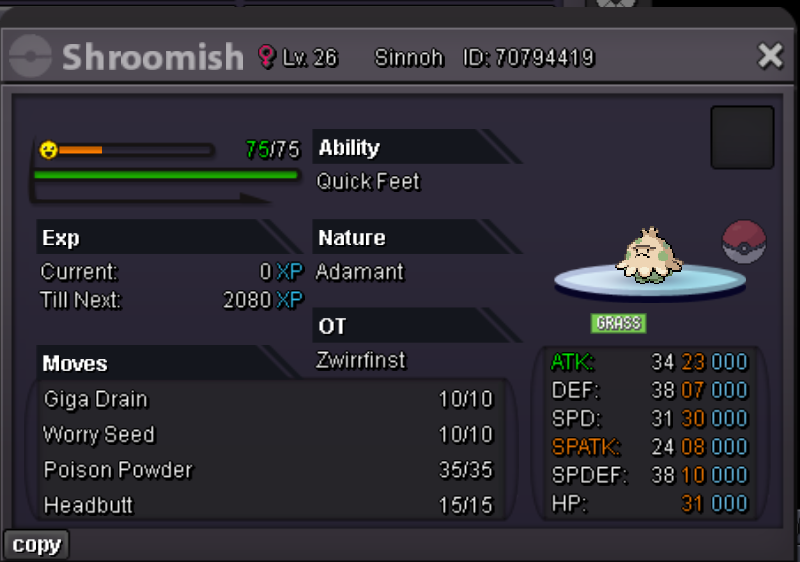
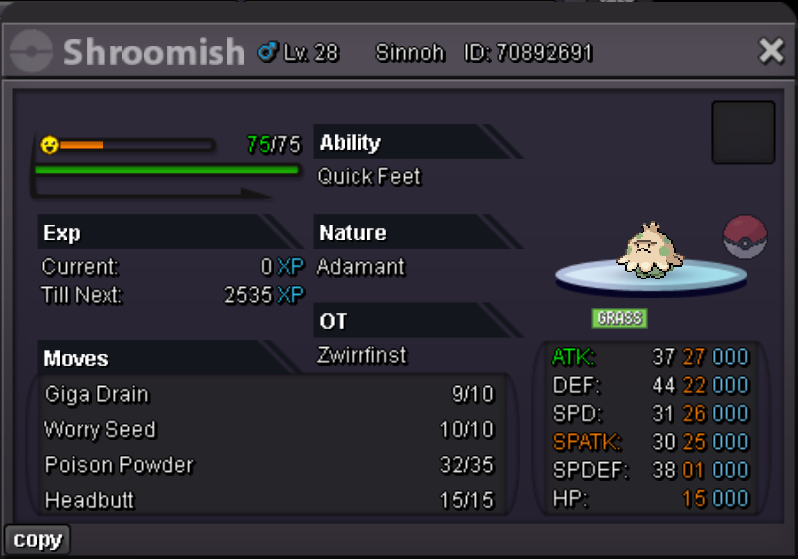
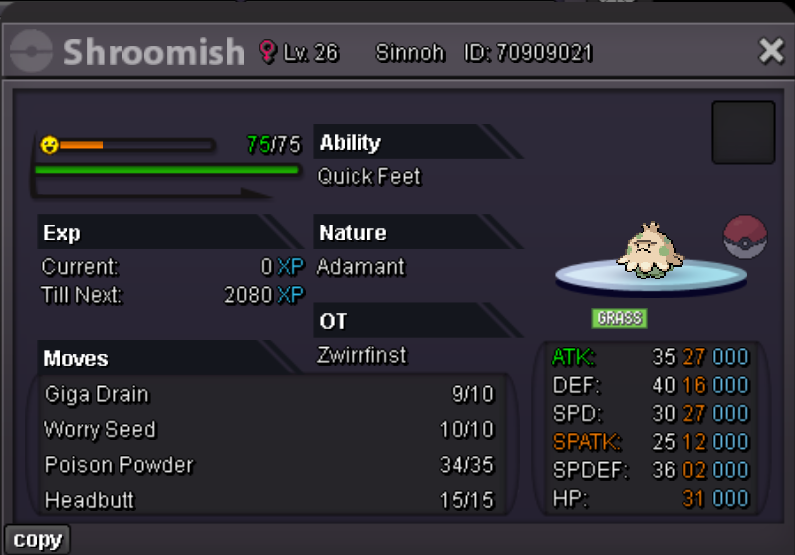
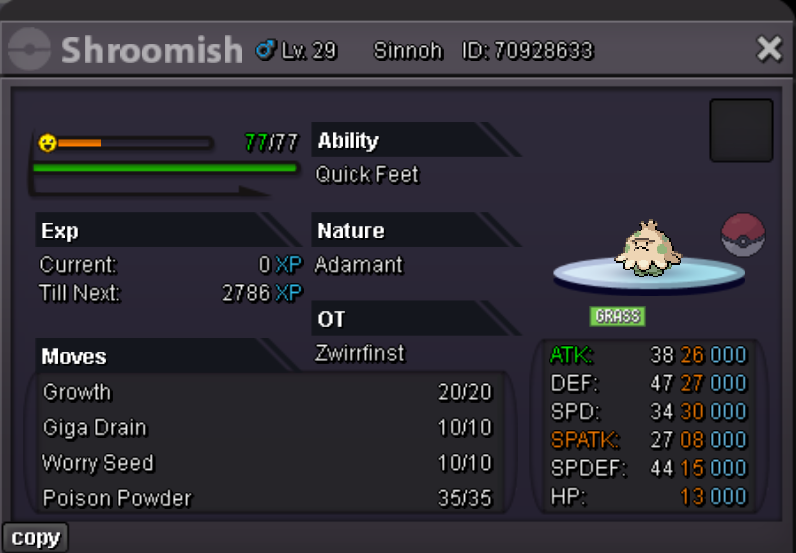
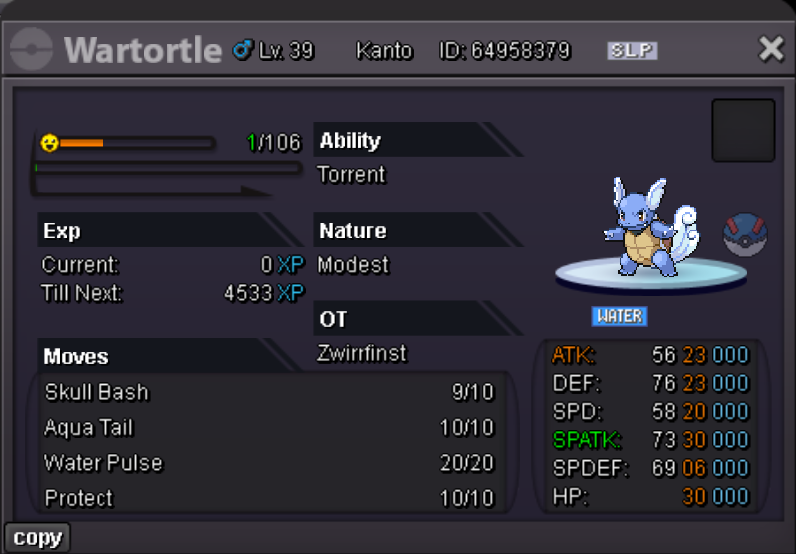
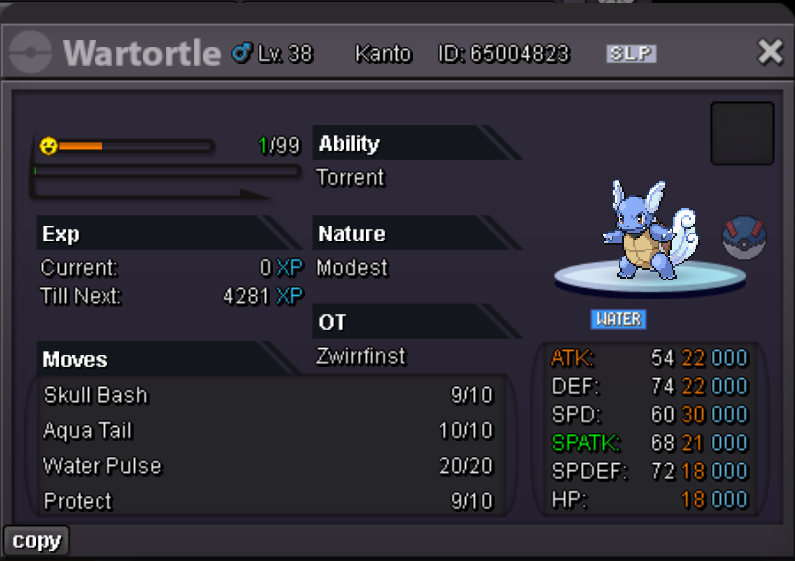
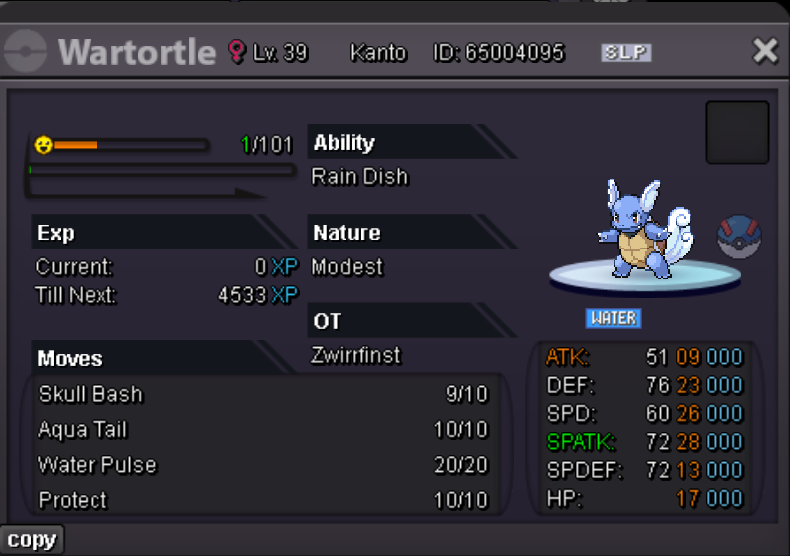
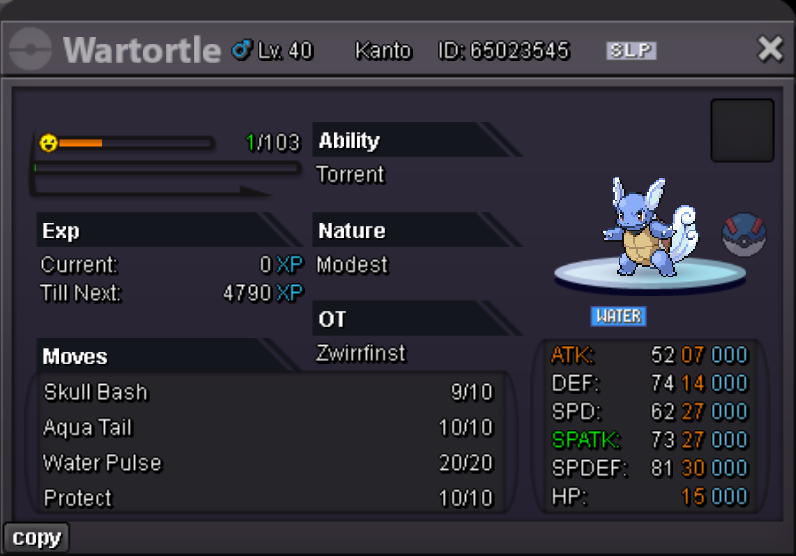
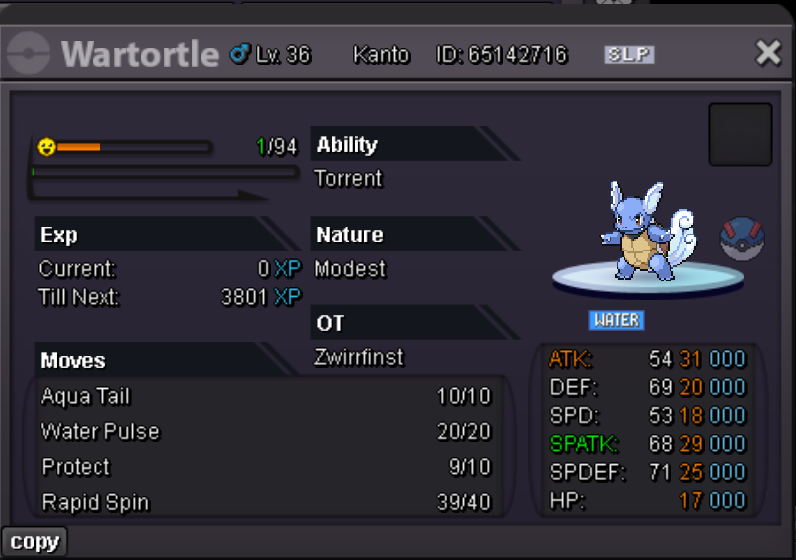
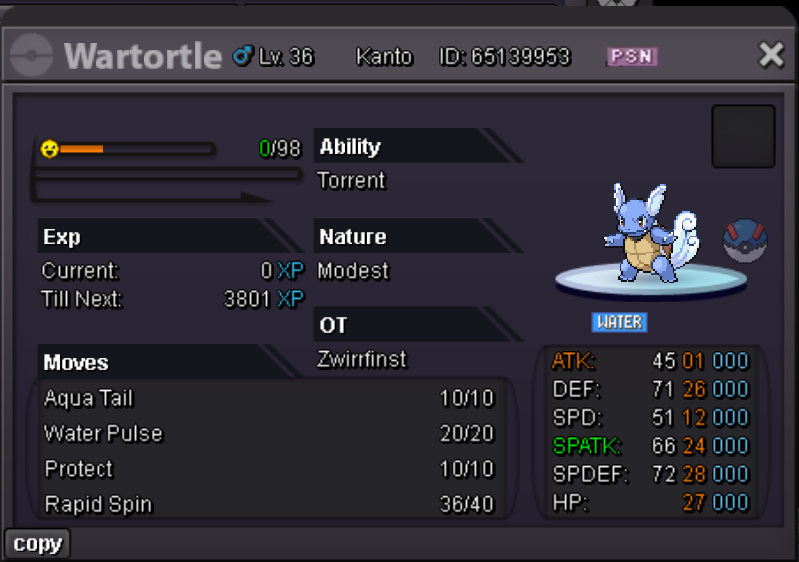
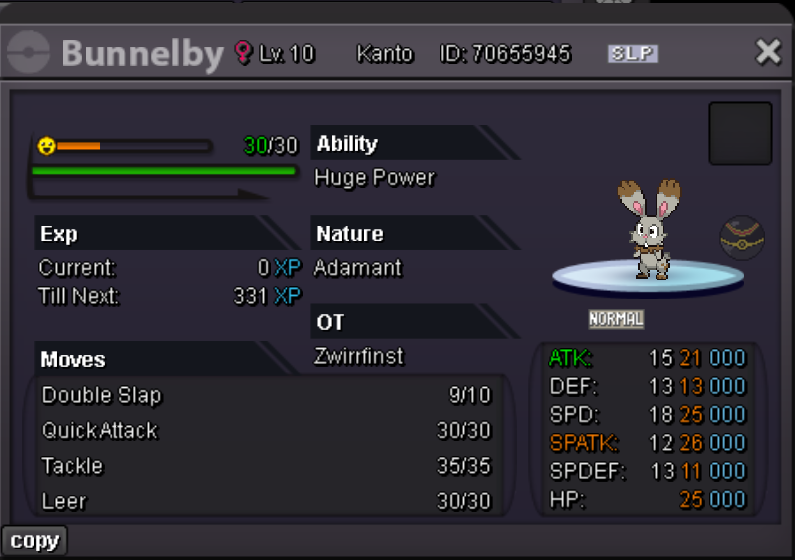
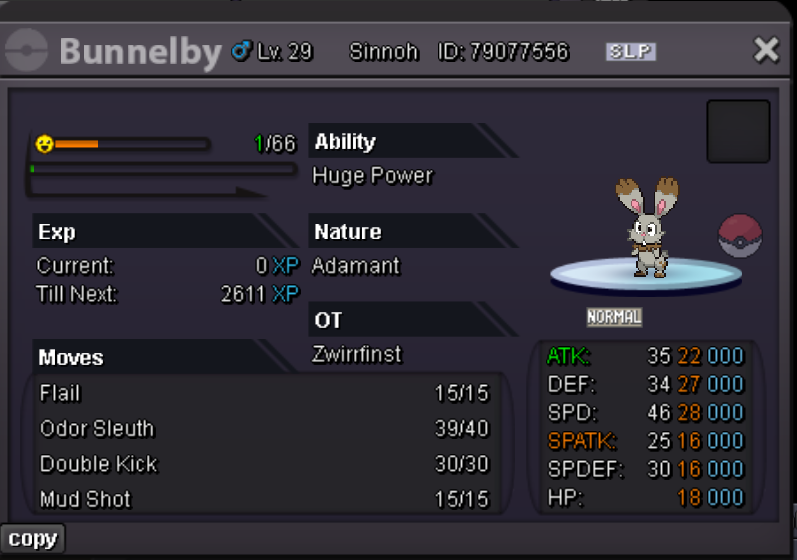
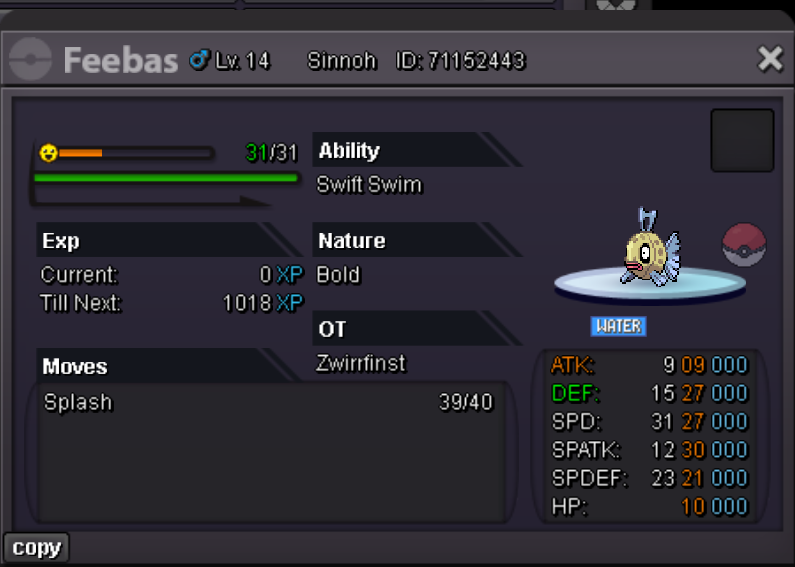
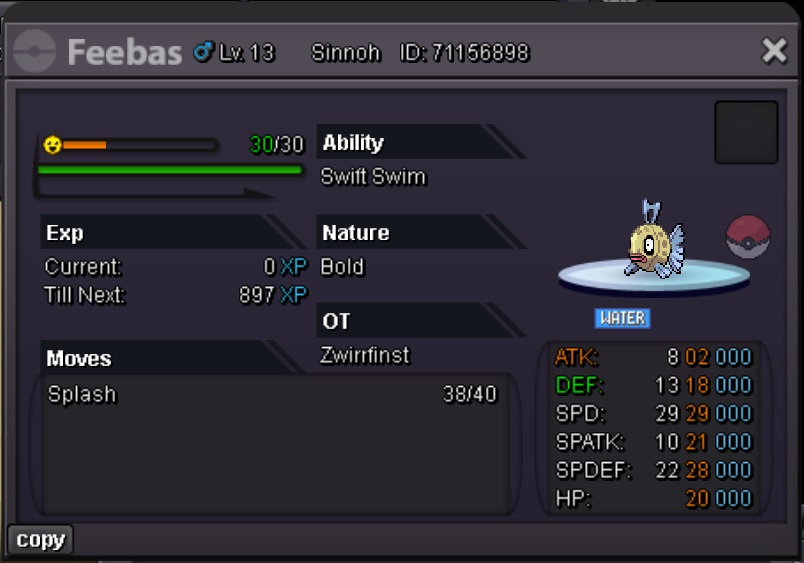
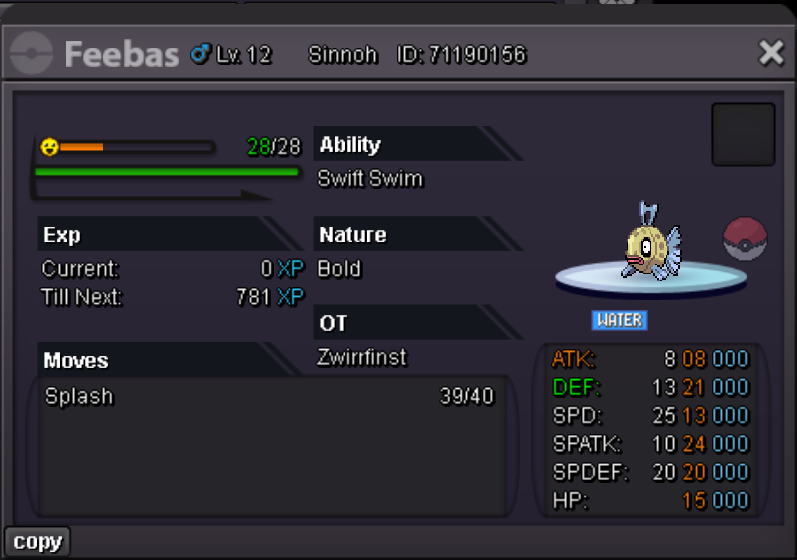
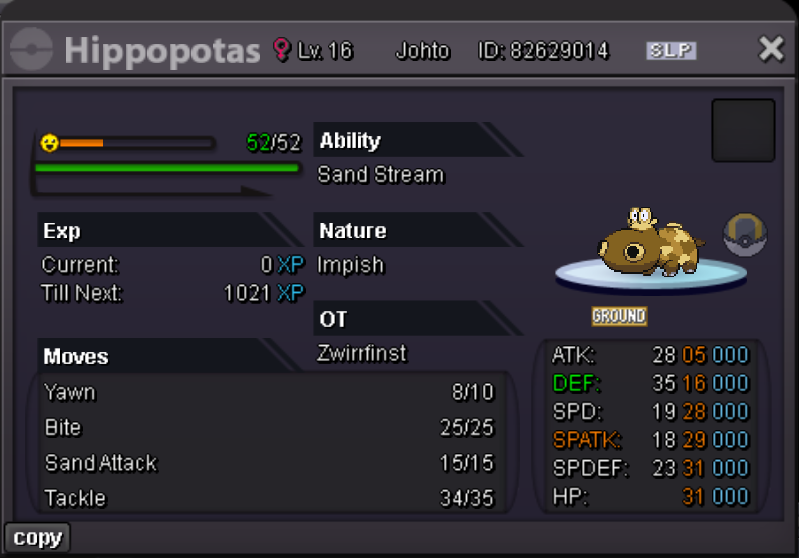
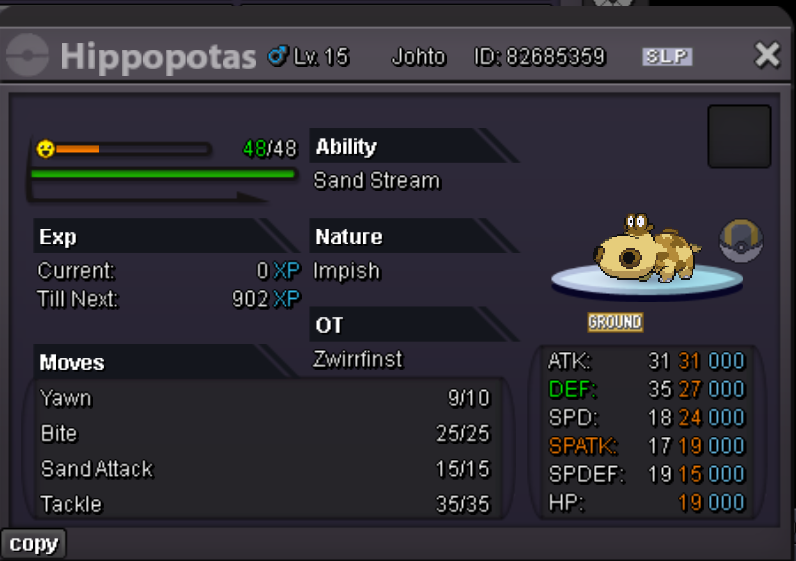
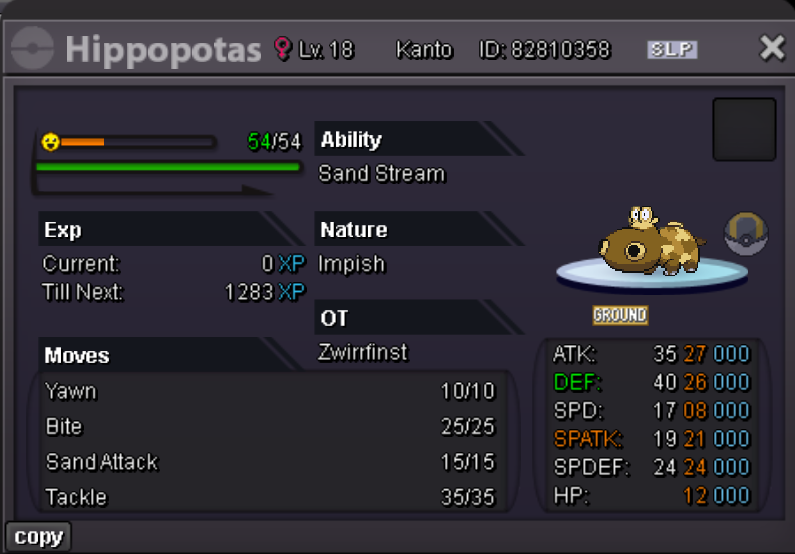
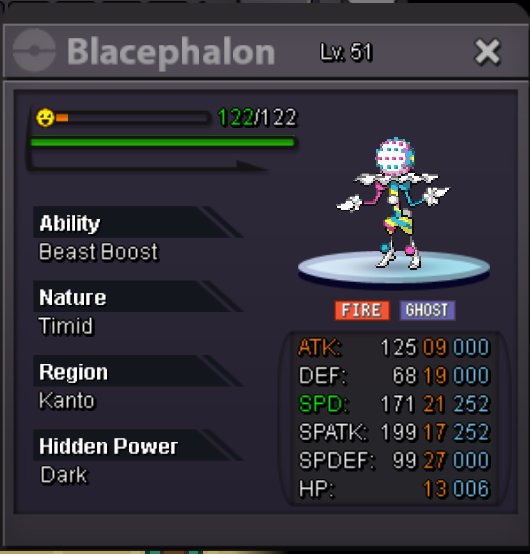
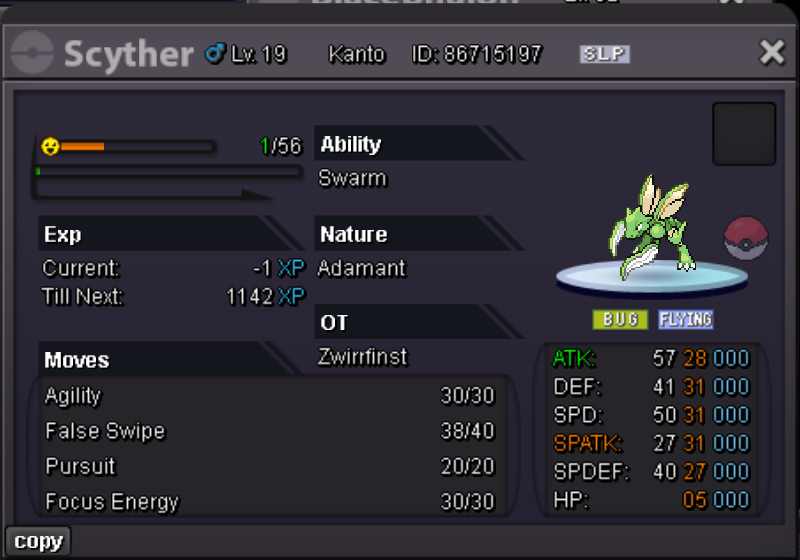
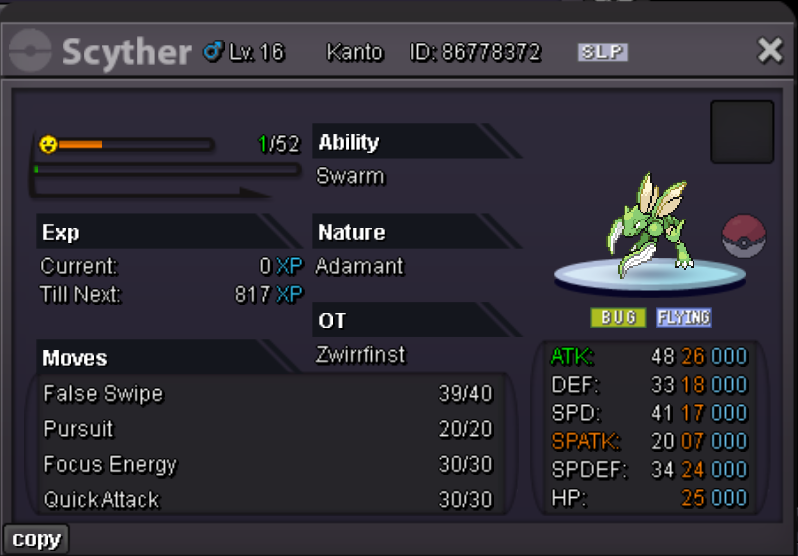
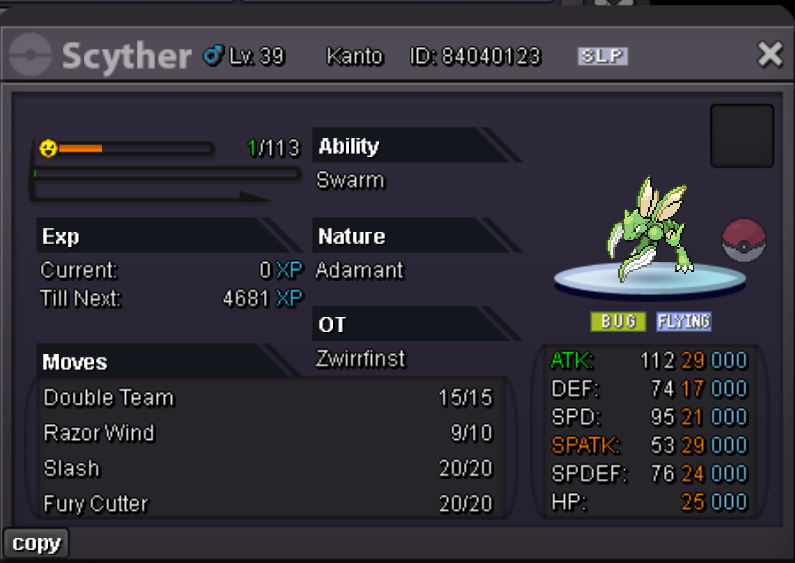
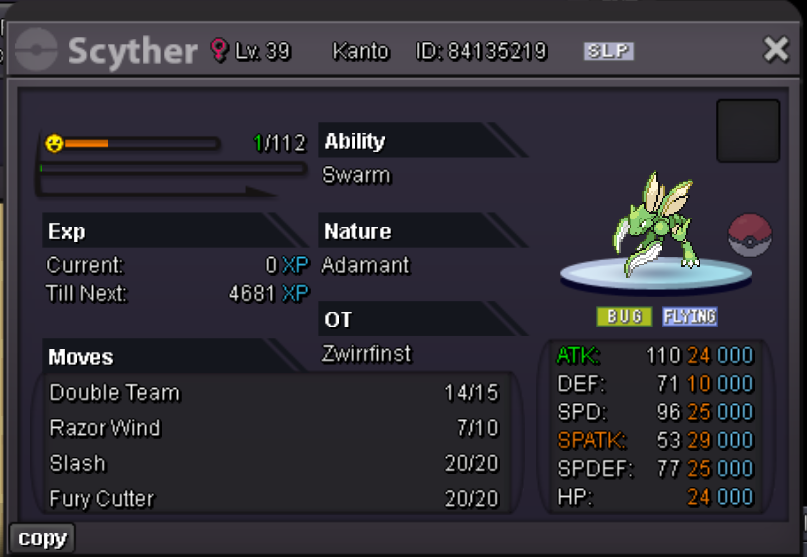
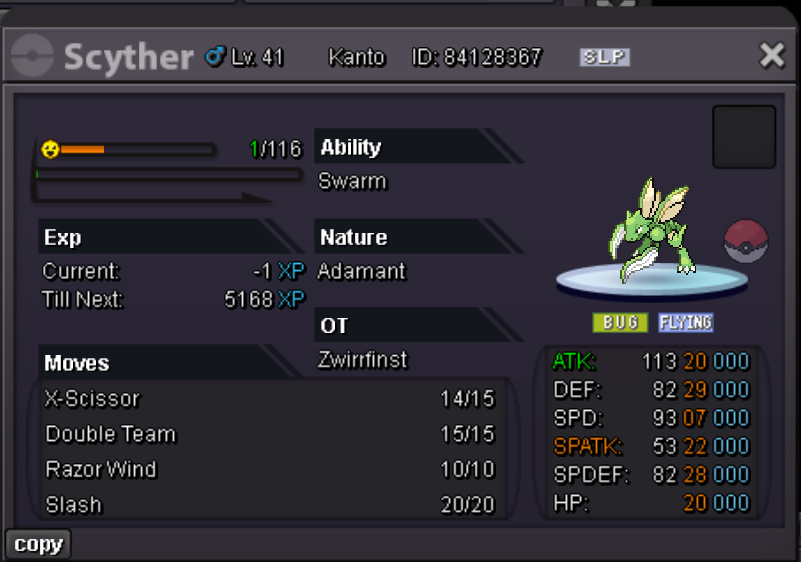
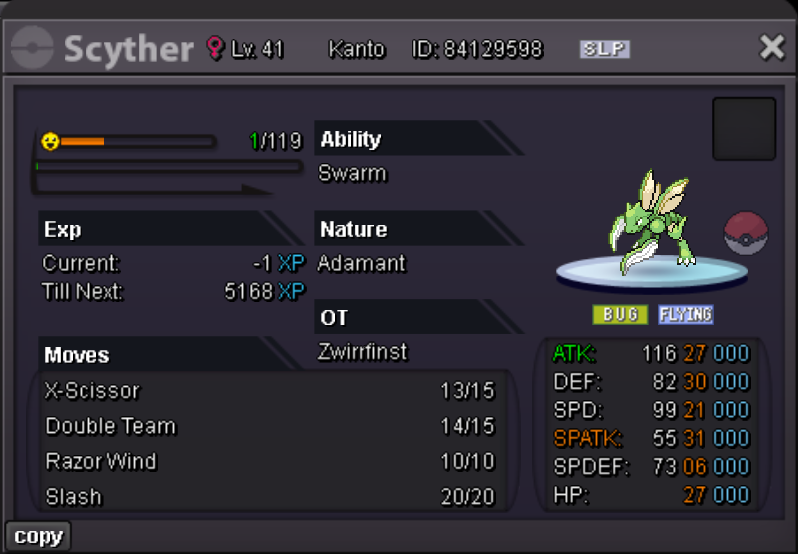
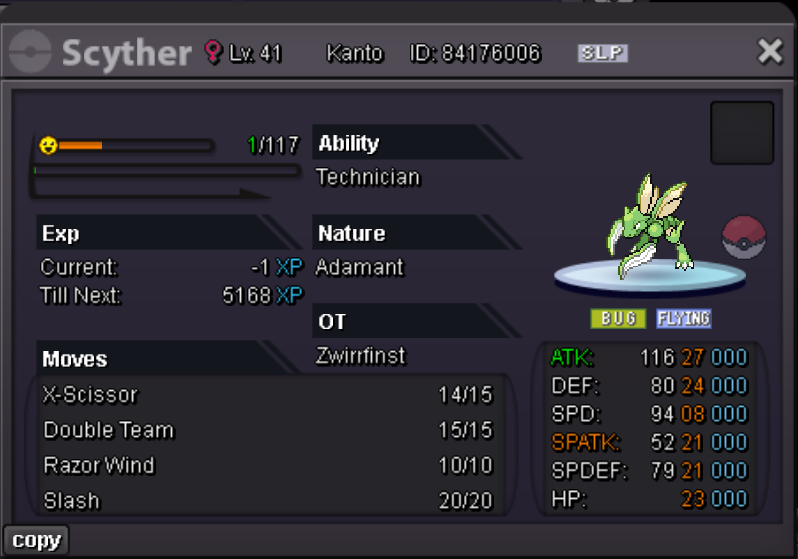
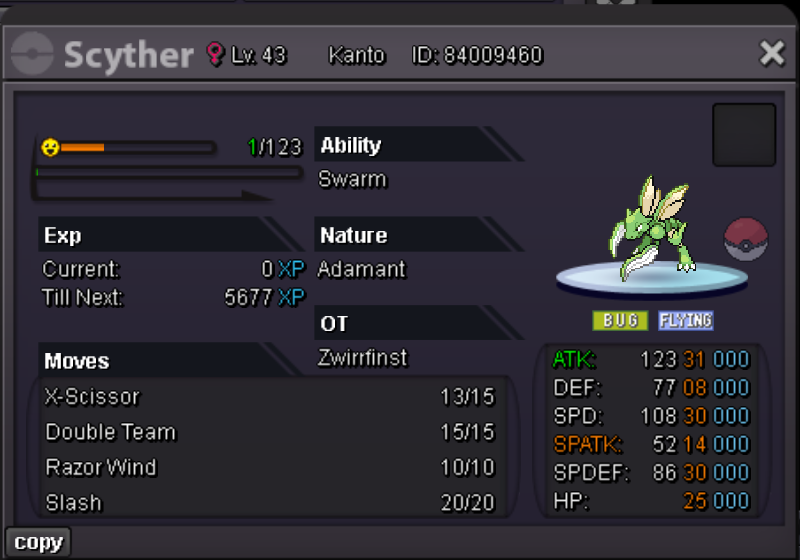
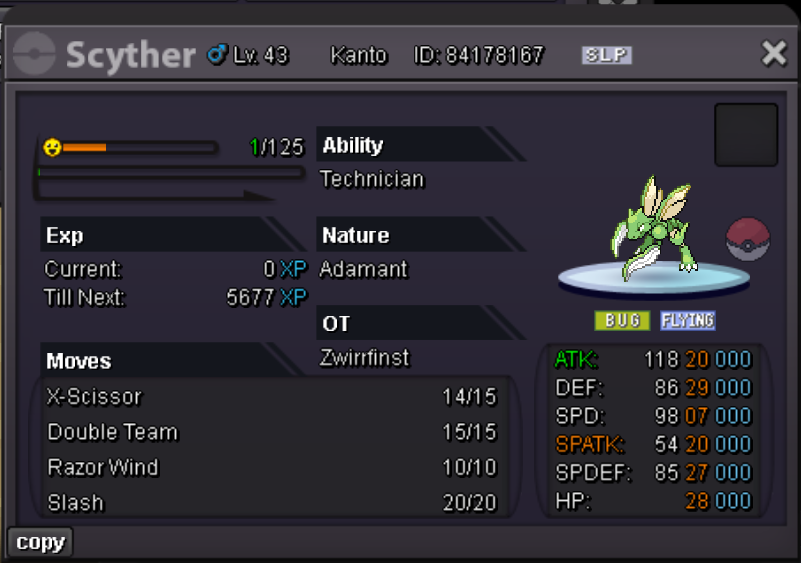
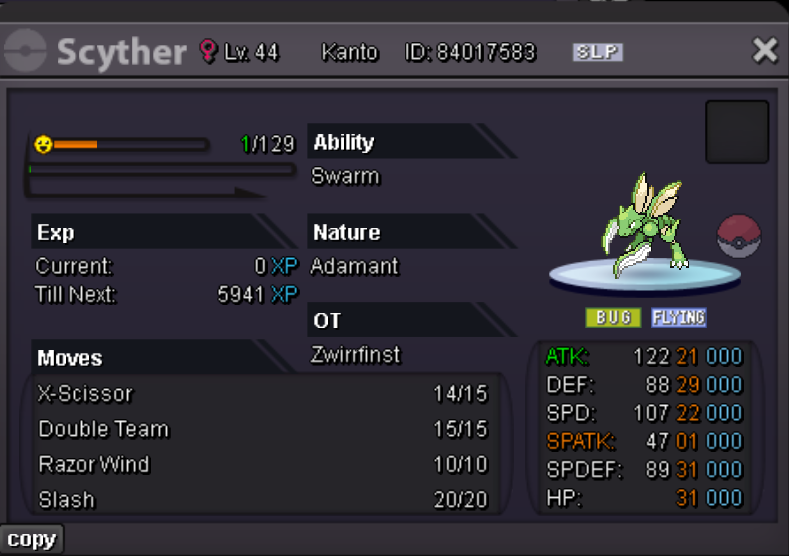
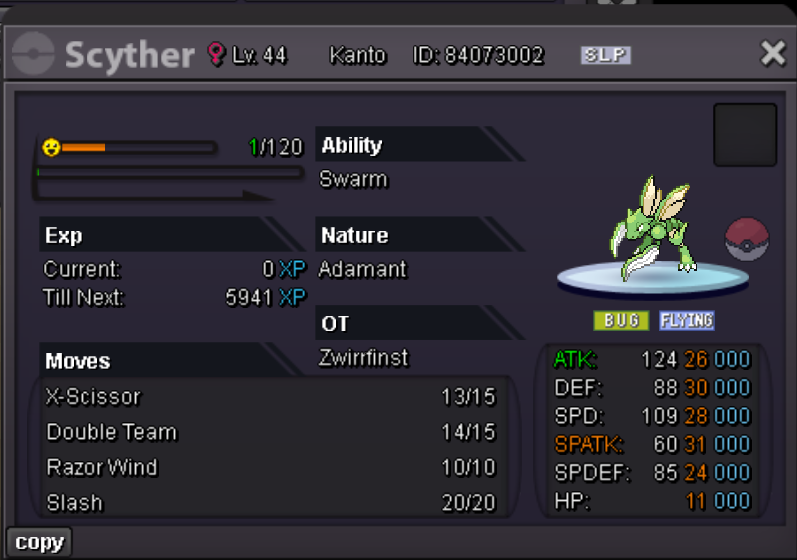
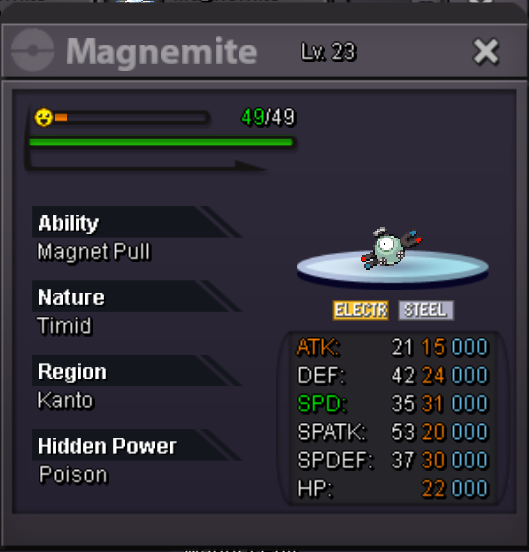

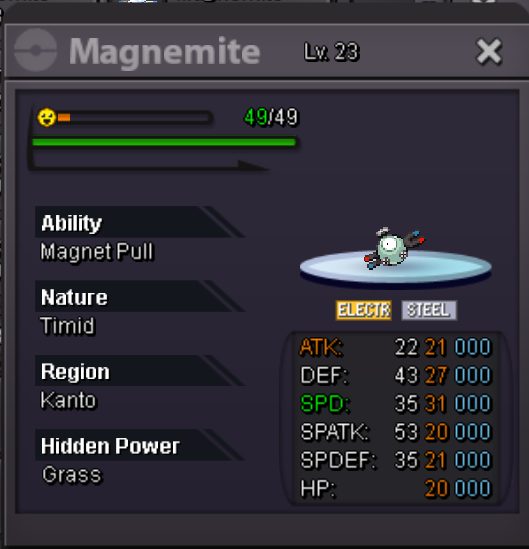
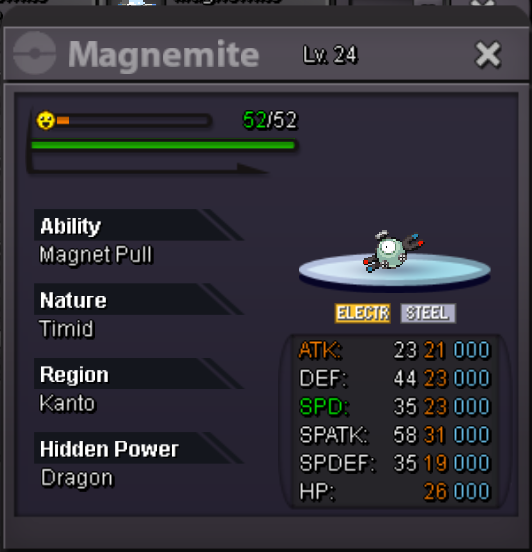
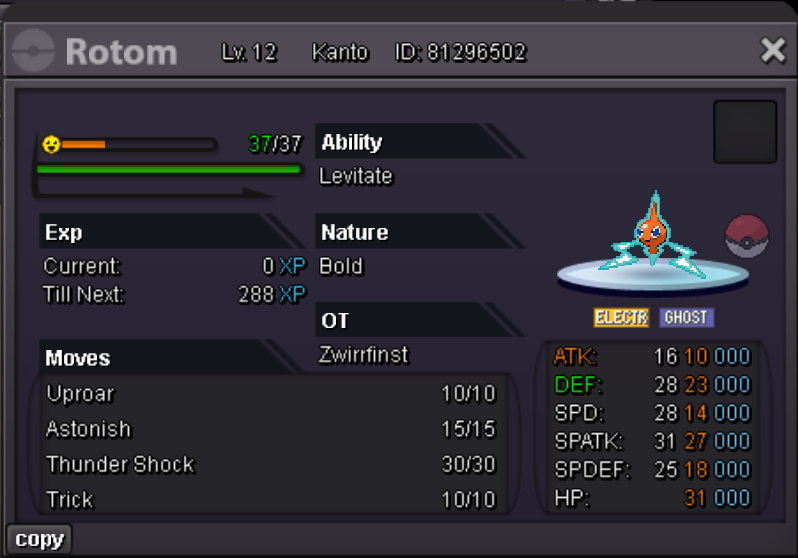
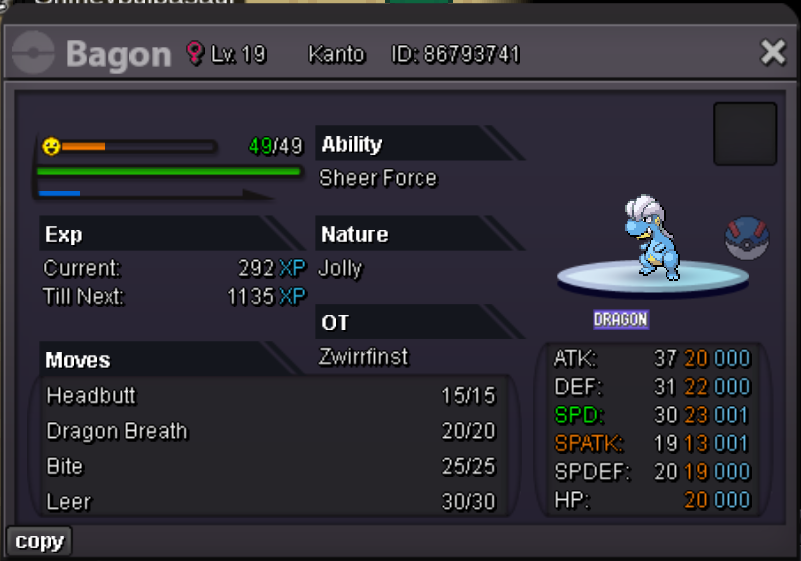
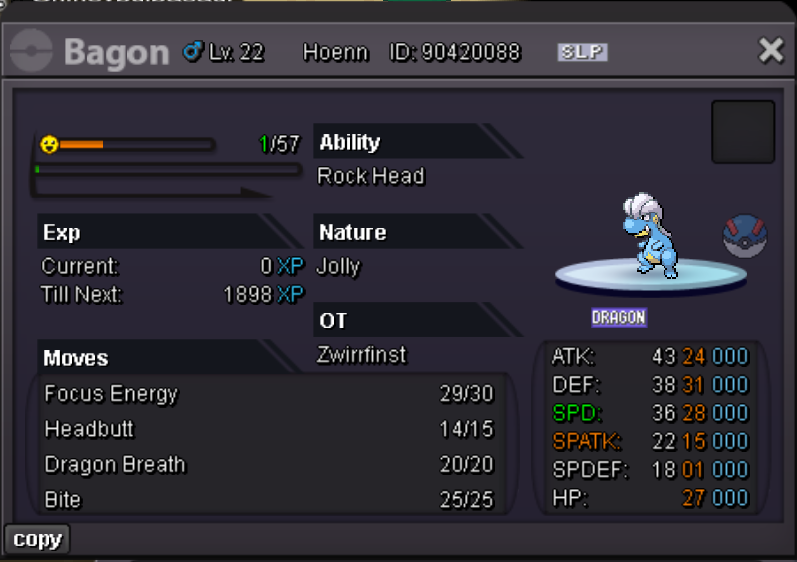
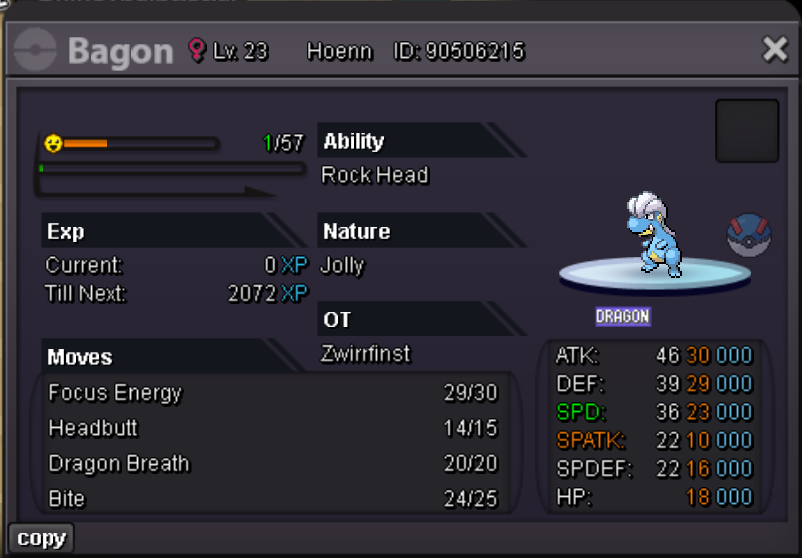
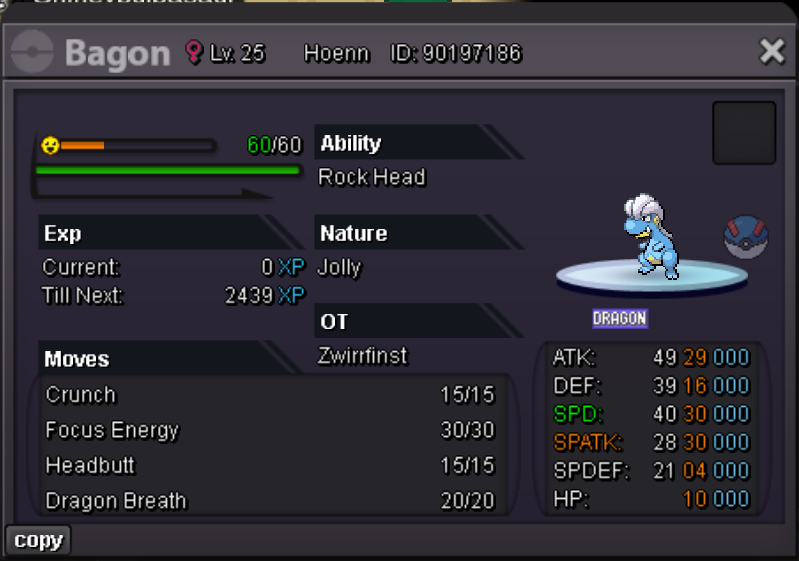
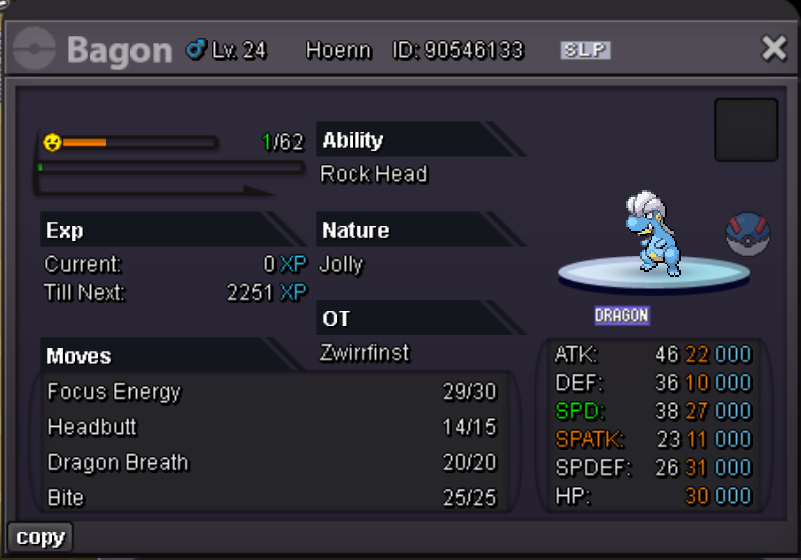
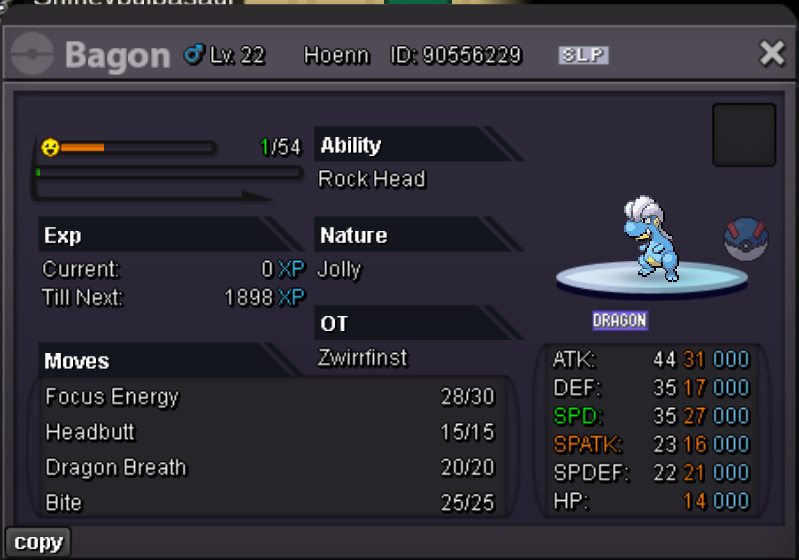
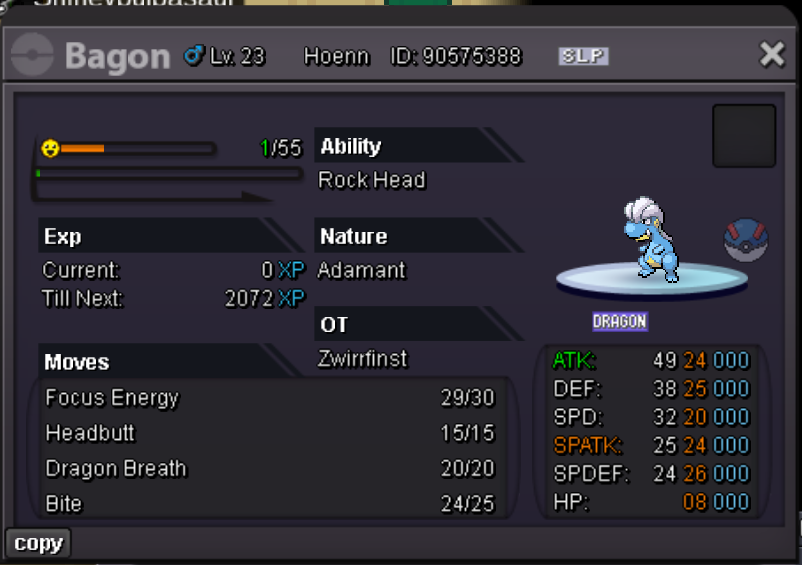
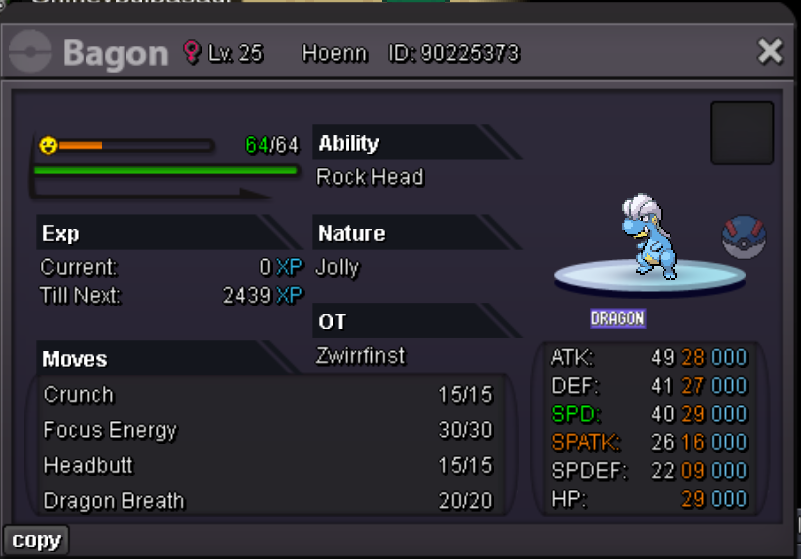
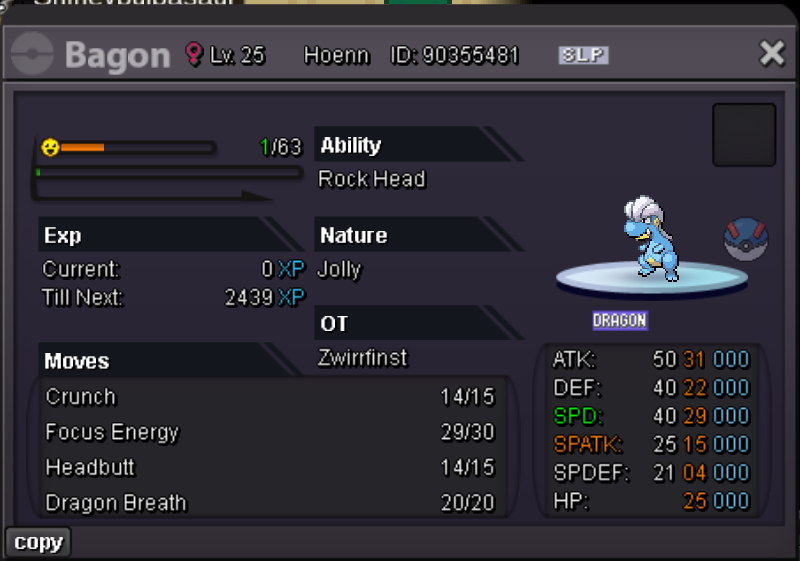
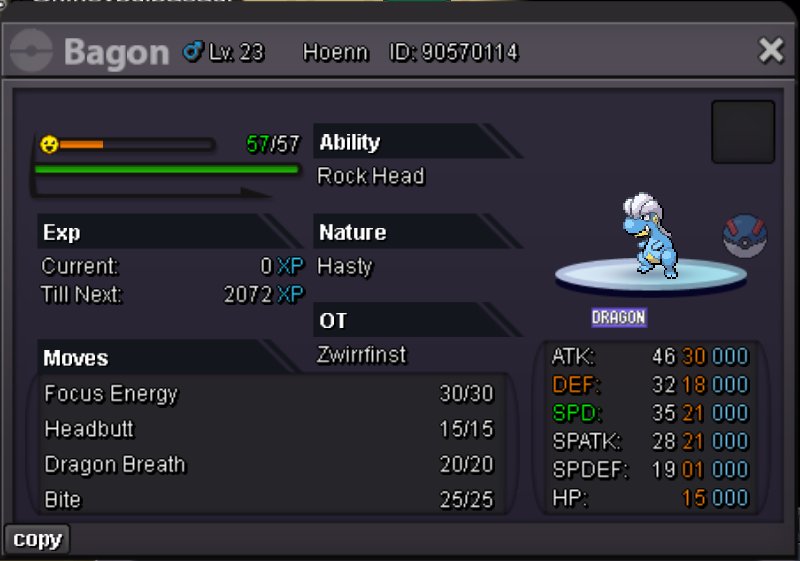
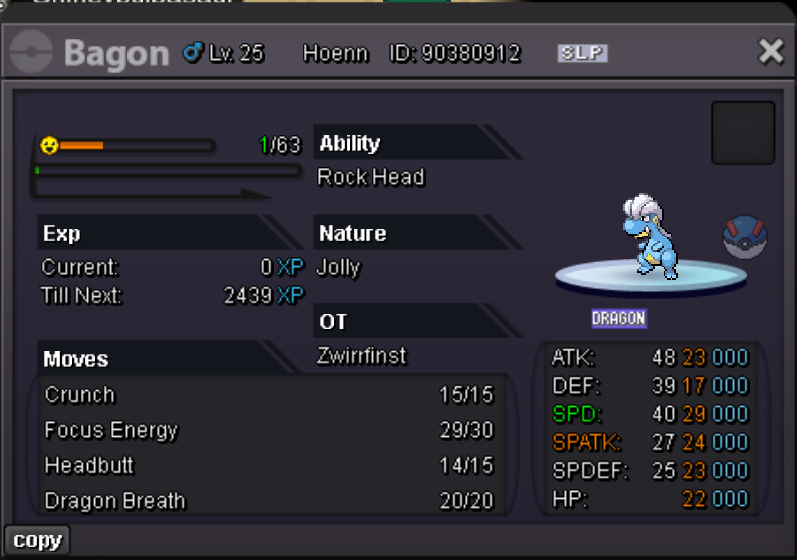
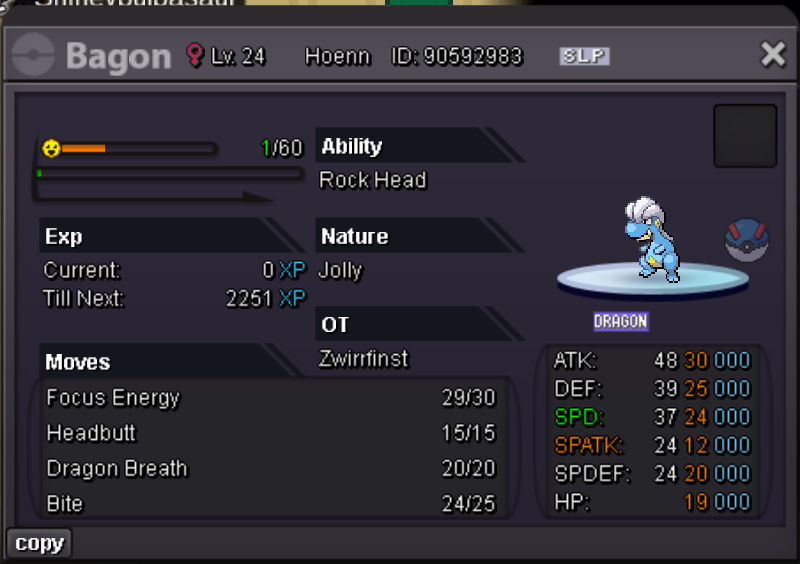
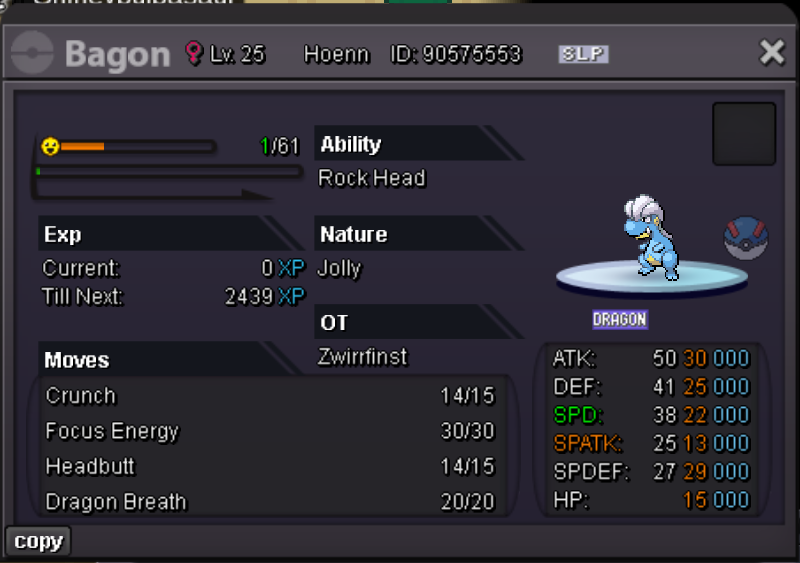
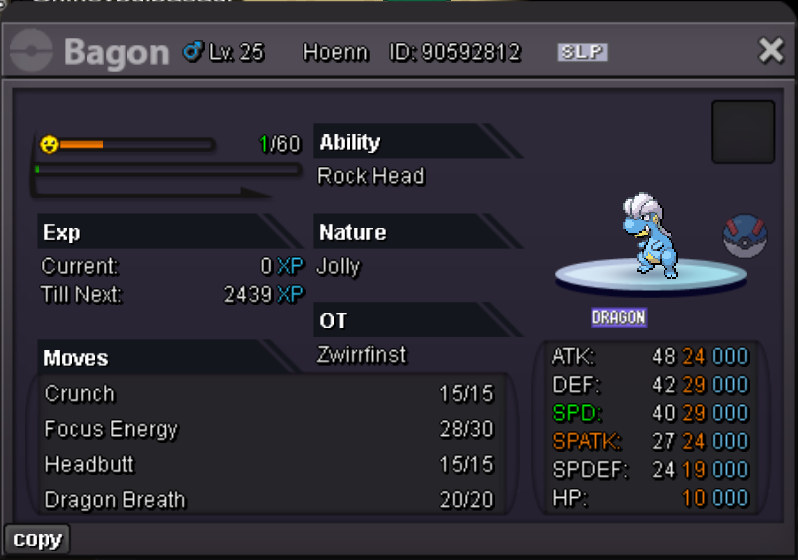
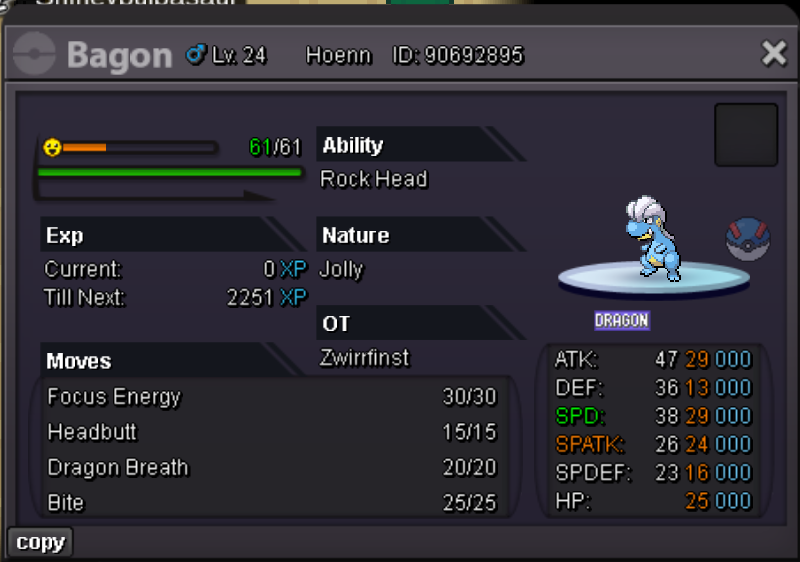
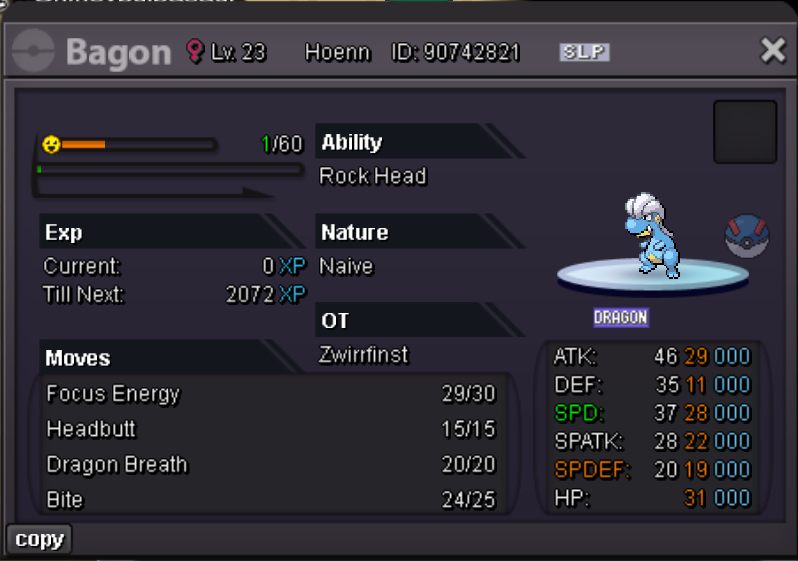
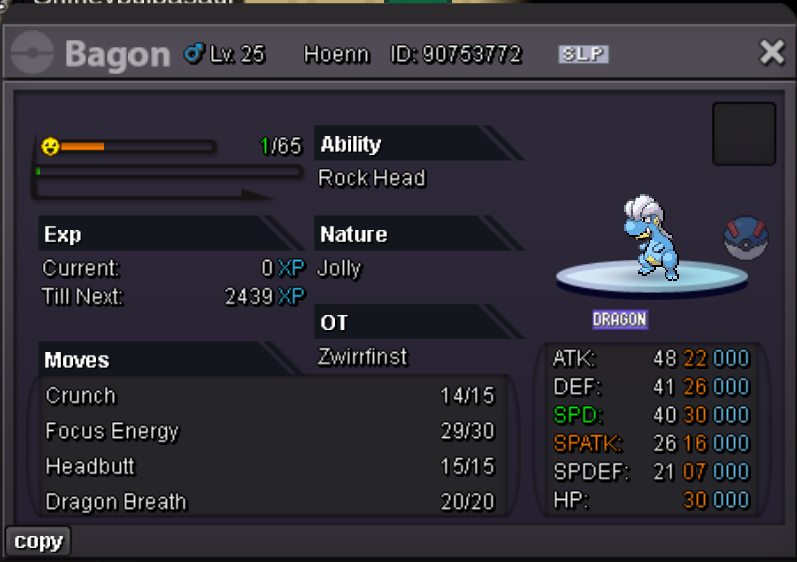
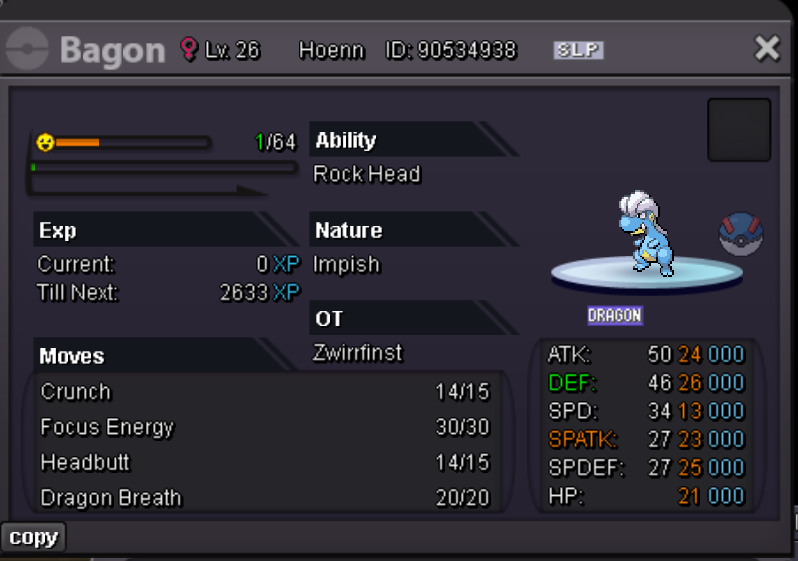
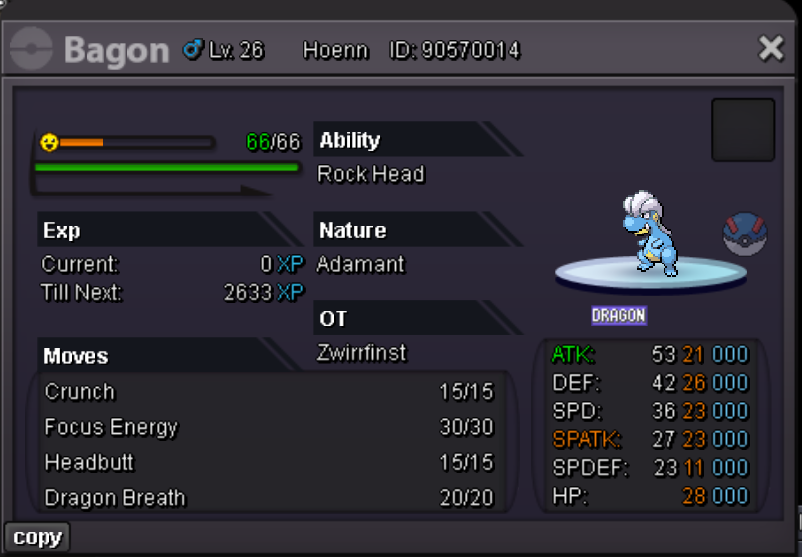
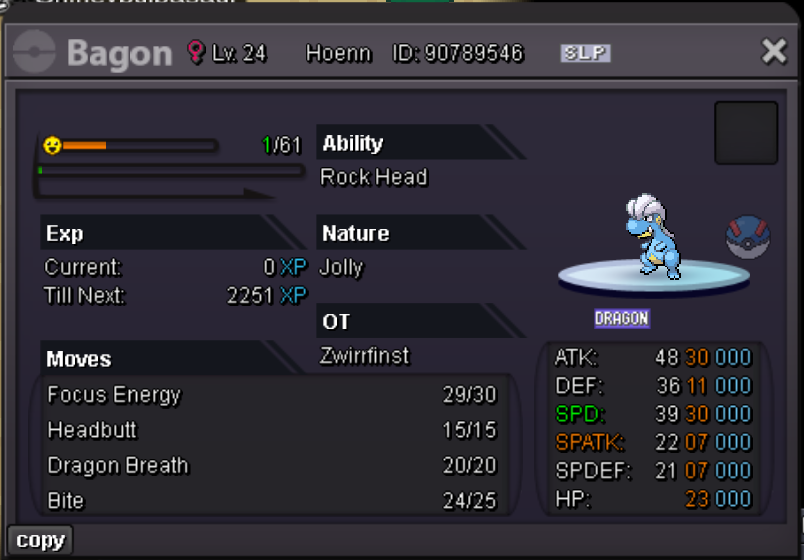
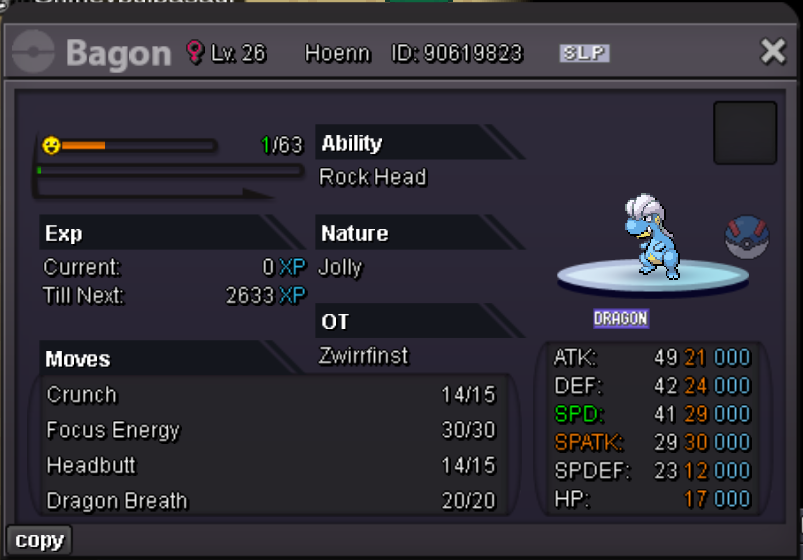
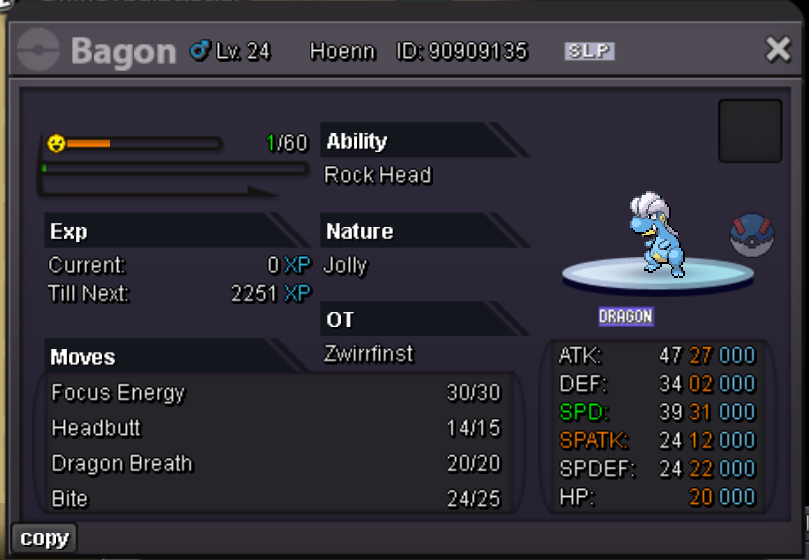
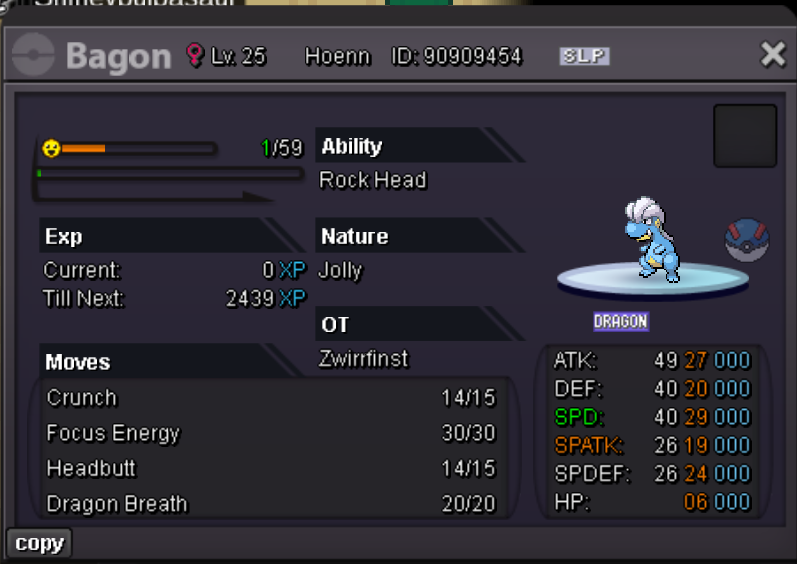
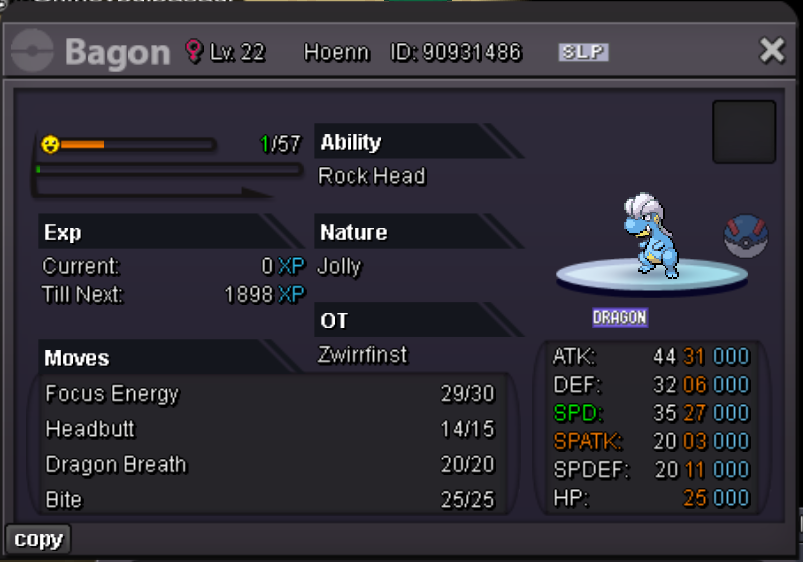
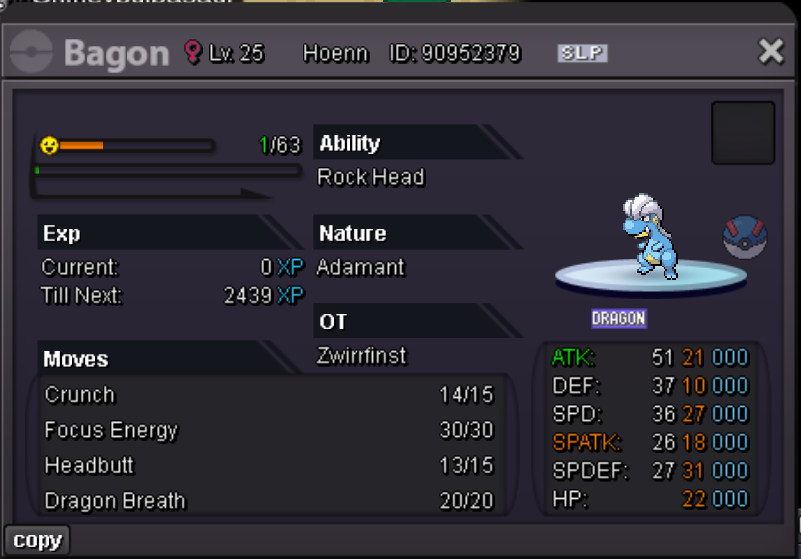
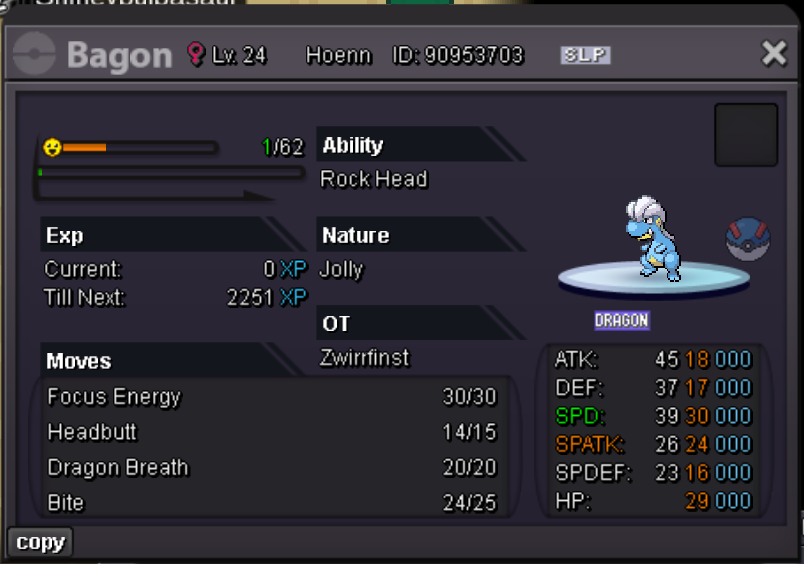
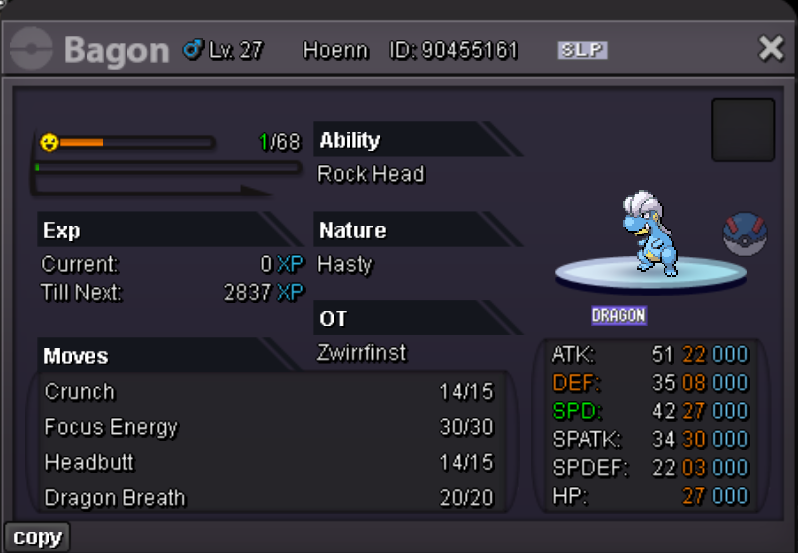
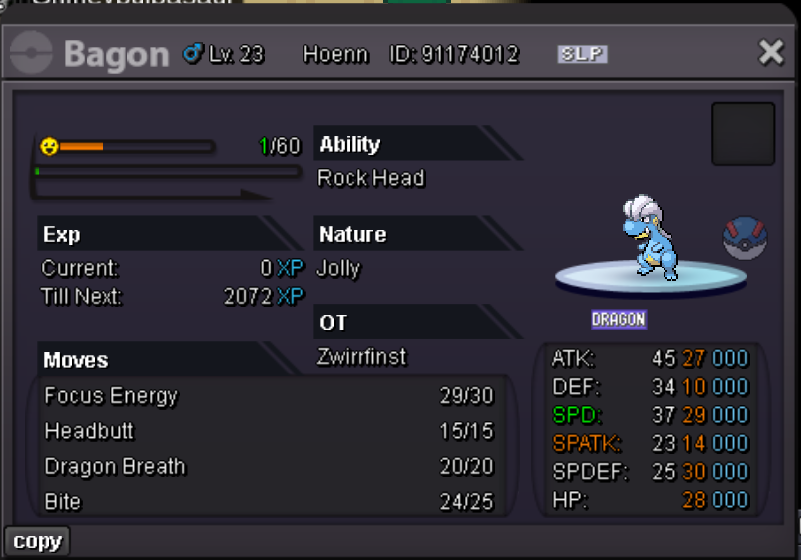
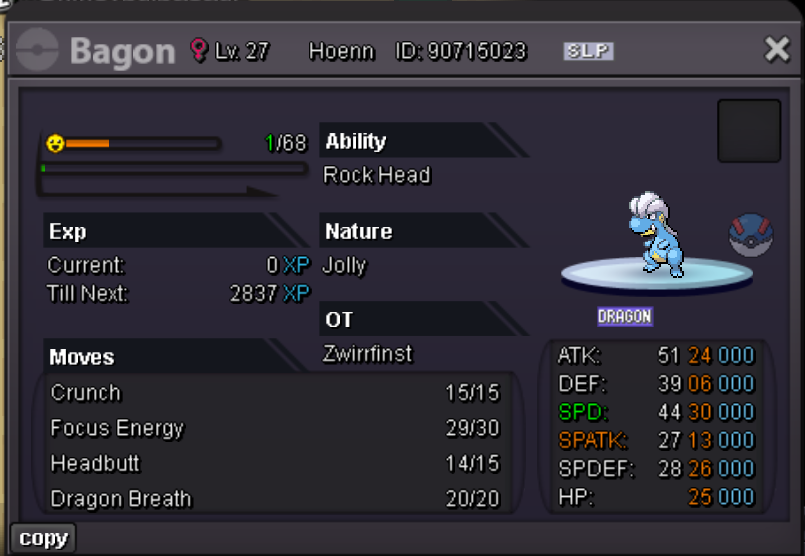
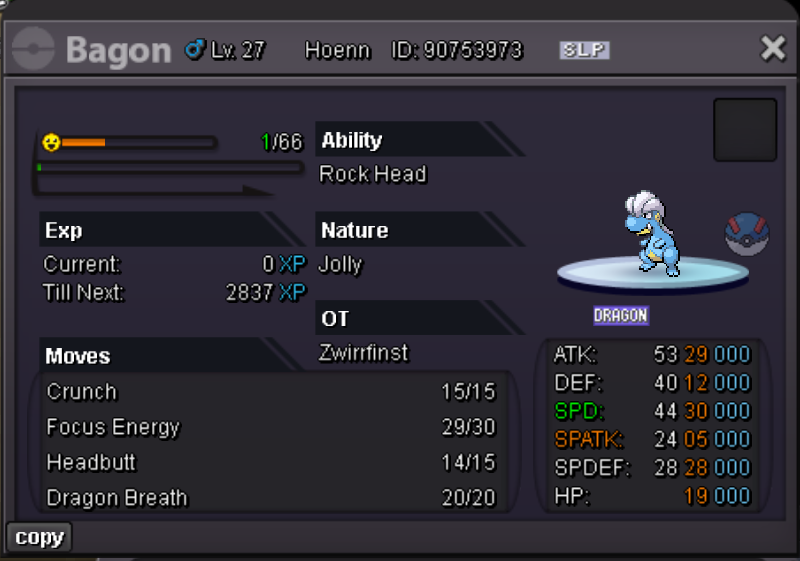
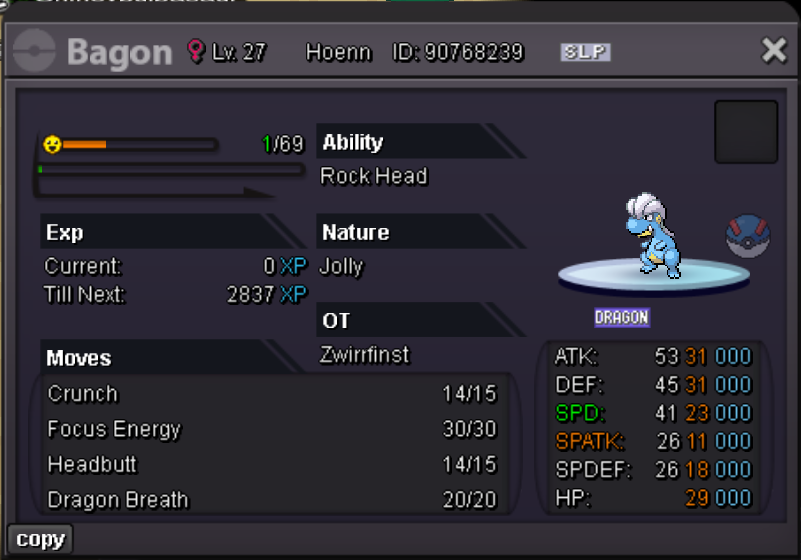
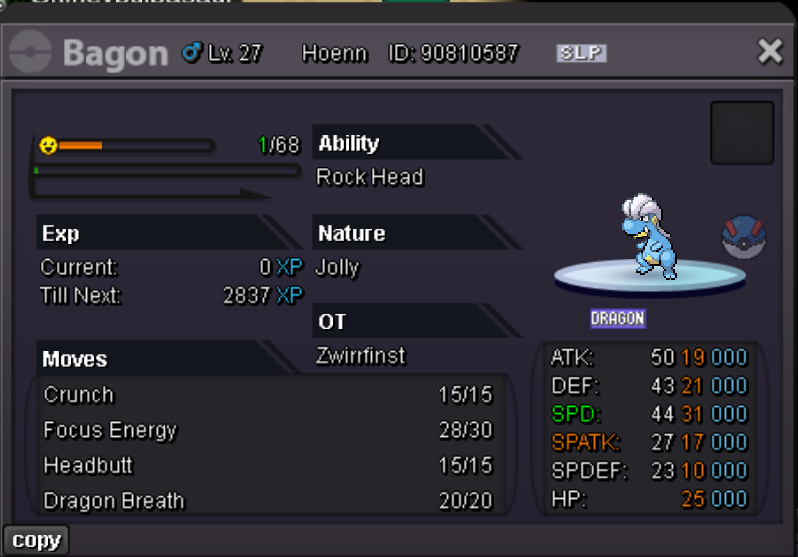
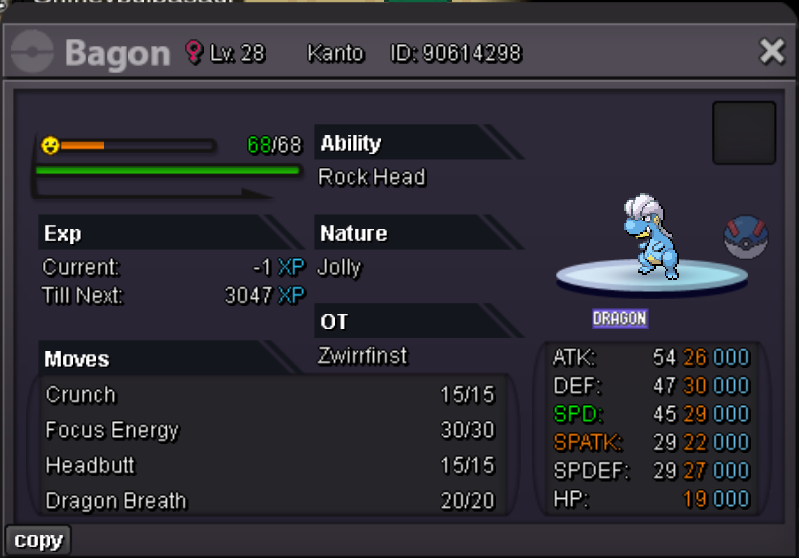
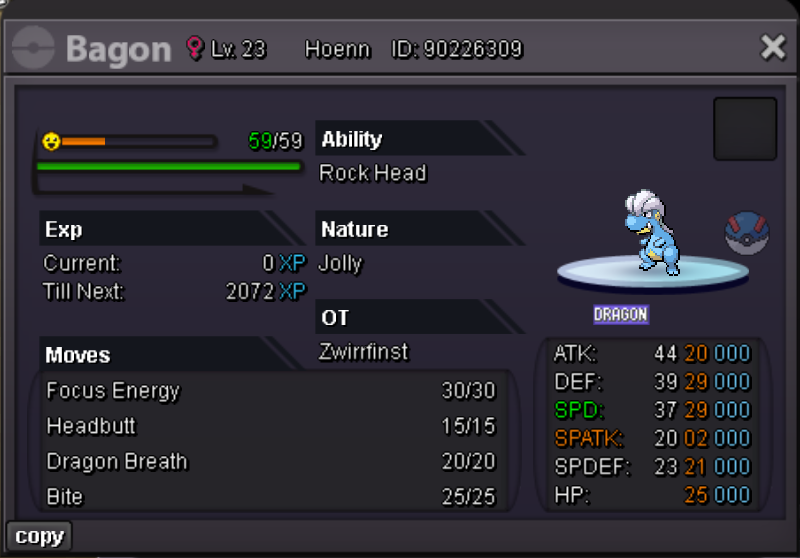
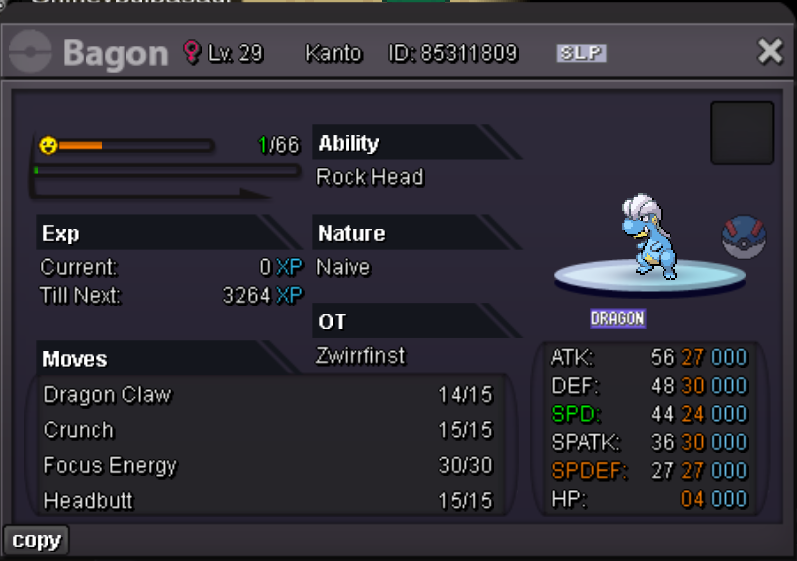
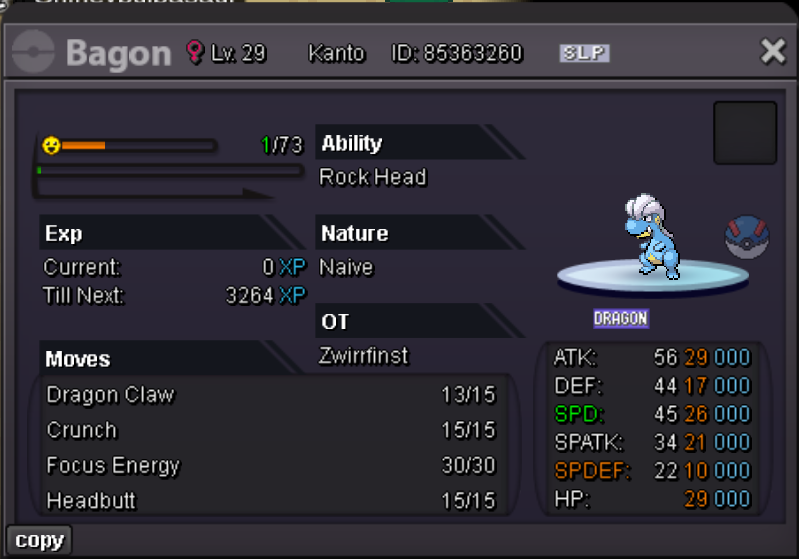
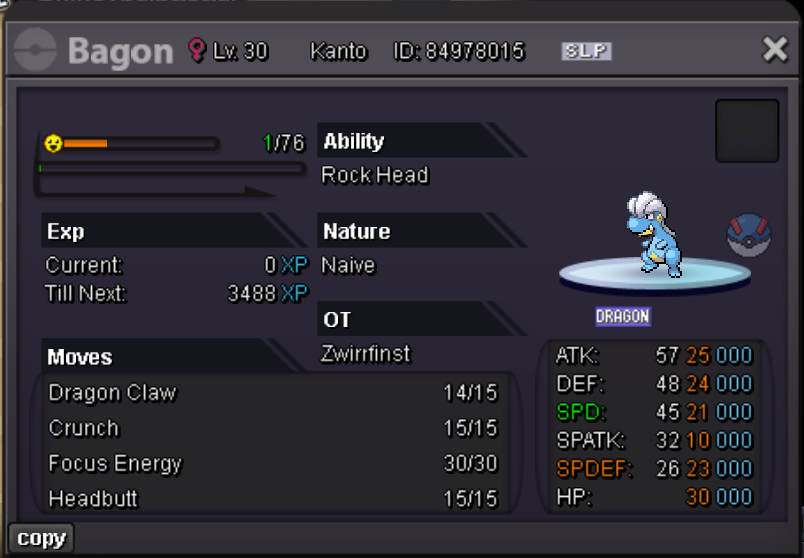
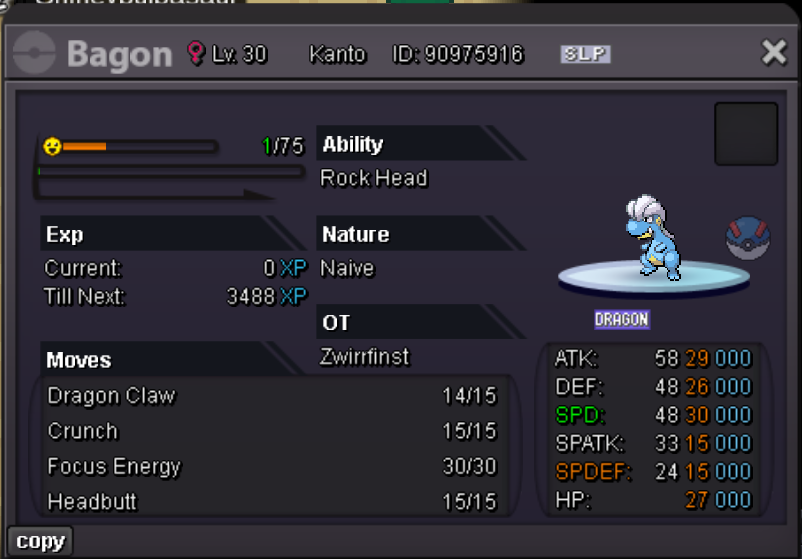
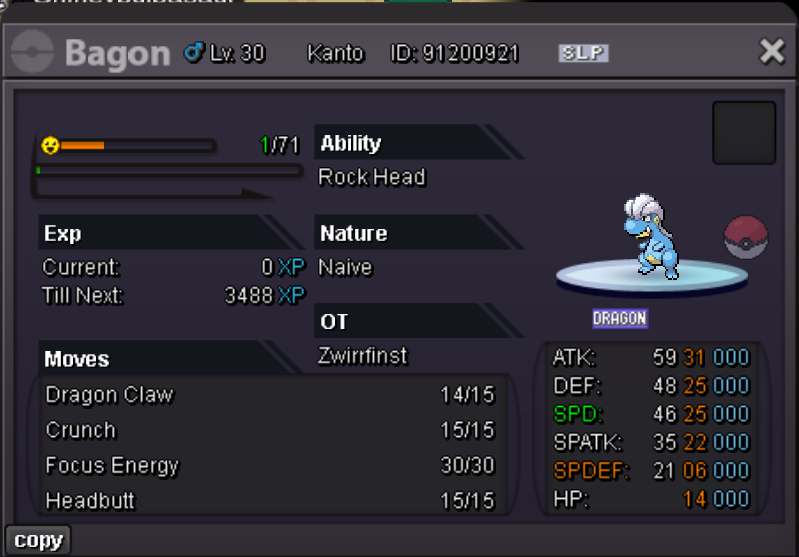

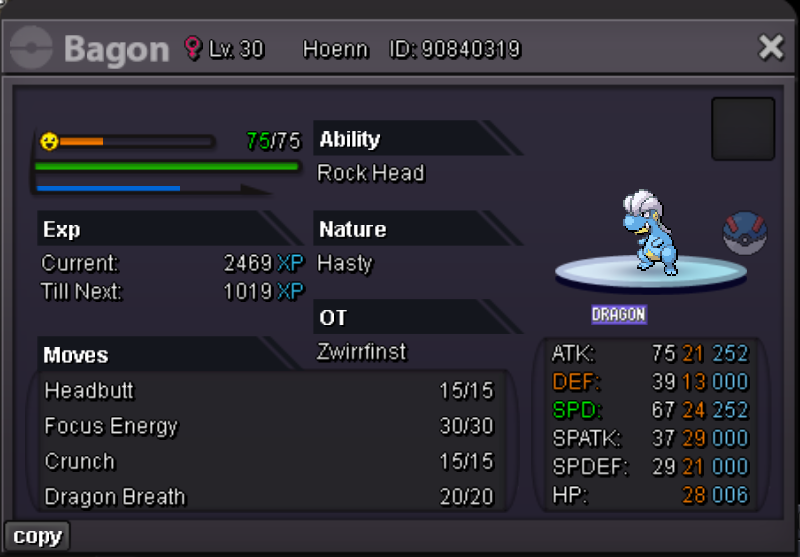
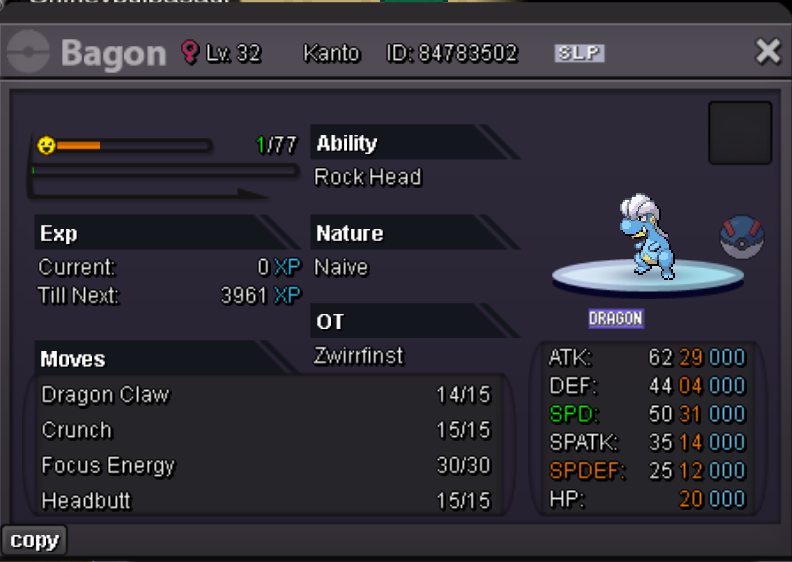
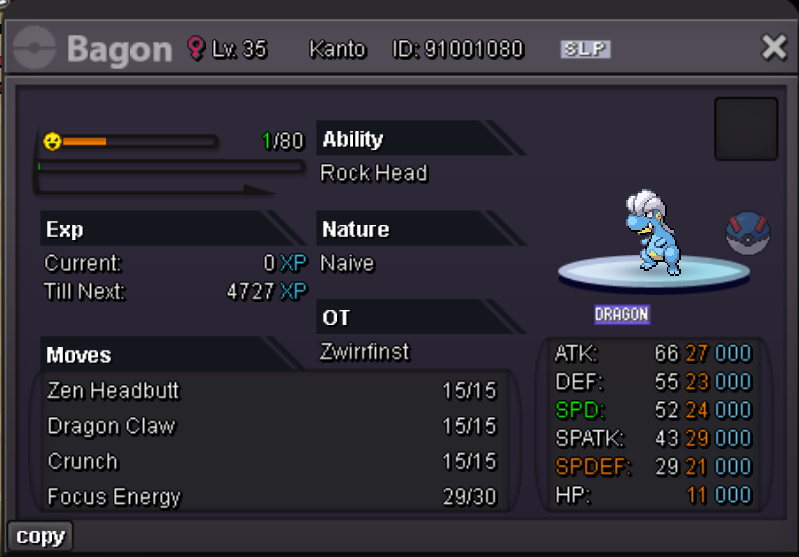
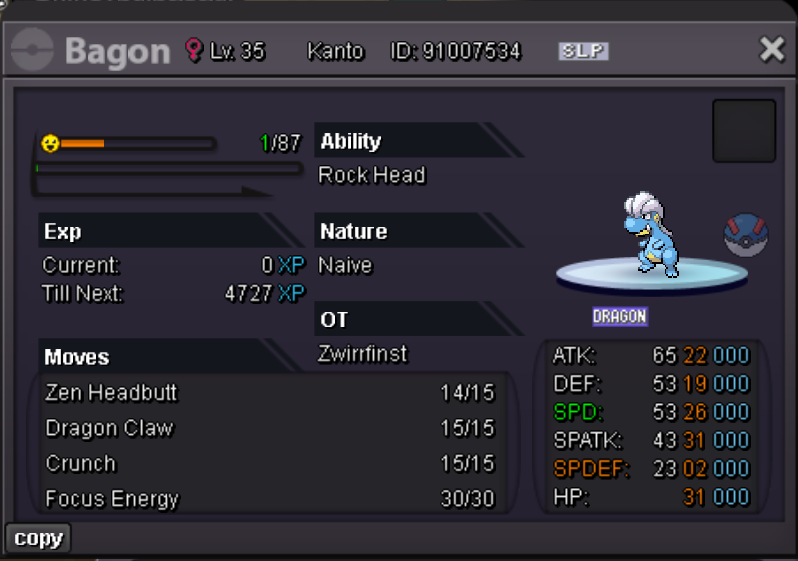
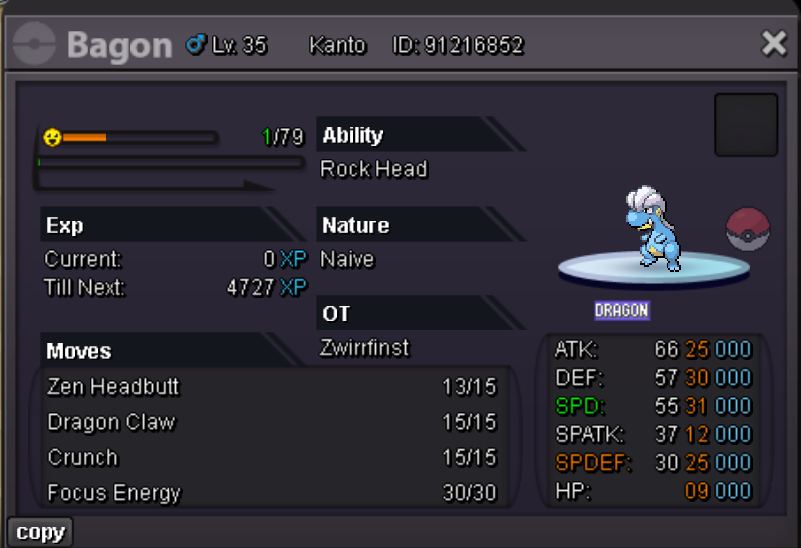
 I like that. Very nice, ty! 🙂bump 🙂Worked, thanks 🙂
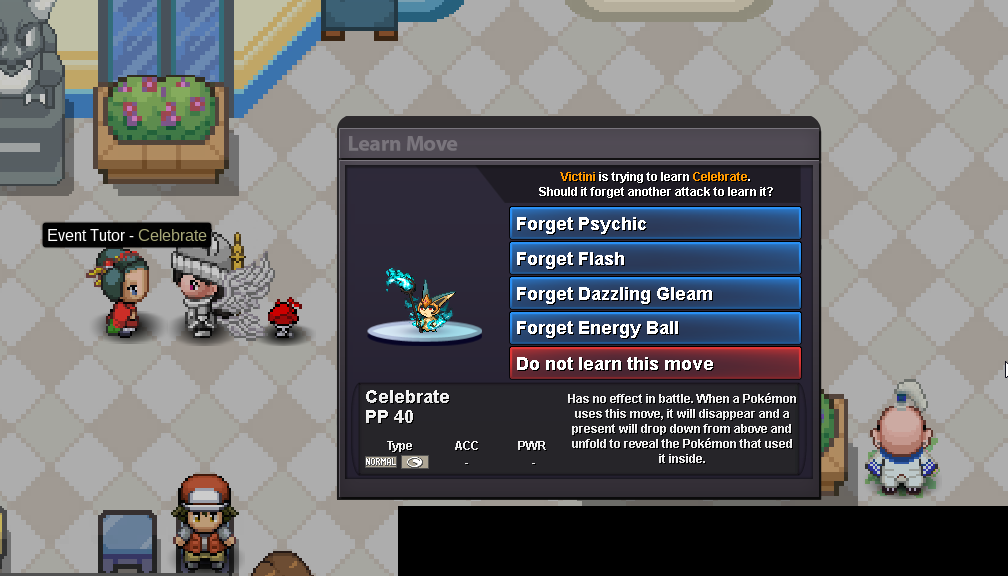 Hey ho ✌️ Someone from the guild just got his Victini and taught it Celebrate via the NPC in Vulcan Fair Registration Center. Another one did it aswell, but a 3rd one and me, we can't to that. At first we thought it's maybe a bug with the form, so I changed it to normal one, but still can't teach it Celebrate. As you can see, it's not because I don't have enough money to do that and it hasn't the move right now. Would be nice if this is fixable within the last few days of the event. 🙂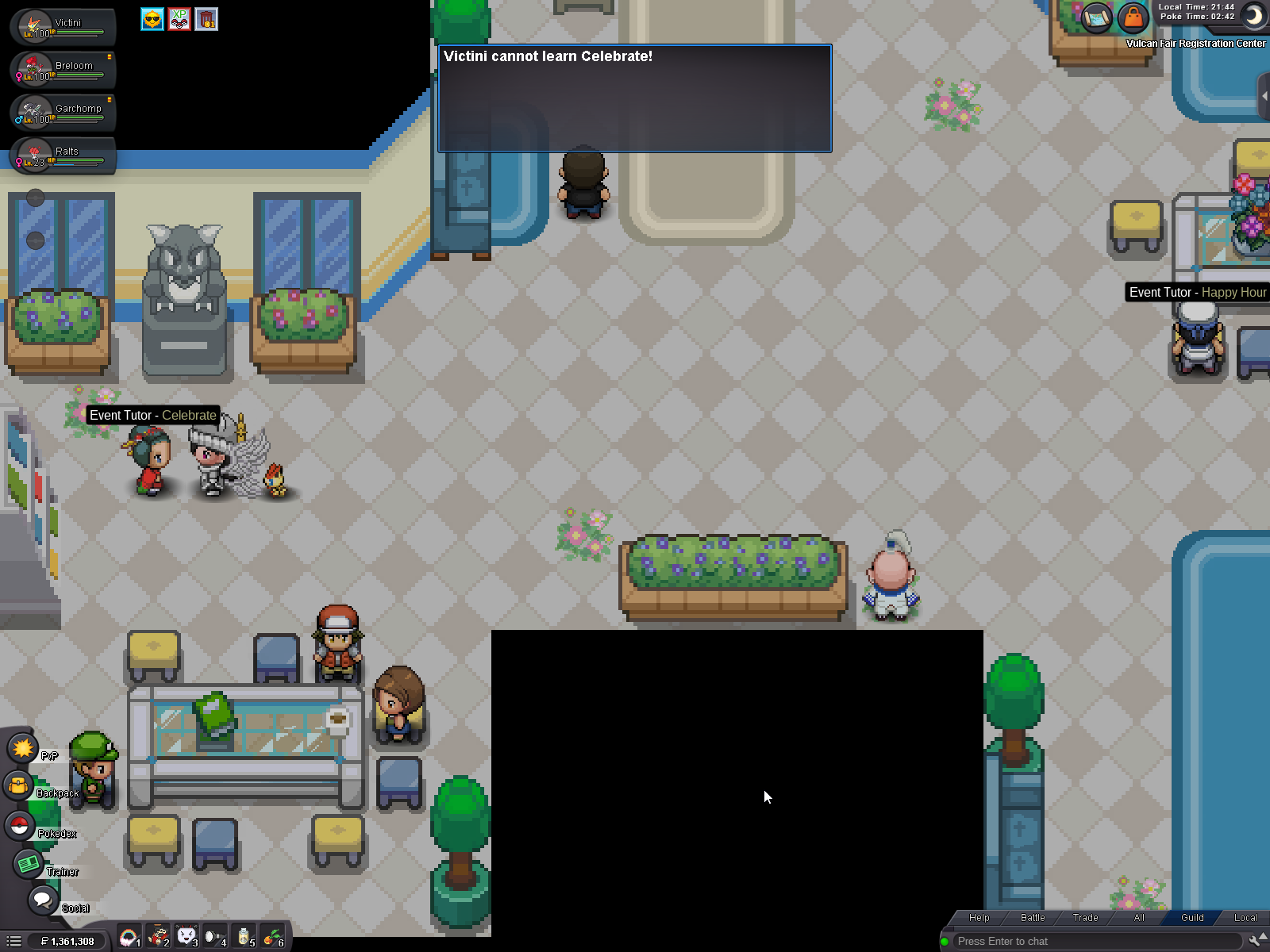
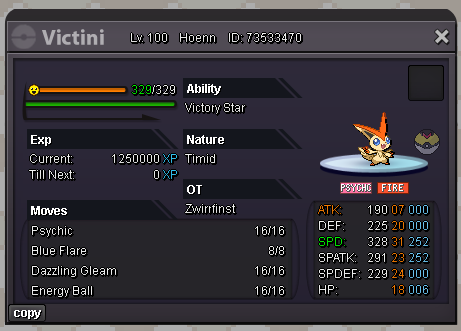 Still searching 🙂As the title says. Stats don't matter, Ada/Jolly would be nice, but in the end, the nature also doesn't matter✌️
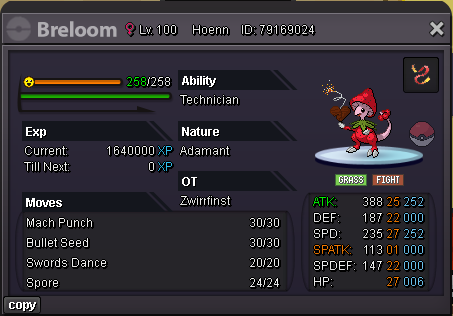 Would be really nice 😄Released by accident (requested already, marked as done, but not in my pc) Name: Zwirrfinst Server: Silver ID: 94772656
 start bothSadly no. Even if he would start the quest, if there is no outbreak with Woolo, Skwovet and Falinks, you can't do the quest
 Please? 🥹Since I love doing dungeons: + for every improvement, but your numbers are maybe a little bit high, even though we can do it only 1x per day (if not using invitations). Experienced players do Lavender dungeon in around 15minutes with all rooms and yeah... As I said, the numbers are maybe a little high, but I would not be unhappy if they would change the rewards like this 😅Hey ho, it's almost 3 years ago since we had the chance to catch 1 of them and it would be nice if you could enable the quest again, so newer player or player who hadn't the chance to catch it in these 2 or 3 days could catch them. It would be even better if you could release the Intrepid Sword and Dauntless Shield then too. Since both are banend in PvP, it wouldn't have an impact on that, but we could have fun with them in PvE. Cheers ✌️


Account
Navigation
Search
Configure browser push notifications
Chrome (Android)
- Tap the lock icon next to the address bar.
- Tap Permissions → Notifications.
- Adjust your preference.
Chrome (Desktop)
- Click the padlock icon in the address bar.
- Select Site settings.
- Find Notifications and adjust your preference.
Safari (iOS 16.4+)
- Ensure the site is installed via Add to Home Screen.
- Open Settings App → Notifications.
- Find your app name and adjust your preference.
Safari (macOS)
- Go to Safari → Preferences.
- Click the Websites tab.
- Select Notifications in the sidebar.
- Find this website and adjust your preference.
Edge (Android)
- Tap the lock icon next to the address bar.
- Tap Permissions.
- Find Notifications and adjust your preference.
Edge (Desktop)
- Click the padlock icon in the address bar.
- Click Permissions for this site.
- Find Notifications and adjust your preference.
Firefox (Android)
- Go to Settings → Site permissions.
- Tap Notifications.
- Find this site in the list and adjust your preference.
Firefox (Desktop)
- Open Firefox Settings.
- Search for Notifications.
- Find this site in the list and adjust your preference.