New Trade Zone
Trade Zone is now live
Use the new Trade Zone for auctions and instant-price trades so Pokemon and item offers are easy to find.


Vangogsan
Registered User
-
Joined
-
Last visited
Everything posted by Vangogsan
-
thos top 25 chest will give us chance for rare or secured reward, i want to have clear notification what will be trade able and what no. And as a player mentioned what will happend with the pvp coins ?
-
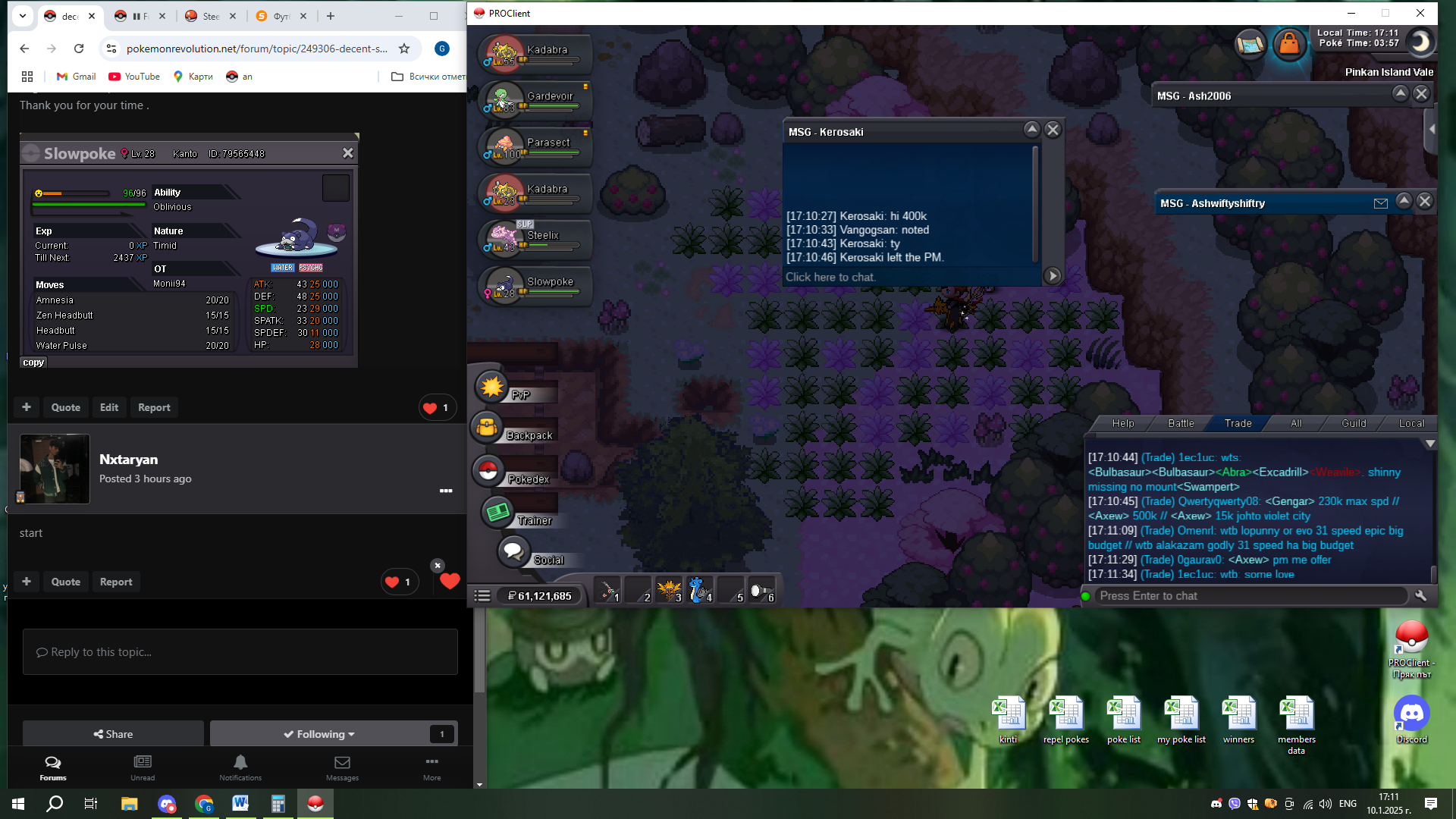
400k by Kerosaki
-
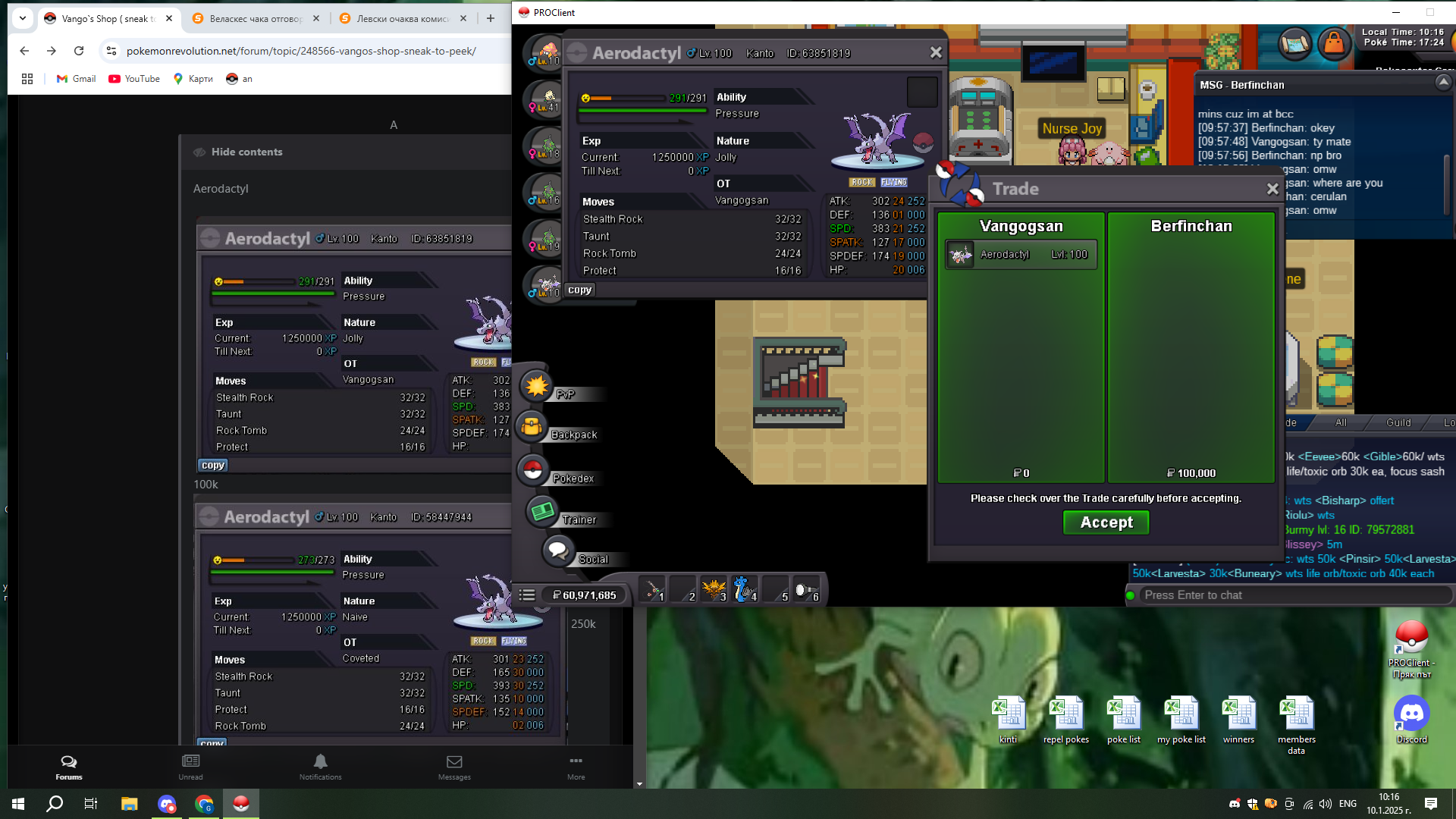
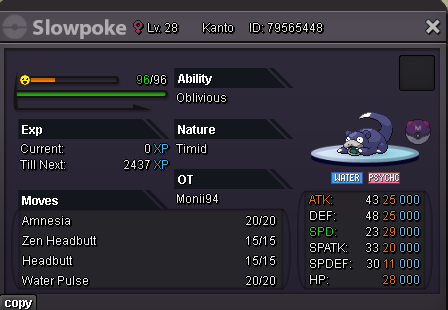
Start Point: The auction start at 10.01.2025 - 13:30 Bulgarian time and will last 24h Price: Start offer is 300k Min. Raise: 50k Insta price: 5 m End Point: The auction end at 11.01.2025 at 13:30 Bulgarian time. If a bid is received in the final 15 minutes of the auction, the end point will be delayed by 15 minutes from that bid, and will be delayed by 15 minutes for each new bid thereafter, until the current offer has been held for a full 15 minutes. Must be accurate to the minute that the auction is set to end. Accepted Payment(s): cash only In game will be update the time left. Thank you for your time .
-
dm me in game or discordUpdate for the requirements and the rewards The pokemon that Farmer Jack can accept is : 100 lvl PvP move set at least 84+ ivs Rewards that he can give (not all included, MOD`s will pick depends of their game development) : XL XP candy 1-6 rare candy`s Small train pass ( free transport for 1-3 days ) Micro MS ( MS for 1 day ) Pokemon EGG ( Pokemons have eggs that harchs , so you can get random poke from egg that hatchs when you click on it ) gems - 20other option if is possible could be safari maniac to give us as locked rewards, that way we can collect them and use them when we need . Atm if you won 2 fc in row and didnt used the ticket you lose the second earned reward.My suggestion here is simple, reduce the number if headbut tree`s , but add in them berry`s that can be used in PvP or rare chance encounter . example : wiki berry, lappa berry etc or for example gothita from tree ( or pokemon that is uncommon tier but rarely hunted. Im here from 2015 and i remember how cool was to do the tree and to hope for something good, now they are almost not usable from anyone, even those with honney. Also bump for suggestion from me : https://pokemonrevolution.net/forum/topic/208383-guild-rewards-improvement/ https://pokemonrevolution.net/forum/topic/210011-aditional-stats-with-inspection/ https://pokemonrevolution.net/forum/topic/211228-farmer-jack/ https://pokemonrevolution.net/forum/topic/228257-add-everstone-and-eviolite-to-item-recycle/ <<<<< did someone still use them ?? https://pokemonrevolution.net/forum/topic/236112-add-in-guild-island-an-outbreak-mons-two-times-in-the-month/ https://pokemonrevolution.net/forum/topic/237595-make-visible-the-safari-tickets-from-bcc-and-fcc/200k100k first bulba60k first bulba
Account
Navigation
Search
Configure browser push notifications
Chrome (Android)
- Tap the lock icon next to the address bar.
- Tap Permissions → Notifications.
- Adjust your preference.
Chrome (Desktop)
- Click the padlock icon in the address bar.
- Select Site settings.
- Find Notifications and adjust your preference.
Safari (iOS 16.4+)
- Ensure the site is installed via Add to Home Screen.
- Open Settings App → Notifications.
- Find your app name and adjust your preference.
Safari (macOS)
- Go to Safari → Preferences.
- Click the Websites tab.
- Select Notifications in the sidebar.
- Find this website and adjust your preference.
Edge (Android)
- Tap the lock icon next to the address bar.
- Tap Permissions.
- Find Notifications and adjust your preference.
Edge (Desktop)
- Click the padlock icon in the address bar.
- Click Permissions for this site.
- Find Notifications and adjust your preference.
Firefox (Android)
- Go to Settings → Site permissions.
- Tap Notifications.
- Find this site in the list and adjust your preference.
Firefox (Desktop)
- Open Firefox Settings.
- Search for Notifications.
- Find this site in the list and adjust your preference.