




New Trade Zone
Trade Zone is now live
Use the new Trade Zone for auctions and instant-price trades so Pokemon and item offers are easy to find.

Jigglypuffsalot
Registered User
-
Joined
-
Last visited
-
bump
-
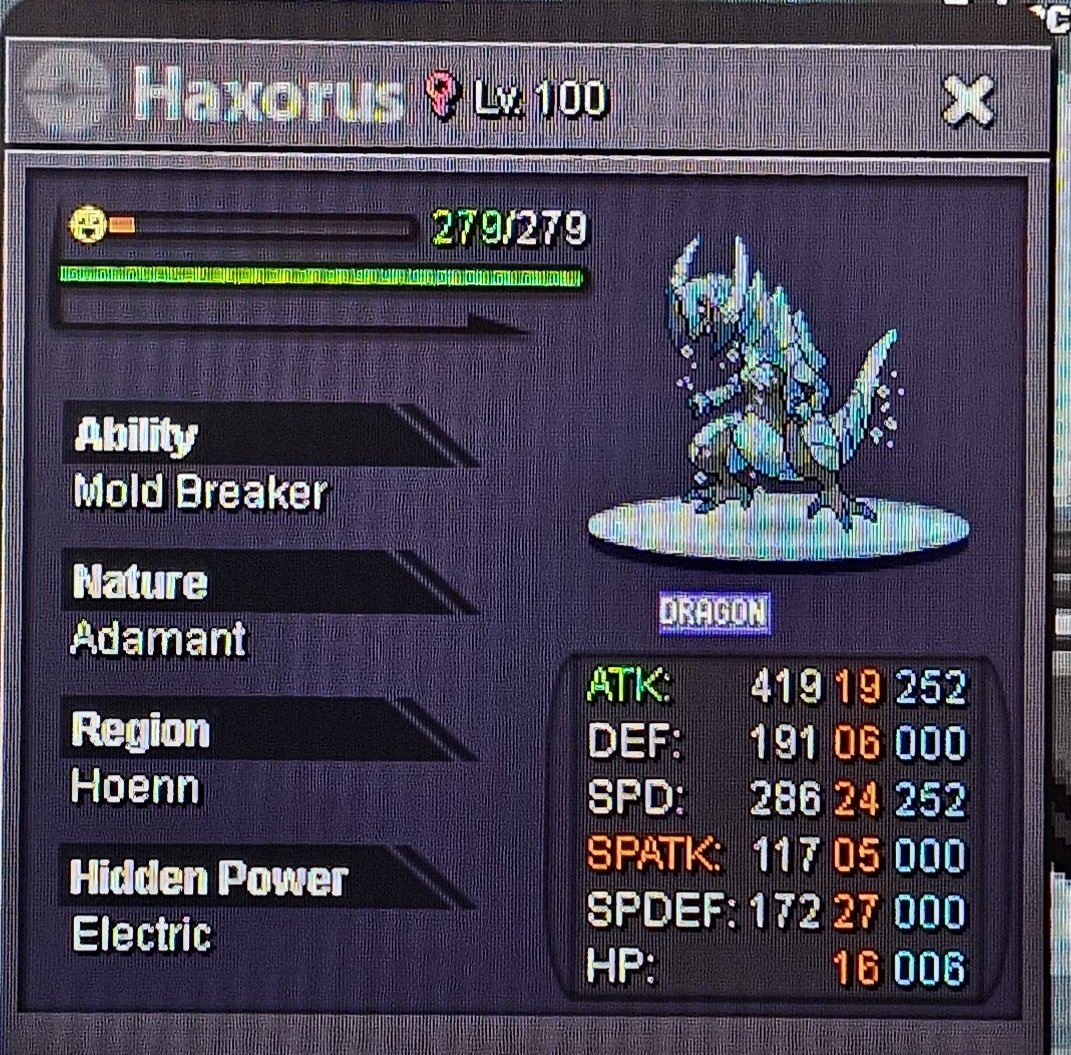
wts top shelf boss sweeper 30m 👑 Christ is king 👑
-
S rotom and s chansey 25m?
-
1.9m
-
1.7m
-
start
-
-
550k each transfer if win
-
1.1m
-
Np bro, nice weavile!! I will log in now
-
Insta weavile
-
100k scyther?
-
2k gastro
-
I think you will log in with one chosen account and all alt accounts will become seperate characters that you choose to play with after log in, i think 🤔 Also no ETA for now so dont worry, i am sure they will give all details much in advance before merge actually happens
-
It says now we can make more than 4 accounts

