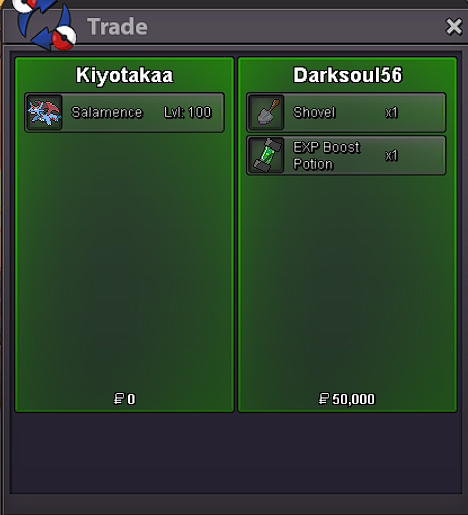
New Trade Zone
Trade Zone is now live
Use the new Trade Zone for auctions and instant-price trades so Pokemon and item offers are easy to find.

Kiyotakaa
Registered User
-
Joined
-
Last visited
Everything posted by Kiyotakaa
-
I already suggested it and got denied so i wont say anything But yes it is unfair that u can change the sprite but only those who catched in 2019 atleast Bring a new kyurem form so new player can get it too
-
800k chomp
-
250k ttar
-
5566
-
I also agree with others New is better
-
3579
-
+1 if only For shiny/event forms
-
Ttar 600k
-
Happy New Year Everyone
-
I was so lazy to Make my own
-
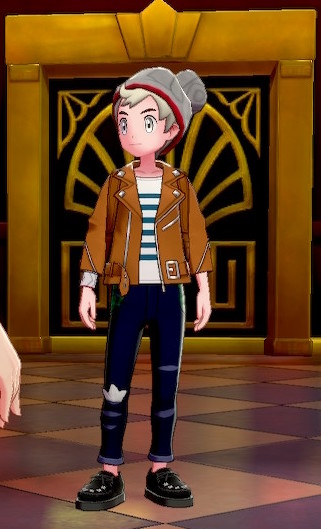
I would Like to request the artist team to add some casual clothes I know that there are already too many outfits that come in every new update but i would like to see some casual clothes like There are in POKEMON SWORD AND SHIELD GAME hoodies , jackets , shirts etc & More anime style clothes too like from animes like jjk , hunter x hunter ( I saw killua in game he looks cool i would like too try that outfit ) i have attached a few below I think it would be great if u add these types of outfits in game too



-
+10 i would love to see these hairstyles specifically izumi miyamura's both long & short hairstyle
-
-
1982
-
IG it would be better if everyone could change the form of kyurem not only those who caught it in 2019
-
2.5m
-
Thanks for participating everyone
-
ah i forgot that damn
-
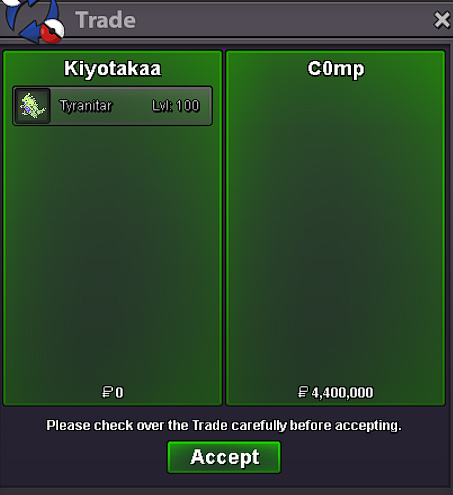
Hi Congratulations on winning the auction are u online rn
-
bump
-
bump
-
Updated
-
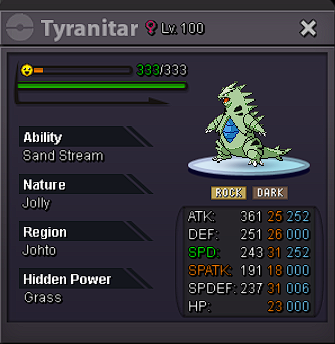
Starting Offer --> 800K Min Bid --> 100k Time --> 48hrs after 1st bid
-