New Trade Zone
Trade Zone is now live
Use the new Trade Zone for auctions and instant-price trades so Pokemon and item offers are easy to find.

Bubbadump1
Registered User
-
Joined
-
Last visited
-
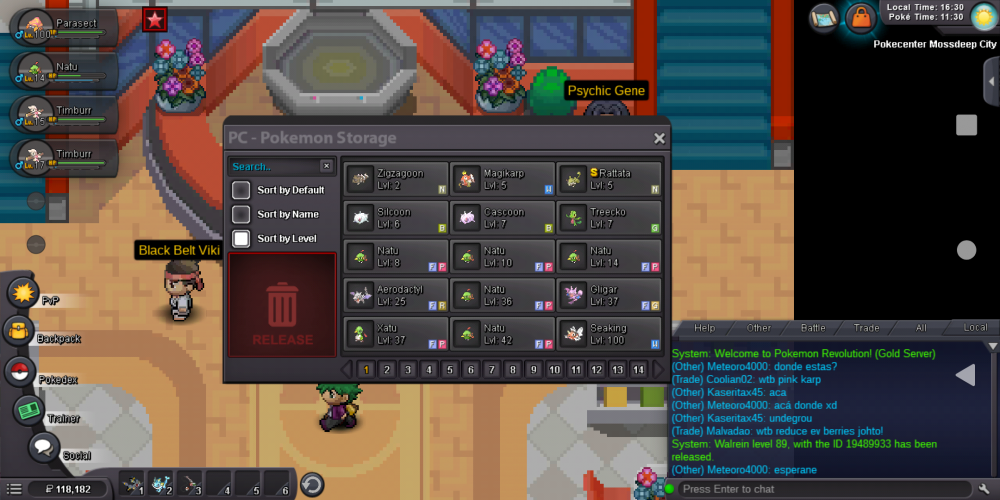
Please restore my Pokemon it's walrain.
-
I am 25 y/o I have 24 badges I enjoy unlocking everything possible in game and farming pokes for sale or even trying to pvp.
-
I have played almost 85 hours I am on at least an hour or more each day. I do have discord I use it to help with many things and yes I am able to access your page through the guild tab. I am currently only done with the hoenn part of the story cause I am going and unlocking everything in all the previous regions. I am working on a pvp team but it's hard faming everything lmao, but I do want to have one. I really don't have a favorite Pokemon because I like them all I have played every Pokemon game that has came out since I was a kid. My discord name is bubbadump1. And I feel like you don't have to accept me but I would greatly like it because games are better with friends to play with and talk to. And it won't let me upload a file of my trainer card but my in game name is Bubbadump1
-
My chat bar won't open all the way anyway I can get help plz
-
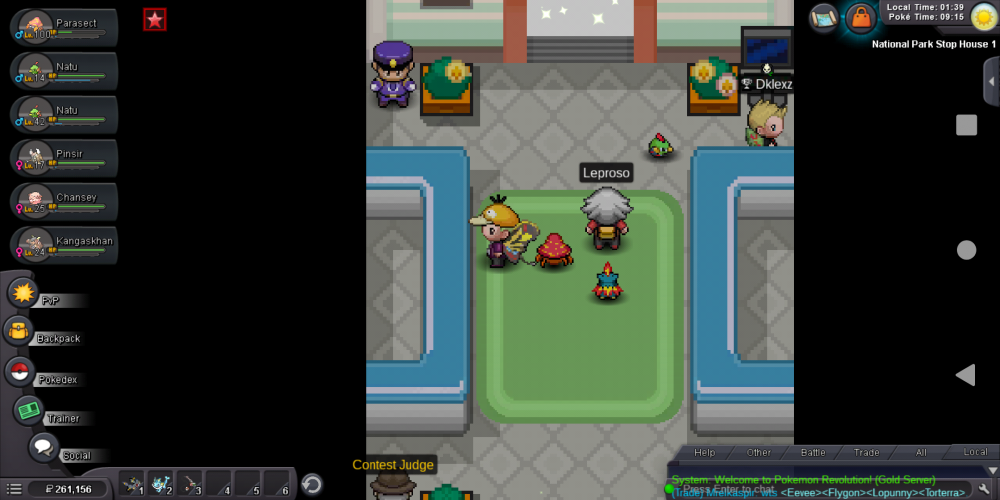
I accidentally released my magmorter and I worked hard and paid to buy it as a magby plz help