




New Trade Zone
Trade Zone is now live
Use the new Trade Zone for auctions and instant-price trades so Pokemon and item offers are easy to find.


Legendshivansh
Registered User
-
Joined
-
Last visited
Everything posted by Legendshivansh
-
Sorry @Watsonng our shop is shifted to gold atm 🥲
-
701K 🍷
-
500k 🍷
-
-
-
350k
-
NOTICE - Our shop is shifting to gold
-
2 hours 35 mins remaining
-
My dc is shivansh1112 , sent you a request
-
40k450k What he is saying 420k?400k250kI need to train these three if ur online dm me ... I have seen ur work I'll be ur permanent customer 😉 so give me some discount


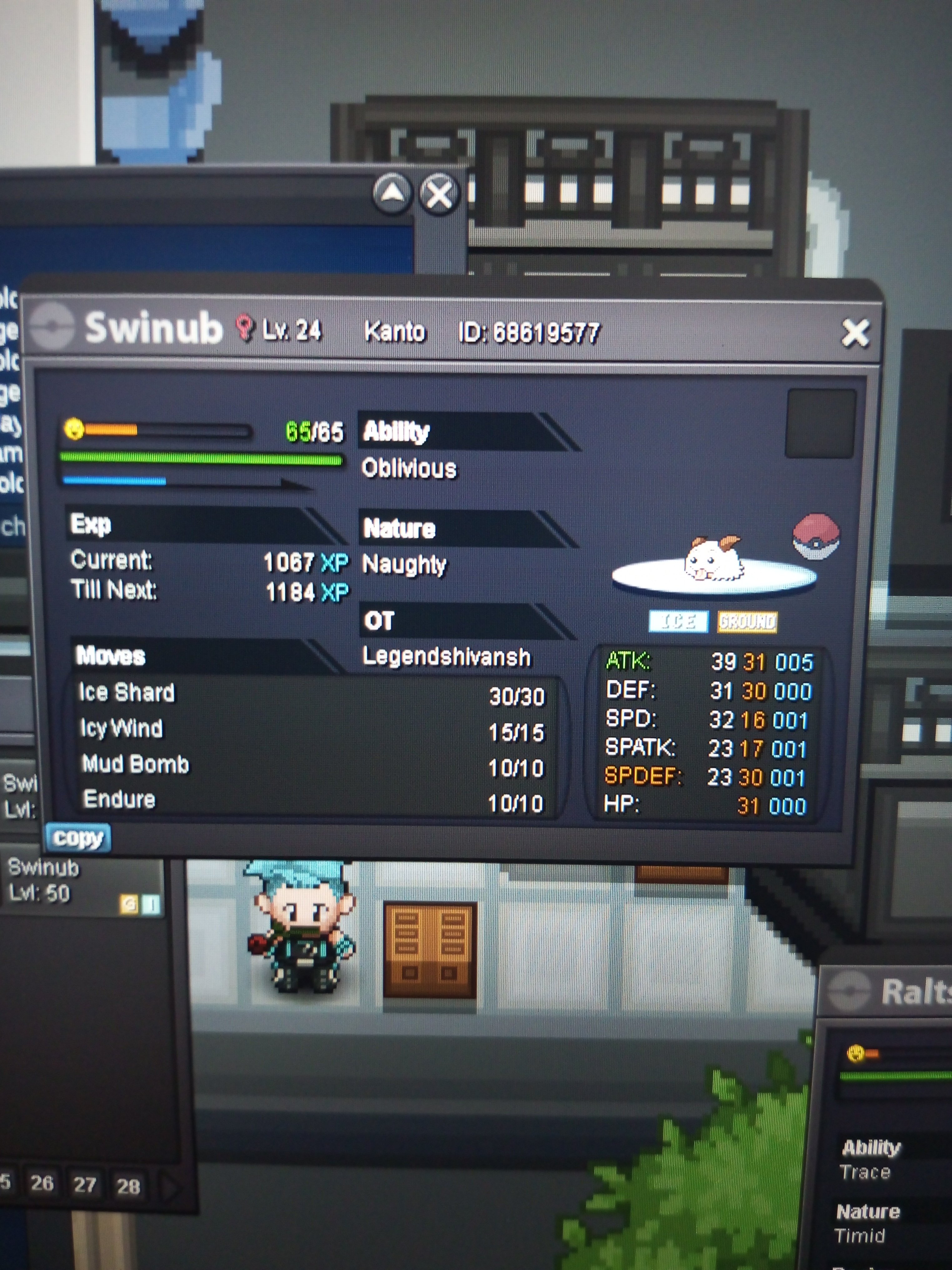 I want to train these three mons..whats the rate? U have any shop for that?i want 1 cc if u have some50k100k from my sideDo you have more of them i can give around 1m when ill recover my idIf got my old id back ill surely buy it, its damn rare 🔥🔥🔥🔥🔥But he ticked my message so I can see that my 100k bid is done but nvmI want to buy serperiorSir recently I figured out that my phone got a glitch movement when The net was weak and one gem was not collected that time my net was slow but after visiting again I found that it was still there. Sorry for distributing you . Pardon me 🙏🙏Don't the server have information about the completion. As I used escape rope rather than going to exit the boss fight for the gem I have done as the YouTube guide said and I matched three to four times I see that I am correct . SIR I HAVE STRONG FEELING THAT THE ESCAPE ROPE GLITCH IS THERE WHICH IS CAUSING TROUBLE SO CAN YOU LOG INTO MY ID TO CHECK EVERYTHING.PLZ IF YOU WANT PASSWORD I CAN GIVE TO YOU


