




New Trade Zone
Trade Zone is now live
Use the new Trade Zone for auctions and instant-price trades so Pokemon and item offers are easy to find.

Raffael
Registered User
-
Joined
-
Last visited
-
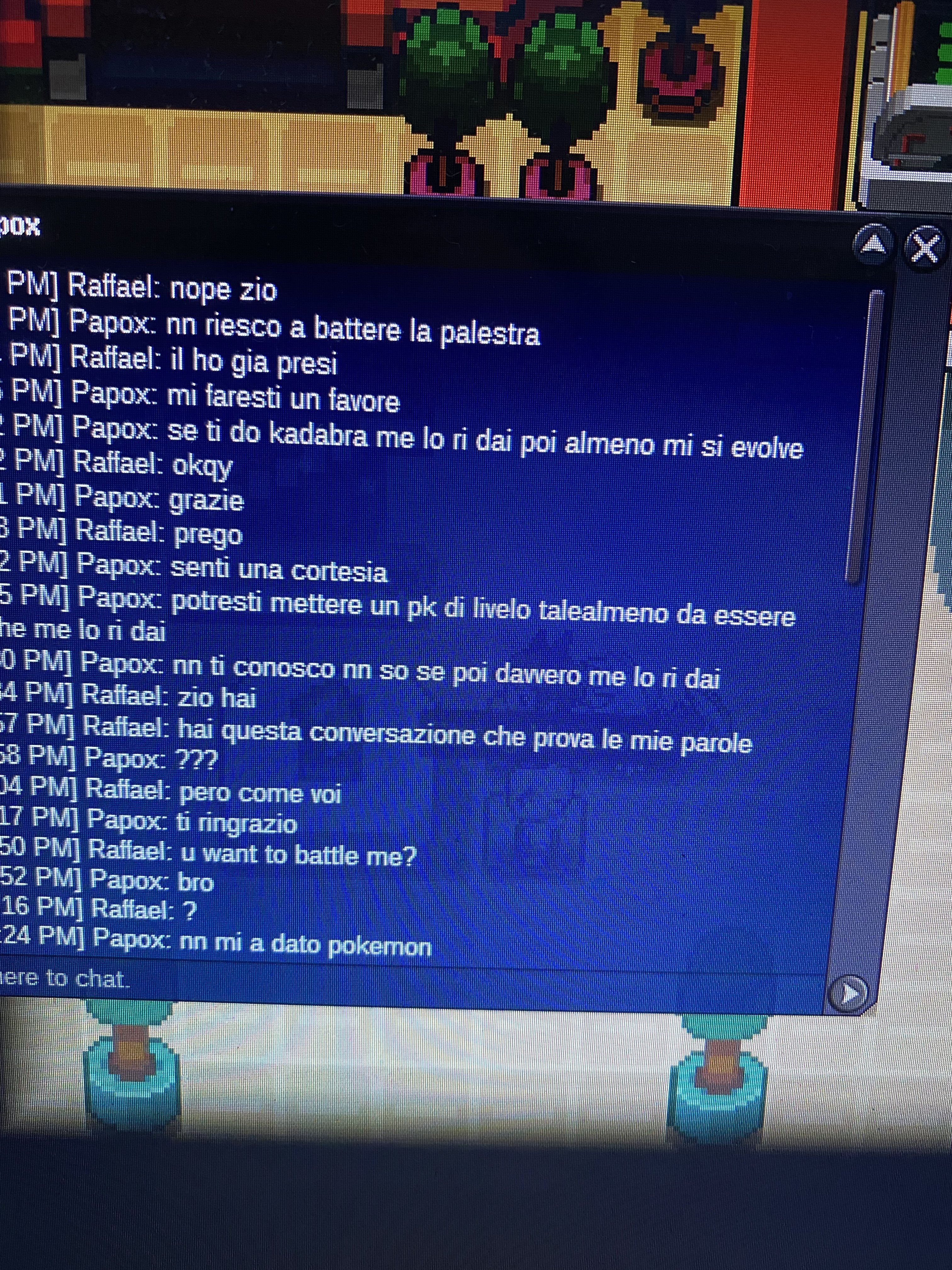
Hello, Today I exchanged one of my random pokemon (blaziken, level 72) with the kadabra of my friend Papox so it can evolve when trading back at the Blackthorn pkcentre. My friend Papox was not able tho to trade my blaziken back at me for locked region… you can find attached two files that confirmed the issue (sorry it’s in Italian). can you please send it back to my pc? thank you very much, Id: Raffael

-
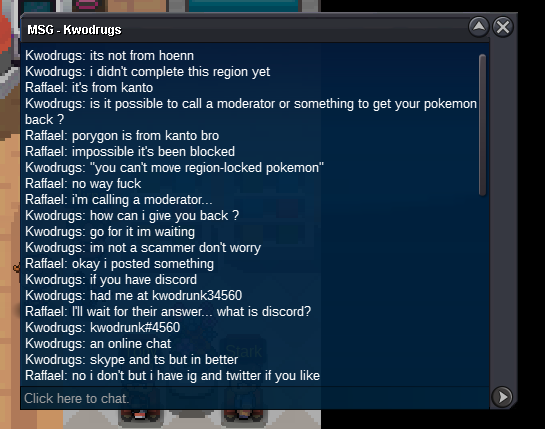
Hey all, please help me out I traded my Porygon with up grade so it can evolve but the person can’t send it back to me cause « can’t move région-locked pokemon ». How can I get it back please?
-
Thanks a lot
-
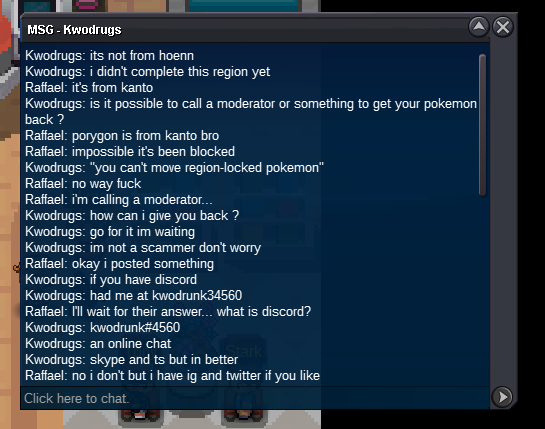
hey, this morning I sent my Porygon to kwodrugs so it can evoke and my friend was supposed to send the evolution form back to me. but since it’s « locked région » the pkm is blocked into his ps. Can you please help me out? My username is Raffael thanks a lot

-
Hey all, please help me out I traded my Porygon with up grade so it can evolve but the person can’t send it back to me cause « can’t move région-locked pokemon ». How can I get it back please?