New Trade Zone
Trade Zone is now live
Use the new Trade Zone for auctions and instant-price trades so Pokemon and item offers are easy to find.

Sec
Registered User
-
Joined
-
Last visited
Everything posted by Sec
-
1.1mInsta Conk 2m.450k chomp.32-hour auction. You can count the time since it started. Your bid was almost 3 hours late.All good now! Super appreciate your help! Have an awesome day :)Thank you. This showed up: I think Oak should have given me the dex without me interacting with this particular dex. Prob there was a bug that appeared due to some sequences of my interactions :(
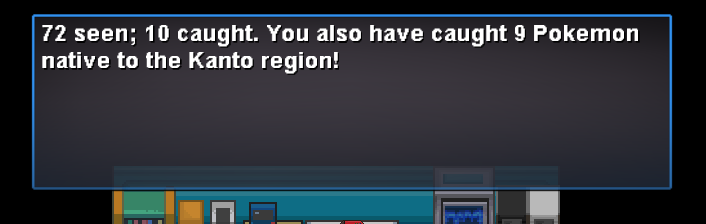
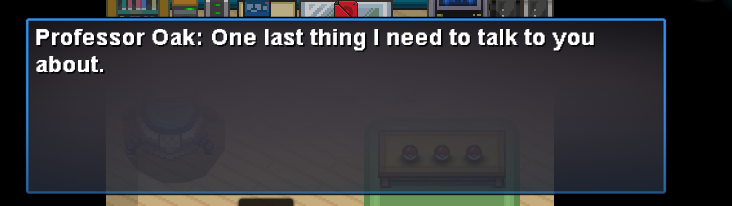
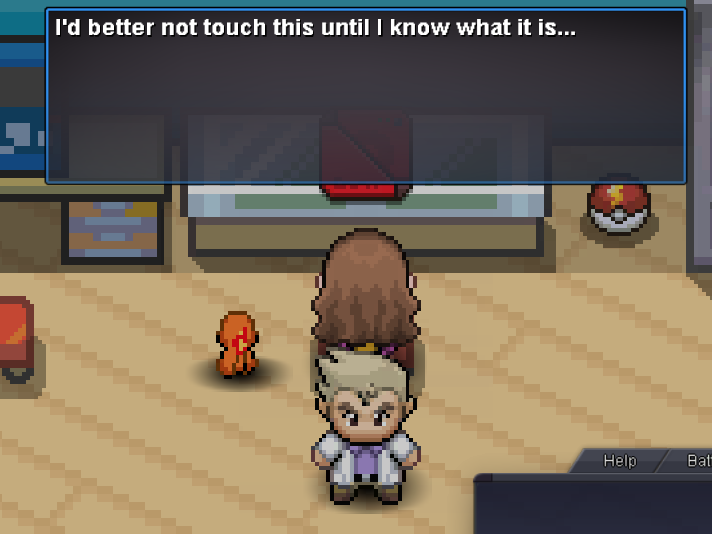 I have escape rope, but that wouldnt resolve the issue of being without Pokedex. I have tried log out and escape rope too. As far as I know, Oak should have given the Pokedex to me in the beginning, so there's no such "quest" for it, pretty sure about this.Hi! So it turned out that Professor Oak never gave me the Pokedex. I just found it out after beating 3 gyms. When I clicked on Pokedex button it said this: I tried coming back to Oak, but after talking to him, he only told me of the amount of Poke I caught: And when I tried to move out of the house, he prevented me: Talking to him would result in the same convo again, about him telling me of the number of poke I caught. So now I'm stuck in his lab... and without a Pokedex.. Please help!