Skip to content
View in the app

A better way to browse. Learn more.

Pokemon Revolution Online

A full-screen app on your home screen with push notifications, badges and more.

To install this app on iOS and iPadOS
  1. Tap the Share icon in Safari
  2. Scroll the menu and tap Add to Home Screen.
  3. Tap Add in the top-right corner.
To install this app on Android
  1. Tap the 3-dot menu (⋮) in the top-right corner of the browser.
  2. Tap Add to Home screen or Install app.
  3. Confirm by tapping Install.
New Trade Zone
Trade Zone is now live
Use the new Trade Zone for auctions and instant-price trades so Pokemon and item offers are easy to find.

Open Trade Zone

Rega04

Registered User

Everything posted by Rega04

  1. Rega04 replied to Rega04's topic in General Support
    Good Morning @Epithet , I had found it, sorry for the time you may have wasted. Best regards.
  2. Rega04 replied to Rega04's topic in General Support
    Hello , the nature was timie and the ability shield dust and if iiirc was x31 speed
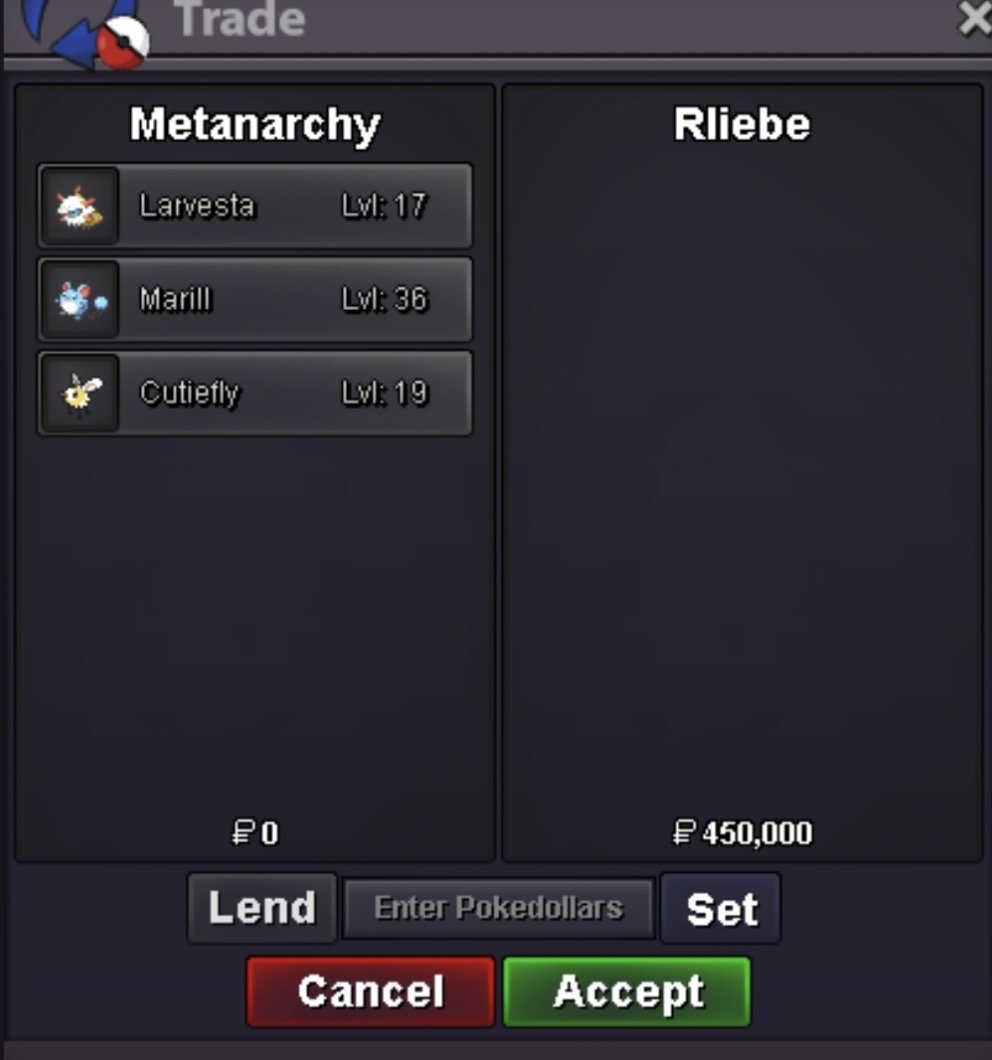
  3. Good Morning, A few months ago I bought the Cutiefly in the image, and I'm not sure if I accidentally deleted it from my main account or if the person who trained me forgot to return it. Could you take a look? If I deleted it, please restore it for me. Thank you.
  4. Rega04 replied to Rega04's topic in Coins & Items - Gold
    Up
  5. Rega04 replied to Rega04's topic in Coins & Items - Silver
    Up
  6. Start , alt account Pikashuu
  7. Rega04 replied to Krub's topic in Guilds
    Nice guild with good community
  8. 2m metang
  9. 300k , alt account Pikashuu
  10. Buy hera , can we do slowking 350k?
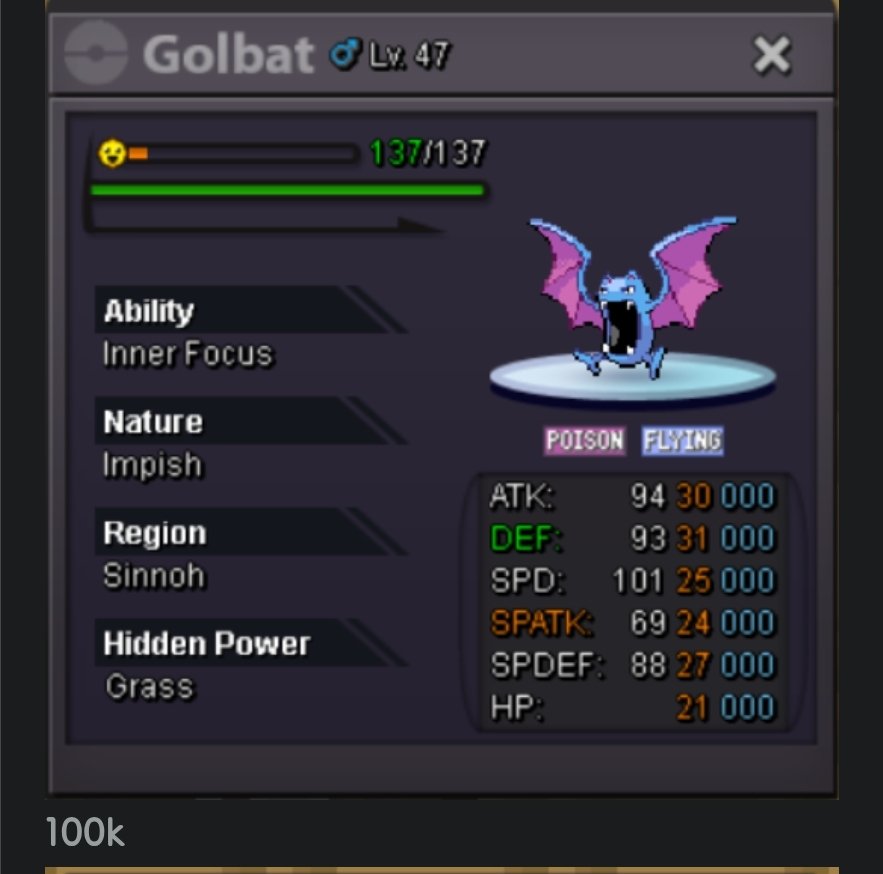
  11. Buy Frillish, can we do golbat 70k?
  12. @Magikarpshis the winner, let me know when we can trade. As i saw that you are from gold and im planning to transfer, we can do the trade there.
  13. Is possible to force the trade of the Crobat and Swinub on my alt with ign Pikashuu?

Account

Navigation

Search

Search

Configure browser push notifications

Chrome (Android)
  1. Tap the lock icon next to the address bar.
  2. Tap Permissions → Notifications.
  3. Adjust your preference.
Chrome (Desktop)
  1. Click the padlock icon in the address bar.
  2. Select Site settings.
  3. Find Notifications and adjust your preference.