




New Trade Zone
Trade Zone is now live
Use the new Trade Zone for auctions and instant-price trades so Pokemon and item offers are easy to find.

Rega04
Registered User
-
Joined
-
Last visited
Everything posted by Rega04
-
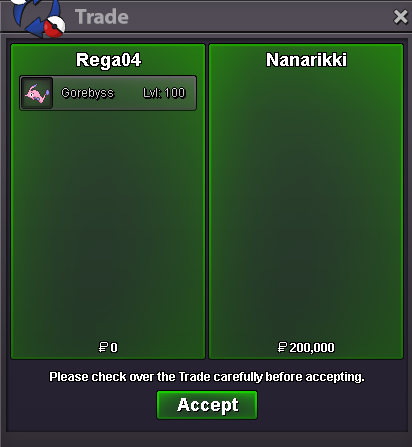
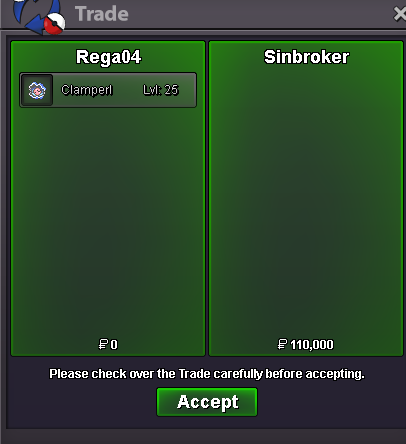
Buy this one for 50k
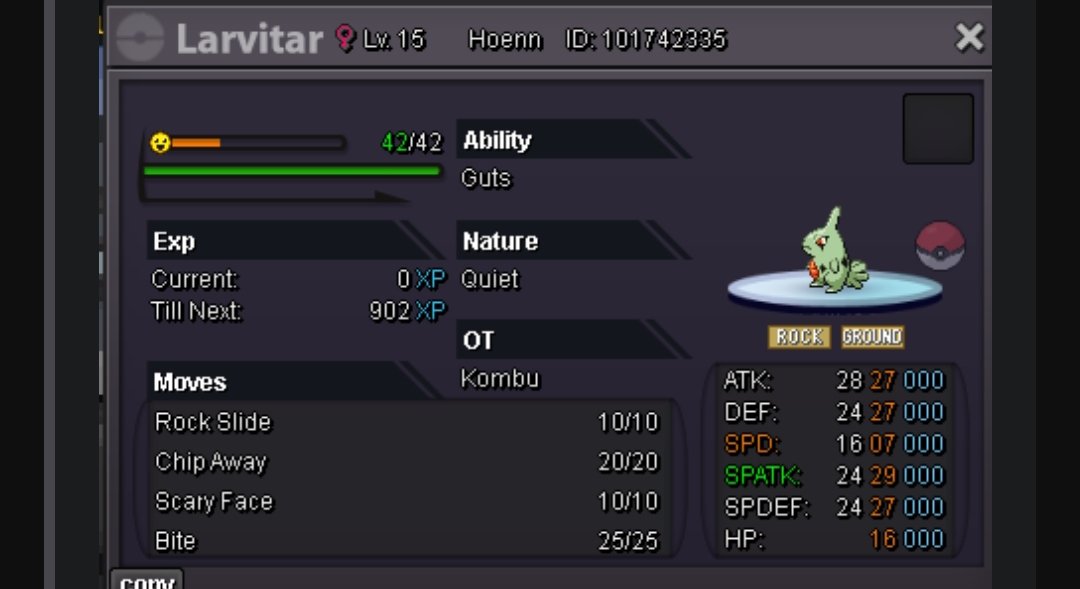
-
Fast and efficient dex service, highly recommended!!Wtb also dex service : 504 507 508 511 512 514 516 520 521 522 523 525 526 527 528 544 545 548 549 550 551 552 553 564 565 566 567 568 569 573 575 576 578 579 581 582 583 584 585 593 600 606 608 609 611 613 614 615 618 631 634Compro servicio de VictiniWtb please
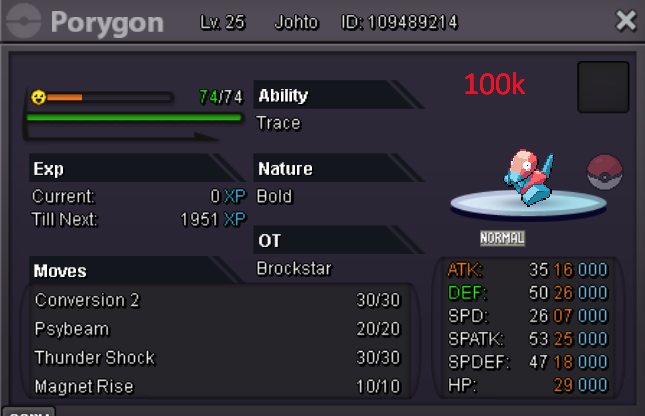 WTB this please
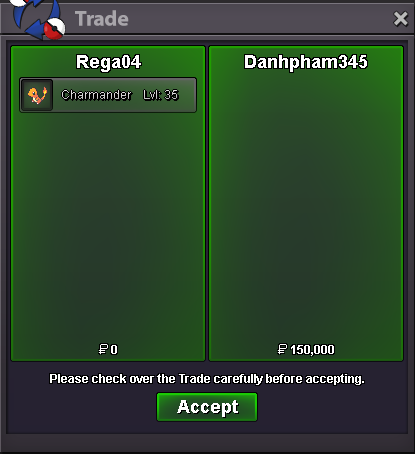
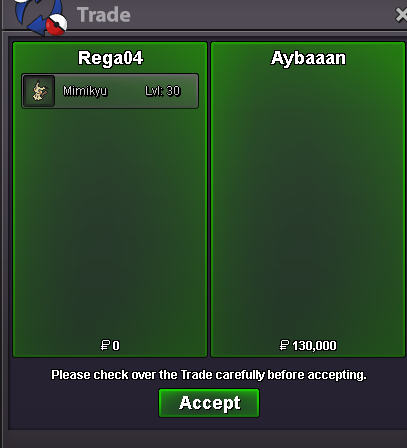
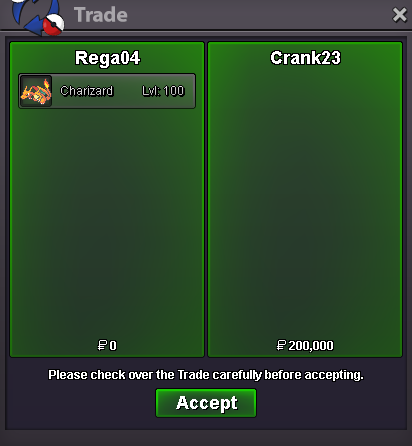
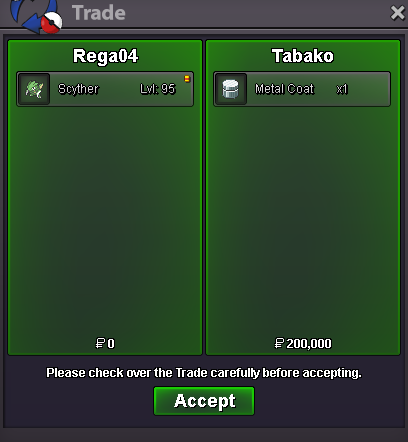
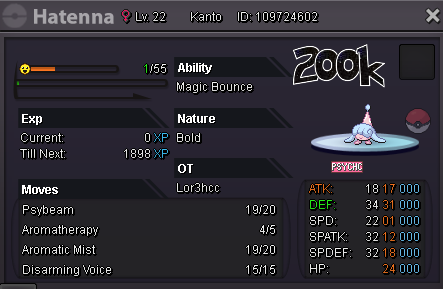 Rega04 GoldRega04 goldRega04 goldRega04 GoldRega04, goldRega04, goldRega04, Gold Thanks and get well soon!

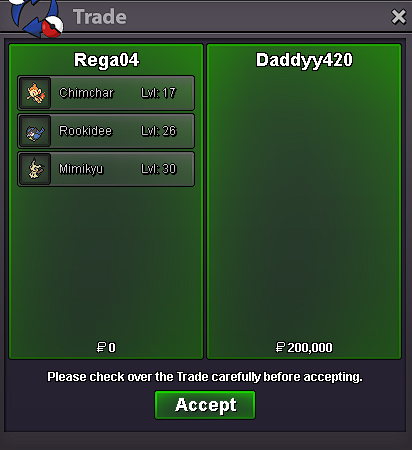

Account
Navigation
Search
Configure browser push notifications
Chrome (Android)
- Tap the lock icon next to the address bar.
- Tap Permissions → Notifications.
- Adjust your preference.
Chrome (Desktop)
- Click the padlock icon in the address bar.
- Select Site settings.
- Find Notifications and adjust your preference.
Safari (iOS 16.4+)
- Ensure the site is installed via Add to Home Screen.
- Open Settings App → Notifications.
- Find your app name and adjust your preference.
Safari (macOS)
- Go to Safari → Preferences.
- Click the Websites tab.
- Select Notifications in the sidebar.
- Find this website and adjust your preference.
Edge (Android)
- Tap the lock icon next to the address bar.
- Tap Permissions.
- Find Notifications and adjust your preference.
Edge (Desktop)
- Click the padlock icon in the address bar.
- Click Permissions for this site.
- Find Notifications and adjust your preference.
Firefox (Android)
- Go to Settings → Site permissions.
- Tap Notifications.
- Find this site in the list and adjust your preference.
Firefox (Desktop)
- Open Firefox Settings.
- Search for Notifications.
- Find this site in the list and adjust your preference.