




New Trade Zone
Trade Zone is now live
Use the new Trade Zone for auctions and instant-price trades so Pokemon and item offers are easy to find.
.jpeg.9a6245d63338b45a55c463a6814ef3d8.jpeg)

Susantlc
Suspended
-
Joined
-
Last visited
Everything posted by Susantlc
-
-
1m +150k
-
-
-
2.7m
-
Screenshot of johto gyms and my team
.png.35fdc6e4ea62235da08ffacbb891f785.png)
.png.ffe64b44d00df89de1b57a2692570b86.png)
.png.e901f09d506c177da4a6394ab556d832.png)
.png.7c8dc5c8f637a16392e86efaf402c88f.png)
.png.1b88ec041b0e6bf464da8756c96914e8.png)
.png.be95fbd3dddbe5bfb6abe2fed7a20dc5.png)
.png.7c5d95405b2f57294492819a663337e4.png)
.png.c7393ab6a1e321edfffed21a2f853498.png)
.png.69b35e18e562d28ec0186c1eb7934d80.png)
.png.5f2a642884dd6c65f67b2b26bb75b29d.png)
.png.ed88bf8840f98e652374c9928a436b49.png)
.png.7842c789b1a160fc12624a022fde81a6.png)
.png.f35e8256efdec5e7c79153f935ff1838.png)
-
During the 8 gyms of kanto
.png.19dc0c8110971909501caee02163d8df.png)
.png.9ab980c683efc1cb866e29003edb3764.png)
.png.d9bca980f7d0d03ee99bfdab6ef4147c.png)
.png.47e55665104a2b33322125ce7824a627.png)
.png.0020e07acc04eac0cb30bdd2cdf64dd4.png)
.png.edf0caa52497c45a662ff0502bb0da69.png)
.png.9f1292059d74c163b700c3bac93d9109.png)
.png.14a0e1880c70bf2c194361dfdfd7a426.png)
.png.b2f26c053bad1e33bd4f1faa7aa93bb6.png)
.png.f8f1913a2f6781b7da185fb7adb599bd.png)
.png.90a9e0fbab8bf5c1affd97a65d032205.png)
.png.bfccff887e504493ecca0caac914fc46.png)
-
-
-
-
-
-
-
1.8m
-
@Epithet I started a pvp que and surrendered, the surrender overwhelmed me and the bug was fixed, it ported me to pc and it got solved. if anyone else faces similar problem , can enter que to solve it
-
Bump
-
Screen is still bugged and frozen , VPN or reinstall didn't help, what should I do next @Epithet@Epithetstill the same with VPN login@EpithetI am bugged , I interacted with a guard outside Carter Storage. It Relocated me into Carter Town Pc automatically but now my screen is frozen and I can't move an inch, it's pitch black. I can trade so pvp random chat every thing works well except I am stucked on this exact position as shown in the picture, I have been stucked for more then 12 hours, I tried Reinstalling and trading still bugs is the same, can a mod check into it please?
 Situation still the same after 6 hours, and guess mods are interested to solve the issue or do I have to stay as it is for 24 hours?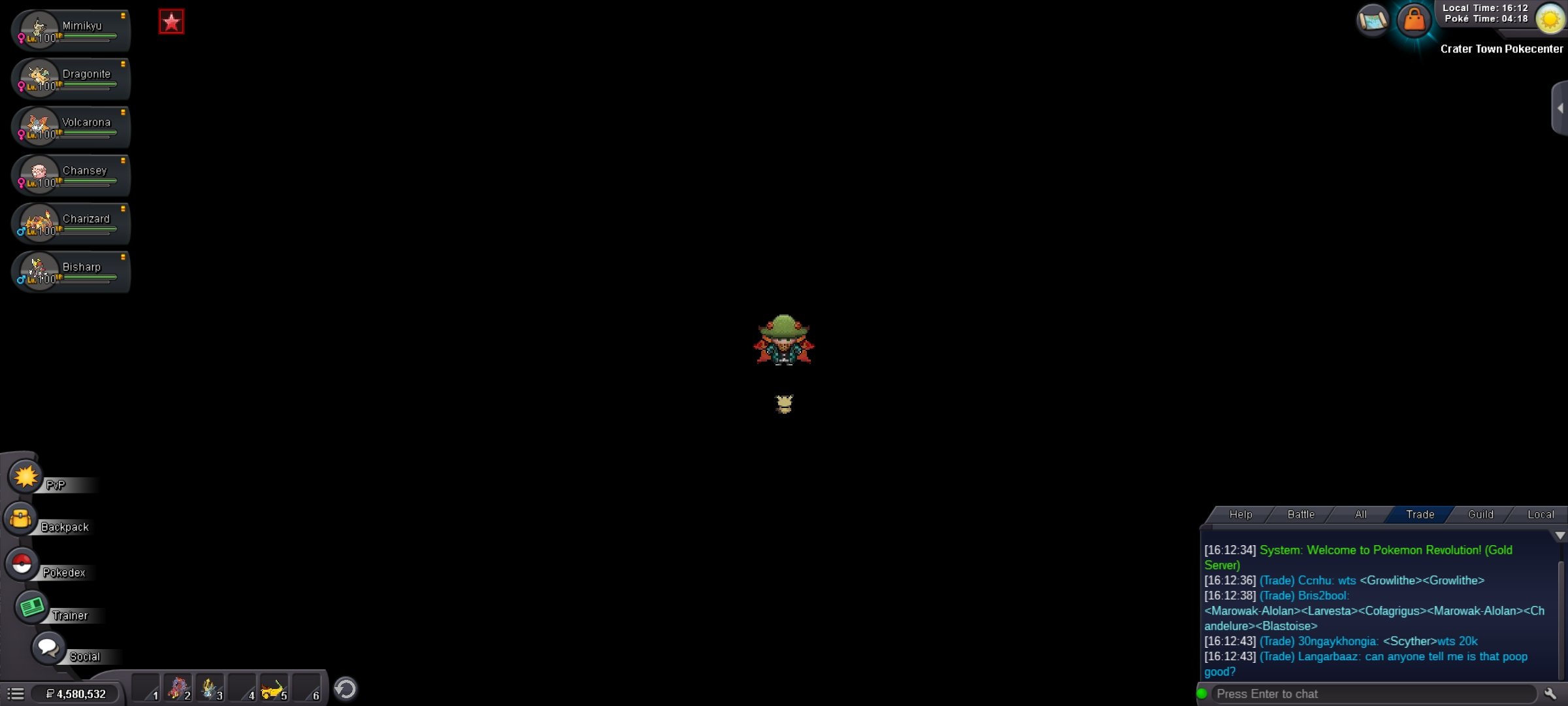
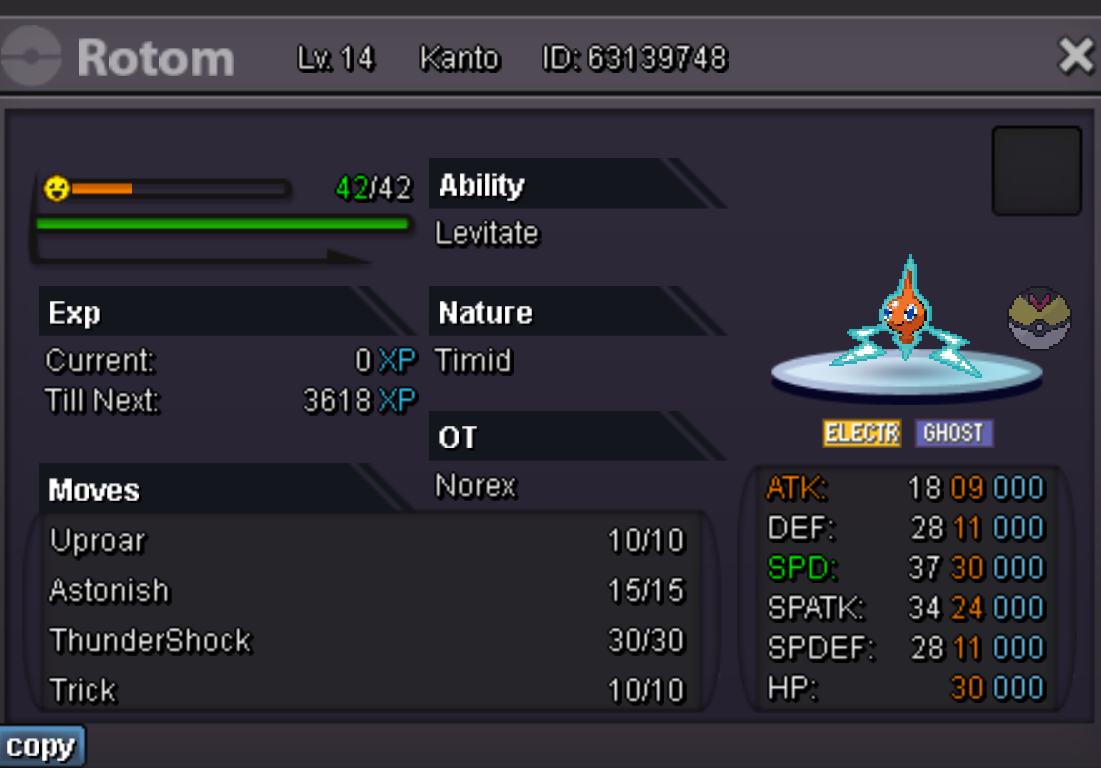


.png.9e7f9a204aca2e65314f06bce16982c9.png)