New Trade Zone
Trade Zone is now live
Use the new Trade Zone for auctions and instant-price trades so Pokemon and item offers are easy to find.

Jasminexoxo
Registered User
-
Joined
-
Last visited
Everything posted by Jasminexoxo
-
I disagree with the timer change 15 secs is too short for pvp players since in some occasions, damage calculations are needed to be made and pvp players think before they do each moves And the 5 min total time is weird as well since how do u determine who wins after 5 minutes., more pokemon left is the winner? But it doesnt make sense since everything can happen in a pokemon pvp game. So i totally disagree with the timer change. -1
-
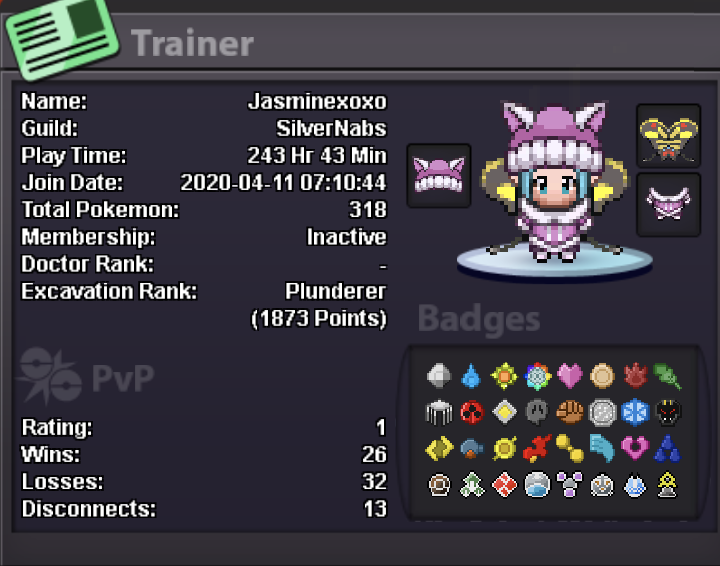
Username: jasminexoxo Server: silver Country/city/timezone : Hong Kong (GMT+8)
-
+1 this new bossing system is not good at all, it causes lots of players to have less motivation on doing bosses since all the boss plans are ruined now, hope really this new bossing system can be changed
-
My IGN is jasminexoxo I'm 18 haha Discord id: jasminexoxo Goal: to be a great pop player and help others in this game Fav part of PRO : the community in this game and the competitiveness, but most importantly are the people in this game and the server crashes I guess xd I just played for a month for 200hours, so my highest rating is 50ish? Hope I can really join the Predators!